
Download 86Box – IBM PC emulator, vintage PC software, retro computing, classic operating systems
Overview
86Box is a specialized emulator designed to faithfully recreate the computing environments of older IBM PC platforms, spanning from the original 1981 IBM PC 5150 to advanced Pentium-era systems. Its primary purpose is to enable users to run legacy software, operating systems, and classic applications on modern hardware without requiring vintage machines. This makes it an essential tool for retro computing enthusiasts, historians, software archivists, and anyone interested in experiencing the early days of personal computing. The app solves the challenge of incompatibility between old software and contemporary systems by emulating the hardware architecture, BIOS, and peripheral configurations of these historic platforms.
Target users include hobbyists exploring computing history, educators demonstrating early computer systems, and developers testing software in vintage environments. The developer, the 86Box Project, has focused on accuracy and accessibility, ensuring that users can replicate authentic experiences from the 1980s and 1990s. Real-world use cases range from running original DOS games and early versions of Windows to testing legacy business applications that no longer function on modern OSes. In the broader app ecosystem, 86Box fills a niche for high-fidelity emulation, offering a more accurate alternative to general-purpose tools like DOSBox. Its emphasis on hardware-level fidelity and configurability sets it apart as a go-to solution for serious retro computing projects.
Key Features & Functionality
- Easy Setup Process: Installation is minimal—users simply unzip the downloaded package and run the executable. The emulator automatically detects missing directories, such as a ROMS folder, and prompts users to download required firmware files via a direct link. This streamlined workflow lowers the barrier to entry, even for users with limited technical experience.
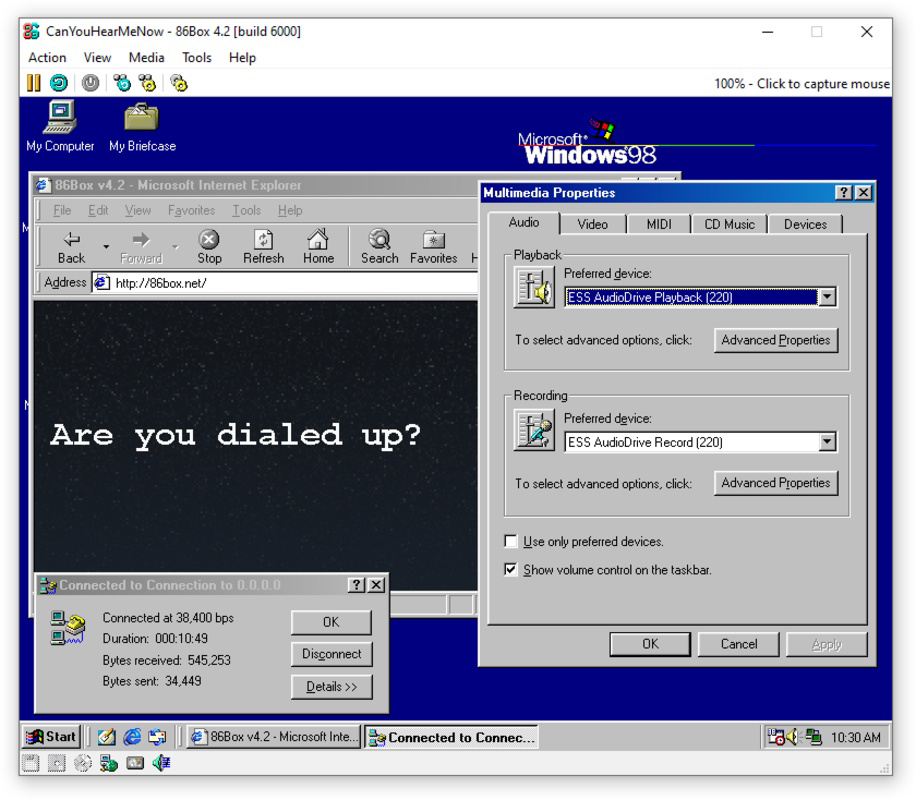
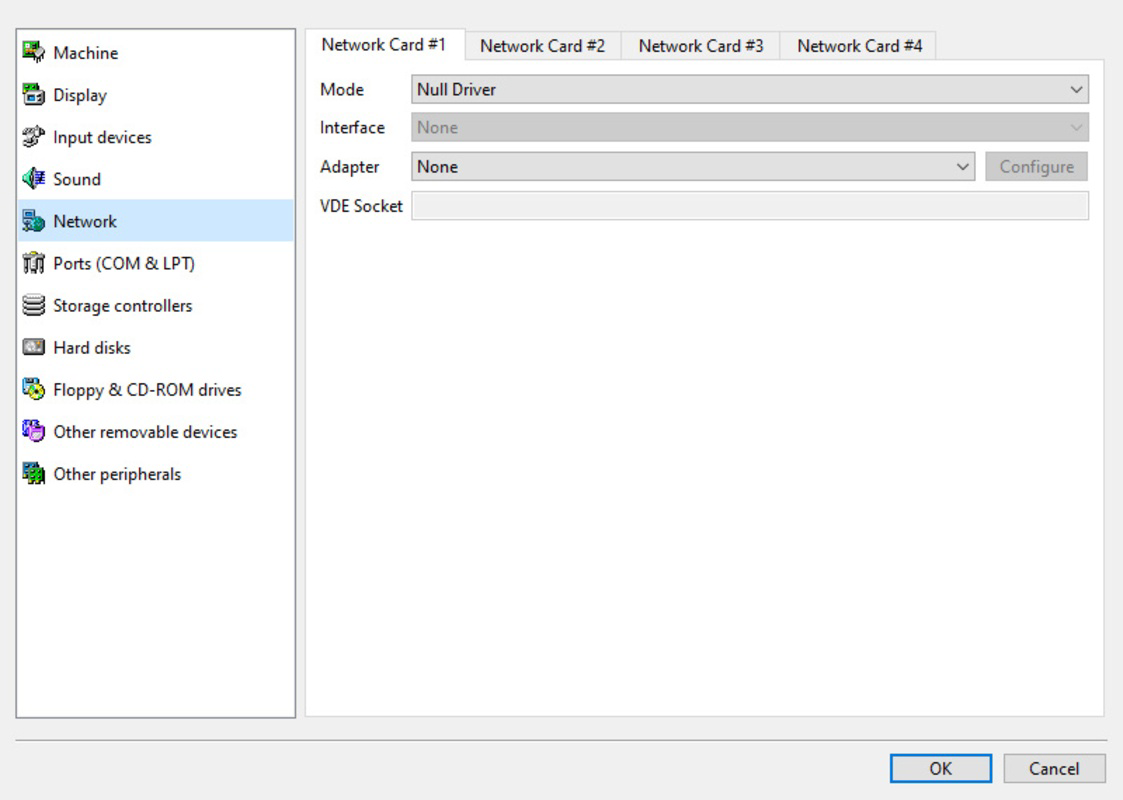
- Comprehensive Peripheral Emulation: 86Box supports a wide range of emulated hardware, including various video adapters (CGA, EGA, VGA), sound cards (AdLib, Sound Blaster), SCSI and IDE controllers, network adapters, and game controllers. This allows users to replicate complex historical setups, such as a 1990s multimedia PC with full audio and networking capabilities.
- Extensive Documentation: The official website provides a well-organized knowledge base, including detailed guides, configuration tutorials, and an extensive FAQ. These resources are invaluable for troubleshooting, optimizing performance, and understanding how to configure specific machine types and peripheral combinations.
- Faithful Software Emulation: The emulator prioritizes accuracy, ensuring that software runs as it did on original hardware. This includes correct timing, interrupt handling, and hardware behavior, which is crucial for running time-sensitive applications and games that rely on precise system timing.
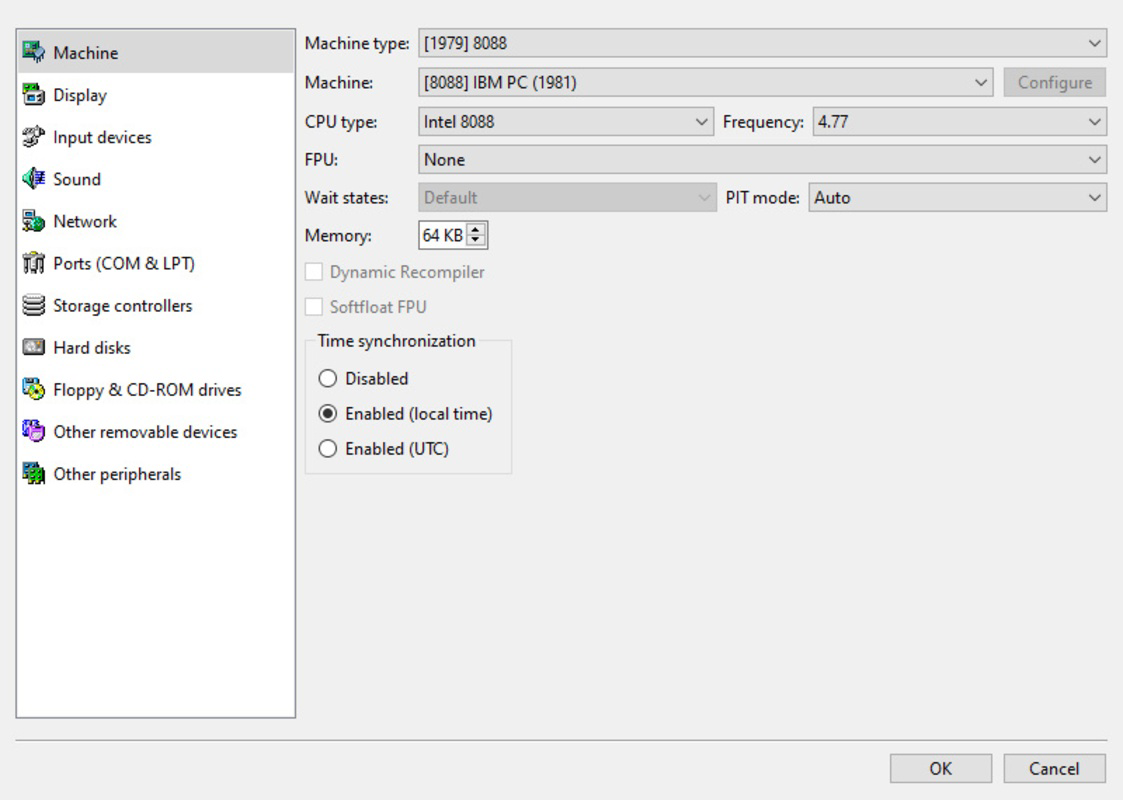
- Support for Multiple Machine Types: Users can emulate a variety of systems, from the 8086-based PC-XT and PC-AT to Pentium-based machines. Each configuration can be customized with different CPU speeds, RAM amounts, and boot options, enabling users to explore diverse computing eras and configurations.
These features collectively empower users to build and run accurate replicas of historical computing environments, making 86Box ideal for preservation, education, and nostalgic recreation.
Interface, UX & Performance
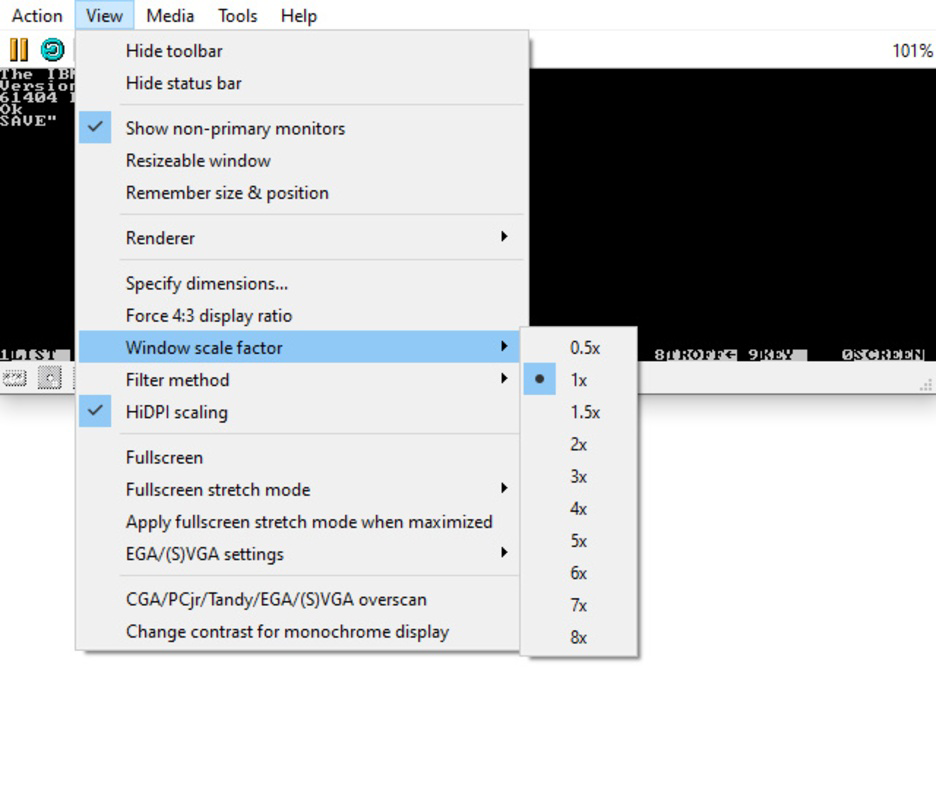
The interface of 86Box is designed with functionality over flair, prioritizing usability for technical users. It features a clean, text-based configuration panel that allows precise control over machine settings, peripheral choices, and boot options. Navigation is intuitive, with clearly labeled sections for CPU, memory, storage, and I/O devices. While not visually rich, the layout is efficient and reduces clutter, which is beneficial when managing complex emulation setups.
Performance is optimized for modern Windows systems, with the emulator capable of running older software at or near real-time speeds. Although the developer did not list formal performance metrics, users report stable operation across a range of hardware configurations. Responsiveness is consistent, with minimal lag during gameplay or application execution. Stability is maintained through regular updates and community-driven bug fixes, though the emulator may occasionally require manual configuration adjustments for optimal results.
Compatibility with different device categories is broad, as the app runs on standard Windows PCs with minimal resource demands. The 47.2 MB file size reflects a lightweight core, with additional components downloaded as needed. The developer did not specify minimum OS requirements, but its reliance on standard Windows APIs suggests compatibility with recent versions of the operating system.
Platform Compatibility & Technical Requirements
86Box is available exclusively for the Windows platform, with a current version of 0.3.0. The application has a file size of 47.2 MB, indicating a compact and efficient core package. It is distributed as a portable executable, meaning no installation is required—users can run it directly from a folder or USB drive. This enhances accessibility and allows for easy deployment across multiple systems.
The developer did not specify minimum OS requirements, nor did they list specific hardware specifications such as CPU or RAM. However, given the emulator’s focus on older PC architectures, it is likely to run efficiently on systems with modern processors and at least 2 GB of RAM. The lack of detailed technical specifications means users may need to experiment with settings to achieve optimal performance, particularly when emulating high-end Pentium systems or graphics-intensive software.
Pros and Cons
Pros
- High-fidelity emulation of vintage IBM PC platforms
- Support for a wide range of machine types and configurations
- Extensive documentation and community resources
- Lightweight and portable, requiring no installation
- Free to download and use with no in-app purchases
Cons
- No official support for macOS or Linux platforms
- Limited visual interface; relies on text-based configuration
- Requires manual download of ROMs and firmware files
- Developer did not provide detailed system requirements
- May require technical knowledge for advanced setups
FAQ
Is 86Box safe to download and use?
Yes, 86Box is a legitimate open-source project distributed through its official website. As long as users download the package from trusted sources, the app is secure and free from malware.
Can I use 86Box to play old DOS games?
Yes, 86Box is well-suited for running DOS-based games and applications. Its accurate emulation of original PC hardware ensures compatibility with a wide range of classic titles.
Do I need to install anything to use 86Box?
No installation is required. The app is portable—simply unzip the file and run the executable to start using it.
Is 86Box available for macOS or Linux?
As of now, 86Box is only available for Windows. The developer has not released versions for other operating systems.
How do I get the necessary ROMs and firmware files?
When a required ROM folder is missing, 86Box displays a prompt with a direct link to the official documentation, where users can download the required firmware files.
Final Thoughts
86Box stands out as a powerful and accurate emulator for anyone seeking to relive the computing era of the 1980s and 1990s. Its focus on hardware fidelity, extensive configurability, and strong documentation make it a top choice for retro computing enthusiasts, educators, and software historians. While the interface may feel minimal to casual users, its depth and precision cater to those who value authenticity and control. The fact that it’s free, portable, and runs efficiently on modern Windows systems adds to its appeal.
For users who want to explore vintage software, test legacy applications, or preserve digital history, 86Box delivers exceptional value. It is not just a tool—it’s a gateway to the past. Download 86Box now and experience the original PC environment on your modern device.


