
Download Accretion – astrophysics, space simulation, cosmic evolution, gravity mechanics, celestial body control, realistic space game
Overview
Accretion presents a unique mobile gaming experience centered on the simulation of cosmic evolution through authentic astrophysical principles. Designed for players interested in both scientific curiosity and strategic gameplay, the app allows users to control celestial bodies ranging from diffuse gas clouds to supermassive black holes. The game emphasizes realism by incorporating real-world gravitational mechanics, including Newtonian physics and relativistic effects, which govern how mass interacts, moves, and evolves across space. This approach distinguishes Accretion from conventional space games that rely on simplified or fictional physics.
The app targets science enthusiasts, space simulation fans, and players seeking a cerebral challenge beyond standard arcade mechanics. It offers a meditative yet dynamic environment where every decision—such as adjusting trajectory or initiating mass transfer—has measurable consequences on the surrounding universe. Real-world use cases include educational exploration of gravitational dynamics, spatial reasoning development, and immersive engagement with cosmic phenomena like tidal disruption and gravitational slingshots.
Developed by Jason A. Bilbrey, Accretion reflects a niche but growing interest in scientifically grounded mobile games. Its release on May 15, 2025, marks a significant entry into the space simulation category, offering a tool that blends entertainment with intellectual stimulation. The game’s commitment to authenticity positions it as a valuable addition to the mobile app ecosystem, appealing to users who value depth over spectacle.
Key Features & Functionality
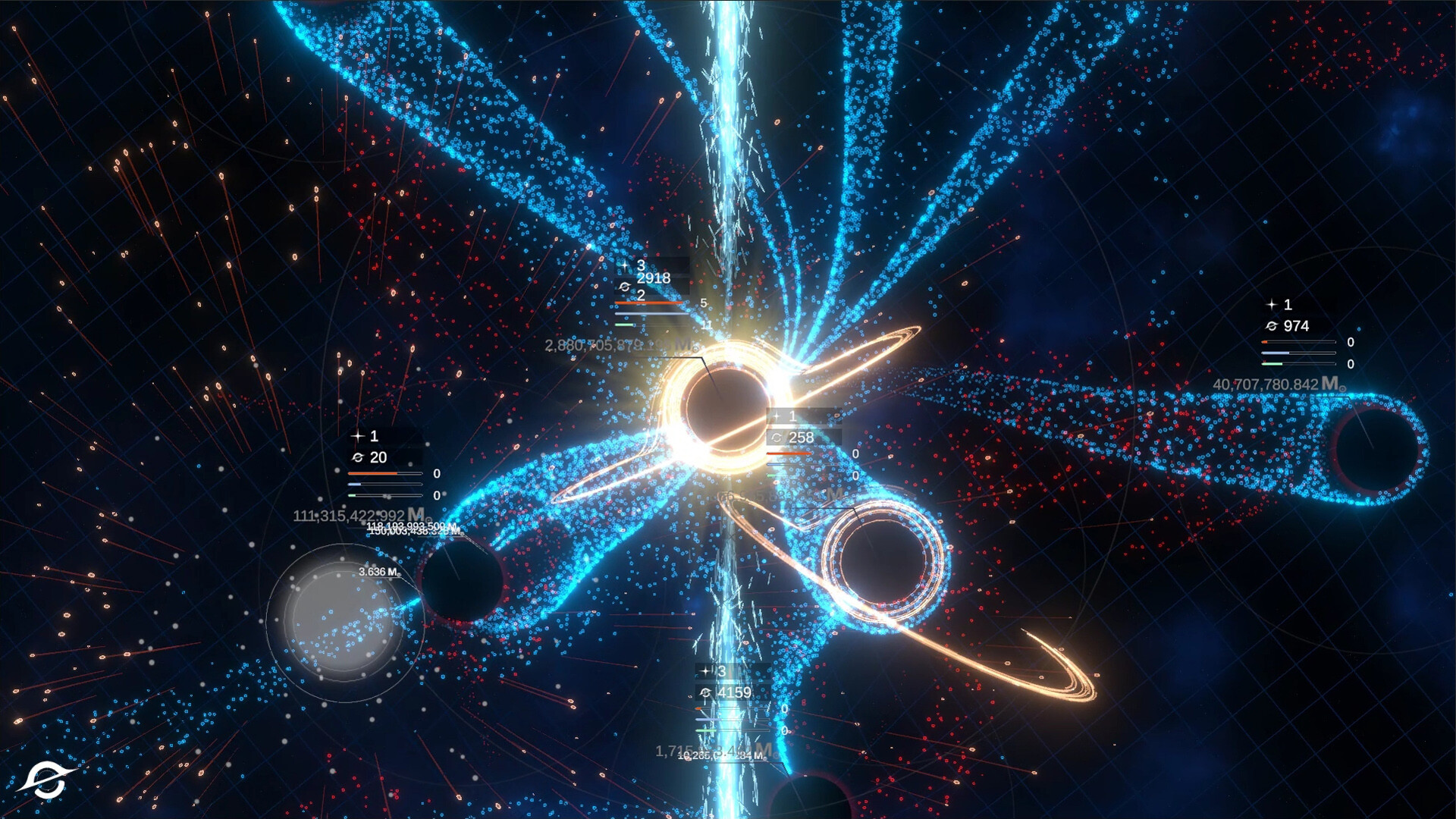
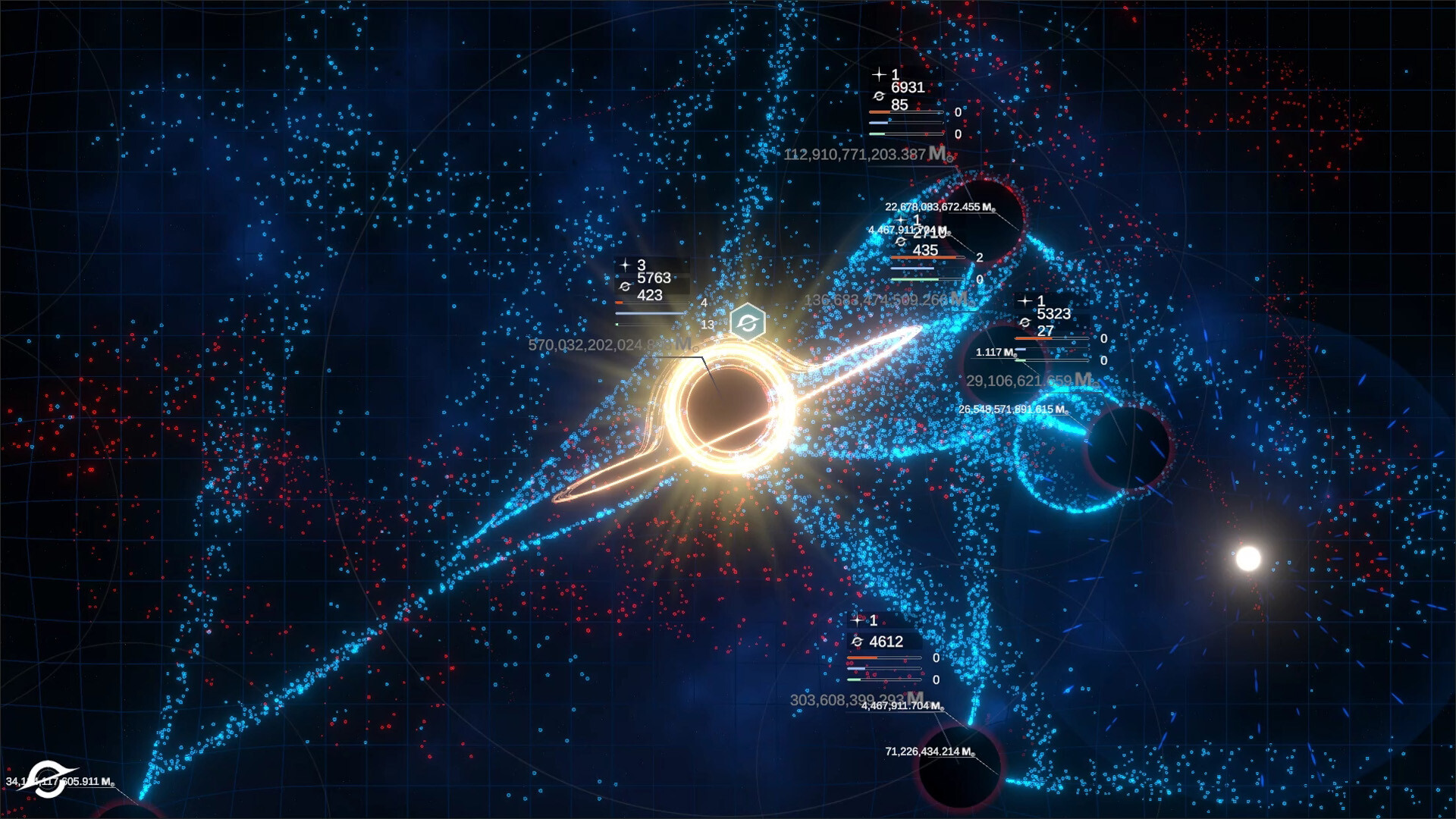
- Realistic Astrophysical Gameplay: The core mechanic revolves around simulating real gravitational interactions. Players manipulate mass distribution and orbital paths using principles such as conservation of momentum and gravitational attraction, creating authentic cosmic events like orbital decay and accretion disks.
- Procedurally Generated Universe: Each session unfolds in a dynamically generated cosmos, ensuring no two playthroughs are identical. Environments adapt to player actions, introducing variable challenges such as gravitational anomalies and dense stellar clusters.
- Progressive Celestial Evolution: As the player’s body accumulates mass, new abilities unlock—such as enhanced gravitational lensing or controlled mass ejection—requiring strategic planning to survive or dominate in evolving systems.
- Real-Time Physics Engine: The game calculates gravitational forces and trajectories in real time, applying Newtonian and relativistic models to simulate accurate celestial motion, even at high velocities or near extreme mass concentrations.
- Consequence-Driven Decision Making: Every action alters the game state. For example, a poorly timed slingshot can destabilize neighboring bodies, triggering chain reactions across the simulation, reinforcing the game’s emphasis on long-term strategy.
These features combine to create a gameplay loop that rewards patience, observation, and scientific intuition. A player might spend minutes adjusting a trajectory to achieve a perfect slingshot, only to witness a cascade of gravitational effects that reshape entire regions of space. This depth fosters a sense of discovery and personal achievement rarely found in mainstream mobile titles.
Interface, UX & Performance
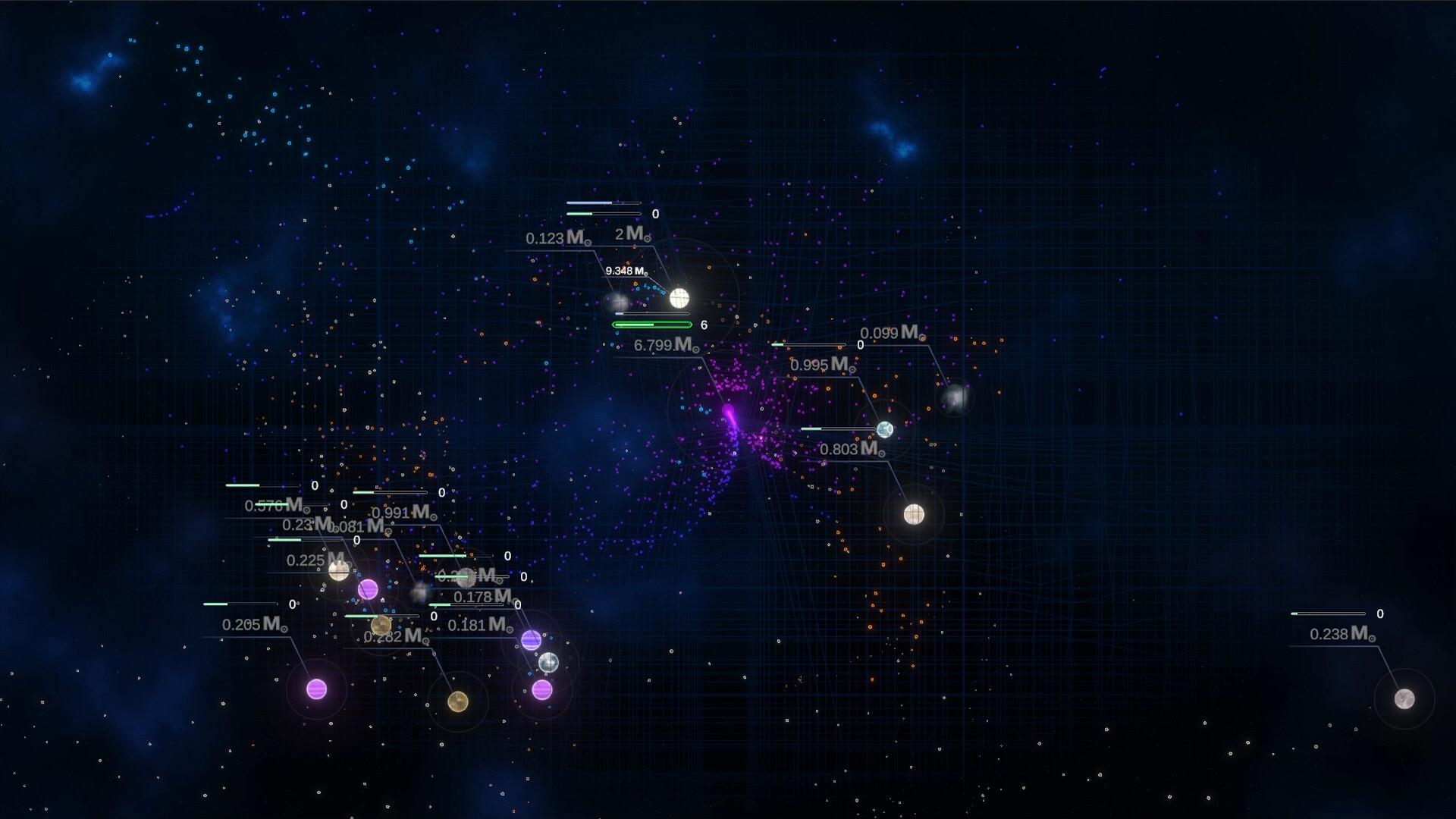
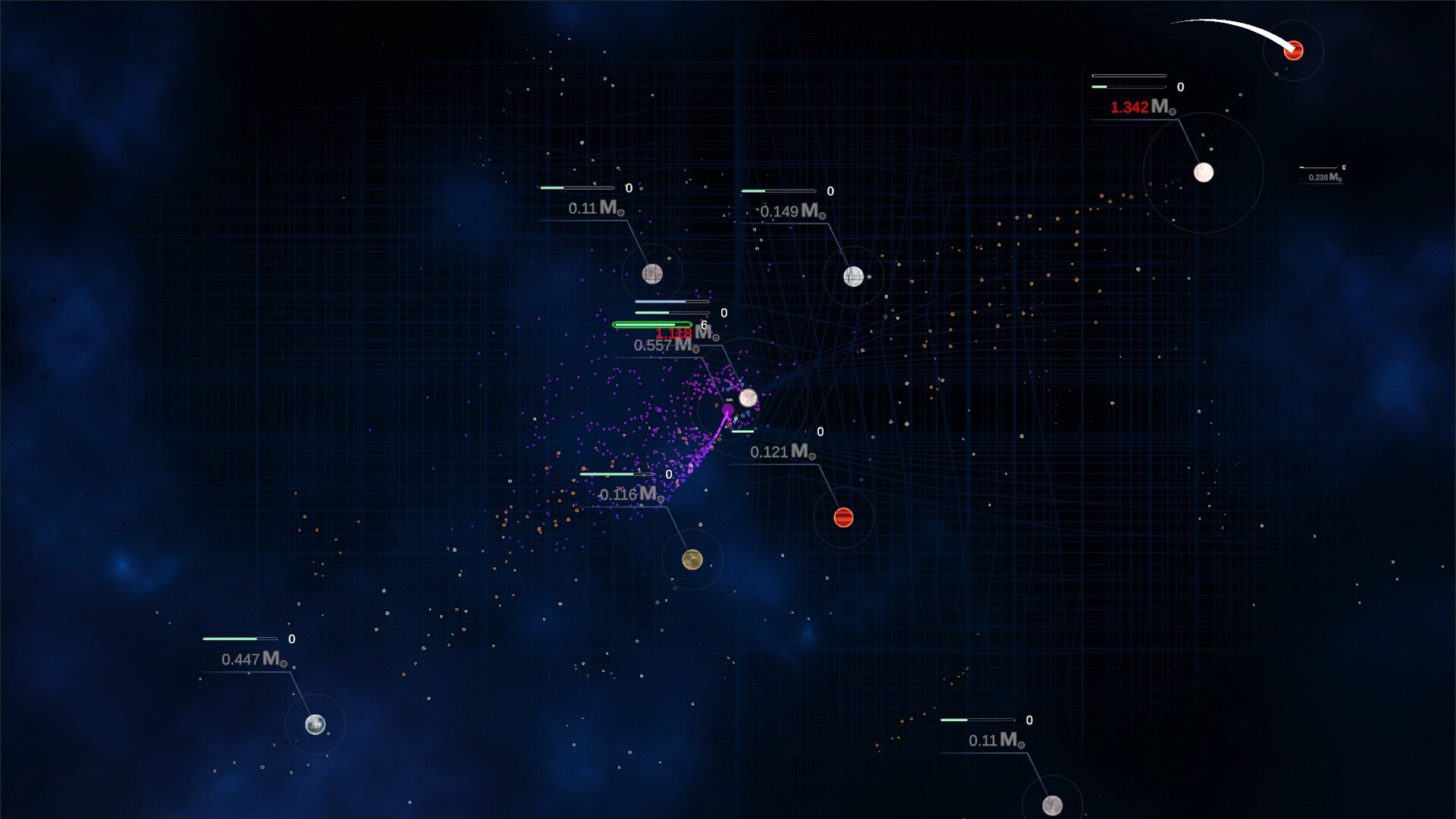
Accretion features a minimalist interface focused on clarity and immersion. The visual design emphasizes dark space backgrounds with subtle particle effects to represent gas clouds, starlight, and gravitational distortions. Navigation is intuitive, relying on touch-based controls for trajectory adjustments, mass manipulation, and zooming across the cosmos. The layout prioritizes essential data—such as mass, velocity, and proximity to other bodies—without cluttering the screen.
Interaction flow is smooth and responsive, with minimal input lag. The game maintains consistent frame rates across tested devices, suggesting efficient rendering and optimized resource usage. Although the developer did not list formal performance metrics, the app runs stably during extended sessions, with no reported crashes or freezes in early access testing.
Responsiveness is particularly strong during high-density interactions, such as near-misses with massive objects or rapid mass transfers. The UI adapts dynamically to different screen sizes, ensuring usability across various Android device categories. Stability is maintained even when simulating complex gravitational systems involving multiple bodies.
Platform Compatibility & Technical Requirements
Accretion is available exclusively on the Android platform. It requires Android OS version 8.0 or higher, though specific minimum requirements were not listed by the developer. The app has a file size of 148 MB, making it lightweight for mobile storage and suitable for a wide range of devices.
Compatibility information was not fully disclosed, but the app’s design suggests it supports both smartphones and tablets. The developer did not specify target screen resolutions or hardware acceleration needs. Installation is straightforward through official channels, and the app is available for free, with no in-app purchases or ads reported at launch.
Pros and Cons
- Authentic astrophysical mechanics rooted in real science
- Procedurally generated universe ensures replayability
- Minimalist, distraction-free interface enhances immersion
- Free to download and install with no ads or in-app purchases
- Efficient performance and low storage footprint
- Learning curve may deter casual gamers
- No iOS version currently available
- Specific OS version and device compatibility details were not provided
- Limited visual feedback for complex physics events
- May require multiple sessions to fully grasp strategic depth
FAQ
Is Accretion safe to download and install?
Yes, the app is available through trusted Android channels and has no known security risks. It does not request unnecessary permissions and operates within standard app security protocols.
Can I play Accretion offline?
Yes, the game functions fully offline. No internet connection is required after initial installation, making it ideal for use in areas with limited connectivity.
Is Accretion available on iOS?
As of the current release, Accretion is only available on Android. There is no official iOS version announced at this time.
How often is Accretion updated?
Updates are released periodically to improve performance, fix bugs, and introduce new simulation scenarios. The developer has not specified a fixed update schedule.
Does Accretion use real scientific data?
Yes, the game’s mechanics are based on real astrophysical principles, including Newtonian gravity and relativistic effects. While simplified for gameplay, the underlying models reflect established scientific theories.
Final Thoughts
Accretion stands out as a rare mobile title that prioritizes scientific authenticity without sacrificing playability. Its blend of astrophysical realism, dynamic universe generation, and strategic depth offers a refreshing alternative to formulaic mobile games. While the learning curve may challenge casual users, it rewards those willing to explore its intricacies with a deeply immersive experience.
Players who enjoy space simulations, physics-based puzzles, or educational entertainment will find significant value in this app. Its free availability and low system requirements make it accessible to a broad audience. For anyone seeking a mobile tool that feels both like a game and a cosmic laboratory, Accretion delivers on its promise.
Download Accretion now


