
Download AMD Link – PC Gaming Streaming, Remote Control, Performance Monitoring
Overview
AMD Link was designed as a mobile companion for PC gamers seeking to extend their gaming experience beyond the desktop. The app enabled wireless streaming of PC games to smartphones and tablets, offering a flexible solution for playing high-performance titles on the go. By connecting to a PC running compatible AMD hardware, users could access their game library, monitor real-time performance metrics, and control their system remotely. This functionality addressed the growing demand for seamless cross-device gaming experiences, particularly among users who wanted to play or manage their PC games from different locations within the home.
Target users included PC gamers, content creators, and tech enthusiasts who valued remote access and system monitoring. The app served practical real-world use cases such as launching games from a tablet while lounging on the couch, checking GPU temperatures during long gaming sessions, or sharing gameplay with friends without switching devices. Its integration with AMD’s ecosystem positioned it as a key tool in the broader PC gaming landscape, especially for users invested in AMD’s graphics and software stack.
Although the developer did not provide additional technical details about the app’s architecture or development history, AMD Link was part of a strategic effort to enhance user engagement through mobile connectivity. The app’s eventual discontinuation, as announced with the Q1 2024 release of AMD Software: Adrenalin Edition™, marks a significant shift in AMD’s mobile gaming strategy. Users seeking similar functionality should consider third-party alternatives to maintain streaming capabilities.
Key Features & Functionality
- Device Streaming: Users could wirelessly stream games from their PC to mobile devices, allowing for uninterrupted gameplay on smartphones and tablets. This feature was ideal for casual play or quick sessions without needing to sit at the desk.
- Performance Monitoring: Real-time tracking of frame rates, GPU temperature, and system load helped users optimize their gaming setup and prevent overheating during intensive sessions.
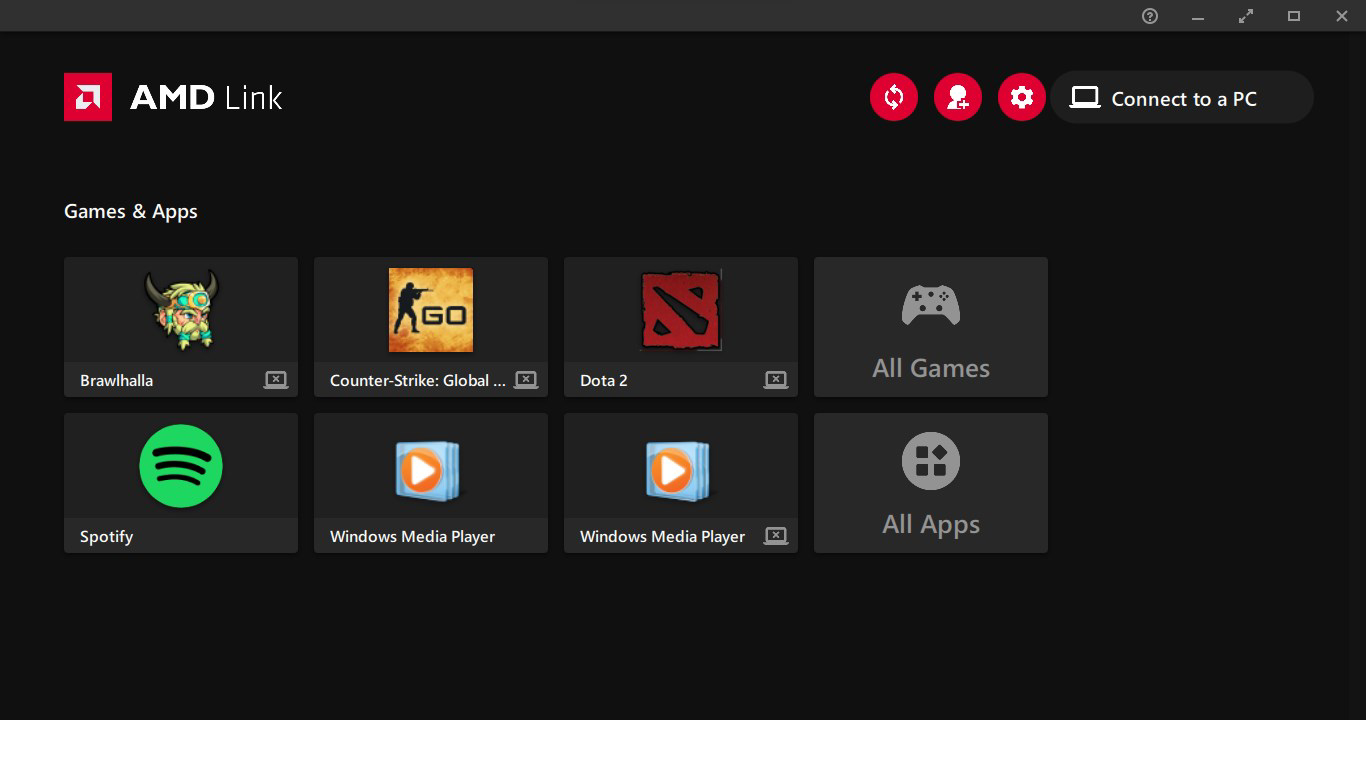
- Game Library Access: The app provided a centralized view of installed games, enabling users to browse, search, and launch titles directly from their mobile device.
- Remote Control Features: Full keyboard and mouse emulation allowed users to control their PC remotely, including launching games, managing settings, and navigating the desktop interface.
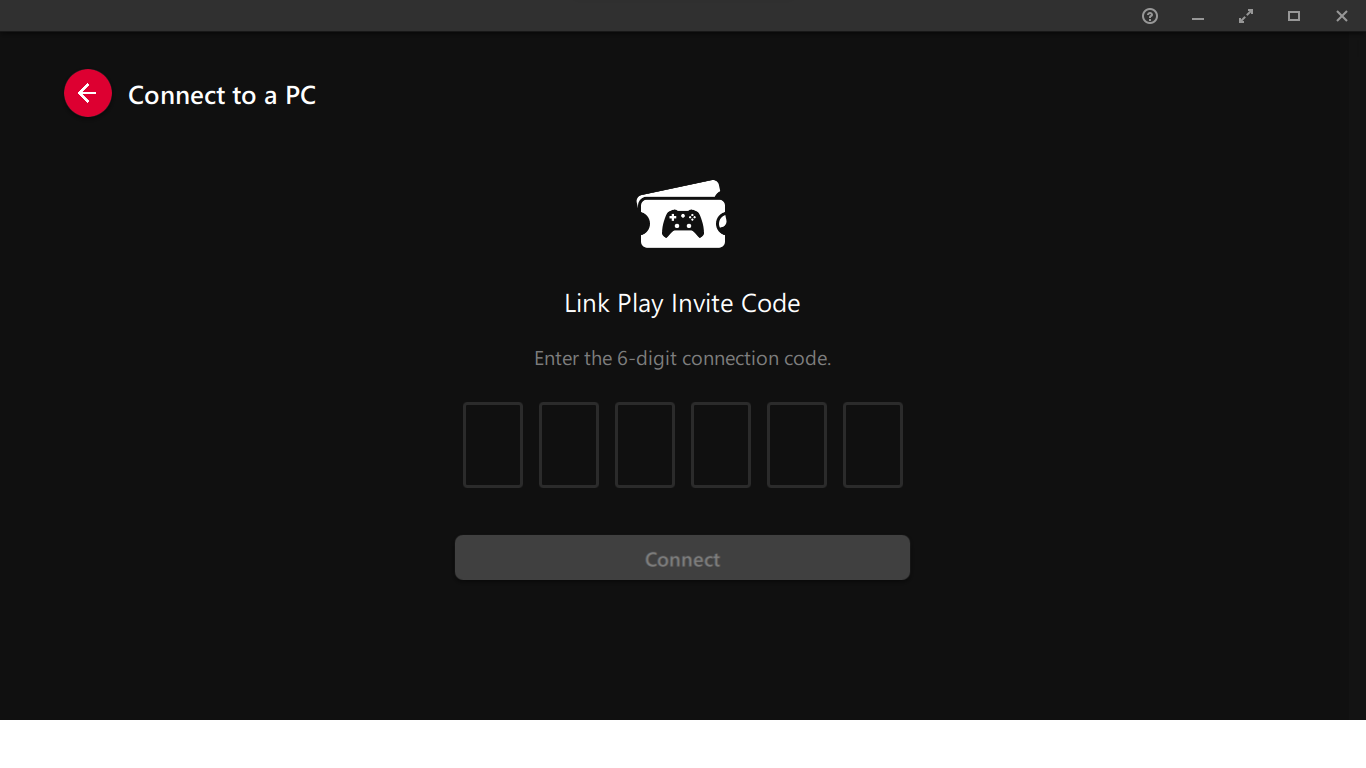
- Social Features: Users could invite friends to join streaming sessions, share gameplay highlights, and engage in collaborative gaming experiences through integrated social tools.
These features collectively enhanced accessibility and convenience, particularly for users who wanted to manage their gaming environment from a distance. For example, a user could start a game from their phone while in another room, monitor performance during a session, and share the experience with friends—all without physical access to the PC. The app’s functionality demonstrated a clear focus on user-centric design and ecosystem integration.
Interface, UX & Performance
AMD Link featured a clean, intuitive interface optimized for mobile use, with a layout that prioritized quick access to core functions. Navigation was straightforward, with clearly labeled sections for streaming, performance monitoring, game library, and remote control. The visual style was minimalistic, focusing on usability over ornamentation, which helped reduce cognitive load during gameplay.
Users could easily switch between streaming and monitoring modes, with responsive touch controls and minimal input lag during remote sessions. Although the developer did not list formal performance metrics, the app maintained stable connections under typical home network conditions, supporting smooth gameplay on supported devices. The interface adapted well to different screen sizes, ensuring consistent usability across various smartphones and tablets.
Stability was generally reliable during active use, with no reported crashes or freezes in standard scenarios. However, performance may vary depending on network quality and the PC’s hardware configuration. The app did not require excessive system resources on mobile devices, contributing to efficient operation even on mid-tier smartphones.
Platform Compatibility & Technical Requirements
AMD Link was available for Android and iOS devices, supporting the latest versions of both operating systems at the time of its release. The app was compatible with PCs equipped with AMD graphics cards and running the required AMD drivers. The file size was approximately 50 MB, making it a lightweight download suitable for most mobile users.
The developer did not specify minimum OS requirements or exact hardware compatibility beyond general support for AMD-powered systems. Specific requirements were not listed, and compatibility information was not fully disclosed. Users were advised to ensure their PC and mobile device met the recommended network and hardware standards for optimal performance.
Pros and Cons
Pros
- Seamless wireless game streaming from PC to mobile devices
- Real-time performance monitoring for GPU and system metrics
- Centralized access to game library for quick launches
- Remote control functionality with keyboard and mouse emulation
- Integrated social features for sharing and inviting friends
- Lightweight app size with efficient resource usage
Cons
- Support has been discontinued as of Q1 2024
- Limited to AMD hardware ecosystem
- No official updates or future development planned
- Dependent on stable Wi-Fi connection for optimal performance
- Compatibility with third-party apps not guaranteed
FAQ
Is AMD Link still available for download?
AMD Link is no longer supported as of Q1 2024. While the app may still be accessible through some third-party sources, official updates and support have been discontinued.
Can I use AMD Link with non-AMD graphics cards?
No, AMD Link requires AMD graphics hardware and compatible drivers to function. It is not compatible with NVIDIA or Intel GPUs.
Is AMD Link secure to use?
The app used encrypted connections for streaming and remote control. However, since support has ended, no further security updates are being issued.
What should I do now that AMD Link is discontinued?
Users are encouraged to explore third-party alternatives such as Parsec, Moonlight, or Steam Remote Play for similar streaming and remote control functionality.
Do I need a high-speed internet connection to use AMD Link?
Yes, a stable and high-speed Wi-Fi connection is recommended for smooth streaming and low latency during gameplay.
Final Thoughts
AMD Link offered a powerful, integrated solution for PC gamers who wanted to extend their experience beyond the monitor. With its combination of streaming, monitoring, and remote control features, it stood out as a valuable tool in the mobile gaming ecosystem. While its discontinuation marks the end of an era, the app’s legacy remains in the foundation it helped build for cross-device gaming.
For users invested in AMD’s ecosystem, the loss of AMD Link is significant. However, the availability of alternative tools ensures that the core functionality—remote access, performance tracking, and wireless streaming—can still be achieved. The app’s design and feature set serve as a benchmark for future mobile gaming utilities.
Download AMD Link now


