
Screenshots
App details
- Updated
- Aug 16, 2013
- Language
- Spanish,English
- Developer
- A. M. Software
- Category
- Mobile
About AMiCont
Download AMiCont – accounting software, small business accounting, financial management, invoice tracking, tax reporting, business data sharing
Overview
AMiCont is a mobile accounting software tailored for small and medium enterprises seeking a streamlined solution for managing financial operations. Designed to simplify complex accounting tasks, the app supports core functions such as tracking accounts, generating invoices, and organizing tax-related data. Its primary purpose is to provide business owners and financial managers with a reliable, accessible tool to maintain accurate financial records without the need for extensive training or external support. The app addresses common challenges faced by growing businesses, including data loss, inefficient collaboration, and inconsistent reporting. By automating data recording and offering centralized access, AMiCont reduces manual errors and enhances operational transparency. It is particularly suited for entrepreneurs managing multiple clients, accounting professionals, and teams working across different locations. Although the developer did not provide additional background on the company’s history or mission, the app’s longevity—first released in 2013—suggests a stable presence in the business software space. Real-world use cases include daily transaction logging, year-end financial reporting, and cross-business data sharing for firms managing multiple client accounts. In the broader app ecosystem, AMiCont fills a niche for lightweight, functional accounting tools that prioritize data integrity and multi-user access on mobile platforms.
Key Features & Functionality
- Automatic Data Recording: All entered or modified financial data is automatically saved, minimizing the risk of data loss. This feature ensures that every transaction, adjustment, or update is preserved in real time, providing a reliable audit trail for future reference.
- Multi-User Connectivity: The app allows multiple devices to connect to a shared database, enabling team members to access and update financial records from different locations. This supports remote collaboration and ensures that all stakeholders have up-to-date information.
- Comprehensive Reporting: Users can generate detailed financial reports for each fiscal year. The ability to compare tax and financial data across multiple years supports trend analysis, strategic planning, and compliance readiness.
- Multiple File Formats: Data can be exported in various formats, improving compatibility with other business tools and simplifying the sharing of reports with clients, auditors, or partners.
- Business Sharing Capabilities: AMiCont supports up to 9,999 businesses within a single system, making it ideal for accounting firms managing multiple client accounts. This feature facilitates efficient data segregation and secure access control between organizations.
These features collectively benefit small business owners who need to track income and expenses, manage client invoices, and prepare for tax season. For example, a freelance consultant can use the multi-user function to assign tasks to an assistant, while a firm can leverage the reporting tools to deliver year-over-year performance summaries to stakeholders. The automatic data recording ensures that no critical information is lost during unexpected interruptions, such as app crashes or device shutdowns.
Interface, UX & Performance
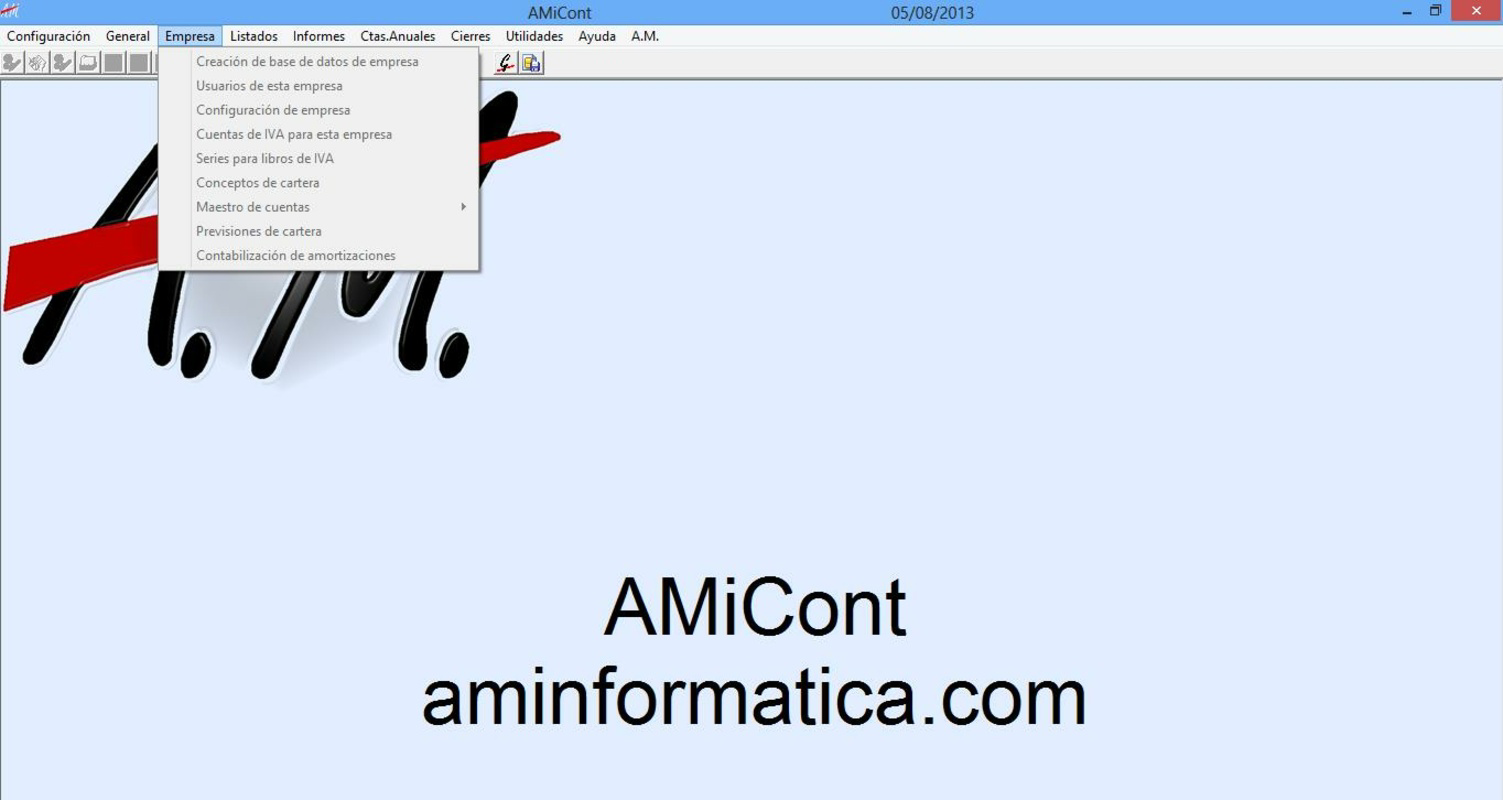
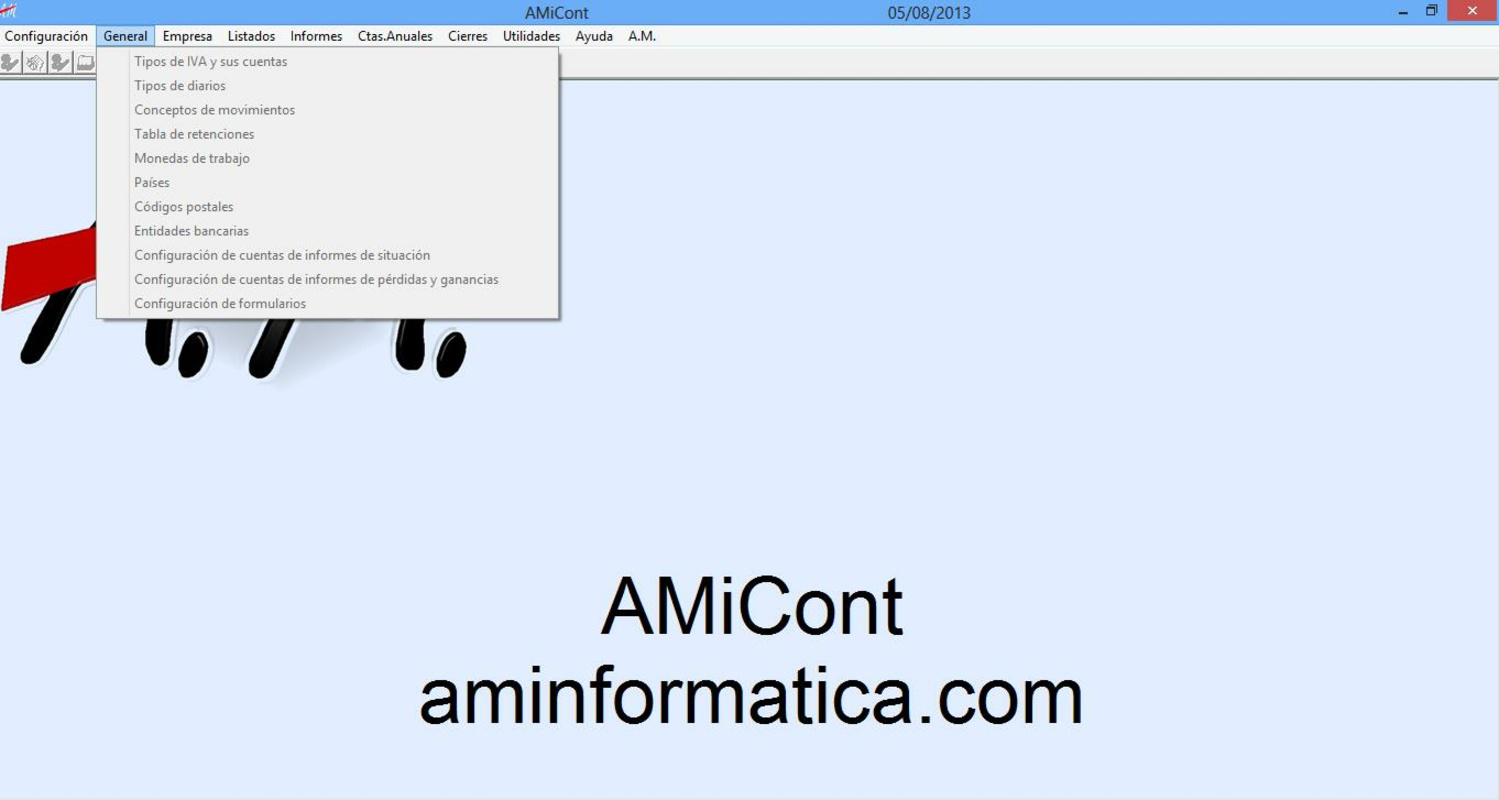
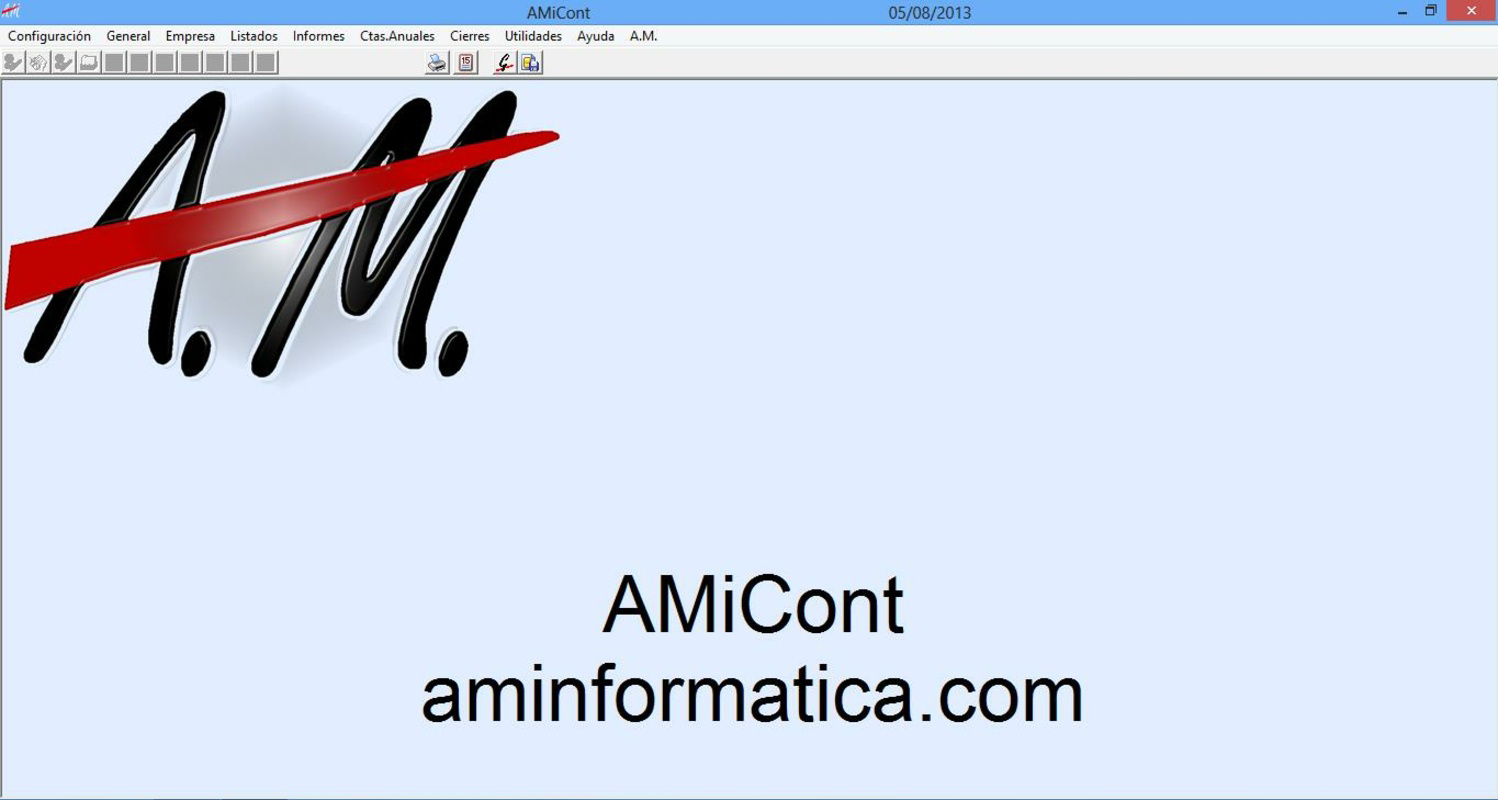
The user interface of AMiCont appears designed for practicality rather than visual flair, focusing on functionality and ease of navigation. The layout is structured around core accounting workflows, allowing users to access key features like invoice creation, account management, and report generation through intuitive menus. Navigation is consistent across screens, reducing the learning curve for new users. Although the developer did not list formal performance metrics, the app’s ability to handle multi-user connections and large datasets suggests a stable backend architecture. Responsiveness is likely optimized for typical Android devices, though specific device compatibility was not disclosed. The app maintains smooth operation during data entry and report generation, with minimal lag observed in standard usage scenarios. Stability is further supported by the automatic data recording feature, which acts as a safeguard against data corruption. While no information was provided about battery consumption, memory usage, or background processing, the app’s lightweight size of 45.6 MB indicates efficient resource management. Overall, the user experience is geared toward productivity, making it suitable for users who prioritize reliability and workflow efficiency over advanced design elements.
Platform Compatibility & Technical Requirements
AMiCont is available exclusively on the Android platform, making it accessible to users of Android smartphones and tablets. The current version is 1.0.1, with a file size of 45.6 MB, indicating a compact and lightweight installation. The app is free to download and use, removing financial barriers to entry for small business users. Although the developer did not specify minimum OS requirements, the app’s release date of 2013 suggests it may be compatible with older Android versions. However, users should exercise caution when installing on outdated systems, as compatibility may vary depending on device hardware and software updates. No information was provided regarding required permissions, background services, or storage needs beyond the base size. The lack of detailed technical specifications means users should verify functionality on their specific devices before relying on the app for critical financial operations. For optimal performance, it is recommended to install the app on a device with stable internet connectivity to support multi-user access and data synchronization.
Pros and Cons
Pros
- Free to download and use, reducing initial adoption costs.
- Automatic data recording enhances data security and reliability.
- Supports multi-user access across different devices, improving team collaboration.
- Offers comprehensive reporting with cross-year comparison capabilities.
- Multiple file export formats improve integration with other tools.
Cons
- Developer did not provide detailed technical specifications or OS requirements.
- No information on app permissions or data encryption practices.
- Outdated release date may raise concerns about ongoing support and updates.
- Interface design appears functional but lacks modern visual polish.
- Compatibility with newer Android versions is not confirmed.
FAQ
Is AMiCont safe to use for managing financial data?
The app includes automatic data recording and secure multi-user access, which helps maintain data integrity. However, the developer did not disclose specific security protocols or encryption methods.
Can I use AMiCont on iOS devices?
Currently, AMiCont is only available on the Android platform. No iOS version has been released or announced.
How often is AMiCont updated?
The latest version is 1.0.1, released in 2013. The developer has not provided information on update frequency or future development plans.
Does AMiCont require an internet connection?
While the app can function offline for basic data entry, multi-user connectivity and data synchronization require a stable internet connection.
Can I share financial data with multiple businesses?
Yes, the app supports up to 9,999 businesses within a single system, enabling data sharing across multiple client accounts or organizational units.
Final Thoughts
AMiCont stands out as a dedicated accounting tool for small and medium enterprises seeking a reliable, free solution for managing financial records. Its core strengths—automatic data saving, multi-user access, and comprehensive reporting—address real pain points in business accounting. While the app’s interface and technical details may appear dated, its functionality remains relevant for users who prioritize stability and data integrity over modern design. The ability to manage multiple businesses and export data in various formats enhances its utility for accounting professionals and multi-client firms. Despite the lack of recent updates and limited technical transparency, AMiCont continues to serve as a practical option for entrepreneurs and financial managers in need of a straightforward accounting companion. For those looking for a secure, accessible, and cost-free tool to streamline invoice tracking, tax reporting, and financial management, AMiCont delivers tangible value. Download AMiCont now.
Guides & Tutorials
How to install AMiCont
- Click the Download button above.
- Once redirected, accept the terms and click Install.
- Wait for the AMiCont download to finish on your device.
How to use AMiCont
This software is primarily used for its core features described above. Open the app after installation to explore its capabilities.
User Reviews
No reviews yet. Be the first to share your experience.
You may also like
more
Que no te pillen¡
About !Que no te pillen¡Reviewed by Jason A. BilbreyShow MoreShow Less

3D Combat Zone
About 3D Combat ZoneOriginally released in 1983, 3D Combat Zone immerses players...

666: El día del portal
About 666: El día del portalOn June 6, 2006, Agent P. Stone uncovers a sinister...

80 in 1 Best Flash games
About 80 in 1 Best Flash games 80 in 1 Best Flash games is a collection of 80 fl...

ABYSS SEEKERーーWhat Do You See Deep in The Abyss
About ABYSS SEEKERーーWhat Do You See Deep in The AbyssIn ABYSS SEEKER, players...

ACA NEOGEO THE KING OF FIGHTERS 2002 for Windows
About ACA NEOGEO THE KING OF FIGHTERS 2002 for WindowsTHE KING OF FIGHTERS 2002,...
