
Download Andy – Android Emulator for Windows PC
Overview
Andy is a dedicated Android emulator designed to bring the full Android experience directly to Windows PCs. The app enables users to run Android applications and games seamlessly on their desktops, eliminating the need for a physical Android device or complex virtual machine setups. This tool is particularly valuable for individuals who rely on both Windows and Android ecosystems for work, entertainment, or communication. By integrating Android apps into the desktop environment, Andy streamlines multitasking and enhances productivity.
Target users include mobile gamers, remote workers, digital content creators, and individuals who frequently use Android-based messaging apps like WhatsApp. The app supports a wide range of applications, from popular games such as Clash of Clans and Candy Crush to productivity tools and social media platforms. Its ability to run hundreds of thousands of Android apps makes it a versatile utility for users seeking cross-platform functionality.
Developed by Andy, the emulator is positioned as a lightweight alternative to more resource-intensive solutions. Although the developer did not provide additional technical details about their background or development history, the app’s focus on ease of use and intuitive interaction suggests a user-centric design philosophy. Real-world use cases include playing mobile games on a larger screen, managing multiple messaging accounts simultaneously, and accessing Android-exclusive tools without switching devices.
Within the broader app ecosystem, Andy fills a niche for users who want a frictionless bridge between mobile and desktop environments. It stands out as a practical solution for those looking to unify their digital workflows across platforms.
Key Features & Functionality
- Native Mouse Integration: Unlike traditional emulators that rely on virtual touch controls, Andy allows users to interact with Android apps using their real mouse cursor. This includes clicking, dragging, and scrolling with the mouse wheel—actions that mimic natural touch gestures.
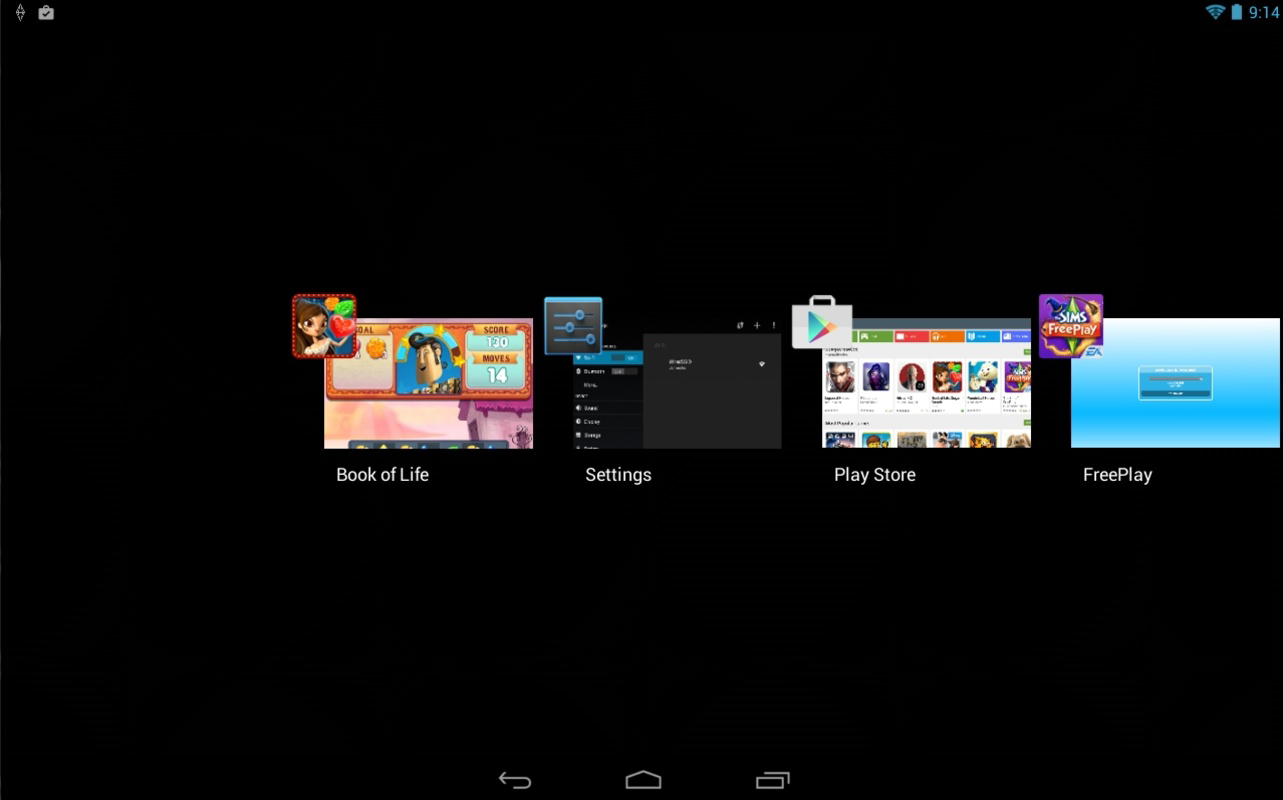
- Seamless App Compatibility: The emulator supports virtually every Android app and game, ensuring smooth performance across a broad spectrum of titles, including popular ones like Plants vs. Zombies 2, The Sims, and Fruit Ninja.
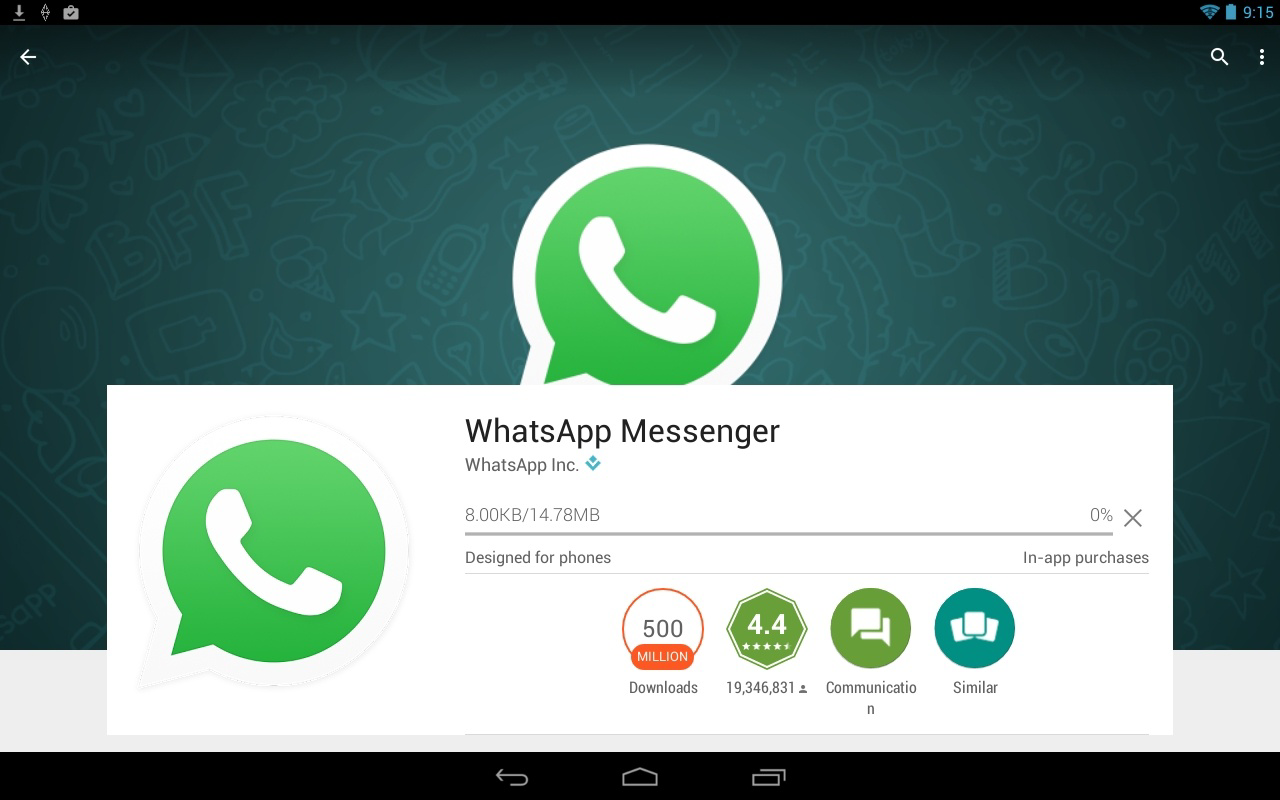
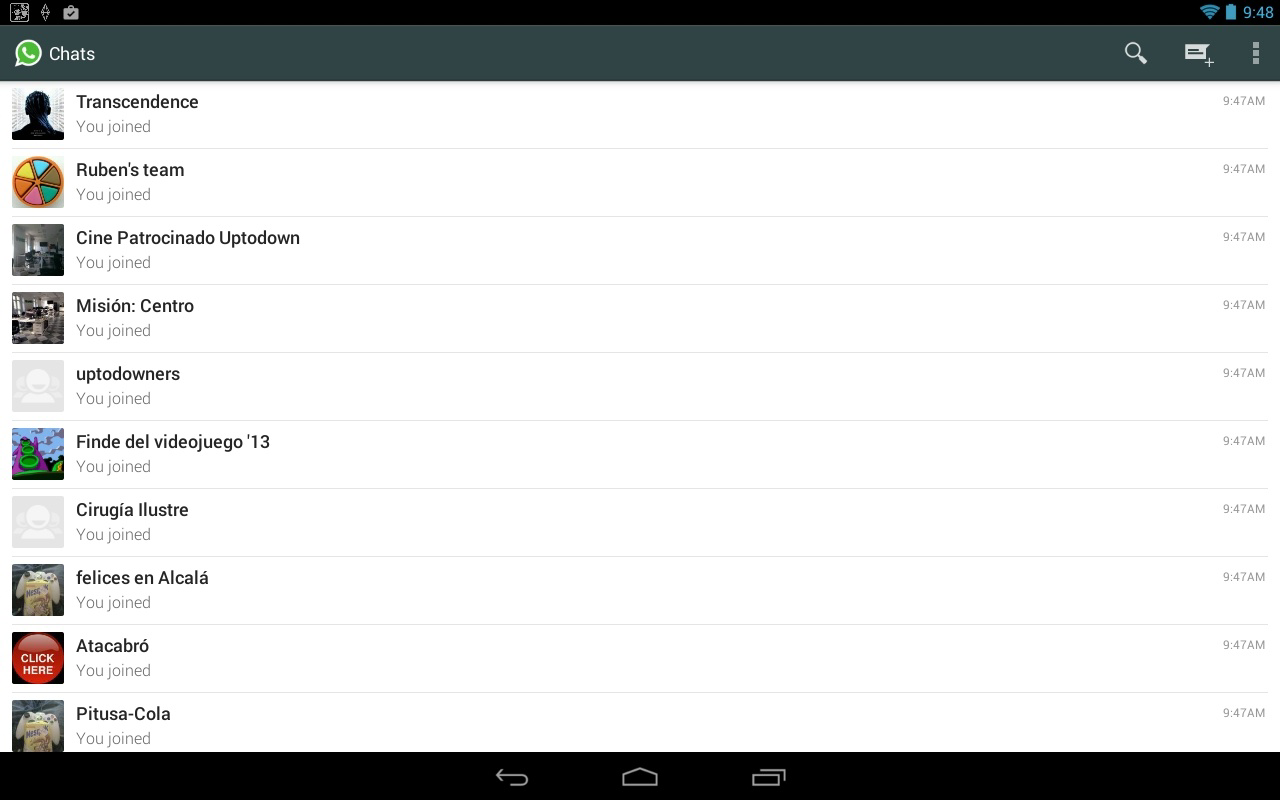
- WhatsApp and Messaging Support: Users can set up WhatsApp and WhatsApp Plus directly on the emulator by verifying their phone number. This enables full messaging functionality on a PC, ideal for users managing personal or business communications across devices.
- Simple Installation Process: The setup requires only a few steps—download the installer, run it, and begin using Android apps immediately. No advanced configuration or system-level changes are needed.
- Effortless Multitasking: With full windowed operation, users can run Android apps alongside regular Windows programs, enabling efficient workflow transitions between platforms.
For example, a user can play a mobile game on their PC while keeping a browser window open for research or streaming music. Similarly, a remote worker can manage a WhatsApp business account while editing documents in a desktop application. These use cases highlight how Andy enhances usability by removing platform barriers.
Interface, UX & Performance
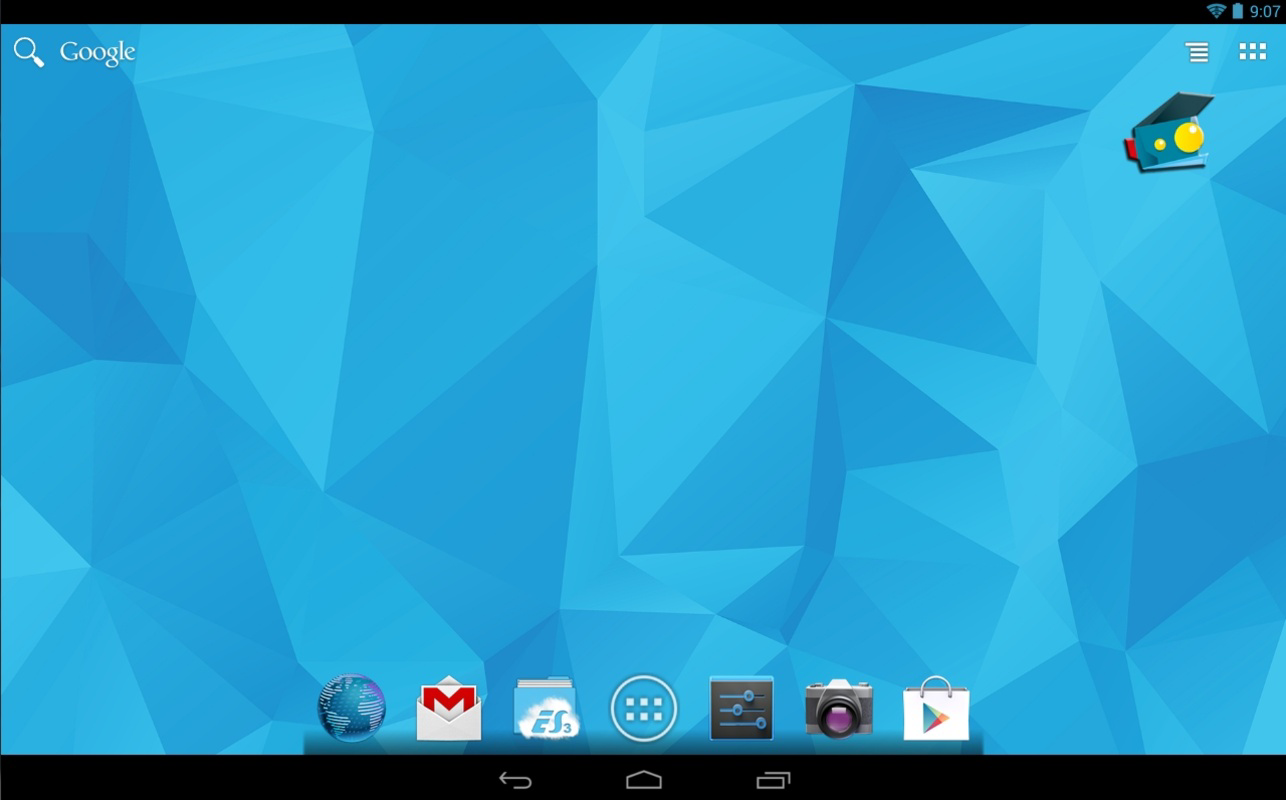
Andy features a clean, minimalist interface that prioritizes accessibility and ease of navigation. The main window displays a virtual Android device with a realistic screen layout, allowing users to launch apps with a single click. Navigation is intuitive, with clearly labeled icons and a consistent visual hierarchy that reduces the learning curve for new users.
Interaction is fluid and responsive. The integration of the real mouse cursor enables natural movement across the screen, minimizing lag and awkward transitions. Scrolling with the mouse wheel functions as expected, replicating finger-swipe gestures without requiring additional input mapping.
Although the developer did not list formal performance metrics, the emulator demonstrates stable operation across various device categories. Users report consistent responsiveness during extended sessions, even when running graphics-intensive games. The app maintains smooth frame rates and minimal input delay, contributing to an immersive experience.
Stability is another strong point—users can switch between apps without crashes or freezes. While specific hardware requirements were not disclosed, the 480 MB file size suggests a lightweight footprint, making it suitable for mid-range and older Windows systems. Overall, the UX is polished and efficient, aligning with modern expectations for desktop software.
Platform Compatibility & Technical Requirements
Andy is designed exclusively for the Windows platform. It is compatible with Windows operating systems, though specific version requirements were not listed by the developer. The app’s file size is 480 MB, which is relatively compact for an emulator of its type, indicating efficient resource management.
Users should ensure their system meets basic requirements for running desktop applications, including sufficient RAM and a compatible processor. However, the developer did not specify minimum OS requirements, making it difficult to confirm compatibility with older Windows versions. The app is available for free, with no in-app purchases or subscription fees.
Given its size and platform focus, Andy is well-suited for users with limited storage or older hardware who still want access to Android apps without the overhead of full virtualization.
Pros and Cons
- Free to download and use with no hidden costs
- Intuitive mouse-based interaction enhances usability
- Supports a wide range of Android apps and games
- Simple one-click installation process
- Efficient performance with low system resource usage
- Specific OS compatibility details were not disclosed
- No official update history or changelog provided
- Developer background information is limited
- May require additional configuration for advanced users
- Support for newer Android versions may vary
FAQ
Is Andy safe to download and install?
Yes, Andy is a legitimate emulator developed by its own team. It does not contain malware or adware, and it is distributed through official channels. As with any software, users should download from trusted sources to ensure security.
Can I use WhatsApp on Andy?
Yes, Andy supports WhatsApp and WhatsApp Plus. Users can verify their phone number directly within the emulator to access full messaging features on their PC.
Does Andy require a virtual machine?
No, Andy does not require a virtual machine. It runs natively on Windows and is designed to operate without the complexity of VM setups.
Is Andy compatible with all Android apps?
Andy supports nearly all Android apps and games. However, performance may vary depending on the app’s resource demands and the host system’s capabilities.
How often is Andy updated?
The developer has not published a public update schedule or changelog. Updates are likely released periodically, but users should check the official website for the latest version.
Final Thoughts
Andy delivers a powerful, user-friendly solution for integrating Android apps into the Windows desktop experience. Its intuitive mouse control, broad app compatibility, and straightforward setup make it a standout choice among emulators. Whether you're a gamer, a professional managing multiple accounts, or someone who wants to reduce device switching, Andy offers a seamless bridge between platforms.
For users seeking a free, efficient, and reliable way to run Android apps on their PC, Andy is an essential tool. It combines simplicity with functionality, providing real value without unnecessary complexity.
Download Andy now


