
Download Animate.Space – animation tool, flipbook, cartoon, animated cards, snapshot animation, drawing app, creative tool, frame-by-frame animation, digital art, artistic expression
Overview
Animate.Space is a mobile application designed to empower users with the tools needed to create dynamic and expressive animations. Targeted at both beginners and experienced artists, the app serves as a digital canvas for crafting flipbooks, animated cards, snapshot animations, and full-fledged cartoons. Its core purpose lies in simplifying the animation process while maintaining creative control, making it a valuable asset for individuals who wish to share artistic expressions through motion. The app enables users to bring static drawings to life by combining frame-by-frame animation with real-world imagery captured via the device’s camera.
Real-world use cases include creating personalized greeting cards, short animated stories, social media content, or visual documentation of artistic progress. The app’s accessibility on Android devices expands its reach to a broad audience seeking creative outlets without the need for complex software. Although the developer did not provide additional technical details, the app’s focus on intuitive design and robust animation features suggests a strong commitment to user-centric development. In the current mobile app ecosystem, Animate.Space fills a niche by offering a dedicated, lightweight tool for digital animation, standing out among general-purpose drawing apps.
Key Features & Functionality
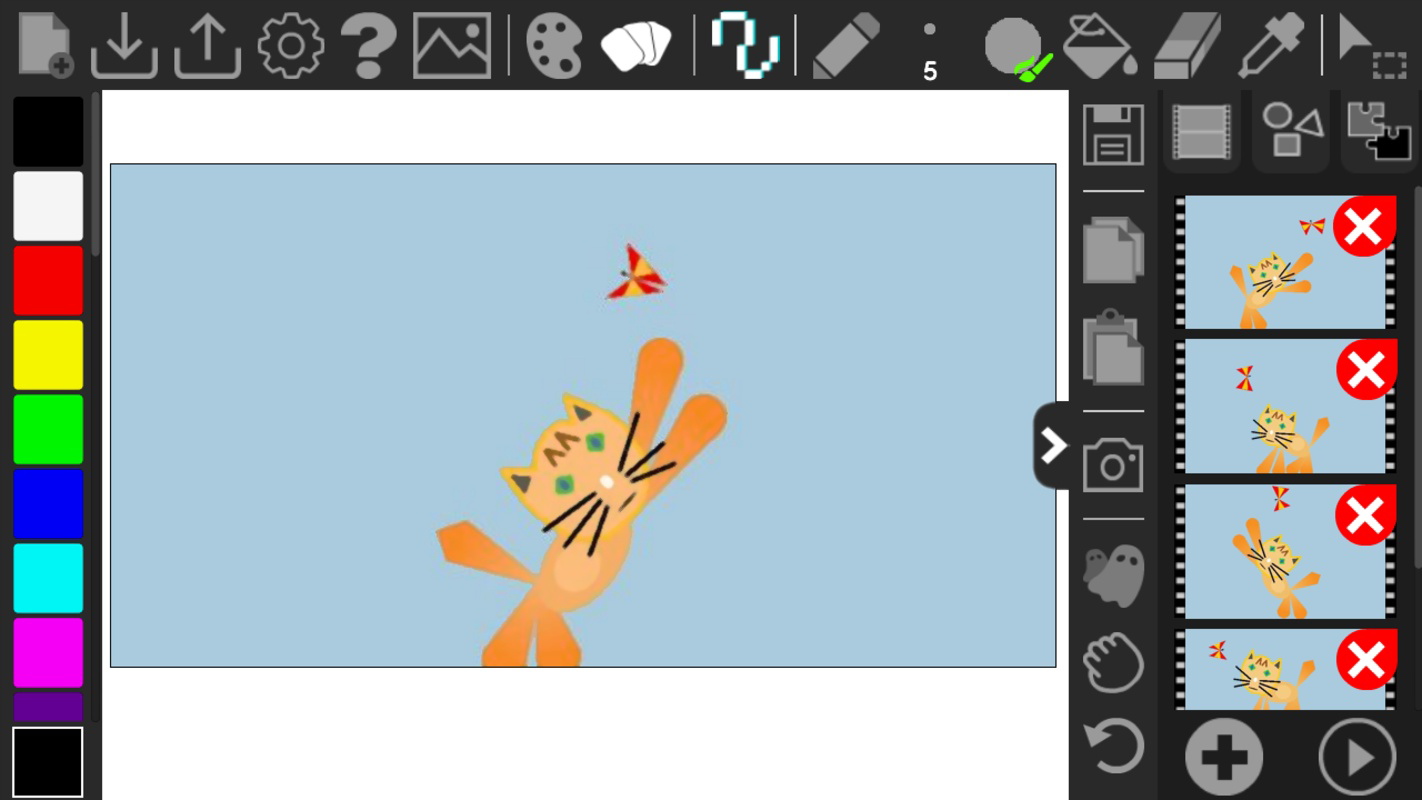
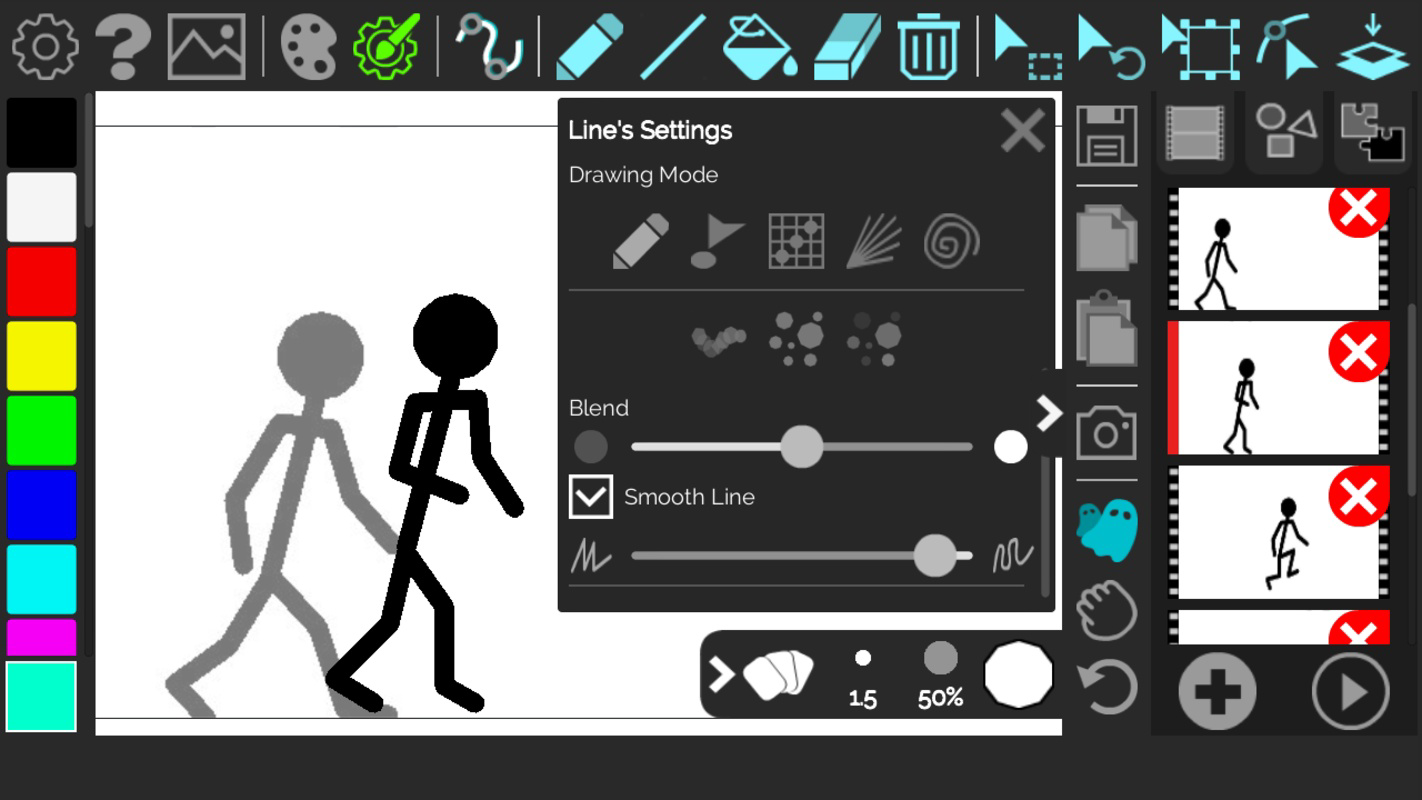
- Frame-by-Frame Drawing: Users can begin animations from blank pages or import images captured directly through the device’s camera. This feature supports meticulous control over each frame, ideal for detailed artwork or integrating real-life elements into animations.
- Unlimited Undo Actions: The app allows for an unlimited number of undo steps, enabling users to experiment freely without fear of irreversible mistakes. This is particularly beneficial during iterative refinement of complex sequences.
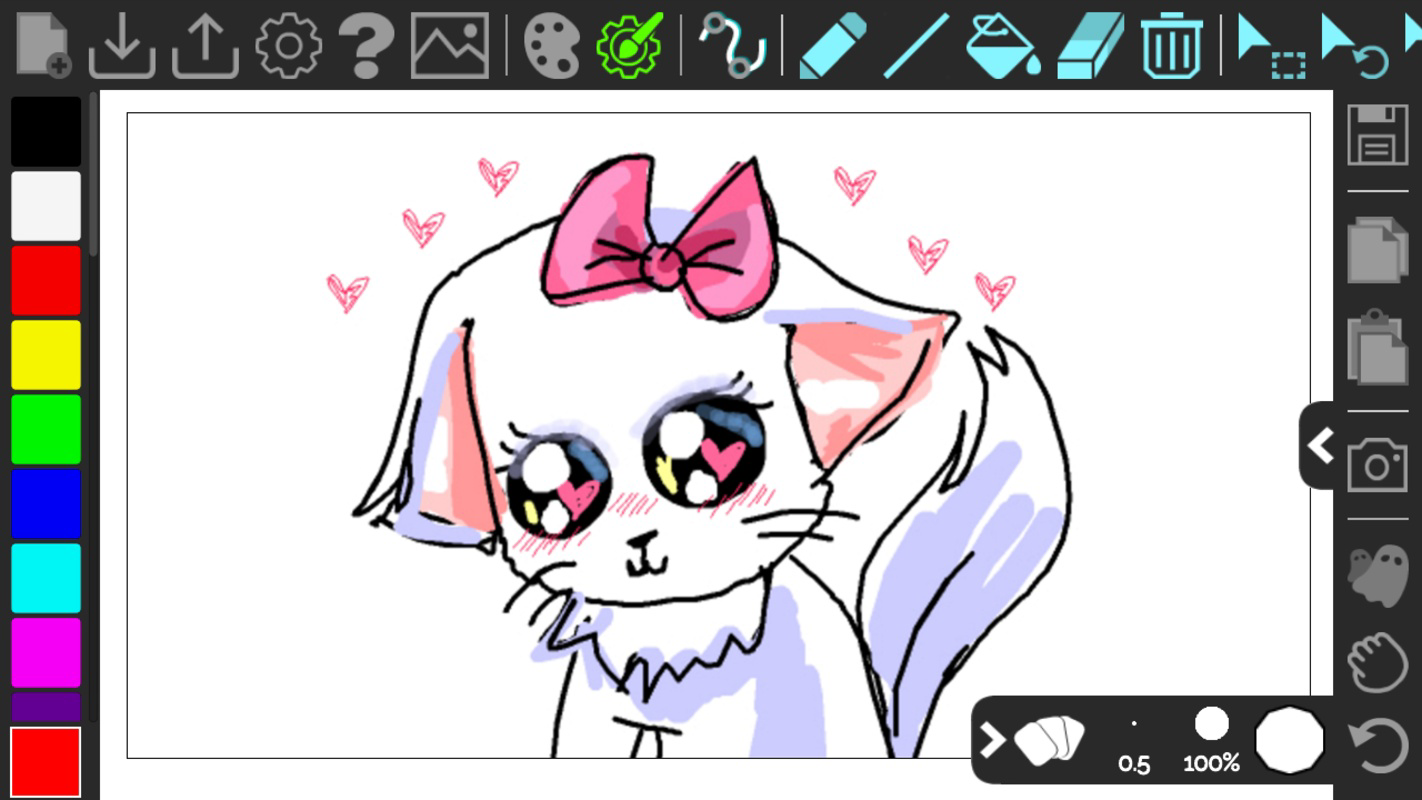
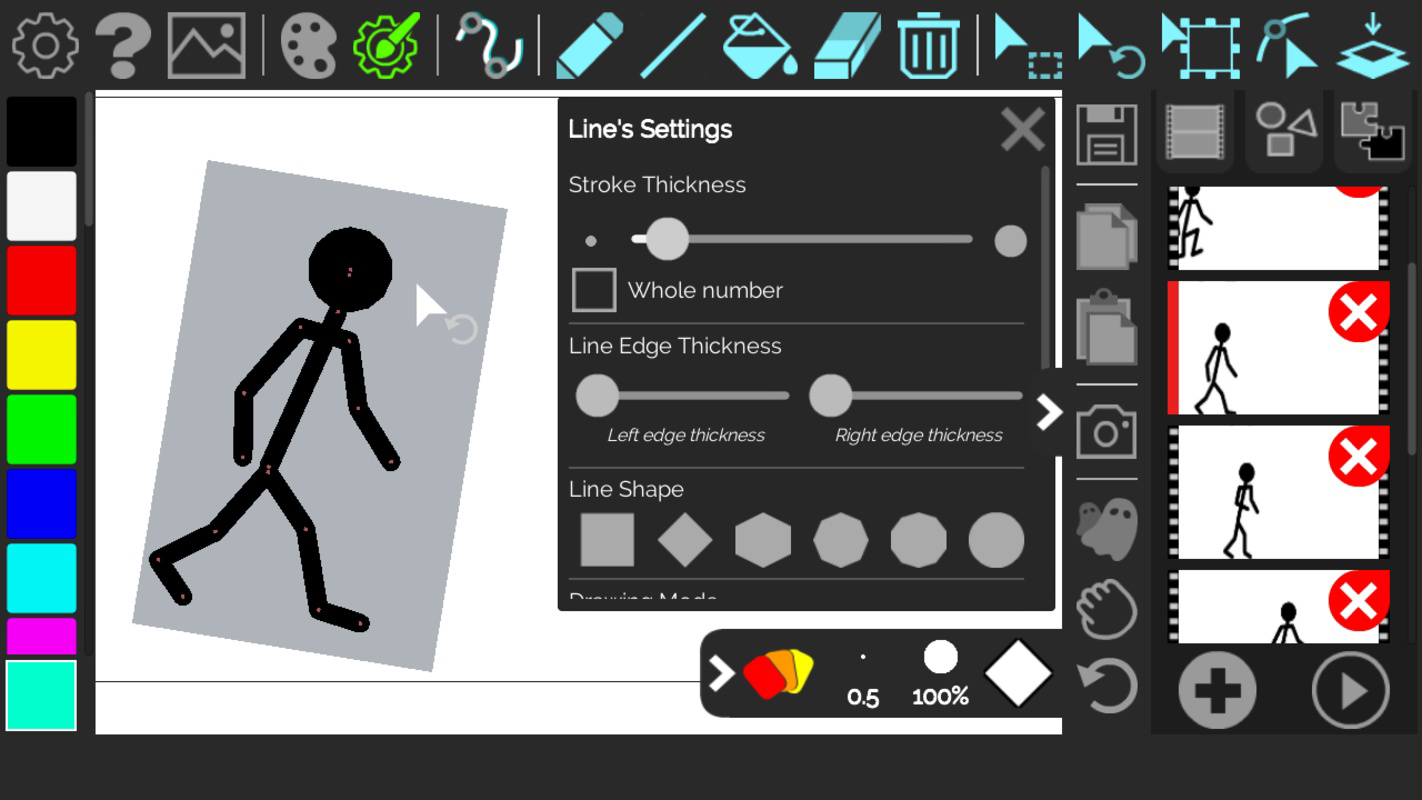
- Drawing and Manipulation Tools: A comprehensive set of tools includes a paint bucket, eraser, and line controls. Users can also select, rotate, and resize objects, which streamlines the creation of layered and dynamic animations.
- Camera Integration: Direct camera access allows users to capture live images and incorporate them into their animations. This feature enhances realism and creativity by blending digital drawing with physical-world visuals.
- Project Saving and Exporting: Animations can be saved locally and exported as animated GIFs. Additionally, users have the option to share their work directly on the Animate.Space website, facilitating broader visibility and community engagement.
For example, a user might capture a series of photos of a hand drawing a shape, then animate it frame by frame to create a time-lapse effect. Another might use the app to design a short cartoon about a character’s journey, using both hand-drawn frames and real-life background images.
Interface, UX & Performance
The user interface of Animate.Space is designed with simplicity and functionality in mind. The layout prioritizes accessibility, placing essential tools within easy reach while maintaining a clean visual hierarchy. Navigation is intuitive, allowing users to switch between frames, access tools, and manage projects with minimal friction. The app’s visual style emphasizes clarity, using distinct icons and consistent color schemes to guide user interaction.
Although the developer did not list formal performance metrics, the app’s lightweight size of 45 MB suggests optimized resource usage. This indicates that it is likely to run smoothly on a wide range of Android devices, including mid-tier and entry-level models. Responsiveness appears to be a key focus, as the interface adapts quickly to touch inputs, enabling seamless drawing and animation playback. Stability is expected to be reliable, given the app’s focus on core animation workflows without unnecessary bloat. However, specific performance benchmarks were not disclosed.
Platform Compatibility & Technical Requirements
Animate.Space is available exclusively on the Android platform. The current version is 1.0.1, with a file size of 45 MB. The app is currently offered free of charge, making it accessible to a wide audience. While the developer did not specify minimum OS requirements or compatibility details, the app’s lightweight design suggests it may function on devices running Android 6.0 and above. However, users are advised to check their device’s compatibility before installation. The absence of detailed technical specifications means that precise requirements remain unclear.
Pros and Cons
Pros
- Intuitive interface suitable for beginners and experienced artists
- Supports frame-by-frame animation with real-world image integration
- Unlimited undo functionality encourages creative experimentation
- Lightweight size (45 MB) ensures efficient storage usage
- Free to download and use with no in-app purchases mentioned
Cons
- Platform availability limited to Android only
- Specific OS requirements were not disclosed
- No information on cloud sync or cross-device project access
- Export options limited to animated GIFs and website sharing
- Developer did not provide details on update frequency or future roadmap
FAQ
Is Animate.Space safe to download and use?
Yes, the app is free and available through official Android channels. It does not require special permissions beyond basic camera and storage access, which are necessary for its core functionality.
Can I use Animate.Space on iOS devices?
As of now, the app is only available on Android. There is no official iOS version or announcement regarding future releases.
How do I export my animations?
Users can save their projects locally and export them as animated GIFs. Additionally, animations can be shared directly on the Animate.Space website for broader visibility.
Does the app support real-time collaboration?
The developer did not provide information on collaborative features. The app appears to be designed for individual creation and personal use.
How often is Animate.Space updated?
Specific update frequency was not disclosed. Users should check the app store for the latest version and release notes.
Final Thoughts
Animate.Space emerges as a compelling mobile tool for digital artists and creative hobbyists seeking a streamlined way to produce animations. Its blend of intuitive design, powerful drawing tools, and real-time camera integration makes it a practical choice for creating flipbooks, animated cards, and short cartoons. The inclusion of unlimited undo and local project saving enhances the user experience, encouraging experimentation without the pressure of permanence. While its Android-only availability and lack of cloud features may limit some users, the app’s lightweight nature and free access make it highly accessible.
For students, educators, content creators, and casual artists, Animate.Space offers a valuable platform to express ideas through motion. Its focus on simplicity and creativity positions it as a meaningful addition to the mobile productivity and digital art landscape. Whether used for personal projects or social sharing, the app delivers tangible value with minimal friction.
Download Animate.Space now


