Jan 14, 2026
Actor schemas updates
New
Actor
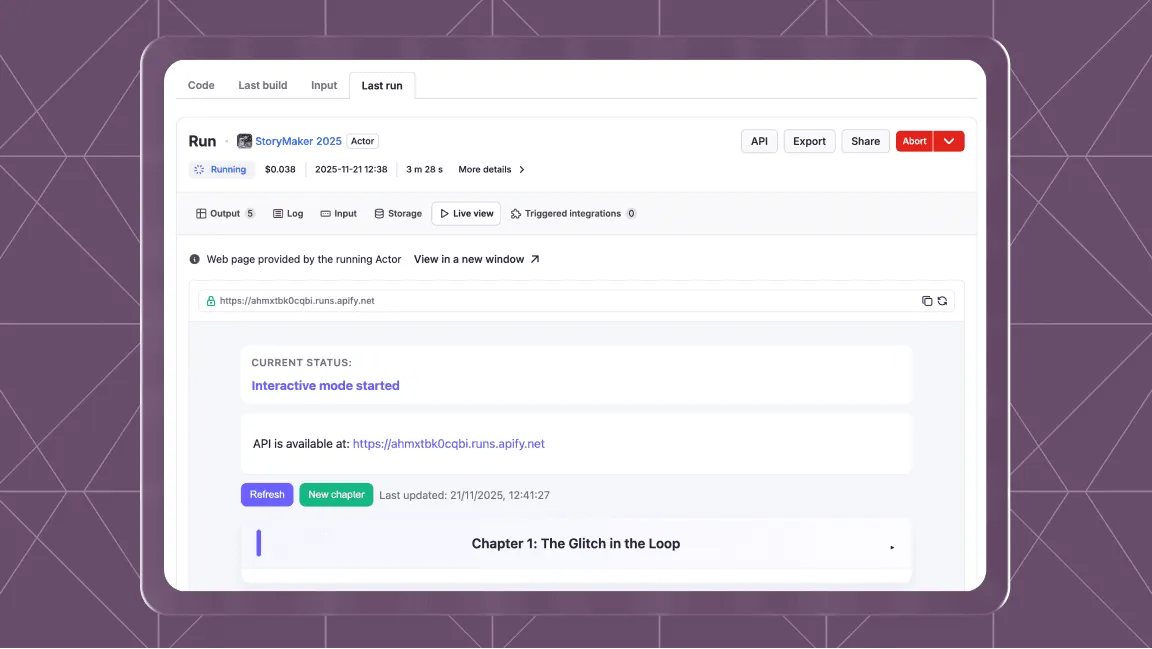
Actor schemas: Apify is introducing Actor schema support for across your entire data pipeline. Creators can now define and enforce schemas for actor outputs, datasets, web server responses, and key-value stores.
The new schemas will improve the validation of data structures, enabling the construction of more reliable workflows as well as ensuring quality results from each Actor.
Learn more in our article detailing each schema and its use case.
Dataset schema: The dataset schema defines the structure and representation of the data produced by an Actor, both in the API and the visual user interface.
Key-value store schema: The key‑value store schema organizes keys into logical groups called collections, which can be used to filter and categorize data both in the API and the visual user interface.
Output schema: The Actor output schema builds upon the schemas for the dataset and key-value store. It specifies where an Actor stores its output and defines templates for accessing that output.
Web server schema: The web server schema ensures that data returned by your Actor’s web server is formatted correctly, so integrations and apps that consume it work reliably.
We have been iterating on our key-value store UI to achieve parity with our API. We have added the ability to bulk-upload files, drag and drop, and key-value store collections to better organize the data that you export.
Input sub-schemas let you break down and refine Actor inputs at a more granular level, so you can filter, exclude, or customize what data the Actor processes. This should make for better results with fewer runs.