App Logo AppAddict
I'm an incurable software collector and enjoy few things more than downloading and exploring new apps. If you've got the same bug, check here for suggestions.
Subscribe via RSS here

Clawdbot Can Do It

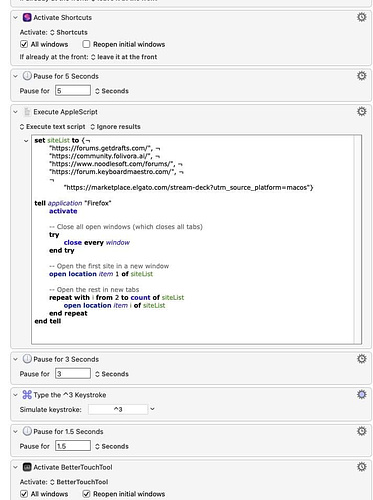
Automating repetitive tasks on my Mac has been an ongoing obsession for years. To me, it's the essence of using a computer as the tool it's meant to be. The less often I have to click the same sequence of buttons I clicked yesterday, the happier I am. To that end, I've long relied on Keyboard Maestro, BetterTouchTool, Hazel, Drafts, Apple Shortcuts, and IFTTT. Two days ago, I read about a new agentic AI app called Clawdbot that runs locally on a Mac and interacts with it in ways previous apps simply couldn't. People have strong feelings about AI. I...

Image

Four New Free and Affordable Apps I Like from Indi Devs

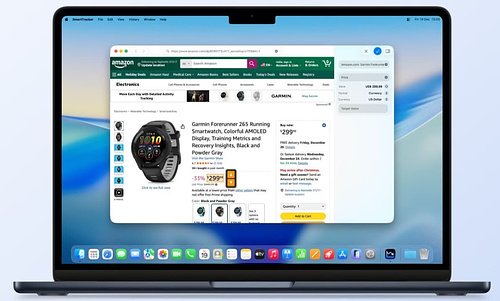
SmartTrackerSmartTracker is a universal app that syncs across all platforms via iCloud. Using the URL from a vendor's page (Newegg, Amazon, Micro Center, etc.), the app tracks prices in near real time. You can set a target price and receive a notification within minutes of a price drop. Several features stand out: charts, tracking numerical data beyond price, and collections. When I'm shopping for a big-ticket item, I find it useful to create a collection of the same product across multiple vendors. Today I got excited when Micro Center listed Mac minis for $100 less than Amazon--until I noticed the...

Image

Spaces and Desktops and My Mental Health

I spent most of my computer using life on a Macbook and only recently started using a dual display setup. I didn’t start this process until after the release of macOS 26, Tahoe. Quite possibly, that may be the absolute worst time to be experimenting with this in the history of the Mac. This is not my favorite version of the operating system. I’ve found that some relatively common applications are resistant to window management across Spaces: Calibre, Obsidian, Better Touch Tool, System Configuration, and Elgato Stream Deck Configuration are all consistently problematic. In addition, having windows from the same...

Image

The File-Sharing Tools I Trust—and Why

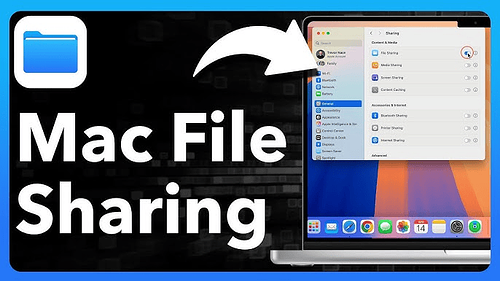
When it comes to sharing data from a Mac, there are plenty of scenarios and plenty of methods. Identifying the right tool for the job comes with experience. Whatever method you land on today might not be the best method in a year--and that's OK. Sometimes a system you already know how to use and troubleshoot is better than something new and unproven, no matter how many bells and whistles it has. And then there's the gradual enshittification of tech, where the useful and free tool you once loved slowly becomes expensive and exploitative. Regardless of circumstances, the criteria most...

Image

Tailscale: The Best Free App Most Mac Power Users Aren’t Using

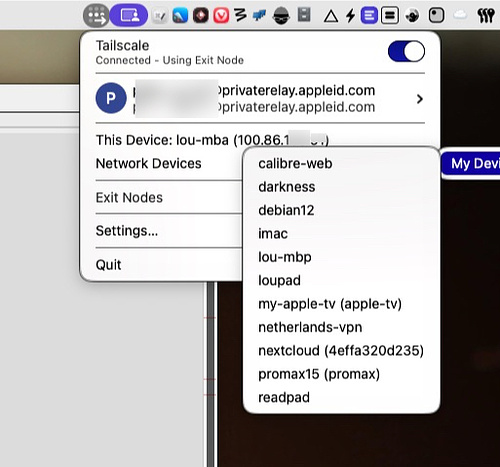
Someone asked me to name the best free app available to Mac users in 2026. I didn’t hesitate before choosing Tailscale. Tailscale is a VPN, but not in the usual sense. It’s a private, encrypted, identity-based network where your devices recognize each other no matter where they are. It uses WireGuard technology and is often described as a mesh network. The terminology isn’t important. This isn’t the kind of VPN that simply masks your home IP address or anonymizes web traffic. Tailscale lets you treat a collection of devices in different geographic locations as if they were all in the...

Image

Droppy - A Notch App with a Lot to Like

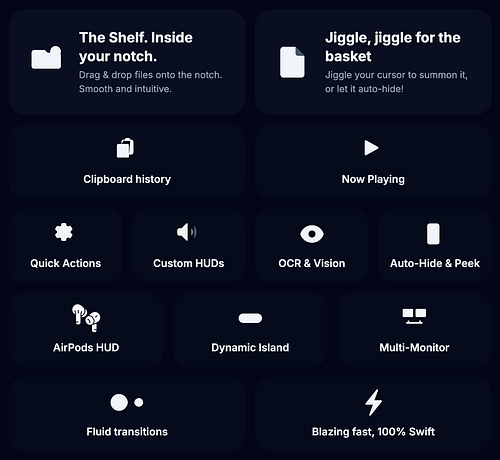
I've tried a variety of notch apps, and I haven't been truly happy with any of them. I'm not sure whether the novelty of the interface is the problem, or if it's the design of the apps I've used that bothers me. I recently installed Droppy, a free and open-source app built entirely with Swift for speed and stability, and I like it more than the other notch apps I've used. It isn't overloaded with superfluous features, and the features it does have can be toggled on and off easily. It also seems very stable--I haven't encountered any bugs so...

Image

Image Workflow with Cleanshot X, Clop, Clotski, NameQuick and Hazel

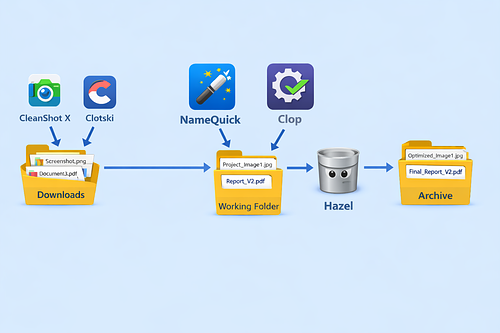
Apps gain new capabilities through updates. Our preferences change, task requirements shift, and workflows evolve right along with them. It pays to periodically reevaluate the tools and methods we rely on. As a writer and blogger, I go through a surprising number of images every day. My goal is simple: images should be optimized for file size, renamed intelligently, and land exactly where I need them for current projects. After 24 hours, they should be archived--still accessible, but no longer cluttering my active workspace. Start with DownloadsClotski is a menu bar utility for browsing, tagging, renaming, and editing metadata for...

Image

Smart Ways to Pay Less for Mac Software

You don't need wads of disposable income to enjoy new software on a regular basis, and you don't have to rely exclusively on freeware to get useful work done on your Mac. You're the only one who knows what your budget can support. I've been buying independently developed software since before people called them apps--back when you dialed into a local BBS to download shareware from the computer eccentric you met at the last user group meeting. My hometown even had a store in the '90s where you could rent commercial software. This was before Little Snitch mattered, because most...

Image

Some Useful Single Purpose Apps

Complex, multi-purpose apps with a zillion functions can be fun to learn, even if you never quite feel like you've mastered them. Every time I tinker with my Raycast setup or my collection of Keyboard Maestro macros, I get the nagging feeling that I'm not making the best use of those apps. To remedy that feeling, it's refreshing to discover a few simple apps that do one thing well--and that's all. Here are a few I've been tinkering with lately. • Clean Links (Free) -- Although there's a useful Raycast extension to strip tracking info from links on your clipboard,...

Image

A Mostly Free and Open Source App Collection for Image Workflows

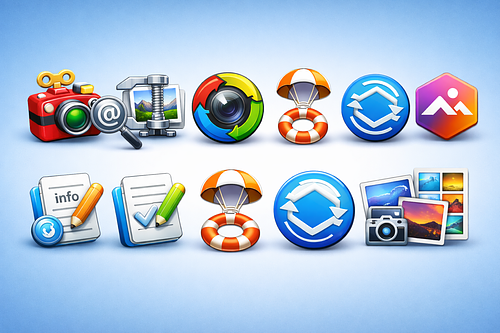
Rather than trying to consolidate all the image tools I use into one giant app with hundreds of features, I prefer to use smaller, specialized apps that are single-purpose or that have a small feature set. They are easier to learn, faster to launch, and often maintained by a very experienced developer with years of experience. Here's a collection of such apps that you might find useful. Toyviewer, My Default App for Opening & Viewing ImagesDating back to the 90s, Toyviewer (free) can open just about any image format you throw at it, including ones that Preview won't touch. You...

Image

ExtraBar is the App of My Dreams

ExtraBar is a new app from the developers at AppItStudio. That's the same team behind ExtraDock and DockFlow, two useful additions to my toolbox in 2025. ExtraBar is one of those apps that solves a problem I didn't realize I had. My Mac's menu bar is cluttered with icons from (don't hate) 40 different apps. Traditionally, the way to tame that was by using Bartender, Ice, or some other menu bar manager. Apple, in an attempt to Sherlock those apps, introduced a few menu bar management tools in macOS 26. In doing so, it changed the back end for utility...

Image

If You're Itching to Spend that Christmas Cash on Some Software, Here's the Second Megalist and some Free Advice

Paid Mac Apps – Power User IndexIf you got some cash or gift cards for Christmas and want to try out some new software, you can try a few of these apps. I've installed and tested them all at some point. The links will take you to a short review with download information. If you find a broken link or an app is no longer viable, let me know and I'll make a quick edit. If you're a developer, drop me a DM and I will be glad to check out your work and possibly feature you on AppAddict if...

Image

Getting the Most from Ebooks, A Mostly Free Workflow

One of my passions over the past few months has been growing and curating my collection of ebooks. I've loved reading longer than I've loved computers, but now I love both and this is how I married the two together. As a Mac and iOS user who also has a self-hosted server, I've tried a lot of different apps in an ongoing effort to craft the best workflow. BackgroundI was an Amazon customer for a long time, but in February of 2025, the company decided it would no longer allow customers to download their books as user-maintained files and limited...

Image

A Mega-Collection of Free Apps I've Installed and Tested

If you're running short on cash after Christmas, but you still want to try out some new software, you can try a few of these apps. I've installed and tested them all at some point. The links will take you to a short review with download information. If you find a broken link or an app is no longer free, let me know and I';ll make a quick edit. If you're a developer with a free app, drop me a DM and I will be glad to check out your work and possibly feature you on AppAddict if it has...

Image

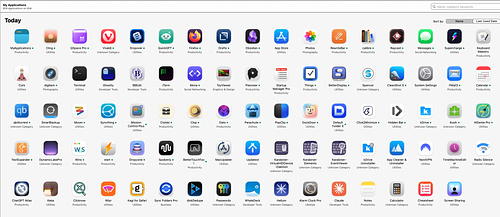
The My Applications App Might Be the Best 99 Cents I Ever Spent

For the avid app collector there are a few tools available to help catalog and curate the assortment of programs that accumulate over time. You can use Apple's built in system report to get comprehensive information but it's rather dense and not illustrated. You can use an app like Apparency, but then you are limited to a single app at the time. My Applications, available in the app store for 99 cents, serves as both a database and a launcher for your computer. One feature I love is a snapshot of my app usage for the past 24 hours. Typically,...

Image