
Apple Developer: Essential Tools for App Creation
Overview
The Apple Developer application is a comprehensive desktop tool designed to support software engineers and developers in creating, testing, and distributing applications across Apple’s ecosystem. Developed by Apple, the app serves as a centralized hub for accessing critical development resources, including documentation, sample code, beta software, and official announcements. It is tailored for professional developers and technical teams working on iOS, macOS, watchOS, and tvOS platforms. The software enables users to manage their Apple Developer accounts, including renewing memberships and configuring certificates, identifiers, and provisioning profiles. Real-world use cases include preparing app submissions to the App Store, troubleshooting app crashes through crash reports, and staying informed on upcoming platform updates via official news feeds. The app also facilitates collaboration through access to developer forums and discussions. While the full breadth of Apple’s developer ecosystem remains accessible via its website, the desktop application streamlines access to frequently used tools and content, improving workflow efficiency. The developer did not provide additional system requirements beyond the operating systems listed.
Key Features & Capabilities
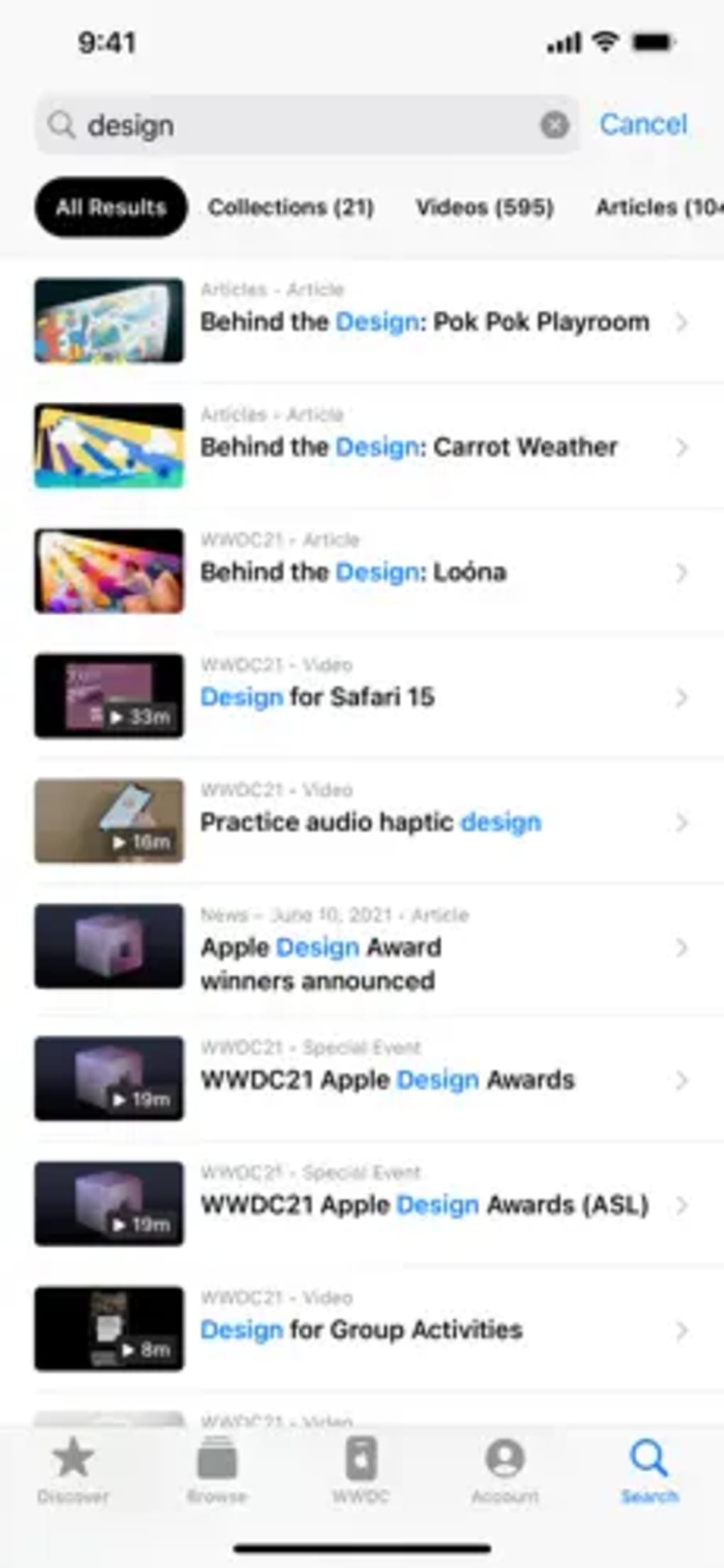
- Documentation and Guides: Provides official, up-to-date guides and reference materials for building apps on Apple platforms, helping developers understand APIs, frameworks, and best practices.
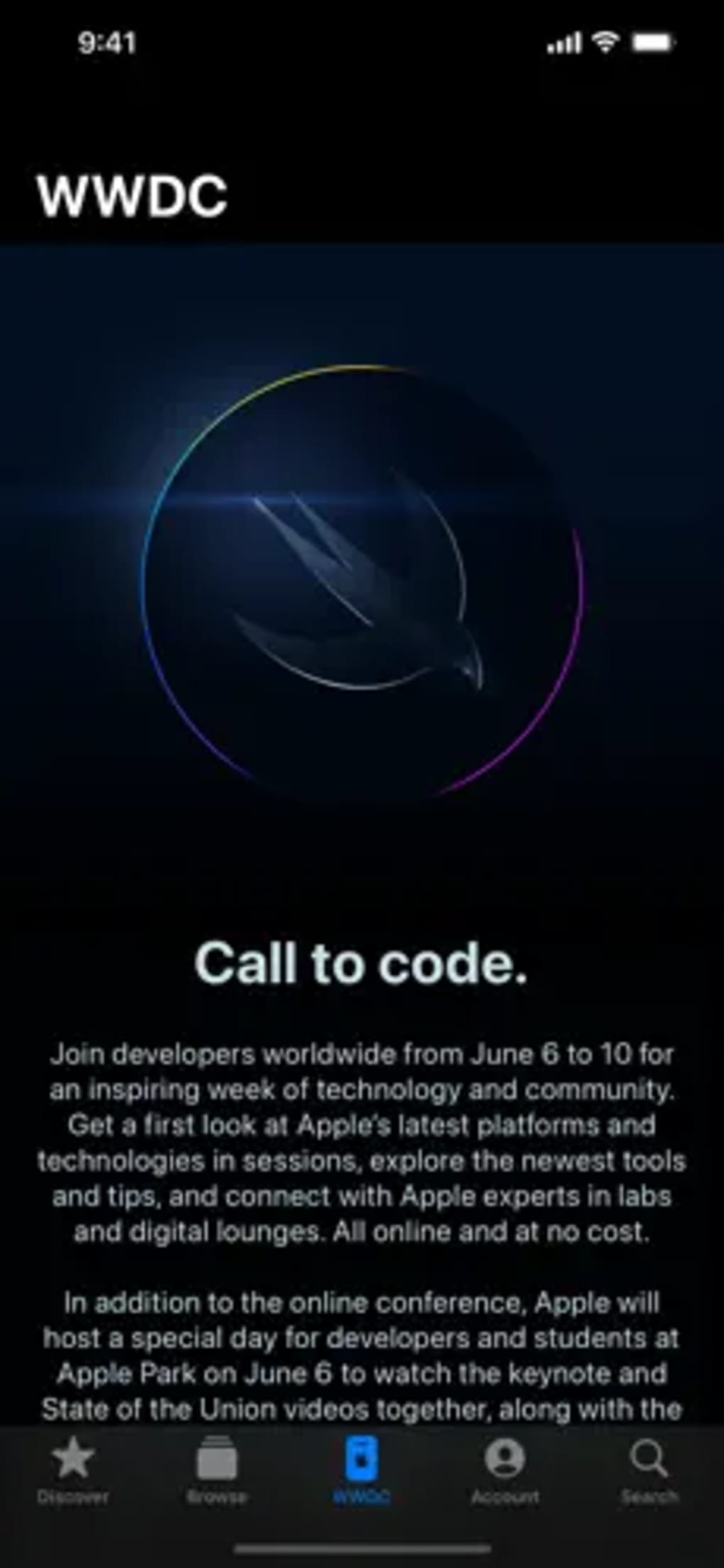
- News and Announcements: Delivers real-time updates from Apple on new technologies, software releases, and developer events such as WWDC.
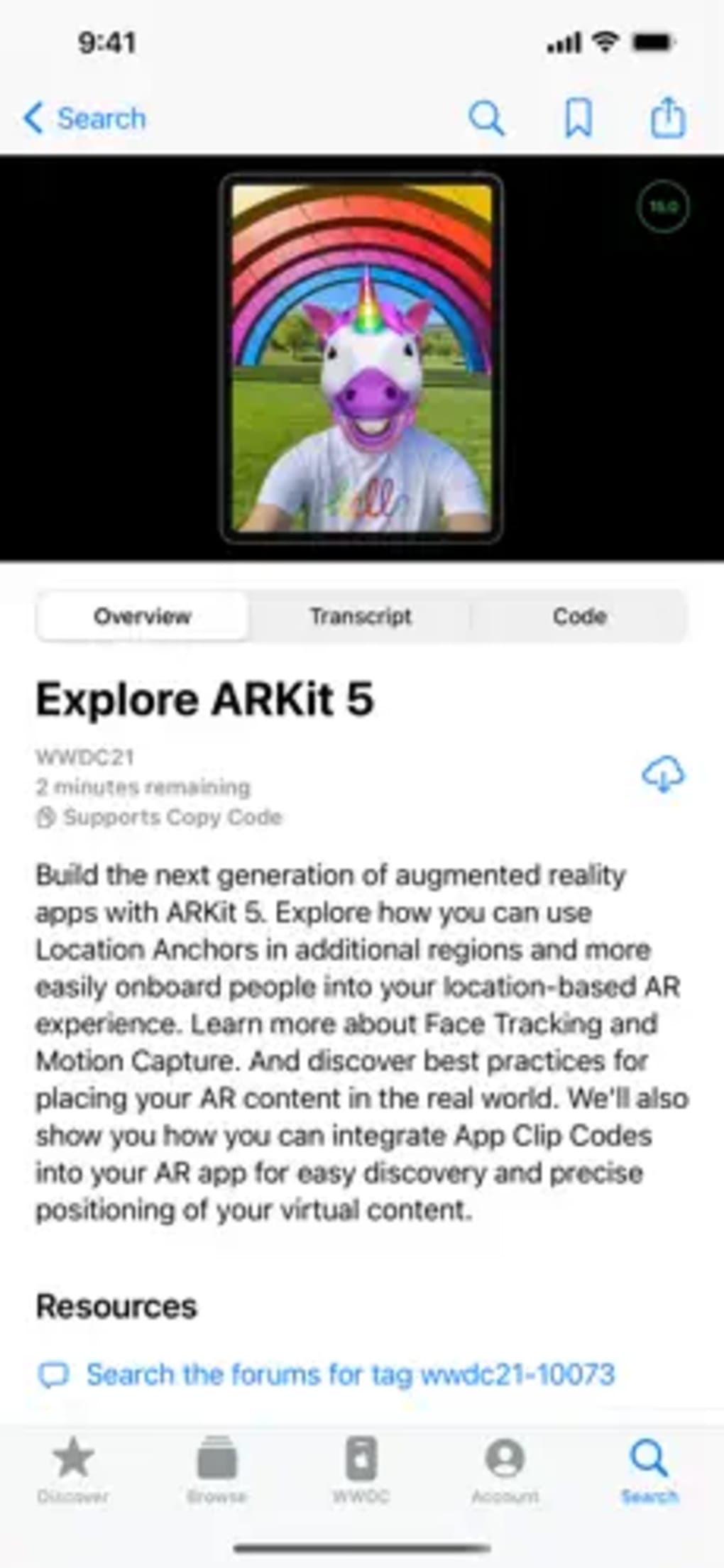
- Videos and Presentations: Offers access to recorded sessions from Apple’s developer conferences, including technical deep dives and keynote highlights.
- Account Management: Enables users to renew memberships, manage certificates, and configure app identifiers and provisioning profiles directly within the app.
- Testing and Debugging Tools: Includes access to crash reports and performance analysis tools to identify and resolve issues during app development.
- Resources and Downloads: Provides direct access to beta versions of operating systems, development tools, and sample code for immediate integration into projects.
- Forums and Discussions: Connects developers with a global community to exchange ideas, troubleshoot issues, and share insights.
- Developer Insights: Features expert commentary and trend analysis from seasoned developers on emerging technologies and development strategies.
- Notifications: Sends timely alerts about new releases, software updates, and important announcements to keep developers informed.
User Interface, Workflow & Performance
The Apple Developer app features a clean, intuitive interface designed for efficient navigation across its diverse content categories. The layout organizes tools and resources into clearly labeled sections, allowing users to quickly locate documentation, downloads, or account settings. Navigation is straightforward, with a sidebar menu and contextual tabs that reduce the need for multiple clicks. Workflow efficiency is enhanced by the integration of frequently used tools—such as the ability to download beta software or access crash reports—within a single interface. The app maintains a responsive design, ensuring smooth transitions between sections. Performance observations are based on general software behavior patterns. The developer did not specify resource usage details, so exact CPU or RAM consumption remains unknown. Stability appears consistent with Apple’s standard application practices, though no independent benchmarks were provided. The app does not appear to require constant background processes, suggesting moderate system impact. Users can expect reliable operation during extended development sessions, though performance may vary depending on network speed and the volume of downloaded content.
Compatibility & System Requirements
The Apple Developer application is available for both macOS and Windows operating systems. It supports the latest versions of these platforms, as indicated by the release date and version number. The installation size is 1.2 GB, which reflects the inclusion of downloadable assets, documentation, and embedded media. The developer did not specify exact system requirements, including minimum processor speed, RAM, or storage space. Compatibility information was partially provided, with no details on whether the app supports older OS versions. Users should ensure their system meets the requirements of the host operating system to run the application smoothly. No hardware-specific dependencies were mentioned. The app may require a stable internet connection for full functionality, particularly when downloading beta software or accessing live forums.
Pros and Cons
Pros
- Official Apple-developed tool with trusted, up-to-date resources
- Centralized access to documentation, sample code, and beta software
- Integrated account management for membership and profile handling
- Real-time notifications and announcements from Apple
- Supports multiple Apple platforms: iOS, macOS, watchOS, tvOS
- Free to download and use
Cons
- Content availability is limited compared to the full Apple Developer website
- No detailed system requirements provided
- Performance metrics not disclosed by the developer
- May require a stable internet connection for full functionality
- Interface may feel less customizable for advanced users
FAQ Section
Is the Apple Developer app available for both Mac and Windows?
Yes, the Apple Developer application is compatible with both macOS and Windows operating systems.
Is the software free to download and use?
Yes, the Apple Developer app is available at no cost to users.
Can I manage my Apple Developer account through this app?
Yes, the app includes tools for managing your Apple Developer membership, certificates, identifiers, and provisioning profiles.
Does the app require an internet connection?
While some features can be used offline, a stable internet connection is recommended for full functionality, especially when downloading beta software or accessing live forums.
How often is the app updated?
The app is updated regularly by Apple to reflect new features, security patches, and content releases. The latest version is 2024.1.1, released on May 15, 2024.
Final Thoughts + CTA
The Apple Developer app stands out as a reliable, official resource for developers building applications across Apple’s platforms. Its comprehensive suite of tools—ranging from documentation and sample code to account management and real-time announcements—makes it an essential component of any developer’s toolkit. While the app’s content is somewhat limited compared to the full website, its streamlined interface and centralized access significantly improve workflow efficiency. The absence of detailed system requirements and performance data is a minor drawback, but the app’s official status and free access mitigate these concerns. For developers focused on iOS, macOS, watchOS, and tvOS, this software offers a dependable way to stay informed and productive. Download Apple Developer now to access the latest tools and resources directly from Apple.








