
Download Audacity – free audio editor, recording and editing tool
Overview
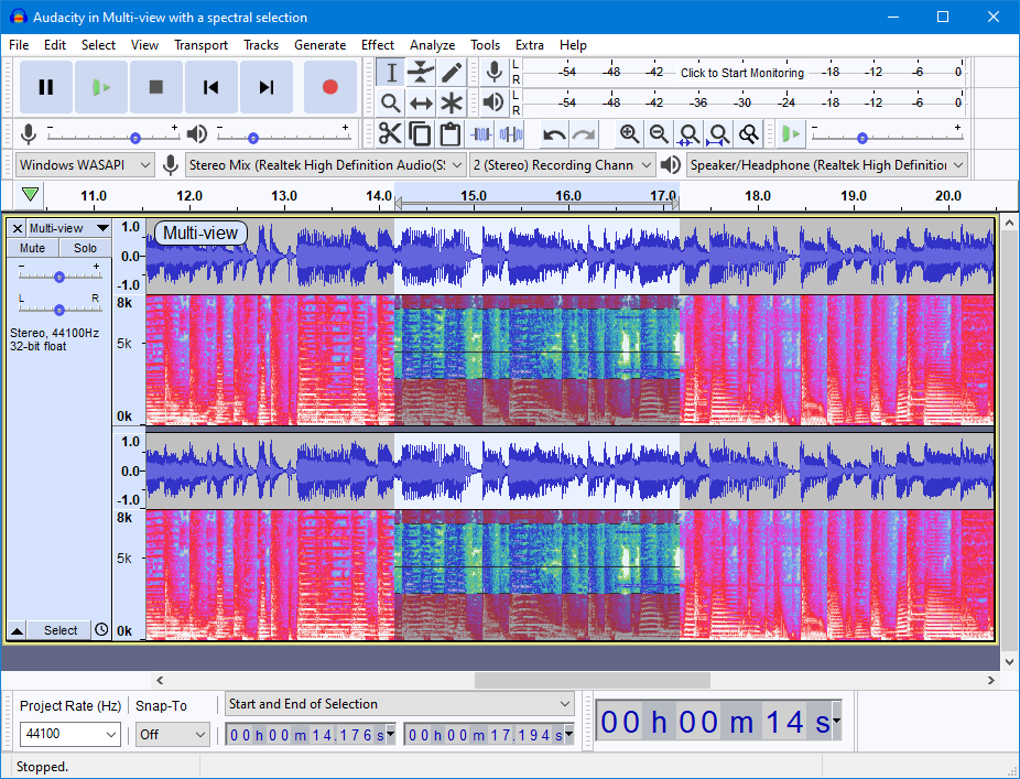
Audacity has earned its reputation as one of the most reliable, free audio editing solutions available for creators of all skill levels. Since its first release, the open‑source project has grown into a cross‑platform powerhouse that powers podcasts, music demos, lecture recordings, and countless other audio projects. The software is maintained by a dedicated community of developers and volunteers who continually add new features, improve stability, and keep the program compatible with the latest operating systems. While the interface retains a classic desktop feel that can appear dated next to modern DAWs, the underlying engine delivers professional‑grade recording, multi‑track editing, and a suite of built‑in effects that rival many paid alternatives. Audacity supports a broad range of audio formats—including WAV, AIFF, MP3, OGG, and FLAC—making it a versatile hub for any audio workflow. Its extensibility through VST, LADSPA, and Nyquist plugins means you can tailor the tool to fit niche needs such as spectral analysis, advanced noise reduction, or custom sound design. Whether you’re a beginner looking to trim a voice memo or an experienced engineer polishing a full‑band mix, Audacity offers a free, secure, and regularly updated platform that balances accessibility with depth.
Key Features That Make Audacity Stand Out
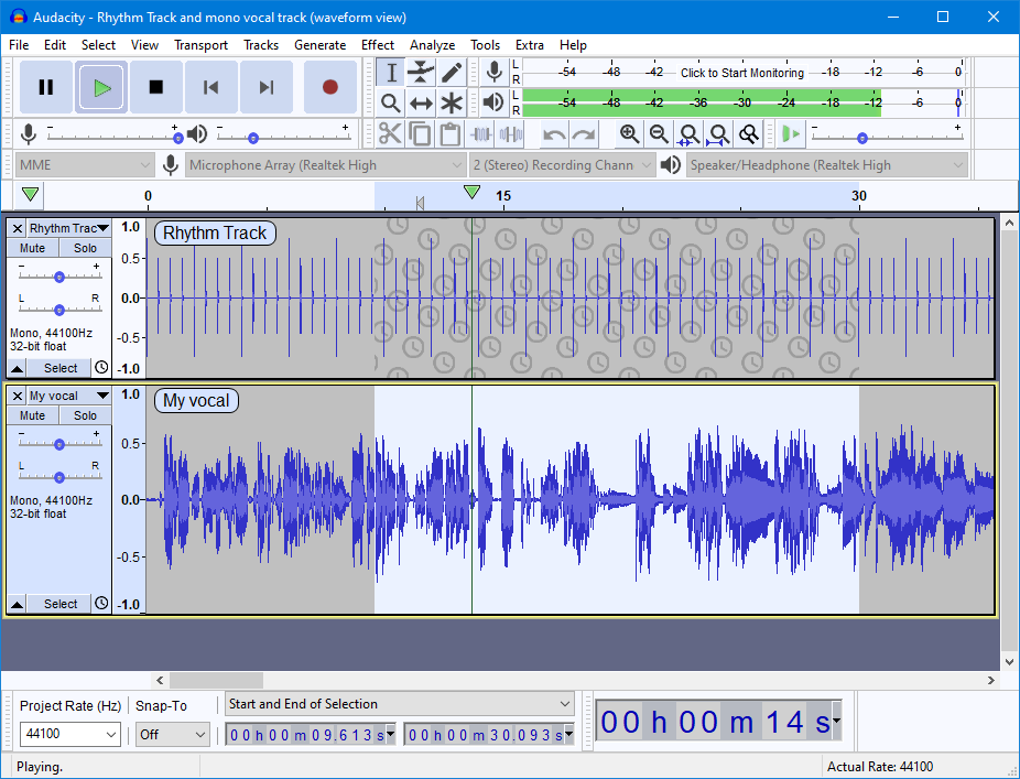
- Multi‑track editing: Record and edit unlimited tracks, apply cut‑copy‑paste operations, and merge audio clips with pixel‑perfect precision.
- High‑quality recording: Capture sound from external microphones, USB interfaces, or internal system audio at up to 192 kHz sample rates.
- Built‑in effects suite: Includes noise reduction, equalization, compressor, reverb, pitch shifting, and more—all accessible without additional plugins.
- Plugin support: Compatible with VST, LADSPA, Nyquist, and AU (on macOS) plugins, expanding the range of effects and virtual instruments.
- Extensive format compatibility: Import and export WAV, AIFF, MP3 (via LAME encoder), OGG, FLAC, and many other formats.
- Non‑destructive editing: Edit audio on the waveform level while preserving original files, enabling easy undo/redo workflows.
- Batch processing: Apply effects or format conversions to multiple files in a single operation, saving hours on repetitive tasks.
- Customizable interface: Rearrange toolbars, create keyboard shortcuts, and save personalized workspace layouts.
- Comprehensive documentation: Detailed manuals, video tutorials, and an active forum where users share tips, scripts, and troubleshooting advice.
- Free and open‑source: No licensing fees, with source code available for inspection, modification, and redistribution under the GPL license.
Installation, Usage, and Compatibility
Getting started with Audacity is straightforward, regardless of whether you run Windows, macOS, or Linux. The official website provides a single installer package for each platform, ensuring a secure download free from bundled adware. Follow these steps to install the software:
- Visit audacityteam.org/download and select the installer for your operating system.
- Download the .exe (Windows), .dmg (macOS), or .tar.xz (Linux) file.
- Run the installer and accept the license agreement. Windows users can choose a custom install path, while macOS users drag the Audacity icon into the Applications folder.
- On first launch, Audacity may prompt you to install the optional LAME MP3 encoder. This step is required only if you plan to export MP3 files directly; the encoder is free and trusted.
- Configure your audio hardware under Edit → Preferences → Devices. Select your input (microphone or line‑in) and output (speakers or headphones) devices, then set the desired sample rate.
Audacity runs on Windows 10/11, macOS 10.13 and later, and popular Linux distributions such as Ubuntu, Fedora, and Debian. While there is no official Android or iOS version, the open‑source code can be compiled for ARM platforms by advanced users.
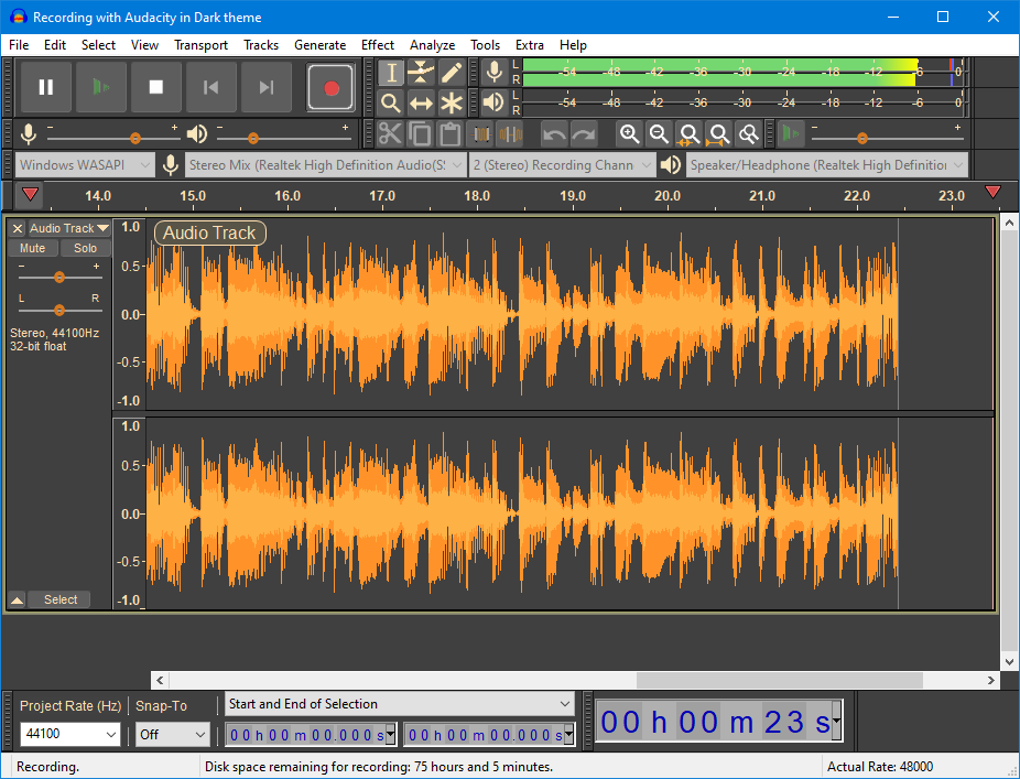
Once installed, the workflow is intuitive: click the red Record button to capture audio, use the selection tool to highlight regions, and apply effects from the Effect menu. The timeline view supports zooming and snapping, making precise edits effortless. For power users, Audacity offers macro recording—a series of actions that can be saved and replayed on multiple tracks—ideal for batch processing repetitive tasks like normalizing volume or applying a chain of effects.
Security and updates are handled via the built‑in updater. Audacity checks for new releases at startup and notifies you when a stable version is available. Because the project is open‑source, you can also verify the digital signatures of download files, ensuring you receive an untampered binary.
Pros, Cons, and Frequently Asked Questions
Pros
- Completely free with no hidden costs or subscription fees.
- Cross‑platform support for Windows, macOS, and Linux.
- Robust multi‑track editing capabilities suitable for podcasts and music production.
- Extensive plugin ecosystem expands functionality beyond the core feature set.
- Active community provides tutorials, scripts, and rapid support for troubleshooting.
- Regular updates keep the software secure and compatible with new OS versions.
Cons
- Dated user interface can be intimidating for beginners.
- Lack of real‑time effect processing; most effects are applied offline.
- No native MIDI sequencing or virtual instrument support.
- MP3 export requires the optional LAME encoder, adding an extra installation step.
- Limited automation features compared to premium DAWs like Adobe Audition or FL Studio.
Frequently Asked Questions
Is Audacity truly free or does it contain hidden fees?
Audacity is released under the GNU General Public License (GPL), which means it is completely free to download, use, and modify. There are no subscription fees, trial periods, or hidden charges. Optional add‑ons like the LAME MP3 encoder are also free.
Can I record directly from a USB microphone?
Yes. Audacity detects most USB audio interfaces automatically. Simply select the USB device under Edit → Preferences → Devices and choose it as your recording source.
What audio formats can Audacity import and export?
Audacity supports importing WAV, AIFF, MP3 (with LAME), OGG, FLAC, and many other formats. Export options include the same list, plus raw PCM data. For MP3 export, install the optional LAME encoder as prompted during first use.
Is it possible to apply effects in real time while recording?
Audacity processes effects offline, meaning you apply them after the recording is complete. Real‑time monitoring is available for input levels, but you cannot hear effects like reverb or compression while recording without using an external DAW or routing software.
How can I extend Audacity’s capabilities with plugins?
Download VST, LADSPA, or Nyquist plugins from reputable sources and place them in Audacity’s Plug‑Ins folder (found via Effects → Add / Remove Plug‑Ins…). After restarting Audacity, enable the new plugins, and they will appear in the Effect menu for use.
Conclusion – Should You Download Audacity?
Audacity remains a benchmark for free audio editing software. Its combination of multi‑track editing, extensive format support, and a vibrant plugin ecosystem gives creators a powerful toolkit without the price tag of commercial DAWs. While the interface may feel antiquated and real‑time processing is limited, these trade‑offs are balanced by the program’s stability, cross‑platform availability, and a supportive community that continually adds tutorials and scripts. If you need a secure, regularly updated audio editor for podcasts, music demos, or simple post‑production tasks, Audacity is an excellent choice. Click the button below to download the latest version and start shaping your sound today.
Audacity delivers a professional‑grade editing environment at zero cost. Its strengths lie in robust multi‑track editing, a rich set of built‑in effects, and limitless expandability through plugins. The main drawbacks are its dated UI and lack of real‑time processing, but for most podcasters, educators, and musicians these limitations are outweighed by the value it provides.








