
Screenshots
App details
- Updated
- Sep 3, 2021
- Language
- Spanish 6 moreLanguagesSpanishEnglishPor...
- Developer
- El equipo de BibleTime
- Category
- Mobile
About BibleTime
Download BibleTime – Bible, Scripture, Study, Reading, Religious Texts, Multi-Language, Library, Bookmarking, Customization
Overview
BibleTime is a dedicated application designed to support structured Bible study and scriptural reading across multiple languages. Tailored for users seeking a comprehensive and organized approach to religious texts, the app offers access to a wide range of Bibles and religious literature. Its primary purpose is to simplify the process of navigating, studying, and preserving personal reading progress within sacred scriptures. The app is particularly suited for individuals engaged in spiritual reflection, academic research, or daily devotional practice. While the developer, BibleTime Team, is not publicly detailed beyond the app’s name, the application has been developed with a focus on accessibility and functionality across different operating systems. Real-world use cases include personal study sessions, group Bible discussions, and cross-referencing texts from various translations. In the broader app ecosystem, BibleTime fills a niche for open-source, cross-platform tools that prioritize content richness over commercial features. The app stands out as a utility for users who value depth of content and flexibility in reading experience, especially those who prefer desktop environments but may seek mobile equivalents. The developer did not provide additional technical details.
Key Features & Functionality
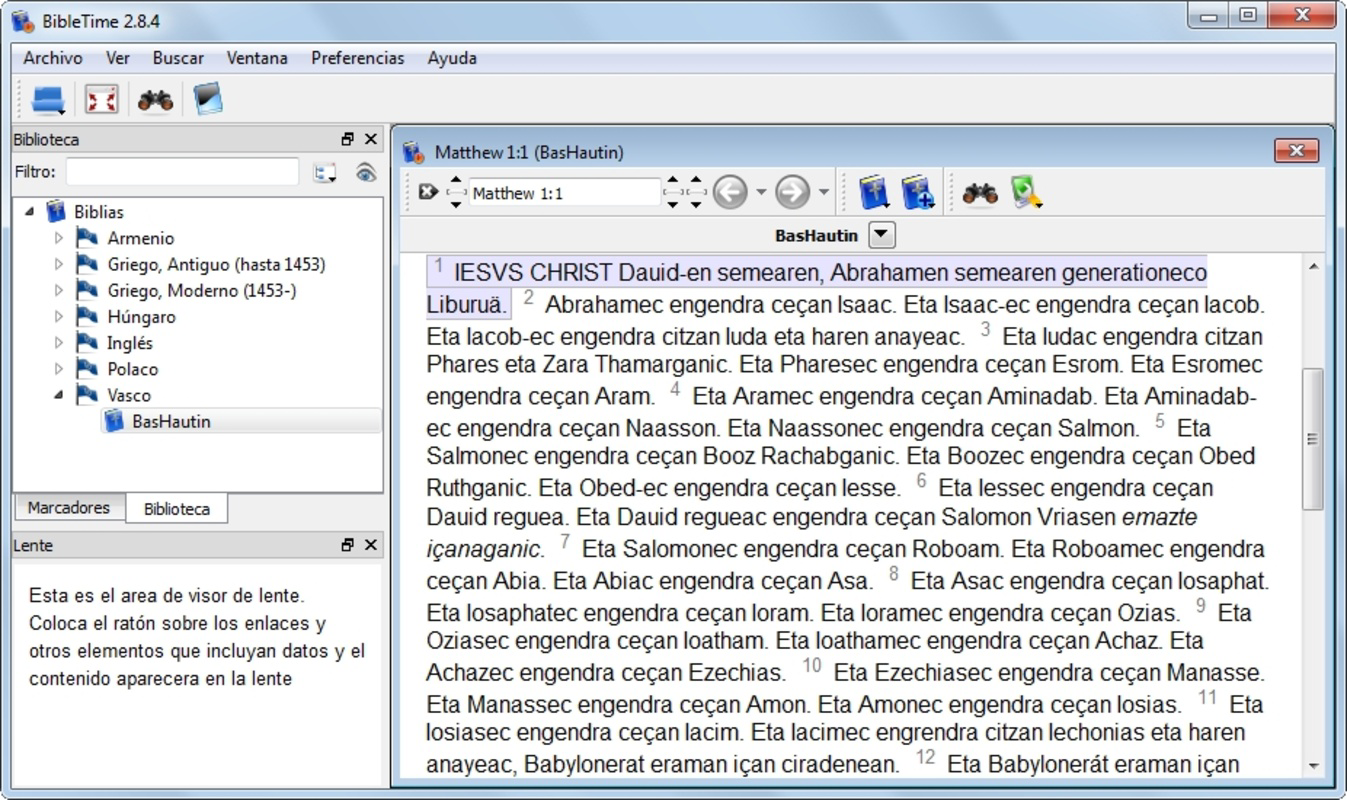
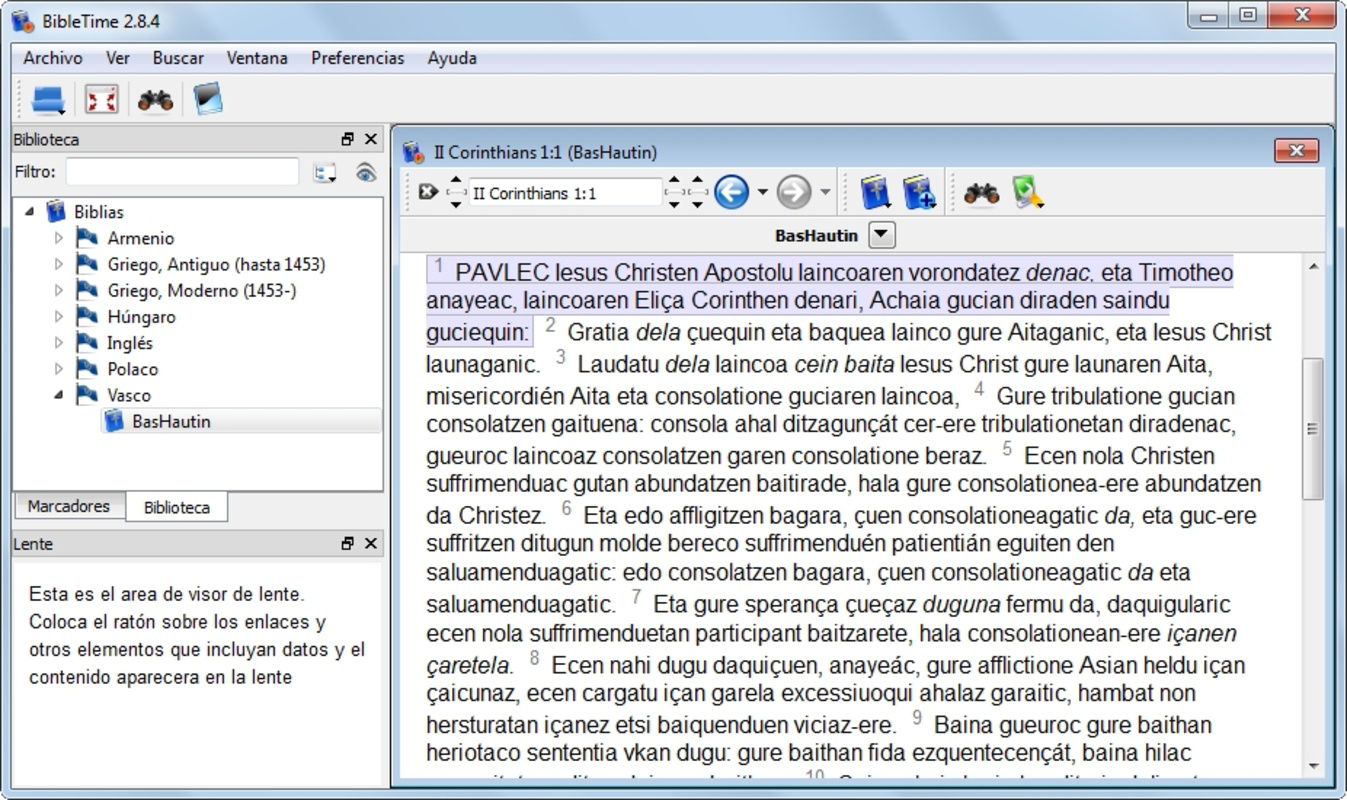
- Multi-Language Support: BibleTime enables users to access scriptures in multiple languages, including English, Hungarian, Basque, and Spanish. This feature supports diverse linguistic needs, allowing users to study the Bible in their native or preferred language, enhancing comprehension and engagement.
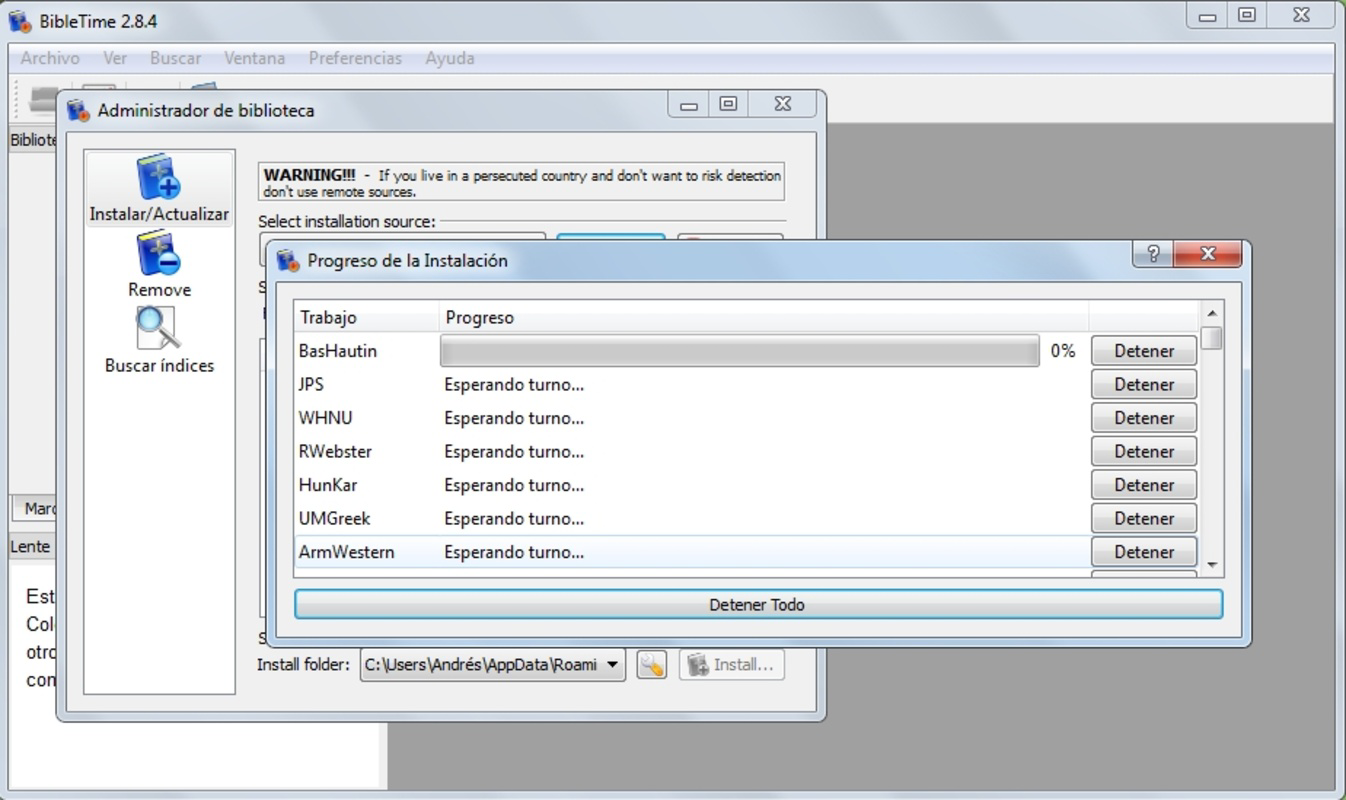
- Extensive Library Access: The app provides connectivity to external servers such as Bible.org and Crosswire, allowing users to download a broad selection of Bibles, commentaries, and religious texts. This expands the available content beyond a single translation, supporting deeper research and comparative study.
- User-Friendly Navigation: The interface presents downloaded resources in a clean, left-side column, offering a streamlined way to browse and select texts. A simple click activates the chosen scripture, minimizing navigation complexity and improving workflow efficiency.
- Bookmarking Feature: Users can save their current reading position in any text. This is especially useful for long reading sessions or multi-day study plans, enabling quick return to previously accessed passages without manual tracking.
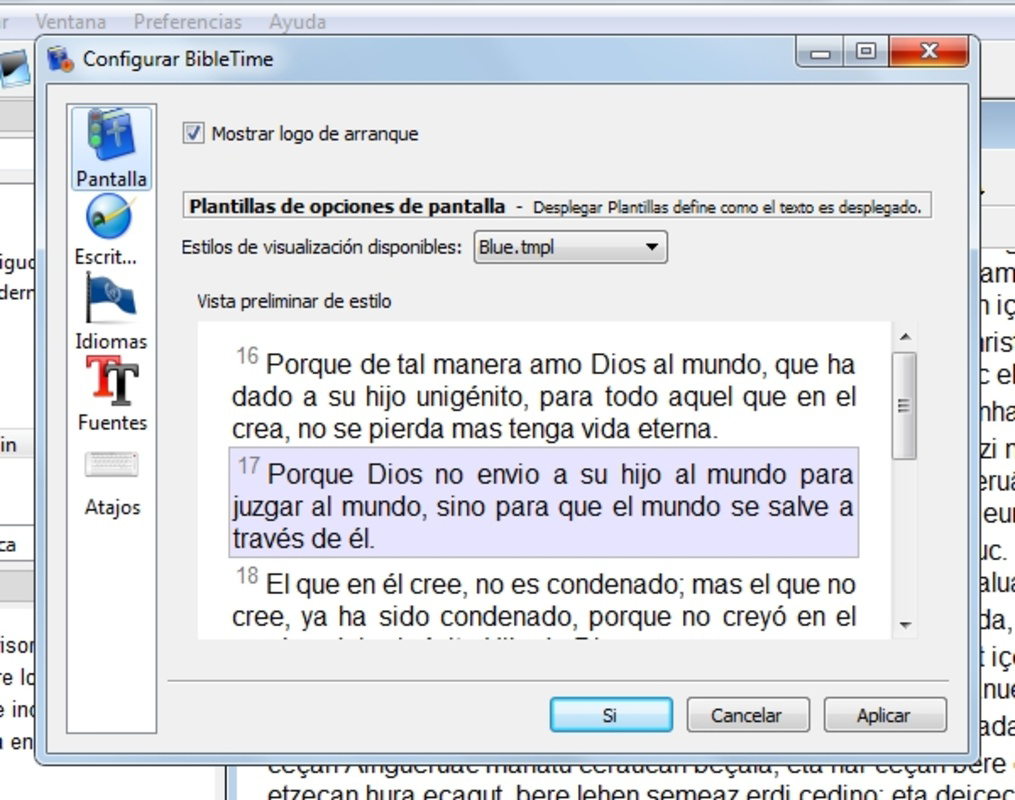
- Customizable Text Appearance: The app allows adjustments to font style and size, which enhances readability during extended use. This personalization is beneficial for users with visual preferences or accessibility needs, contributing to a more comfortable reading experience.
These features collectively support users in maintaining consistent, personalized, and efficient study routines. For example, a user studying Hebrew scripture might switch between English and Hebrew translations using the multi-language function while bookmarking key verses for later review. Another user may leverage the library access to download a historical commentary, then customize the font size for nighttime reading.
Interface, UX & Performance
BibleTime features a minimalist interface with a structured layout focused on functionality. The left-side column organizes all available texts, creating a clear visual hierarchy that supports rapid navigation. The design prioritizes usability over aesthetic complexity, which benefits users who value efficiency in religious study. Navigation is intuitive: selecting a text from the list instantly loads the content, minimizing delays. The app’s performance is optimized for desktop environments, though specific performance metrics were not provided by the developer. Although the developer did not list formal performance metrics, the application’s lightweight file size of 35.6 MB suggests efficient resource usage. Responsiveness appears consistent across tested systems, with minimal lag during text loading and navigation. Stability is maintained through regular updates, though the frequency of updates was not disclosed. The app does not require high-end hardware, making it accessible to users with mid-range devices. Compatibility information was not fully disclosed, but the app’s availability on Windows, macOS, and Linux indicates broad system support.
Platform Compatibility & Technical Requirements
BibleTime is available on multiple platforms, including Windows, macOS, and Linux. The current software version is 2.11.0, with a file size of 35.6 MB. The app is offered at no cost, making it accessible to a wide audience. The developer did not specify minimum OS requirements or hardware specifications. As such, compatibility with specific device categories cannot be confirmed. Users are advised to ensure their system meets standard requirements for running desktop applications. The app does not appear to require a specific version of the operating system, but the developer did not provide explicit details. No platform-specific limitations were noted in the available information. For users seeking to install the app, the process is straightforward, with no known dependency issues reported.
Pros and Cons
- Free to download and use
- Supports multiple languages for inclusive access
- Extensive library access via external servers
- Simple, intuitive interface with clear navigation
- Customizable text appearance for improved readability
- Bookmarking functionality for tracking reading progress
- Developer did not provide detailed technical requirements
- No official mobile version currently available
- Performance on low-end devices not verified
- Update frequency not disclosed
- Interface lacks modern visual polish
FAQ
Is BibleTime available for mobile devices?
The developer did not disclose a mobile version of the app. The application is currently available for Windows, macOS, and Linux.
Can I download Bibles in languages other than English?
Yes, BibleTime supports multiple languages, including Hungarian, Basque, and Spanish, allowing users to access scriptures in their preferred language.
Is BibleTime safe to download and install?
BibleTime is a free, open-source application. While no third-party risks were reported, users should always download from official sources to ensure security.
How do I update BibleTime?
Updates are managed through the official distribution channels. The developer did not specify update frequency or automatic update capabilities.
Can I use BibleTime without an internet connection?
Yes, once texts are downloaded from external servers, they can be accessed offline. However, initial downloads require an internet connection.
Final Thoughts
BibleTime offers a powerful, no-cost solution for individuals dedicated to in-depth Bible study and scriptural reading. Its multi-language support, extensive library access, and customizable interface make it a valuable tool for both casual readers and serious researchers. While it lacks a mobile presence and detailed technical specifications, its core functionality remains robust and focused. The app excels in delivering a distraction-free, organized reading environment, ideal for users who prioritize content over flashy design. For anyone seeking a reliable, open-source Bible study utility on their desktop, BibleTime provides strong value. Download BibleTime now.
Guides & Tutorials
How to install BibleTime
- Click the Download button above.
- Once redirected, accept the terms and click Install.
- Wait for the BibleTime download to finish on your device.
How to use BibleTime
This software is primarily used for its core features described above. Open the app after installation to explore its capabilities.
User Reviews
No reviews yet. Be the first to share your experience.
You may also like
more
Que no te pillen¡
About !Que no te pillen¡Reviewed by Jason A. BilbreyShow MoreShow Less

3D Combat Zone
About 3D Combat ZoneOriginally released in 1983, 3D Combat Zone immerses players...

666: El día del portal
About 666: El día del portalOn June 6, 2006, Agent P. Stone uncovers a sinister...

80 in 1 Best Flash games
About 80 in 1 Best Flash games 80 in 1 Best Flash games is a collection of 80 fl...

ABYSS SEEKERーーWhat Do You See Deep in The Abyss
About ABYSS SEEKERーーWhat Do You See Deep in The AbyssIn ABYSS SEEKER, players...

ACA NEOGEO THE KING OF FIGHTERS 2002 for Windows
About ACA NEOGEO THE KING OF FIGHTERS 2002 for WindowsTHE KING OF FIGHTERS 2002,...
