Intro
It's been a few weeks since I've posted. April was mostly tedious small wins that while essential and important aren't the most exciting updates on a weekly basis.
I think I'll have an early build ready around May 15th it'd be an early build focused/centered more on .fla imported drawings and animations.
Context
In my last post I gave a run down of how the native engine imports .fla and edits shapes, but isn't 100% compatible. Its classify-faces approach relies on topology context that's lost on Flash import. (I'll write a post eventually why the native engine was like that in the first place)
Built a second engine specifically for .fla import. The key pipeline pieces are edgefills and contour tracing. Scanline rendering experiments may come in handy later. (spoiler it did)
The main goals from my last post was rendering edgefills in correct order, shapes movable. Same-color fills merging, then different colors cutting/dividing, then wiring those behaviors into the brush and selection tools. (spoiler yep those work)
It turned out a mix of contour tracing with a compound rasterizer (similar/basically the scanline approach I was experimenting with) was the correct approach and what I'm building off of.
The imported dolly.fla dog file was too complex to start off with so I made a simple yellow rectangle.fla to test with.
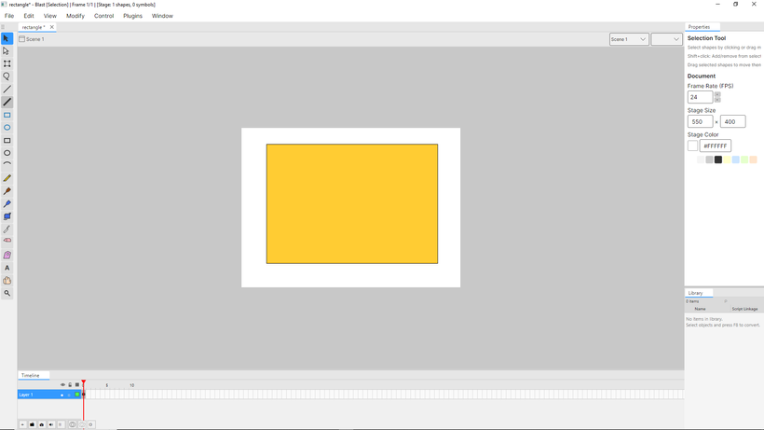 yep that's a rectangle.
Week 1 - Roughly where the last post was made
- One shape per layer (every layer is a planar edge graph)
When I was researching I read a blog post by Jonathan Gay the creator of flash and he talked about playing with lego's as a kid and how they inspired and influenced how flash works. When I first read it, it resonated with me because I also loved lego's.
At first glance I took it as a metaphor but turns out working with edgefill's and planar edge graphs kinda feels like programming lego's or like trying to pull 2 flat pieces stuck together apart.
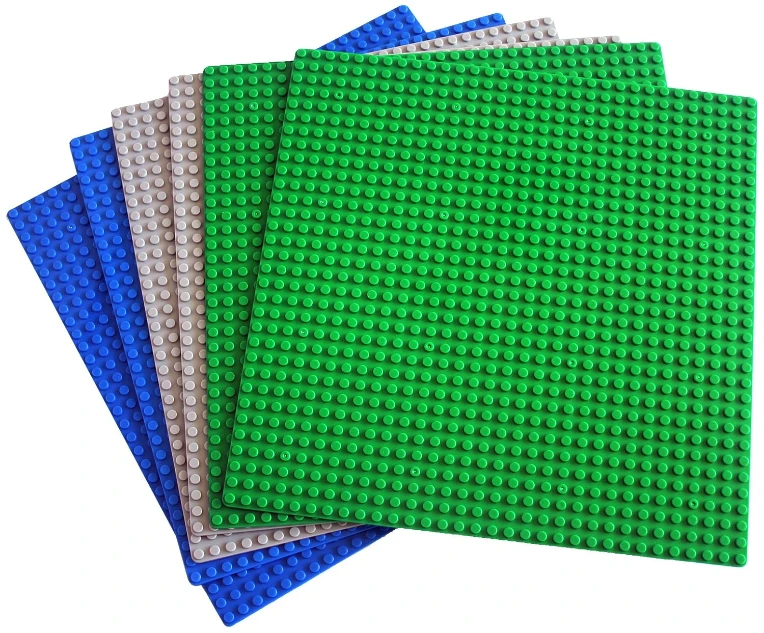 The correct term is simply "Lego" and not "lego's" but saying "Lego" just gives me the same weird vibe as someone talking in 3rd person.
- New contour tracer
- Drag one same-color region without moving the others
- FLA imports no longer break on tiny coordinate gaps
- Marquee selection (the click and drag selection) actually cuts geometry, not just selects it
Week 2
- Imported FLA files render through the same path as drawn shapes
- Strokes split fills into selectable pieces
- Same-color fills merge on contact
- Rectangle and circle tools work with the new engine
- My friend died from complications with kidney failure
- He wrote thoughtful and imaginative poetry and it would take him an hour to eat a sandwich
- His daughter and son-in-law are quite lovely people
- Fill selection preserves curves instead of flattening them
Week 3 - This was when editing and manipulating imported .fla fills/strokes really came together.
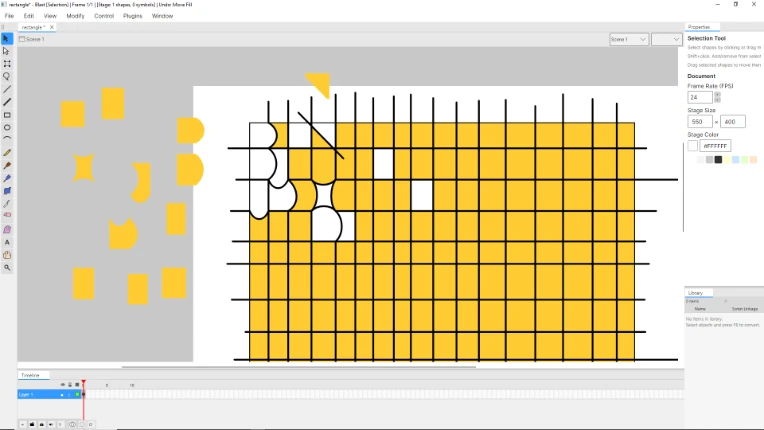
- Same-color merge no longer crashes on three fill collisions
- No more accidental merges between different colors
- Paint Bucket works and fills correctly with strokes
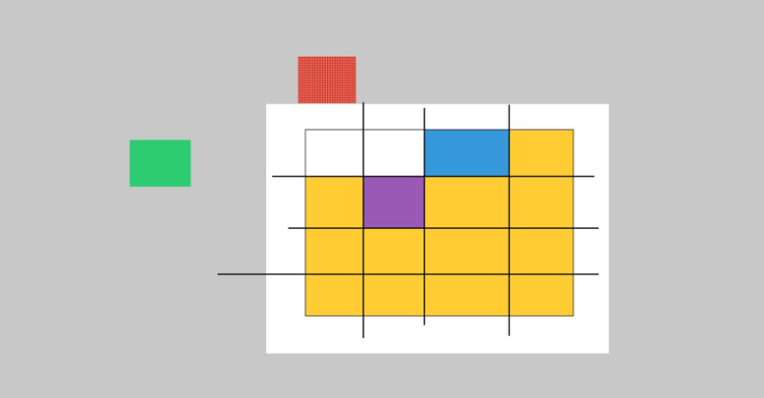
- Fewer false positive merges near edges
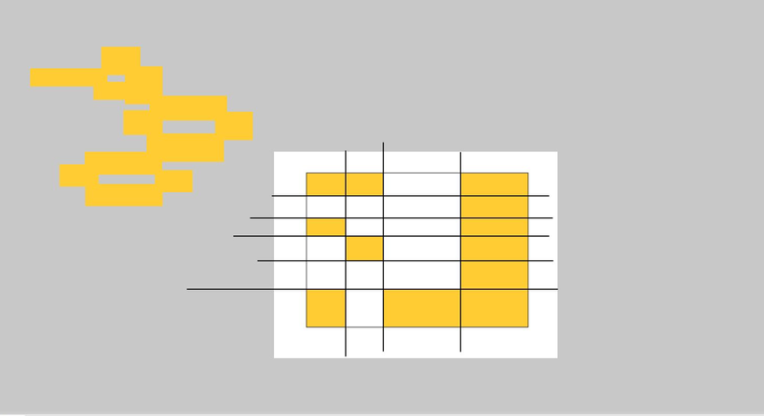 successfully cutting an edgefill into 24 fills with strokes moving 12 out and all 12 merging into 1
Week 4 Refactoring/Clean up Test Harnesses and Multi-region commands.
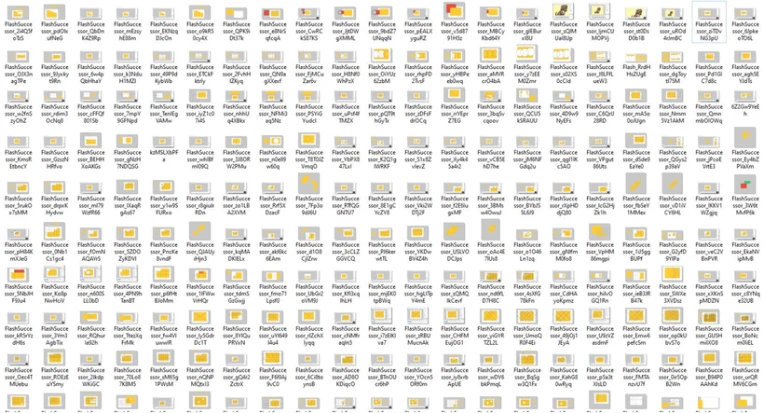 Now imagine all the yellow rectangle tests I didn't screenshot.
This week was a lot of reviewing and refactoring code to solidify what was built. Making sure the foundation was solid before working on the edge-fill brush.
- Regression test bed running against real FLA files
- Tracer/rasterizer disagreement now measured and tracked
- Geometry helpers split out of the main shape class
- Drag multiple selected regions as one undo step
- Free transform multiple regions as one undo step
- Selection survives tool switches
- Marquee cut crash fixed when marquee selecting on the more complex dolly.fla dog file
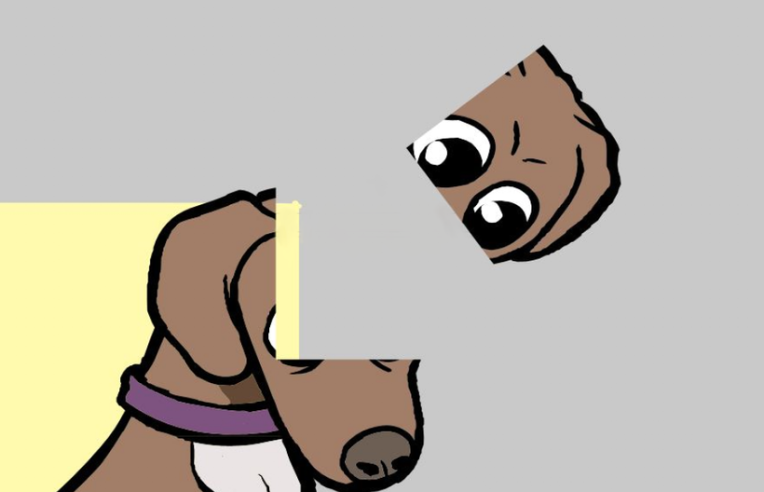 Works on more than a yellow rectangle.
Week 5 (May) Brush strokes to now
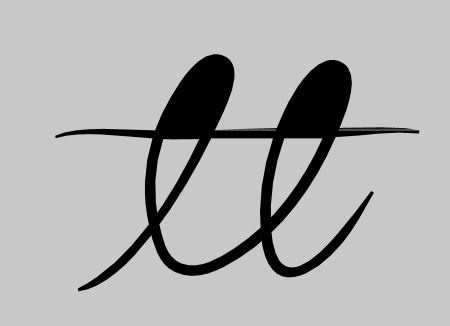
early on double loop de loop with intersecting brushstroke hole detecting bug
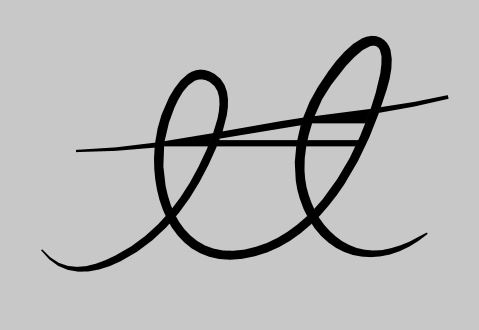
intersecting brushstroke would splinter into multiple instead of a single stroke
- Self crossing brushes no longer leave a transparent sliver
- Sub-Selection tool updated.
- Looping brushes correctly form a hole in the middle
- Brushes drawn over imported rectangles render correctly
- Different-color strokes cut and render correctly
- Strokes crossing through another stroke's hole render correctly
- All of the above survives save and reload
- Selection works correctly on brush strokes
- Abruptly end post
- -Bill