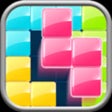
Screenshots
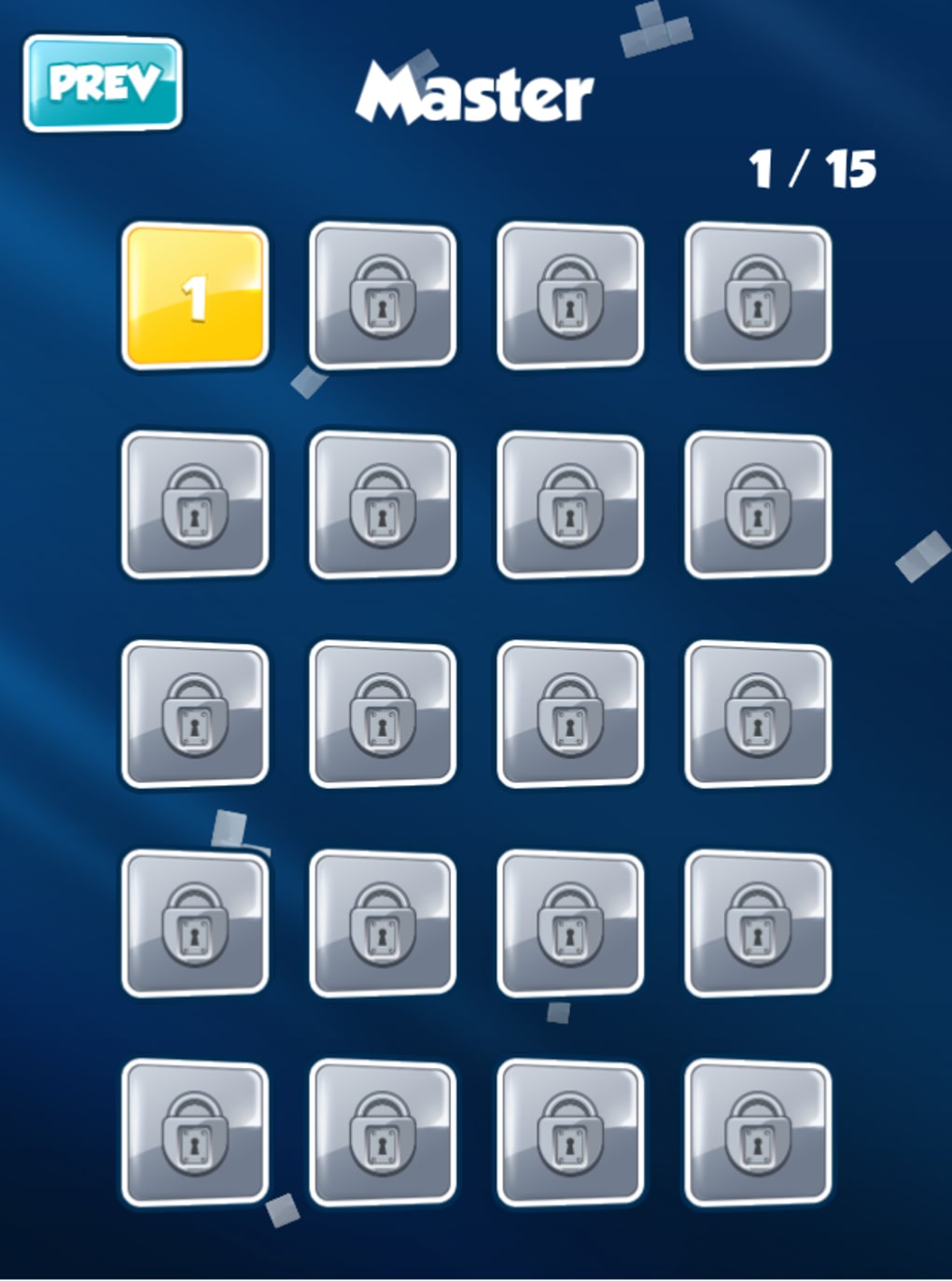
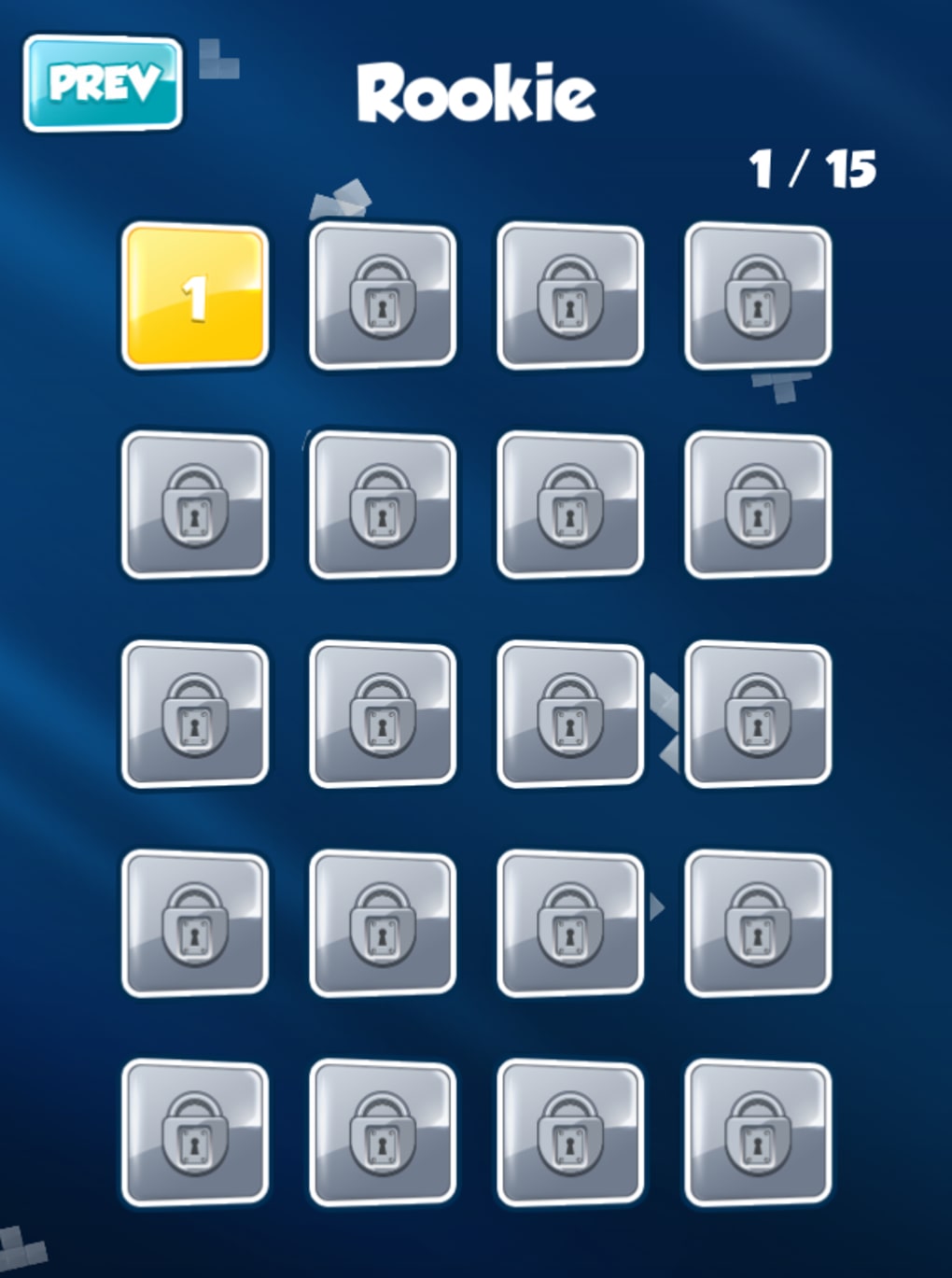

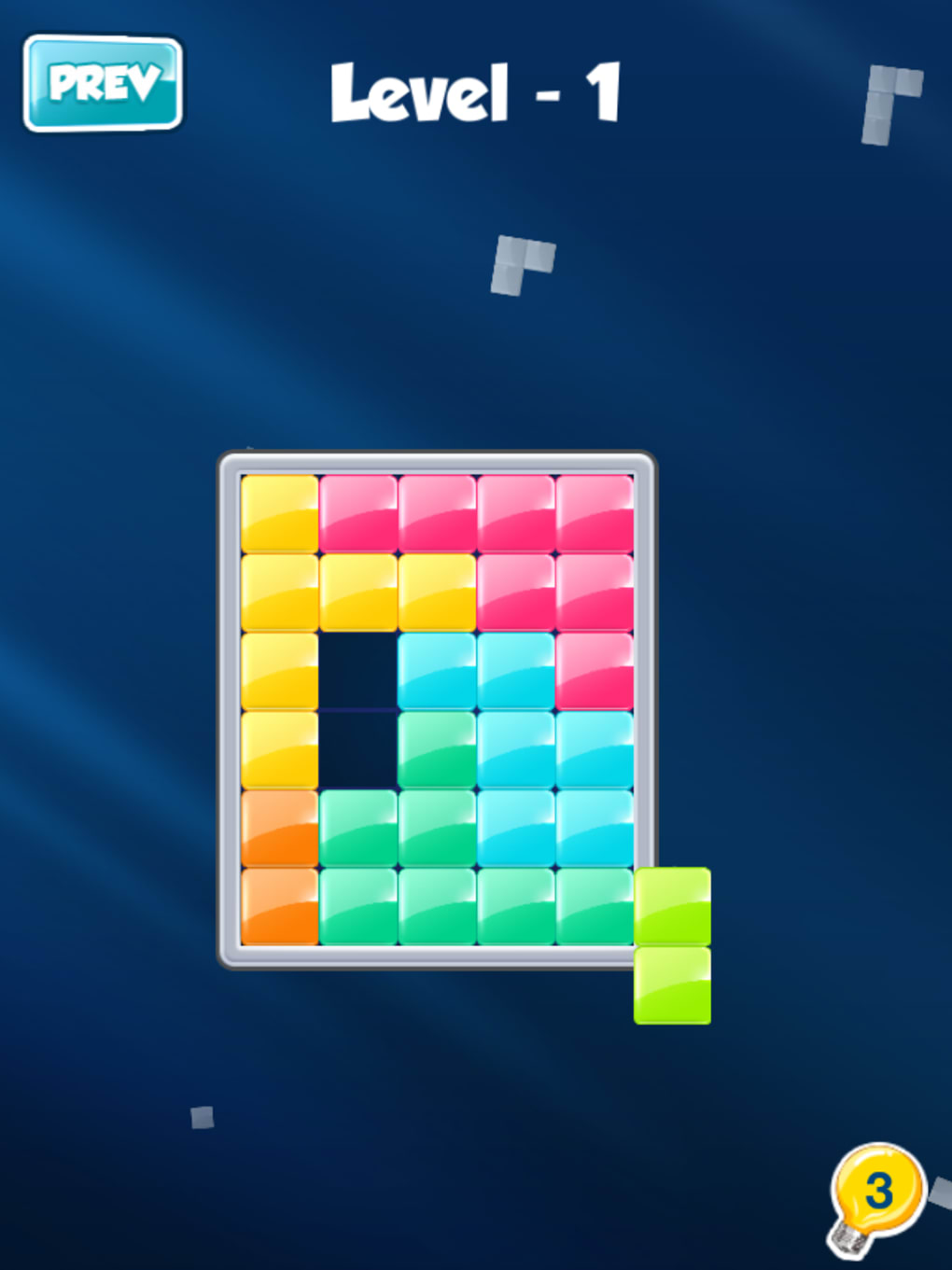
App details
- Version
- 22.0317.00
- Updated
- May 24, 2023
- Requires
- iOS 12.1.2
- Language
- English
- License
- Free
- Developer
- BitMango
- Category
- iPhone OS
About Block
Block: A Mindful Puzzle Challenge
Overview
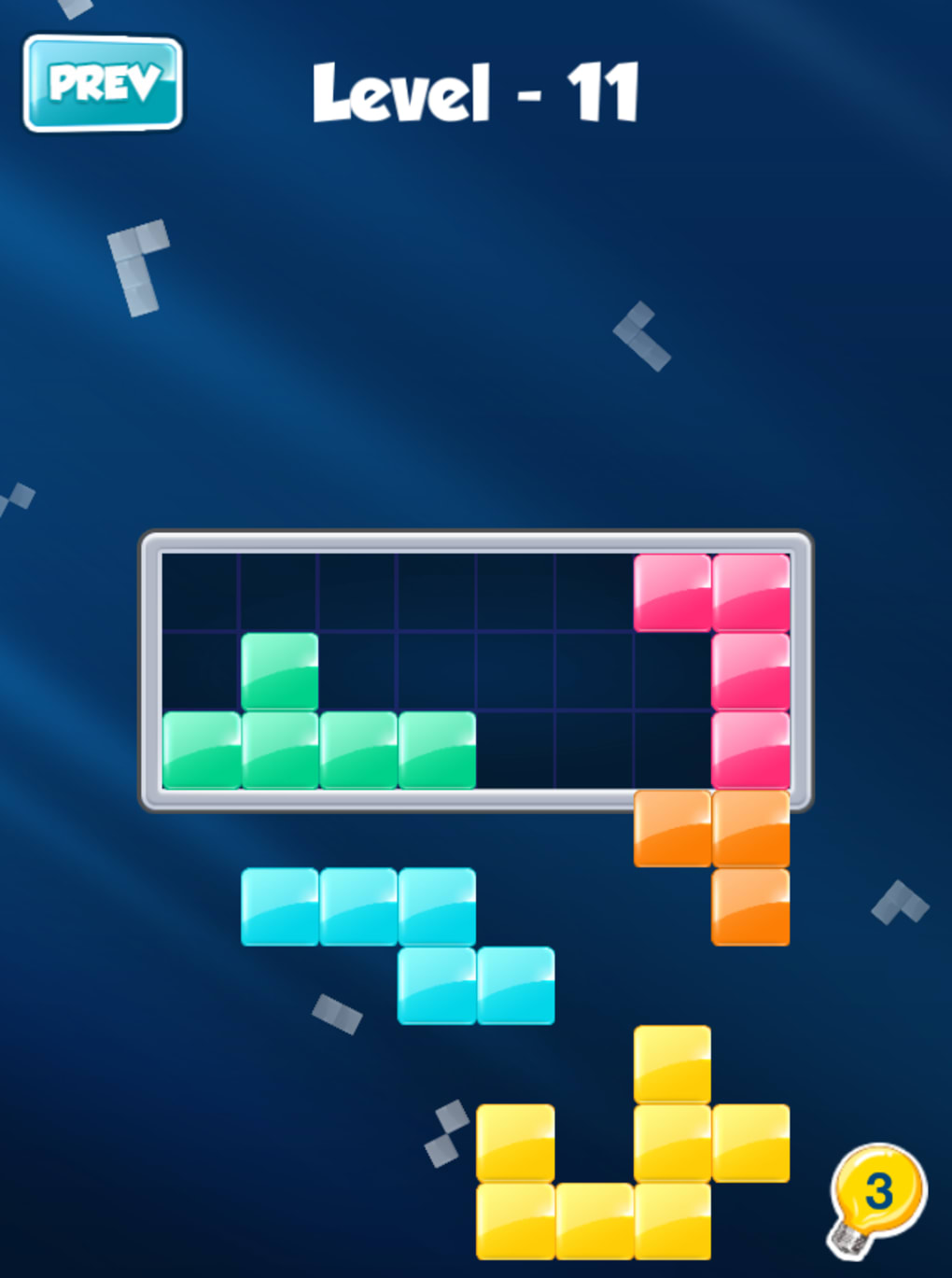
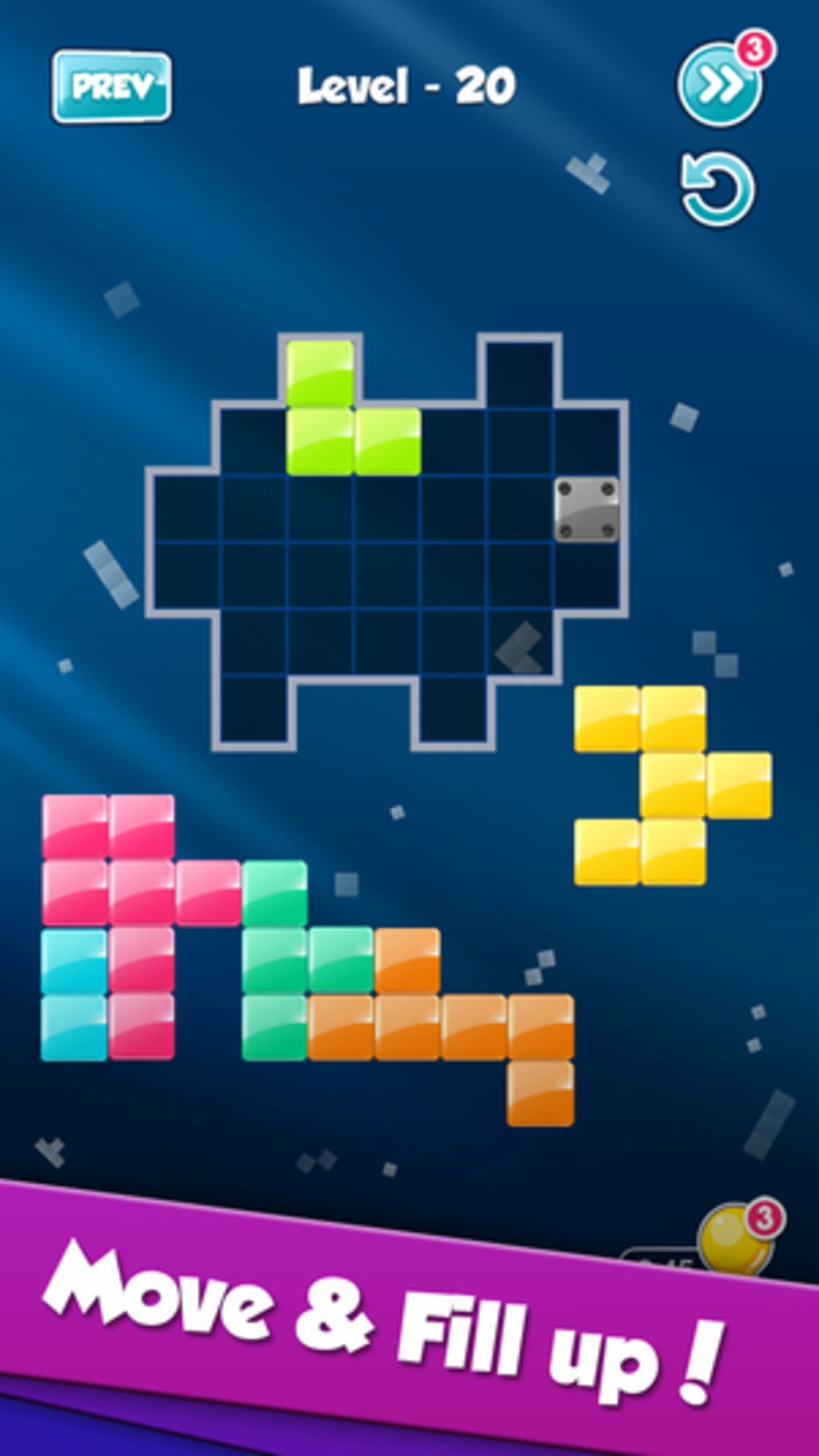
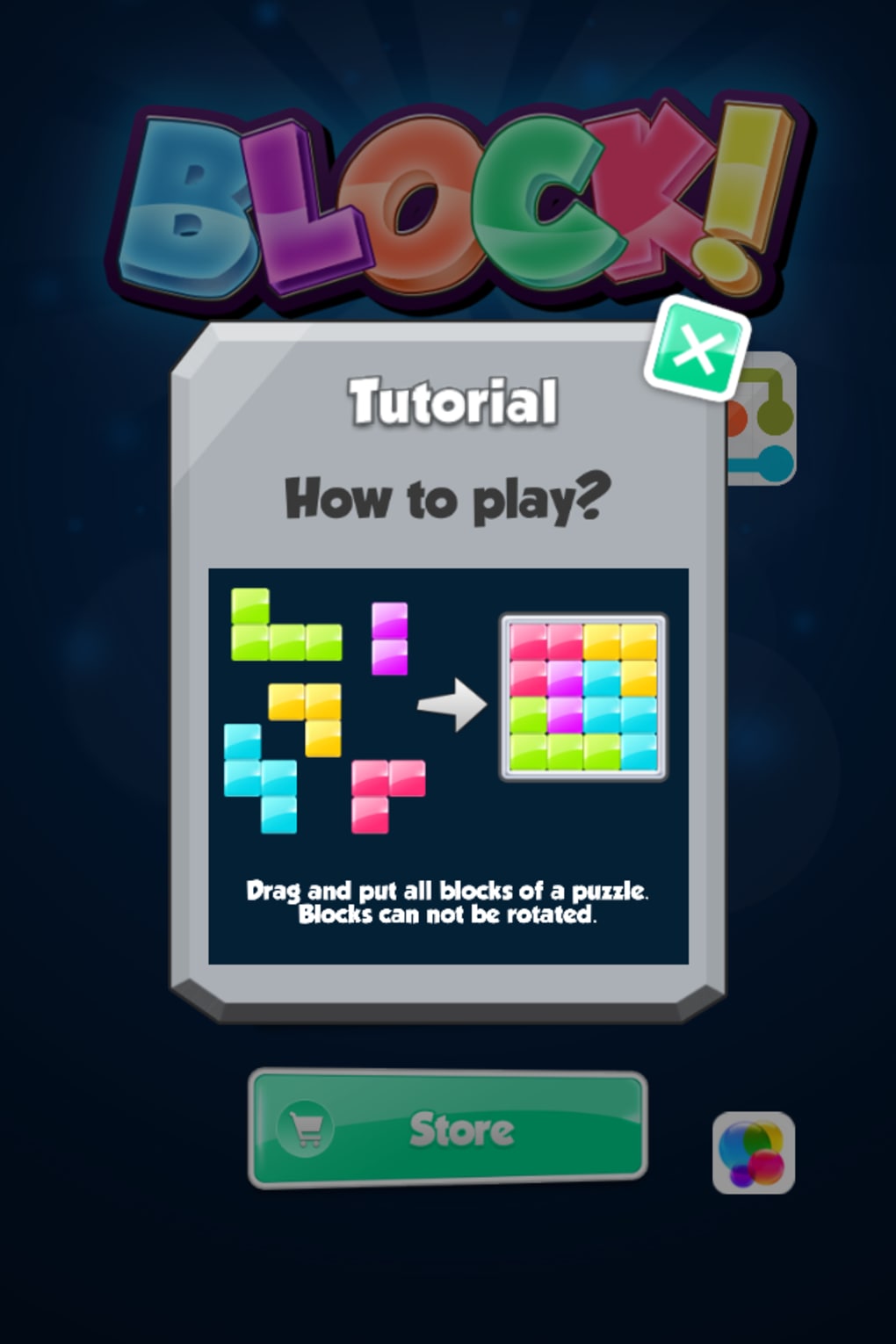
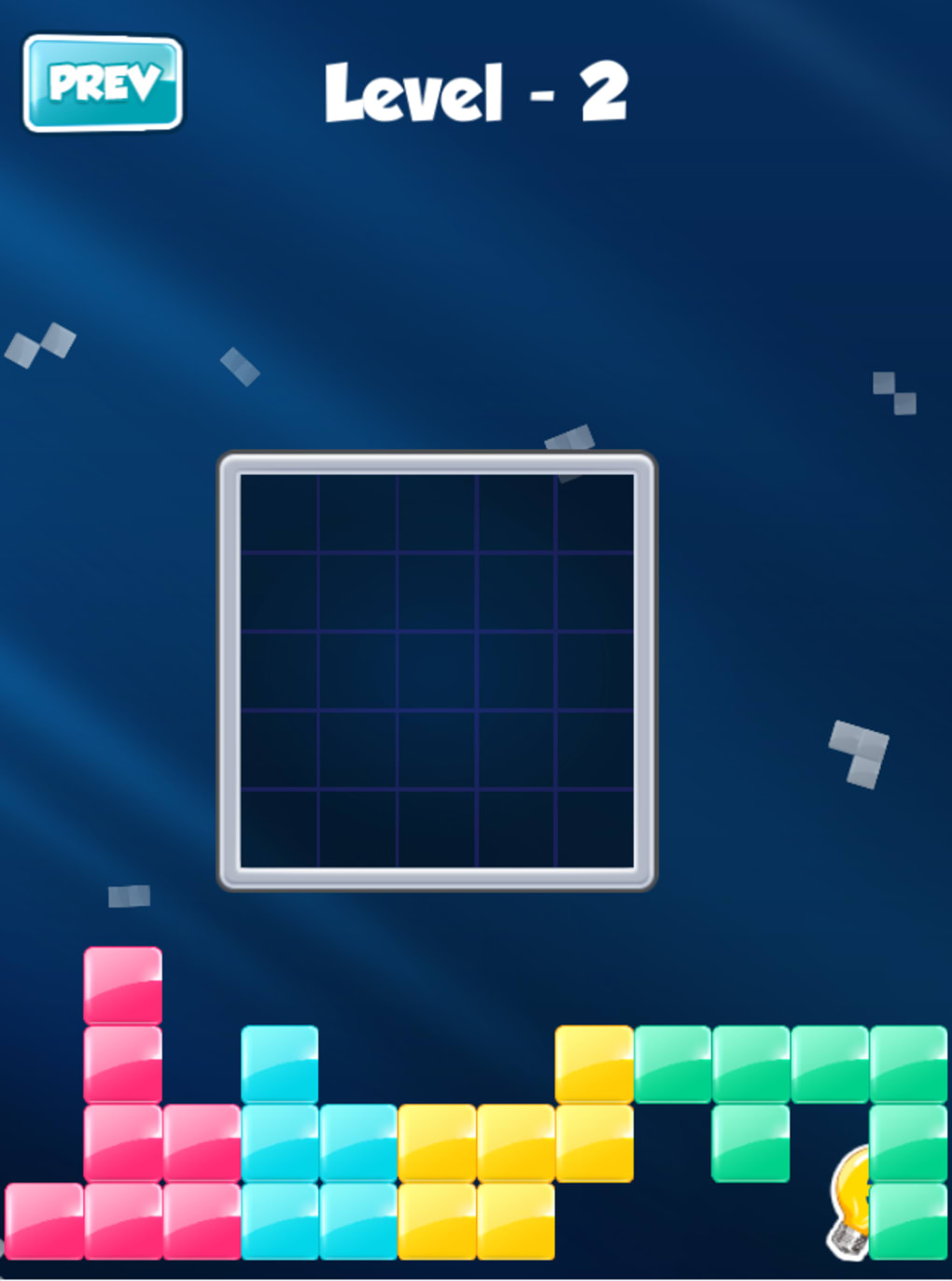
Block is a desktop puzzle game that blends the visual appeal of Tetris with the strategic depth of Sudoku. Designed for players who enjoy thoughtful, methodical challenges, it offers a unique twist on classic block-fitting mechanics. The core concept revolves around placing irregularly shaped blocks into predefined square grids without rotating them, creating a cerebral experience that emphasizes planning and spatial reasoning. Unlike fast-paced arcade games, Block prioritizes contemplation over reflexes, making it ideal for users seeking a calm, engaging mental workout.
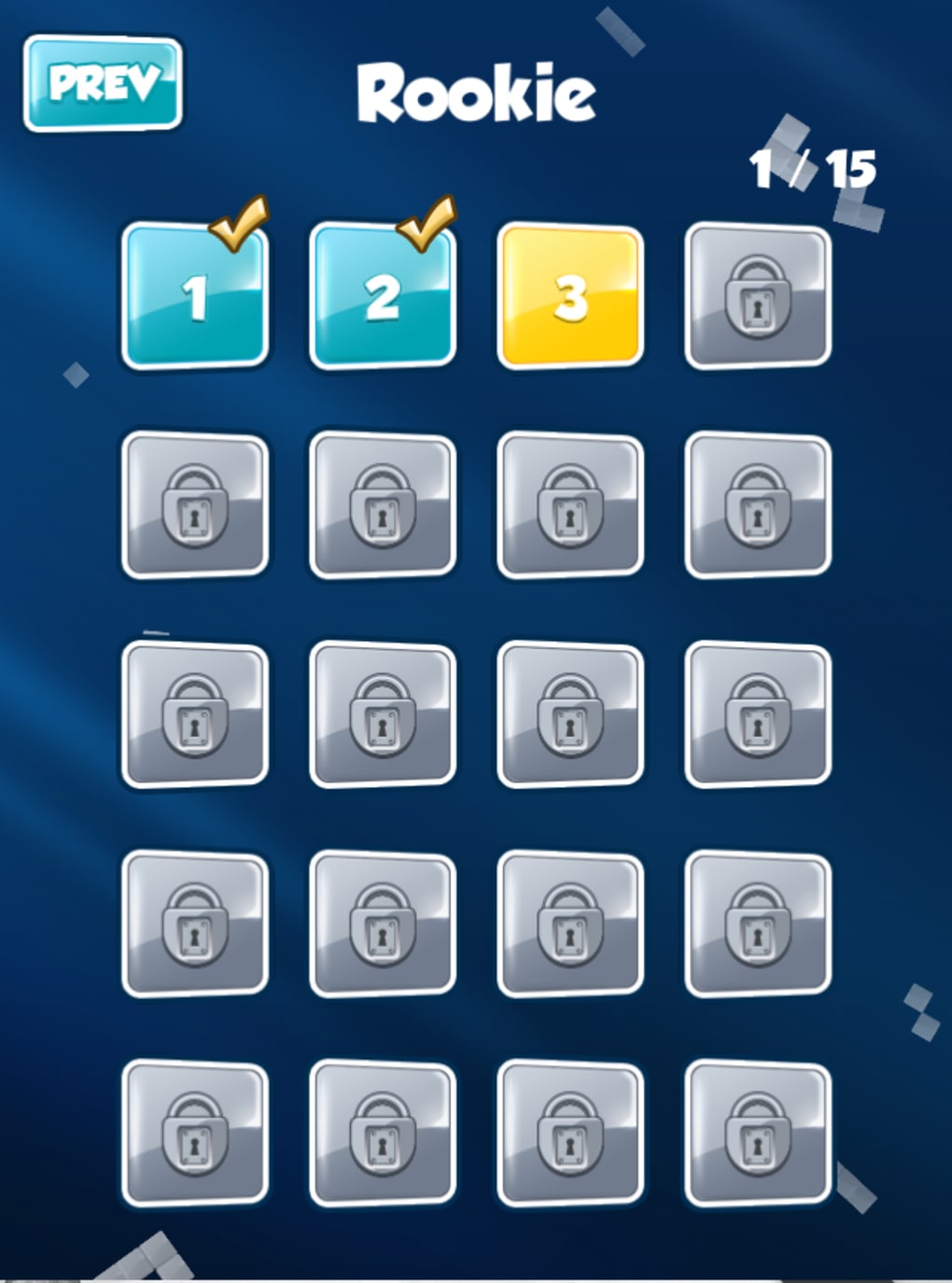
The game is structured around five free levels of increasing difficulty, with additional content available for purchase. This tiered approach allows beginners to ease into the mechanics while providing seasoned puzzle enthusiasts with sustained challenge. Target users include casual gamers, logic puzzle fans, and anyone looking for a distraction-free activity that stimulates critical thinking. Real-world usage scenarios range from short breaks during work sessions to extended puzzle-solving sessions for mental engagement.
The developer did not provide additional background information. However, the game's design suggests a focus on minimalist aesthetics and gameplay clarity. Its simplicity in mechanics—no complex controls or animations—ensures accessibility while maintaining depth. The absence of time pressure or scoring systems further enhances its appeal as a meditative tool.
Key Features & Capabilities
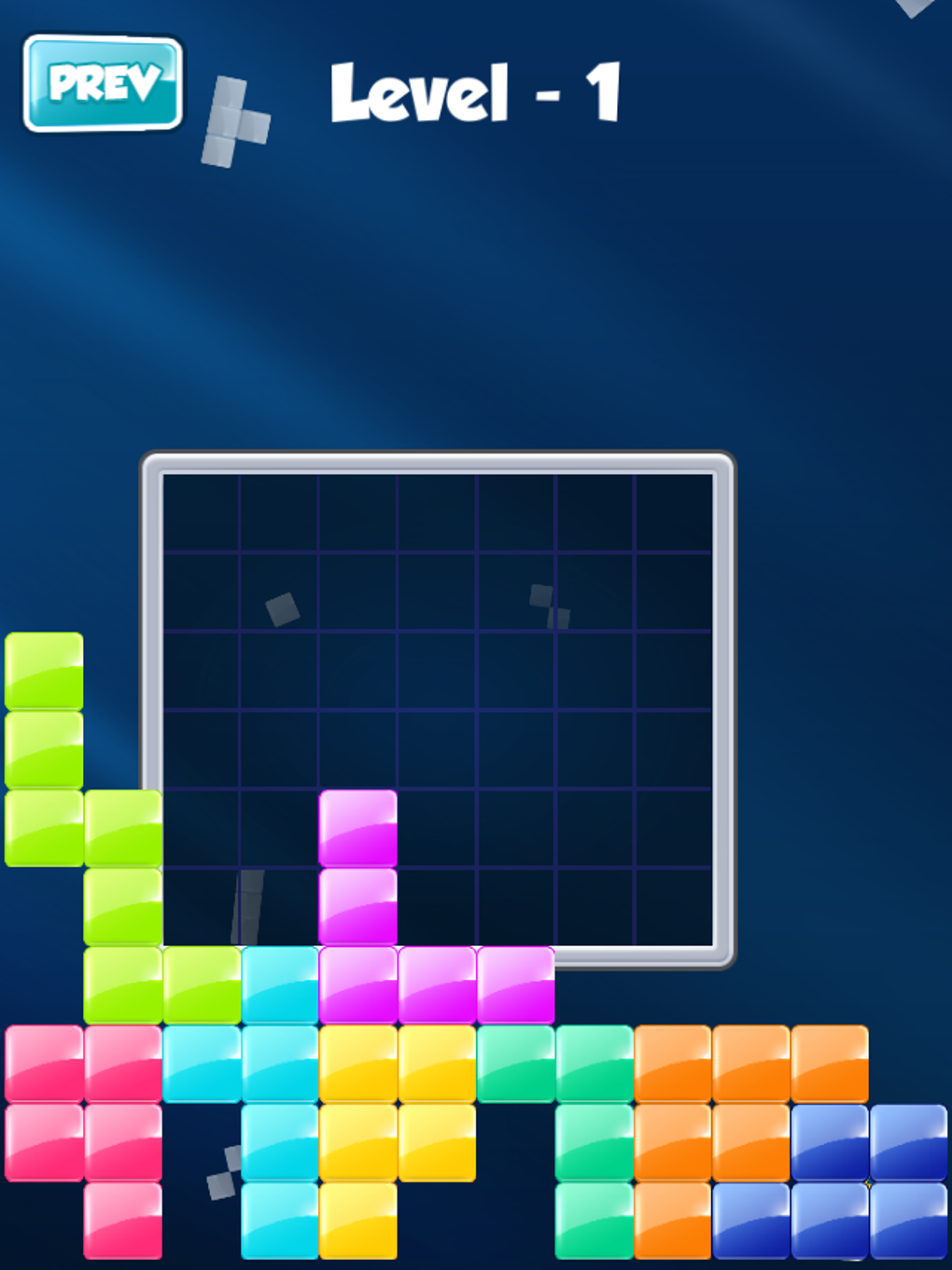
- Block Placement Without Rotation – Players must fit pre-shaped blocks into square grids without rotating them, requiring careful spatial planning and foresight.
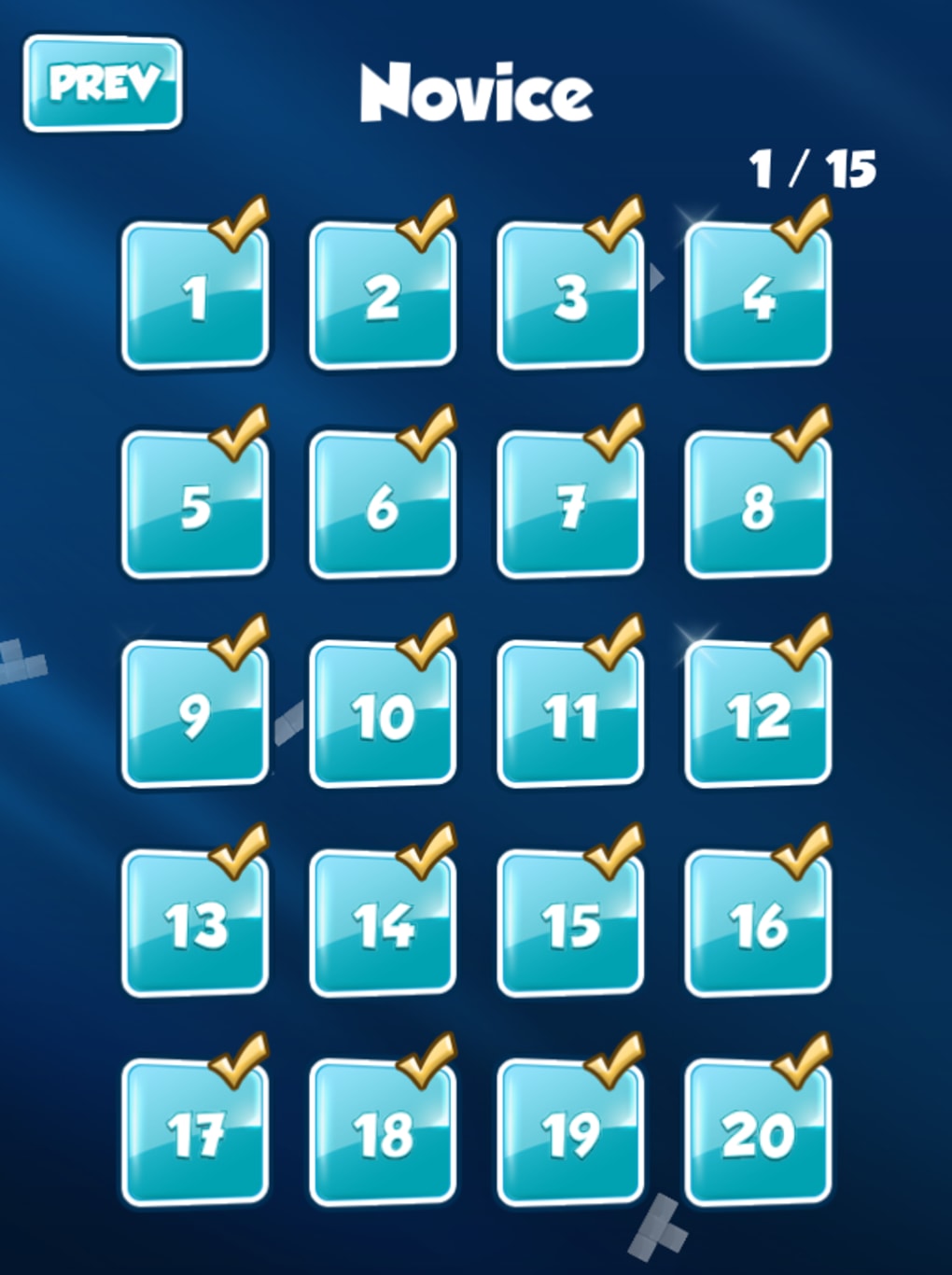
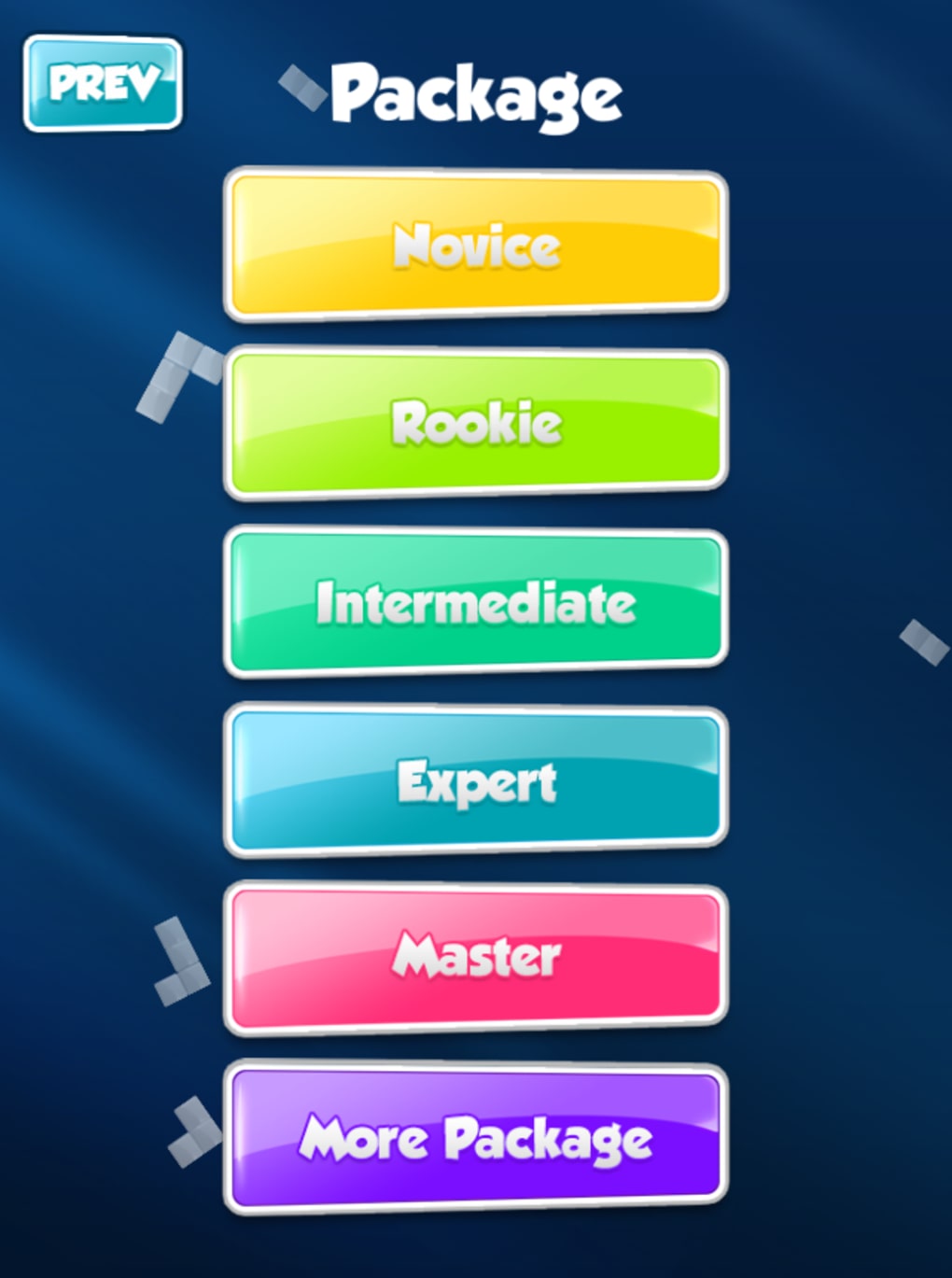
- Five Free Difficulty Levels – A progressive learning curve starts with simple layouts and gradually introduces more complex configurations.
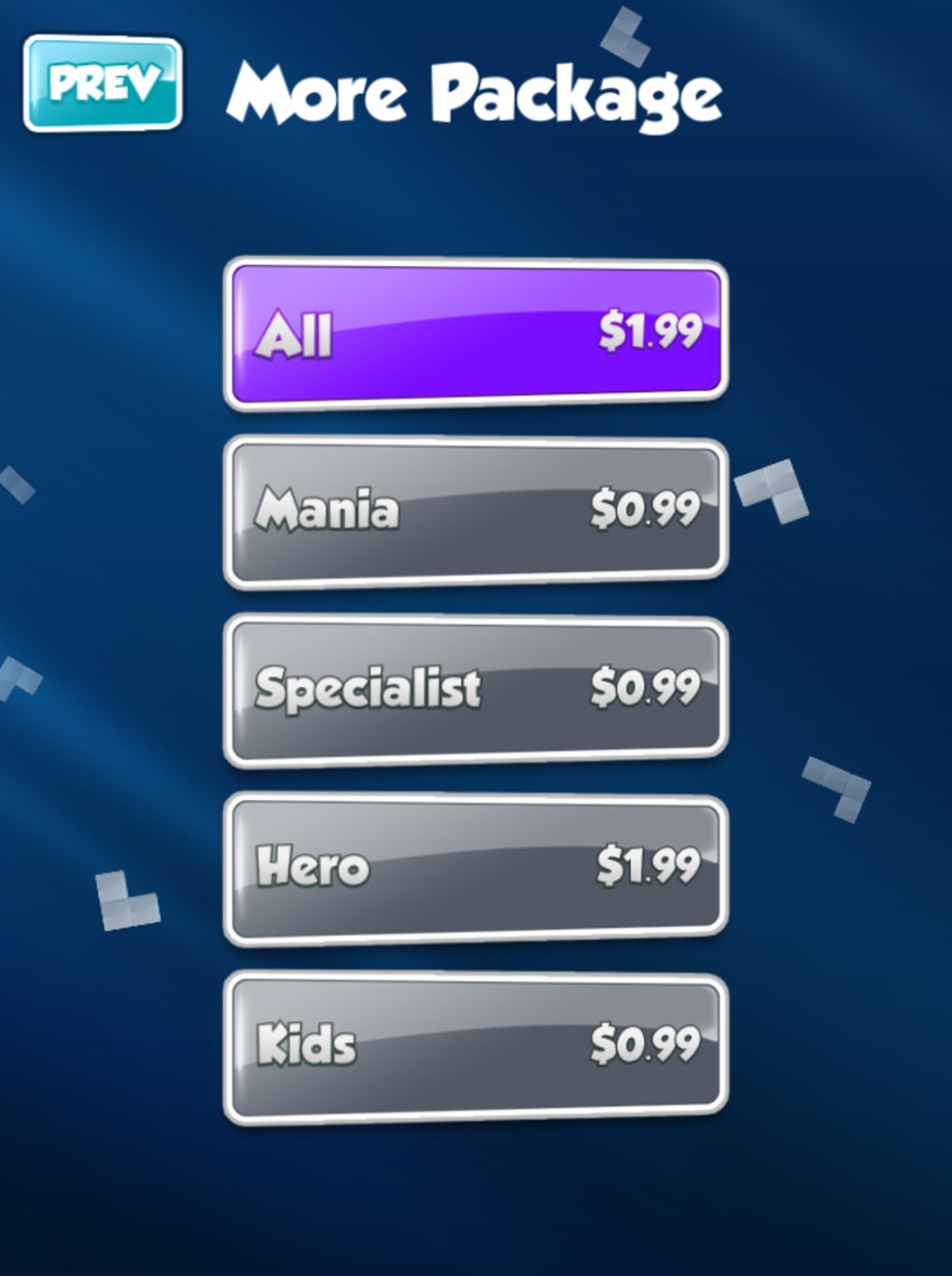
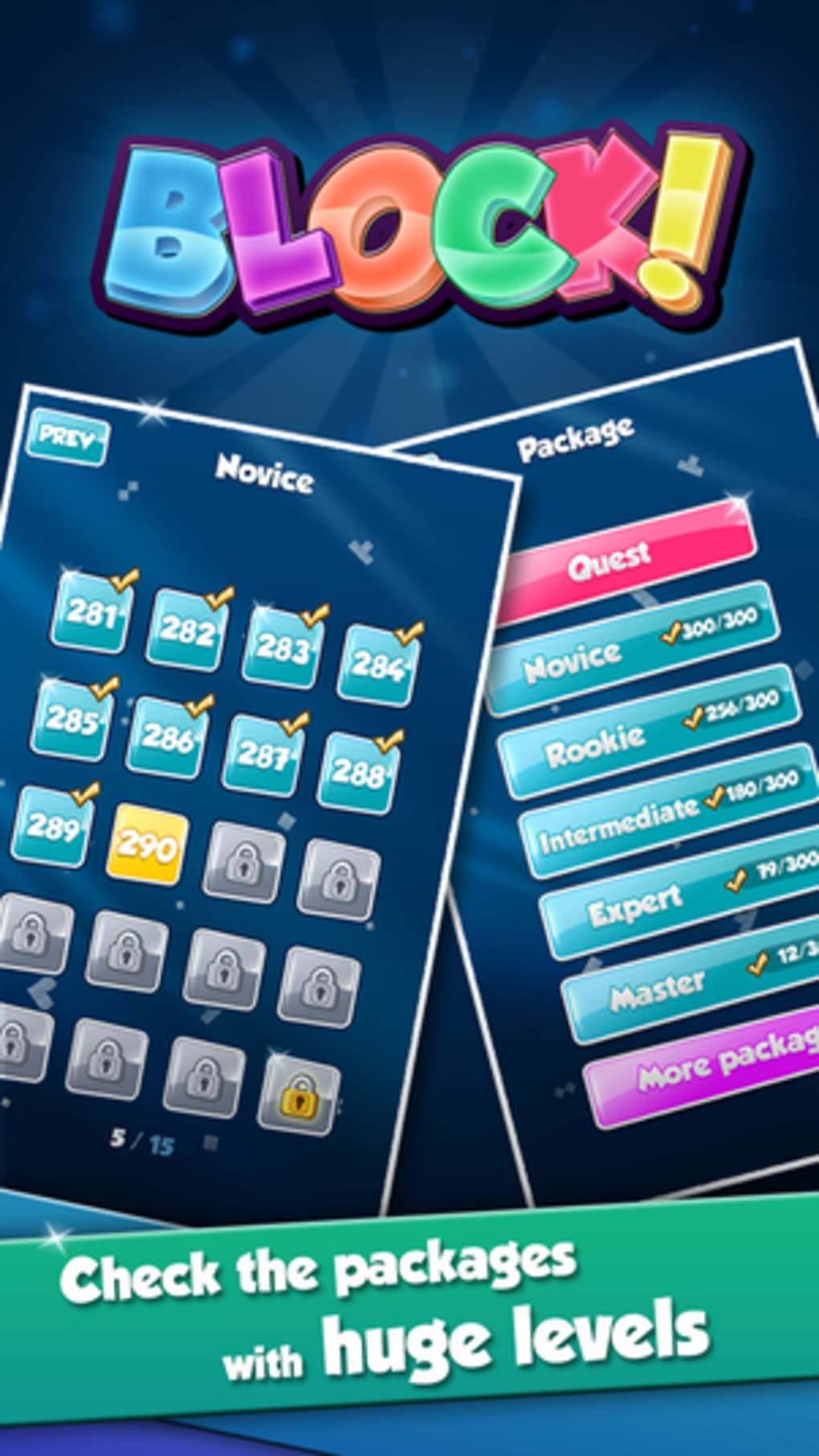
- Expanding Content via Purchase – Additional levels are available for purchase, offering extended gameplay and sustained engagement.
- Minimalist Design & Focus-Driven Gameplay – The interface avoids distractions, allowing full concentration on puzzle-solving mechanics.
- Offline Play Support – No internet connection is required, making it suitable for use in environments with limited connectivity.
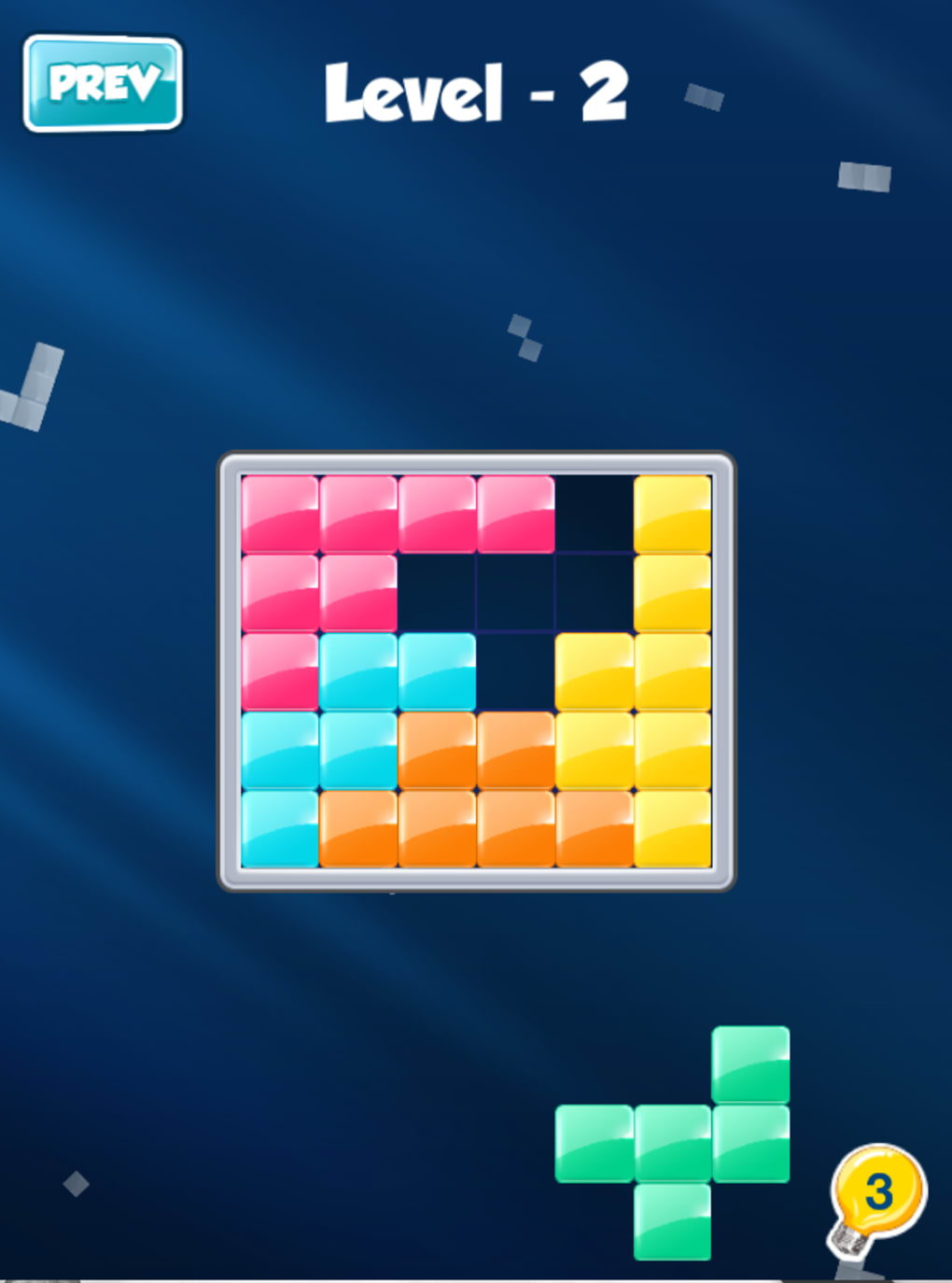
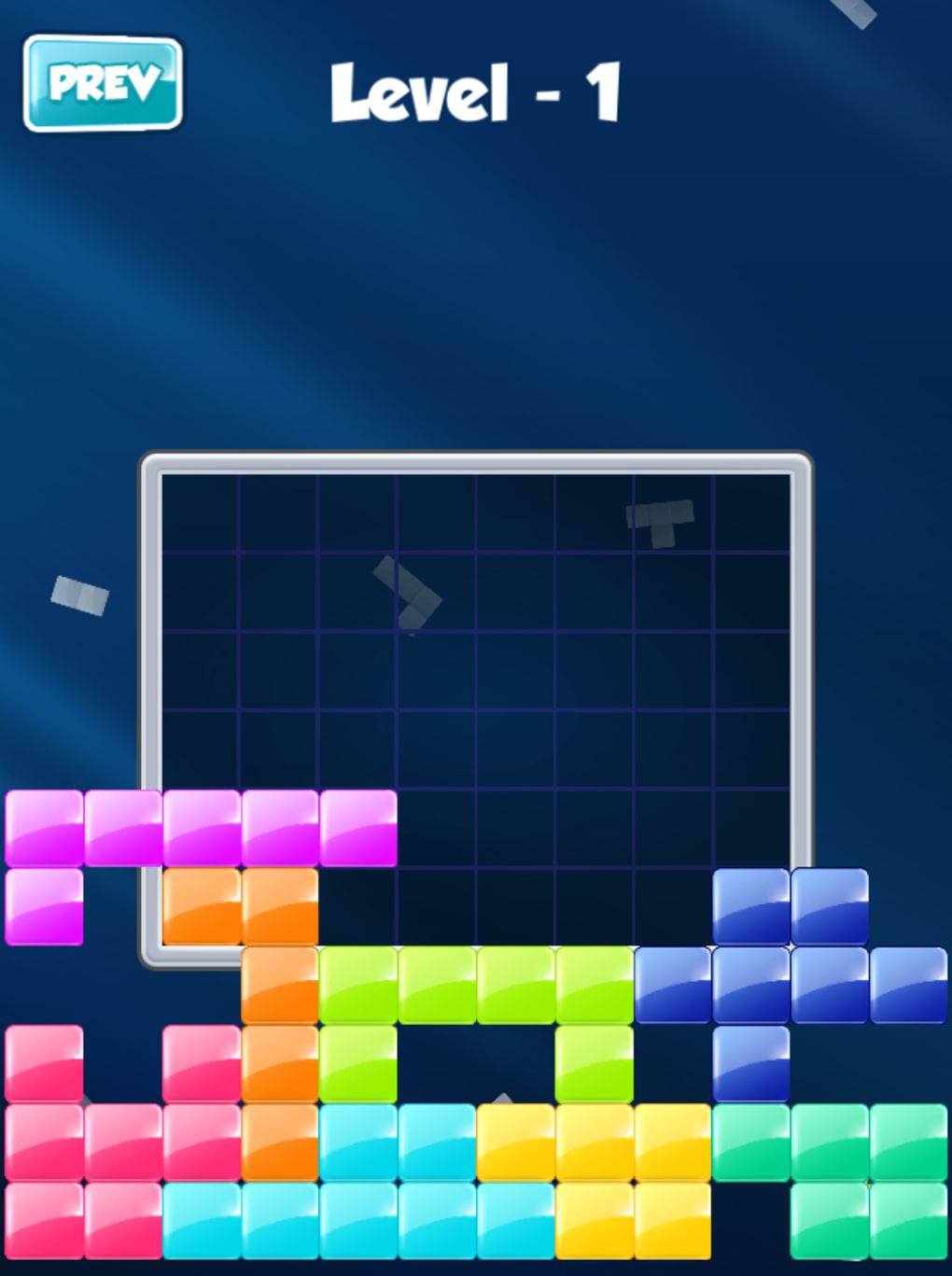
Each level presents a unique grid layout where players must determine the optimal placement of each block. For example, in early stages, a 4x4 grid may require fitting four L-shaped blocks, while later levels introduce irregular shapes and larger grids. This structure encourages analytical thinking, pattern recognition, and trial-and-error refinement without frustration. The lack of time constraints allows users to pause and reflect, making it ideal for stress relief and cognitive training.
User Interface, Workflow & Performance
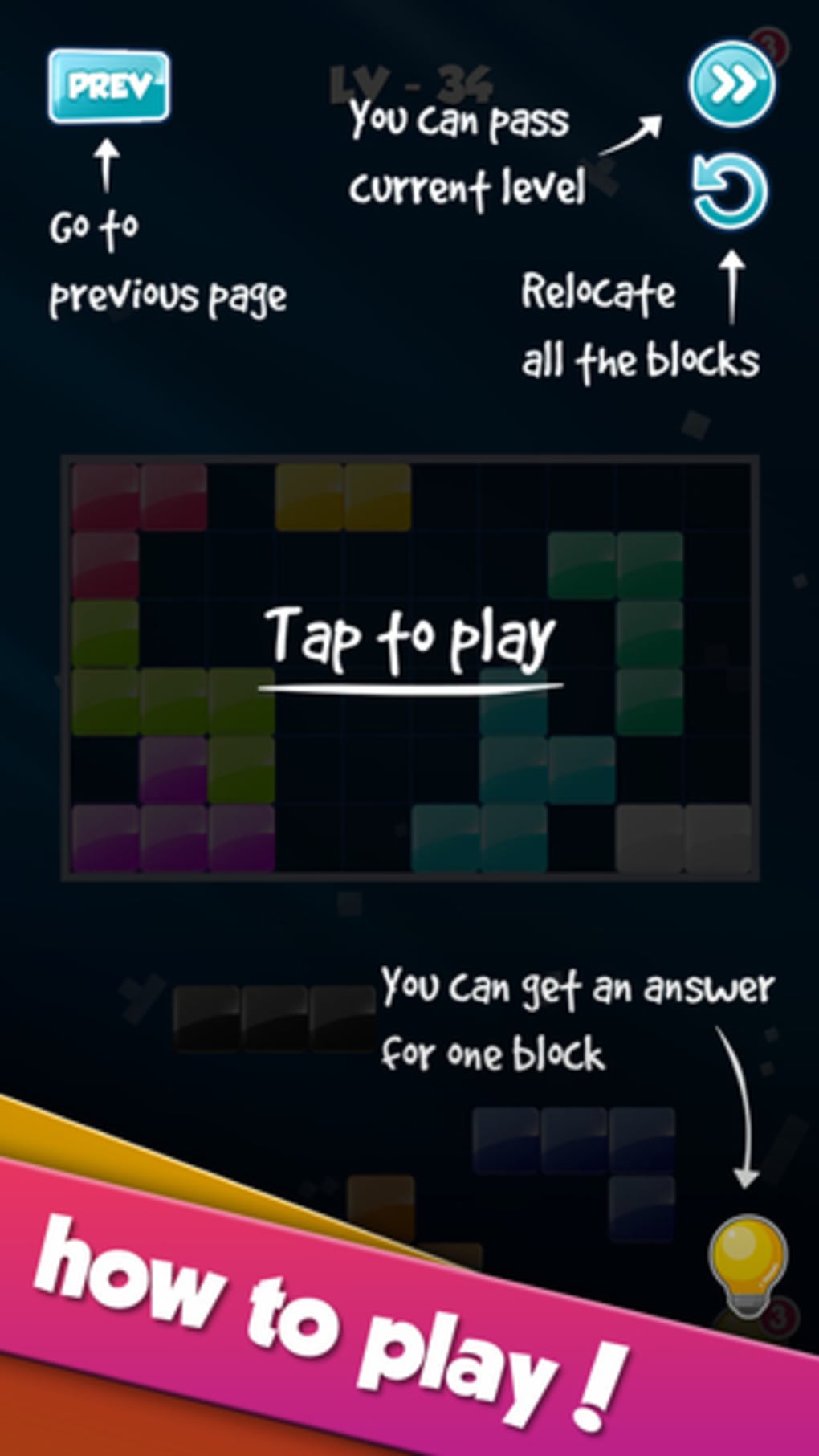
The user interface of Block is clean and intuitive, centered around a grid-based layout with clearly defined block shapes. Navigation is straightforward, relying on simple drag-and-drop mechanics. Players can select a block from the sidebar and place it directly onto the grid, with immediate visual feedback on valid or invalid placements.
Workflow efficiency is high due to the minimal number of interactions required. There is no need to navigate complex menus or settings. The game state is preserved automatically, ensuring continuity across sessions. The developer did not specify resource usage details, but based on its 24.5 MB size and simple mechanics, it is expected to run smoothly on most modern systems.
Performance observations are based on general software behavior patterns. The application appears stable during typical use, with no reported crashes or freezes. CPU and RAM usage are likely to remain low, given the absence of real-time animations or complex physics. Stability is further supported by the game’s offline nature and lightweight architecture.
Compatibility & System Requirements
Block is available for both Windows and Mac operating systems, making it accessible to a broad user base. The software version is 1.0, indicating a stable initial release. Installation size is 24.5 MB, which is compact and suitable for systems with limited storage.
Exact system requirements were not listed. Compatibility information was partially provided, confirming support for Windows and Mac platforms. The developer did not specify minimum CPU, RAM, or graphics requirements. However, the lightweight nature of the application suggests it will function on most devices launched within the last decade.
Pros and Cons
Pros
- Simple, intuitive gameplay that’s easy to learn
- Thoughtful, slow-paced experience ideal for focus and relaxation
- Five free levels offer immediate access and a solid starting point
- Compact file size (24.5 MB) ensures quick installation
- Offline functionality allows uninterrupted play
Cons
- Additional levels require in-app purchase, limiting long-term content
- No customization options for block colors or grid themes
- Minimal visual feedback beyond placement success/failure
- Exact system requirements not disclosed
FAQ Section
Is Block available for both Windows and Mac?
Yes, Block is compatible with both Windows and Mac operating systems, as confirmed by the developer.
Can I play Block without an internet connection?
Yes, the game supports full offline functionality. No internet connection is required after installation.
Is Block safe to download and install?
Yes, Block is a standalone desktop application with no known security risks. It does not collect user data or install third-party components.
How often are updates released?
Update frequency is not specified. The current version is 1.0, and no release schedule has been published.
What is the license type for Block?
Block is free to download and use. Additional levels are available for purchase, but the base game remains free of charge.
Final Thoughts + CTA
Block stands out as a refreshing alternative to high-energy puzzle games, offering a serene, logic-driven experience that rewards patience and precision. Its blend of Tetris-like mechanics with Sudoku-style structure creates a unique niche in the puzzle genre. While the free content is limited to five levels, the game’s elegant design and focus on mental engagement make it a worthwhile addition for casual players and puzzle enthusiasts alike.
For those seeking a distraction-free, intellectually stimulating desktop tool that fits seamlessly into daily routines, Block delivers a compelling experience. Its minimalist interface, lightweight footprint, and offline capabilities enhance usability across devices.
Download Block now and challenge your mind with a puzzle game that values thought over speed.
Guides & Tutorials
How to install Block
- Click the Download button above.
- Once redirected, accept the terms and click Install.
- Wait for the Block download to finish on your device.
How to use Block
This software is primarily used for its core features described above. Open the app after installation to explore its capabilities.
User Reviews
No reviews yet. Be the first to share your experience.
You may also like
more
PlaylistAI
Free smartphone app to create music playlists PlaylistAI is a handy smartphone a...

Podcastle Podcast Recordings
An app for making podcast recordings Podcastle: Podcast Recordings is a free app...

harpy chat
Immersive role-play with AI characters harpy.chat is a free AI chat platform whe...

Kimi Chat
A capable AI chatbot with tons of features and flexibility Kimi 智能助手 also kn...

Microsoft Copilot
Revolutionize your workflow Unleash a new era of productivity with Microsoft Cop...

Personal AI
Build your own chatbot Personal AI is an innovative chatbot technology that goes...
