




Features
Book Creator is packed with tools that help teachers inspire and students achieve.
Multimodal Content
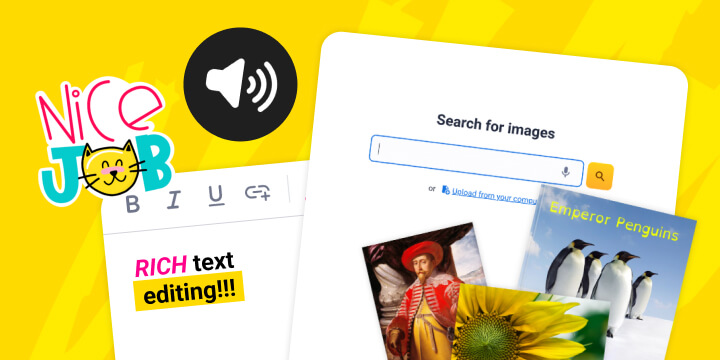
Empower students to express learning through text, images, audio, and video all in one place.
Accessibility Tools
Ensure every student can participate with 130+ built-in accessibility features.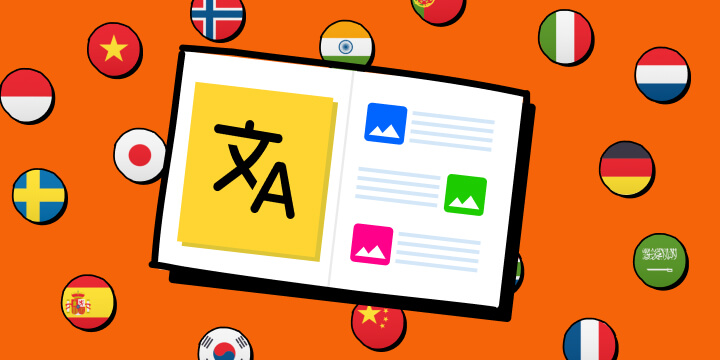
Translate Content
Instantly translate text, audio, comments, video captions and entire books.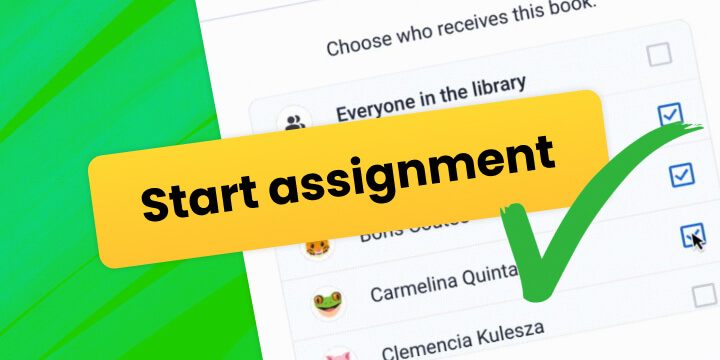
Assign a Book
Distribute books to students or groups to personalize learning and track progress.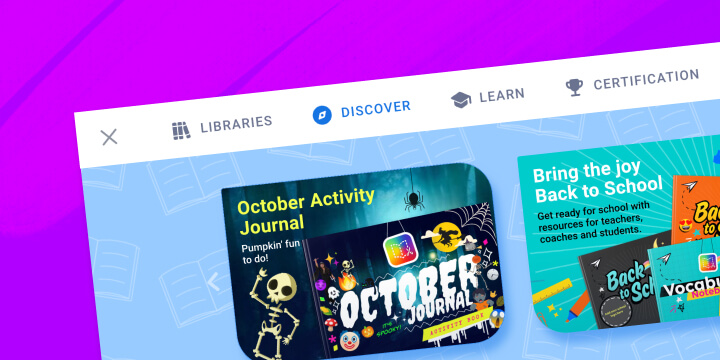
Discover Library
Access curated template books from our content team and educators worldwide.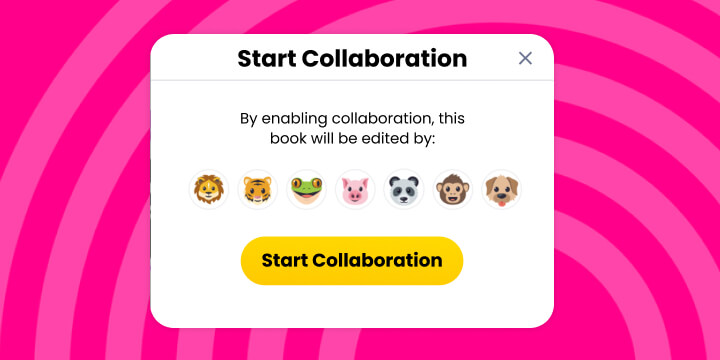
Real-time Collaboration
Work together on books simultaneously, from anywhere.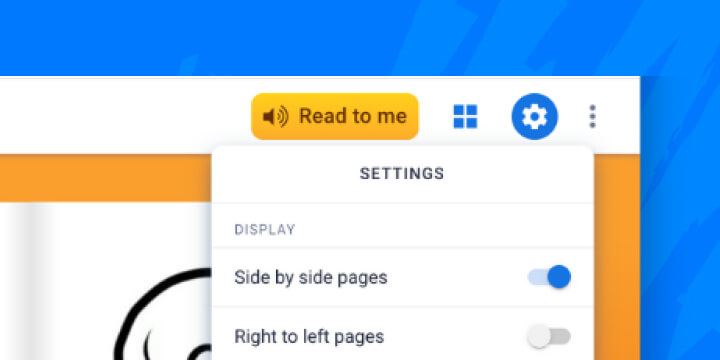



Accessibility Features
Empower students to show what they know, in the way that works best for them.
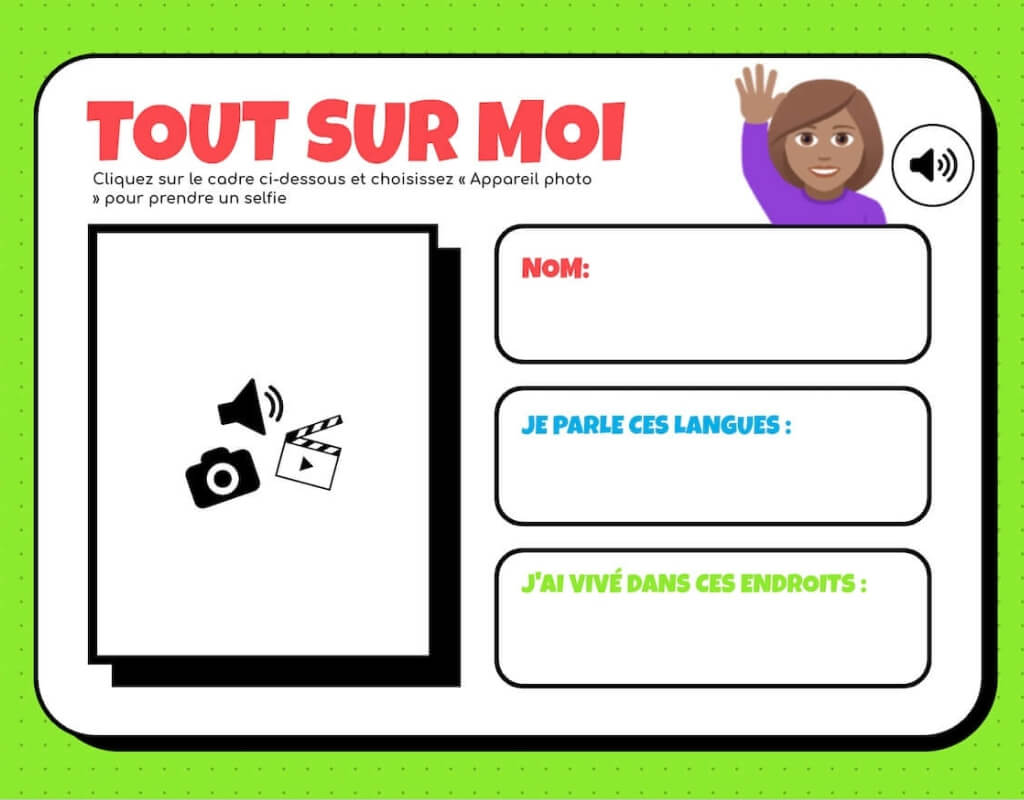
Translate Content
Make books accessible in 100+ languages so every student can learn their way.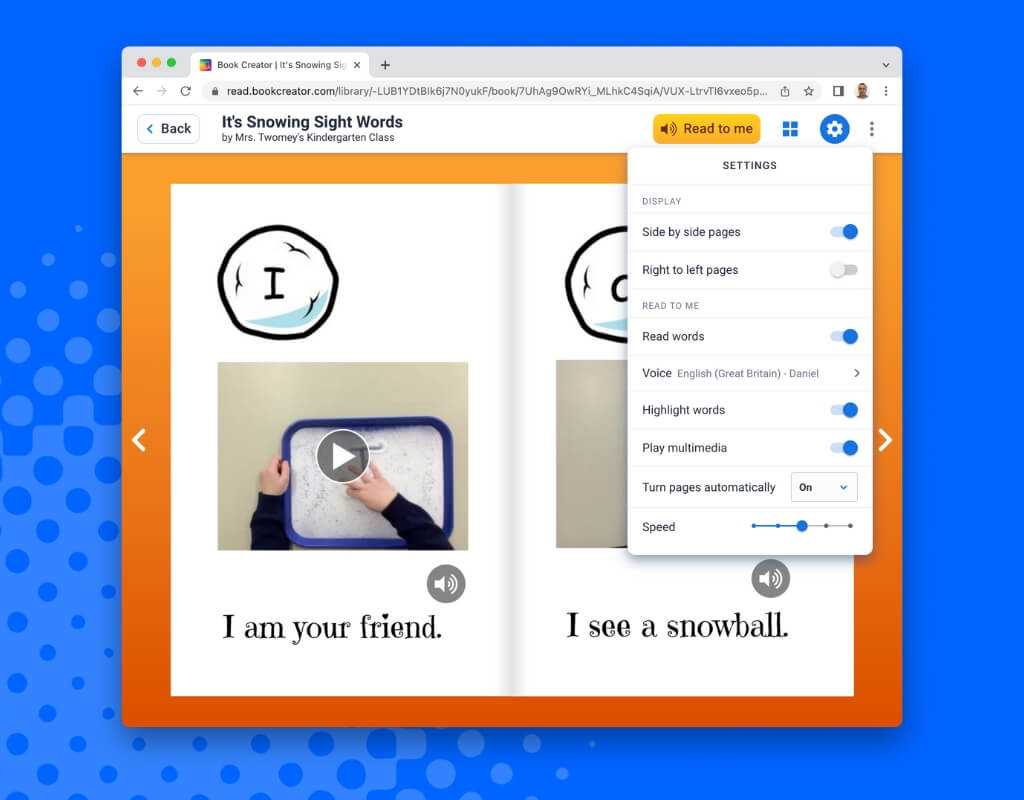
Read to Me
Support diverse needs with customizable narration and word highlighting at variable speeds.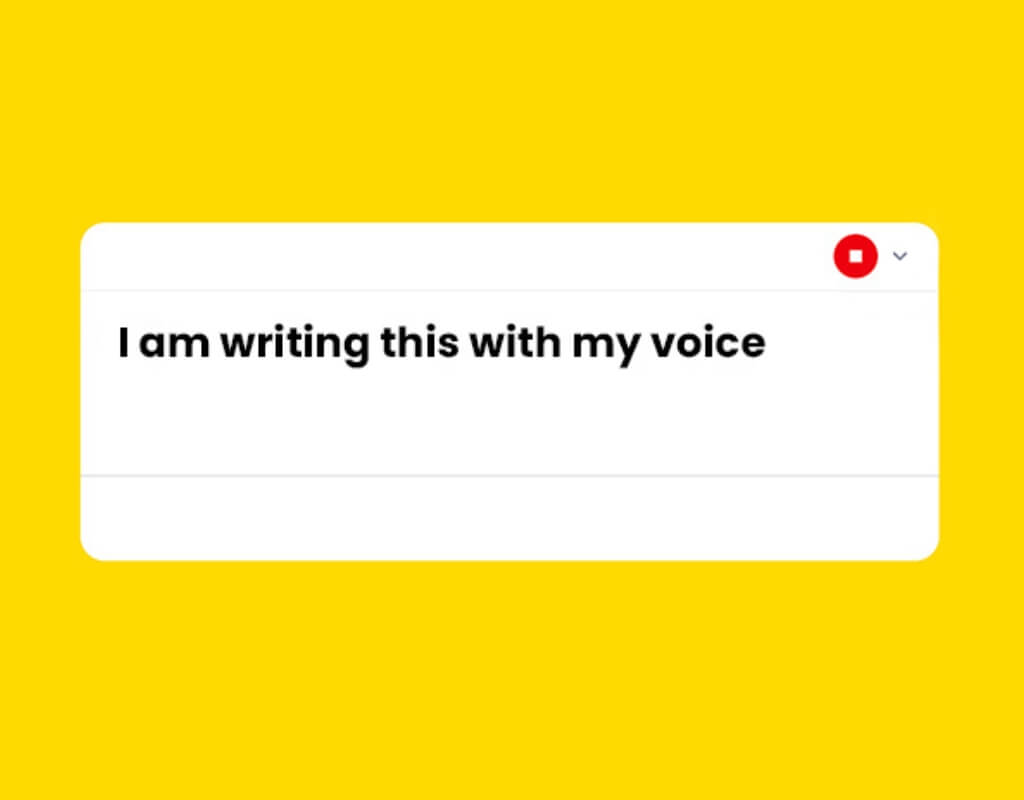
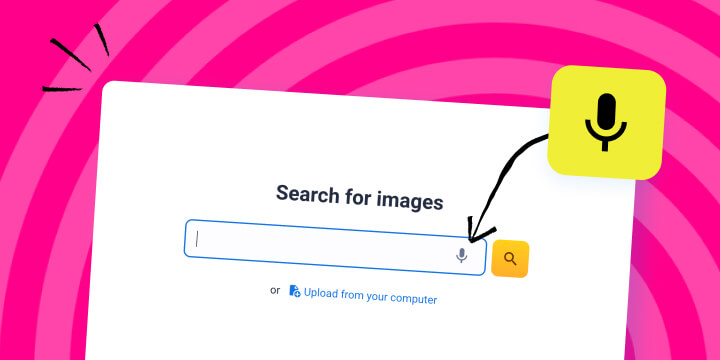
Speech to Text
Give every student a voice by letting them dictate words and ideas instead of typing.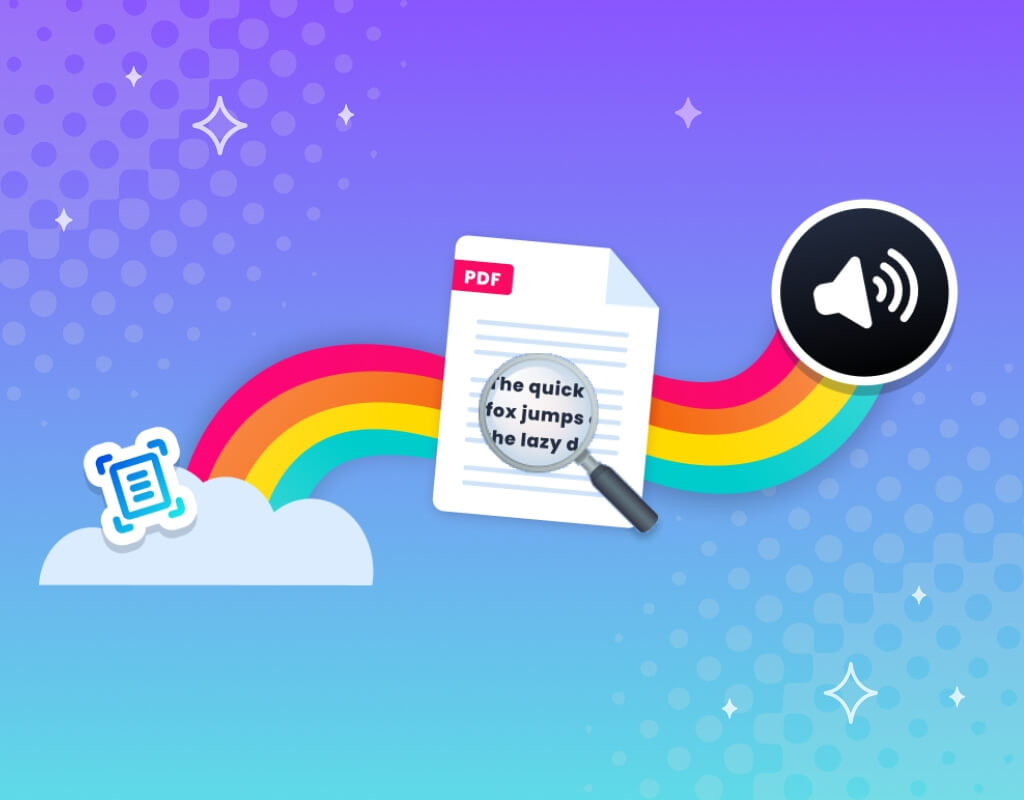
Text to Speech
Convert written text to spoken audio, during editing and from imported PDFs.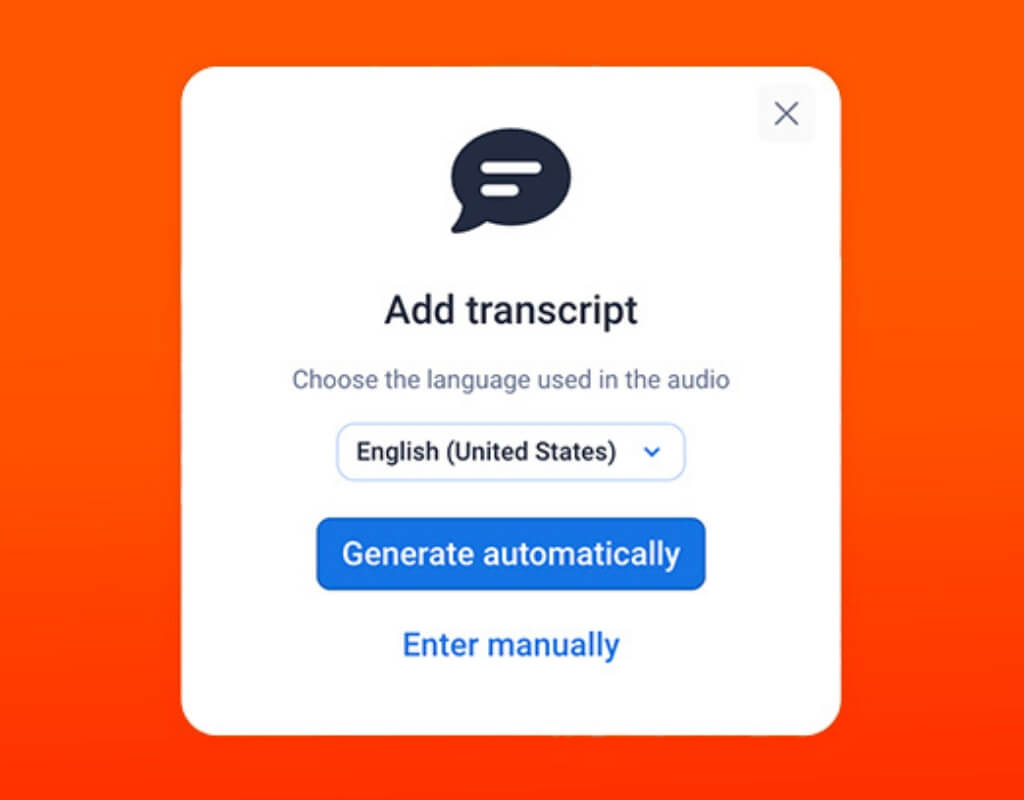
Audio Transcripts
Auto-generate transcripts from recordings to provide text-based accessibility.
Screen Reader Support
Let visually impaired users access and understand book content with screen readers.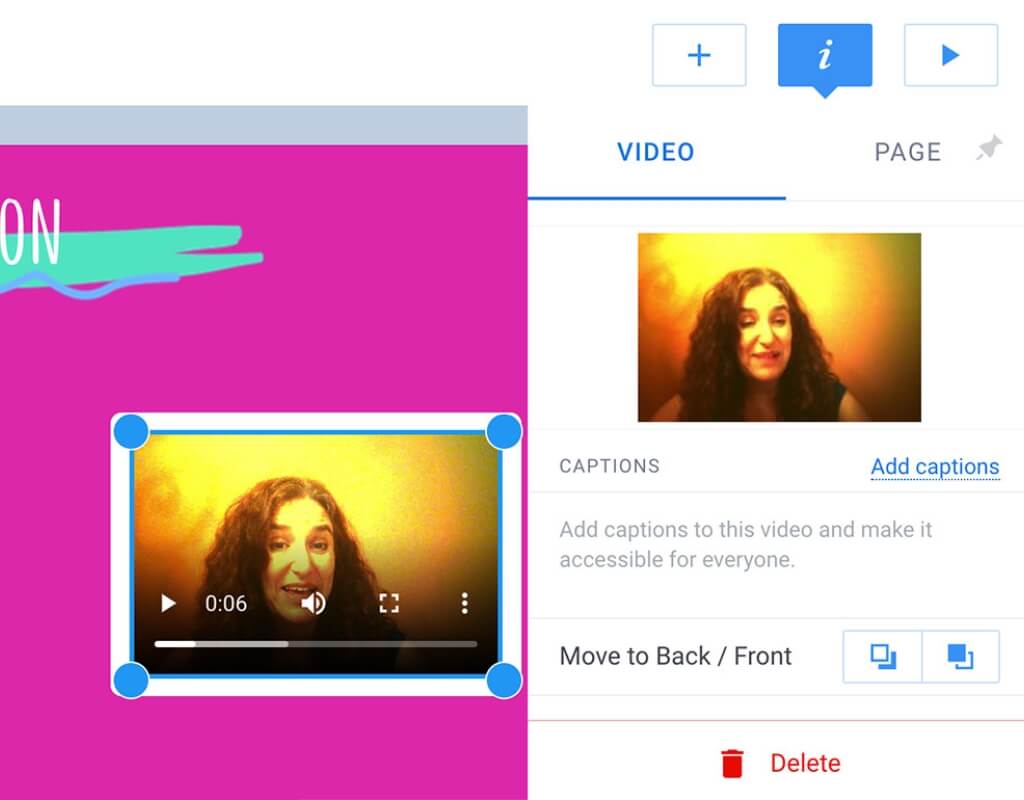
Video Captions
Add auto-generated subtitles to videos in over 120 languages.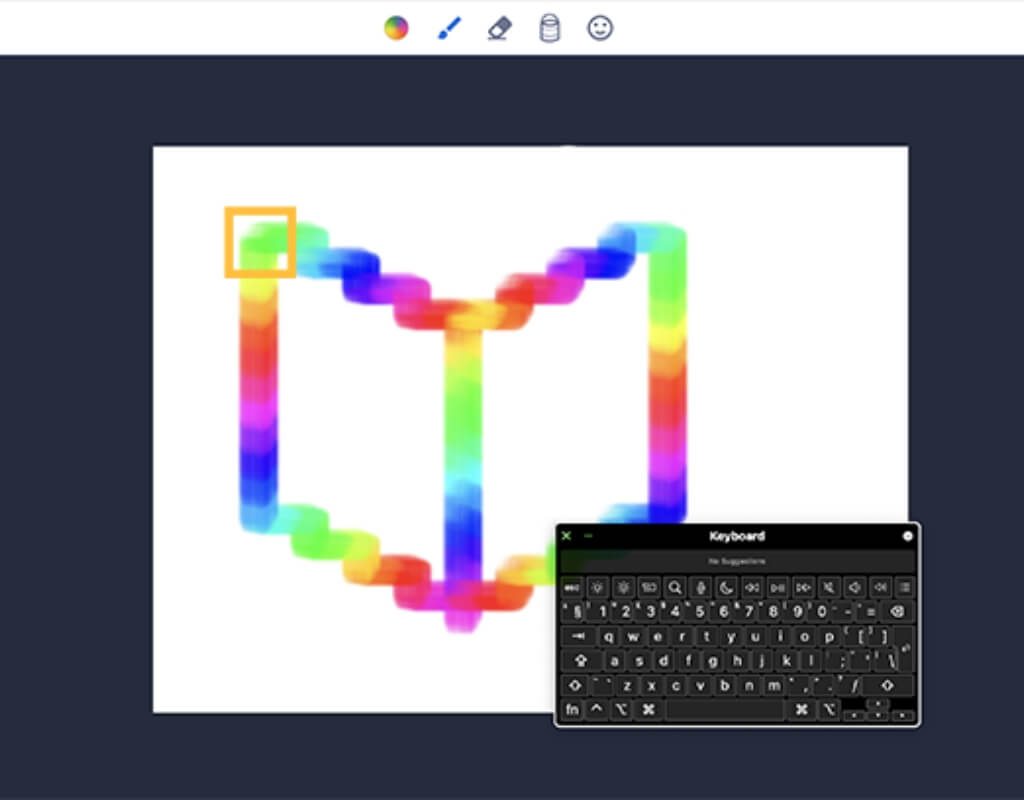
Keyboard Navigation
Easily move through content using keyboard shortcuts for quick, accessible control.Feedback & Assessment
Give meaningful, personalized feedback to support every learner’s growth.
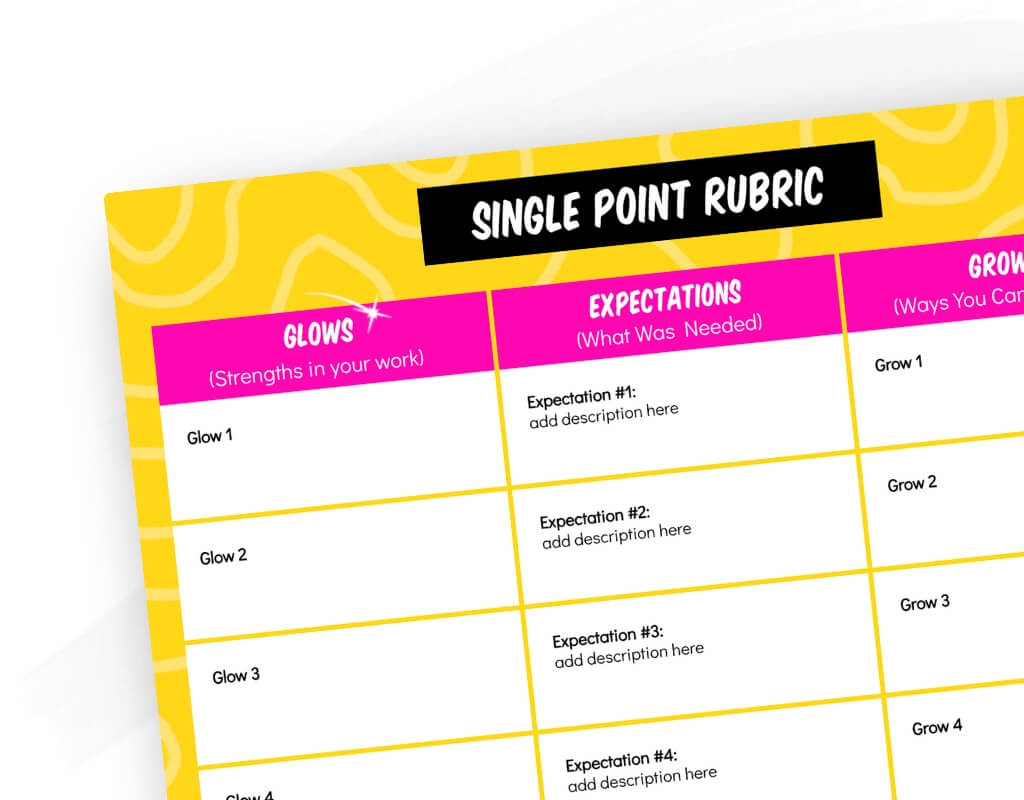
Upload Rubrics
Streamline grading by embedding clear rubrics directly into student work.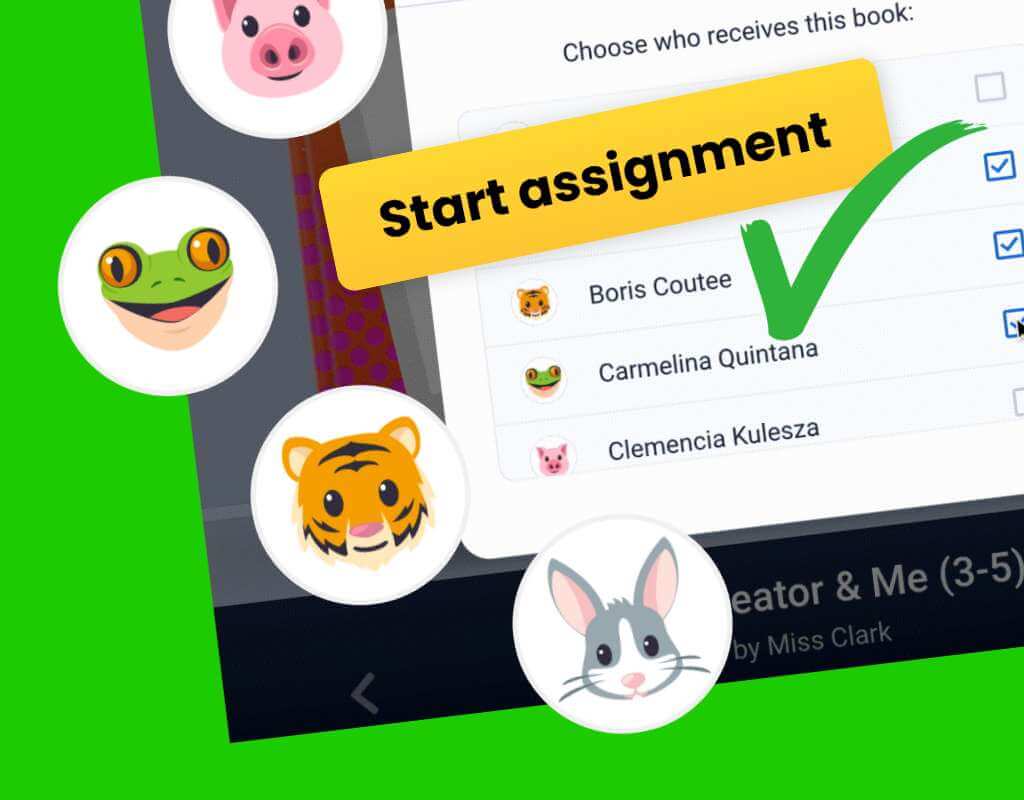
Easily Assign
Save time by assigning books or tasks to individual students or groups with just a few clicks.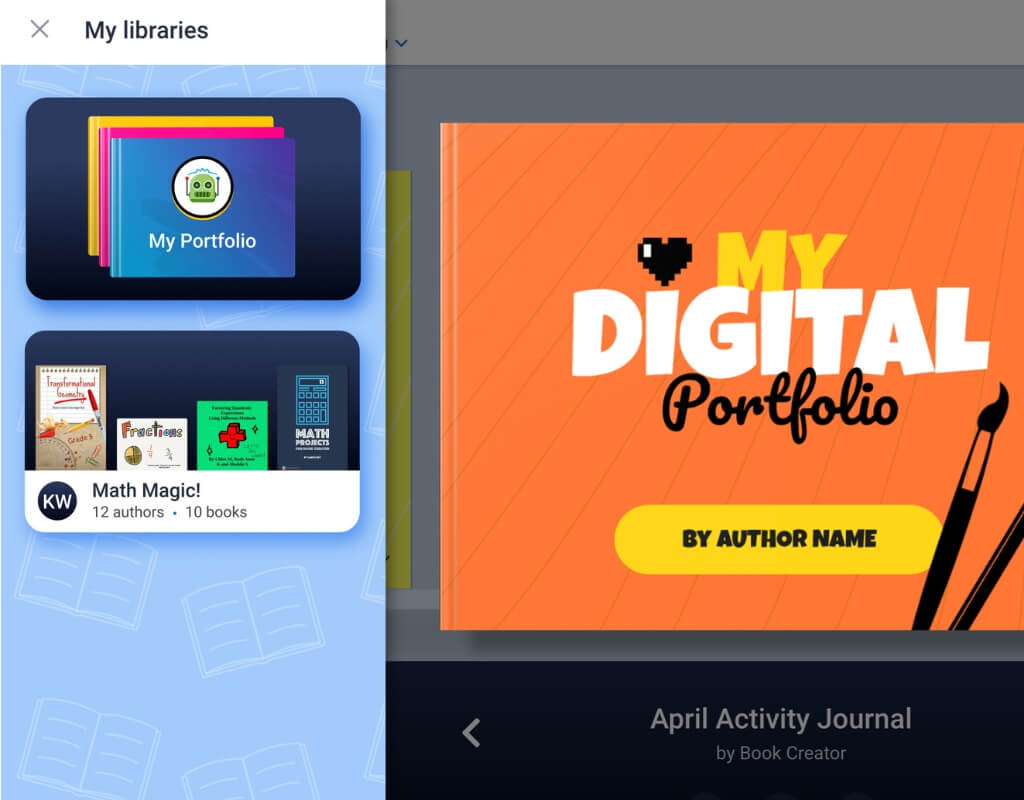
Digital Portfolios
Students can build portfolios of books that grow with them through the grades.
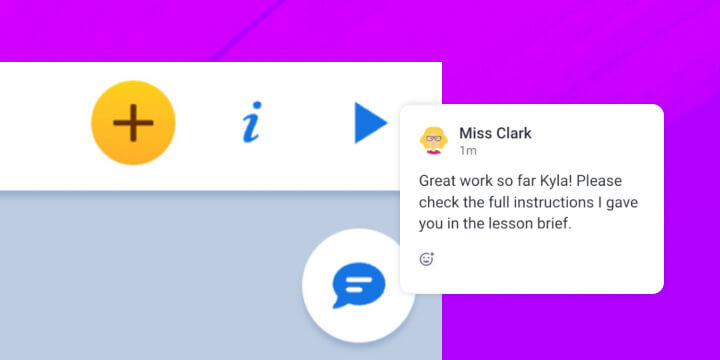
Commenting
Provide personalized feedback with voice notes, videos, stickers or text.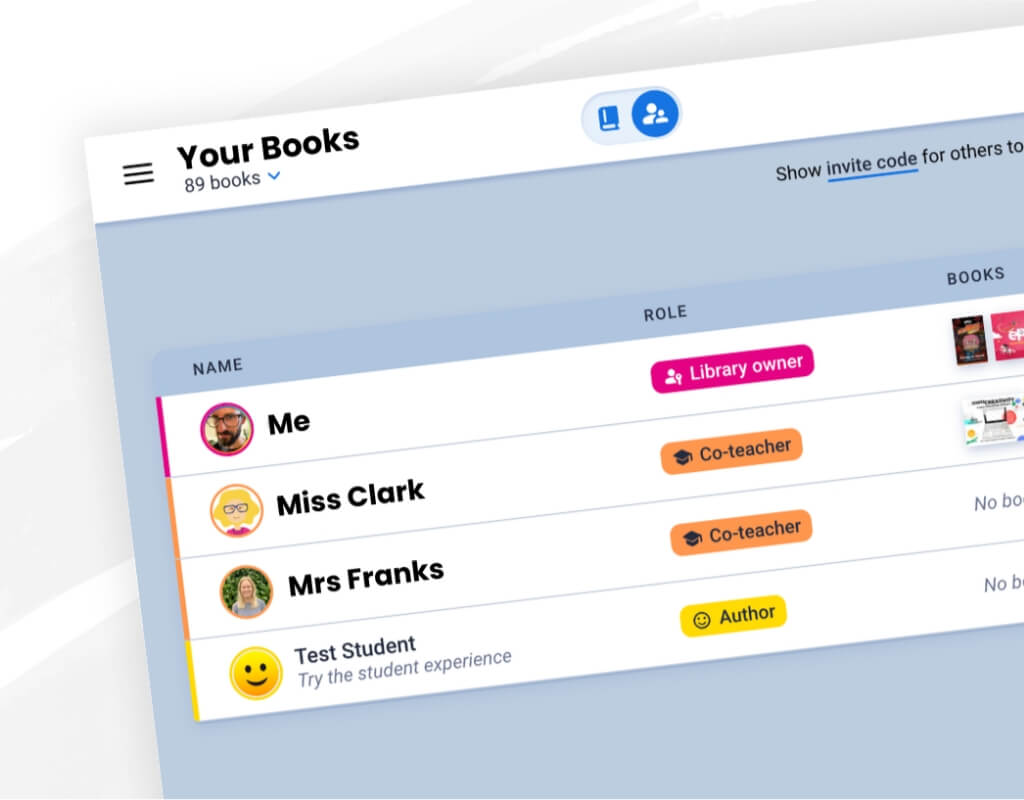
Co-Teacher Support
Collaborate with colleagues in the same library to provide stronger student support.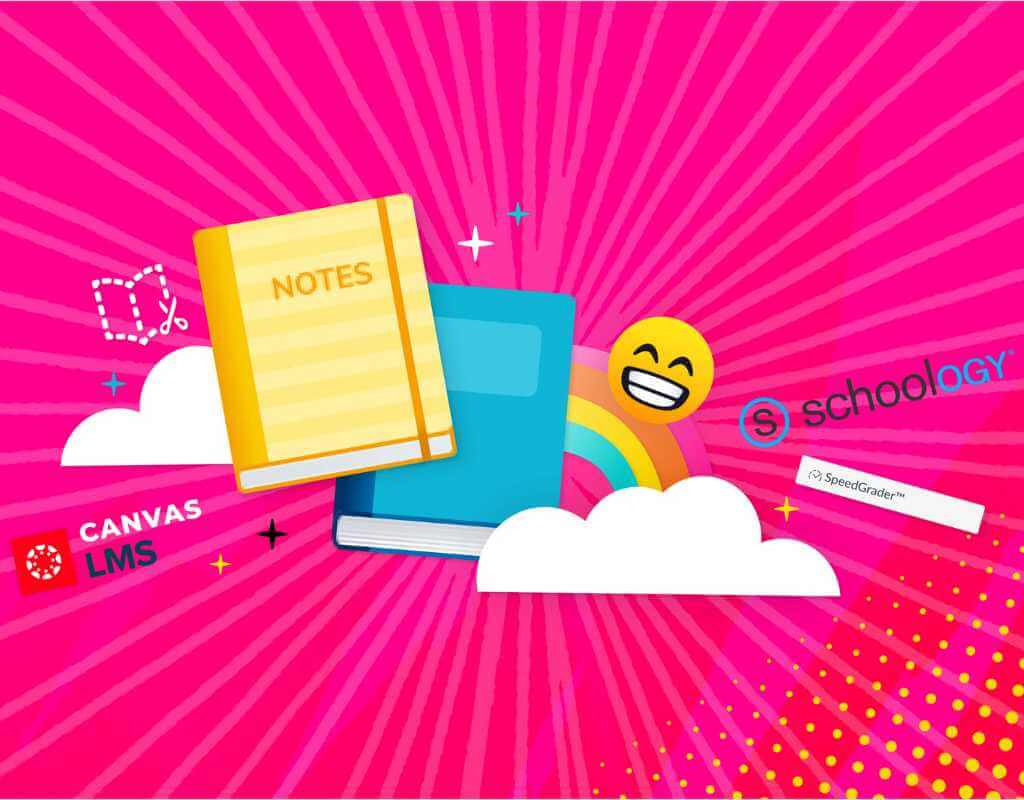
LMS Integrations
Seamlessly assign and grade student projects within Canvas and Schoology.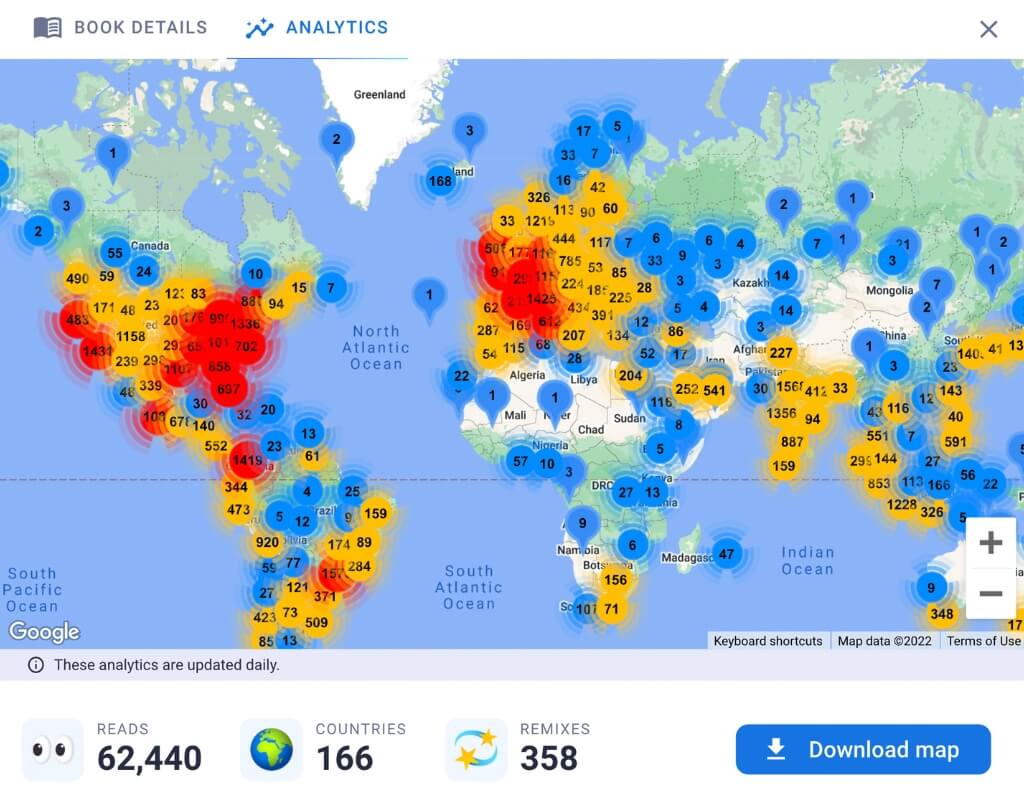
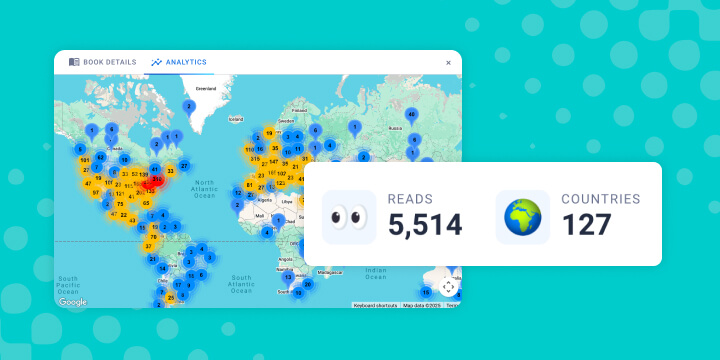
Book Analytics
Review how many people have read your published book and where they're from.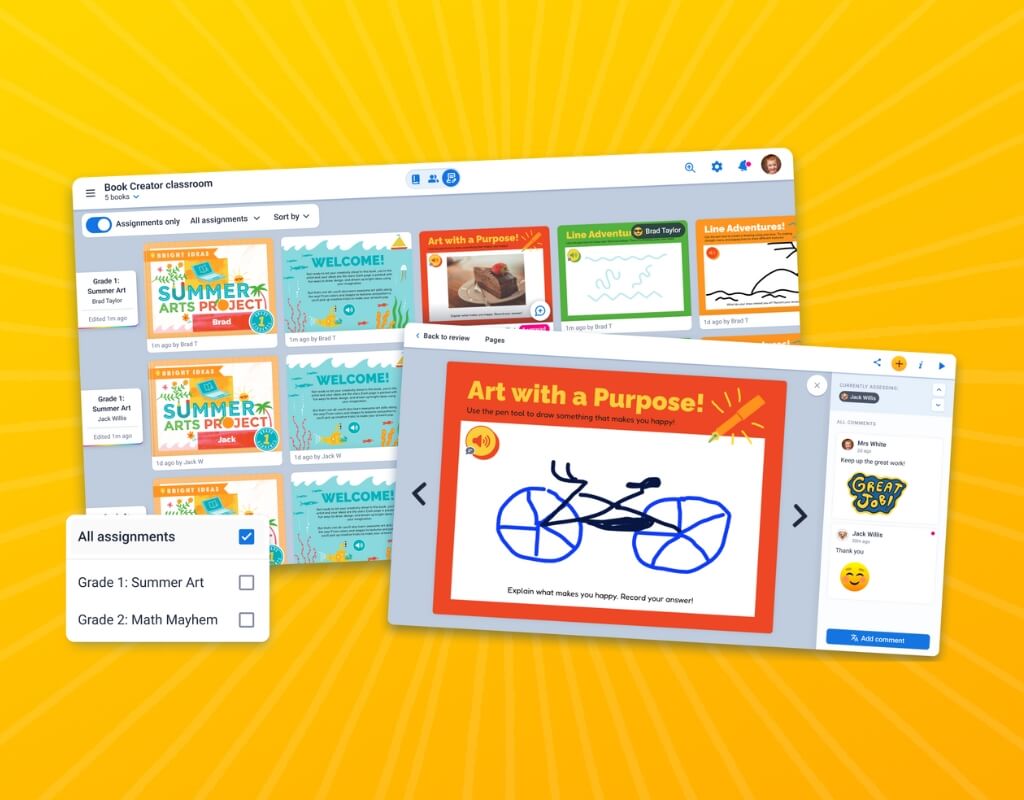
Class View
Monitor progress and give feedback across your whole class library at once.Sharing Features
Easily share work with families, peers, or the whole school community.
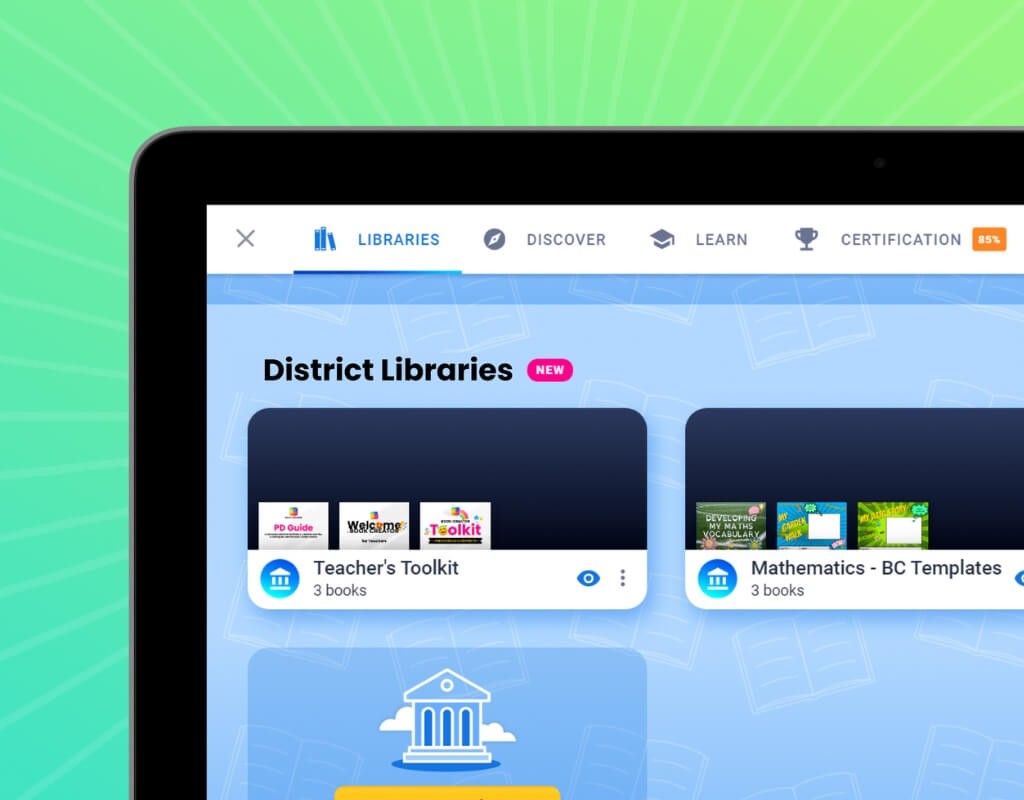
Central Libraries
Organize and share approved resources within your district in a central location.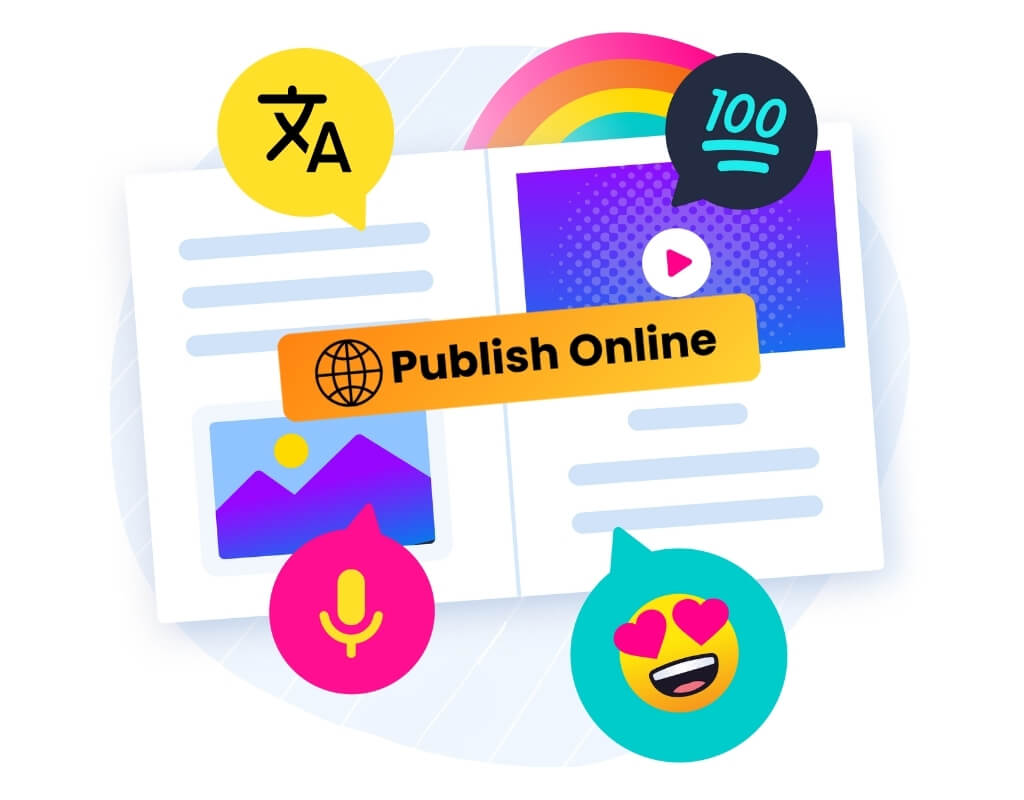
Publishing
Celebrate work by publishing individual books and entire libraries for a wider audience to enjoy.
Remixing Books
Make your book available for others to copy to their library and edit.Translation Tools
Make books accessible to the wider community by translating them into multiple languages.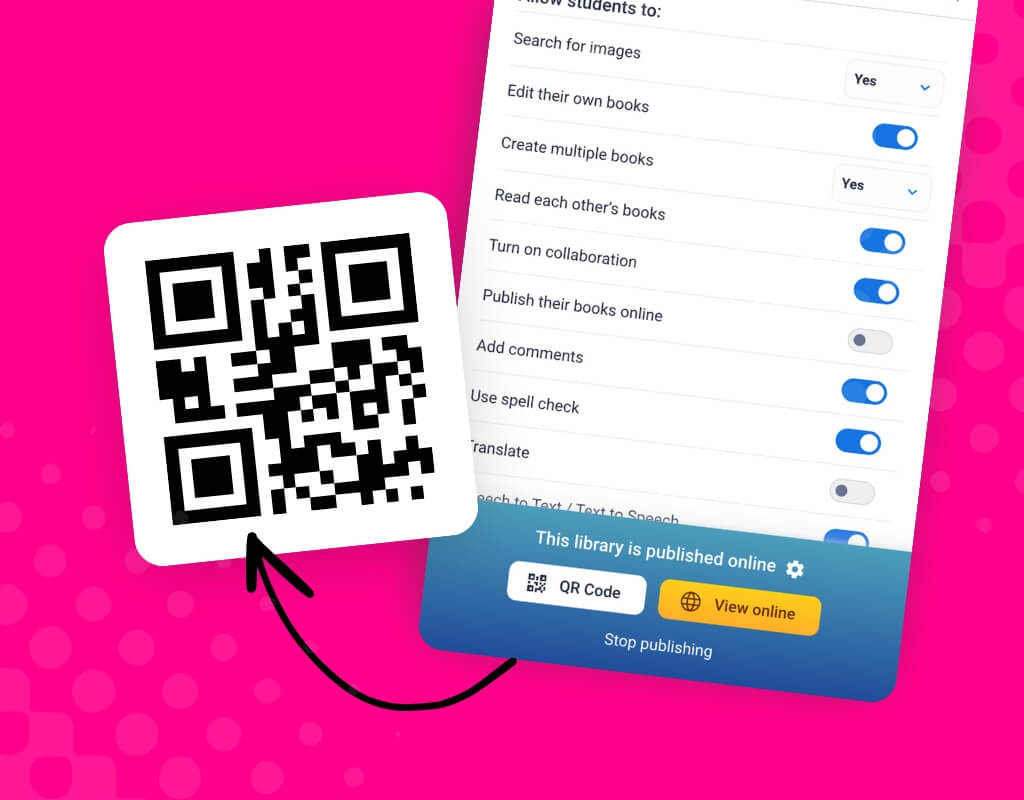
Generate QR Codes
Share work instantly with a scannable code that works on any device.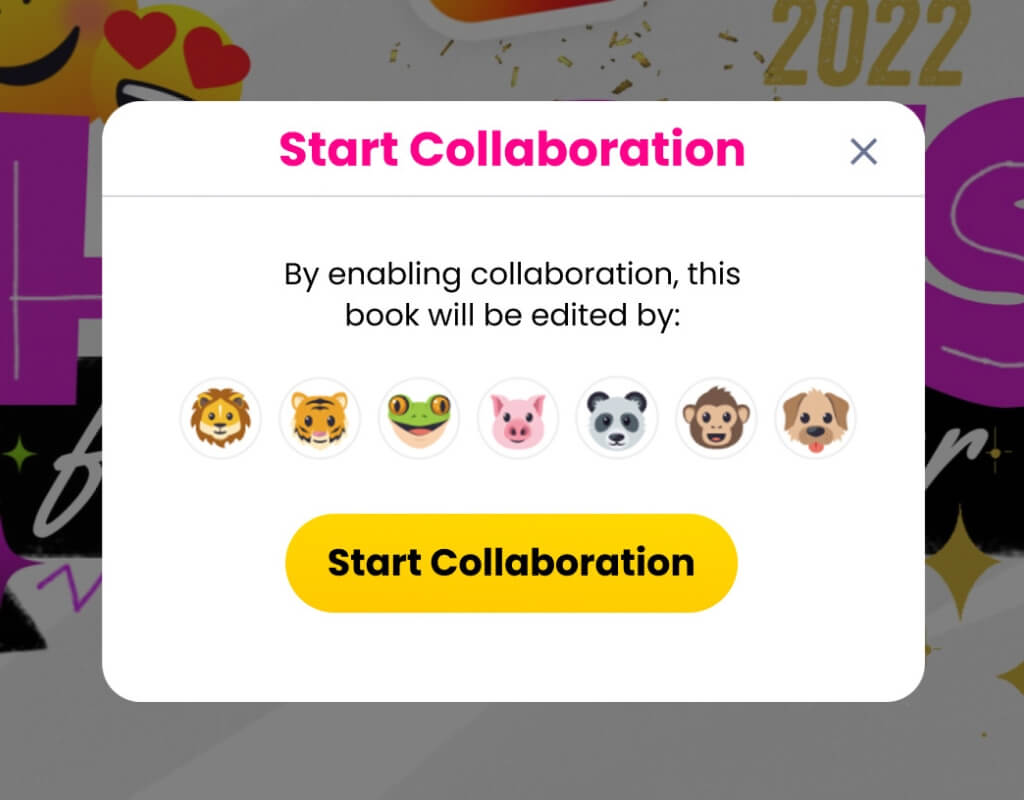
Real-time Collaboration
Work together on books - in your classroom or with other schools across the world!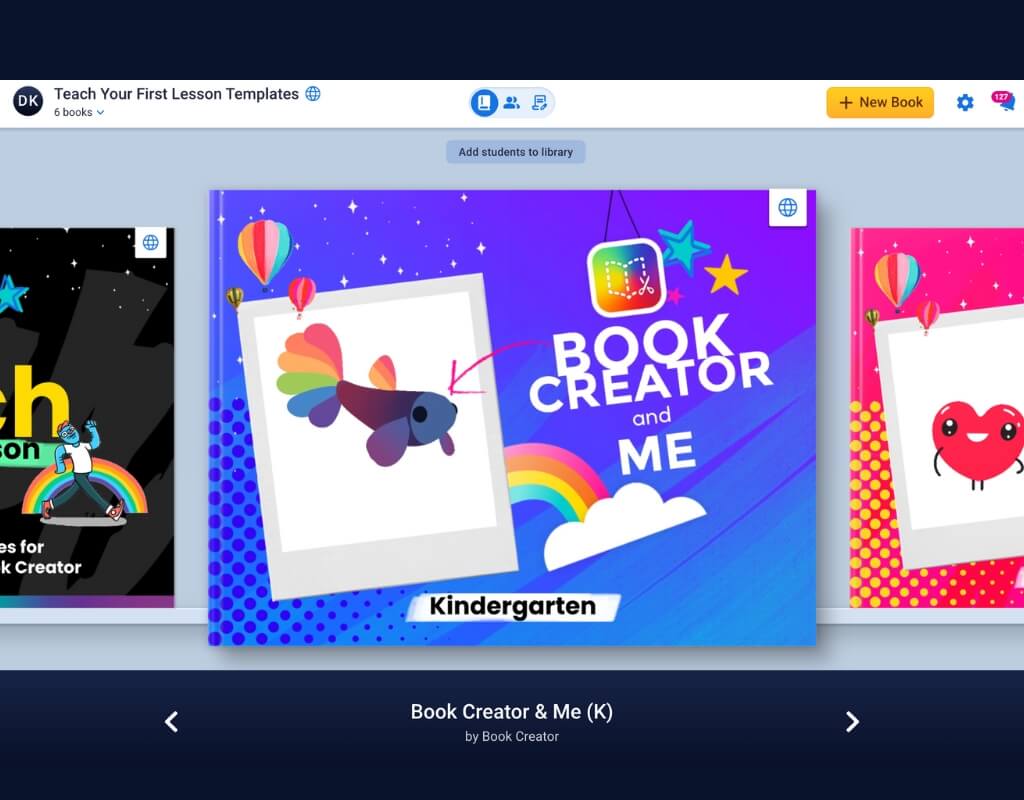
Library Settings
Control student access by turning specific tools on or off as needed.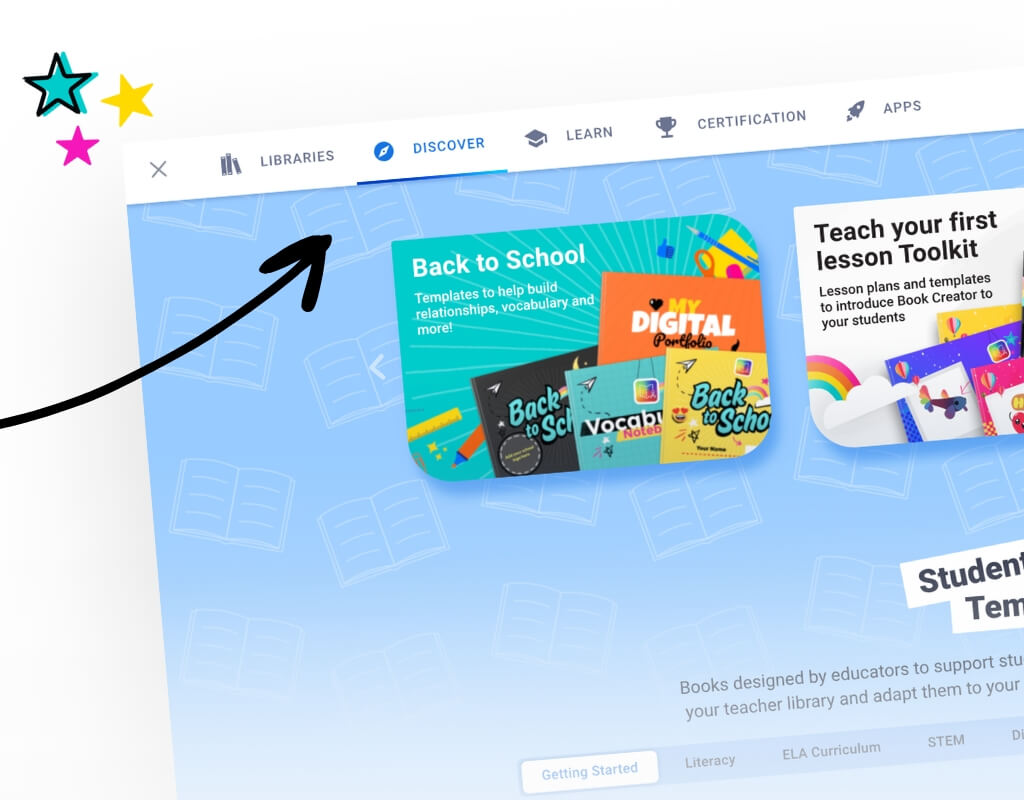
Discover Library
Explore educator-created content and remix books straight into your library.Admin Tools
Manage, monitor, and support teaching across your school district with ease.
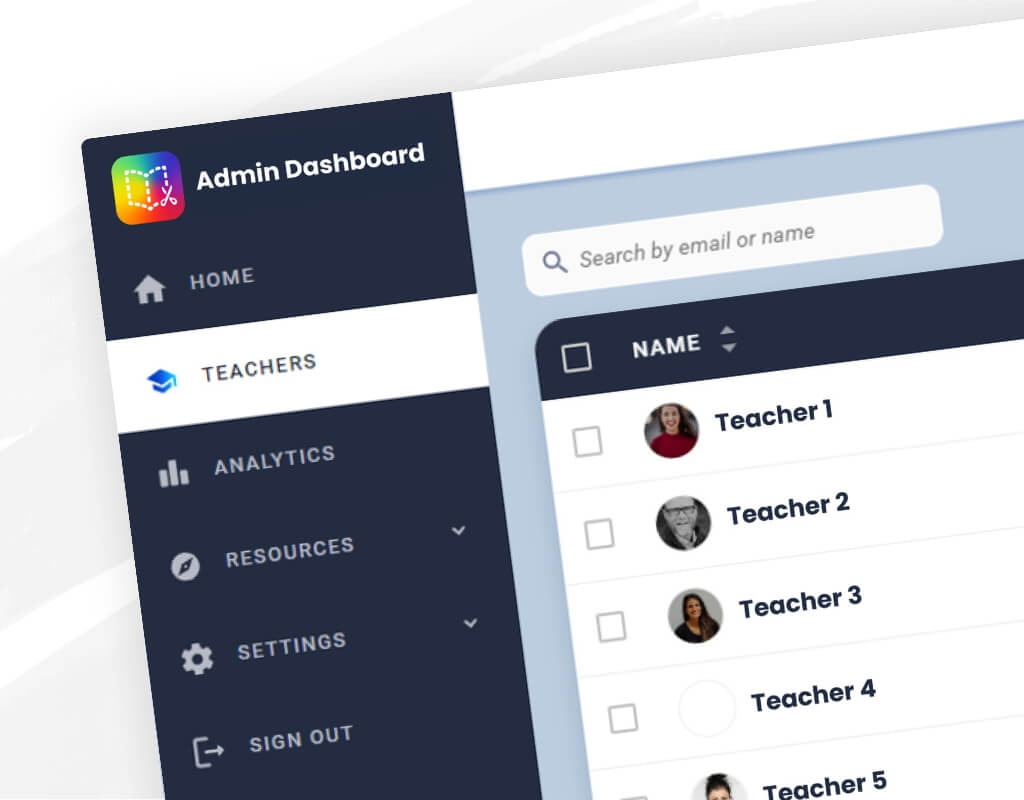
Admin Dashboard
See where your published books are being read across the globe!Central Libraries
Provide teachers with a centralized hub of approved resources for easy sharing and consistency.
Dedicated Account Manager
Receive personalized guidance and support tailored to your school or district’s needs.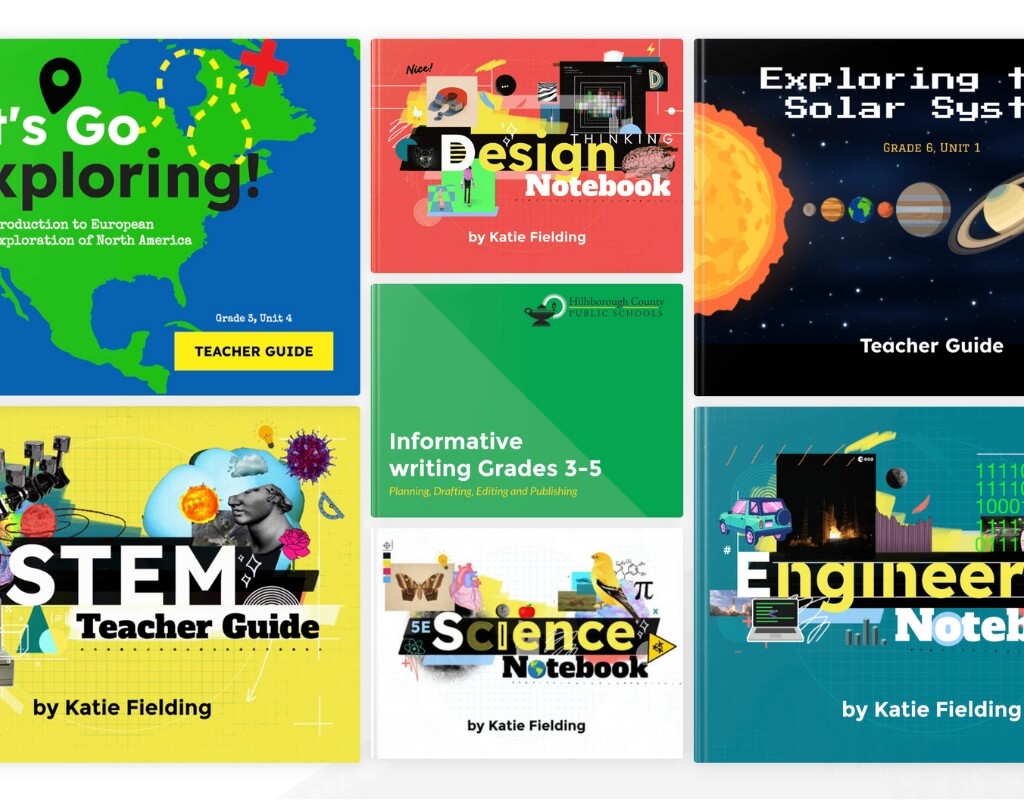
Curriculum Development
Get expert guidance on integrating Book Creator into curriculum design and instruction.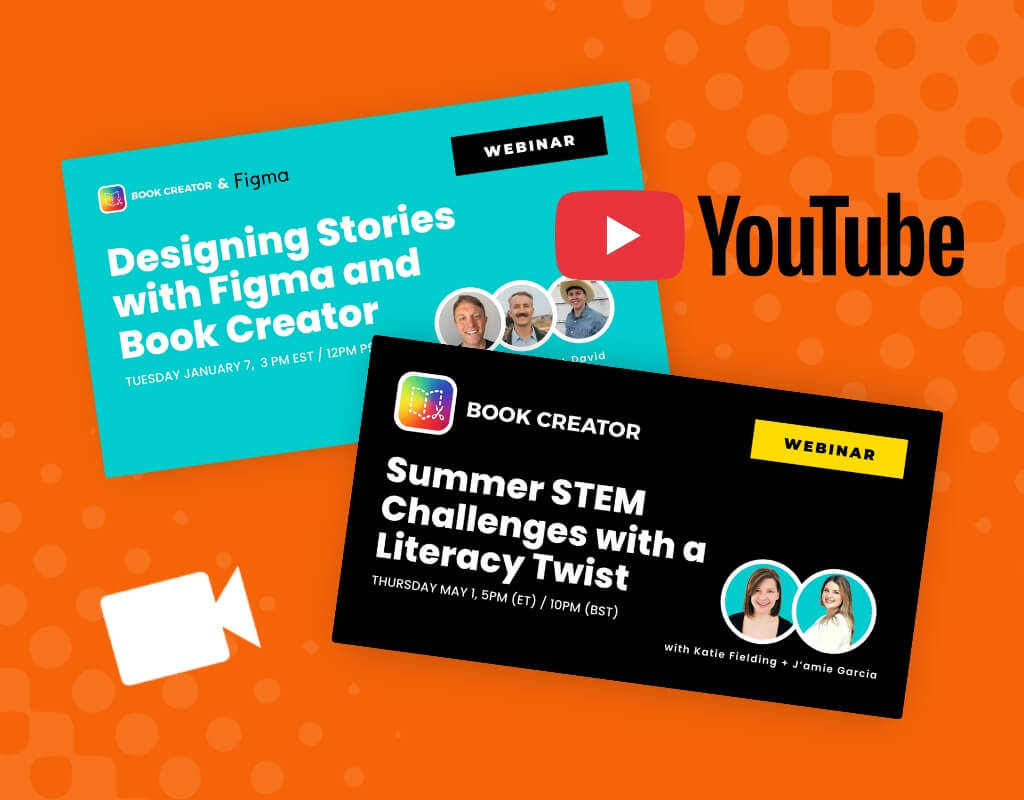
Free Professional Development
Access our built-in Certification course and webinars to maximize impactDigital Portfolios
Build portfolios for students to showcase their learning progress and creative work.
Chatbot Support
Receive 24/7 online support for quick answers whenever you need them.
Certification Course Deployment
Distribute and track teacher certifications directly from the Admin Dashboard.Multimodal Creation
Give students the freedom to tell their stories their way.

Record Voice
Encourage students to share their thinking by adding their own narration.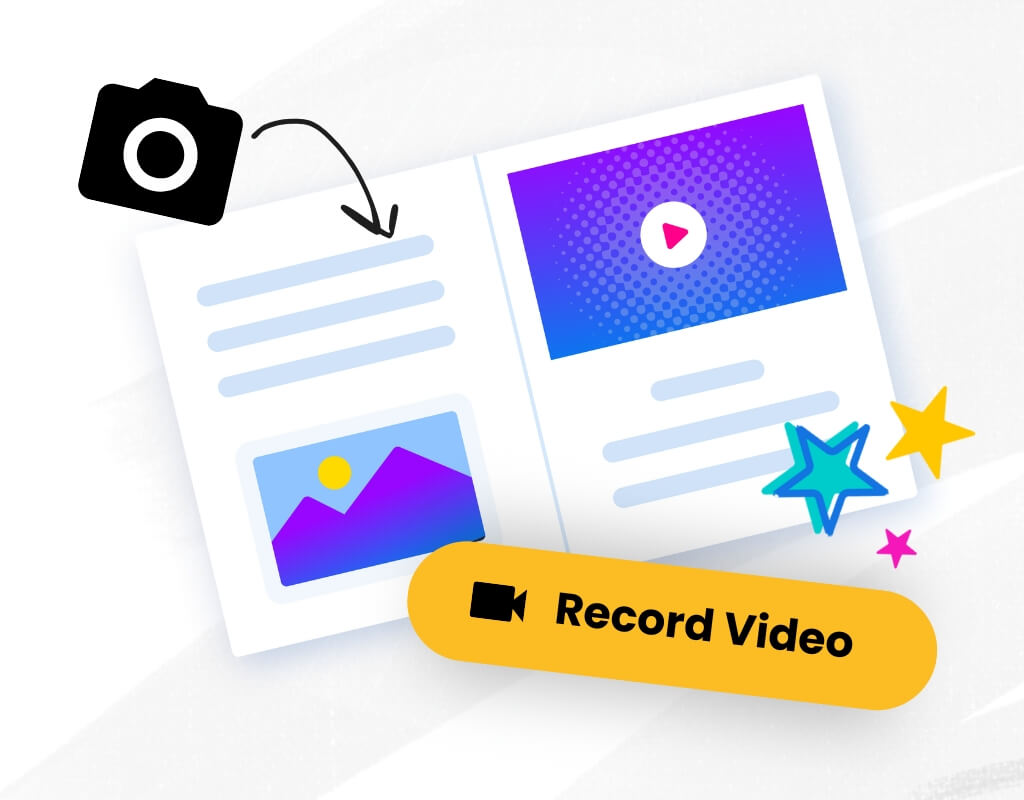
Camera
Capture photos and videos directly to document learning in real time.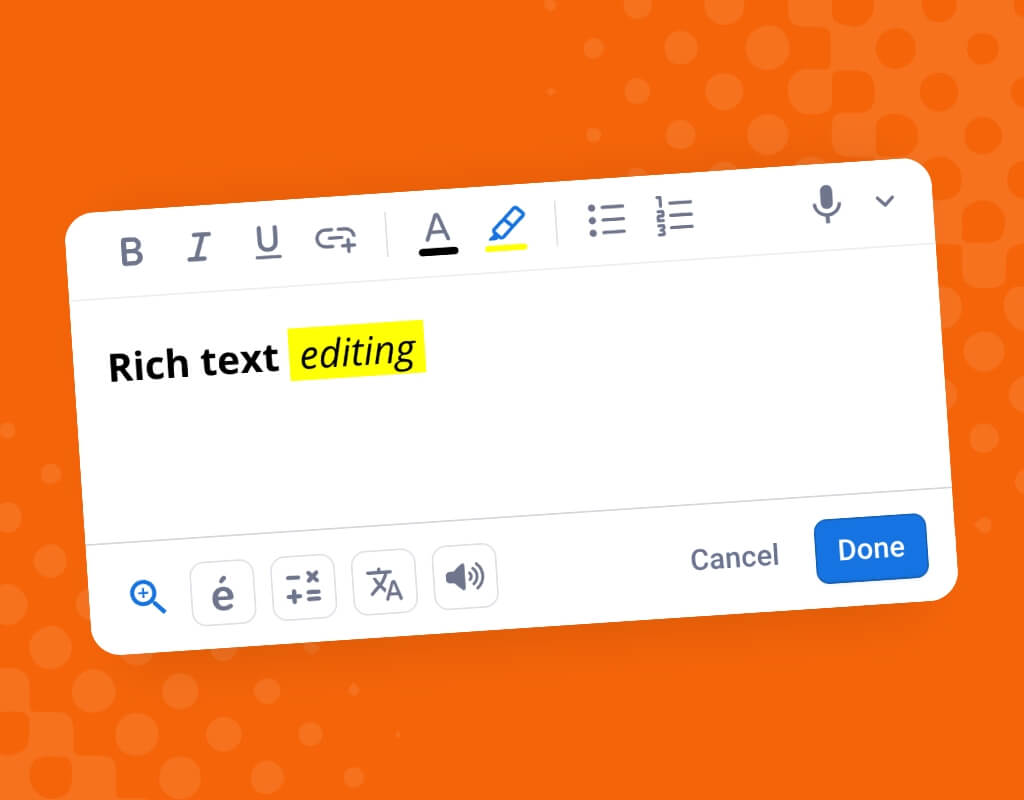
Text Editing Tools
Add text and customize it with rich formatting options, hyperlinks and special characters.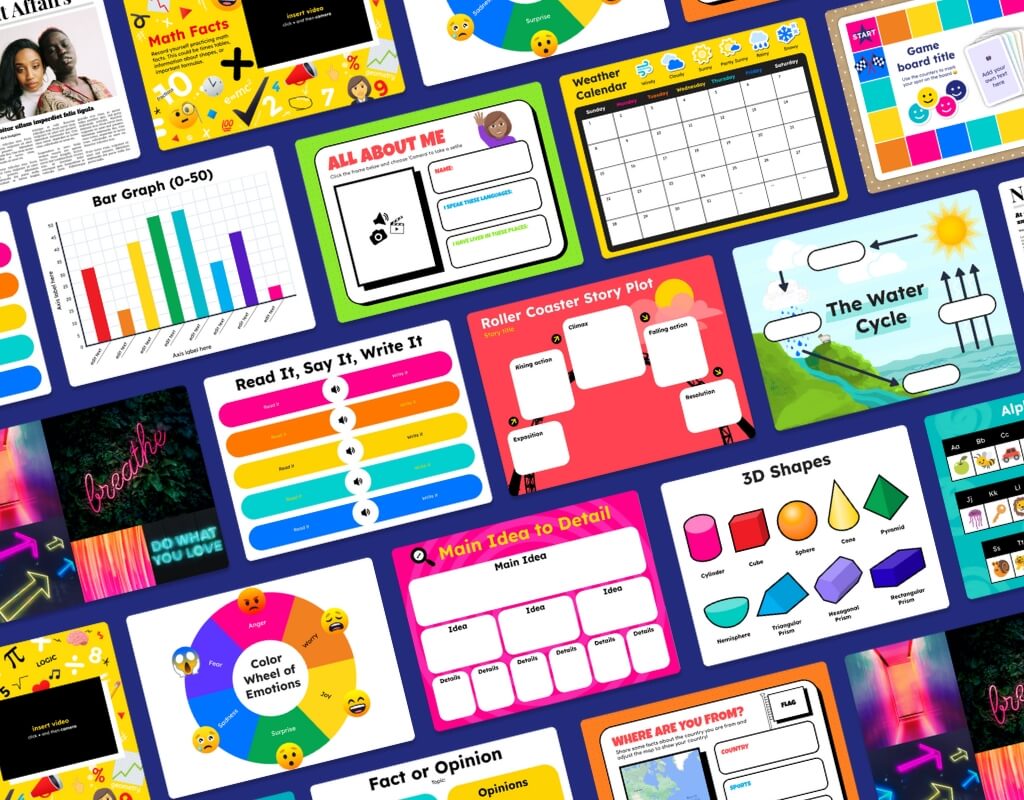
Templates
Jumpstart creativity and save time with 900+ ready-made page templates.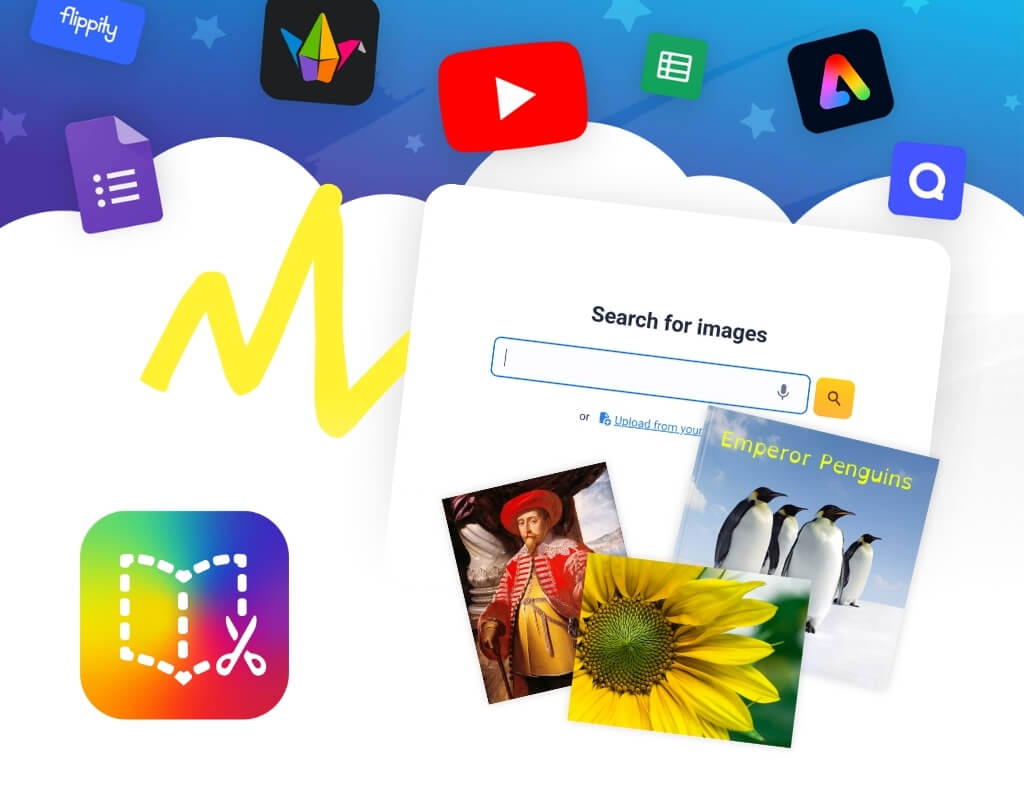
Upload & Embed
Enrich learning by adding videos, images, and files from any source.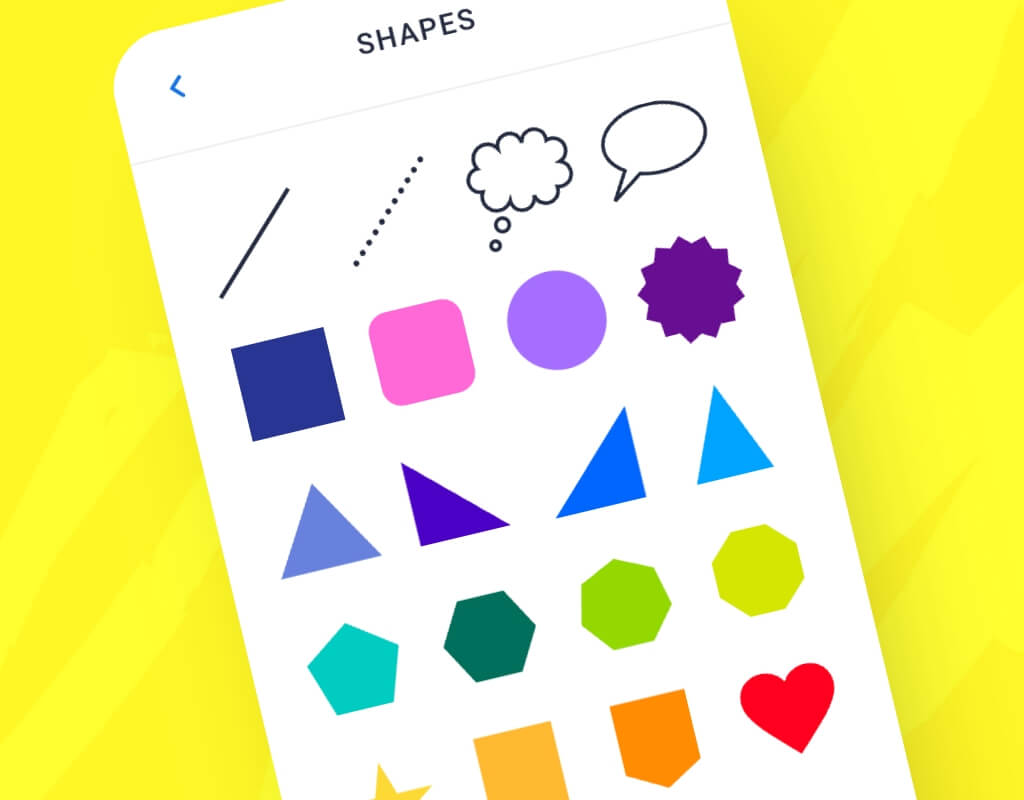
Shapes & Icons
Insert fully customizable shapes and enhance designs with thousands of Noun Project icons.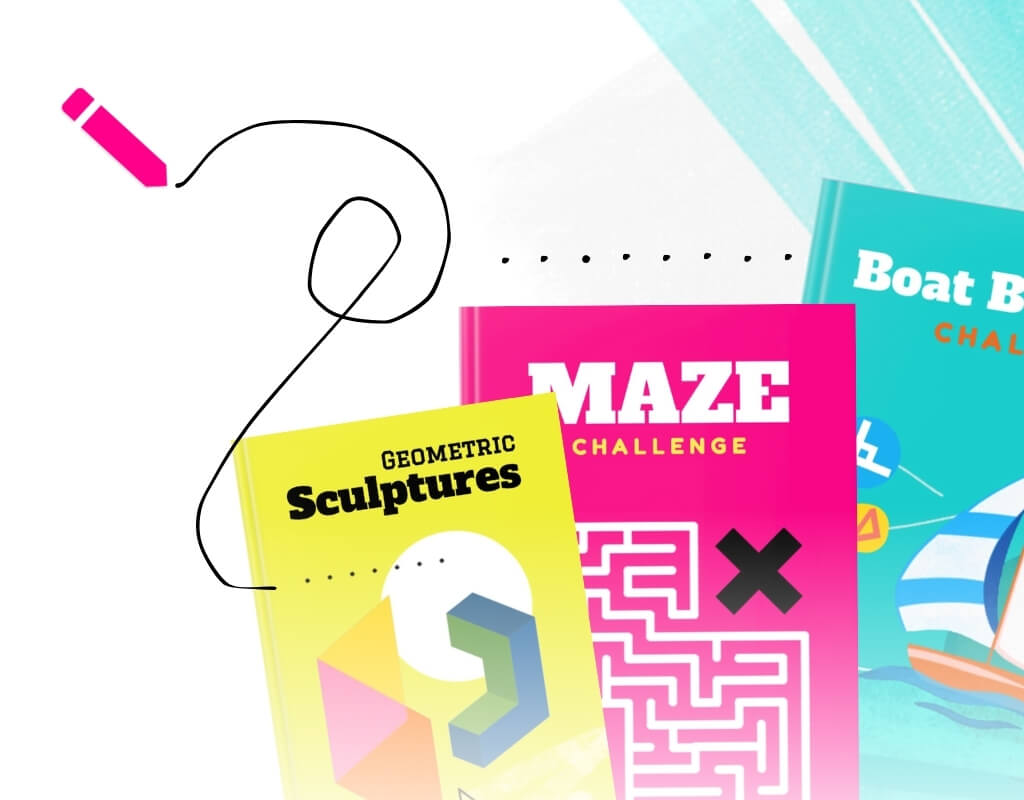
Pen tool
Draw or annotate straight onto your pages in various colours and patterns.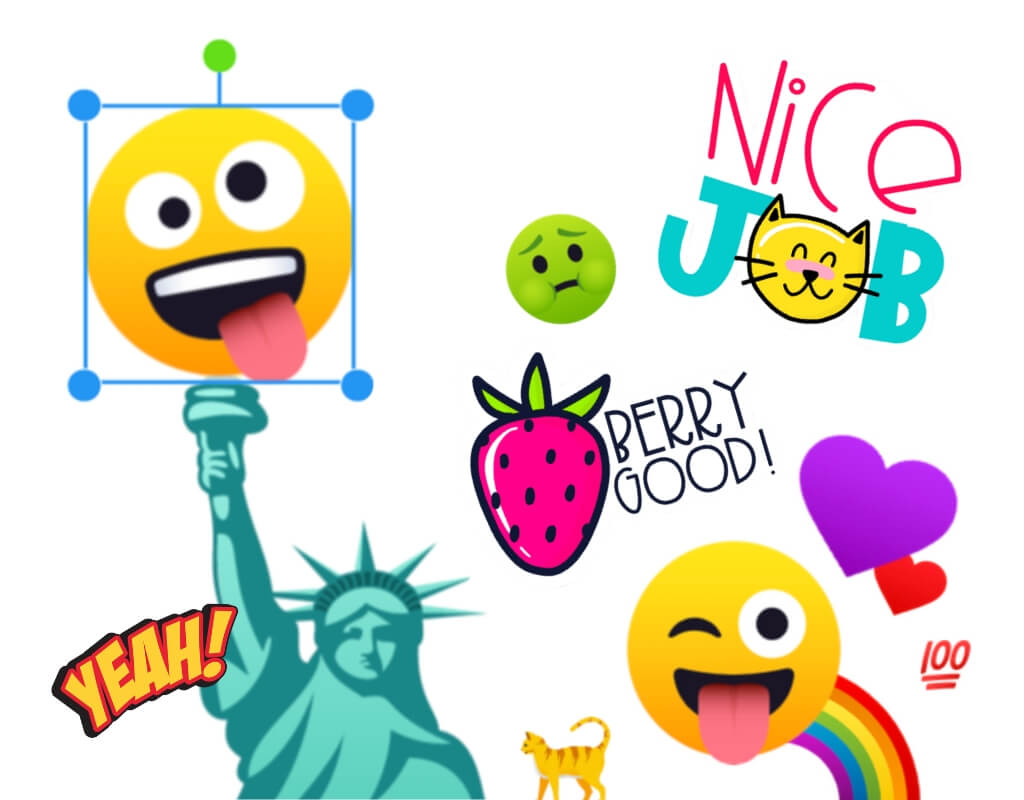
Emojis & Stickers
Add personality and fun to pages with expressive visuals students love.
Let's start the conversation
Discover how Book Creator can transform engagement across your district!Book a demo

Full feature list
Book Creator is compatible with:

Google Chrome
Safari

Microsoft Edge
iOS 15+
Make sure you keep your versions of Google Chrome, Safari and Edge up to date to ensure Book Creator works. Please note that Book Creator for iPad is an independent, offline app, and requires iOS 15 or higher for the latest updates. The iPad app does not sync in conjunction with the web app. The web app will work on iPads in Safari or Chrome but will need iOS 15 or higher.
