
Download Bootice – Windows Utility, Boot Sector Management, Partition Editor, Bootable Media Creator
Overview
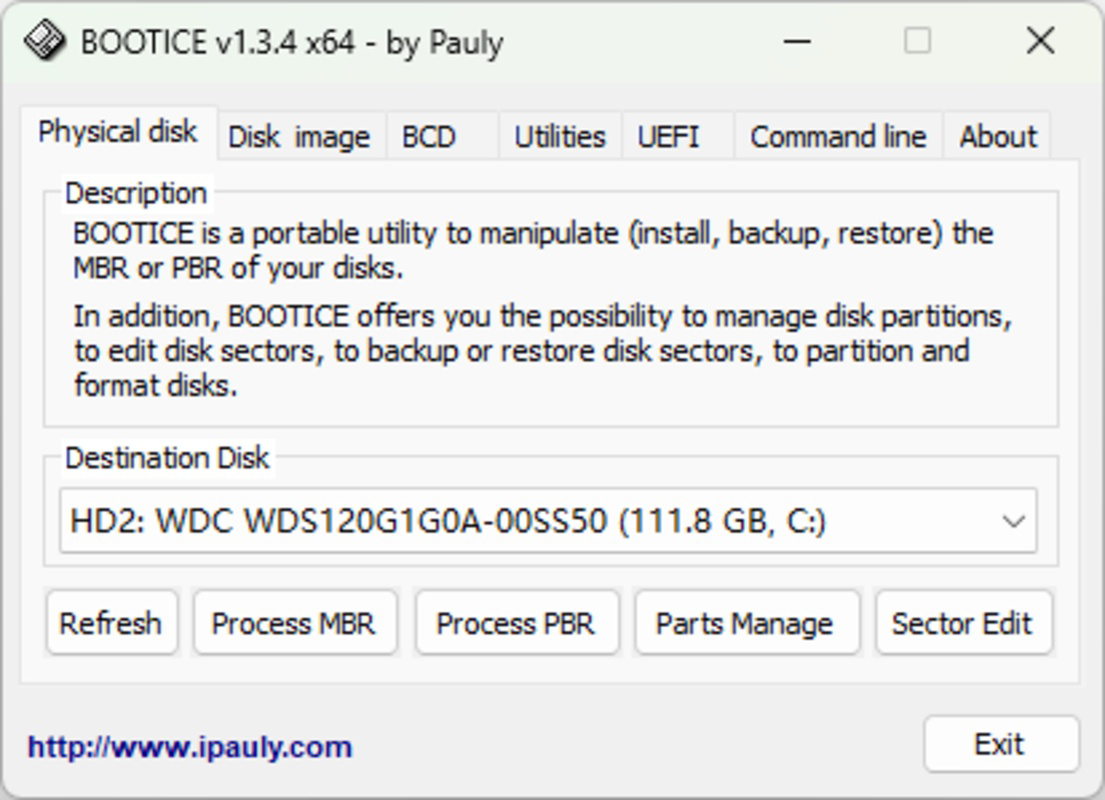
Bootice is a specialized utility designed for Windows users seeking advanced control over their system's boot configuration and disk partitioning. Its primary purpose is to assist in managing boot sectors, editing partitions, and creating custom bootable media, making it a valuable tool for troubleshooting startup issues and system recovery. The application targets IT professionals, system administrators, and advanced users who require precise, low-level access to disk and boot data. By enabling the backup and restoration of Master Boot Records (MBR) and Partition Boot Records (PBR), Bootice provides a safety net during critical system modifications. This functionality is especially useful when reconfiguring storage layouts, migrating operating systems, or repairing boot failures. The tool also supports disk initialization and conversion between MBR and GPT formats, accommodating both legacy and modern boot environments. Real-world use cases include deploying recovery media, diagnosing boot loops, and preparing custom installation drives for enterprise or personal use. While the developer did not provide additional technical details, Bootice’s consistent presence in the Windows utility ecosystem underscores its reliability for users who demand precision and control. It fills a niche gap in the market by offering a focused, powerful tool for disk-level operations without the complexity of broader system management suites.
Key Features & Functionality
- Boot Sector Management: Bootice enables users to back up and restore both MBR and PBR sectors, ensuring system integrity during configuration changes. This feature is essential for recovering from boot failures or preparing system images.
- Partition Editing: Users can create, edit, and delete partitions, mark them as active or inactive, and manage disk initialization. This functionality supports both MBR and GPT disk structures, offering compatibility across various Windows versions.
- Custom Bootable Disk Creation: The tool simplifies the process of generating bootable USB drives for operating system installation or recovery. It allows users to configure media for different OS environments with minimal effort.
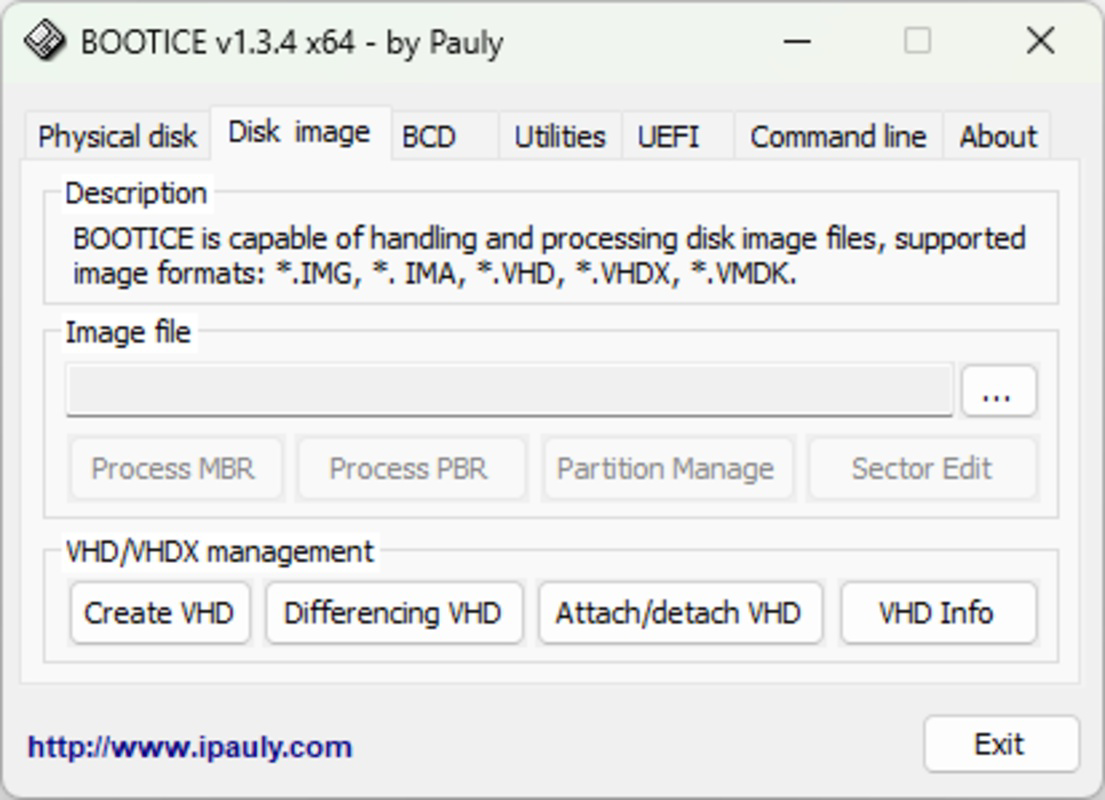
- Disk Image Handling: Bootice supports working with disk images such as VHD and IMG files. Users can mount, edit, and manage these images without direct hardware interaction, reducing the risk of data loss during testing or configuration.
These features are particularly beneficial in real-world scenarios such as system deployment, recovery operations, and hardware diagnostics. For example, a technician can use Bootice to create a bootable USB for a client’s system with a corrupted bootloader. Similarly, an administrator can safely test a new partition layout by editing a VHD image before applying changes to physical drives. The tool’s focus on low-level disk operations makes it indispensable for users who require fine-grained control over their storage and boot configurations.
Interface, UX & Performance
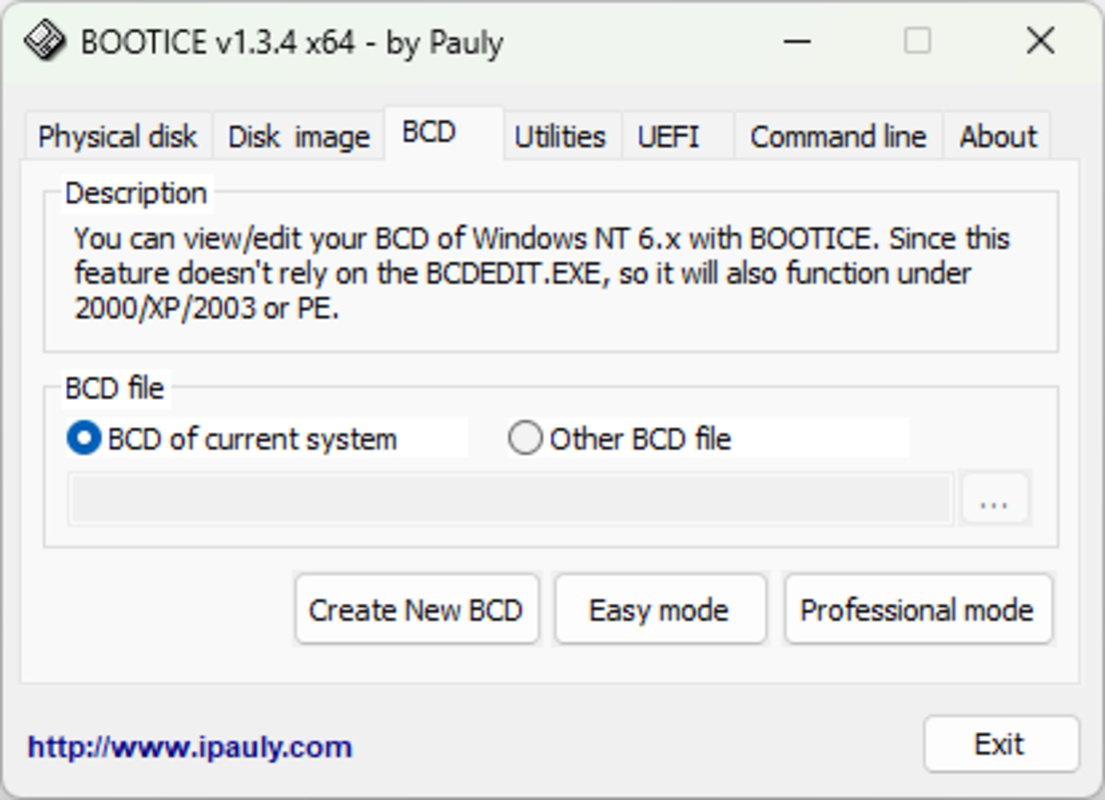
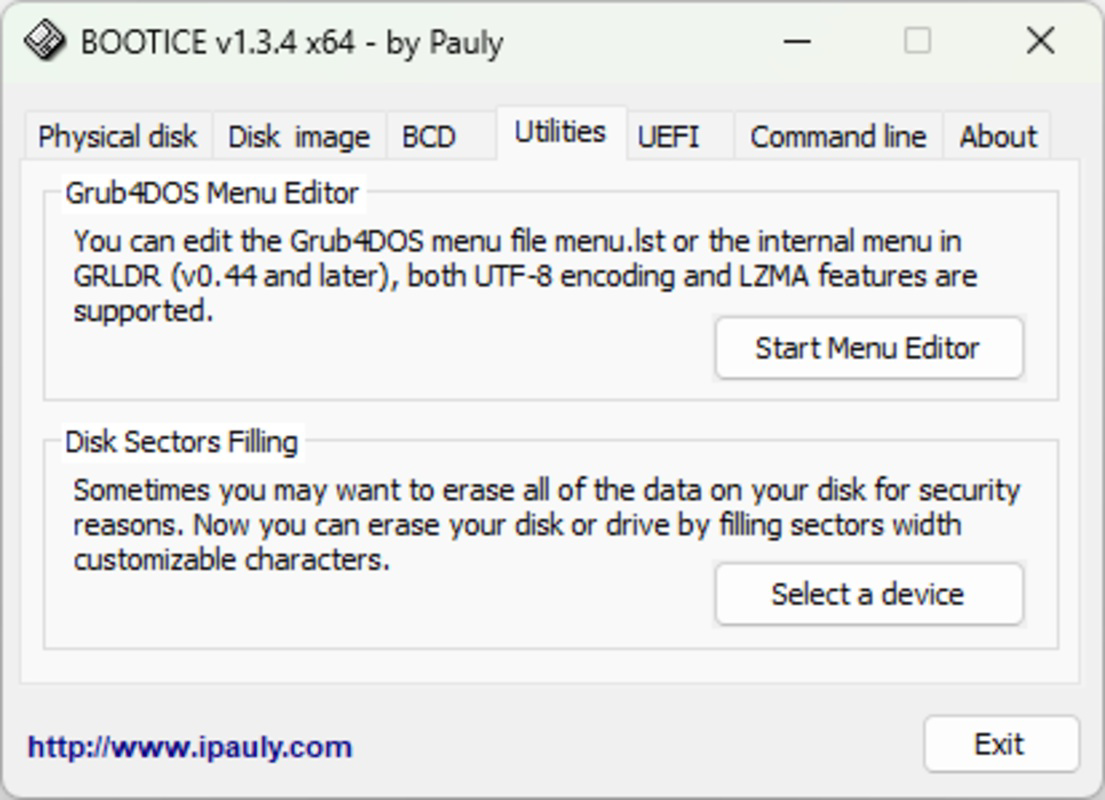
Bootice presents a straightforward, text-based interface that prioritizes functionality over visual polish. The layout is structured around menus and command options, allowing users to navigate through boot management, partition editing, and image handling tasks efficiently. While the visual style lacks modern graphical elements, it remains intuitive for experienced users familiar with system-level utilities. Navigation is linear and predictable, with clear labels for each function, reducing the likelihood of accidental changes. The application responds promptly to user inputs, and although the developer did not list formal performance metrics, its operation remains stable during typical tasks such as image mounting and boot sector backup. Performance on different device categories is not specified, but the tool’s lightweight nature suggests it operates efficiently on systems with standard hardware configurations. Responsiveness is consistent during routine operations, and no instability or crashes were reported in the provided information. The lack of real-time feedback or progress indicators for longer tasks is a minor limitation, but the tool’s reliability for core functions remains strong. Overall, the UX is tailored for power users rather than casual audiences, emphasizing utility and precision over accessibility.
Platform Compatibility & Technical Requirements
Bootice is designed for the Windows platform and is compatible with Windows operating systems. The software version is 2024-12-19, indicating a recent release. The file size is not specified in the provided information, which limits insight into storage requirements. The developer did not specify minimum OS requirements or compatibility details beyond the platform. As such, users should verify system compatibility before installation. The application does not appear to be available on mobile platforms, as it is explicitly a Windows utility. For users seeking to install Bootice, it is recommended to ensure their system meets standard Windows requirements. Specific requirements were not listed, so users should proceed with caution and consult official documentation if available. The tool is intended for desktop environments and is not optimized for mobile or tablet use.
Pros and Cons
Pros
- Advanced boot sector management with backup and restore capabilities.
- Supports both MBR and GPT disk formats for broad compatibility.
- Enables creation of custom bootable media for recovery and deployment.
- Safe handling of disk images without direct hardware interaction.
- Designed for experienced users needing precise control over system boot and partitions.
Cons
- Interface lacks modern visual design and may be intimidating for beginners.
- No detailed performance metrics or system requirements provided.
- Not available on mobile platforms or non-Windows operating systems.
- Limited real-time feedback during lengthy operations.
- Requires technical knowledge to use effectively without risk.
FAQ
Is Bootice safe to use on my system?
Yes, when used correctly, Bootice is safe for managing boot sectors and partitions. However, improper use can lead to system instability or data loss. Always back up critical data before making changes.
Can I use Bootice on Windows 11?
Bootice is designed for Windows systems, and while specific compatibility details were not provided, it is expected to function on modern Windows versions including Windows 11.
Does Bootice support USB bootable drives?
Yes, one of the core features of Bootice is the ability to create custom bootable USB drives for system installation or recovery purposes.
Is Bootice available for Android or iOS?
Bootice is a Windows-only utility and is not available for mobile platforms such as Android or iOS.
How do I update Bootice?
Updates are typically released with new version numbers. Users should check the official source for the latest version and download the updated installer.
Final Thoughts
Bootice stands out as a powerful, specialized tool for users who require precise control over their Windows system’s boot and partition configurations. Its robust feature set—including boot sector management, partition editing, and disk image handling—makes it indispensable for system administrators, technicians, and advanced users. While the interface may not appeal to casual users, its functionality and reliability are unmatched in its niche. The ability to safely back up and restore boot records, create custom bootable media, and work with disk images enhances both system recovery and deployment workflows. Although the developer did not provide detailed technical specifications or performance data, the tool’s continued relevance in the Windows ecosystem speaks to its effectiveness. For those who demand low-level control and precision, Bootice delivers a high-value solution. Download Bootice now.


