
Download BorderMaker – bulk photo border, watermark & effects tool
Overview
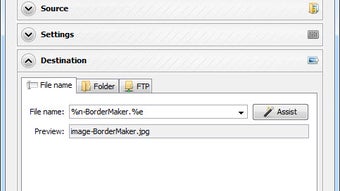
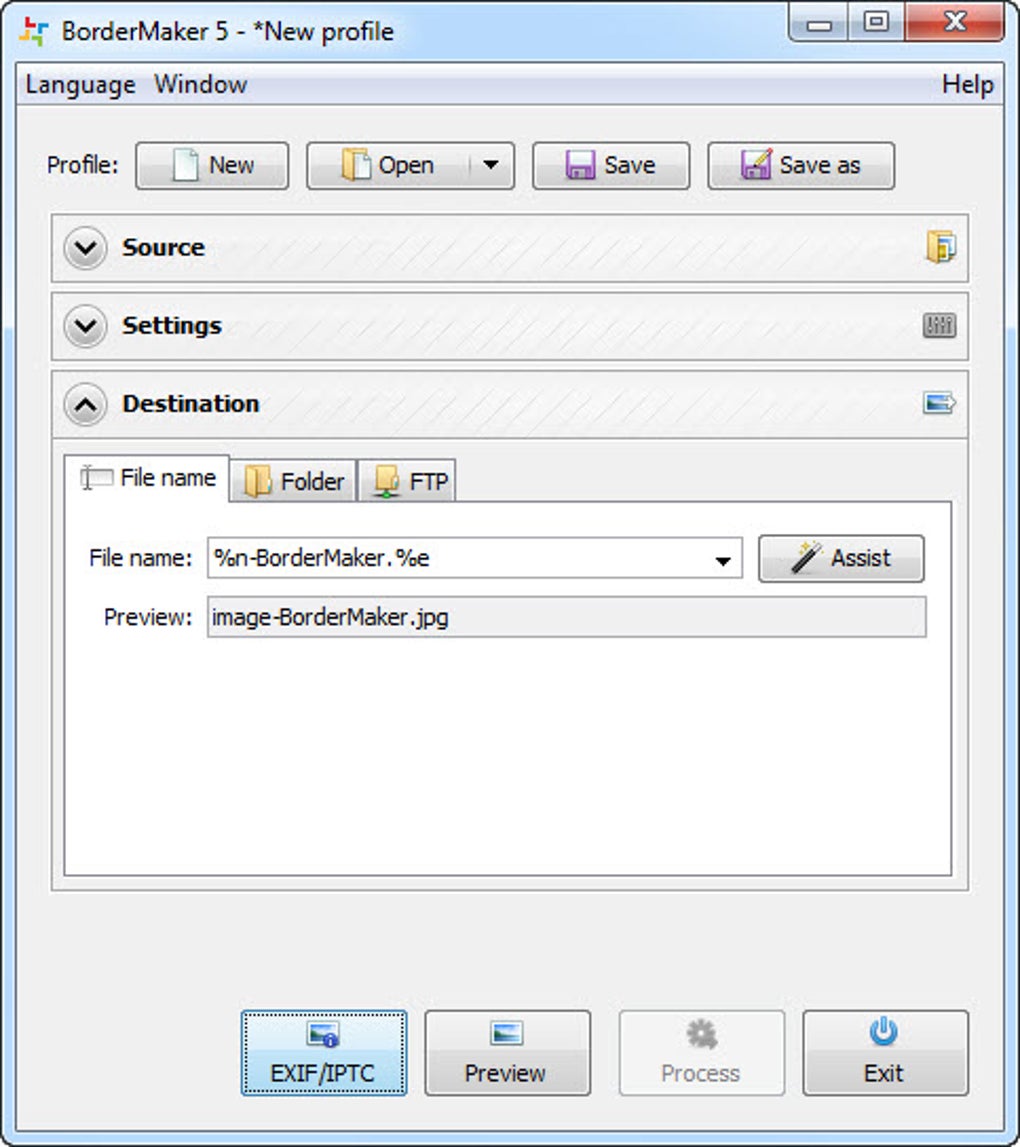
BorderMaker is a specialised desktop utility designed to add borders, watermarks and a handful of other visual effects to multiple images in a single operation. For photographers, graphic designers, or anyone who manages large photo libraries, the ability to process dozens or hundreds of pictures at once can shave hours off a typical workflow. The program organises its interface into three clear zones: Source, where you point to the folder containing the original files; Settings, where you define the border style, watermark text or graphic, and resizing parameters; and Destination, which lets you select the output folder or an FTP location for immediate publishing. While the layout may feel a little compartmentalised at first – each editing tool opens in its own window and a separate preview pane shows the result – once you become familiar with the three‑panel approach the process becomes remarkably efficient. BorderMaker does not attempt to replace full‑featured image editors; it deliberately omits colour correction, exposure tweaking, or advanced retouching tools. Instead, it focuses on the repetitive tasks that most batch‑processing software neglects: adding a consistent frame, stamping a copyright notice, or resizing images for web galleries. The application runs on both Windows and macOS, offering a straightforward installer and a licence model that includes a free trial for first‑time users. After the batch operation finishes, files can be saved locally or automatically uploaded to an FTP server, making it a handy bridge between offline editing and online publishing.
Powerful batch‑editing features that speed up your workflow
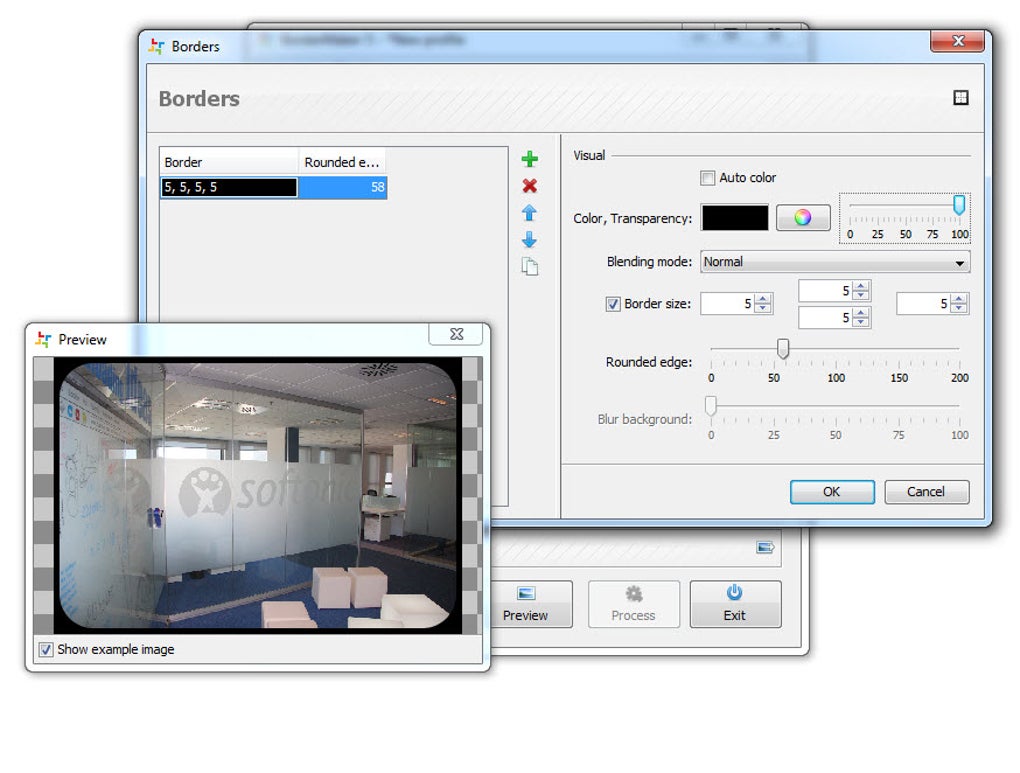
- Batch border insertion – choose from a library of pre‑designed frames or create custom dimensions.
- Watermark support – add text or image watermarks with adjustable opacity, position and margin.
- Quick resize – define exact pixel dimensions or percentage‑based scaling for all files at once.
- Folder‑wide processing – point to a source directory and let BorderMaker handle every supported image format (JPG, PNG, BMP, TIFF).
- Output options – save to a new folder, overwrite originals, or push the processed files to an FTP server.
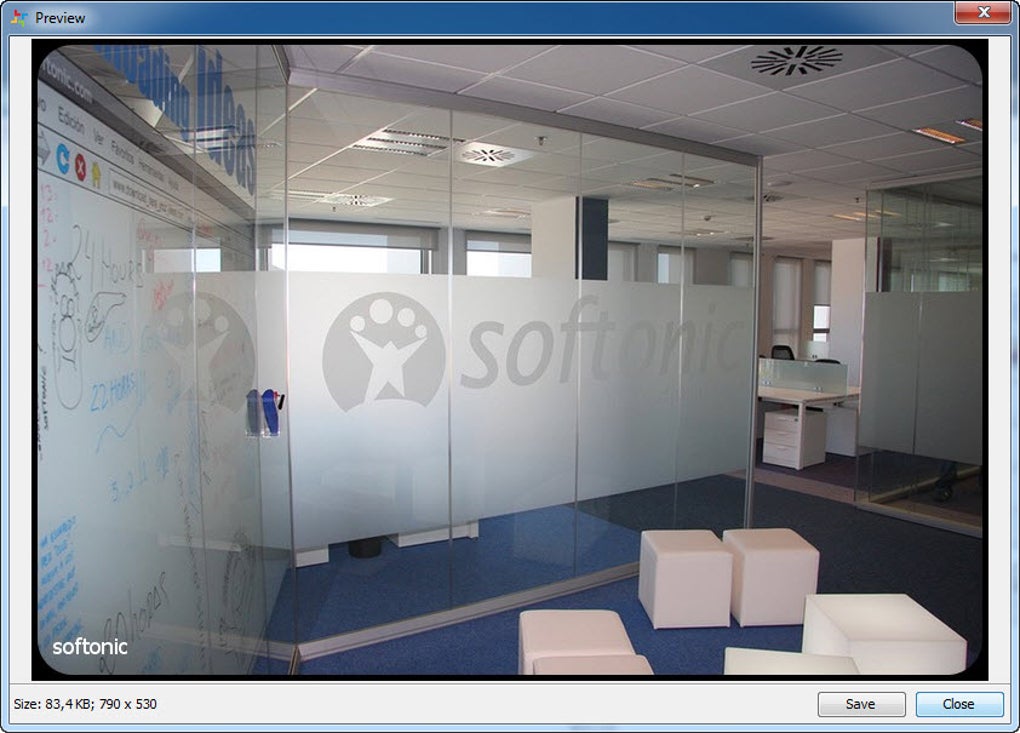
- Separate preview windows – see a live preview of border and watermark settings before committing to the batch.
- Multi‑tool windows – each editing function (border, watermark, resize) opens in its own dialog, allowing you to fine‑tune settings without losing context.
- Simple drag‑and‑drop – quickly add images to the Source panel by dragging a folder from Explorer or Finder.
The feature set is deliberately lean, which is both a strength and a limitation. Users who need only consistent framing and branding will appreciate the uncluttered toolbox and the fact that the program launches in seconds. The batch engine processes images sequentially, but because the operations are lightweight (no colour grading or filter rendering) the overall throughput is impressive – a typical 500‑image batch finishes in under five minutes on a mid‑range PC. BorderMaker also stores your last used settings, so you can resume a previous project without rebuilding the configuration from scratch. For teams that need to enforce a visual standard across a large catalogue – for example, a stock‑photo agency adding a corporate frame – the software provides a reliable, repeatable process that can be documented and handed off to junior staff. Although the lack of advanced editing tools means you’ll still need a separate program for detailed retouching, the time saved on repetitive border and watermark tasks can be redirected toward creative work, making BorderMaker a valuable niche addition to any photographer’s toolkit.
Installation, system requirements, usage tips, and real‑world pros & cons
Step‑by‑step installation
1. Download the installer from the official BorderMaker website – the file is a small .exe for Windows or a .dmg for macOS.
2. Run the installer and follow the on‑screen wizard; the default options are suitable for most users.
3. When prompted, accept the licence agreement and choose an installation folder (the default location works fine).
4. After installation, launch BorderMaker from the Start menu (Windows) or the Applications folder (macOS).
5. If you have a trial key, enter it on the first launch; otherwise you can start the free trial immediately.
Operating system compatibility
BorderMaker supports Windows 10, Windows 11 (both 64‑bit) and macOS 10.15 (Catalina) or later. The software does not run on Linux natively, but a Windows virtual machine can be used if needed. System requirements are modest: a dual‑core CPU, 2 GB RAM, and 100 MB of free disk space. Because the program mainly performs file I/O and simple raster operations, it runs smoothly on older laptops and even on modest netbooks.
Practical usage tips
- Start with a small test folder to verify border thickness and watermark placement before scaling up to a full catalogue.
- Use the “Save as preset” option in the Settings panel to reuse your favourite frame‑watermark combination on future projects.
- When uploading to FTP, double‑check the destination path and permission settings to avoid overwriting live website files.
- Enable the “Show preview” checkbox to see exactly how the final image will look, saving you from costly re‑runs.
Pros
- Lightning‑fast batch processing for borders and watermarks.
- Intuitive three‑panel layout once you become familiar with it.
- Supports direct FTP upload, streamlining web‑publishing workflows.
- Low system requirements make it suitable for older hardware.
- Free trial available – you can test all features before buying.
Cons
- No built‑in colour correction, brightness, or contrast tools.
- The interface can feel fragmented because each tool opens in a separate window.
- Lacks advanced batch naming or metadata editing capabilities.
- Only a limited set of pre‑designed borders; custom frame creation requires external graphics software.
Frequently Asked Questions
Can BorderMaker process RAW files?
BorderMaker currently supports JPEG, PNG, BMP and TIFF formats. RAW files must be converted to a supported format before batch processing.
Is there a limit to the number of images I can process at once?
There is no hard‑coded limit; the practical ceiling depends on your computer’s memory and storage speed. Users have reported successful batches of 2,000+ images on mid‑range PCs.
Can I schedule automatic batch runs?
BorderMaker does not include a scheduler, but you can combine it with Windows Task Scheduler or macOS Automator to launch the program with a preset configuration file.
What happens to the original files?
Original files remain untouched in the Source folder. All edited versions are written to the Destination folder you specify, preserving the originals for future use.
Is there customer support for paid users?
Yes. Paid licence holders receive email support and access to a knowledge‑base with step‑by‑step guides. Response times are typically under 24 hours.
Conclusion – why BorderMaker deserves a download today
If your daily routine involves adding a consistent border or a copyright watermark to large collections of photos, BorderMaker fills a niche that most mainstream editors overlook. Its batch‑centric design, low‑resource footprint, and built‑in FTP upload feature translate into tangible time savings for both freelancers and small studios. While the tool does not replace a full‑blown image editor, its focused feature set means you won’t be distracted by unnecessary options, and the learning curve remains manageable after a brief trial run. The pros – speed, simplicity, and reliable output – outweigh the cons for anyone whose primary need is repetitive framing and branding. With a free trial that unlocks all functionalities, you can evaluate the workflow impact before committing to a licence. Download BorderMaker now, give the trial a spin, and see how many minutes you can reclaim from your photo‑processing pipeline.
- Pros: fast batch processing, low system requirements, FTP integration.
- Cons: no colour correction, fragmented UI, limited border library.
Ready to streamline your photo workflow? Click here to download BorderMaker and start your free trial today.








