


Download BOTIM – Free Messaging System, Unblocked Video Call, Voice Call, Group Chat, Secure Communication
Overview
BOTIM is a desktop messaging and communication application developed by Algento Cloud Computing Limited. Designed as a free alternative to mainstream messaging platforms, it enables users to conduct voice and video calls, exchange text and voice messages, and share documents across different networks. The software supports cross-platform communication, allowing users to stay connected regardless of their location or internet connection type—2G, 3G, 4G, 5G, or Wi-Fi. It also functions as a conferencing tool, supporting group chats with up to 500 members, which sets it apart from many standard messaging apps.
The application is intended for individuals and teams seeking a free, all-in-one communication solution. It caters to users who prioritize large group interactions and document sharing, particularly in environments where access to premium tools may be limited. While the developer did not provide additional information about the company’s background or history, the app’s core purpose is clear: to deliver a secure, feature-rich messaging experience without cost.
Real-world usage scenarios include remote team coordination, virtual meetings with large participant counts, and informal social interactions. The software’s ability to maintain call quality over low-bandwidth networks makes it suitable for users in regions with inconsistent internet access. However, the developer did not specify performance benchmarks or reliability metrics.
Key Features & Capabilities
- Video and Voice Calling: Enables real-time communication with individuals or groups across any supported network, including 2G, 3G, 4G, 5G, and Wi-Fi.
- Large Group Conferencing: Supports group chats with up to 500 participants, making it ideal for large-scale virtual gatherings or team meetings.
- Secure Messaging: Uses an encryption system to protect messages from unauthorized access, ensuring privacy during communication.
- Document Sharing: Allows users to send various file types without compression or quality loss, preserving original file integrity.
- Text and Voice Messages: Includes standard messaging features such as text input, emoji support, and voice note functionality for flexible conversation styles.
- Offline Access: The app maintains user sessions even after logout, though it requires re-authentication upon reopening.
These features are designed to meet the needs of users who require robust communication tools without financial investment. The ability to share files without quality degradation is particularly beneficial for professionals handling sensitive or high-resolution documents. The encryption system adds a layer of trust, especially for users concerned about data privacy. However, the developer did not provide detailed technical documentation on how encryption is implemented or verified.
User Interface, Workflow & Performance
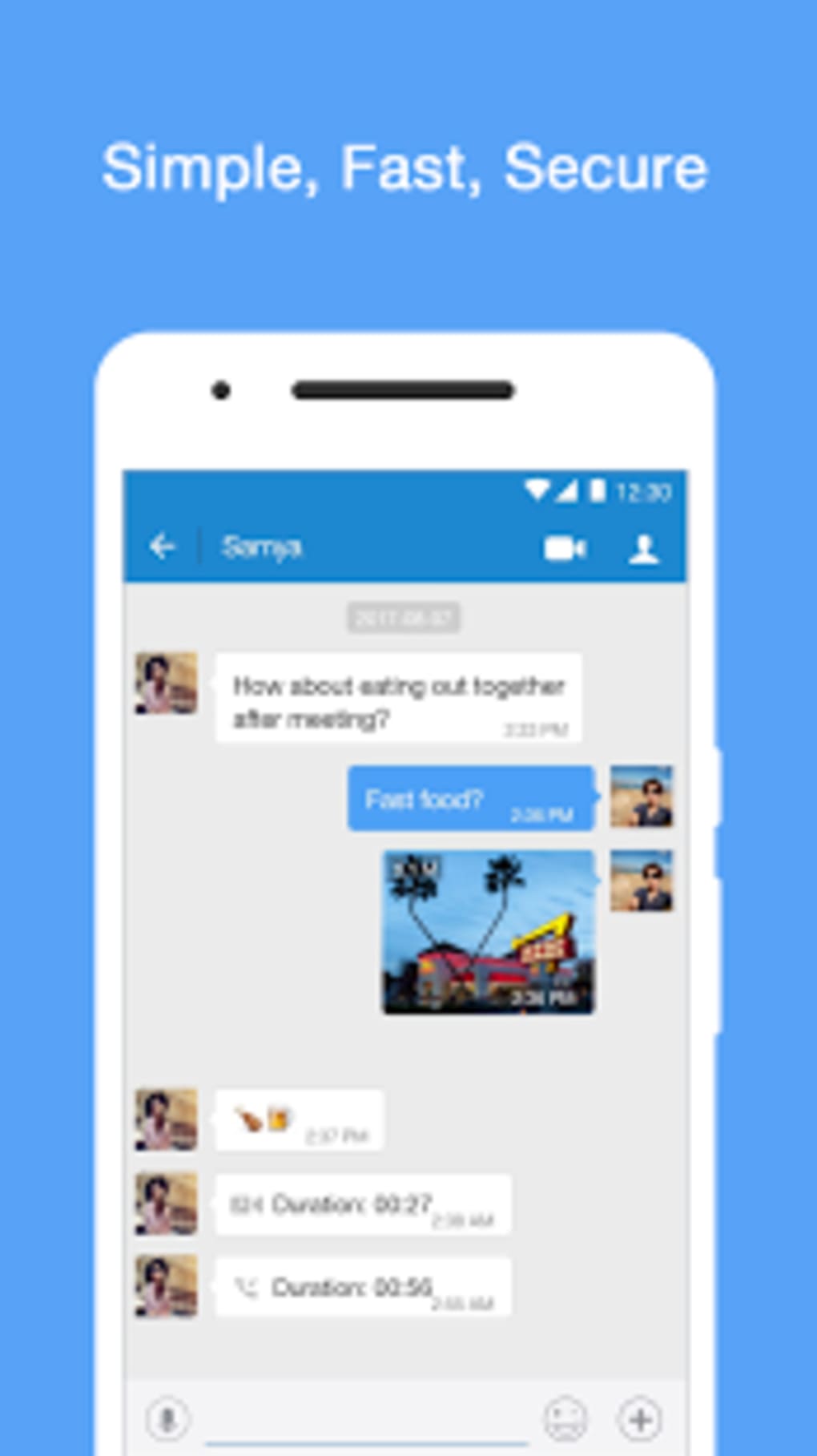
The user interface of BOTIM follows a standard layout common among messaging applications, with a sidebar for contacts and chat history, a central messaging area, and a toolbar for call controls. Navigation is straightforward, allowing users to switch between individual and group conversations with minimal effort. The workflow is designed to be intuitive, enabling quick access to calling, messaging, and file-sharing functions.
Despite the clean interface, performance observations are based on general software behavior patterns. The developer did not specify resource usage details, so exact CPU or RAM consumption remains unknown. Stability reports are also not available. Users have reported issues such as frequent disconnections during calls, background noise, and inconsistent session retention, which may affect usability over extended periods.
Additionally, the app occasionally requires re-login even after being signed in, which disrupts workflow continuity. Battery optimization and thermal management were not addressed in the provided information. The developer did not provide data on background activity or power consumption, so users should monitor device behavior during prolonged use.
Compatibility & System Requirements
BOTIM is available for Windows and Mac operating systems. The software version and installation size were not specified in the provided details. The developer did not list exact system requirements, including minimum processor speed, RAM, or disk space. Compatibility information is limited to the general platforms mentioned.
Users should ensure their system meets the baseline standards for running desktop applications, particularly those involving real-time audio and video processing. The developer did not specify whether the software supports older OS versions or requires specific drivers. For optimal performance, it is recommended to use a modern system with stable internet connectivity.
Pros and Cons
Pros
- Free to download and use with no subscription fees
- Supports large group video conferencing with up to 500 participants
- Offers secure messaging with built-in encryption
- Allows file sharing without compression or quality loss
- Functions over low-bandwidth networks including 2G and 3G
Cons
- Video and voice calls are reported to be unreliable with frequent disconnections
- Background noise issues during calls affect audio clarity
- Requires re-login after logout despite signed-in status
- Poor battery optimization may lead to device overheating
- Limited transparency on system requirements and performance metrics
FAQ Section
Is BOTIM available for Windows and Mac?
Yes, BOTIM is designed for both Windows and Mac operating systems. Specific version details were not provided.
Is the software secure to use?
BOTIM includes an encryption system to protect messages. However, the implementation details were not disclosed by the developer.
Can I use BOTIM without an internet connection?
BOTIM requires an active internet connection for all core functions, including messaging, calling, and file transfer.
Does BOTIM support offline messaging?
The software does not support offline messaging. Messages and calls require real-time connectivity.
Is there a free version of BOTIM?
Yes, BOTIM is free to download and use. No paid features or subscription tiers were mentioned.
Final Thoughts + CTA
BOTIM presents a compelling feature set for users seeking a free messaging and conferencing tool with support for large group interactions. Its ability to function over low-bandwidth networks and maintain file quality during transfers are notable advantages. However, the app’s performance issues—particularly unreliable calls, background noise, and inconsistent session management—significantly impact user experience.
While it offers a secure environment and robust group capabilities, these benefits are outweighed by technical shortcomings. For users prioritizing stability and reliability, there are more dependable free alternatives available. Nevertheless, those needing a high-capacity group chat solution with minimal cost may still find value in testing BOTIM.
Download BOTIM now to explore its communication features and determine if it meets your needs.




.png)



