
Download Bridge Constructor – bridge building, physics puzzle, construction game, strategy game, engineering game, free bridge builder, mobile bridge constructor, construction simulator, bridge design, bridge building game
Overview
Bridge Constructor invites players into the world of civil engineering, where creativity and physics converge to solve real-world structural challenges. Designed as a strategy game with a strong emphasis on problem-solving, it tasks users with constructing stable bridges that can support vehicles across diverse terrains. The game’s core purpose lies in simulating the complexities of bridge design, requiring players to balance structural integrity, material costs, and spatial constraints. It appeals to a broad audience, including casual gamers, puzzle enthusiasts, and those with an interest in engineering principles. The developer, ClockStone, has crafted a title that blends entertainment with educational value, making it a standout in the mobile strategy genre. Real-world use cases include developing spatial reasoning, understanding load distribution, and applying basic physics concepts in a gamified environment. Within the mobile app ecosystem, Bridge Constructor occupies a niche that combines logic, creativity, and simulation, offering a satisfying experience for users seeking more than mindless gameplay. Its enduring presence since 2013 speaks to its lasting appeal and effective design. Although the developer did not provide additional technical details, the game’s continued relevance underscores its strong foundational mechanics and user engagement.
Key Features & Functionality
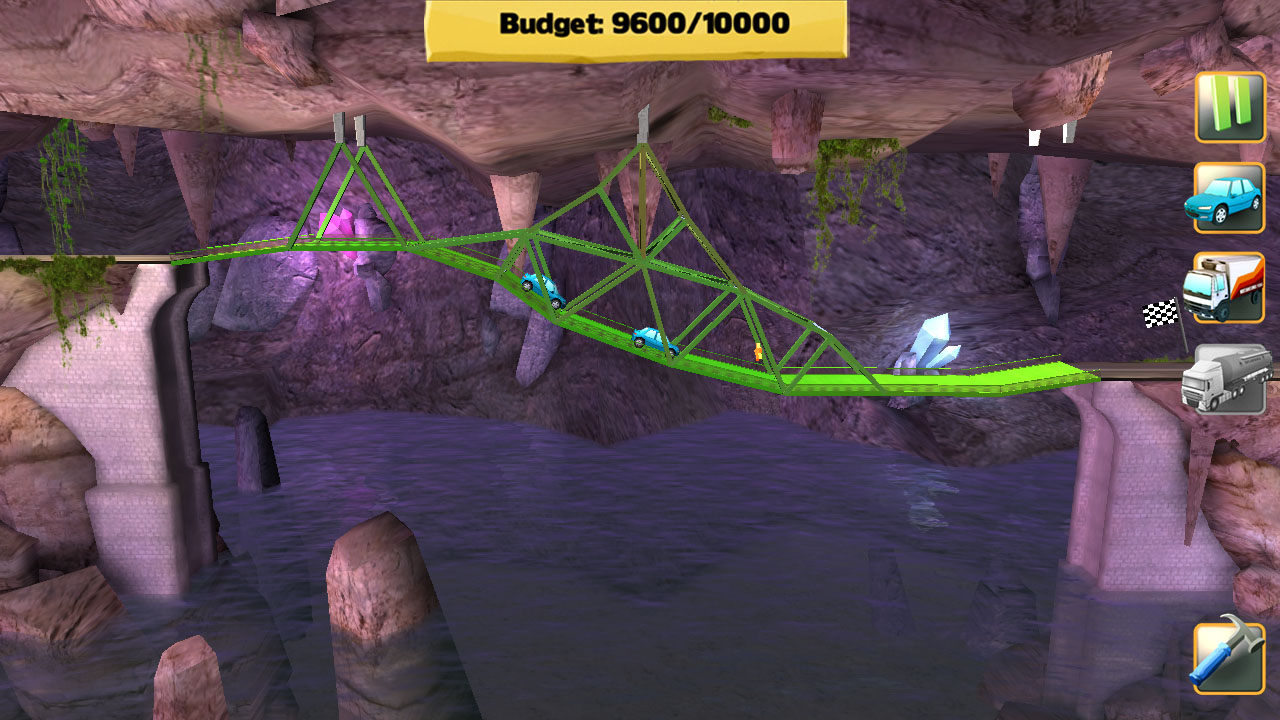
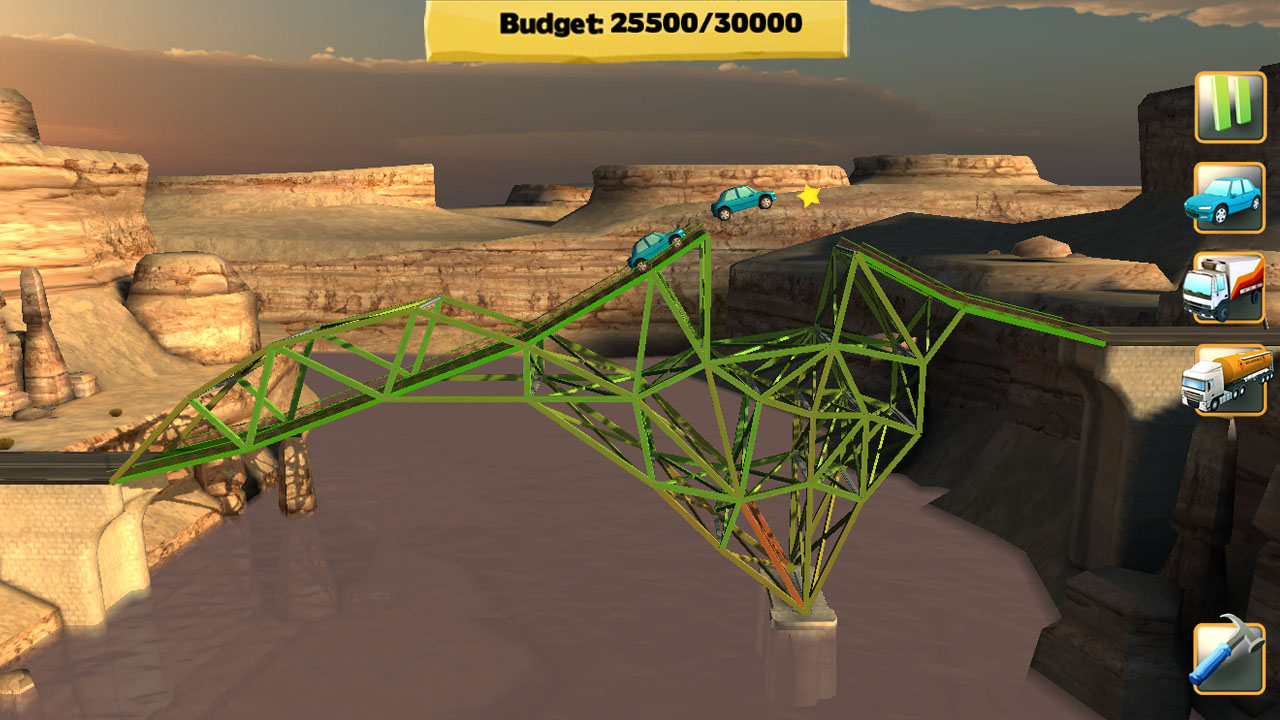
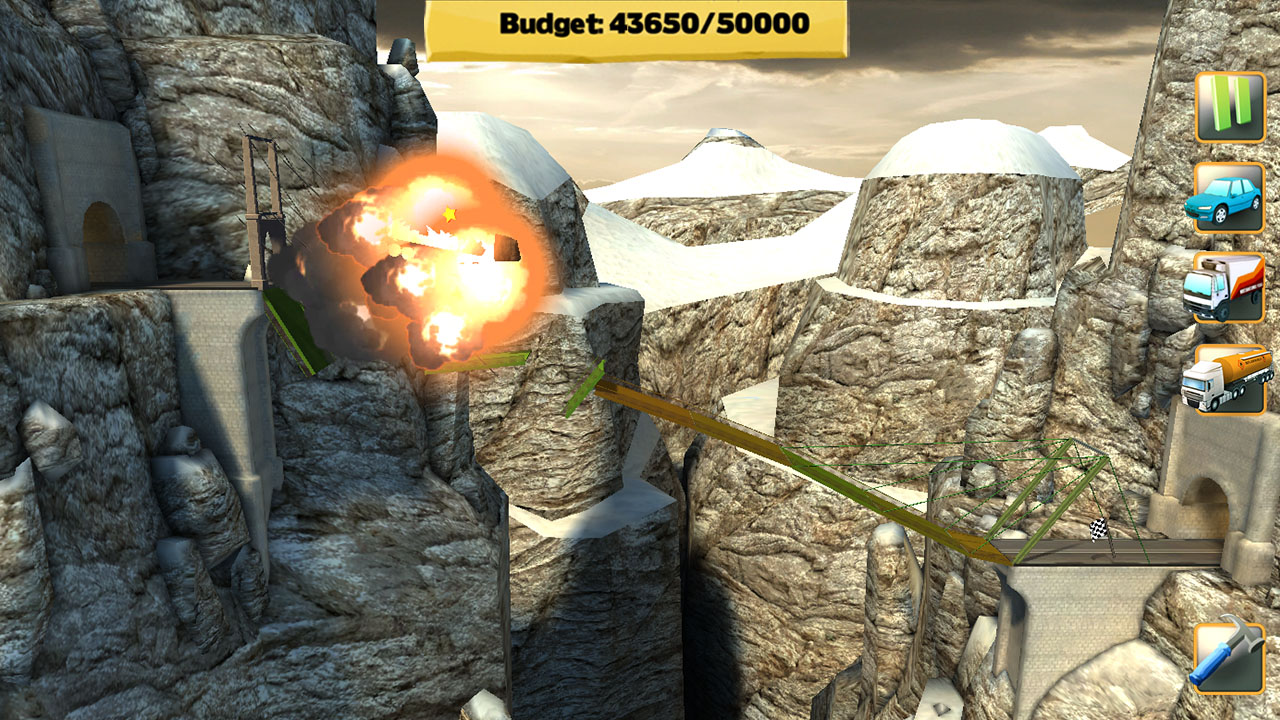
- Diverse Levels Across Six Settings: Players progress through 64 unique levels set in cities, canyons, beaches, and other landscapes, each introducing new terrain challenges and environmental variables. This variety ensures sustained engagement and encourages adaptive thinking.
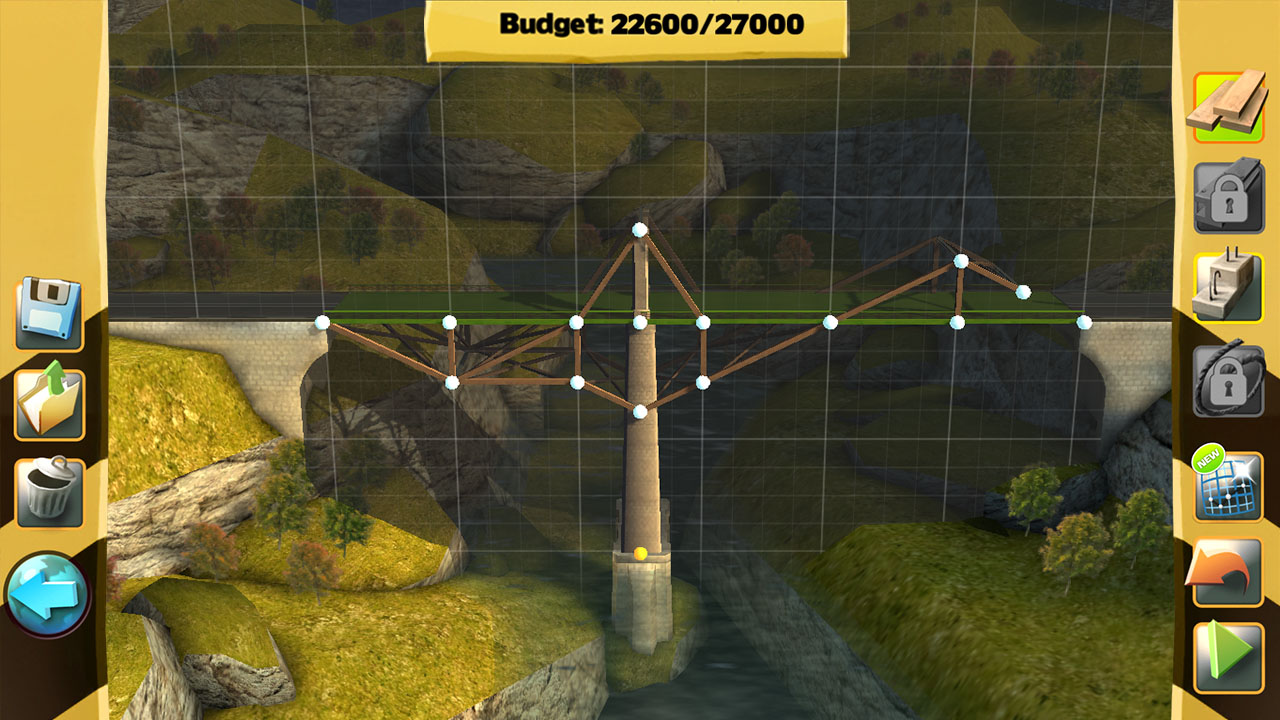
- Four Material Options: Users can select from wood, steel, cables, and concrete pillars, each with distinct strength, cost, and flexibility properties. Choosing the right combination is critical to both structural success and budget compliance.
- Realistic Physics Engine: The game applies a physics-based simulation to test bridge stability. Vehicles like cars, trucks, and tank trucks traverse completed structures, revealing weaknesses under stress, which helps players refine their designs iteratively.
- SlopeMania Add-On Integration: The Steam version includes this expansion, introducing new levels and mechanics that add complexity through steep inclines and dynamic terrain, challenging players to rethink traditional bridge-building techniques.
- Competitive Features: Leaderboards and achievements allow players to track performance, compare scores, and earn milestones, enhancing replayability and motivation.
For example, a level set in a canyon may require long-span cables to reduce material costs, while a beach level might demand elevated supports to prevent erosion. These realistic scenarios encourage strategic planning and iterative design, mirroring real engineering processes. The combination of creative freedom and technical constraints makes the game both accessible and deeply engaging for users at various skill levels.
Interface, UX & Performance
The user interface of Bridge Constructor is clean and intuitive, designed to prioritize functionality over visual flair. Navigation is straightforward, with clearly labeled tools and a logical workflow for selecting materials, placing components, and testing structures. The visual style maintains a simple, cartoonish aesthetic that enhances clarity without overwhelming the user. While the developer did not list formal performance metrics, the app operates smoothly on a range of Android devices, suggesting efficient resource management. Responsiveness is consistent during both construction and testing phases, with minimal lag during vehicle traversal. Stability appears reliable, with no reported crashes or freezes in standard gameplay. Although the developer did not specify minimum OS requirements, the app’s long-standing availability indicates broad compatibility. The overall user experience is optimized for touch-based interaction, with precise tap-and-drag mechanics for placing bridge elements. The absence of cluttered menus or confusing controls contributes to a seamless experience, particularly for new players. The game’s performance on different device categories remains consistent, thanks to its lightweight design and efficient codebase.
Platform Compatibility & Technical Requirements
Bridge Constructor is available on the Android platform and requires a device running the specified operating system. The current version is 1.0.15, with a file size of 120 MB, making it accessible even on devices with limited storage. The app is priced at $3.99, reflecting its premium content and long-term value. While the developer did not specify minimum OS requirements, the game’s release date in 2013 suggests it supports a wide range of Android versions, including older ones. This broad compatibility enhances accessibility for users across different device generations. The app does not require special permissions beyond standard access for display and storage, which is typical for mobile games. Specific requirements were not listed, but the lightweight size and stable performance indicate that it runs efficiently on mid-tier and older Android devices. Users seeking to install or update the app should ensure their device meets standard Android functionality standards.
Pros and Cons
- Engaging blend of strategy, physics, and creativity
- Wide variety of levels and environments
- Realistic physics simulation enhances learning and immersion
- Material variety encourages strategic decision-making
- Stable performance across devices
- Long-term replayability through leaderboards and achievements
- Price point may deter some casual users
- Limited visual polish compared to modern mobile games
- Some users may find the learning curve steep initially
- Only available on Android (no iOS version mentioned)
- Update frequency not disclosed
FAQ
Is Bridge Constructor available on iOS?
The developer did not disclose iOS availability. The app is confirmed for Android only.
Can I play Bridge Constructor offline?
Yes, the game does not require an internet connection once installed, making it suitable for offline play.
Is the game safe to download and install?
Yes, the app is distributed through official Android channels and does not require root access or suspicious permissions.
How often are updates released?
The developer did not specify update frequency. However, the game has remained functional since its 2013 release.
Does Bridge Constructor include in-app purchases?
Based on available information, the app is a one-time purchase with no in-app purchases or ads.
Final Thoughts
Bridge Constructor stands as a timeless example of intelligent mobile strategy gaming. It successfully merges engineering principles with playful design, offering users a challenging yet rewarding experience. Its focus on physics-based problem-solving, combined with creative freedom and structured progression, makes it ideal for players who enjoy thoughtful, iterative gameplay. While the price may be a consideration for some, the depth of content and long-term engagement justify the investment. The game is particularly valuable for students, educators, and anyone interested in construction logic. With its stable performance, intuitive interface, and enduring appeal, Bridge Constructor remains a top-tier choice in the construction simulator genre. Download Bridge Constructor now.


