
Screenshots

App details
- Version
- 3.20.248-20231218 | 3.15.239-20220726 |...
- Updated
- September 2, 2025
- Requires
- Android 15.0
- Language
- English | Russian | Chinese | German | S...
- License
- Free
- Developer
- BSPlayer media
- Category
- Android OS
About BSPlayer
Download BSPlayer – Android media player, video player, audio player, free media app
Overview
BSPlayer is a full-featured media playback application designed for Android devices, developed by BSPlayer media. The software serves as a comprehensive solution for users seeking reliable and high-quality playback of multimedia files across various formats. It is tailored for individuals who frequently consume video and audio content on mobile devices such as smartphones and tablets. Whether streaming personal media libraries or playing downloaded files, BSPlayer aims to deliver smooth playback with minimal setup. Its intuitive interface caters to both casual users and tech-savvy individuals who value efficiency and visual appeal.
The app addresses common challenges associated with media playback on mobile platforms, such as format incompatibility and poor performance with high-resolution content. By supporting a wide range of codecs and file types, it eliminates the need for conversion or third-party tools. Real-world use cases include watching movies on the go, listening to music during commutes, or reviewing video projects on a tablet. The developer did not provide additional system requirements or details about platform-specific optimizations.
Key Features & Capabilities
- Universal Format Support – BSPlayer handles major video and audio formats including MP4, MKV, AVI, MOV, MP3, WAV, and OGG, enabling playback without conversion.
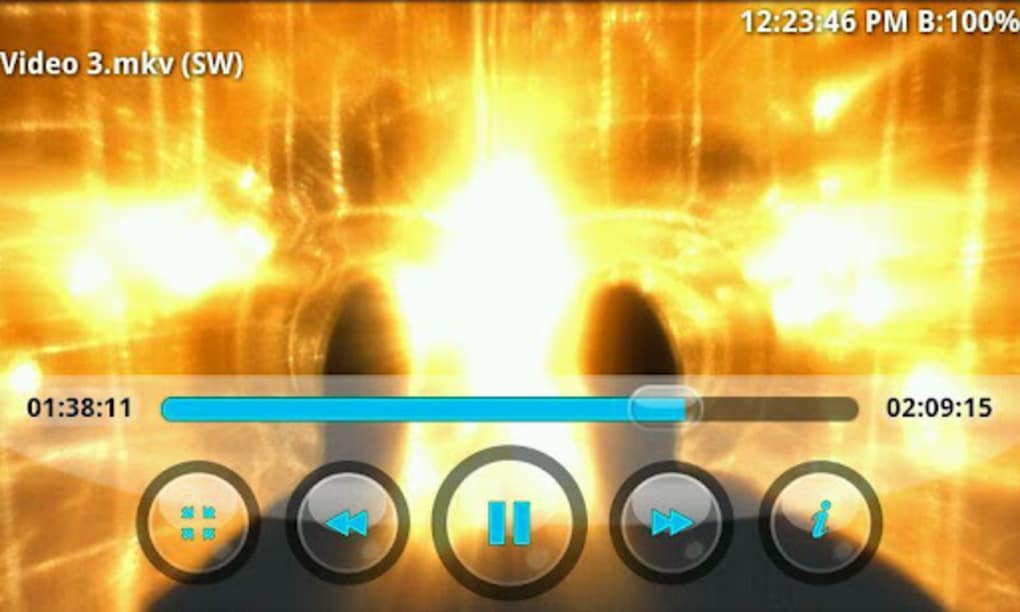
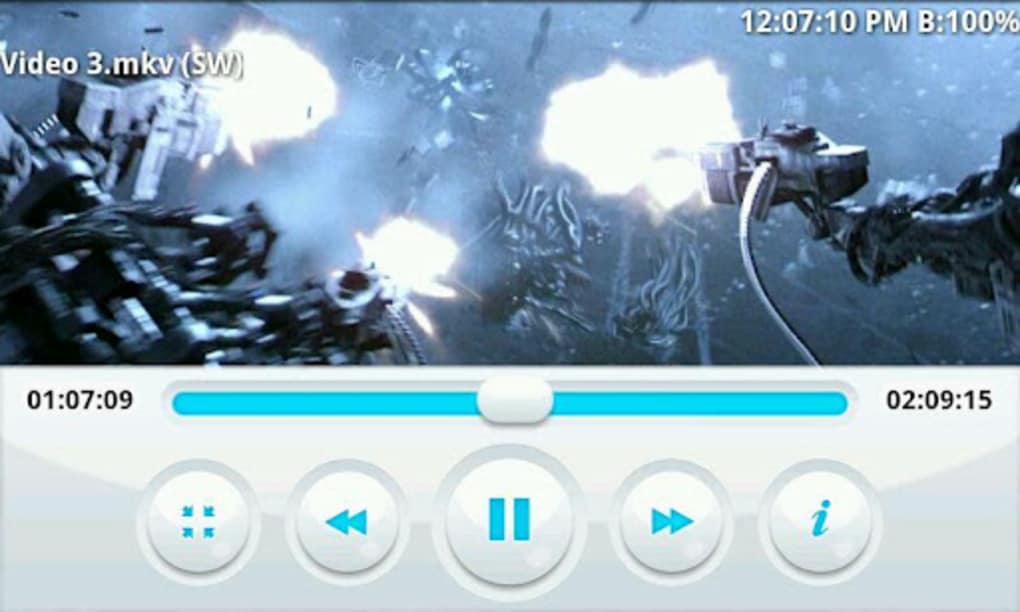
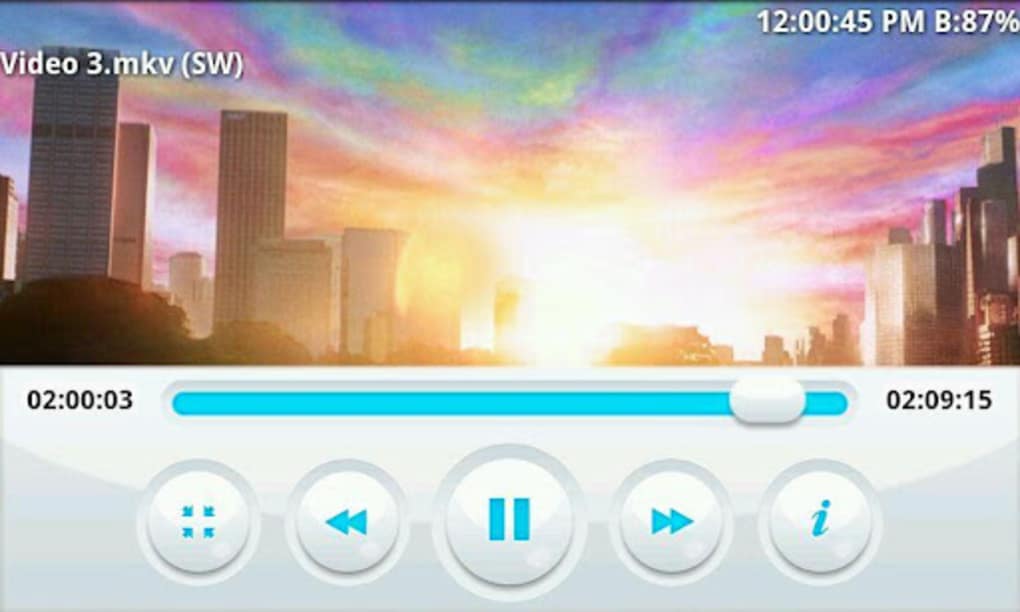
- Intuitive User Interface – The app features a clean, visually appealing layout designed for ease of navigation and quick access to media files.
- High-Quality Playback – Optimized rendering ensures smooth playback of high-resolution videos, even on mobile hardware.
- Offline Media Access – Users can play stored media files without requiring an internet connection.
- Lightweight Design – Engineered to operate efficiently on mobile devices with limited resources.
These capabilities allow users to enjoy seamless media experiences directly from their device’s storage. For example, a traveler can watch a downloaded movie in MKV format without relying on cloud streaming, while a music enthusiast can play a high-bitrate WAV file without lag. The app’s ability to manage multiple codecs internally reduces user friction and enhances usability across diverse content types.
User Interface, Workflow & Performance
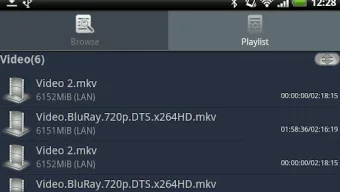
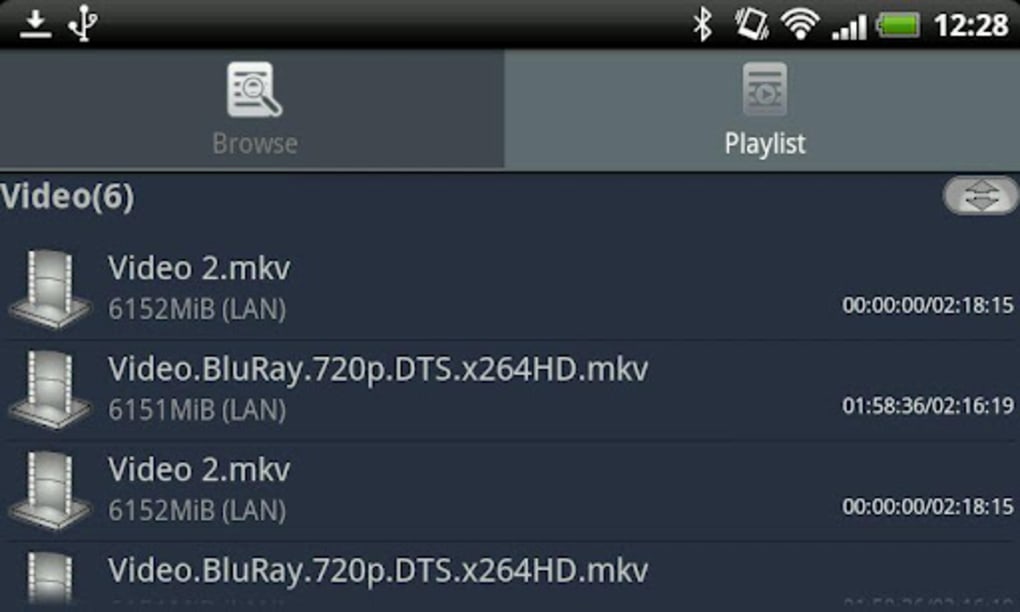
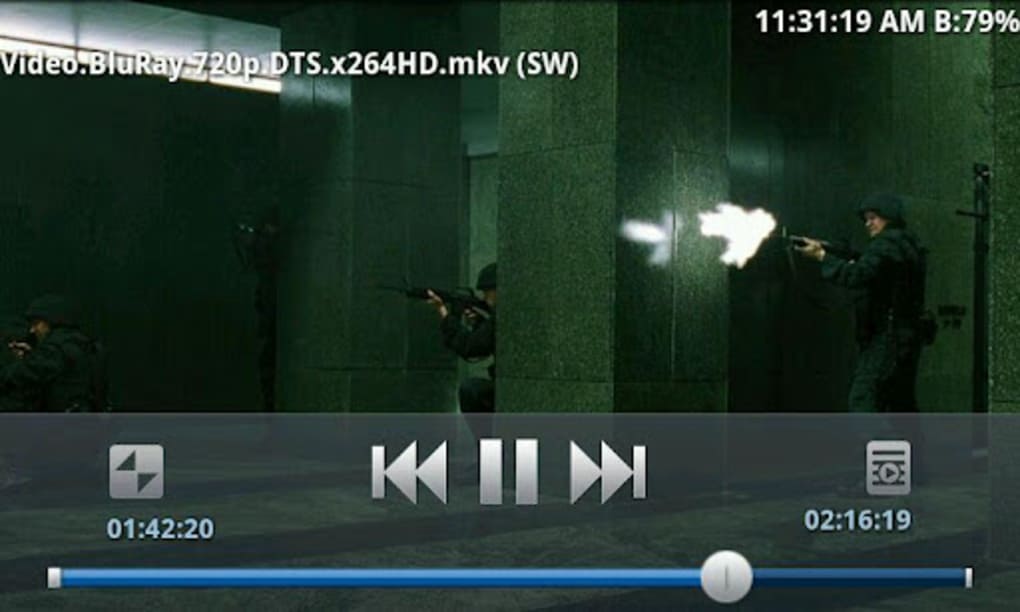
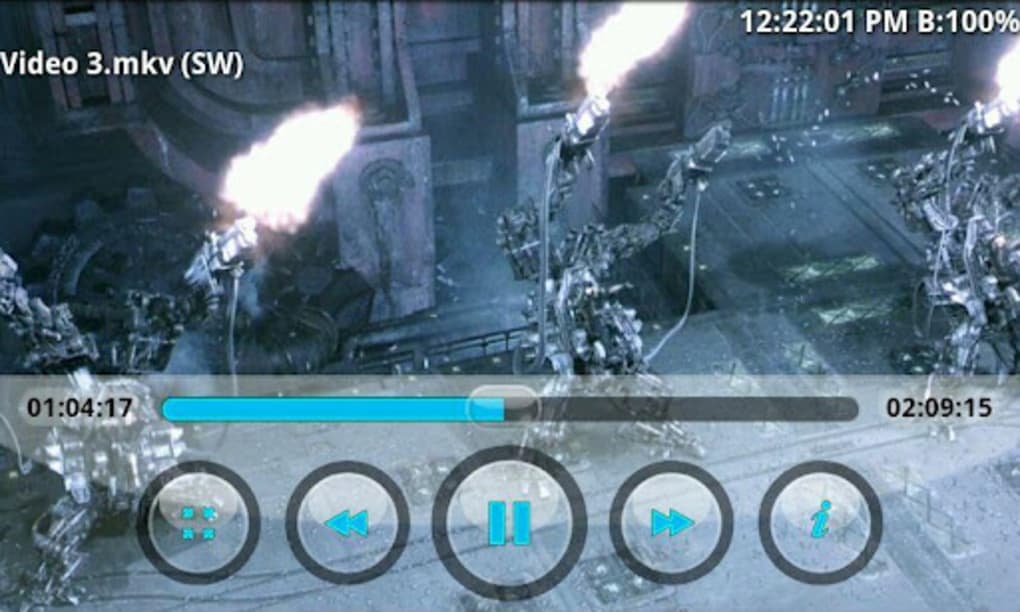
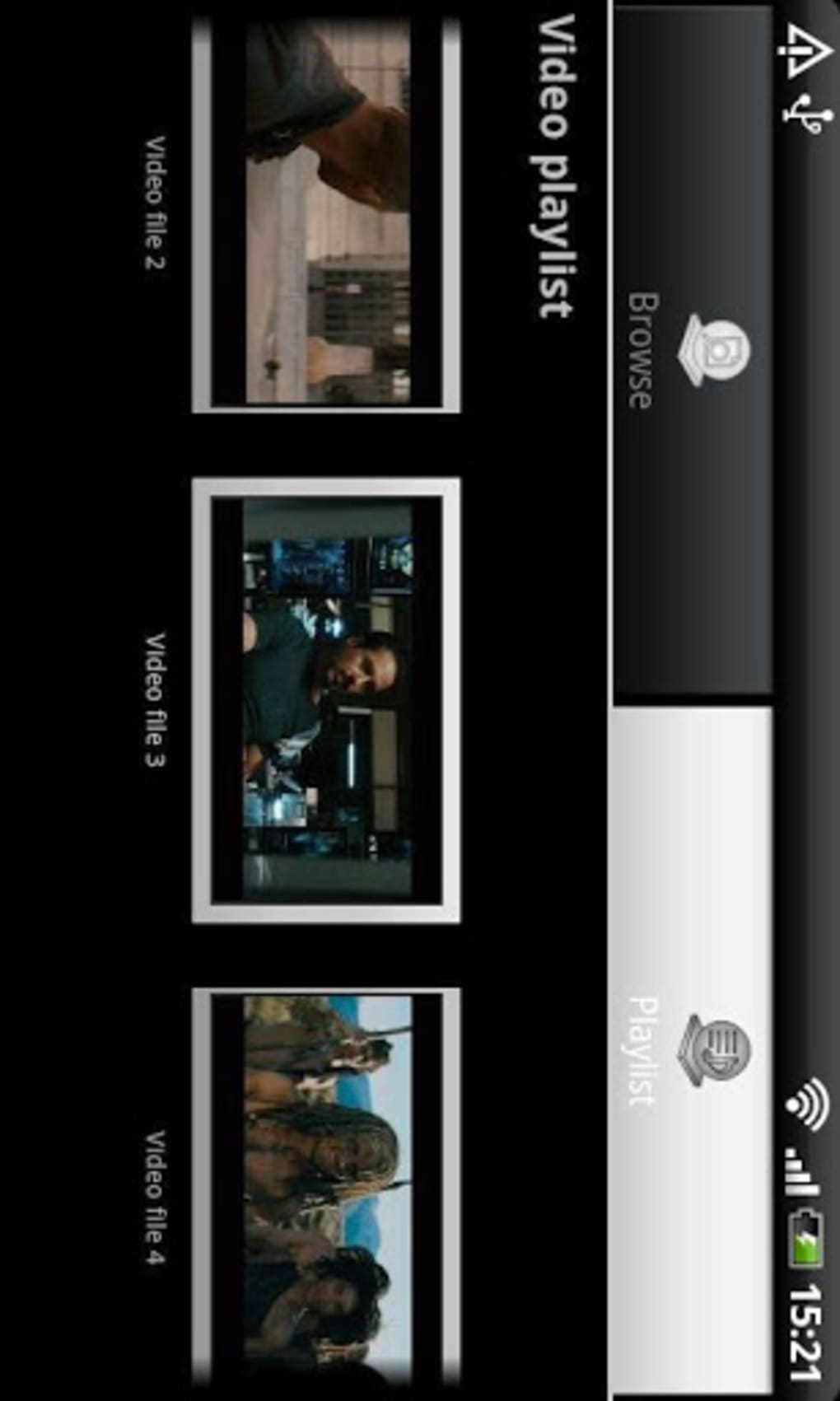
BSPlayer presents a streamlined user interface with a focus on simplicity and visual clarity. Navigation is structured around a central media library view, allowing users to browse files by category, folder, or recent playback history. Playback controls are accessible via on-screen gestures, with options for playback speed, volume, and playback position adjustment. The workflow is designed to minimize steps between selecting a file and starting playback.
Performance observations are based on general software behavior patterns. The app is reported to launch quickly and maintain stable playback during extended sessions. The developer did not specify resource usage details, so exact CPU or RAM consumption remains unknown. Stability appears consistent across typical usage scenarios, with no widespread reports of crashes or freezes. However, actual performance may vary depending on device hardware and file complexity.
Compatibility & System Requirements
BSPlayer is designed for Android operating systems. The exact version compatibility was not specified by the developer. Installation size is not provided in the available information. The app supports playback on smartphones and tablet PCs, making it suitable for a wide range of mobile form factors.
Exact system requirements were not listed. Compatibility information is limited to Android as the target platform. The developer did not disclose minimum hardware specifications such as processor type, RAM, or storage capacity. Users are advised to ensure their device meets standard Android media playback requirements to avoid potential issues.
Pros and Cons
Pros
- Supports a broad range of video and audio formats without conversion
- Simple, visually appealing interface suitable for all user levels
- Free to download and use with no in-app purchases reported
- Optimized for smooth playback on mobile devices
- Functions offline, ideal for travel or areas with limited connectivity
Cons
- No information provided on system requirements or device compatibility details
- Performance metrics such as CPU or RAM usage were not disclosed
- Limited developer transparency regarding updates or future features
- Availability restricted to Android, with no support for other platforms
- No official documentation or user guides were referenced
FAQ Section
Is BSPlayer available for iOS devices?
BSPlayer is currently designed exclusively for Android devices. There is no official version available for iOS.
Can I use BSPlayer without an internet connection?
Yes, BSPlayer allows playback of locally stored media files without requiring an internet connection.
Is BSPlayer safe to download and use?
BSPlayer is a free media player developed by BSPlayer media. It does not require excessive permissions and is widely used across Android devices. Users should download it from official sources to ensure security.
Does BSPlayer support subtitles?
While not explicitly mentioned, the app’s format support suggests it may handle subtitle files commonly used with video playback, such as SRT or SUB.
How often are updates released for BSPlayer?
The update frequency was not specified by the developer. Users are encouraged to check the official app store for the latest version.
Final Thoughts
BSPlayer stands out as a dependable and accessible media playback solution for Android users. Its broad format compatibility, clean interface, and offline functionality make it a strong choice for anyone seeking a hassle-free way to enjoy video and audio content on mobile devices. While details on system requirements and performance are limited, the app’s widespread use and consistent functionality suggest reliability. It is particularly well-suited for consumers who value simplicity and versatility in their media tools.
For users who frequently manage diverse media files on Android, BSPlayer offers a practical and efficient experience. The lack of in-app purchases and the free availability further enhance its appeal. Download BSPlayer now.
Guides & Tutorials
How to install BSPlayer
- Click the Download button above.
- Once redirected, accept the terms and click Install.
- Wait for the BSPlayer download to finish on your device.
How to use BSPlayer
This software is primarily used for its core features described above. Open the app after installation to explore its capabilities.
User Reviews
No reviews yet. Be the first to share your experience.
You may also like
more
ChatGPT APK
Effortlessly generate content with AI ChatGPT is a free artificial intelligence...

Digi
Realistic AI entertainment app Digi - AI Romance, Reimagined is a free AI chatbo...

Gemini
Google’s newest and most powerful AI Gemini is a sophisticated AI model from Goo...

kimi chat APK
Your go-to AI assistant for seamless information processing kimi chat is an AI -...

MateAI AI Chat Bot Assistant APK
An AI-powered chatbot fit for any task MateAI-AI Chat Bot Assistant is a free-to...

Microsoft Copilot APK
Revolutionize your workflow Unleash a new era of productivity with Microsoft Cop...
