Build your taste.
Bring it to every AI tool.
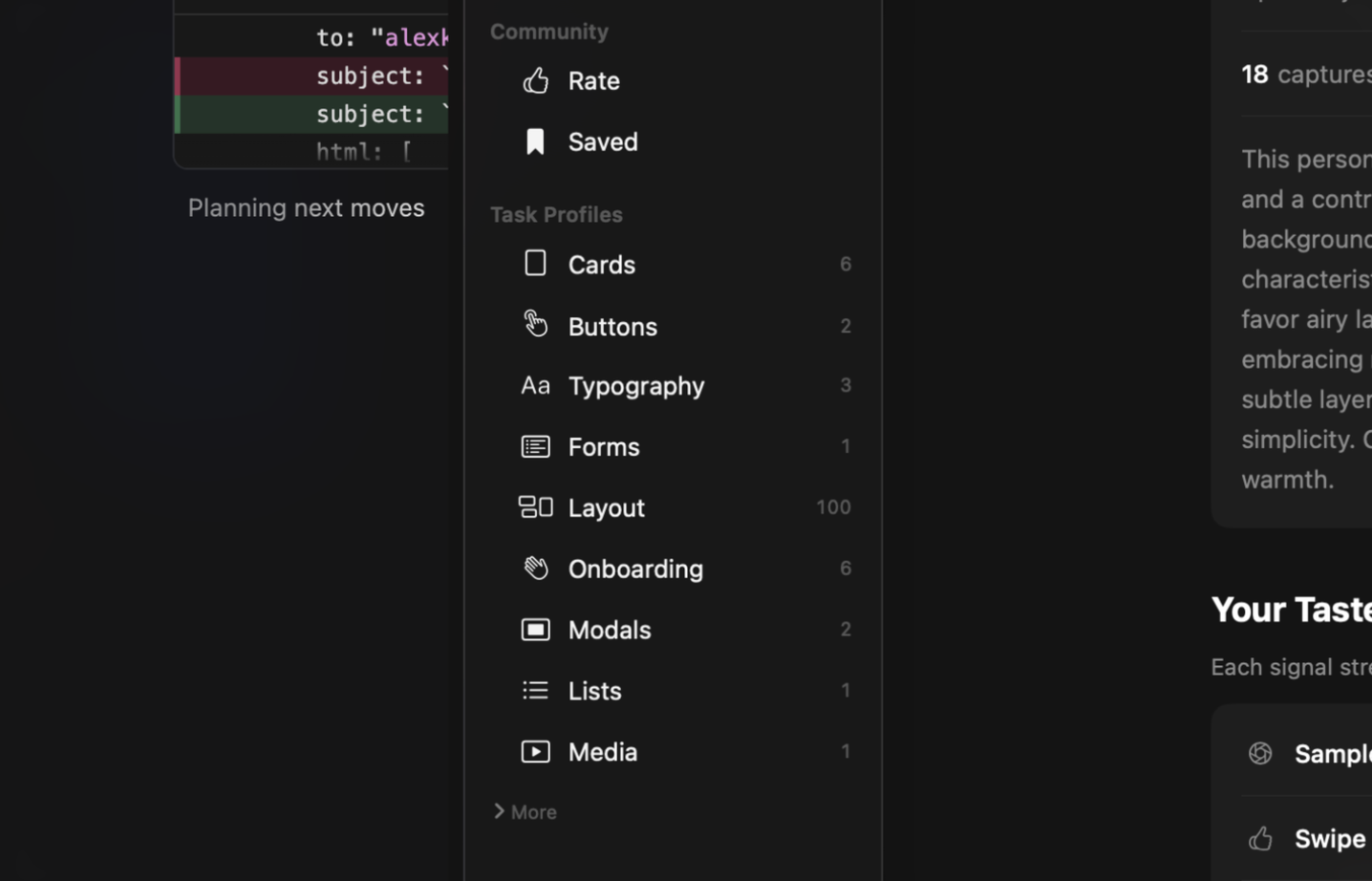
AI tools default to the same generic look. Save the UI you love and Taste turns it into a living profile that travels with you to Cursor, Claude Code, Codex, and every project.

Stop describing your taste.
Show it.
Save the UI you admire. Taste extracts the design language, files it into a profile, and plugs that profile into your AI tools. Or rent the taste of a designer you trust.
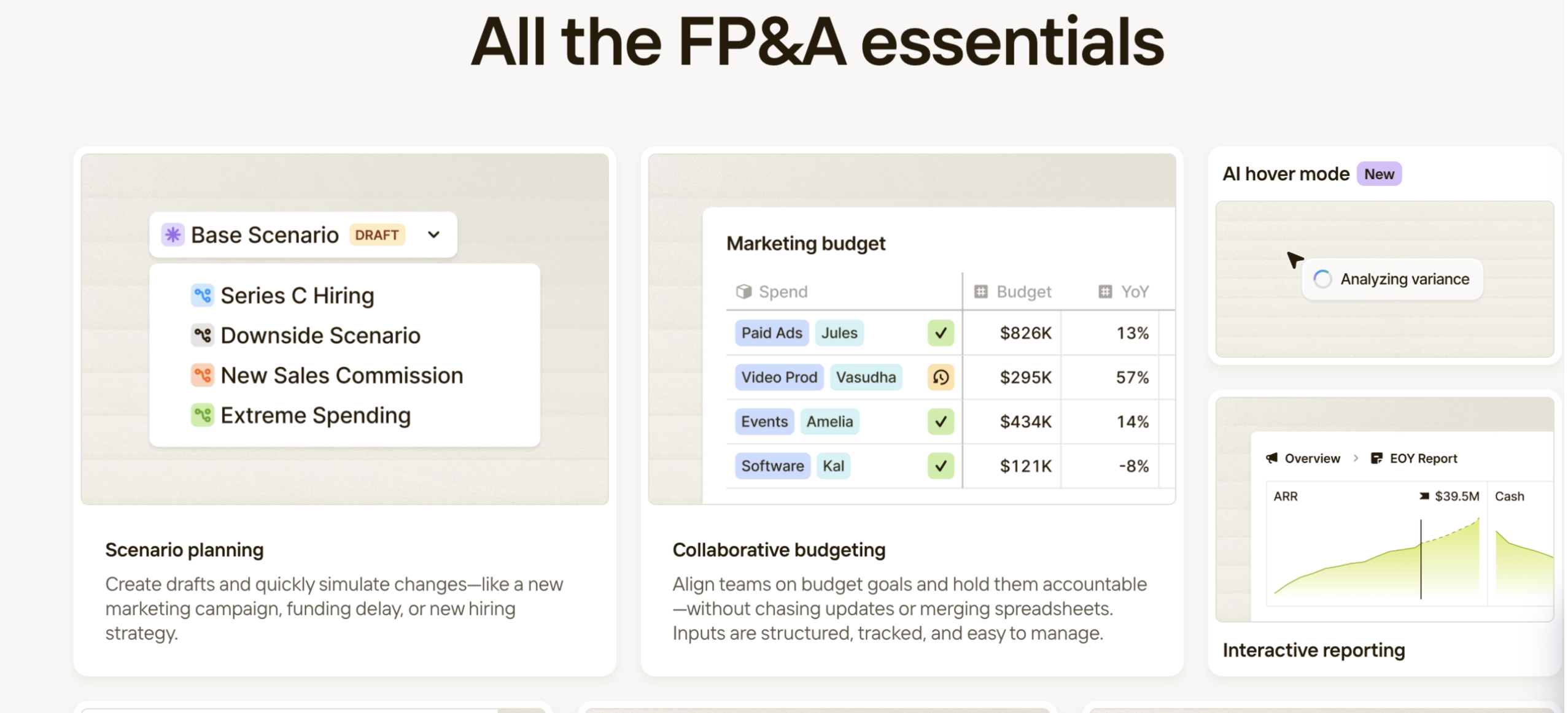
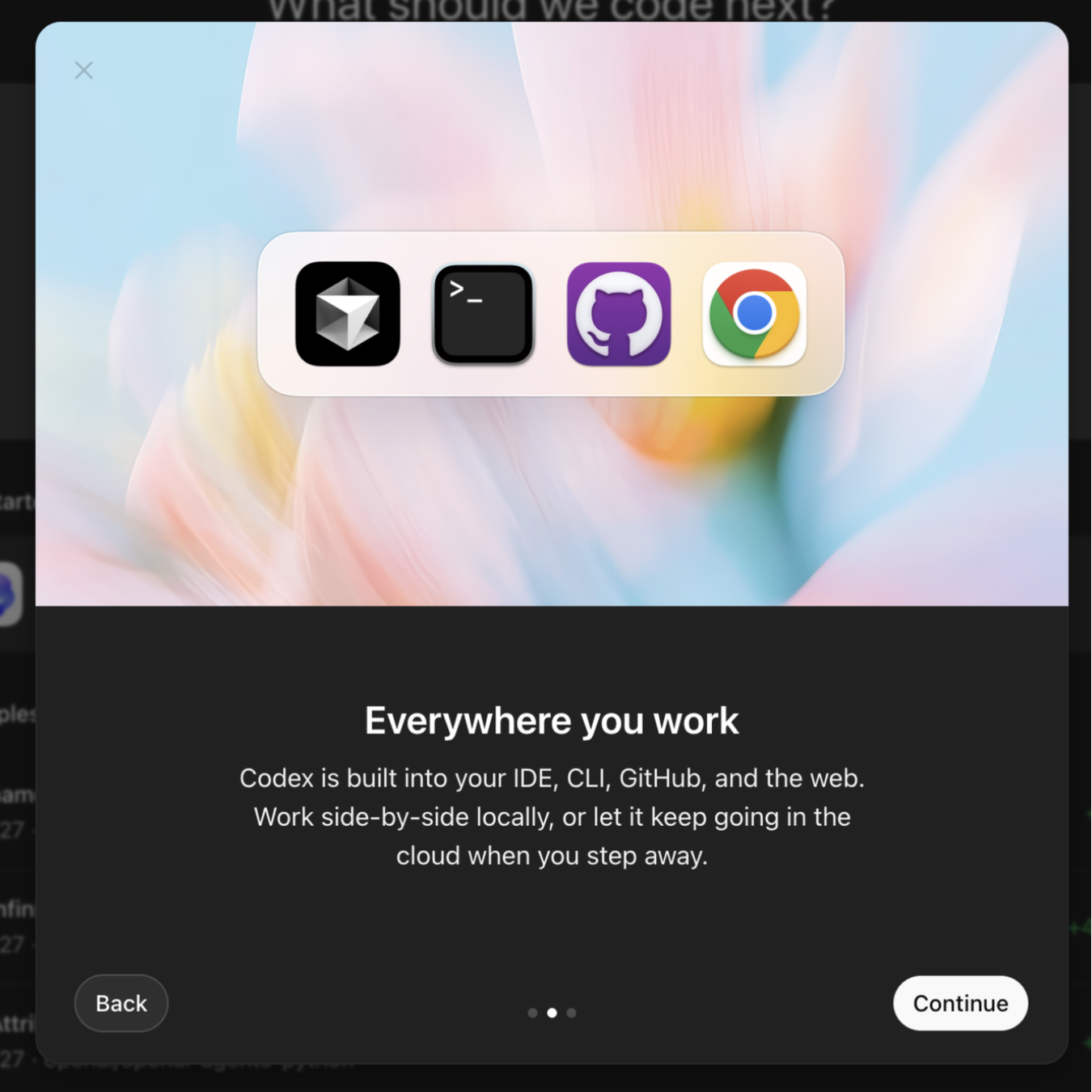
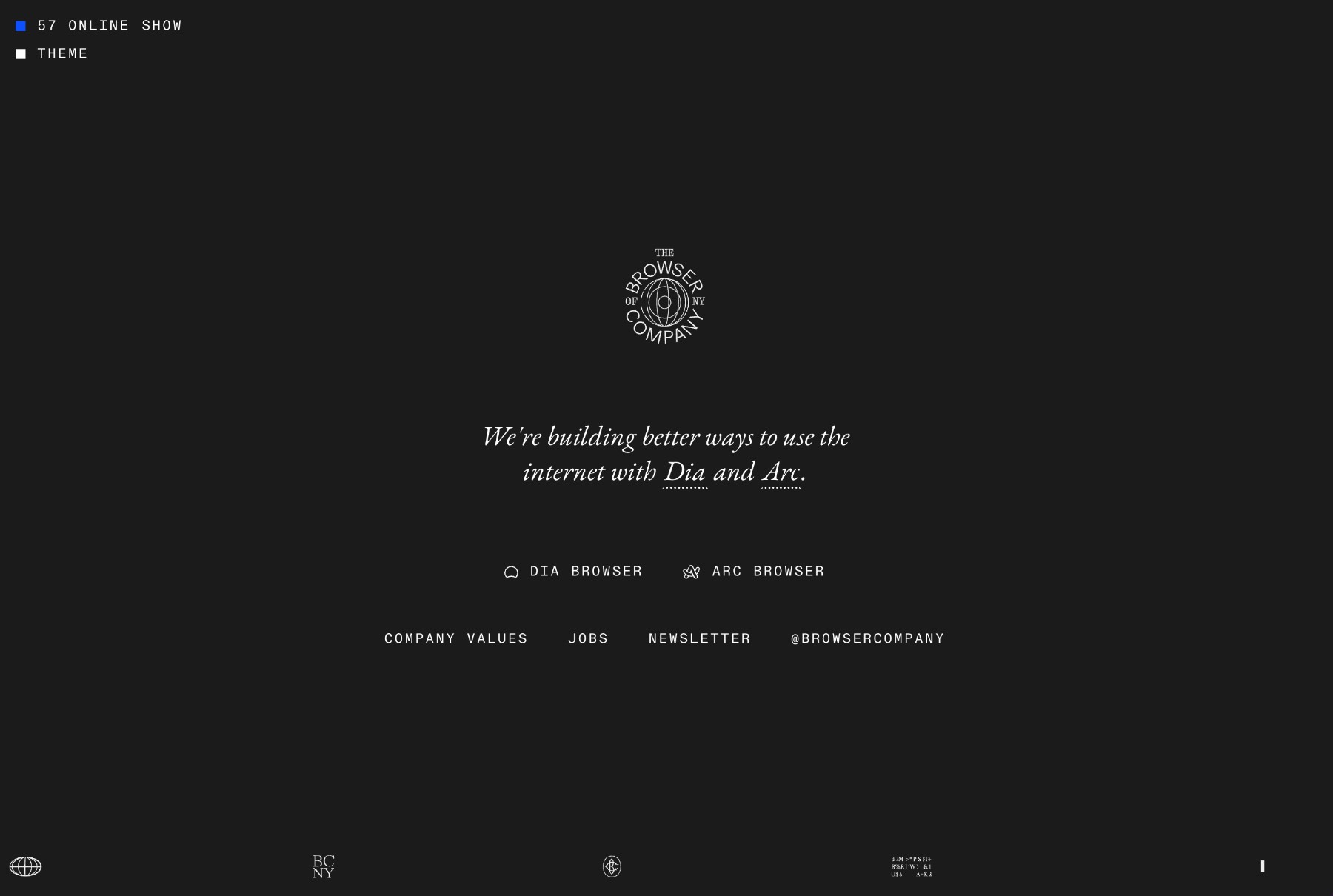
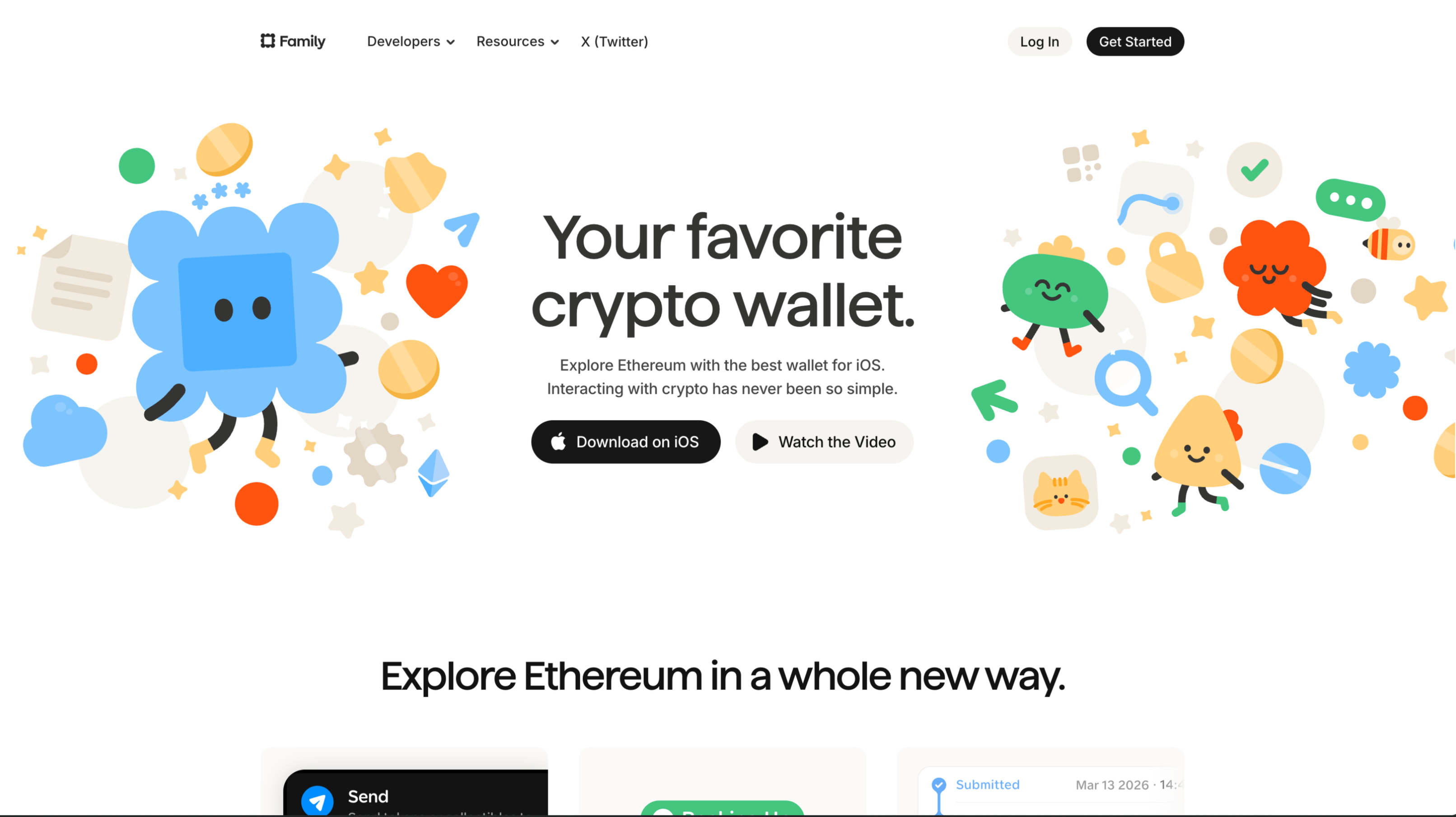
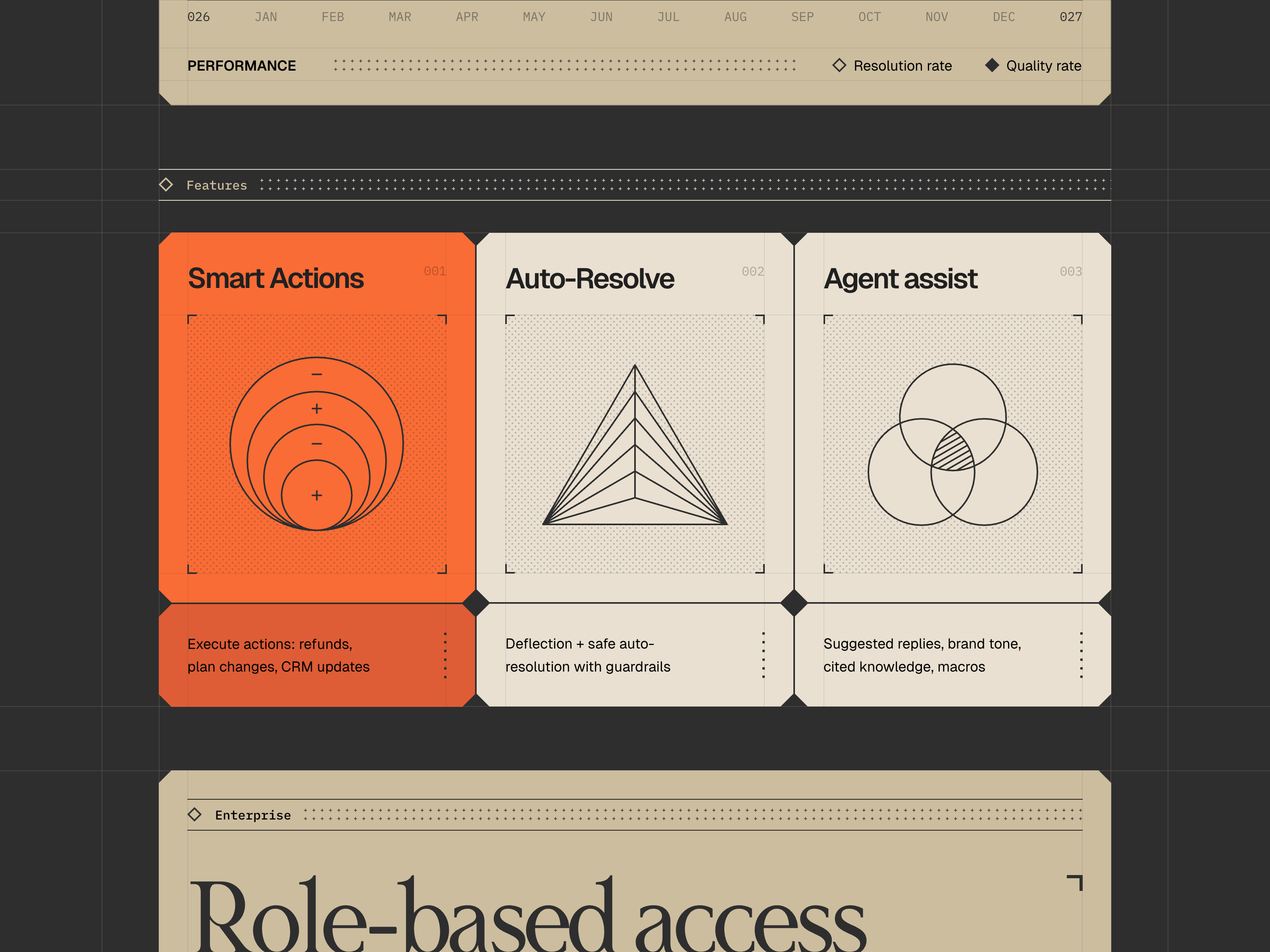
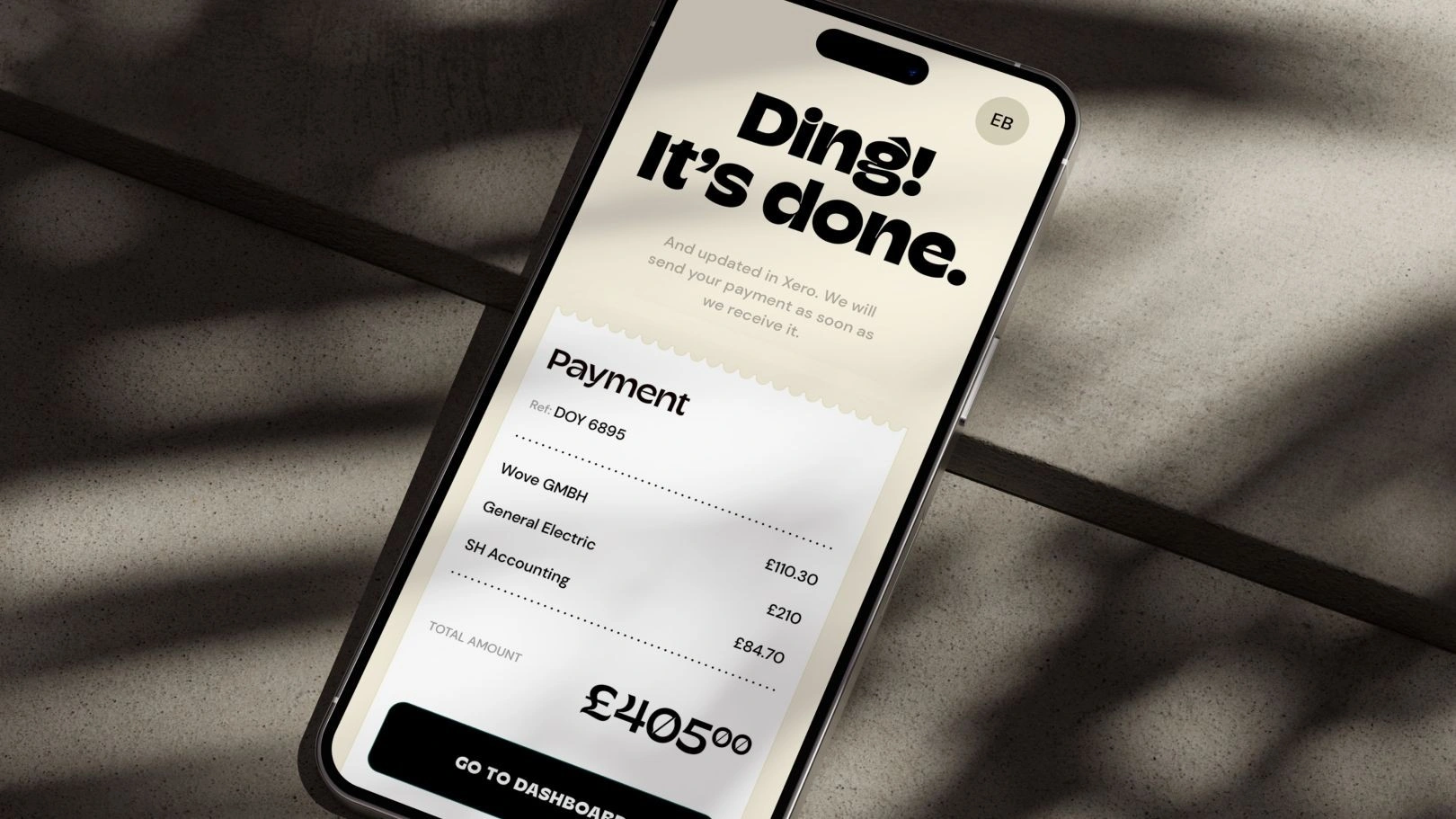
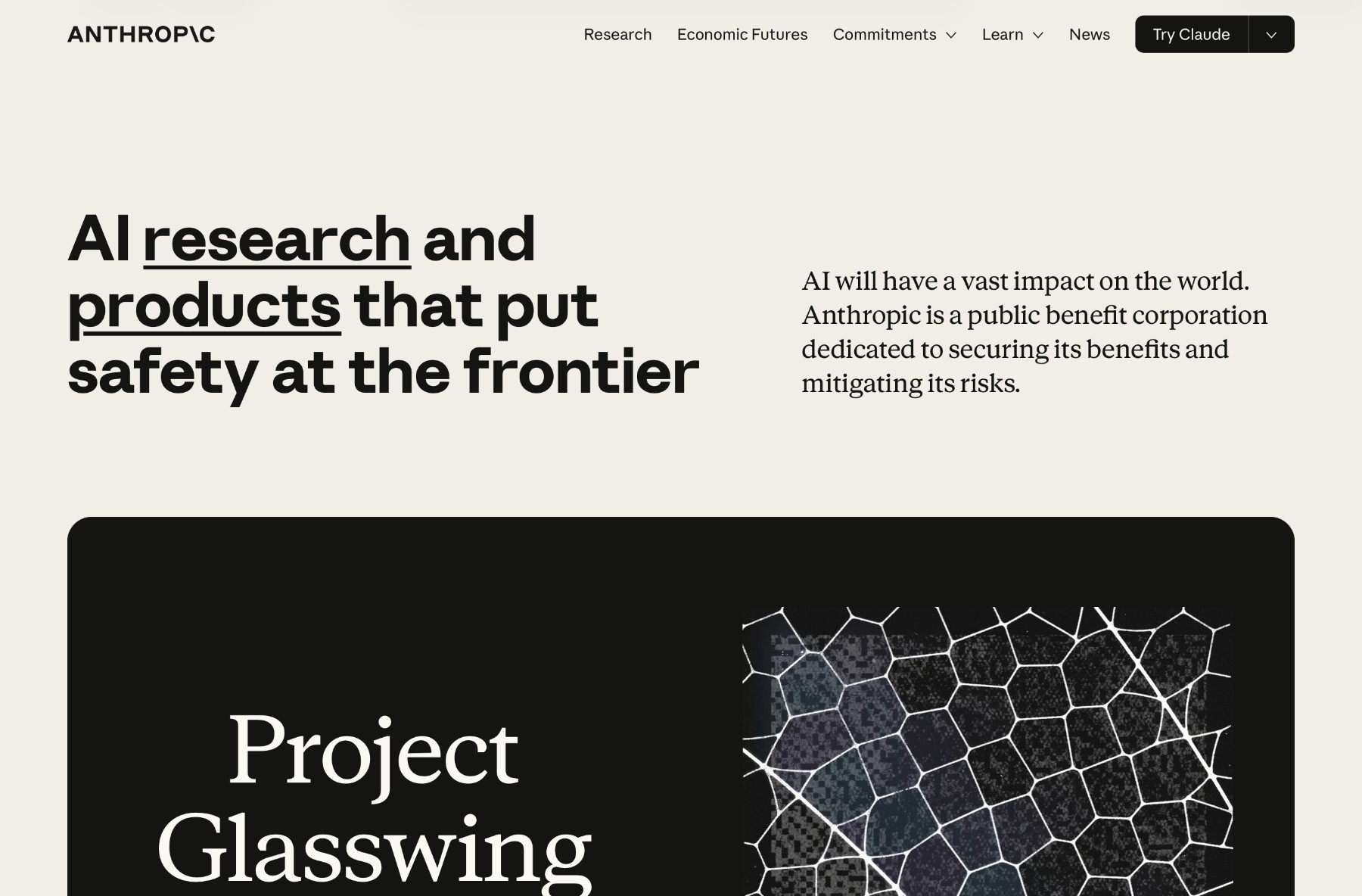
Real UI from people you follow.
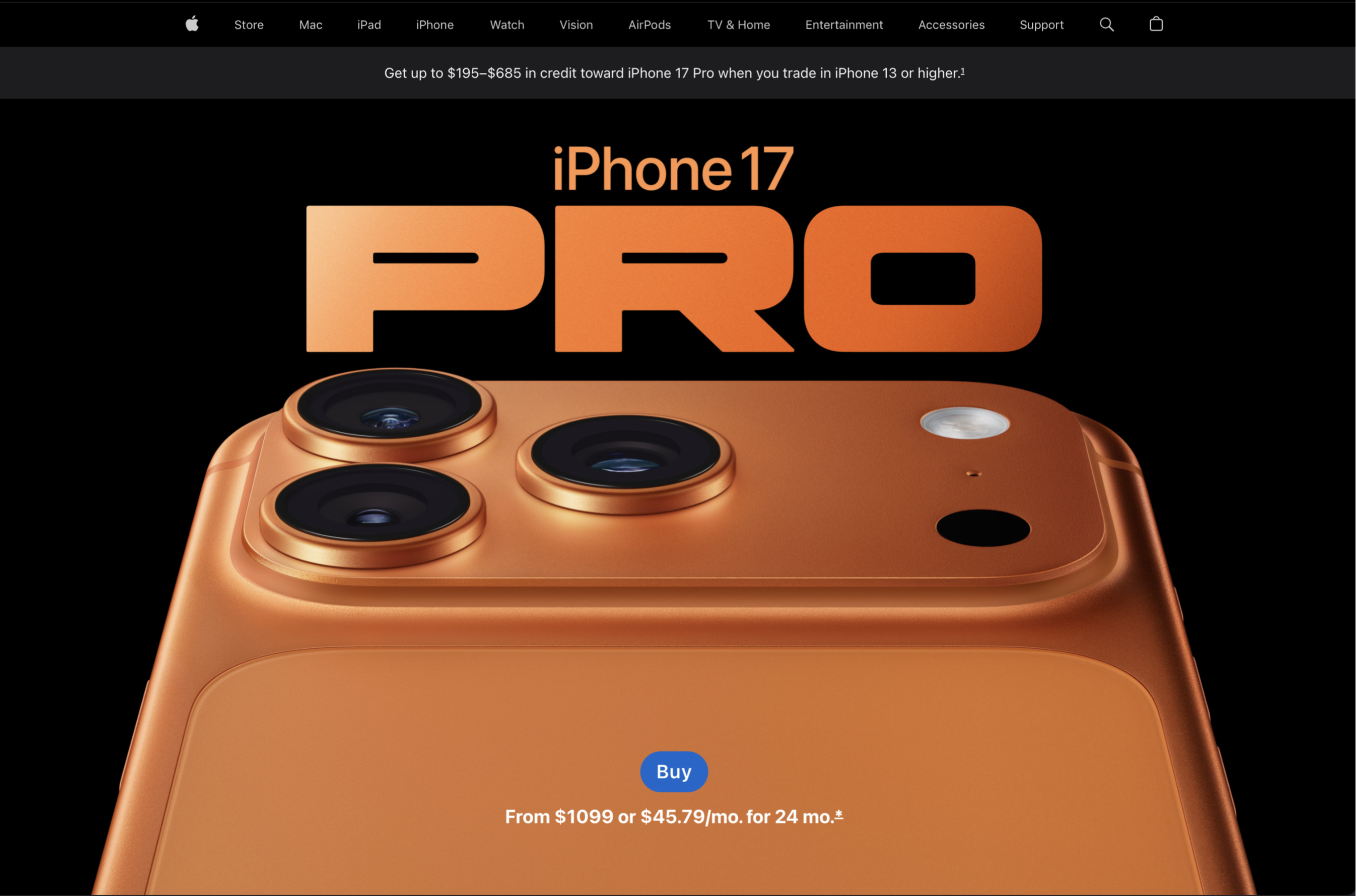
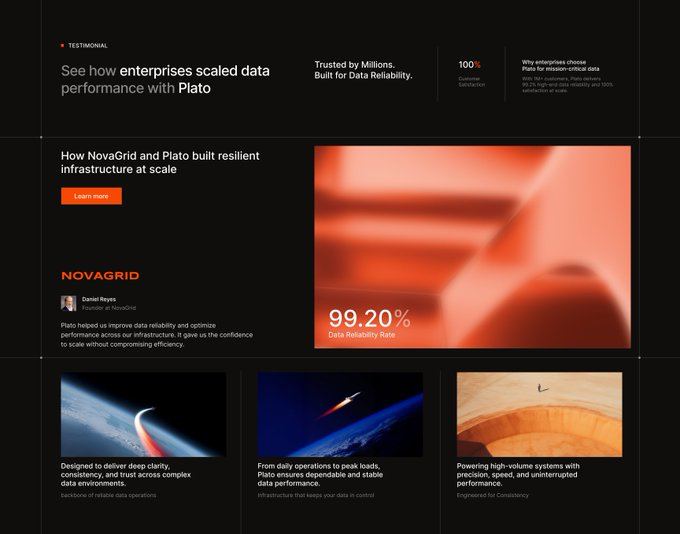
Thousands of saves from designers you actually want to track. Not stock art, not mockups.
One shortcut. Saved everywhere.
Lick any screen from your menu bar, phone, browser, or Figma. ⌘⇧T, drag, done.
AI reads the design language.
Colors, spacing, type, radius, mood. Filed into a profile that gets sharper with every save.
SKILL.md plus MCP, built in.
Skills sync to Cursor, Claude, and Codex. MCP serves your live taste profile on every prompt. No copy-pasting your aesthetic.


Or rent a designer's taste.
Skip the library. Plug a creator's profile straight into your AI. Pay them, get their eye.
Three steps. One profile. Everywhere.
Save once. Use it forever, across every AI tool you already work in.
Find UI worth saving.
A wall of real screenshots from designers worth following. Search by color, vibe, and layout, not just keywords.
Open DiscoverSave it in a tap.
Capture from your menu bar, your phone, the web, or Figma. AI extracts the design language underneath and files it into your library.
Get the Mac appPlug it into your AI.
Taste publishes a live SKILL.md and MCP server to Cursor, Claude Code, and Codex. They read it on every prompt. No re-explaining your aesthetic, ever.
Set up MCPSynthesized from your saves. Skills and MCP on every prompt.
cool, muted palette · airy whitespace
soft rounded edges · minimal shadows
Your AI, with taste.
Every save sharpens your profile. Every profile travels straight into Cursor, Claude Code, and Codex via MCP.
Save what you love and your skills update.
Taste your page
Screenshot any UI that inspires you. Hit Cmd+Shift+T and select a region.
Lick your screen.
Taste lives in your menu bar. Click the tongue below to see what the experience feels like.
Works with Cursor, Claude Code & Codex
On your phone, too.
Save on the go. Your taste profile stays in sync across every surface.


Designers with taste.
Follow whoever inspires you, or rent their taste profile straight into your AI.

Start tasting.
Find UI you love. Save what catches your eye. Teach your AI what good looks like.
