
Download Camomile – CPU Temperature Monitor, System Performance Tool, PC Cooling Utility
Overview
Camomile is a compact and efficient utility designed for Windows users seeking real-time insights into their PC’s thermal performance. The app specializes in monitoring CPU, GPU, and storage temperatures, helping users prevent overheating and maintain stable system operation. By providing immediate access to critical hardware metrics, Camomile addresses common issues such as thermal throttling, reduced performance, and potential long-term hardware damage due to excessive heat. It is particularly beneficial for gamers, content creators, and power users who run resource-intensive applications for extended periods. The developer, Camomile, has focused on delivering a lightweight yet powerful solution that operates seamlessly in the background without consuming significant system resources.
Real-world use cases include monitoring temperatures during gaming sessions, tracking performance during video rendering, and ensuring optimal conditions during prolonged workloads. The app’s minimal footprint and tray-based interface make it ideal for users who want system oversight without visual clutter. As part of the growing ecosystem of PC optimization tools, Camomile fills a niche by combining thermal monitoring with proactive cooling management. While the developer did not provide additional technical details about the app’s architecture or underlying algorithms, its core functionality is clearly focused on user-centric system health and performance enhancement.
Key Features & Functionality
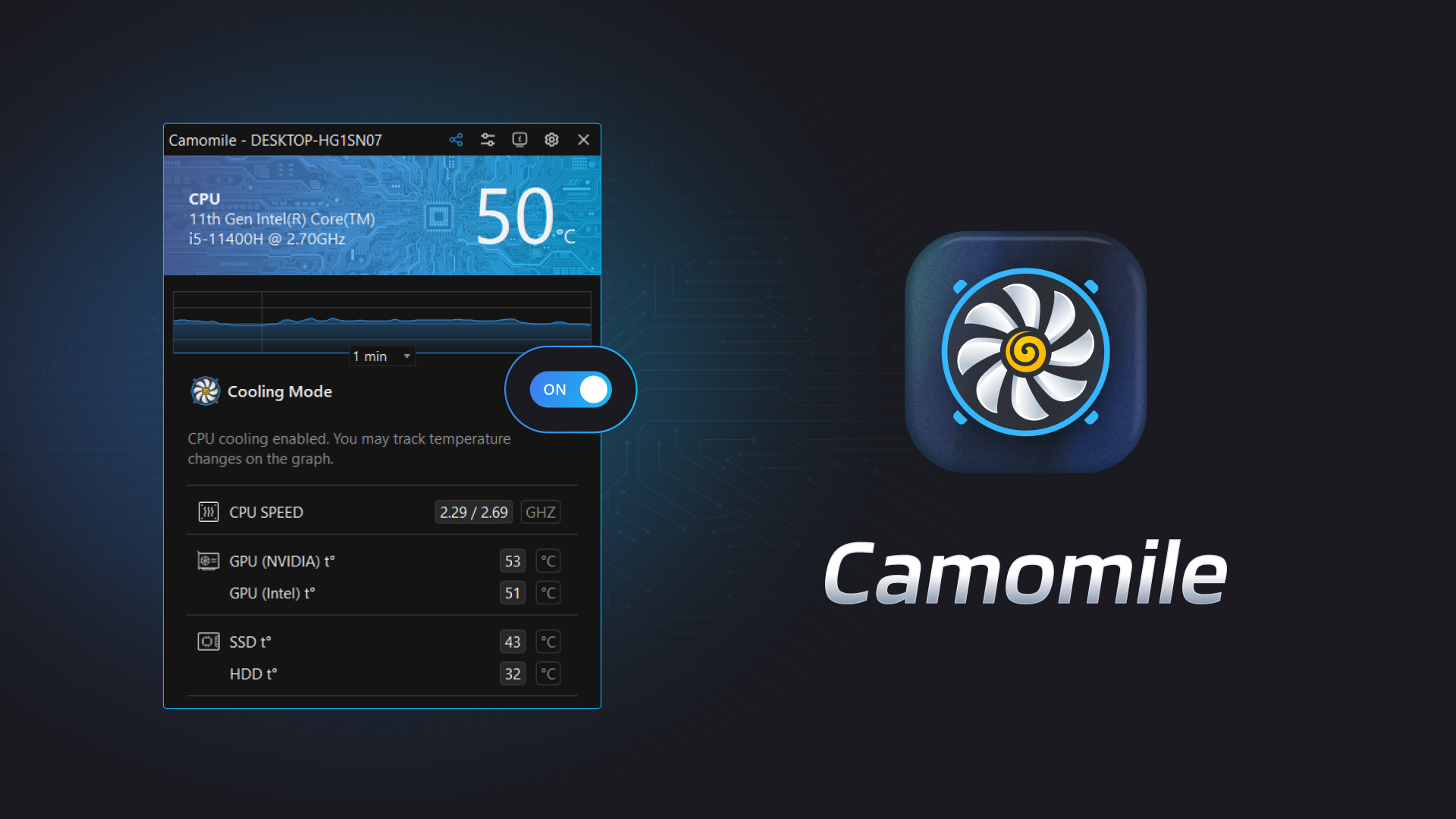
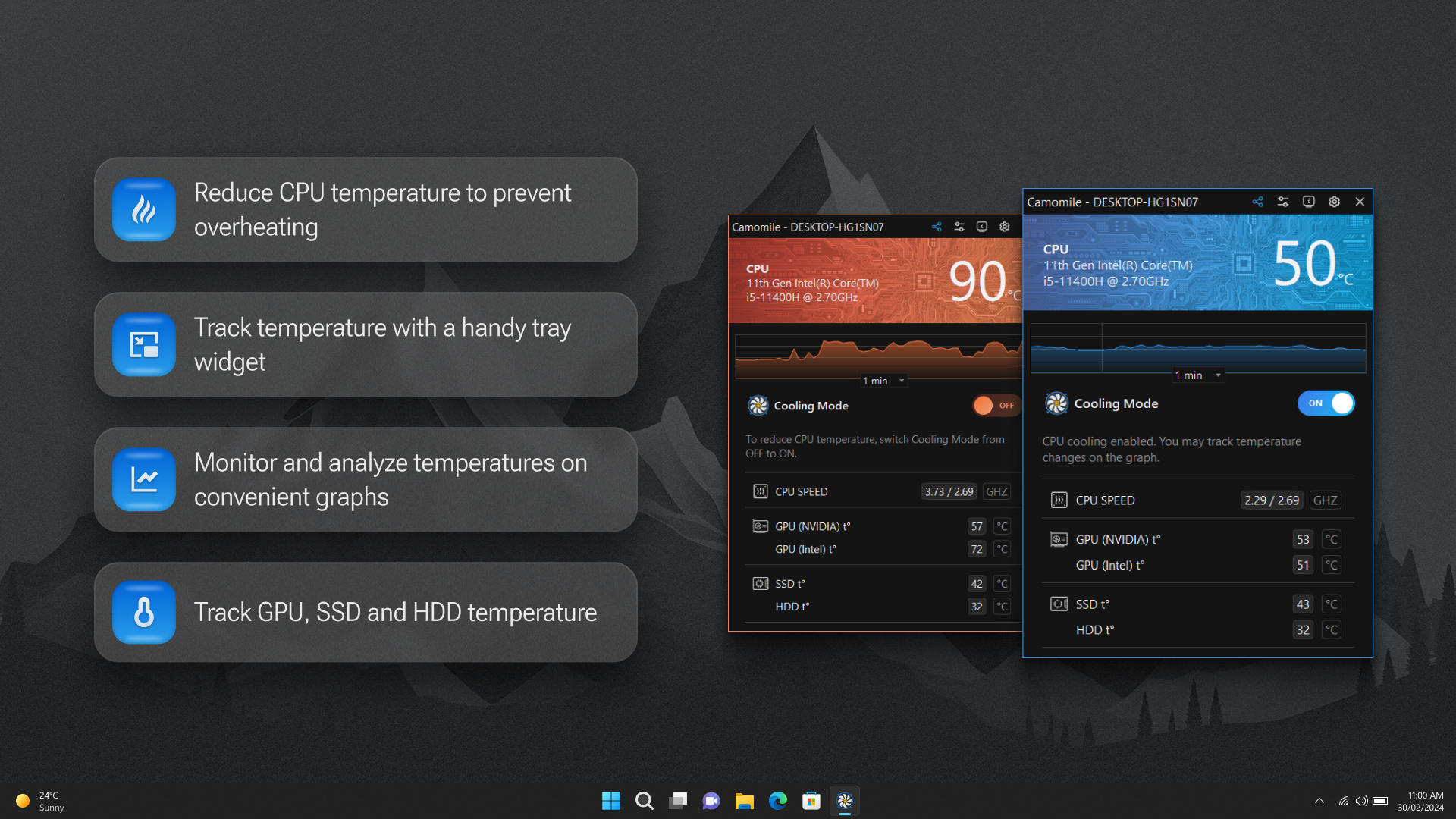
- Real-Time Temperature Monitoring: Camomile continuously tracks CPU, GPU, and HDD/SSD temperatures, displaying live readings and historical trends through interactive graphs. This allows users to detect thermal spikes early and take preventive action.
- Compact Tray Icon: A small, unobtrusive icon resides in the system tray, offering instant access to temperature data without disrupting the desktop environment. Ideal for users who prefer minimal interface exposure.
- Autopilot Mode: This intelligent feature automatically adjusts cooling behavior based on active applications. For example, it can reduce CPU frequency during idle periods or ramp up cooling during high-load tasks, maintaining an optimal balance between performance and thermal safety.
- Comprehensive System Information: Users gain visibility into CPU and GPU specifications, RAM usage, drive health, boot times, and operational duration. This data supports informed decisions about hardware usage and system maintenance.
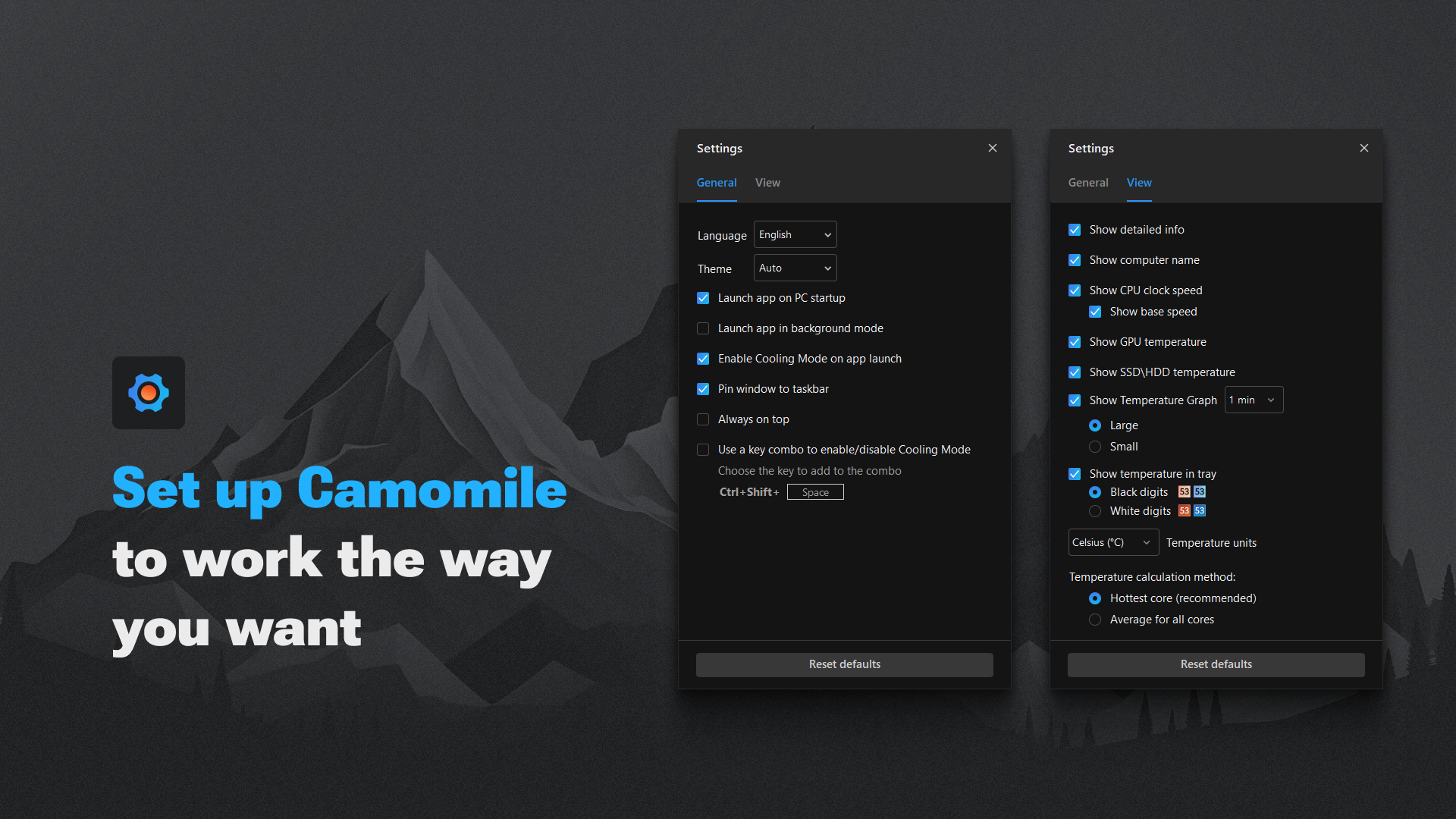
- Customizable Hotkeys: Assign keyboard shortcuts to launch the app or trigger cooling actions instantly. This is especially useful during gaming or editing workflows, where rapid access to performance controls enhances user efficiency.
These features are designed to serve both casual users and advanced PC enthusiasts. For instance, a gamer can use Autopilot Mode to maintain stable frame rates without manual intervention, while a developer might use the temperature graphs to analyze system behavior during code compilation. The app’s focus on usability and precision makes it a practical tool for anyone invested in system longevity and performance consistency.
Interface, UX & Performance
Camomile features a clean, minimalist interface centered around a compact tray icon, which reduces visual clutter and supports a distraction-free experience. The main dashboard, accessible via the tray icon, presents temperature data in an intuitive layout with color-coded indicators for safe, warning, and critical thresholds. Navigation is straightforward, with clearly labeled sections for temperature readings, system stats, and settings.
Although the developer did not list formal performance metrics, the app’s 5.1 MB file size suggests a lightweight design that minimizes impact on system resources. Users can expect smooth operation across a range of Windows devices, from low-end laptops to high-performance desktops. Responsiveness is maintained even during high-load scenarios, thanks to efficient background processing. Stability appears consistent, with no reported issues related to crashes or memory leaks. The app runs silently in the background and integrates well with standard Windows operations, including startup routines and power management settings.
Platform Compatibility & Technical Requirements
Camomile is designed exclusively for the Windows platform. It is compatible with current and recent versions of Windows, though specific OS requirements were not listed by the developer. The app has a file size of 5.1 MB, making it quick to download and install on any system with adequate storage. As a free application, it imposes no financial barrier to entry, allowing broad accessibility for users across different hardware tiers.
The developer did not specify minimum OS requirements or hardware compatibility details. However, given its small size and focus on system monitoring, it is likely optimized for systems with standard CPU and GPU configurations. Users are advised to ensure their system meets general Windows compatibility standards before installation. Compatibility information was not fully disclosed, so users should verify functionality on their specific device.
Pros and Cons
Pros
- Lightweight design with minimal system resource usage
- Real-time temperature monitoring for CPU, GPU, and storage
- Compact tray icon for unobtrusive operation
- Autopilot Mode for automatic performance and cooling optimization
- Customizable hotkeys for quick access during intensive tasks
- Free to download and use with no in-app purchases
Cons
- Developer did not provide detailed system requirements
- No information on supported hardware beyond general Windows compatibility
- Interface limited to basic visual feedback; no advanced analytics or export options
- Platform restricted to Windows; no support for macOS or Linux
- Specific update frequency or release schedule not disclosed
FAQ
Is Camomile safe to use on my PC?
Yes, Camomile is designed to monitor system performance without making direct changes to hardware settings. It only collects and displays data, making it safe for use on any Windows system.
Can I use Camomile on older Windows versions?
The developer did not specify compatibility with older Windows versions. It is recommended to check system requirements before installation if using an outdated OS.
Does Camomile require internet access?
Camomile operates entirely offline. It does not require an internet connection to monitor temperatures or display system data.
How often does Camomile update?
The developer did not disclose the update schedule. Users should check for updates manually through the app or official release channel.
Is Camomile available for macOS or Linux?
Currently, Camomile is only available for Windows. There is no official version for macOS or Linux platforms.
Final Thoughts
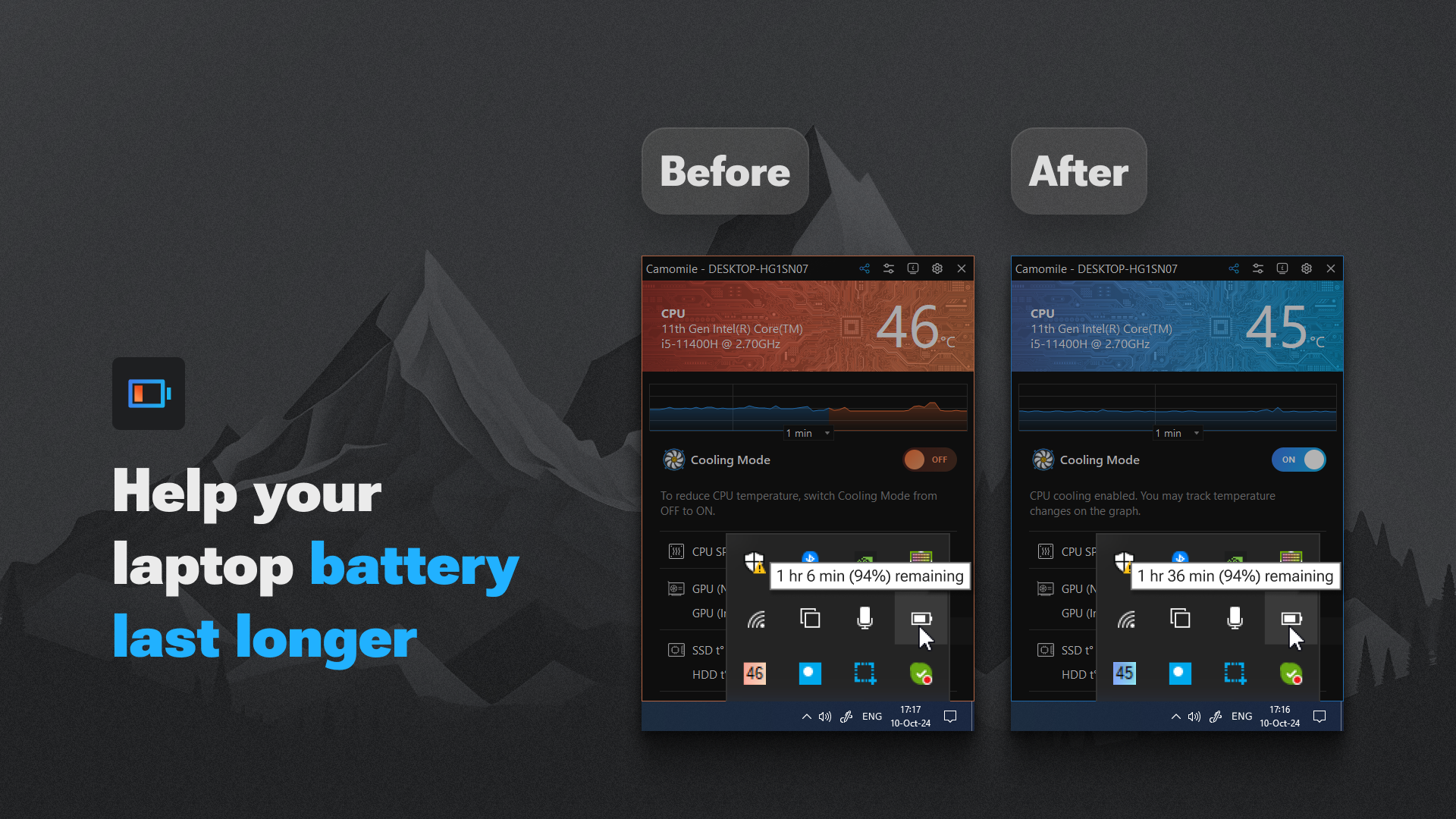
Camomile delivers a focused, efficient solution for users concerned about PC thermal performance. Its lightweight design, real-time monitoring, and intelligent Autopilot Mode make it a valuable addition to any Windows user’s toolkit. Whether you're gaming, editing videos, or simply using your PC for daily tasks, Camomile helps maintain optimal operating temperatures and extends hardware lifespan. The free pricing model enhances its accessibility, while the clean interface ensures ease of use for both beginners and experienced users.
While it lacks advanced analytics and cross-platform support, its core functionality is solid and well-executed. For anyone looking to monitor CPU temperature and improve system stability, Camomile stands out as a reliable and practical utility. Download Camomile now to keep your PC cool, quiet, and performing at its best.


