

Download Caping – news app, Android news, free news, anti-hoax news, news with rewards, news app with points, news app with coins, news app with points and rewards, news app with discussion forum
Overview
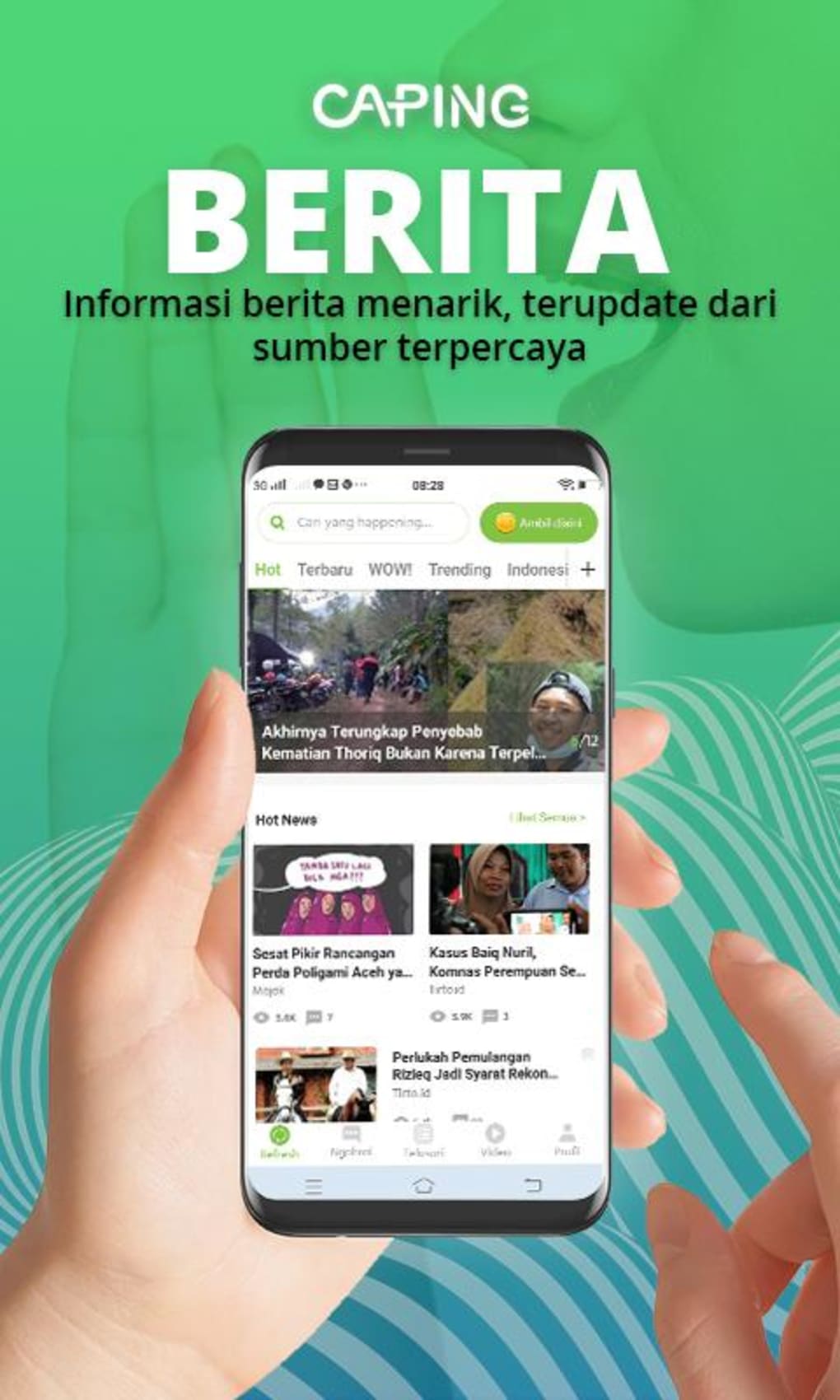
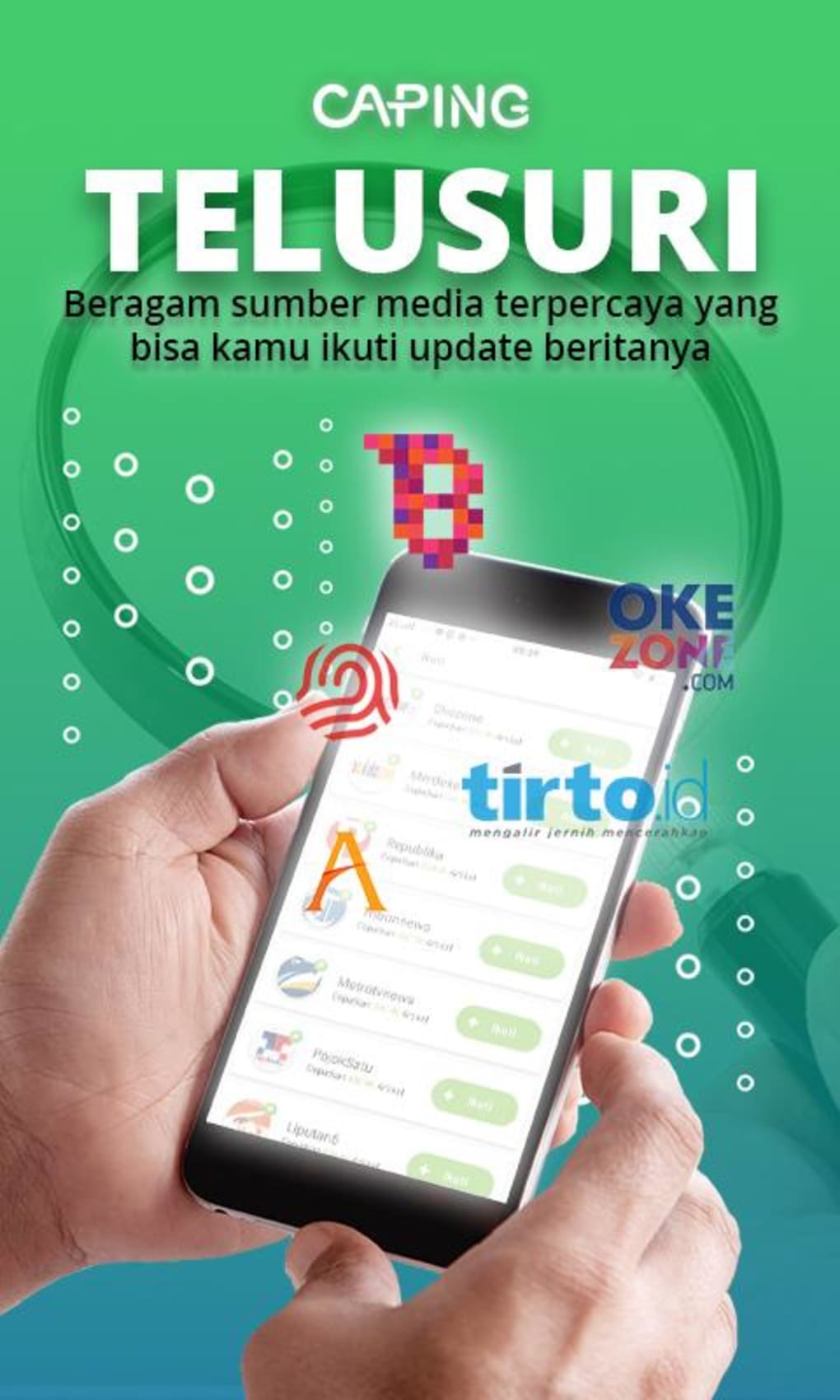
Caping is a free news application designed for Android users seeking reliable, educational, and fact-checked news content. The app aims to combat misinformation by curating articles from over 250 trusted media partners, ensuring users receive accurate and well-researched information across diverse topics. These include national politics, technology, celebrity gossip, sports, lifestyle, and global developments, catering to a broad audience with varied interests.
The application addresses the growing challenge of online misinformation by emphasizing anti-hoax content, making it particularly valuable for users who prioritize credibility over sensationalism. It serves both casual readers and those seeking deeper engagement with current events, offering a structured yet accessible platform for staying informed.
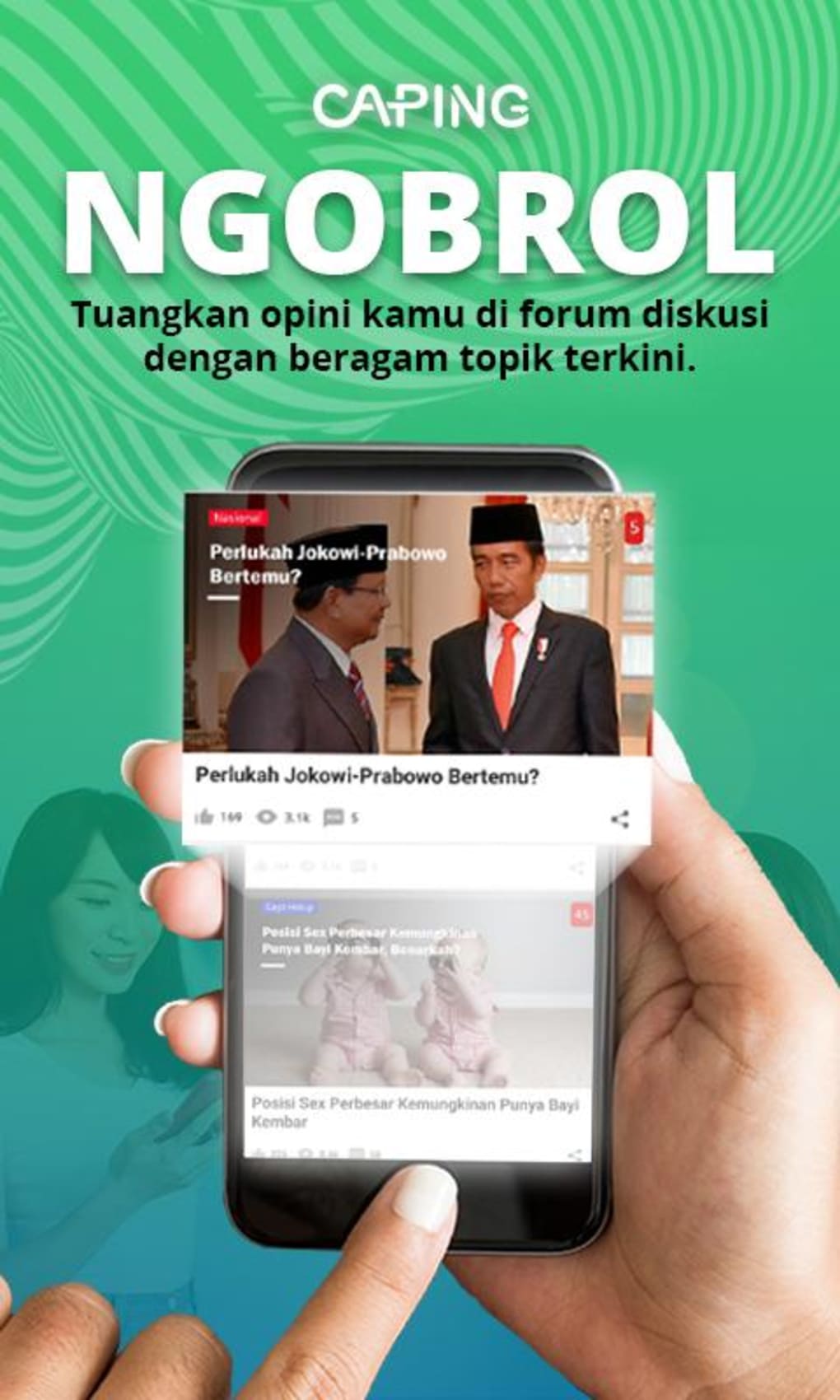
Real-world usage scenarios include daily news consumption during commutes, evening reading sessions, or staying updated on breaking developments. The inclusion of a reward system encourages consistent engagement, turning news reading into a gamified experience. Additionally, the Ngobrol discussion forum enables users to interact with fellow readers on trending topics, fostering a sense of community around shared interests.
While the developer, Caping, is listed as the creator, no further organizational background was provided. The app’s release date was August 1, 2023, indicating it is a relatively new entrant in the mobile news space.
Key Features & Capabilities
- Curated Anti-Hoax News Feed – Aggregates content from more than 250 verified media sources, prioritizing accuracy and credibility over virality.
- News Categories – Offers diverse topics such as politics, technology, sports, lifestyle, world news, and celebrity updates, allowing personalized content selection.
- Reward System with Feature Points – Users earn points by reading articles, watching videos, and completing in-app activities, which can be redeemed for real-world value.
- Caping Store – A redemption hub where accumulated points can be exchanged for phone credit vouchers, shopping vouchers, merchandise, and other prizes.
- Ngobrol Discussion Forum – A dynamic community space enabling users to engage in daily discussions on trending and thought-provoking topics.
- Event-Based Rewards – Regular in-app events with special prizes, enhancing user retention and interaction.
These features collectively transform passive news consumption into an interactive and rewarding experience. For example, a user interested in technology can read verified updates, earn points, and then participate in a forum debate on AI ethics. Similarly, a student might use the app to stay informed on current affairs while accumulating phone credit through daily reading habits.
User Interface, Workflow & Performance
The user interface of Caping appears to be designed with simplicity and accessibility in mind, aligning with standard Android app conventions. Navigation is likely structured through a bottom menu bar, allowing quick access to core features such as the news feed, Ngobrol, rewards, and the store. The layout emphasizes readability, with clean typography and image integration to enhance content engagement.
Workflow efficiency is supported by a streamlined process: users open the app, select a category, browse headlines, read articles, and earn points automatically. The integration of video content and interactive elements suggests a multimedia-rich experience, though specific performance metrics were not disclosed.
Performance observations are based on general software behavior patterns. The app is reported to be 20.5 MB in size, indicating a lightweight footprint, which may contribute to efficient loading times and minimal battery drain. However, exact resource usage details were not specified. Stability and responsiveness are expected to be consistent with well-optimized Android applications, but no user-reported crash data or update logs were provided.
Compatibility & System Requirements
Caping is available exclusively for Android devices. The app’s version is listed as 1.0.0, suggesting it is in its initial release phase. The installation size is 20.5 MB, which is relatively small, indicating efficient packaging and minimal storage impact.
Platform compatibility information is limited. The developer did not specify the minimum Android version required for installation. Similarly, no hardware requirements such as RAM or CPU specifications were provided. This lack of detail may affect users with older or low-end devices who wish to assess compatibility before downloading.
Given the app’s focus on multimedia content, it is reasonable to assume a modern Android device with a stable internet connection is recommended, though this remains unconfirmed. Users are advised to consult their device’s system specifications to ensure optimal performance.
Pros and Cons
Pros
- Free to download and use with no hidden costs
- Curated content from over 250 trustworthy media partners
- Strong emphasis on anti-hoax and fact-based reporting
- Engaging reward system with tangible benefits (coins, vouchers, merchandise)
- Interactive Ngobrol forum for community discussion
- Regular in-app events with exciting prizes
- Lightweight at just 20.5 MB
- Supports multiple news categories for diverse interests
Cons
- Compatibility with older Android versions not specified
- Exact performance and resource usage details not provided
- Only available on Android, no support for iOS or desktop platforms
- Limited information on developer background and company history
- Offline reading functionality not mentioned
FAQ Section
Is Caping available for iOS devices?
As of now, Caping is only available for Android users. There is no official information regarding iOS compatibility.
Is the app safe to download and use?
Caping is described as a free news application with a focus on trustworthy content. It is available through official Android channels, but users should always download from verified sources to ensure security.
How do I earn points in Caping?
Users earn feature points by reading news articles, watching videos, and participating in in-app activities such as events and discussions.
Can I use Caping offline?
Information about offline functionality was not provided. The app likely requires an active internet connection for content updates and reward tracking.
What can I do with the coins earned in Caping?
Earned coins can be redeemed in the Caping Store for phone credit vouchers, shopping vouchers, merchandise, and other prizes.
Final Thoughts
Caping stands out as a unique and forward-thinking news application that blends reliable journalism with gamification and community engagement. Its commitment to anti-hoax content and its extensive network of verified media partners make it a trustworthy source for current events. The reward system adds real value, turning daily reading into a rewarding habit.
With features like the Ngobrol discussion forum and regular events, Caping goes beyond passive news consumption, fostering a vibrant user community. While the app’s Android-only availability and lack of detailed system requirements may limit accessibility for some, its lightweight design and free model make it accessible to a wide audience.
For Android users who want to stay informed while earning tangible rewards and connecting with others, Caping offers a compelling solution. It successfully merges education, entertainment, and incentive in a single platform.
Download Caping now




.png)



