

Download Catch Notes – note taking app, voice notes, photo notes, GPS tracking, project management, Android app, mobile productivity, idea capture, on-the-go notes, digital journal
Overview
Catch Notes is a mobile productivity tool designed for users who frequently generate ideas while on the move. The app serves as a multimedia notebook tailored for Android smartphones, enabling users to capture thoughts, tasks, and creative concepts in various formats. It addresses the common challenge of losing inspiration due to the need to pause and manually record ideas. By offering multiple input methods—text, voice, images, and GPS tagging—Catch Notes ensures that users can document their ideas instantly, regardless of their current situation.
Target users include students, professionals, creatives, and everyday individuals who rely on quick idea capture for personal or project-based organization. The app supports daily task management, grocery lists, journaling, recipe storage, and more. It allows users to organize notes by color-coded projects and apply hashtags for improved searchability. While the developer, Catch Notes Inc., is listed, no further background on the company is available. The app is available on Google Play and supports offline usage, making it ideal for users in low-connectivity environments.
Key Features & Capabilities
- Multimedia Note Capture: Users can create notes using text, voice recordings, photos, or GPS location tagging. This flexibility ensures that ideas can be recorded in the most natural way, whether hands-free or on the go.
- Capture Wheel Interface: A central, intuitive interface element allows users to quickly select their preferred note type with a single touch, minimizing navigation time and enhancing workflow efficiency.
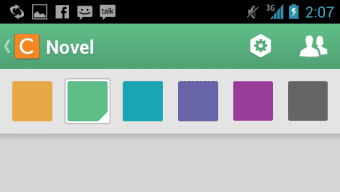
- Project Organization: Notes can be grouped into color-coded sections, helping users visually manage different projects or personal categories such as work, travel, or personal goals.
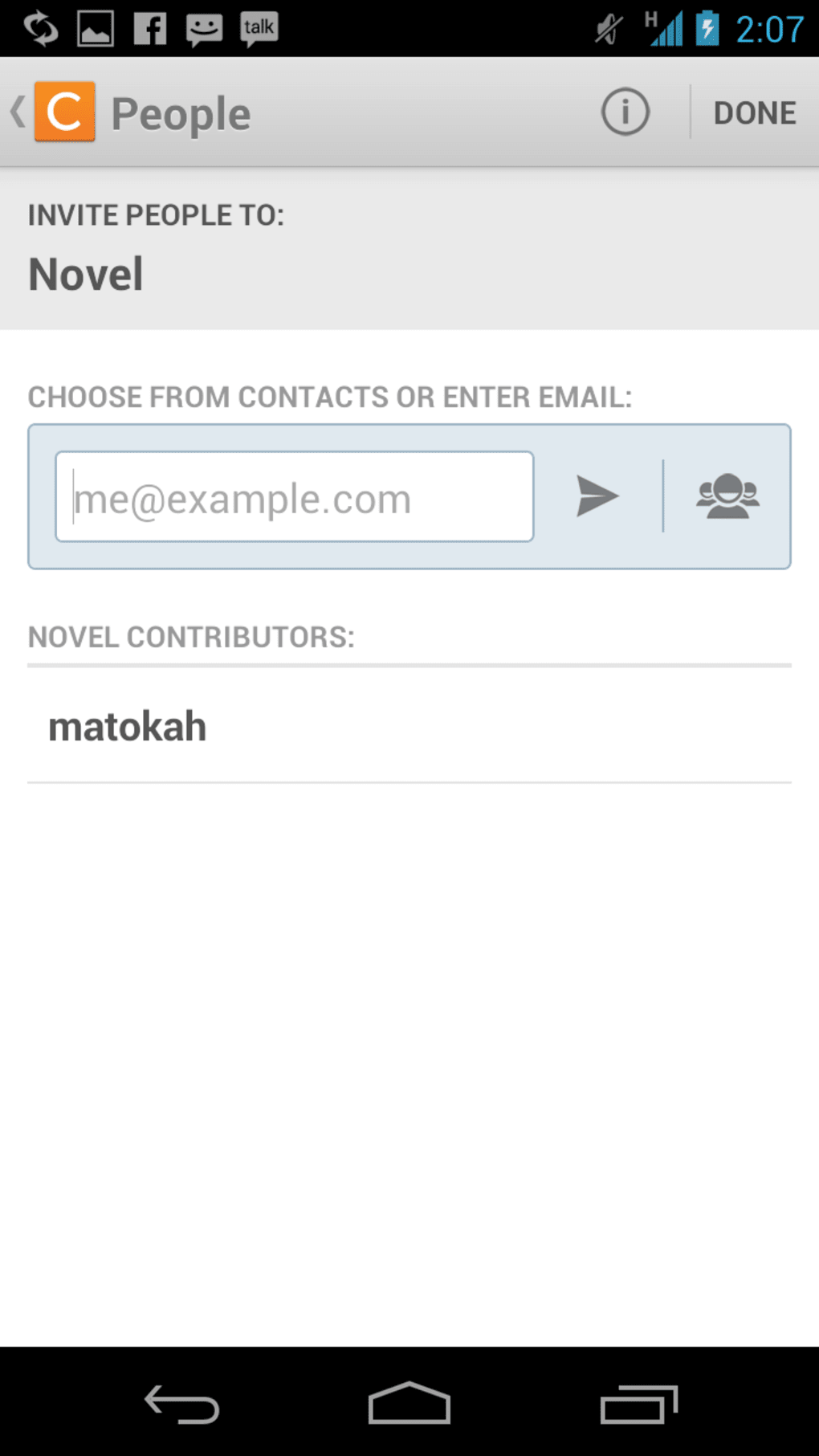
- Privacy and Sharing Options: Users can password-protect sensitive notes and share them via Facebook. This dual functionality supports both private use and collaborative workflows.
- Hashtag Search: Notes can be tagged with hashtags, enabling users to search and retrieve related content quickly, improving long-term information retrieval.
These features are particularly useful for individuals managing multiple tasks, maintaining creative journals, or tracking location-based events. The app’s design emphasizes speed and accessibility, making it suitable for spontaneous idea capture in dynamic environments.
User Interface, Workflow & Performance
Catch Notes features a clean, minimalist interface with intuitive navigation. The central capture wheel serves as the primary interaction point, streamlining access to all input methods. Users can easily switch between text, voice, photo, and location modes with minimal taps, reducing friction during idea capture.
Workflow efficiency is enhanced by the app’s focus on immediate input. Once a note is created, it can be categorized and tagged with minimal effort. The interface is designed to be responsive and stable, though exact performance data such as CPU or RAM usage was not specified. The developer did not provide additional system requirements or performance benchmarks.
Based on general software behavior patterns, the app is expected to function smoothly on modern Android devices. Stability during prolonged use and background performance were not detailed. However, the lightweight file size of 12.4 MB suggests efficient resource utilization, which may contribute to consistent performance across a range of devices.
Compatibility & System Requirements
Catch Notes is compatible with Android operating systems, as confirmed by the provided information. The app is available in version 2.3.4 and has a file size of 12.4 MB. This suggests it is optimized for mobile devices with limited storage. However, exact system requirements such as minimum Android version, RAM, or processor specifications were not listed.
Compatibility information was partially provided, and users should verify device compatibility through the Google Play Store. The app supports offline functionality, allowing users to create and access notes without an internet connection. No details were provided about cloud sync or cross-device availability.
Pros and Cons
Pros
- Multi-format note capture: text, voice, photo, and GPS location
- Intuitive capture wheel for fast access to note types
- Color-coded project organization for visual clarity
- Supports privacy with password protection and sharing via Facebook
- Hashtag tagging for efficient search and retrieval
- Free to download and use with core features included
- Lightweight installation size of 12.4 MB
Cons
- Free version includes ads, which may disrupt user experience
- Limited to Android platform; no support for iOS or desktop
- No information on cloud backup or cross-device sync
- Exact system requirements not specified
- Pro version requires a one-time purchase for ad removal and premium features
FAQ Section
Is Catch Notes available for iOS devices?
Catch Notes is currently available only on the Android platform. No information was provided about iOS compatibility or future plans.
Can I use Catch Notes offline?
Yes, the app supports offline usage. Users can create, view, and organize notes without an internet connection.
Is the app safe to download and use?
Catch Notes is available on Google Play, which provides security checks for apps. The developer, Catch Notes Inc., is listed, but no third-party security audits were mentioned.
How often does Catch Notes receive updates?
The app’s last release was on April 15, 2023. No information was provided about the update frequency or release schedule.
What type of license does Catch Notes use?
Catch Notes is free to download and use, with in-app purchases available to unlock the Pro version. The license model includes a one-time fee for premium features.
Final Thoughts + CTA
Catch Notes delivers a practical and versatile solution for users seeking a mobile-friendly way to capture ideas on the go. Its combination of text, voice, photo, and GPS-based note-taking, along with a streamlined interface, makes it a strong contender in the mobile productivity space. The app’s focus on speed, organization, and accessibility ensures that users can maintain their creative flow without interruption.
While the free version includes all core features, the presence of ads may affect the experience for some users. The Pro upgrade offers ad removal and additional functionality, though no details were provided about the premium features. The lack of cross-platform support and cloud sync may limit its appeal for users managing multiple devices.
For Android users who value quick idea capture and flexible note organization, Catch Notes is a reliable choice. Its lightweight design and intuitive workflow make it ideal for students, creatives, and professionals alike.
Download Catch Notes now




.png)



