
Screenshots
App details
- Version
- v4
- Size
- 178.71 KB
- Updated
- February 1, 2023
- Requires
- Windows XP
- Language
- English
- License
- Free
- Developer
- Visit Website
- Category
- Windows OS
About Chrome XP
Download Chrome XP – Modern Theme for Windows XP
Overview
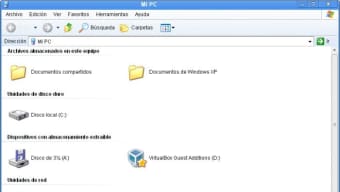
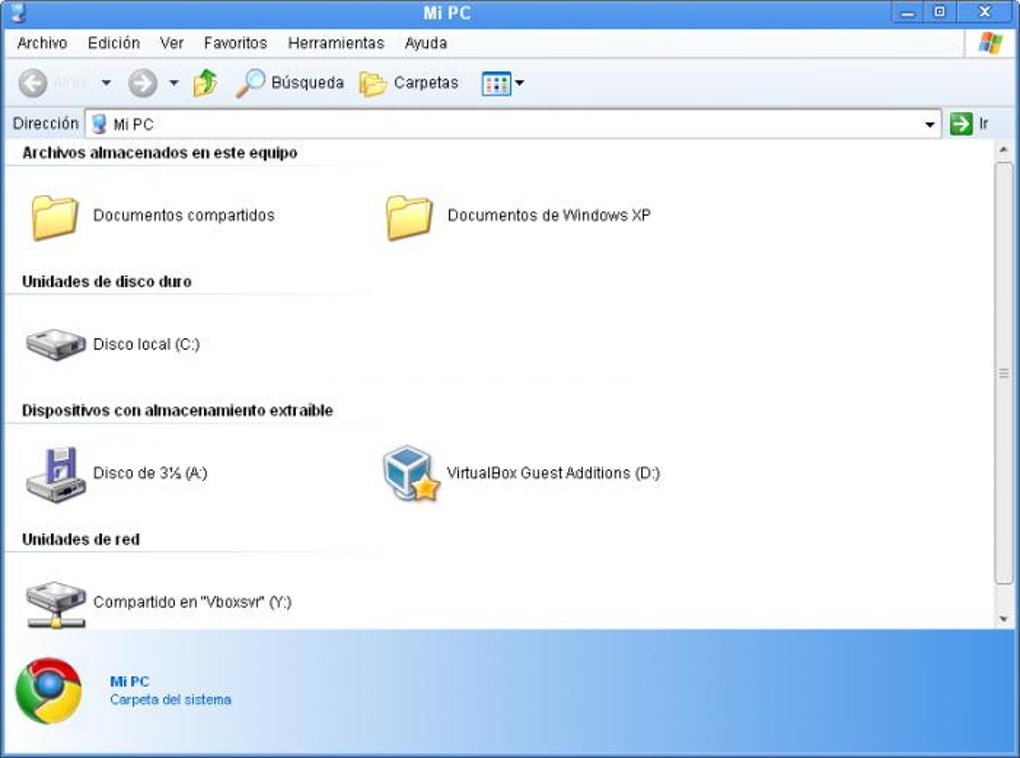
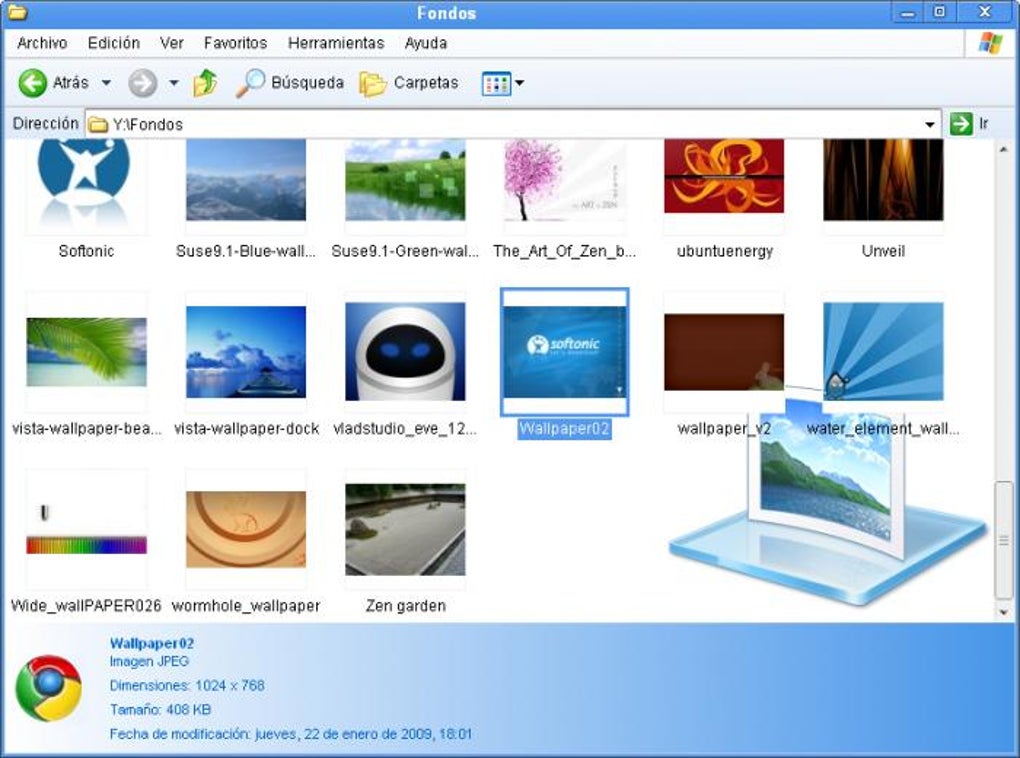
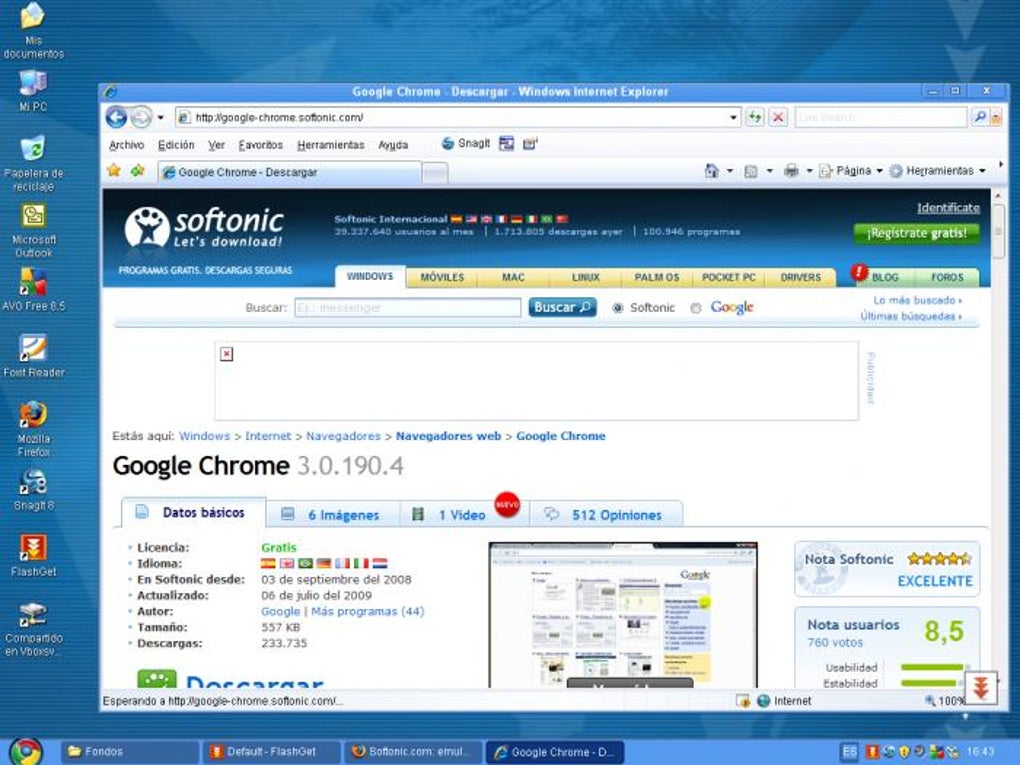
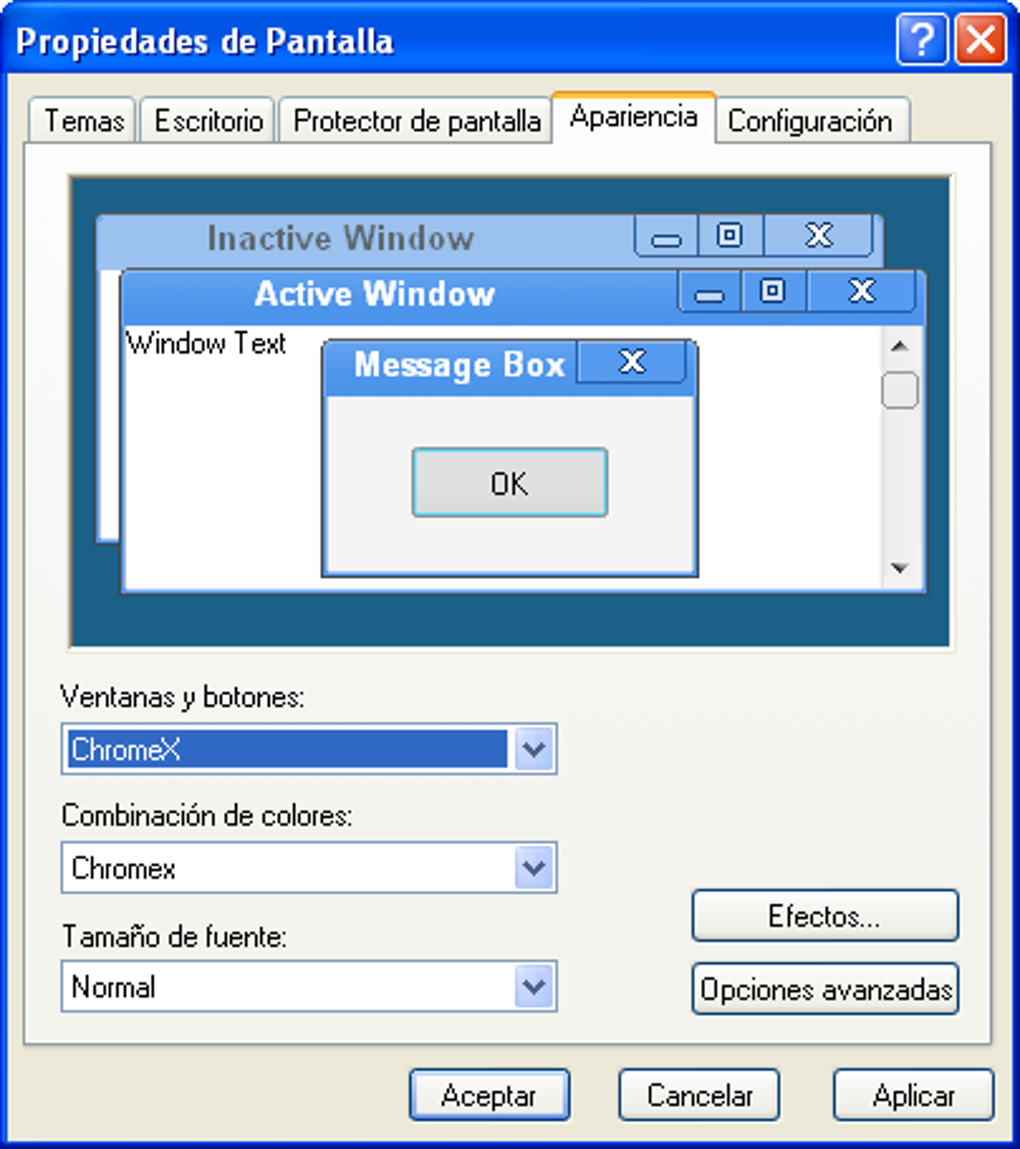
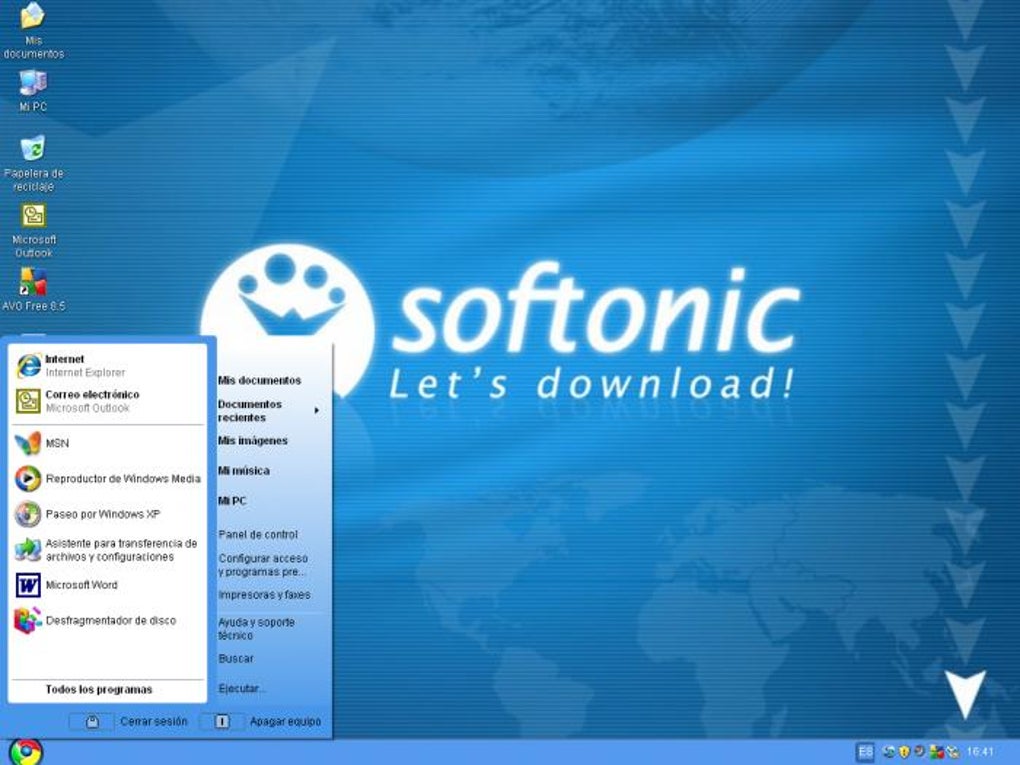
Chrome XP is a lightweight, free‑of‑charge visual overhaul that brings a touch of modern design to the classic Windows XP desktop. While the operating system itself is no longer officially supported by Microsoft, many users still keep an old XP machine for legacy applications, home automation servers, or simply for nostalgia. Chrome XP steps in as a bridge between the nostalgic charm of XP and the sleek aesthetics of today’s browsers and operating systems. By replacing default icons, refreshing colour palettes, and re‑styling key UI elements such as Windows Explorer and the Start menu, Chrome XP gives your aging PC a surprisingly fresh look without demanding a full OS upgrade. The tool is especially useful for hobbyists who enjoy tinkering with older hardware, IT professionals maintaining legacy environments, or anyone who wants a more pleasant visual experience when they occasionally boot up a forgotten XP box. Although it cannot add new core OS features—security patches, for instance—it does provide a safer, more polished front‑end that reduces eye strain and makes navigation feel more intuitive. In short, Chrome XP is a free, secure, and easy‑to‑install theme that revitalises Windows XP with a contemporary veneer while preserving the underlying system’s stability.
Key Features and Installation Guide
Feature List
- Modern Chrome‑styled icons for system folders, drives, and shortcuts.
- Refreshed colour scheme that mimics Google Chrome’s light‑mode palette.
- Customisable Start menu layout with reduced clickable area for a cleaner look.
- Enhanced Windows Explorer theme, including new folder view borders and hover effects.
- Optional dark‑mode variant for users who prefer low‑light environments.
- Small‑footprint installer (under 5 MB) that works offline after download.
- Compatibility with classic Windows XP themes, allowing layered customization.
Step‑by‑Step Installation & Usage
Installing Chrome XP is intentionally straightforward to cater to both seasoned technicians and casual users. First, download the latest release from the official site or a trusted software repository. The installer is a single executable file named ChromeXP_Setup.exe. Once downloaded, right‑click the file and select “Run as administrator” to ensure the installer can write to system directories. The setup wizard will present a brief license agreement; accept it to continue. During the installation process you will be offered a choice between the default light theme and a dark‑mode alternative—pick the one that matches your visual preference. After confirming your choice, the installer copies the theme assets to C:\Windows\Resources\Themes\ChromeXP and registers them in the Windows registry under HKLM\Software\Microsoft\Windows\CurrentVersion\Themes. When the process completes, you will be prompted to log off or restart your computer; this step is required for the new theme to take effect. Upon reboot, open the “Display Properties” panel, navigate to the “Themes” tab, and select “Chrome XP” from the list. The new UI will load instantly, and you can further tweak individual colours via the “Advanced Appearance” settings if desired. Should you wish to revert to the classic XP theme, simply select “Windows Classic” in the same panel and restart again. The entire installation typically takes less than two minutes on a standard XP machine, and because Chrome XP does not modify core system files, it can be safely removed at any time using the standard “Add/Remove Programs” control panel.
Compatibility, Pros & Cons
Operating System Compatibility
Chrome XP is explicitly built for Windows XP Service Pack 2 and later. It has been tested on both 32‑bit and 64‑bit builds of the OS, although the majority of legacy hardware runs the 32‑bit version. The theme does not interfere with Windows Update services, and it works alongside other classic XP customisation tools such as Classic Shell or Open Shell. Users running Windows XP Media Center Edition (MCE) should note that some MCE‑specific UI elements may retain their original styling, as Chrome XP focuses primarily on the core desktop, Explorer, and Start menu. For those operating in virtual environments—VirtualBox, VMware, or Hyper‑V—the theme behaves identically, offering a quick visual upgrade without impacting the virtual machine’s performance.
Pros
- Free and openly distributable, with no hidden fees or subscription model.
- Small installer size ensures fast download and minimal disk usage.
- Modern icon set and colour palette reduce visual fatigue on older monitors.
- Easy installation process that does not require advanced technical knowledge.
- Provides both light and dark variants for flexible ergonomics.
- Fully reversible; users can switch back to classic XP themes without reinstalling the OS.
Cons
- Does not address underlying security vulnerabilities inherent to Windows XP.
- Start menu clickable area is reduced, which may feel cramped for users accustomed to the original size.
- Minor layout quirks such as extra whitespace to the right of the system clock on certain screen resolutions.
- Limited support for third‑party skinning engines; mixing Chrome XP with other heavy theme packs can cause conflicts.
- Only basic visual changes—no functional enhancements like new file‑type associations or performance optimisations.
Overall rating: 4 out of 5 stars. Chrome XP delivers a respectable visual upgrade for legacy Windows XP systems while staying lightweight and easy to install. The few UI quirks are outweighed by the modern aesthetic and the fact that the theme can be removed without a trace.
Frequently Asked Questions
-
Can Chrome XP improve the performance of my Windows XP machine?
No. Chrome XP is purely a visual theme. It does not modify system services, drivers, or background processes, so it won’t make your computer run faster. However, a cleaner UI can make the system feel more responsive because there’s less visual clutter.
-
Is Chrome XP safe to download and install?
Yes, provided you obtain it from the official website or a reputable software archive. The installer is digitally signed and does not contain adware or spyware. As with any third‑party software, run a quick virus scan after download.
-
Will Chrome XP work on Windows Vista or later?
Chrome XP is specifically designed for Windows XP and does not support Vista, Windows 7, or newer operating systems. Installing it on those platforms may cause unexpected UI glitches.
-
Can I combine Chrome XP with other skinning tools like Classic Shell?
Yes, most users report that Chrome XP works well alongside Classic Shell. The two tools affect different parts of the UI—Chrome XP handles icons and colour schemes, while Classic Shell modifies the Start menu layout. Just be sure to test the combination after installation to avoid overlapping settings.
-
How do I revert back to the original Windows XP theme?
Open the “Display Properties” window, go to the “Themes” tab, and select “Windows Classic” or “Windows XP” from the list. Then log off or restart the computer to apply the original theme. If you wish to uninstall Chrome XP completely, use “Add/Remove Programs” in the Control Panel.
Conclusion & Call to Action
Chrome XP offers a simple, free, and secure way to breathe new life into an otherwise dated Windows XP desktop. By swapping out stale icons, applying a fresh colour palette, and giving Explorer a subtle modern sheen, the theme makes legacy hardware feel more welcoming without compromising stability. While it won’t patch security holes or accelerate performance, its visual polish can make daily tasks more pleasant and reduce eye strain on older CRT monitors. For anyone who still runs legacy software, maintains a home server, or simply enjoys tinkering with retro PCs, Chrome XP is a worthwhile addition to your customisation toolbox. Download the installer today, follow the quick setup steps, and enjoy a sleek, Chrome‑inspired look on your Windows XP machine. Remember, the theme is fully reversible, so you can experiment without fear of permanent changes. Give your nostalgic system the facelift it deserves—click the download button below and transform your XP experience now.
Guides & Tutorials
How to install Chrome XP
- Click the Download button above.
- Once redirected, accept the terms and click Install.
- Wait for the Chrome XP download to finish on your device.
How to use Chrome XP
This software is primarily used for its core features described above. Open the app after installation to explore its capabilities.
User Reviews
No reviews yet. Be the first to share your experience.
You may also like
more
Llama 2
Free-to-use large language model As the new addition to Meta’s arsenal of langua...

NotebookLM
Revolutionizing the note-taking and idea-generation process NotebookLM is an exp...

Github co pilot
AI-inspired software development and coding platform GitHub Copilot is a browser...

Google Gemma
Google’s lightweight AI models Introducing Google Gemma , a family of cutting-ed...

AI Image Enlarger
A free app for Windows, by ai-image-larger. AI Image Enlarger is a free software...

DALL E
AI-driven text-to-image transformation engine DALL·E is a free graphic and desig...
