



Download Class Toolbox – Classroom Management, Timers, Whiteboards, Seating Arrangements
Overview
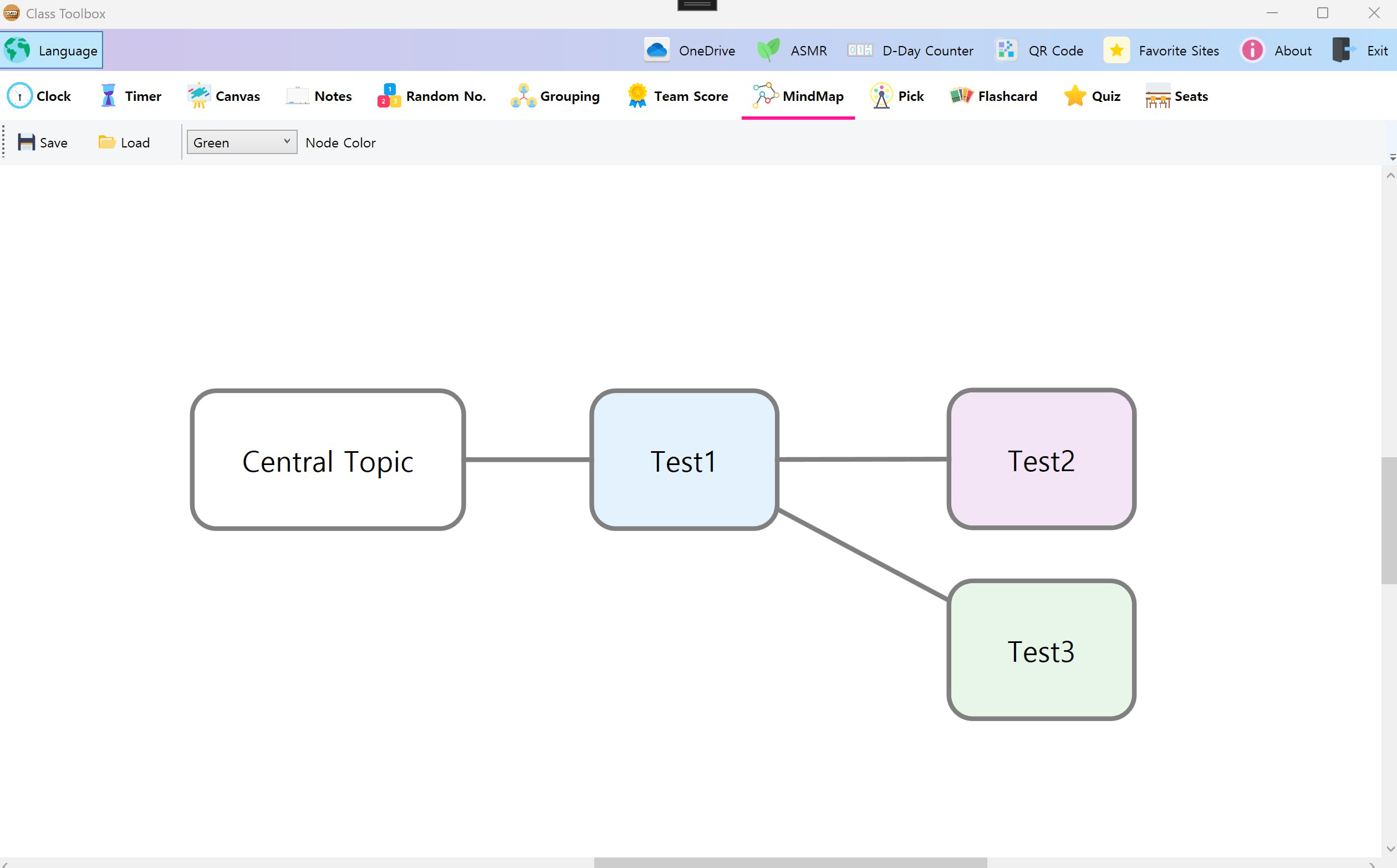
Class Toolbox is a mobile application designed to support educators in managing classroom activities more efficiently. The app integrates essential teaching tools—such as timers, clocks, whiteboards, and seating planners—into a unified platform, aiming to reduce the complexity of lesson delivery and classroom organization. By consolidating multiple functions into a single interface, it helps teachers minimize app-switching and maintain a smoother flow during instruction. The application is tailored for K–12 educators, special education instructors, and classroom assistants who seek practical digital tools to enhance their daily routines. It addresses common challenges such as time mismanagement, disorganized group work, and inefficient student engagement strategies. With built-in features like customizable seating charts and random selection tools, Class Toolbox supports dynamic classroom environments where flexibility and student participation are prioritized. Real-world use cases include organizing group work, managing transitions between activities, and facilitating interactive lessons through digital whiteboards. In the current educational technology landscape, Class Toolbox fills a niche by offering a focused, all-in-one utility for teachers who value simplicity and functionality. The developer did not provide additional background information about the company or development history.Key Features & Functionality
Class Toolbox delivers a suite of tools specifically designed to support classroom operations. The app includes a range of functionalities that serve both instructional and administrative needs. One of its core strengths is the integration of multiple tools into a single interface, reducing the need for teachers to navigate between separate applications during class.- Multiple Tools in One: The app combines digital clocks, countdown timers, interactive whiteboards, and seating planners into a unified system. This integration allows educators to switch seamlessly between functions without disrupting the learning flow.
- Customizable Seating Arrangements: Teachers can create and modify classroom layouts based on student needs, group dynamics, or behavior management goals. Changes can be saved and recalled for future use, supporting adaptability throughout the academic year.
- Random Number Draws: This feature enables teachers to randomly select students for participation or group assignments. It promotes fairness and engagement, especially in larger classrooms where equitable opportunity is essential.
- Effective Timers and Clocks: The app offers customizable countdown timers and real-time clocks that can be displayed prominently during activities. These visual aids help students stay on task and support time-conscious lesson planning.
- Interactive Canvases and Whiteboards: Educators can use digital whiteboards to share ideas, annotate content, and facilitate collaborative brainstorming. These canvases support real-time interaction, making lessons more engaging and participatory.
Interface, UX & Performance
The interface of Class Toolbox is structured to prioritize clarity and ease of access. The layout appears to be organized around a central dashboard that provides quick access to the most frequently used tools. Visual elements are designed to be simple and intuitive, with clear icons and labeled sections that support fast navigation. The app likely employs a tab-based or menu-driven navigation system, allowing users to switch between functions without confusion. The visual style is minimalistic, focusing on functionality over ornamentation. This approach reduces cognitive load, which is particularly beneficial during fast-paced classroom settings. The app’s responsiveness appears to be consistent, enabling smooth transitions between tools and quick loading times. Although the developer did not list formal performance metrics, the design suggests an optimized experience across various device categories. Stability is a critical factor for classroom tools, and the app seems to be built with reliability in mind. The absence of reported crashes or bugs in the provided information indicates a stable foundation. However, specific requirements for device performance or memory usage were not disclosed. The app likely functions efficiently on mid-range smartphones and tablets, but compatibility details were not fully specified.Platform Compatibility & Technical Requirements
Class Toolbox is available on the Android platform, with a software version that was released on December 20, 2024. The app has a file size of 24.5 MB, which suggests it is lightweight and suitable for devices with limited storage capacity. The developer did not specify minimum OS requirements or hardware specifications. As such, compatibility with older or newer Android versions remains unclear. Users should verify system compatibility before installation. The app may function on devices running Android 6.0 and above, but this is not confirmed. No information was provided regarding iOS availability or cross-platform support. The app is designed for mobile use, and its interface is optimized for touch interaction on smartphones and tablets.Pros and Cons
Pros
- Integrates multiple classroom tools into a single, easy-to-use platform.
- Supports customizable seating arrangements for dynamic classroom management.
- Offers engaging random selection features to promote student participation.
- Includes interactive whiteboards for collaborative and visual learning.
- Lightweight design with a relatively small file size of 24.5 MB.
Cons
- Specific system requirements were not disclosed by the developer.
- Compatibility with older Android versions is unconfirmed.
- No information was provided about cloud sync or data backup features.
- Updates or future feature roadmaps were not detailed.
- Availability on iOS or other platforms was not indicated.


