Image

See it, search it

Visual Image Search from Bing

The world is visual icon now search is too

Image

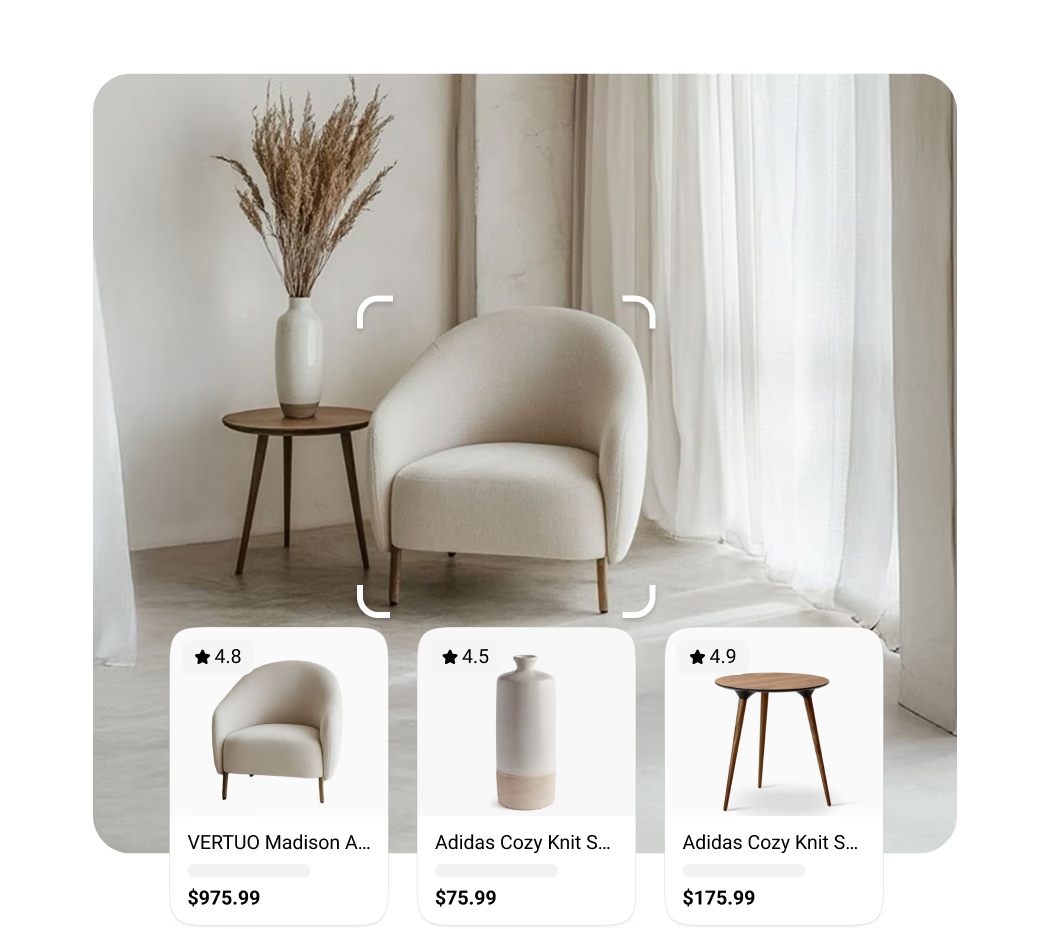
Shop for what you see

Snap or upload a photo of furniture, fashion, or décor and instantly find where to buy it — plus similar styles and price options.

Image

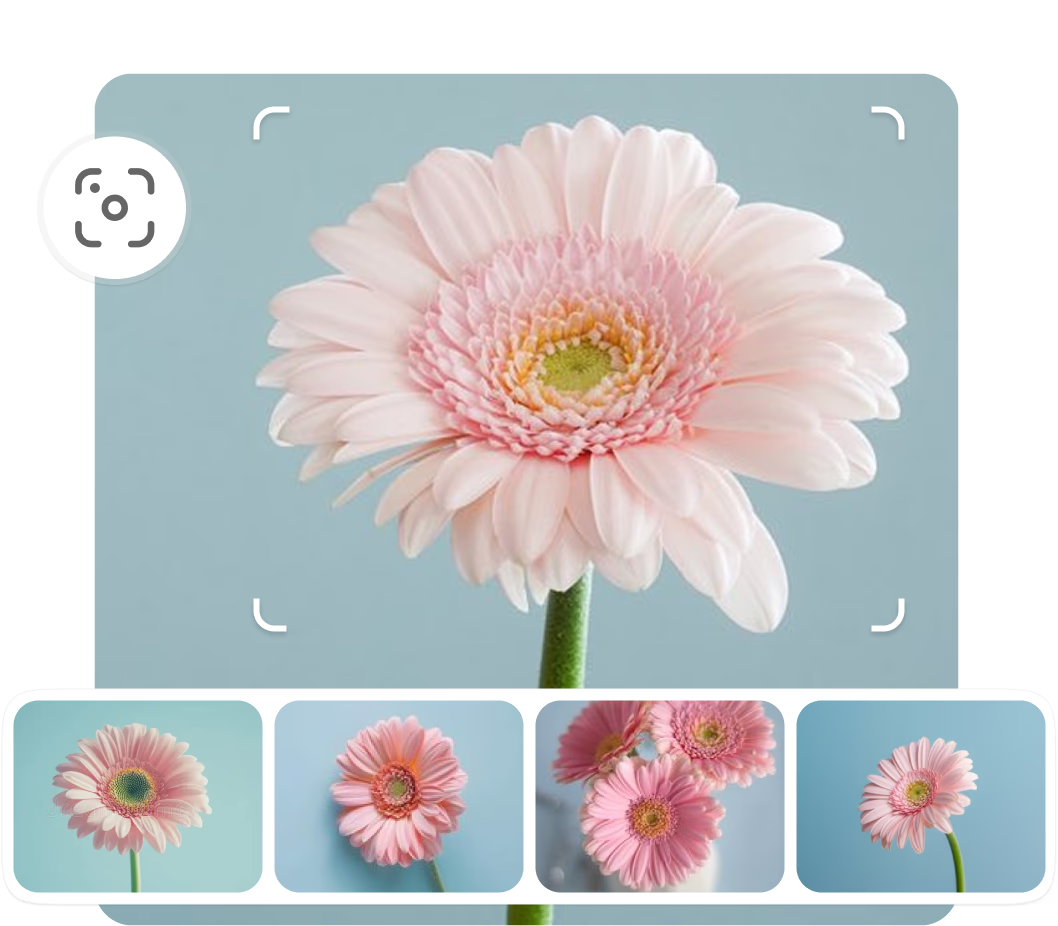
Find similar images

Upload any image to discover related visuals, patterns, or designs that match your style or spark new ideas.

Image

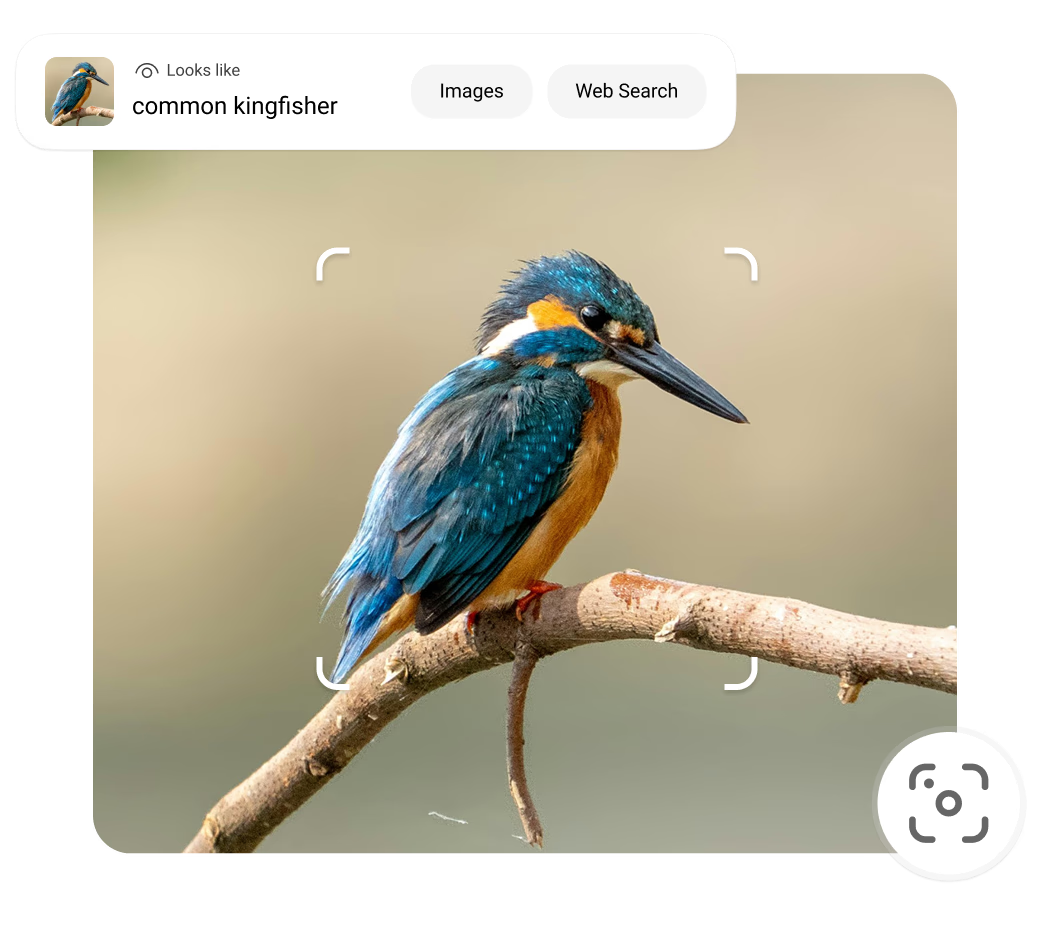
Identify objects around you

Point your camera or upload an image to identify objects, plants, animals, landmarks, and more, complete with useful details.

Image

Translate and copy text

Point your camera at any text to translate it, copy it, or search for what it means — quickly and accurately.

Image

Solve for homework

Snap a photo of a math or science problem and Visual Search will help you understand the steps, not just the answer.

Image

Discover and ask more

Upload or capture any image, from products to places, and instantly get information, inspiration, and shopping options. Then, ask any follow-up question.

Where to find Bing Visual Search

Look for the visual search icon in the Bing search box, in our apps, or on a partner site

Image

Snipping Tool

Windows 11 now allows users to capture screenshots and perform instant image lookups directly from the Snipping Tool.

Image

Edge Desktop

Simply right-click and select the visual search icon Visual Search, then frame the area on the webpage to see search results.

Image

Windows Photos

Open a picture, click the 3 dots in the menu bar, then click ‘Visual search with Bing' to get results of similar images, relevant websites, and detailed information.

Image

Bing App

Tap visual search icon to shop for similar looks and more

Image

Edge App

Visual Seach in a fast and safe browser

Image

GroupMe

Identiy images or copy text directly out of a photo with Visual Seach

Image

For Chrome

Download Bing Visual Search in the Chrome web store and search what you see.

Image

For Firefox

Download the Bing Visual Search extension in the Firefox Add-Ons store and instantly identify images.

  • * Feature availability and functionality may vary by device type, market, and browser version.