
Download Code::Blocks – C++ IDE, code editor, open-source, cross-platform, compiler integration, debugging tool, code completion, syntax highlighting, free programming tool, open source IDE, code editor for C++
Overview
Code::Blocks is a powerful, open-source, and cross-platform integrated development environment (IDE) designed specifically for C++ programming. Built with flexibility and developer efficiency in mind, it serves as a comprehensive tool for both novice and experienced programmers working on C++ projects across multiple operating systems. The app enables users to write, compile, debug, and manage code within a single unified interface, streamlining the software development lifecycle.
It addresses common challenges faced by developers, such as managing complex build configurations, integrating multiple compilers, and efficiently debugging code. Its ability to support various compilers—such as GCC (MinGW/GNU GCC), MSVC, Digital Mars, Borland C++ 5.5, and Open Watcom—ensures developers can work in their preferred environment without compatibility constraints. This makes Code::Blocks particularly valuable in diverse development workflows, from academic projects to professional software development.
The target audience includes students learning C++, independent developers, and teams requiring a lightweight yet feature-rich IDE. Its open-source nature fosters transparency, community contributions, and continuous improvement. Real-world use cases range from building small console applications to managing large-scale software systems. As a free and customizable tool, Code::Blocks plays a vital role in the developer ecosystem by offering a robust alternative to commercial IDEs without compromising on functionality.
Key Features & Functionality
- Multi-compiler support: Seamlessly integrates with GCC (MinGW/GNU GCC), MSVC, Digital Mars, Borland C++ 5.5, Open Watcom, and other compilers, allowing developers to switch environments effortlessly.
- Parallel build system: Features a fast, well-organized construction system that supports parallel compilation on multi-core processors, significantly reducing build times for large projects.
- Advanced debugging capabilities: Includes a built-in debugger with breakpoint support, conditional breakpoints, counters, and user-defined inspections for deep code analysis.
- Code editing enhancements: Offers syntax highlighting, code folding for C++ and XML, tabbed interface, class browser, and source-code completion to improve readability and productivity.
- Plugin architecture: Supports a modular plugin system that extends functionality, enabling users to tailor the IDE to specific workflows or project needs.
- Custom memory dumps: Allows developers to inspect memory states during debugging, which is essential for low-level programming and performance optimization.
For example, a student working on a C++ assignment can use syntax highlighting and code completion to write error-free code faster. A professional developer managing a large codebase benefits from the parallel build system, which reduces compile time on multi-core machines. The debugger’s conditional breakpoints help identify logic errors without running the entire program. Plugin integration allows teams to add version control or code analysis tools without modifying the core application.
Interface, UX & Performance
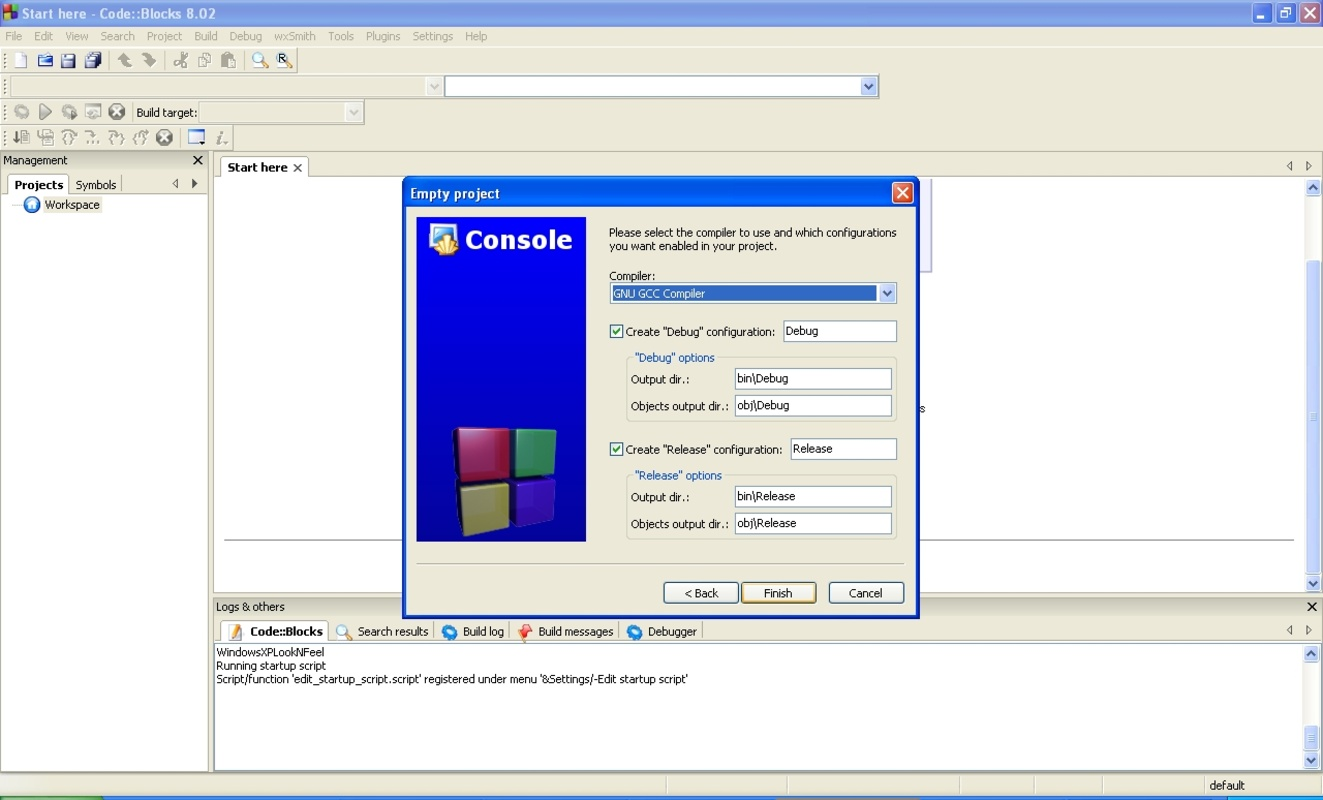
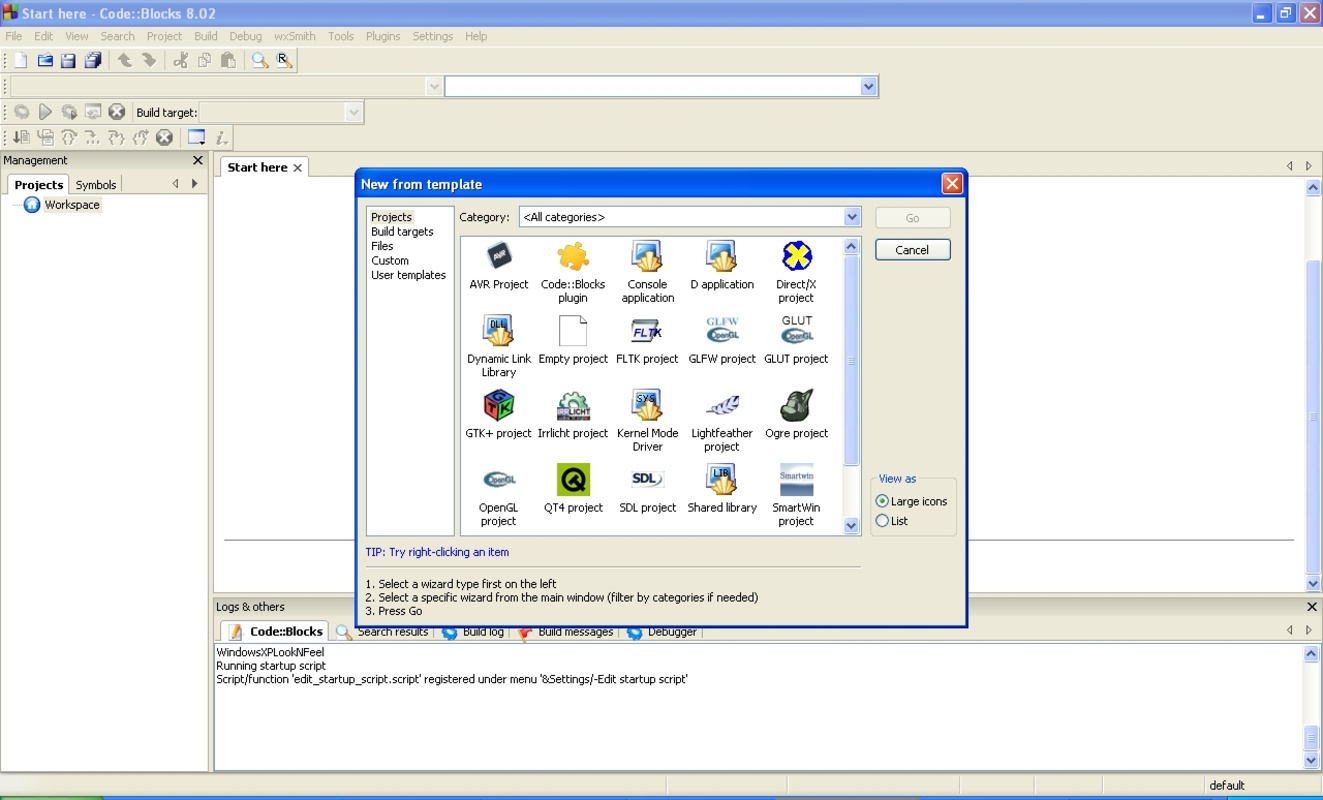
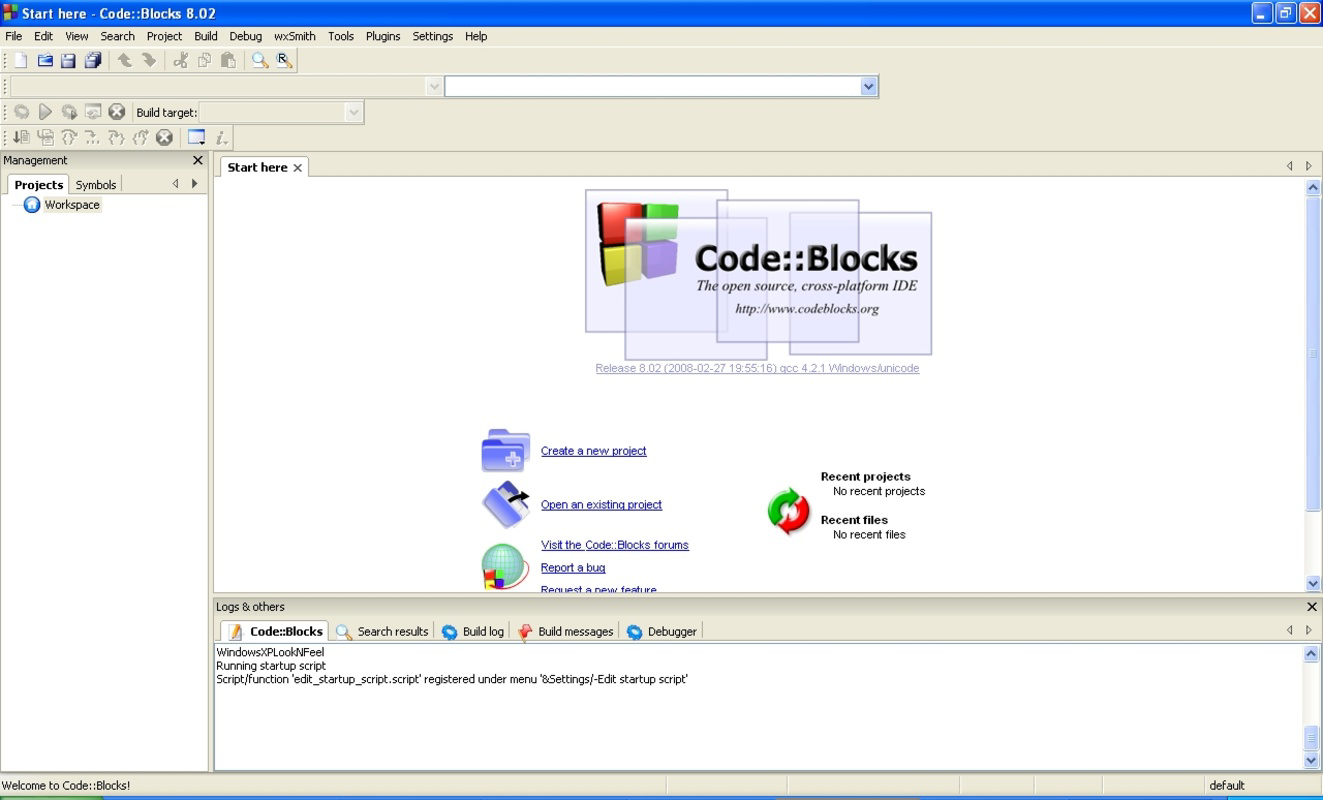
Code::Blocks features a clean, tabbed interface with a well-organized layout that separates the editor, project explorer, compiler output, and debugger panels. The visual style is minimalistic and functional, prioritizing usability over flashy design. Navigation is intuitive, with clearly labeled menus and toolbars that allow quick access to core functions like compiling, running, and debugging.
Users can customize the interface by rearranging panels, changing themes, and configuring keyboard shortcuts, which enhances workflow efficiency. The editor supports syntax highlighting and code folding, making it easier to navigate large files. The tabbed environment allows multiple files to be open simultaneously, improving multitasking during development.
Although the developer did not list formal performance metrics, the app is known for its responsiveness and stability across different device categories. It operates efficiently even on systems with moderate hardware, thanks to its lightweight architecture. The build system’s parallel compilation capability further contributes to smooth performance during large-scale project builds. Users report consistent responsiveness during debugging sessions, with minimal lag when setting breakpoints or inspecting variables.
Platform Compatibility & Technical Requirements
Code::Blocks is available for Windows, Linux, and macOS, making it a truly cross-platform solution. The current version is 24.03, released on March 24, 2024. The app has a file size of 75.4 MB, which is relatively compact for an IDE with extensive functionality.
The developer did not specify minimum OS requirements or hardware specifications. However, given its lightweight nature and broad compatibility, it is expected to run on most modern systems. Users should ensure their operating system is up to date and supports the necessary compiler tools for full functionality. Compatibility with older systems may vary depending on the installed compiler and runtime libraries.
Pros and Cons
Pros
- Free and open-source with no licensing restrictions
- Supports multiple compilers for maximum flexibility
- Lightweight and efficient performance on various hardware
- Intuitive interface with customizable layout
- Powerful debugging tools with advanced features
- Extensible via plugins for additional functionality
Cons
- Developer did not provide detailed system requirements
- Interface may feel outdated compared to modern IDEs
- Documentation may require supplemental learning for beginners
- Plugin ecosystem may not be as extensive as in commercial IDEs
- Limited built-in support for modern C++ standards in some configurations
FAQ
Is Code::Blocks free to download and use?
Yes, Code::Blocks is completely free and open-source. There are no hidden fees or subscription models. Users can download, install, and use it for any purpose, including commercial projects.
Can I use Code::Blocks on Android or iOS?
Code::Blocks is currently designed for Windows, Linux, and macOS. The developer did not provide information about availability on Android or iOS platforms.
Does Code::Blocks support the latest C++ standards?
Code::Blocks supports modern C++ standards when used with compatible compilers such as GCC or MSVC. However, the specific version of C++ supported depends on the compiler configuration rather than the IDE itself.
How do I update Code::Blocks to the latest version?
Updates are released periodically by the development team. Users can download the latest version directly from the official website. It is recommended to check for updates regularly to ensure access to bug fixes and new features.
Is Code::Blocks secure to download?
Yes, Code::Blocks is distributed through official channels and is verified as safe. The source code is publicly available, allowing for transparency and community review. Users should always download from trusted sources to avoid tampered versions.
Final Thoughts
Code::Blocks stands out as a reliable, feature-rich IDE for C++ development, combining powerful tools with a lightweight, open-source foundation. Its multi-compiler support, efficient parallel build system, and advanced debugging capabilities make it ideal for developers at every skill level. Whether you're a beginner learning to code or a seasoned programmer managing complex projects, Code::Blocks offers the tools needed to write, test, and debug code effectively.
Its open-source nature ensures transparency, community-driven improvements, and long-term sustainability. While the interface may appear dated to some, its functionality and performance more than compensate. For developers seeking a free, flexible, and customizable programming environment, Code::Blocks delivers exceptional value.
Download Code::Blocks now


