Type Less, Produce More
CodeExpander Pro is a cross-platform text expansion and productivity app: abbreviation expand, screenshot & annotation, and clipboard history in one place. Use it to reduce repetition and app switching.
You know the drill: typing the same prompt in ChatGPT again, digging last week’s report template, the error you just copied overwritten by the next paste. Time goes into repetition and app switching.
CodeExpander Pro puts three things in one app: abbreviation expand, screenshot & annotation, and clipboard history. Fewer switches, less repetition, more time for what matters.
Supports macOS (Intel / Apple Silicon) and Windows (10/11).
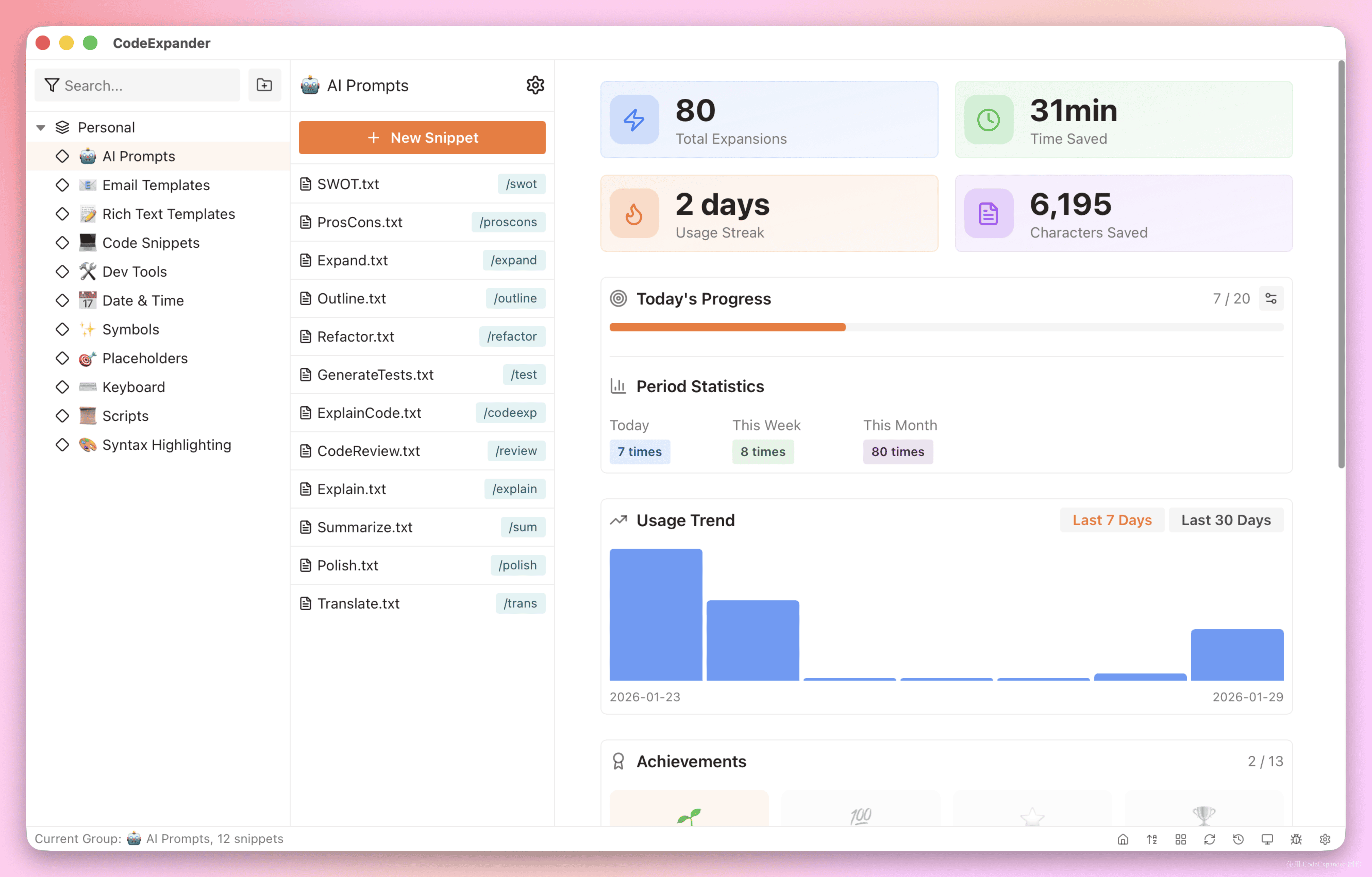
A Few Letters, Full Snippets
No need to memorize long templates. Set an abbreviation (e.g. sig, try-py), type it in any input field and press the trigger key — instant signature, code block, or prompt with fill‑ins.
- Tree groups + prefix: e.g. all snippets under
ai-expand withai-xxx; organize by scenario. - FillIn popup: Single/multi-line, dropdowns, checkboxes on trigger; great for prompts and email templates. Supports variable case formatting (
camelCase/snake_caseetc.) and multi-cursor tabstop jumping. - Multi-file snippets: One logical snippet, multiple files (language/env), each with its own abbreviation; maintain once, expand everywhere.
- ExpandIn (Pro): Expand only in VS Code, browser, etc.; no accidental triggers in chat.
- Scripts & variables (Pro):
{{date}},{{clipboard}}in snippets, or run JavaScript / Shell / Python on trigger and paste the output.
Result: boilerplate, daily templates, even runnable scripts — all from a short abbreviation. Can’t remember the abbreviation? Type // to search snippets inline.
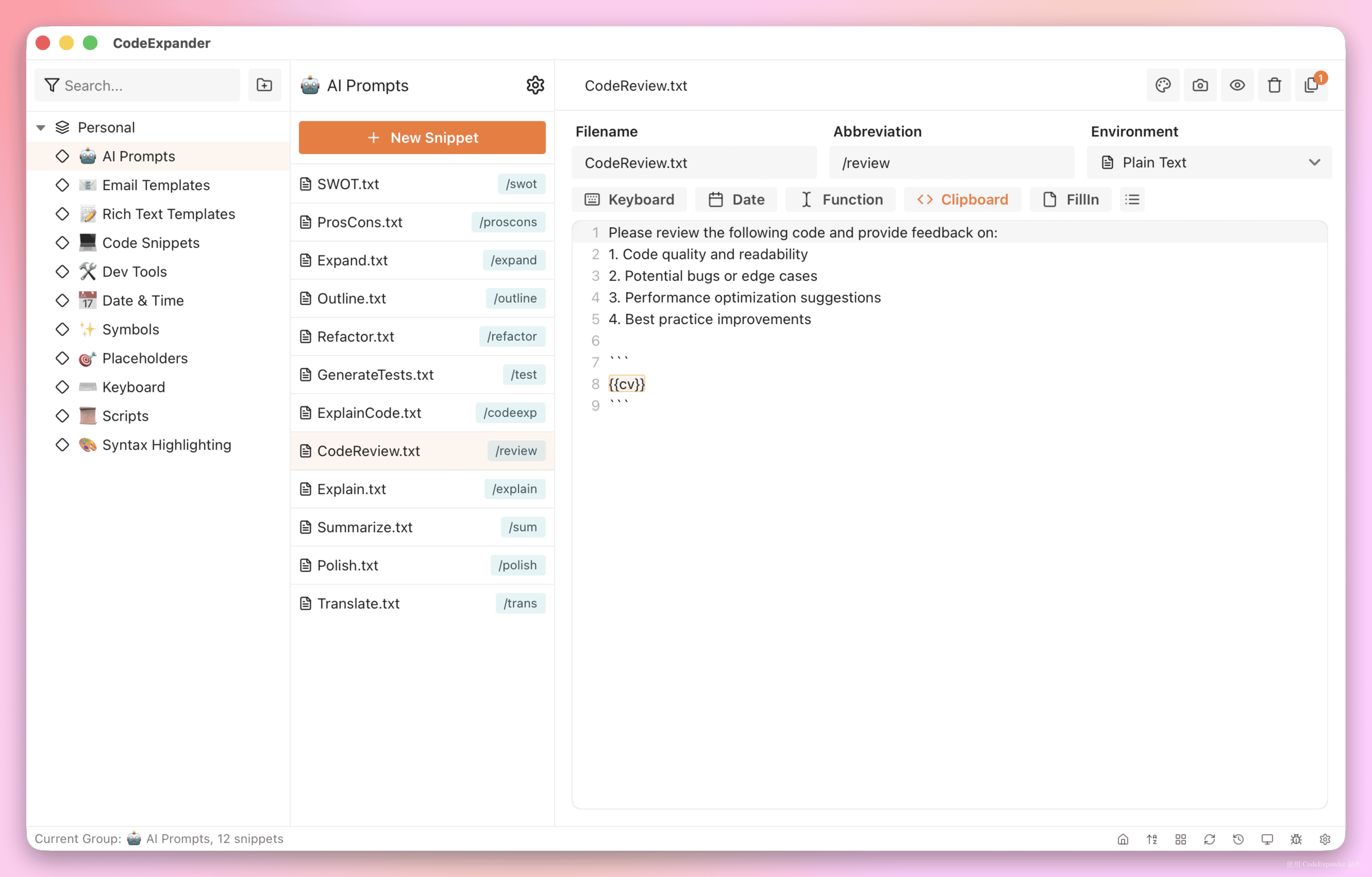
Capture More, Annotate Clear, Use Right Away
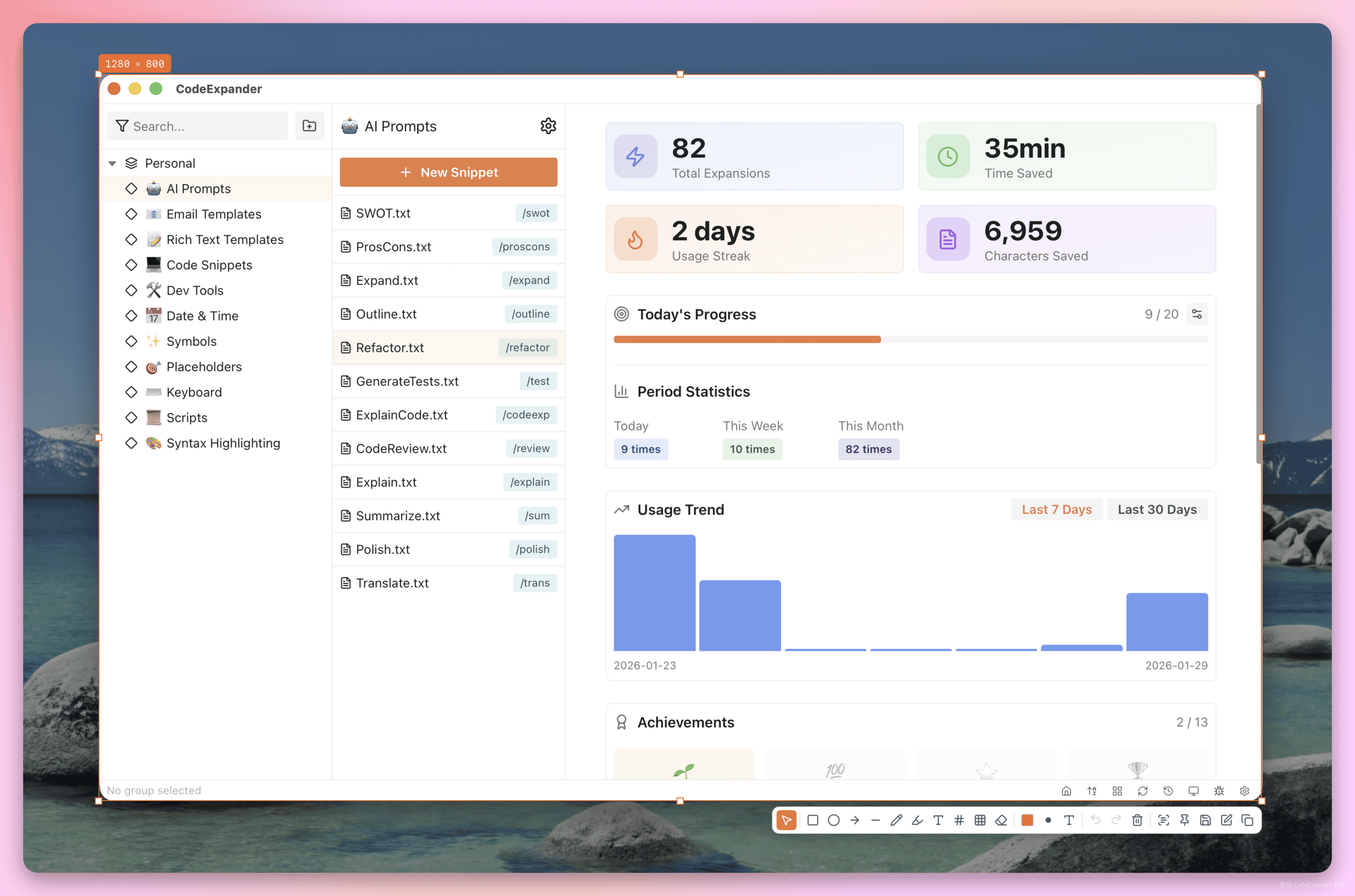
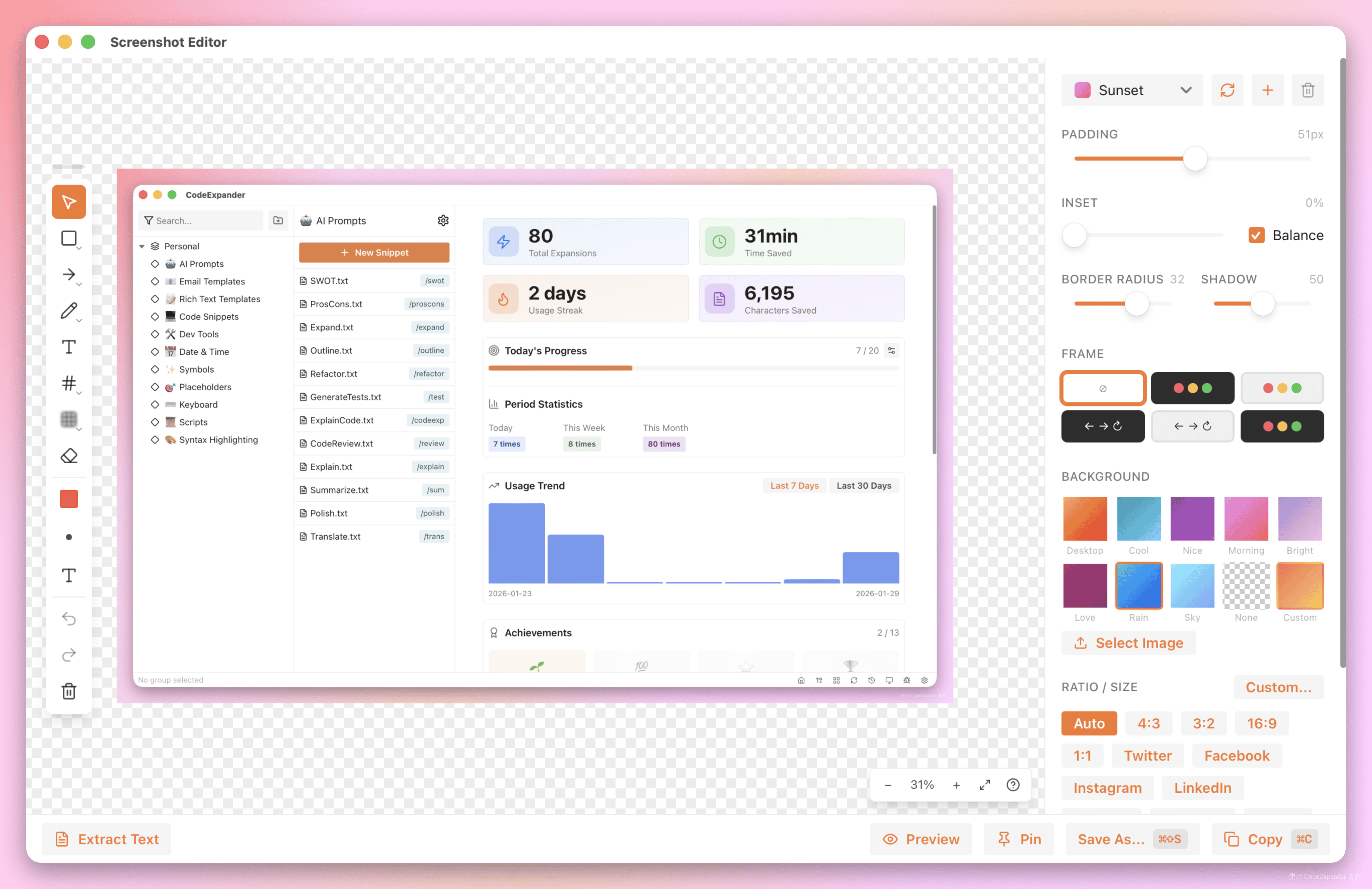
Docs need screenshots, bugs need captures, code review needs markup. Region/window/fullscreen/scroll, Pin overlay, GIF/MP4 recording — then straight into the editor: arrows, highlight, blur, text, gradient background and rounded corners. Enter to copy, Cmd+S to save; no switching to another tool.
OCR, color picker, and screenshot history included; multi‑monitor uses the display under the cursor.
What You Just Copied, When You Need It
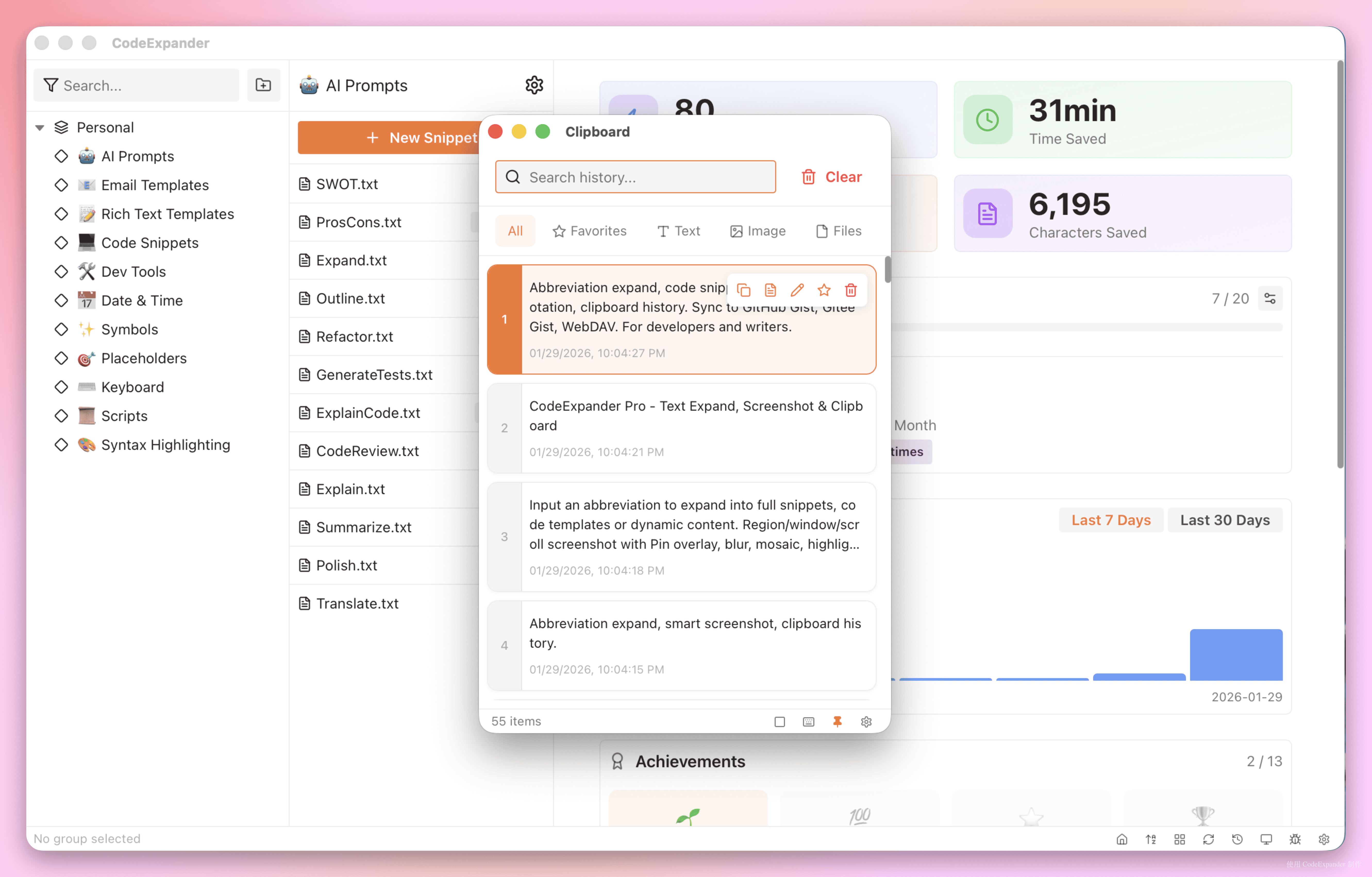
Clipboard history (Pro): Auto-save the last ~100 items (configurable): text, rich text, images, files. Filter by type, full-text search, pin favorites, click to paste into the focused field. Toggle listener, paste without formatting, cap count and auto-cleanup.
Your Data Stays Yours
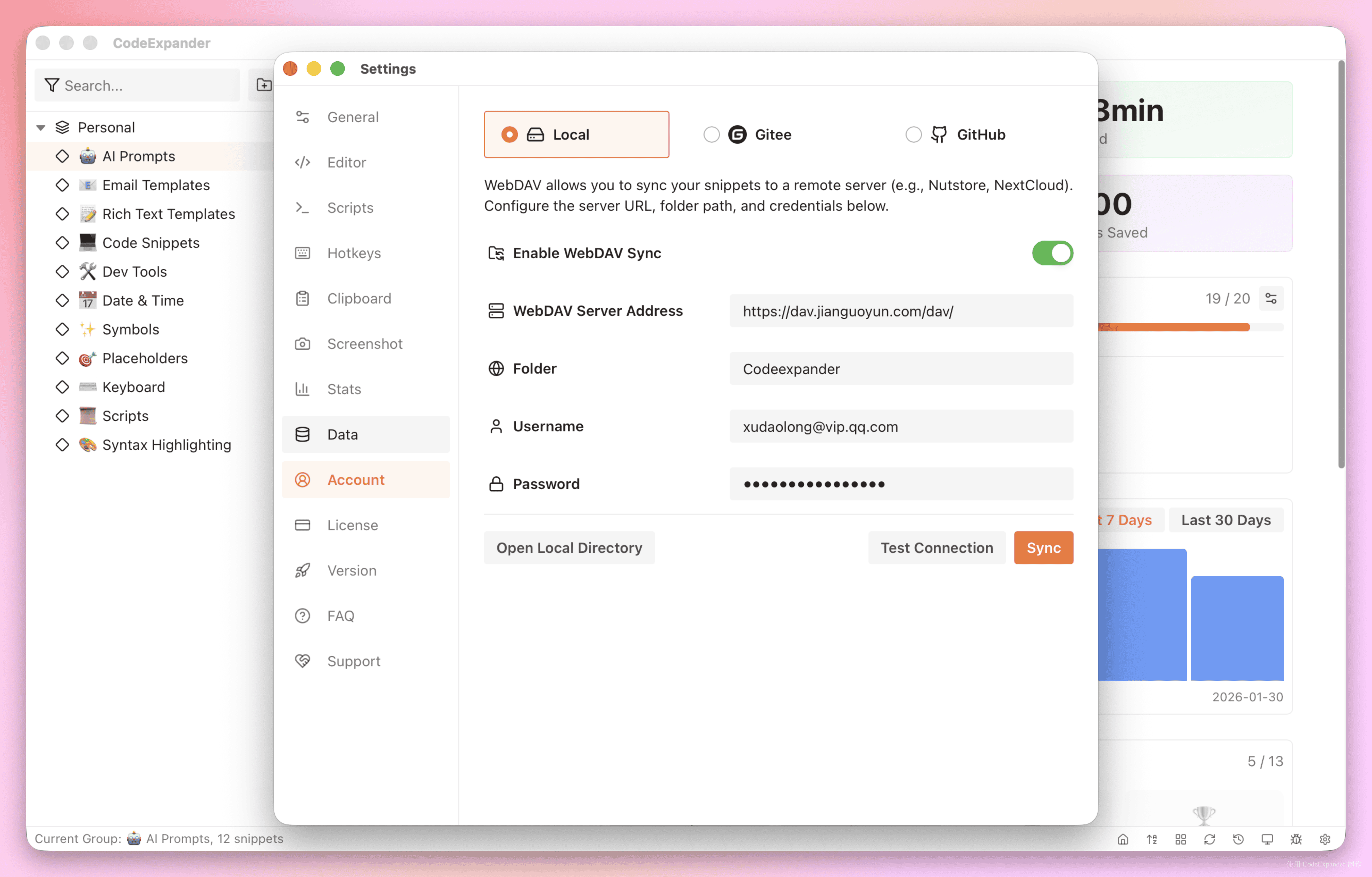
Snippets, screenshots, and clipboard entries stay on your machine. Sync with your own GitHub Gist, Gitee Gist, or WebDAV; we don’t have access. Works fully offline; import/export JSON, CSV for backup and migration.
Free to Use Well, Pro to Scale
Free: 50 snippets, 5 groups; abbreviation trigger, FillIn, multi-file snippets, screenshot & annotation, and OCR — enough to build a “type less, produce more” habit.
Pro (subscription or lifetime): Unlimited snippets and groups; code execution; ExpandIn; clipboard history; stats; GIF/MP4 recording; GitHub/Gitee/WebDAV sync (your accounts).
| Free | Pro | |
|---|---|---|
| Abbreviation, trigger key, groups & prefix | ✅ | ✅ |
| Plain / rich text expand | ✅ | ✅ |
| FillIn popup (single/multi-line, dropdown, date, nested snippets) | ✅ | ✅ |
| Multi-file snippets | ✅ | ✅ |
| Region / window / fullscreen capture, annotation, OCR, save & copy | ✅ | ✅ |
| Global shortcuts (main window, search, etc.) | ✅ | ✅ |
| System tray, languages, theme, auto-update | ✅ | ✅ |
| Snippet & group limits | 50 snippets, 5 groups (enough for daily use) | Unlimited |
| Clipboard history, stats, import/export, recording (GIF/MP4) | ✅ | ✅ |
| Code execution (JS/Shell/Python etc.) | — | ✅ |
| ExpandIn options, screenshot watermark off | — | ✅ |
| GitHub / Gitee / WebDAV sync | — | ✅ (your account) |
Next Steps
- Getting Started — Download, create a snippet, first expand in 30 seconds
- Snippets · Expand · ExpandIn
- Screenshot & Annotation · Clipboard
- AI Programming Guide · AI Use Cases
- Pricing · Activate Pro · Settings
- FillIn Variables · Guides
Questions or feedback: contact@once.work
