Search the Community
Showing results for tags 'light'.
Found 10 results
-
Version 2.0.0
64 downloads
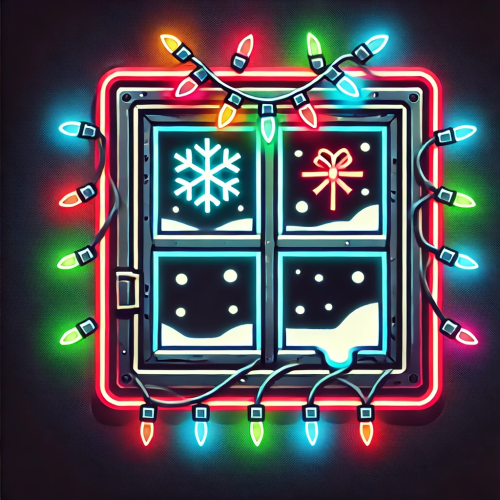
Description: This plugin removes the power requirement for Advanced Christmas Lights and String Lights in Rust. Lights turn on instantly after placement, consume no electricity, and remain functional after server restarts. Power logic is overridden server-side. Wiring is optional and effectively useless. Both light types can be enabled or disabled independently via config. Features: - Christmas Lights work without power - String Lights work without power - Independent enable/disable per light type - No generators, batteries or wiring required - Automatic activation on placement - Lights persist across restarts - Forced zero power consumption - Clean shutdown on unload Config: Permission: NoPermission This plugin does not have permission for one simple reason. If you want to bring Christmas feeling onto the server, it shouldn't apply to certain users or groups. It should be accessible to everyone to create the maximum feeling. load, run, enjoy$1.99- 1 review
-
- 1
-

-
- #xmas
- #christmas
- (and 6 more)
-
Version 1.0.0
511 downloads
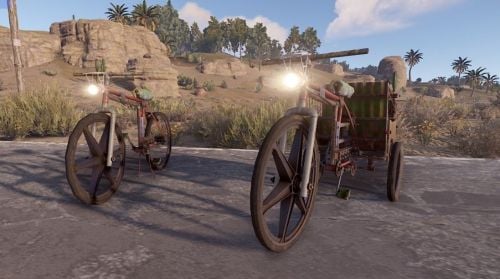
With Bike Light, you can have a headlight added to the bikes on your server. ON/OFF possible with the F key and is very bright.Free -
Version 1.0.9
351 downloads
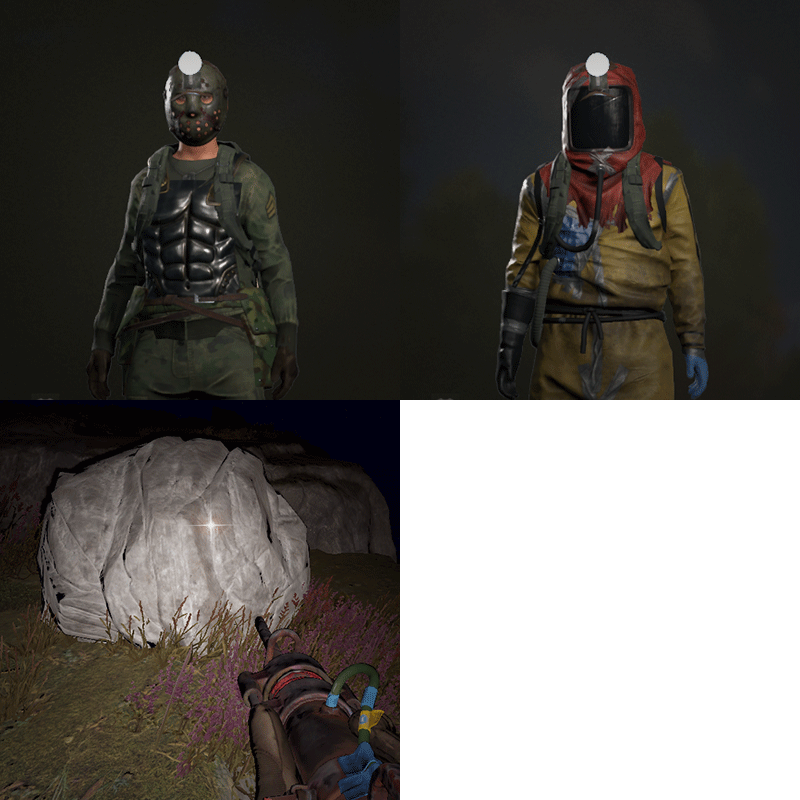
Allows players to activate Headlight (Miner's Hat) without taking up any wearable slots, and does not conflict with any headwear. This is useful for having better vision at night without compromising armor or taking off hazmat suit, especially when farming ore/wood. Auto Equip You can define whether you would the headlight to auto equip at Sunset and unequip at Sunrise by setting default state to NightOnly, and define game times in config. If set to Always instead, it will always equip a headlight to players with permission (light will be turned off, they can turn it on/off like any other worn miner's hat while equipped). Permissions headlight.use Chat Commands /headlight - Shows available commands (can be changed in config) Console Commands giveheadlight %steamid% - Equips a headlight on a target player headlight toggle - For easier key binding (e.g. bind p headlight toggle) Config { "Command": "headlight", "Auto Equip Settings": { "Default State (Always|NightOnly|Off)": "NightOnly" }, "Night Time Settings": { "Sunset InGame Time (00:00)": "22:00", "Sunrise InGame Time (00:00)": "07:00" }, "Alert Settings": { "Send in Chat": false, "Send as Game Tip": true }, "Version": { "Major": 1, "Minor": 0, "Patch": 2 } }$9.99- 24 comments
- 2 reviews
-
- 7
-
-

-

-
- #headlight
- #rust
- (and 6 more)
-
Version 1.0.2
9 downloads
xRedGreenLight This plugin adds a “Red Light, Green Light” mini-game to your Rust server. Simple and easy to use, no other plugins required. Players can join rounds, try to survive without moving during RED LIGHT, and earn configurable rewards for each step they successfully take during GREEN LIGHT. Inspired by the Netflix Series "Squid Game. Supports automatic game starts on a schedule. Players can die if caught moving on RED. Rewards per step and item type are configurable. Comes with UI panels showing game state and participant roster. Starts anywhere (no exact location needed) Preview 🛠 Admin Commands Game Flow Configuration { "AutoStartEnabled": true, "AutoStartIntervalMinutes": 60.0, "RoundDurationSeconds": 60.0, "RewardItemShortName": "scrap", "RewardPerStep": 1, "ExplosionEffectOnFail": true, "UseEconomics": false, "OnlyEconomicsCashReward": false, "MinRewardCash": 10.0, "MaxRewardCash": 50.0, "CashRewardUseDecimals": false } AutoStartEnabled → Enable/disable automatic game starts. AutoStartIntervalMinutes → Interval between auto starts. (0.5 would be 30 minutes) RoundDurationSeconds → How long each round lasts. RewardItemShortName → The Rust shortname of the reward item (e.g. scrap, wood, metal.fragments). RewardPerStep → How many of the reward item per step. (Default is 1 scrap per step, only rewarded if game has been won) Economics Configs$12.99 -
Version 1.1.2
13 downloads
Simple Kits is a Kits plugin for Rust that offers a simple and easy to navigate UI while maintaining good server performance. Key Features UI for Kit Management: A custom, in-game user interface for players to view and redeem available kits. Admins can also use the UI to create and edit kits without manually editing the config file. Highly Customizable: Each kit can be configured with a specific name, short name, description, image, and items. It also supports item attachments, allowing for pre-modded weapons and tools, and autokit support. Built-in Cooldown and Usage Limits: You can define cooldown periods (global and per-player) and set a maximum number of uses for each kit, providing a balanced experience. There is also an option to automatically clear all cooldowns and use counts upon a server wipe. Permission Restricted Access: Kits can be restricted to specific players or groups using permissions, allowing for VIP kits or donor perks. API: The plugin exposes a comprehensive API that is compatible with the uMod Kits plugin's API. It allows other plugins to interact with the kit system, including giving kits, checking their existence, retrieving kit data, and managing player cooldowns and uses. Lightweight: stripped down features and more optimized to guarantee good performance. Performance Overview Commands and Permissions /kit - Open the kits menu. /kit {shortname} - Redeem any kit via it's shortname without opening the menu. No admin permission required, ownerid and moderatorid gain access the admin menu hassle free. Config { "VIP Store URL (Wthout https://)": "", "Enable Auto-Kits": true, "Clear Cooldowns and Redeem Limits on wipe": true, "Main Color RGBA (Use https://colors.misticos.dev/ (RUST Color))": "0 1 1 1", "Kits": { "starter": { "Name": "STARTER", "ShortName": "starter", "Description": "A simple kit to get your <color=#00ceff>base</color> going! \n24 Hour cooldown between redeems.", "Image": "https://files.tryhard.cloud/s/RygdtjDamAXHKwQ/preview", "Cooldown": 86400.0, "WipeCooldown": 0.0, "MaxUses": -1, "Perm": "", "Items": [ { "Id": 1079279582, "ShortName": "medkit", "Amount": 2, "SkinId": 0, "Slot": 1, "Container": 1, "Attachments": null }, { "Id": 1079279582, "ShortName": "bandage", "Amount": 2, "SkinId": 0, "Slot": 2, "Container": 1, "Attachments": null } ], "Hide": false } } } API (for developers) // Attempts to give a kit to the specified player. // Returns a string containing a failure message, otherwise returns the result of the internal GiveLoadout method. object GiveKit(BasePlayer player, string name); // Checks if a kit with the given name exists. // Returns a boolean value. bool IsKit(string name); // Populates a provided list with the names of all available kits. // This method does not return a value. void GetKitNames(List<string> list); // Retrieves the image URL for the specified kit. // Returns an empty string if no URL is set. string GetKitImage(string name); // Retrieves the description text for the specified kit. // Returns an empty string if no description is set. string GetKitDescription(string name); // Returns the maximum number of uses for a kit per player. // Returns 0 if no maximum is set. int GetKitMaxUses(string name); // Returns the cooldown period (in seconds) for a kit. // Returns 0 if there is no cooldown. int GetKitCooldown(string name); // Gets the number of times a specific player has used a specific kit. // Returns 0 if the player or kit data is not found. int GetPlayerKitUses(ulong playerId, string name); // Sets the number of uses for a specific kit for the given player. // This method does not return a value. void SetPlayerKitUses(ulong playerId, string name, int amount); // Retrieves the remaining cooldown time (in seconds) for a player's kit. // Returns 0 if the kit is not on cooldown. double GetPlayerKitCooldown(ulong playerId, string name); // Sets a new cooldown time (in seconds) for the specified kit for a player. // This method does not return a value. void SetPlayerCooldown(ulong playerId, string name, double seconds); Support and More Checkout my discord server here. Showcase Video$9.99-
- 2
-
-
-
- #simplekits simple kits
- #tryhard
- (and 34 more)
-
Version 1.0.0
9 downloads
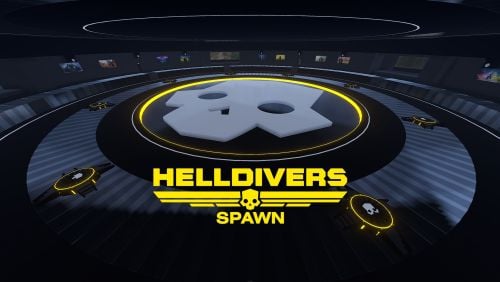
Helldivers Spawn is a spawn area for players on your Rust server. Inspired by the popular Helldivers game, this monument contains a large Helldivers style decoration. CONTAINS: Eight spawn points. Pictures on the walls, use these pictures to put images. Large windows with views to the outside. Doors to go outside, press the buttons to open the doors. Automatic lighting, when the night comes the light turns on automatically. Helldivers logo.$12.90 -
Version 1.0.2
28 downloads
Bradley Arena is a Bradley vs Player battlefield. Inspired by the popular Helldivers game, this Arena contains a large Helldivers style decoration. Bradley Arena is ready to use in Rustedit and has all the modifiers to apply easily: Terrain Height, Splats and the Bradley Path. HOW DOES IT WORK? To access the inside of the Arena you will need to follow these steps: Go to the top of the Arena, climb up the legs of the building. At the top you will find three red card readers. These card readers are numbered 1 to 3, insert your red cards to activate the red button. Press the red button, an alarm will sound throughout the complex, the red lights will turn on to warn other players that the dome is occupied, access to the red card reader will be blocked by electricity so that other players do not use the card reader, the hatch will open for 2 minutes. Access the inside of the Arena, the hatch will remain closed. After 25 minutes the electricity of the red card reader will be activated giving access to other players. Fight against NPCs and destroy the three tanks that will impede your mission objective. On the walkways you will find food, medicine and glass walls that will protect you from your enemies. Use the zip lines or climb the walls to access the underground. In the underground you will face NPCs and sometimes a Bradley. It's time to leave, press the red button, the hatch will open for 5 minutes, climb the walls, follow your steps to the exit. CONTAINS: Puzzles Parkour Ziplines Loots, Locked crates and Elites crates Two kinds of NPCs Alarm sound Automatic lighting for the night Traps Three Bradleys$12.90- 1 review
-
- 4
-
-
- #bradley
- #bradleyarena
- (and 40 more)
-
Version 1.0.6
510 downloads
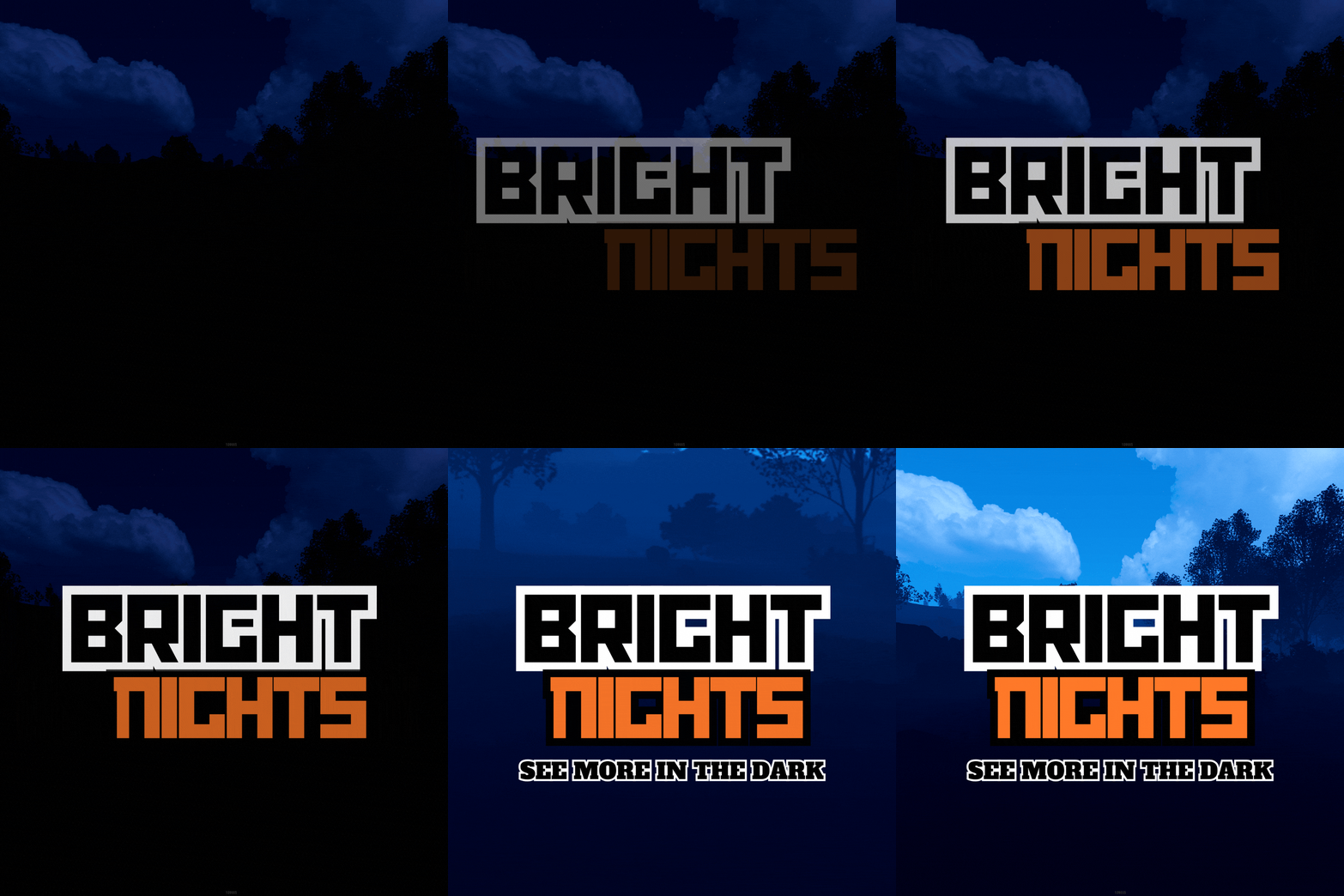
Bright Nights is the plugin every player has been waiting for. Make your nights brighter and actually playable! Enhanced gameplay with brighter nights Customizable night time brightness Smooth transitions between night and day cycles Lightweight high performance plugin Inverted Night (Option) - make nights as bright as day Saves your players from having to eat too many carrots Bright Nights brings exciting new visuals to the game allowing your players to make the most of night time game play. Inverted nights brings a whole new meaning to bright nights. Inverted nights adds a sun to the night cycle to create a daylight like play style, while maintaining a dark skybox. This option can be enabled via the config. /Settime - allows you to set the ingame time (good for testing settings) Args - Hours (24h) example: 7.5 will be 7:30 am or 0 will be midnight - Sunset - goes to sunset time - Sunrise - goes to sunrise time brightnights.admin - Allows use of the /settime command Does bright nights effect rust events ? Bright Nights does not change any of the date time settings for rust so timed events will run as per normal. Can I adjust the brightness? Yes! Brightnights has a config file which allows for the adjustment of brightness and transition settings. Is the plugin hard to set up? Bright nights is a drag and drop plugin, with no additional set up required.$14.99- 17 comments
- 4 reviews
-
- 5
-
-
- #brightnights
- #bright nights
- (and 28 more)
-
.thumb.jpg.0676c6b974581ac5572a7c81185420ec.jpg)
Version 2.0.0
10 downloads
This monument is designed to build a base inside it The monument looks great at night The player can only build a zone inside the cave There is a lock at the entrance to the cave The player will not be able to use the bug union and will not throw a sleeping bag inside the skull through the textures There is a forest topology around the cave, which means that players will be able to cut down the forest$5.00-
- 5
-
-
- #cave
- #avo_skorm
- (and 11 more)
-
Version 1.0.0
1 download
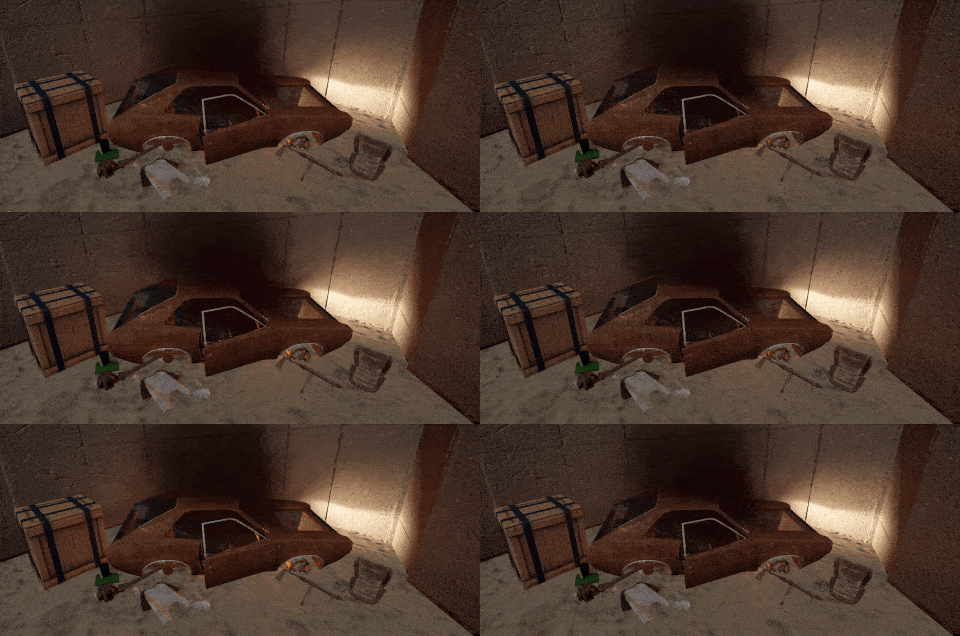
Car Wreck prefab with nice details around the car. Smoke, blinking electronics inside the car and Light effects Best to use with your monuments or place at some cool places like Outpost. including masks: height, splat, biome, topology and alpha contains: 1 normal crate spawner total entities: 17$4.99