Search the Community
Showing results for tags 'npcs'.
Found 21 results
-
Version 0.3.0
903 downloads
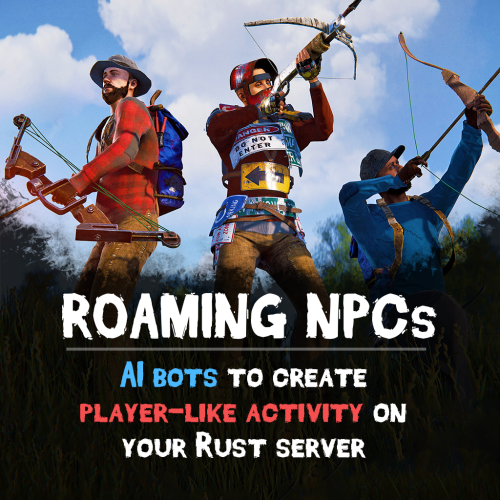
Bring your Rust server to life with Roaming NPCs — AI bots that act just like real players. They gather, loot, and fight, making your server feel active and alive. Features: Realistic AI Behavior • NPCs roam the map and simulate player-like behavior. • Customizable behaviour: friendly, aggressive, defensive • Spawn bots on beaches or random points around the map. • Random or custom names and appearances. Resource Farming • Bots harvest wood, stone, metal, and sulfur using tools like rocks, hatchets, or pickaxes. • Automatically pick up nearby dropped resources, food, and more. • Loot crates and barrels found across the map. • Automatically equip better gear found during looting. Dynamic Combat • Bots attack wild animals like wolves, bears, and boars. • Uses ranged and melee weapons – from bows to rifle ak. Spawn Loadouts • Configure bot spawn kits – tools, weapons, clothes, and other. • Choose whether bots spawn with kit or start with rock and torch. Customization • Setup health, damage rates, respawn timers and other. • Record your own voice phrases that bot will replay on some actions using voice chat. • Define bot's behavior: - Friendly (doesn't attack, runs away) - Defensive (defends if attacked) - Aggressive (attacks first) See It in Action! Watch the Video Don't forget to download data files that include default voice phrases for bots. You can find them here (put this folder in oxide/data) Commands (roamingnpcs.admin permission): /rnpc vis - shows all RoamingNPC's bots /rnpc stashvis - shows all RoamingNPC's stashes /rnpc killall - kills all RoamingNPC's bots /rnpc tp - teleports all RoamingNPC's bots to you /rnpc totp - teleports you to closest RoamingNPC bot /rnpc init - clears all data and respawns bot (needs to be done after editing config) /rnpc recvoice start - start recording /rnpc recvoice stop - stop recording /rnpc recvoice replay - listen to current recording (recording will be stopped) /rnpc recvoice save <file name> - save current recording /rnpc recvoice replay <file name> - listen to the recording from file /rnpc recvoice clear - clear current recording Configuration: { "Specify the ID of the bot generator (8 - 15)": 9, "Bots settings": { "bob_resources_farmer": { "Enable bot?": true, "Bot appearance (Use the id in the range of the specified number of digits for the bot ID generator or leave 0 for random appearance)": 100000000, "Bot name (leave empty for random)": "Bob", "Respawn timer (3 - 60 seconds)": 300.0, "Use for respawn a random place on the map? (false - will respawn on the beach)": false, "Maximum health": 100.0, "What spawns on death (PlayerCorpse, NpcCorpse, Backpack)": "PlayerCorpse", "How many items will be destroyed when Backpack is selected (0 - 100%)": 50.0, "Bot behaviour - Aggressive, Friendly, Defensive": "Friendly", "Controller setup": { "Brain timer tick (0.01 - 1)": 0.1, "Controls timer tick (0.01 - 1)": 0.5, "Accuracy of fire (lower is better)": 10.0, "Find entities radius": 30.0, "Movement speed (1 - 4)": 4, "Movement speed in water (1 - 4)": 2, "Suicide timer if the bot does not reach the destination point (0 - disables the timer)": 600.0, "Timer attempt to avoid obstacle if the bot does not reach the target route": 3.0, "Damage rate from water": 1.0, "Allowed distance to teleport if the bot does not reach the destination point within this distance (-1 - allowed for any distance)": 0.0, "Damage rate to NPC targets": 2.0, "Damage rate to animals": 2.0, "Damage rate to players": 0.8, "Damage rate from NPCs": 0.2, "Damage rate from animals": 0.2, "Damage rate from players": 0.8 }, "Wear items (on respawn)": { "Lock container? (true - after death loot won't drop)": true, "Allow bot to wear found clothes?": false, "List of items": [ { "Item shortname or ID": "hazmatsuit.lumberjack", "Item skin": 0 } ] }, "Resource collection": { "Allow to gather wood?": true, "Allow to use fuel for chainsaw?": false, "Allow to mine ore?": true, "Allow to loot barrels?": false, "Allow to loot road signs?": false, "Allow to pickup resources?": true, "Allow to pickup dropped items?": false, "Allow to loot containers?": false, "Allow to loot corpses?": false, "Allow to harvest corpses?": false, "List of prefabs of corpses to harvest": [ "assets/rust.ai/agents/boar/boar.corpse.prefab", "polarbear.corpse", "bear.corpse", "stag.corpse", "wolf.corpse", "crocodile.corpse", "panther.corpse", "tiger.corpse", "chicken.corpse" ], "List of prefabs blocked for mining": [ "assets/bundled/prefabs/autospawn/resource/vine_swinging/vineswingingtree03.prefab", "assets/bundled/prefabs/autospawn/resource/vine_swinging/vineswingingtreeprefab.prefab", "assets/bundled/prefabs/autospawn/resource/vine_swinging/vineswingingtree02.prefab" ] }, "Fights with NPCs and players": { "Maximum distance for attack from weapon": 30.0, "Maximum distance for attack from melee": 1.0 }, "Animal hunting": { "Allow to hunt? (true - will attack animals even if they are not attacking)": false, "Make melee weapons preferred for hunting?": true, "Maximum distance for attack from weapon": 30.0, "Maximum distance for attack from melee": 2.0, "List of prefabs of animals to block hunting them": [] }, "Inventory overflow": { "Stash setup (bot will put items in the stash)": { "Enable?": true, "Hide stash?": true, "Life time (0 - will exist until restart)": 3600.0, "Maximum amount to use (0 - without limit)": 10 }, "Box setup (bot will put items in the box)": { "Enable?": true, "Use small box?": true, "Box skin": 0, "Life time (0 - will exist until restart or until it dies)": 3600.0, "Maximum amount to use (0 - without limit)": 5, "Another container prefab (you can leave it empty)": "" } }, "Monuments visit setup": { "Amount of random positions to visit on monument": 5, "List of monument prefabs blocked for visiting": [] }, "Items for ore mining": { "List of items (in priority order)": [ { "Allow to create item if it is not in inventory?": false, "Allow to give item when respawning?": false, "Item": { "Item shortname or ID": "jackhammer", "Item skin": 0 } }, { "Allow to create item if it is not in inventory?": false, "Allow to give item when respawning?": false, "Item": { "Item shortname or ID": "lumberjack.pickaxe", "Item skin": 0 } }, { "Allow to create item if it is not in inventory?": false, "Allow to give item when respawning?": false, "Item": { "Item shortname or ID": "diverpickaxe", "Item skin": 0 } }, { "Allow to create item if it is not in inventory?": true, "Allow to give item when respawning?": true, "Item": { "Item shortname or ID": "pickaxe", "Item skin": 0 } }, { "Allow to create item if it is not in inventory?": false, "Allow to give item when respawning?": false, "Item": { "Item shortname or ID": "stone.pickaxe", "Item skin": 0 } }, { "Allow to create item if it is not in inventory?": false, "Allow to give item when respawning?": false, "Item": { "Item shortname or ID": "rock", "Item skin": 0 } } ] }, "Items for tree gathering": { "List of items (in priority order)": [ { "Allow to create item if it is not in inventory?": false, "Allow to give item when respawning?": false, "Item": { "Item shortname or ID": "chainsaw", "Item skin": 0 } }, { "Allow to create item if it is not in inventory?": false, "Allow to give item when respawning?": false, "Item": { "Item shortname or ID": "lumberjack.hatchet", "Item skin": 0 } }, { "Allow to create item if it is not in inventory?": false, "Allow to give item when respawning?": false, "Item": { "Item shortname or ID": "frontier_hatchet", "Item skin": 0 } }, { "Allow to create item if it is not in inventory?": true, "Allow to give item when respawning?": true, "Item": { "Item shortname or ID": "hatchet", "Item skin": 0 } }, { "Allow to create item if it is not in inventory?": false, "Allow to give item when respawning?": false, "Item": { "Item shortname or ID": "stonehatchet", "Item skin": 0 } }, { "Allow to create item if it is not in inventory?": false, "Allow to give item when respawning?": false, "Item": { "Item shortname or ID": "rock", "Item skin": 0 } } ] }, "Items for fights": { "Use ammo?": false, "List of items (in priority order)": [ { "Allow to create item if it is not in inventory?": true, "Allow to give item when respawning?": true, "Item": { "Item shortname or ID": "bow.hunting", "Item skin": 0 } }, { "Allow to create item if it is not in inventory?": false, "Allow to give item when respawning?": false, "Item": { "Item shortname or ID": "1965232394", "Item skin": 0 } }, { "Allow to create item if it is not in inventory?": false, "Allow to give item when respawning?": false, "Item": { "Item shortname or ID": "salvaged.cleaver", "Item skin": 0 } } ], "Amount of ammo to give for weapon if respawning is allowed": 128 }, "Items for harvesting animals": { "List of items (in priority order)": [ { "Allow to create item if it is not in inventory?": true, "Allow to give item when respawning?": false, "Item": { "Item shortname or ID": "knife.skinning", "Item skin": 0 } } ] }, "Items for healing": { "List of items (in priority order)": [ { "Allow to create item if it is not in inventory?": false, "Allow to give item when respawning?": true, "Item": { "Item shortname or ID": "syringe.medical", "Item skin": 0 }, "Amount of items to give when respawning": 5 }, { "Allow to create item if it is not in inventory?": true, "Allow to give item when respawning?": false, "Item": { "Item shortname or ID": "bandage", "Item skin": 0 }, "Amount of items to give when respawning": 1 } ] }, "Voice phrases for different actions": { "Use voice phrases?": true, "Phrases for the Miner state": { "Phrases when picking up resources": { "Phrases": [ "uinston/miner/pickup_collectable/1" ], "Chance of using phrases (% 0 - 100)": 30.0 }, "Phrases when picking up items": { "Phrases": [ "uinston/miner/pickup_collectable/1" ], "Chance of using phrases (% 0 - 100)": 30.0 }, "Phrases when gathering trees": { "Phrases": [ "uinston/miner/mining_tree/1" ], "Chance of using phrases (% 0 - 100)": 30.0 }, "Phrases when mining ore": { "Phrases": [ "uinston/miner/mining_ore/1" ], "Chance of using phrases (% 0 - 100)": 30.0 }, "Phrases when looting containers": { "Phrases": [ "uinston/miner/looting/1" ], "Chance of using phrases (% 0 - 100)": 30.0 }, "Phrases when breaking containers (barrels, signs and etc.)": { "Phrases": [ "uinston/miner/breaking/1" ], "Chance of using phrases (% 0 - 100)": 30.0 }, "Phrases when looting corpses": { "Phrases": [ "uinston/miner/looting/1" ], "Chance of using phrases (% 0 - 100)": 30.0 }, "Phrases when harvesting corpses": { "Phrases": [ "uinston/miner/butcher_corpse/1" ], "Chance of using phrases (% 0 - 100)": 30.0 } }, "Phrases for the Hunter state": { "Phrases before starting to attack": { "Phrases": [ "uinston/hunter/start_attack/1", "uinston/hunter/start_attack/2" ], "Chance of using phrases (% 0 - 100)": 30.0 } }, "Phrases for the Fight state": { "Phrases before starting to attack": { "Phrases": [ "uinston/attacker/start_attack/1" ], "Chance of using phrases (% 0 - 100)": 30.0 }, "Phrases when the bot does not see the target": { "Phrases": [ "uinston/attacker/not_visible/1", "uinston/attacker/not_visible/2", "uinston/attacker/not_visible/3" ], "Chance of using phrases (% 0 - 100)": 30.0 }, "Phrases when the bot runs away from the attacker": { "Phrases": [ "uinston/attacker/run_away/1", "uinston/attacker/run_away/2", "uinston/attacker/run_away/3" ], "Chance of using phrases (% 0 - 100)": 30.0 } }, "Phrases for the Researcher state": { "Phrases before starting to move to the monument point": { "Phrases": [ "uinston/researcher/before_move/1" ], "Chance of using phrases (% 0 - 100)": 30.0 }, "Phrases when reaching the destination": { "Phrases": [ "uinston/researcher/after_move/1" ], "Chance of using phrases (% 0 - 100)": 30.0 } }, "Phrases when creating a container with resources": { "Phrases": [ "uinston/full_state/1", "uinston/full_state/2" ], "Chance of using phrases (% 0 - 100)": 30.0 }, "Phrases when healing": { "Phrases": [ "uinston/medical_state/1", "uinston/medical_state/2", "uinston/medical_state/3" ], "Chance of using phrases (% 0 - 100)": 30.0 } } }, "john_looter": { "Enable bot?": true, "Bot appearance (Use the id in the range of the specified number of digits for the bot ID generator or leave 0 for random appearance)": 0, "Bot name (leave empty for random)": "John", "Respawn timer (3 - 60 seconds)": 300.0, "Use for respawn a random place on the map? (false - will respawn on the beach)": false, "Maximum health": 120.0, "What spawns on death (PlayerCorpse, NpcCorpse, Backpack)": "PlayerCorpse", "How many items will be destroyed when Backpack is selected (0 - 100%)": 50.0, "Bot behaviour - Aggressive, Friendly, Defensive": "Defensive", "Controller setup": { "Brain timer tick (0.01 - 1)": 0.1, "Controls timer tick (0.01 - 1)": 0.5, "Accuracy of fire (lower is better)": 10.0, "Find entities radius": 30.0, "Movement speed (1 - 4)": 4, "Movement speed in water (1 - 4)": 2, "Suicide timer if the bot does not reach the destination point (0 - disables the timer)": 600.0, "Timer attempt to avoid obstacle if the bot does not reach the target route": 3.0, "Damage rate from water": 1.0, "Allowed distance to teleport if the bot does not reach the destination point within this distance (-1 - allowed for any distance)": 0.0, "Damage rate to NPC targets": 2.0, "Damage rate to animals": 2.0, "Damage rate to players": 0.8, "Damage rate from NPCs": 0.2, "Damage rate from animals": 0.2, "Damage rate from players": 0.8 }, "Wear items (on respawn)": { "Lock container? (true - after death loot won't drop)": true, "Allow bot to wear found clothes?": false, "List of items": [ { "Item shortname or ID": "hazmatsuit.nomadsuit", "Item skin": 0 } ] }, "Resource collection": { "Allow to gather wood?": false, "Allow to use fuel for chainsaw?": false, "Allow to mine ore?": false, "Allow to loot barrels?": true, "Allow to loot road signs?": true, "Allow to pickup resources?": true, "Allow to pickup dropped items?": true, "Allow to loot containers?": true, "Allow to loot corpses?": true, "Allow to harvest corpses?": false, "List of prefabs of corpses to harvest": [ "assets/rust.ai/agents/boar/boar.corpse.prefab", "polarbear.corpse", "bear.corpse", "stag.corpse", "wolf.corpse", "crocodile.corpse", "panther.corpse", "tiger.corpse", "chicken.corpse" ], "List of prefabs blocked for mining": [ "assets/bundled/prefabs/autospawn/resource/vine_swinging/vineswingingtree03.prefab", "assets/bundled/prefabs/autospawn/resource/vine_swinging/vineswingingtreeprefab.prefab", "assets/bundled/prefabs/autospawn/resource/vine_swinging/vineswingingtree02.prefab" ] }, "Fights with NPCs and players": { "Maximum distance for attack from weapon": 30.0, "Maximum distance for attack from melee": 1.0 }, "Animal hunting": { "Allow to hunt? (true - will attack animals even if they are not attacking)": false, "Make melee weapons preferred for hunting?": true, "Maximum distance for attack from weapon": 30.0, "Maximum distance for attack from melee": 2.0, "List of prefabs of animals to block hunting them": [] }, "Inventory overflow": { "Stash setup (bot will put items in the stash)": { "Enable?": true, "Hide stash?": true, "Life time (0 - will exist until restart)": 3600.0, "Maximum amount to use (0 - without limit)": 10 }, "Box setup (bot will put items in the box)": { "Enable?": true, "Use small box?": true, "Box skin": 0, "Life time (0 - will exist until restart or until it dies)": 3600.0, "Maximum amount to use (0 - without limit)": 5, "Another container prefab (you can leave it empty)": "" } }, "Monuments visit setup": { "Amount of random positions to visit on monument": 5, "List of monument prefabs blocked for visiting": [] }, "Items for ore mining": { "List of items (in priority order)": [ { "Allow to create item if it is not in inventory?": false, "Allow to give item when respawning?": false, "Item": { "Item shortname or ID": "jackhammer", "Item skin": 0 } }, { "Allow to create item if it is not in inventory?": false, "Allow to give item when respawning?": false, "Item": { "Item shortname or ID": "lumberjack.pickaxe", "Item skin": 0 } }, { "Allow to create item if it is not in inventory?": false, "Allow to give item when respawning?": false, "Item": { "Item shortname or ID": "diverpickaxe", "Item skin": 0 } }, { "Allow to create item if it is not in inventory?": true, "Allow to give item when respawning?": true, "Item": { "Item shortname or ID": "pickaxe", "Item skin": 0 } }, { "Allow to create item if it is not in inventory?": false, "Allow to give item when respawning?": false, "Item": { "Item shortname or ID": "stone.pickaxe", "Item skin": 0 } }, { "Allow to create item if it is not in inventory?": false, "Allow to give item when respawning?": false, "Item": { "Item shortname or ID": "rock", "Item skin": 0 } } ] }, "Items for tree gathering": { "List of items (in priority order)": [ { "Allow to create item if it is not in inventory?": false, "Allow to give item when respawning?": false, "Item": { "Item shortname or ID": "chainsaw", "Item skin": 0 } }, { "Allow to create item if it is not in inventory?": false, "Allow to give item when respawning?": false, "Item": { "Item shortname or ID": "lumberjack.hatchet", "Item skin": 0 } }, { "Allow to create item if it is not in inventory?": false, "Allow to give item when respawning?": false, "Item": { "Item shortname or ID": "frontier_hatchet", "Item skin": 0 } }, { "Allow to create item if it is not in inventory?": true, "Allow to give item when respawning?": true, "Item": { "Item shortname or ID": "hatchet", "Item skin": 0 } }, { "Allow to create item if it is not in inventory?": false, "Allow to give item when respawning?": false, "Item": { "Item shortname or ID": "stonehatchet", "Item skin": 0 } }, { "Allow to create item if it is not in inventory?": false, "Allow to give item when respawning?": false, "Item": { "Item shortname or ID": "rock", "Item skin": 0 } } ] }, "Items for fights": { "Use ammo?": true, "List of items (in priority order)": [ { "Allow to create item if it is not in inventory?": false, "Allow to give item when respawning?": true, "Item": { "Item shortname or ID": "rifle.ak.diver", "Item skin": 0 } }, { "Allow to create item if it is not in inventory?": true, "Allow to give item when respawning?": true, "Item": { "Item shortname or ID": "bow.hunting", "Item skin": 0 } }, { "Allow to create item if it is not in inventory?": true, "Allow to give item when respawning?": false, "Item": { "Item shortname or ID": "1965232394", "Item skin": 0 } }, { "Allow to create item if it is not in inventory?": true, "Allow to give item when respawning?": false, "Item": { "Item shortname or ID": "salvaged.cleaver", "Item skin": 0 } } ], "Amount of ammo to give for weapon if respawning is allowed": 300 }, "Items for harvesting animals": { "List of items (in priority order)": [ { "Allow to create item if it is not in inventory?": true, "Allow to give item when respawning?": false, "Item": { "Item shortname or ID": "knife.skinning", "Item skin": 0 } } ] }, "Items for healing": { "List of items (in priority order)": [ { "Allow to create item if it is not in inventory?": false, "Allow to give item when respawning?": true, "Item": { "Item shortname or ID": "syringe.medical", "Item skin": 0 }, "Amount of items to give when respawning": 5 }, { "Allow to create item if it is not in inventory?": true, "Allow to give item when respawning?": false, "Item": { "Item shortname or ID": "bandage", "Item skin": 0 }, "Amount of items to give when respawning": 1 } ] }, "Voice phrases for different actions": { "Use voice phrases?": true, "Phrases for the Miner state": { "Phrases when picking up resources": { "Phrases": [ "uinston/miner/pickup_collectable/1" ], "Chance of using phrases (% 0 - 100)": 30.0 }, "Phrases when picking up items": { "Phrases": [ "uinston/miner/pickup_collectable/1" ], "Chance of using phrases (% 0 - 100)": 30.0 }, "Phrases when gathering trees": { "Phrases": [ "uinston/miner/mining_tree/1" ], "Chance of using phrases (% 0 - 100)": 30.0 }, "Phrases when mining ore": { "Phrases": [ "uinston/miner/mining_ore/1" ], "Chance of using phrases (% 0 - 100)": 30.0 }, "Phrases when looting containers": { "Phrases": [ "uinston/miner/looting/1" ], "Chance of using phrases (% 0 - 100)": 30.0 }, "Phrases when breaking containers (barrels, signs and etc.)": { "Phrases": [ "uinston/miner/breaking/1" ], "Chance of using phrases (% 0 - 100)": 30.0 }, "Phrases when looting corpses": { "Phrases": [ "uinston/miner/looting/1" ], "Chance of using phrases (% 0 - 100)": 30.0 }, "Phrases when harvesting corpses": { "Phrases": [ "uinston/miner/butcher_corpse/1" ], "Chance of using phrases (% 0 - 100)": 30.0 } }, "Phrases for the Hunter state": { "Phrases before starting to attack": { "Phrases": [ "uinston/hunter/start_attack/1", "uinston/hunter/start_attack/2" ], "Chance of using phrases (% 0 - 100)": 30.0 } }, "Phrases for the Fight state": { "Phrases before starting to attack": { "Phrases": [ "uinston/attacker/start_attack/1" ], "Chance of using phrases (% 0 - 100)": 30.0 }, "Phrases when the bot does not see the target": { "Phrases": [ "uinston/attacker/not_visible/1", "uinston/attacker/not_visible/2", "uinston/attacker/not_visible/3" ], "Chance of using phrases (% 0 - 100)": 30.0 }, "Phrases when the bot runs away from the attacker": { "Phrases": [ "uinston/attacker/run_away/1", "uinston/attacker/run_away/2", "uinston/attacker/run_away/3" ], "Chance of using phrases (% 0 - 100)": 30.0 } }, "Phrases for the Researcher state": { "Phrases before starting to move to the monument point": { "Phrases": [ "uinston/researcher/before_move/1" ], "Chance of using phrases (% 0 - 100)": 30.0 }, "Phrases when reaching the destination": { "Phrases": [ "uinston/researcher/after_move/1" ], "Chance of using phrases (% 0 - 100)": 30.0 } }, "Phrases when creating a container with resources": { "Phrases": [ "uinston/full_state/1", "uinston/full_state/2" ], "Chance of using phrases (% 0 - 100)": 30.0 }, "Phrases when healing": { "Phrases": [ "uinston/medical_state/1", "uinston/medical_state/2", "uinston/medical_state/3" ], "Chance of using phrases (% 0 - 100)": 30.0 } } }, "alfred_hunter": { "Enable bot?": true, "Bot appearance (Use the id in the range of the specified number of digits for the bot ID generator or leave 0 for random appearance)": 0, "Bot name (leave empty for random)": "Alfred", "Respawn timer (3 - 60 seconds)": 300.0, "Use for respawn a random place on the map? (false - will respawn on the beach)": false, "Maximum health": 100.0, "What spawns on death (PlayerCorpse, NpcCorpse, Backpack)": "PlayerCorpse", "How many items will be destroyed when Backpack is selected (0 - 100%)": 50.0, "Bot behaviour - Aggressive, Friendly, Defensive": "Defensive", "Controller setup": { "Brain timer tick (0.01 - 1)": 0.1, "Controls timer tick (0.01 - 1)": 0.5, "Accuracy of fire (lower is better)": 10.0, "Find entities radius": 30.0, "Movement speed (1 - 4)": 4, "Movement speed in water (1 - 4)": 2, "Suicide timer if the bot does not reach the destination point (0 - disables the timer)": 600.0, "Timer attempt to avoid obstacle if the bot does not reach the target route": 3.0, "Damage rate from water": 1.0, "Allowed distance to teleport if the bot does not reach the destination point within this distance (-1 - allowed for any distance)": 0.0, "Damage rate to NPC targets": 2.0, "Damage rate to animals": 2.0, "Damage rate to players": 0.8, "Damage rate from NPCs": 0.2, "Damage rate from animals": 0.2, "Damage rate from players": 0.8 }, "Wear items (on respawn)": { "Lock container? (true - after death loot won't drop)": true, "Allow bot to wear found clothes?": false, "List of items": [ { "Item shortname or ID": "hazmatsuit.frontier", "Item skin": 0 } ] }, "Resource collection": { "Allow to gather wood?": false, "Allow to use fuel for chainsaw?": false, "Allow to mine ore?": false, "Allow to loot barrels?": false, "Allow to loot road signs?": false, "Allow to pickup resources?": false, "Allow to pickup dropped items?": true, "Allow to loot containers?": false, "Allow to loot corpses?": false, "Allow to harvest corpses?": true, "List of prefabs of corpses to harvest": [ "assets/rust.ai/agents/boar/boar.corpse.prefab", "polarbear.corpse", "bear.corpse", "stag.corpse", "wolf.corpse", "crocodile.corpse", "panther.corpse", "tiger.corpse", "chicken.corpse" ], "List of prefabs blocked for mining": [ "assets/bundled/prefabs/autospawn/resource/vine_swinging/vineswingingtree03.prefab", "assets/bundled/prefabs/autospawn/resource/vine_swinging/vineswingingtreeprefab.prefab", "assets/bundled/prefabs/autospawn/resource/vine_swinging/vineswingingtree02.prefab" ] }, "Fights with NPCs and players": { "Maximum distance for attack from weapon": 30.0, "Maximum distance for attack from melee": 1.0 }, "Animal hunting": { "Allow to hunt? (true - will attack animals even if they are not attacking)": true, "Make melee weapons preferred for hunting?": false, "Maximum distance for attack from weapon": 25.0, "Maximum distance for attack from melee": 2.0, "List of prefabs of animals to block hunting them": [] }, "Inventory overflow": { "Stash setup (bot will put items in the stash)": { "Enable?": true, "Hide stash?": true, "Life time (0 - will exist until restart)": 3600.0, "Maximum amount to use (0 - without limit)": 10 }, "Box setup (bot will put items in the box)": { "Enable?": true, "Use small box?": true, "Box skin": 0, "Life time (0 - will exist until restart or until it dies)": 3600.0, "Maximum amount to use (0 - without limit)": 5, "Another container prefab (you can leave it empty)": "" } }, "Monuments visit setup": { "Amount of random positions to visit on monument": 5, "List of monument prefabs blocked for visiting": [] }, "Items for ore mining": { "List of items (in priority order)": [ { "Allow to create item if it is not in inventory?": false, "Allow to give item when respawning?": false, "Item": { "Item shortname or ID": "jackhammer", "Item skin": 0 } }, { "Allow to create item if it is not in inventory?": false, "Allow to give item when respawning?": false, "Item": { "Item shortname or ID": "lumberjack.pickaxe", "Item skin": 0 } }, { "Allow to create item if it is not in inventory?": false, "Allow to give item when respawning?": false, "Item": { "Item shortname or ID": "diverpickaxe", "Item skin": 0 } }, { "Allow to create item if it is not in inventory?": true, "Allow to give item when respawning?": true, "Item": { "Item shortname or ID": "pickaxe", "Item skin": 0 } }, { "Allow to create item if it is not in inventory?": false, "Allow to give item when respawning?": false, "Item": { "Item shortname or ID": "stone.pickaxe", "Item skin": 0 } }, { "Allow to create item if it is not in inventory?": false, "Allow to give item when respawning?": false, "Item": { "Item shortname or ID": "rock", "Item skin": 0 } } ] }, "Items for tree gathering": { "List of items (in priority order)": [ { "Allow to create item if it is not in inventory?": false, "Allow to give item when respawning?": false, "Item": { "Item shortname or ID": "chainsaw", "Item skin": 0 } }, { "Allow to create item if it is not in inventory?": false, "Allow to give item when respawning?": false, "Item": { "Item shortname or ID": "lumberjack.hatchet", "Item skin": 0 } }, { "Allow to create item if it is not in inventory?": false, "Allow to give item when respawning?": false, "Item": { "Item shortname or ID": "frontier_hatchet", "Item skin": 0 } }, { "Allow to create item if it is not in inventory?": true, "Allow to give item when respawning?": true, "Item": { "Item shortname or ID": "hatchet", "Item skin": 0 } }, { "Allow to create item if it is not in inventory?": false, "Allow to give item when respawning?": false, "Item": { "Item shortname or ID": "stonehatchet", "Item skin": 0 } }, { "Allow to create item if it is not in inventory?": false, "Allow to give item when respawning?": false, "Item": { "Item shortname or ID": "rock", "Item skin": 0 } } ] }, "Items for fights": { "Use ammo?": false, "List of items (in priority order)": [ { "Allow to create item if it is not in inventory?": false, "Allow to give item when respawning?": true, "Item": { "Item shortname or ID": "shotgun.spas12", "Item skin": 0 } }, { "Allow to create item if it is not in inventory?": true, "Allow to give item when respawning?": false, "Item": { "Item shortname or ID": "bow.hunting", "Item skin": 0 } }, { "Allow to create item if it is not in inventory?": true, "Allow to give item when respawning?": false, "Item": { "Item shortname or ID": "1965232394", "Item skin": 0 } }, { "Allow to create item if it is not in inventory?": true, "Allow to give item when respawning?": false, "Item": { "Item shortname or ID": "salvaged.cleaver", "Item skin": 0 } } ], "Amount of ammo to give for weapon if respawning is allowed": 300 }, "Items for harvesting animals": { "List of items (in priority order)": [ { "Allow to create item if it is not in inventory?": true, "Allow to give item when respawning?": false, "Item": { "Item shortname or ID": "knife.skinning", "Item skin": 0 } } ] }, "Items for healing": { "List of items (in priority order)": [ { "Allow to create item if it is not in inventory?": false, "Allow to give item when respawning?": true, "Item": { "Item shortname or ID": "syringe.medical", "Item skin": 0 }, "Amount of items to give when respawning": 5 }, { "Allow to create item if it is not in inventory?": true, "Allow to give item when respawning?": false, "Item": { "Item shortname or ID": "bandage", "Item skin": 0 }, "Amount of items to give when respawning": 1 } ] }, "Voice phrases for different actions": { "Use voice phrases?": true, "Phrases for the Miner state": { "Phrases when picking up resources": { "Phrases": [ "uinston/miner/pickup_collectable/1" ], "Chance of using phrases (% 0 - 100)": 30.0 }, "Phrases when picking up items": { "Phrases": [ "uinston/miner/pickup_collectable/1" ], "Chance of using phrases (% 0 - 100)": 30.0 }, "Phrases when gathering trees": { "Phrases": [ "uinston/miner/mining_tree/1" ], "Chance of using phrases (% 0 - 100)": 30.0 }, "Phrases when mining ore": { "Phrases": [ "uinston/miner/mining_ore/1" ], "Chance of using phrases (% 0 - 100)": 30.0 }, "Phrases when looting containers": { "Phrases": [ "uinston/miner/looting/1" ], "Chance of using phrases (% 0 - 100)": 30.0 }, "Phrases when breaking containers (barrels, signs and etc.)": { "Phrases": [ "uinston/miner/breaking/1" ], "Chance of using phrases (% 0 - 100)": 30.0 }, "Phrases when looting corpses": { "Phrases": [ "uinston/miner/looting/1" ], "Chance of using phrases (% 0 - 100)": 30.0 }, "Phrases when harvesting corpses": { "Phrases": [ "uinston/miner/butcher_corpse/1" ], "Chance of using phrases (% 0 - 100)": 30.0 } }, "Phrases for the Hunter state": { "Phrases before starting to attack": { "Phrases": [ "uinston/hunter/start_attack/1", "uinston/hunter/start_attack/2" ], "Chance of using phrases (% 0 - 100)": 30.0 } }, "Phrases for the Fight state": { "Phrases before starting to attack": { "Phrases": [ "uinston/attacker/start_attack/1" ], "Chance of using phrases (% 0 - 100)": 30.0 }, "Phrases when the bot does not see the target": { "Phrases": [ "uinston/attacker/not_visible/1", "uinston/attacker/not_visible/2", "uinston/attacker/not_visible/3" ], "Chance of using phrases (% 0 - 100)": 30.0 }, "Phrases when the bot runs away from the attacker": { "Phrases": [ "uinston/attacker/run_away/1", "uinston/attacker/run_away/2", "uinston/attacker/run_away/3" ], "Chance of using phrases (% 0 - 100)": 30.0 } }, "Phrases for the Researcher state": { "Phrases before starting to move to the monument point": { "Phrases": [ "uinston/researcher/before_move/1" ], "Chance of using phrases (% 0 - 100)": 30.0 }, "Phrases when reaching the destination": { "Phrases": [ "uinston/researcher/after_move/1" ], "Chance of using phrases (% 0 - 100)": 30.0 } }, "Phrases when creating a container with resources": { "Phrases": [ "uinston/full_state/1", "uinston/full_state/2" ], "Chance of using phrases (% 0 - 100)": 30.0 }, "Phrases when healing": { "Phrases": [ "uinston/medical_state/1", "uinston/medical_state/2", "uinston/medical_state/3" ], "Chance of using phrases (% 0 - 100)": 30.0 } } }, "austin_fighter": { "Enable bot?": true, "Bot appearance (Use the id in the range of the specified number of digits for the bot ID generator or leave 0 for random appearance)": 0, "Bot name (leave empty for random)": "Austin", "Respawn timer (3 - 60 seconds)": 300.0, "Use for respawn a random place on the map? (false - will respawn on the beach)": false, "Maximum health": 120.0, "What spawns on death (PlayerCorpse, NpcCorpse, Backpack)": "PlayerCorpse", "How many items will be destroyed when Backpack is selected (0 - 100%)": 0.0, "Bot behaviour - Aggressive, Friendly, Defensive": "Aggressive", "Controller setup": { "Brain timer tick (0.01 - 1)": 0.1, "Controls timer tick (0.01 - 1)": 0.5, "Accuracy of fire (lower is better)": 3.0, "Find entities radius": 30.0, "Movement speed (1 - 4)": 4, "Movement speed in water (1 - 4)": 2, "Suicide timer if the bot does not reach the destination point (0 - disables the timer)": 600.0, "Timer attempt to avoid obstacle if the bot does not reach the target route": 3.0, "Damage rate from water": 0.0, "Allowed distance to teleport if the bot does not reach the destination point within this distance (-1 - allowed for any distance)": 0.0, "Damage rate to NPC targets": 2.0, "Damage rate to animals": 2.0, "Damage rate to players": 0.8, "Damage rate from NPCs": 0.2, "Damage rate from animals": 0.2, "Damage rate from players": 0.8 }, "Wear items (on respawn)": { "Lock container? (true - after death loot won't drop)": true, "Allow bot to wear found clothes?": false, "List of items": [ { "Item shortname or ID": "hazmat.krieg", "Item skin": 0 } ] }, "Resource collection": { "Allow to gather wood?": false, "Allow to use fuel for chainsaw?": false, "Allow to mine ore?": false, "Allow to loot barrels?": true, "Allow to loot road signs?": false, "Allow to pickup resources?": false, "Allow to pickup dropped items?": true, "Allow to loot containers?": true, "Allow to loot corpses?": true, "Allow to harvest corpses?": false, "List of prefabs of corpses to harvest": [ "assets/rust.ai/agents/boar/boar.corpse.prefab", "polarbear.corpse", "bear.corpse", "stag.corpse", "wolf.corpse", "crocodile.corpse", "panther.corpse", "tiger.corpse", "chicken.corpse" ], "List of prefabs blocked for mining": [ "assets/bundled/prefabs/autospawn/resource/vine_swinging/vineswingingtree03.prefab", "assets/bundled/prefabs/autospawn/resource/vine_swinging/vineswingingtreeprefab.prefab", "assets/bundled/prefabs/autospawn/resource/vine_swinging/vineswingingtree02.prefab" ] }, "Fights with NPCs and players": { "Maximum distance for attack from weapon": 30.0, "Maximum distance for attack from melee": 1.0 }, "Animal hunting": { "Allow to hunt? (true - will attack animals even if they are not attacking)": false, "Make melee weapons preferred for hunting?": false, "Maximum distance for attack from weapon": 30.0, "Maximum distance for attack from melee": 2.0, "List of prefabs of animals to block hunting them": [] }, "Inventory overflow": { "Stash setup (bot will put items in the stash)": { "Enable?": true, "Hide stash?": true, "Life time (0 - will exist until restart)": 3600.0, "Maximum amount to use (0 - without limit)": 10 }, "Box setup (bot will put items in the box)": { "Enable?": true, "Use small box?": true, "Box skin": 0, "Life time (0 - will exist until restart or until it dies)": 3600.0, "Maximum amount to use (0 - without limit)": 5, "Another container prefab (you can leave it empty)": "" } }, "Monuments visit setup": { "Amount of random positions to visit on monument": 5, "List of monument prefabs blocked for visiting": [] }, "Items for ore mining": { "List of items (in priority order)": [ { "Allow to create item if it is not in inventory?": false, "Allow to give item when respawning?": false, "Item": { "Item shortname or ID": "jackhammer", "Item skin": 0 } }, { "Allow to create item if it is not in inventory?": false, "Allow to give item when respawning?": false, "Item": { "Item shortname or ID": "lumberjack.pickaxe", "Item skin": 0 } }, { "Allow to create item if it is not in inventory?": false, "Allow to give item when respawning?": false, "Item": { "Item shortname or ID": "diverpickaxe", "Item skin": 0 } }, { "Allow to create item if it is not in inventory?": true, "Allow to give item when respawning?": true, "Item": { "Item shortname or ID": "pickaxe", "Item skin": 0 } }, { "Allow to create item if it is not in inventory?": false, "Allow to give item when respawning?": false, "Item": { "Item shortname or ID": "stone.pickaxe", "Item skin": 0 } }, { "Allow to create item if it is not in inventory?": false, "Allow to give item when respawning?": false, "Item": { "Item shortname or ID": "rock", "Item skin": 0 } } ] }, "Items for tree gathering": { "List of items (in priority order)": [ { "Allow to create item if it is not in inventory?": false, "Allow to give item when respawning?": false, "Item": { "Item shortname or ID": "chainsaw", "Item skin": 0 } }, { "Allow to create item if it is not in inventory?": false, "Allow to give item when respawning?": false, "Item": { "Item shortname or ID": "lumberjack.hatchet", "Item skin": 0 } }, { "Allow to create item if it is not in inventory?": false, "Allow to give item when respawning?": false, "Item": { "Item shortname or ID": "frontier_hatchet", "Item skin": 0 } }, { "Allow to create item if it is not in inventory?": true, "Allow to give item when respawning?": true, "Item": { "Item shortname or ID": "hatchet", "Item skin": 0 } }, { "Allow to create item if it is not in inventory?": false, "Allow to give item when respawning?": false, "Item": { "Item shortname or ID": "stonehatchet", "Item skin": 0 } }, { "Allow to create item if it is not in inventory?": false, "Allow to give item when respawning?": false, "Item": { "Item shortname or ID": "rock", "Item skin": 0 } } ] }, "Items for fights": { "Use ammo?": false, "List of items (in priority order)": [ { "Allow to create item if it is not in inventory?": false, "Allow to give item when respawning?": true, "Item": { "Item shortname or ID": "krieg.shotgun", "Item skin": 0 } }, { "Allow to create item if it is not in inventory?": true, "Allow to give item when respawning?": false, "Item": { "Item shortname or ID": "krieg.chainsword", "Item skin": 0 } } ], "Amount of ammo to give for weapon if respawning is allowed": 300 }, "Items for harvesting animals": { "List of items (in priority order)": [ { "Allow to create item if it is not in inventory?": true, "Allow to give item when respawning?": false, "Item": { "Item shortname or ID": "knife.skinning", "Item skin": 0 } } ] }, "Items for healing": { "List of items (in priority order)": [ { "Allow to create item if it is not in inventory?": true, "Allow to give item when respawning?": false, "Item": { "Item shortname or ID": "syringe.medical", "Item skin": 0 }, "Amount of items to give when respawning": 5 } ] }, "Voice phrases for different actions": { "Use voice phrases?": true, "Phrases for the Miner state": { "Phrases when picking up resources": { "Phrases": [ "uinston/miner/pickup_collectable/1" ], "Chance of using phrases (% 0 - 100)": 30.0 }, "Phrases when picking up items": { "Phrases": [ "uinston/miner/pickup_collectable/1" ], "Chance of using phrases (% 0 - 100)": 30.0 }, "Phrases when gathering trees": { "Phrases": [ "uinston/miner/mining_tree/1" ], "Chance of using phrases (% 0 - 100)": 30.0 }, "Phrases when mining ore": { "Phrases": [ "uinston/miner/mining_ore/1" ], "Chance of using phrases (% 0 - 100)": 30.0 }, "Phrases when looting containers": { "Phrases": [ "uinston/miner/looting/1" ], "Chance of using phrases (% 0 - 100)": 30.0 }, "Phrases when breaking containers (barrels, signs and etc.)": { "Phrases": [ "uinston/miner/breaking/1" ], "Chance of using phrases (% 0 - 100)": 30.0 }, "Phrases when looting corpses": { "Phrases": [ "uinston/miner/looting/1" ], "Chance of using phrases (% 0 - 100)": 30.0 }, "Phrases when harvesting corpses": { "Phrases": [ "uinston/miner/butcher_corpse/1" ], "Chance of using phrases (% 0 - 100)": 30.0 } }, "Phrases for the Hunter state": { "Phrases before starting to attack": { "Phrases": [ "uinston/hunter/start_attack/1", "uinston/hunter/start_attack/2" ], "Chance of using phrases (% 0 - 100)": 30.0 } }, "Phrases for the Fight state": { "Phrases before starting to attack": { "Phrases": [ "uinston/attacker/start_attack/1" ], "Chance of using phrases (% 0 - 100)": 30.0 }, "Phrases when the bot does not see the target": { "Phrases": [ "uinston/attacker/not_visible/1", "uinston/attacker/not_visible/2", "uinston/attacker/not_visible/3" ], "Chance of using phrases (% 0 - 100)": 30.0 }, "Phrases when the bot runs away from the attacker": { "Phrases": [ "uinston/attacker/run_away/1", "uinston/attacker/run_away/2", "uinston/attacker/run_away/3" ], "Chance of using phrases (% 0 - 100)": 30.0 } }, "Phrases for the Researcher state": { "Phrases before starting to move to the monument point": { "Phrases": [ "uinston/researcher/before_move/1" ], "Chance of using phrases (% 0 - 100)": 30.0 }, "Phrases when reaching the destination": { "Phrases": [ "uinston/researcher/after_move/1" ], "Chance of using phrases (% 0 - 100)": 30.0 } }, "Phrases when creating a container with resources": { "Phrases": [ "uinston/full_state/1", "uinston/full_state/2" ], "Chance of using phrases (% 0 - 100)": 30.0 }, "Phrases when healing": { "Phrases": [ "uinston/medical_state/1", "uinston/medical_state/2", "uinston/medical_state/3" ], "Chance of using phrases (% 0 - 100)": 30.0 } } } } }$29.90 -
Version 1.3.4
4,316 downloads
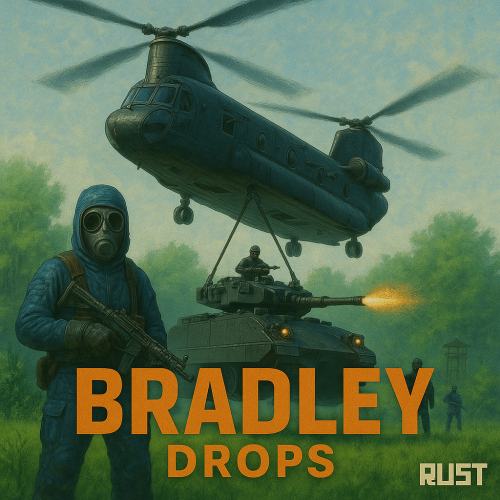
NEW for 1.3.0: Please make sure you are updating from version 1.2.7, or your config may be corrupted. New completely custom Bradley AI for a much more immersive and real experience! Each battle is different and fun! No more cheesing the event or hiding from Bradley! PLEASE CHECK OUT THE NEW CONFIG STRUCTURE AND OPTIONS! Bradley can now dynamically path find, re-path when stuck and actively hunt players who try and hide or retreat. New Fireball config options for damage, lifetime, chance to spread, etc Many new CH47 options, such as health, homing missile actions, can now use flares to counter homing missiles! Can now also specify Hackable crates to drop when destroyed. CH47 Scientist gunner options, such as health, damage, aimcone, kits, etc. Bradley can now counter high risk targets with smoke grenades, making it harder for them to target, with cooldown options in config. (players with rocket launchers, timed explosives, satchels etc) Bradley can now damage more obstacles by ramming, which is fully configurable in the config file Crate loot capacity is now resizable and can take up to 48 items for both Bradley and Hackable crates. Please carefully check config options for "Allow Players to Call Bradleys at Monuments". This config option has changed slightly. You can set allow at monuments true or false, then the monument list is to either block selected monuments when allowed is true, or allow when use at monuments is false. The monuments list is therefore now an exception to allow exception to the "Allow Players to Call Bradleys at Monuments" rule. Check this still works as you require. If you are unsure, reach out to me for help. Bradley Drops allows players with permission to call a Bradley APC to their location with a custom Supply Signal, where it will patrol a set distance for a set time, allowing players to fight it to win the valuable Bradley crates. A cargo plane will deliver and drop the APC via parachutes. The APC can be configured in different ways and there are many config options to suit all servers. The plugin comes with 4 default settings for Bradley Drops, Easy, Medium, Hard and Elite, each with their own custom supply signal skin. But server owners can add as many options as they like in the config by copying and pasting an existing profile within the config. This would however require the server owner to create their own custom skin for the inventory item. (I will add more custom skins in the near future for this.) BotReSpawn compatibility, with the option to specify a BRS spawn profile at the Bradley kill site. IMPORTANT: Each bradley profile or wave profile in the config MUST have its own unique name and skin ID, otherwise you will have issues. NOTE ABOUT SHOPS: The profile name in the config should match the Custom Supply Signal name which the shop gives the player. The Bradley Name is now separate and can be set independently. Plugin default Supply Signal Skin ID's to add items to various shops, loot plugins, kits etc are: Bradley Drop (Easy) : 2905355269 Bradley Drop (Medium) : 2905355312 Bradley Drop (Hard) : 2905355296 Bradley Drop (Elite) : 2911864795 Bradley Drop (Expert) : 3361673979 Bradley Drop (Nightmare) : 3361674045 Bradley Drop Wave (Normal): 3502926194 Bradley Drop Wave (Hard): 3502926112 Default Permissions: bradleydrops.admin (to use give|hsclearcd command) bradleydrops.buy (to use /bdbuy command) bradleydrops.bypasscooldown bradleydrops.easy bradleydrops.medium bradleydrops.hard bradleydrops.elite Commands (Prefix with / to use in game): bdgive <Profile ShortName> <Steam64ID> <Amount> bdbuy <Profile Shortname> bdbuy list bdreport (list all active Bradleys and their state) bddespawn (Despawn all Bradleys called by a player or their team, no refunds) bdclearcd (clear all cooldowns) bdclearcd <SteamID|Name> (clear cooldown for player) (Buy, Report and Despawn command can be customised in the config) Please note correct use in config file for supply signal name and Bradley APC display name. These values CAN be different if you wish: Custom Loot: Check out the example loot items in the default config below to see how to add custom loot items to crates. How to Add Custom Loot Table Item: Config: For Other Developers: The following hook is available to use in your plugins to check custom Supply Signals, Cargo Planes and Supply Drops to avoid conflict with your plugins: object IsBradleyDrop(ulong skinID) This will return true if the item is a Bradley Drop item/entity, or null if not. Call it directly without referencing the plugin: if (Interface.Call("IsBradleyDrop", skinID) != null) return true; // IsBradleyDrop Or reference my plugin and call like this: [PluginReference] Plugin BradleyDrops; if (BradleyDrops.Call("IsBradleyDrop", skinID) != null) return true; // IsBradleyDrop$19.99- 289 comments
- 16 reviews
-
- 7
-

-

-

-
- #bradley
- #bradleyapc
- (and 14 more)
-

Version 0.1.1
27 downloads
This addon for RoamingNPCs allows you to dynamically control RNPCs spawn based on hours after wipe and current amount of players online, helping to create a balanced experience. Population Control • Setup specific bots presets as the wipe progresses — customize which RNPCs appear after 6h, 12h, 24h, and beyond. • You can make early wipes feel balanced and late wipes stay challenging with various RNPCs presets. • Integrates with your existing RoamingNPC presets. Adaptive Limits • Limit the max number of active RNPCs based on how many players are online at the moment. • Keep a balance between players and bots. • Keep the server performance smooth during peak hours. Map Markers • Optionally show live markers for all RNPCs on map. • Display RNPC's base locations on map (requires RNPCs Buildings Addon). • Customize colors, names, radius, refresh rate, and visibility duration. Requirements • RoamingNPCs Plugin Video Demo of Map Markers: Configuration: { "Available bots by wipe hours (key - hours after wipe, value - list of bot's setup names from main config)": { "6": [ "bob_resources_farmer", "john_looter" ], "12": [ "alfred_hunter", "austin_fighter" ], "24": [ "alfred_hunter", "austin_fighter", "bob_resources_farmer", "john_looter" ] }, "Limits based on amount of players online": { "Limit amount of active bots based on amount of players online?": false, "Limits (key - min amount of players, value - max amount of bots)": { "0": 5, "5": 4, "10": 3, "15": 2, "20": 1, "25": 0 } }, "Markers to show all RoamingNPCs on map": { "Enable these markers?": true, "Display name": "NPC {name}", "Refresh rate in seconds": 1.0, "Duration": 0, "Radius": 0.2, "Color 1": "#313647", "Color 2": "#435663", "Alpha": 0.75 }, "Markers to show all RoamingNPC's bases on map (RNPCs Buildings Addon)": { "Enable these markers?": false, "Display name": "Base of NPC {name}", "Refresh rate in seconds": 0.0, "Duration": 0, "Radius": 0.2, "Color 1": "#313647", "Color 2": "#435663", "Alpha": 0.75 } }$4.90 -
Version 1.7.0
30 downloads
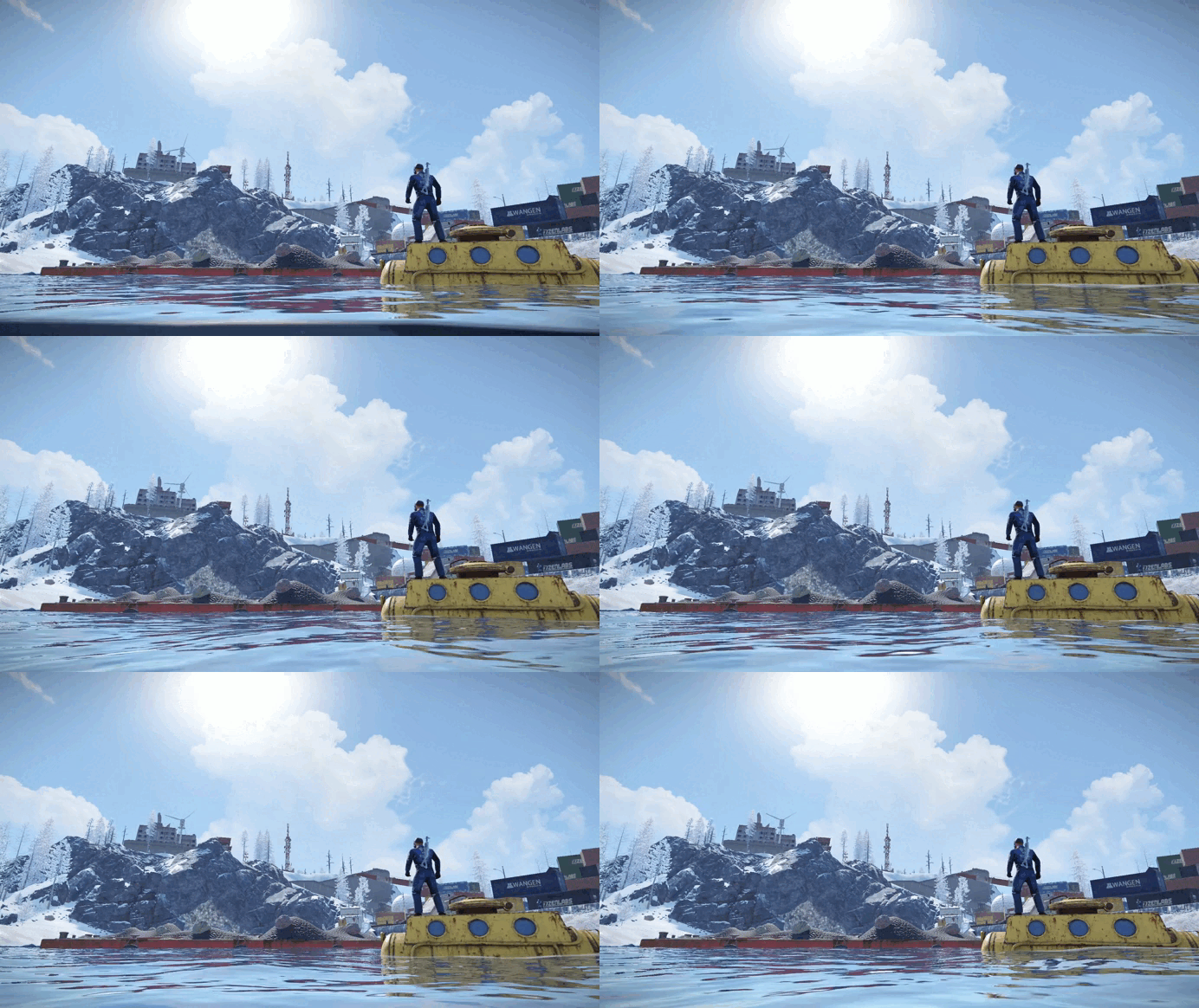
What is it? A unique island for both PvE and PvP servers. The Idea: To create a truly challenging and exciting island, tougher than the Oil Rig, but with worthy rewards! In the main room, you’ll find a lot of valuable loot and 4 shops where you can set up trading for any resources, especially rare ones. Why players will love it: Rich loot for the brave Vending machines for buying and selling rare resources Great opportunities to trade unwanted items Three unique entrances to the main room: Underwater passage — the fastest, but only possible with a diving tank and suit. Scientists are waiting at the entrance and there’s room for a submarine. Cave route — medium difficulty, with bots and lots of valuable loot along the way, but you can only enter the bunker with a blue keycard . Elevator from the office — leads to the red keycard room with elite crates. You can’t go back this way — the door only works one way. Main Room: Plenty of loot and 4 shops for trading. I recommend offering something unique — it will draw extra interest! Why choose this island? If you’re tired of standard monuments and want something new, this island is for you! Highly detailed (3778 objects) Constantly evolving and updated Attention to every detail About the project: This is one of my first major projects, which I worked on for a long time, constantly changing and rearranging everything. In my opinion, this version is the most successful one. I truly love this island, and it will keep getting better! Height: -49,849 Around 30 scientists and 193 different spawners. You can add or remove scientist spawners as you wish. Please make sure to test this prefab before installing it on your server — sometimes RustEdit may transfer alpha textures incorrectly. I would really appreciate any feedback or activity from you!$24.99 -
Version 1.2.32
8,808 downloads
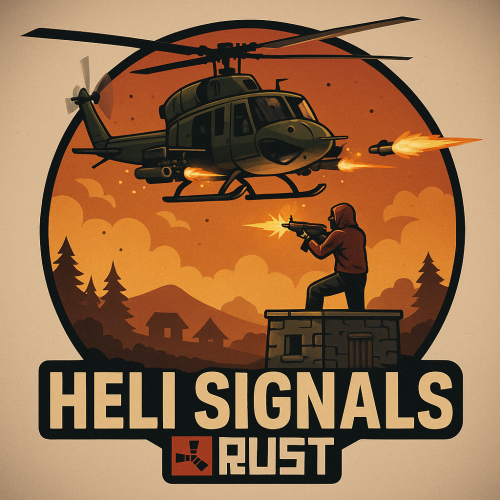
Heli Signals allows players with permission to call an Attack Helicopter to their location with a custom Supply Signal, where it will engage players and patrol, allowing players to fight it to win the valuable Heli crates. The plugin comes with 8 default heli profiles, Easy, Medium, Hard and Elite, with a duplicate profile of each set up for calling multiple helis at once for each tier. In addition there is also 2 Wave Heli profiles, which will call in a wave of different helis one after the other. Each default profile has it's own custom supply signal skin (below). Server owners can add as many profiles as they like in the config by copying and pasting an existing profile within the config and editing to suit. This may require the server owner to create their own custom skin for the inventory item. If you are setting up Multi heli signals, set the global and player limit in the config accordingly to accommodate higher numbers of helicopters per player. There is also an option to have a BotReSpawn profile spawn at the crash site, just set the BotReSpawn profile name in the config. IMPORTANT: Each heli profile or wave profile in the config MUST have its own unique name and skin ID, otherwise you will have issues. NOTE ABOUT SHOPS: The profile name in the config should match the Custom Supply Signal name which the shop gives the player. The Helicopter Name is separate and can be set independently from the Signal item. Also, when giving players items from shop plugins, if available, I always recommend adding the item to the shop using custom name, skinID etc, rather than the console command, but either will work. Plugin default Supply Signal Skin ID's to add items to various shops, loot plugins, kits etc are: Heli Signal (Easy) : 2920175997 Heli Signal (Medium) : 2920176079 Heli Signal (Hard) : 2920176050 Heli Signal (Elite) : 2920176024 Heli Signal (Expert) : 3099117081 Heli Signal (Nightmare) : 3099117372 Multi Heli (Easy) : 3083234542 Multi Heli (Medium) : 3083234833 Multi Heli (Hard) : 3083234755 Multi Heli (Elite) : 3083234647 Multi Heli (Expert) : 3099124338 Multi Heli (Nightmare) : 3099124426 Heli Wave Signal : 3099117224 Heli Wave Signal (Normal): 3104667036 Heli Wave Signal (Hard): 3104666951 Default Permissions: helisignals.admin (to use give|hsclearcd command) helisignals.buy (to use /hsbuy command) helisignals.bypasscooldown helisignals.easy helisignals.medium helisignals.hard helisignals.elite helisignals.easy_multi helisignals.medium_multi helisignals.hard_multi helisignals.elite_multi helisignals.wave_normal helisignals.wave_hard Please note: Permissions above are with default config, permission for each Heli profile can be customised in the config. Commands (Prefix with / to use in game): hsgive <Profile ShortName> <Steam64ID> <Amount> hsbuy list hsbuy <Profile Shortname> hsreport (Get details of all active helis) hsretire (Retire all a player or their teams called Helis, no refunds) hsclearcd (clear all cooldowns) hsclearcd <SteamID|Name> (clear cooldown for player) (Buy and Retire command customisable in config) Please note correct usage for Supply Signal name and Helicopter display name. These values CAN be different if you wish: Loot Options: Use the loot item example entries in the default config to create custom loot tables for crates. How to Add Loot Table Items (Example): Default Config: For Other Developers: The following hook is available to use in your plugins to check custom Supply Signals or Patrol Helicopters to avoid conflict with your plugins: object IsHeliSignalObject(ulong skinID) This will return true if the item is a Bradley Drop item/entity, or null if not. Call it directly without referencing the plugin: if (Interface.Call("IsHeliSignalObject", skinID) != null) return true; // IsHeliSignalObject Or reference my plugin and call like this: [PluginReference] Plugin HeliSignals; if (HeliSignals.Call("IsHeliSignalObject", skinID) != null) return true; // IsHeliSignalObject$19.99- 411 comments
- 22 reviews
-
- 6
-
-
-
- #helicopter
- #helicopters
- (and 17 more)
-
Version 1.1.3
1,041 downloads
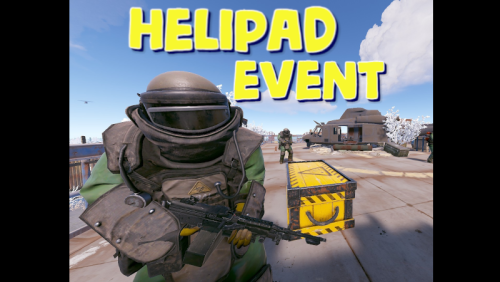
Adds an event for the Lunchsite monument to your server. A crate with valuable loot will spawn on the helipad. The crate is protected by NPC guards and a patrol helicopter. The event is completely ready for use immediately after installation, you can flexibly configure it at your discretion Features: Easy to set up. Excellent customization options in the config You can customize the contents of the box: in the config file, set up a list of items that will be inside also you can use kits (you need Kits plugin), just set the name of the kit in the config file, you can use the list of kits and choose them randomly also you can use loot tables (you need SimpleLootTable plugin) You can customize the NPCs: you can set the health of the npc you can set NPC damage multiplier on players you can give kits for NPCs (you need a Kits plugin) Commands(admin only): hpestart - force the event to start hpestop - force stop the event Hooks: void LaunchSiteHelipadEventStarted() // called when the event starts { } void LaunchSiteHelipadEventEnded() // called when the event has ended { } Config file: { "Triggering an event by timer (disable if you want to trigger the event only manually)": true, "Minimum time to event start(in seconds)": 900, "Maximum time to event start(in seconds)": 10800, "PVE mode (A dome will be created inside which everyone except the owner and his teammates will be poisoned by radiation)": false, "Ownership time (after how long will the owner be removed if he leaves the dome or server)": 300, "Radius of the dome": 100, "Dome offset": { "x": 0.0, "y": 0.0, "z": 0.0 }, "Effect of radiation on players inside the dome, except owners": 10, "Dome color(0 - default, 1 - blue, 2 - green, 3 - purple, 4 - red)": 0, "Dome entry message": "You have entered the helipad event zone on the launch site", "Dome exit message": "You have exited the helipad event zone at the launch site", "Message about player's entry if he is not the owner of the event": "Leave this area immediately, you are not the owner of the event!", "Message about player leaving dome if he is the owner of the event": "If you do not return to the dome within 5 minutes, then you will no longer be the owner of this event!", "Box lifetime(in seconds)": 1800, "Time the box is closed(in seconds)": 900, "Box skin": 0, "End the event immediately after someone loots a crate": false, "NPCs lifetime(in seconds)": 3600, "NPCs amount(maximum 20)": 2, "NPCs type, 0 - tunneldweller; 1 - underwaterdweller; 2 - excavator; 3 - full_any; 4 - lr300; 5 - mp5; 6 - pistol; 7 - shotgun; 8 - heavy; 9 - junkpile_pistol; 10 - oilrig; 11 - patrol; 12 - peacekeeper; 13 - roam; 14 - roamtethered; 15 - bandit_guard; 16 - cargo; 17 - cargo_turret_any; 18 - cargo_turret_lr300; 19 - ch47_gunner": 8, "NPCs health(0 - default)": 0, "NPCs damage multiplier": 1.0, "List of kits for each NPC(requires Kits plugin)": [ "kit1", "kit2", "kit3" ], "List of displayNames for each NPC(for SimpleKillFeed/DeathNotes plugin)": [ "LaunchSite NPC1", "LaunchSite NPC2", "LaunchSite NPC3" ], "Give NPC names randomly from the list (if false, names will be assigned according to the list one by one)": true, "Event start message(if empty, no message will be displayed)": "The helipad event has started! Find the crate located on the helicopter pad at the Launch Site", "Message when box is unlocked(if empty, no message will be displayed)": "The crate on the helicopter pad at the Launch Site is unlocked", "Message that someone has looted the crate(if empty, no message will be displayed)": "Someone found the box on the helipad at the launch site first", "Spawns a helicopter right on the launchsite(if false, then the helicopter will arrive from afar in a few seconds)": false, "Patrol helicopter spawn chance (0 - 100%)": 50, "Helicopter patrol range": 150, "How long the helicopter will patrol the launchsite (in minutes)": 5, "Helicopter damage multiplier": 1.0, "Helicopter health": 10000.0, "Helicopter main rotor health": 900.0, "Helicopter tail rotor health": 500.0, "The patrol helicopter will not patrol the helipad if it has found a target": false, "Make helicopter fly away after end of patrol time": false, "Event marker on the map(will spawn a marker immediately after the start of the event)": false, "Event marker name": "LaunchSite helipad event", "Event marker lifetime(in seconds)": 3600, "Event marker transparency(0-1)": 0.75, "Event marker radius": 0.5, "Event marker color.R(0-1)": 1.0, "Event marker color.G(0-1)": 0.0, "Event marker color.B(0-1)": 0.0, "Use box kit(need a plugin Kits)": false, "Messages list - messages that players will see, depending on how much time (in seconds) is left before the box is opened": [ { "message": "The crate on the helicopter pad at the Launch Site will open in 15 minutes", "time": 900 }, { "message": "The crate on the helicopter pad at the Launch Site will open in 10 minutes", "time": 600 }, { "message": "The crate on the helicopter pad at the Launch Site will open in 5 minutes", "time": 300 }, { "message": "The crate on the helicopter pad at the Launch Site will open in 3 minutes", "time": 180 }, { "message": "The crate on the helicopter pad at the Launch Site will open in 1 minute", "time": 60 } ], "List of items in the box": [ { "shortname": "ammo.rocket.basic", "minAmount": 1, "maxAmount": 3, "skinID": 0 }, { "shortname": "explosive.timed", "minAmount": 1, "maxAmount": 3, "skinID": 0 }, { "shortname": "explosive.satchel", "minAmount": 5, "maxAmount": 10, "skinID": 0 }, { "shortname": "explosives", "minAmount": 40, "maxAmount": 100, "skinID": 0 }, { "shortname": "ammo.rifle.explosive", "minAmount": 64, "maxAmount": 128, "skinID": 0 }, { "shortname": "rocket.launcher", "minAmount": 1, "maxAmount": 1, "skinID": 0 } ], "Kit list": [ "111111111", "222222222", "333333333" ], "Use random kit(if false, then the first Kit in the list is always used": false, "Box simple loot table name(plugin SimpleLootTable is required)": "", "Minimum number of items in the box(plugin SimpleLootTable is required)": 1, "Maximum number of items in the box(plugin SimpleLootTable is required)": 3, "SteamID for chat message icon": 0, "Use Notify plugin for messages": false, "Notify message type": 0 }$11.99 -
.thumb.jpg.70392b131753e6ab9d8ad65b98f676a9.jpg)
Version 1.0.17
563 downloads
The Mining Outpost Event plugin transforms the Mining Outpost building into a well-protected military warehouse. The valuable loot is protected by an iron door, two Shotgun traps, two Auto turrets, countless Npc. Hacking the Chinook crate triggers an alarm, and Swat commandos are on the way. Support PveMode plugin. Support BotReSpawn plugin Chat and Consolecommand available to admins only.: moestart moestop Contact: Discord: https://discord.gg/C5CehdJMdK Test Rust server: 212.73.137.3:27195 Hooks: void OnMiningOutpostStart() void OnMiningOutpostStop() Video: Config: { "Version": { "Major": 1, "Minor": 0, "Patch": 10 }, "Automatic event start": true, "Minimum time for event start": 3600.0, "Maximum time for event start": 7200.0, "Duration of the event": 2800.0, "Warning messages before event start": 300.0, "Warning messages before event end": 300.0, "Chat icon": 0, "Locked crate hack time": 900.0, "Disable BetterNpc plugin npc's for the duration of the event?": false, "Spawn NpcSpawn Scientist?(Required: NpcSpawn plugin!)": true, "Spawn BotReSpawn Scientist?(Required: BotReSpawn plugin!)": false, "BotReSpawn profil name:": "", "BotReSpawn Npc's number": 10, "Can the players drive the sedans?": true, "Door setting": { "Door Prefab": "assets/prefabs/building/door.hinged/door.hinged.metal.prefab", "Door SkinID (0 - default)": 3157353529, "Door Health": 250.0 }, "AutoTurret setting": { "Health": 400.0, "Weapon ShortName": "rifle.ak", "Ammo ShortName": "ammo.rifle", "Number of ammo": 5000 }, "Messages setting": { "Warning message before the event starts.": "<color=#ff0000>Everybody leave the Mining Outpost building because the event is about to start!!</color>", "Warning message before the event stop.": "Mining Outpost event will end soon!!", "Start message": "Mining Outpost event start!!", "Stop message": "Mining Outpost event end!!", "New Owner": "Someone has become the <color=#ff0000>owner</color> of Mining Outpost Event.", "Map marker name": "Mining Outpost Event", "Map marker radius": 0.6, "Color": { "r": 1.0, "g": 0.0, "b": 0.0 } }, "List of lootable crates": [ { "Prefab": "assets/bundled/prefabs/radtown/crate_normal.prefab", "Position": "(-3.710, 0.111, -1.324)", "Rotation": "(0, 180, 0)", "Use custom loot?": false, "CustomLoot": { "Minimum items": 1, "Maximum items": 1, "Use minimum - maxium?": false, "List of items": [ { "ShortName": "xmas.present.small", "Minimum": 3, "Maximum": 6, "Chance": 100.0, "Give blueprint?": false, "SkinID": 0, "Displayname": "" } ] } }, { "Prefab": "assets/bundled/prefabs/radtown/crate_normal.prefab", "Position": "(-2.298, 0.253, -14.548)", "Rotation": "(0, 0, 0)", "Use custom loot?": false, "CustomLoot": { "Minimum items": 1, "Maximum items": 1, "Use minimum - maxium?": false, "List of items": [ { "ShortName": "xmas.present.small", "Minimum": 3, "Maximum": 6, "Chance": 100.0, "Give blueprint?": false, "SkinID": 0, "Displayname": "" } ] } }, { "Prefab": "assets/bundled/prefabs/radtown/crate_normal.prefab", "Position": "(-1.892, 0.032, -2.897)", "Rotation": "(0, 270, 0)", "Use custom loot?": false, "CustomLoot": { "Minimum items": 1, "Maximum items": 1, "Use minimum - maxium?": false, "List of items": [ { "ShortName": "xmas.present.small", "Minimum": 3, "Maximum": 6, "Chance": 100.0, "Give blueprint?": false, "SkinID": 0, "Displayname": "" } ] } }, { "Prefab": "assets/bundled/prefabs/radtown/crate_elite.prefab", "Position": "(-1.866, 0.032, -4.659)", "Rotation": "(0, 270, 0)", "Use custom loot?": false, "CustomLoot": { "Minimum items": 1, "Maximum items": 1, "Use minimum - maxium?": false, "List of items": [ { "ShortName": "xmas.present.small", "Minimum": 3, "Maximum": 6, "Chance": 100.0, "Give blueprint?": false, "SkinID": 0, "Displayname": "" } ] } }, { "Prefab": "assets/bundled/prefabs/radtown/crate_elite.prefab", "Position": "(-0.383, 0.032, -14.669)", "Rotation": "(0, 0, 0)", "Use custom loot?": false, "CustomLoot": { "Minimum items": 1, "Maximum items": 1, "Use minimum - maxium?": false, "List of items": [ { "ShortName": "xmas.present.small", "Minimum": 3, "Maximum": 6, "Chance": 100.0, "Give blueprint?": false, "SkinID": 0, "Displayname": "" } ] } }, { "Prefab": "assets/bundled/prefabs/radtown/crate_elite.prefab", "Position": "(11.546, 0.032, -9.448)", "Rotation": "(0, 90, 0)", "Use custom loot?": false, "CustomLoot": { "Minimum items": 1, "Maximum items": 1, "Use minimum - maxium?": false, "List of items": [ { "ShortName": "xmas.present.small", "Minimum": 3, "Maximum": 6, "Chance": 100.0, "Give blueprint?": false, "SkinID": 0, "Displayname": "" } ] } }, { "Prefab": "assets/prefabs/deployable/chinooklockedcrate/codelockedhackablecrate.prefab", "Position": "(9.585, 0.032, -2.932)", "Rotation": "(0, 180, 0)", "Use custom loot?": false, "CustomLoot": { "Minimum items": 1, "Maximum items": 1, "Use minimum - maxium?": false, "List of items": [ { "ShortName": "xmas.present.small", "Minimum": 3, "Maximum": 6, "Chance": 100.0, "Give blueprint?": false, "SkinID": 0, "Displayname": "" } ] } } ], "Security Npcs settings inside": { "Minimum": 3, "Maximum": 3, "List of position": [ "(8.510, 0.032, -6.540)", "(-1.946, 0.032, -12.467)", "(-3.714, 0.032, -5.331)" ], "NPCs setting": { "Name": "Warehouse Security Guard", "Health": 200.0, "Roam Range": 10.0, "Chase Range": 30.0, "Attack Range Multiplier": 3.0, "Sense Range": 30.0, "Target Memory Duration [sec.]": 60.0, "Scale damage": 1.0, "Aim Cone Scale": 0.6, "Detect the target only in the NPC's viewing vision cone? [true/false]": false, "Vision Cone": 135.0, "Speed": 7.5, "Disable radio effects? [true/false]": false, "Is this a stationary NPC? [true/false]": false, "Use custom loot?": false, "CustomLoot": { "Minimum items": 1, "Maximum items": 1, "Use minimum - maxium?": false, "List of items": [ { "ShortName": "xmas.present.small", "Minimum": 3, "Maximum": 6, "Chance": 100.0, "Give blueprint?": false, "SkinID": 0, "Displayname": "" } ] }, "Wear items": [ { "ShortName": "riot.helmet", "SkinID (0 - default)": 1988565302 }, { "ShortName": "pants", "SkinID (0 - default)": 1191182634 }, { "ShortName": "hoodie", "SkinID (0 - default)": 1191201380 }, { "ShortName": "metal.plate.torso", "SkinID (0 - default)": 1988550463 }, { "ShortName": "shoes.boots", "SkinID (0 - default)": 1192621630 } ], "Belt items": [ { "ShortName": "smg.mp5", "Amount": 1, "SkinID (0 - default)": 0, "Mods": [], "Ammo": "" }, { "ShortName": "syringe.medical", "Amount": 2, "SkinID (0 - default)": 0, "Mods": [], "Ammo": "" } ] } }, "Security Npcs settings outside": { "Minimum": 6, "Maximum": 6, "List of position": [ "(-13.104, 0.032, -8.280)", "(-13.759, 0.032, 1.988)", "(-13.491, 0.032, -16.288)", "(14.455, 0.032, -13.108)", "(14.920, 0.032, -6.401)", "(17.836, 0.032, -10.244)" ], "NPCs setting": { "Name": "Warehouse Guard", "Health": 150.0, "Roam Range": 10.0, "Chase Range": 30.0, "Attack Range Multiplier": 2.0, "Sense Range": 30.0, "Target Memory Duration [sec.]": 60.0, "Scale damage": 0.6, "Aim Cone Scale": 1.5, "Detect the target only in the NPC's viewing vision cone? [true/false]": false, "Vision Cone": 135.0, "Speed": 7.5, "Disable radio effects? [true/false]": false, "Is this a stationary NPC? [true/false]": false, "Use custom loot?": false, "CustomLoot": { "Minimum items": 1, "Maximum items": 1, "Use minimum - maxium?": false, "List of items": [ { "ShortName": "xmas.present.small", "Minimum": 3, "Maximum": 6, "Chance": 100.0, "Give blueprint?": false, "SkinID": 0, "Displayname": "" } ] }, "Wear items": [ { "ShortName": "hat.beenie", "SkinID (0 - default)": 1077040007 }, { "ShortName": "pants", "SkinID (0 - default)": 3367176582 }, { "ShortName": "hoodie", "SkinID (0 - default)": 3367117267 }, { "ShortName": "sunglasses", "SkinID (0 - default)": 0 }, { "ShortName": "roadsign.jacket", "SkinID (0 - default)": 974975617 }, { "ShortName": "roadsign.kilt", "SkinID (0 - default)": 3323417128 }, { "ShortName": "shoes.boots", "SkinID (0 - default)": 916448999 } ], "Belt items": [ { "ShortName": "smg.2", "Amount": 1, "SkinID (0 - default)": 0, "Mods": [], "Ammo": "" }, { "ShortName": "syringe.medical", "Amount": 2, "SkinID (0 - default)": 0, "Mods": [], "Ammo": "" } ] } }, "Reserve Npcs setting": { "Minimum": 3, "Maximum": 3, "List of position": [ "(-13.104, 0.032, -8.280)", "(-13.759, 0.032, 1.988)", "(-13.491, 0.032, -16.288)", "(-18.320, 0.045, -9.745)", "(-18.655, 0.045, -0.491)", "(-18.655, 0.045, -17.309)" ], "NPCs setting": { "Name": "Reserve NPC", "Health": 150.0, "Roam Range": 10.0, "Chase Range": 30.0, "Attack Range Multiplier": 3.0, "Sense Range": 30.0, "Target Memory Duration [sec.]": 60.0, "Scale damage": 1.0, "Aim Cone Scale": 1.0, "Detect the target only in the NPC's viewing vision cone? [true/false]": false, "Vision Cone": 135.0, "Speed": 7.5, "Disable radio effects? [true/false]": false, "Is this a stationary NPC? [true/false]": false, "Use custom loot?": false, "CustomLoot": { "Minimum items": 1, "Maximum items": 1, "Use minimum - maxium?": false, "List of items": [ { "ShortName": "xmas.present.small", "Minimum": 3, "Maximum": 6, "Chance": 100.0, "Give blueprint?": false, "SkinID": 0, "Displayname": "" } ] }, "Wear items": [ { "ShortName": "metal.facemask", "SkinID (0 - default)": 3197966598 }, { "ShortName": "pants", "SkinID (0 - default)": 3289723598 }, { "ShortName": "hoodie", "SkinID (0 - default)": 3289725349 }, { "ShortName": "metal.plate.torso", "SkinID (0 - default)": 1534706287 }, { "ShortName": "roadsign.gloves", "SkinID (0 - default)": 2427072694 }, { "ShortName": "shoes.boots", "SkinID (0 - default)": 916448999 } ], "Belt items": [ { "ShortName": "rifle.lr300", "Amount": 1, "SkinID (0 - default)": 0, "Mods": [], "Ammo": "" }, { "ShortName": "syringe.medical", "Amount": 2, "SkinID (0 - default)": 0, "Mods": [], "Ammo": "" } ] } }, "PVE Mode Setting (only for users PveMode plugin)": { "Use PveMode plugin?": false, "Required damage to the event owner": 500.0, "The event is a right of ownership, to obtain it you need damage multiplier.": { "Npc": 1.0 }, "Non owner can loot the crates?": false, "Non owner can loot the Npc's?": false, "Non owner can damage Npc's?": false, "Non owner can be attacked by Npc's?": false, "Non owner, can you enter the event zone?": false, "Allow a player who has an active cooldown of the Event Owner to enter the event zone?": true, "The time that the Event Owner may not be inside the event zone.": 300, "The time until the event owner can return to the event zone.": 60, "Block the RestoreUponDeath plugin in the event zone.": true, "After all this time, an event owner can be an event owner again.": 86400.0, "Darkening the sphere.": 15 } }$15.00 -
![More information about "Armored Train [Christmas Update]"](https://codefling.com/uploads/monthly_2025_12/adem_train_ny(1).thumb.png.cf9c96a9d970e7f376943919acd47716.png)
Version 1.9.2
16,305 downloads
New Year Update The New Year is coming and I have prepared for you a new preset customization for the train!After installing the update, customization will be automatically applied to all cars in the configuration of the armored train. To disable this, make the "Customization preset" parameter empty in the config. You can also disable the customization of certain wagons or change the customization of the NPCs in the file oxide/data/ArmoredTrain/NewYear New Year's map from the video: Halloween Update Have you already prepared your server for Halloween? On the eve of the Halloween Rust update, I have prepared for customization of all armored train cars. After installing the update, customization will be automatically applied to all cars in the configuration of the armored train. To disable this, make the "Customization preset" parameter empty in the config. This plugin will add an armored train to your server, which can travel both in the subway and by rail. It can consist of any number of wagons. A helicopter can accompany it. Bradley, npc, turrets, simsites can be installed on the train. The plugin allows you to create any number of train presets, for which the order of wagons, the helicopter preset, the probability of spawn and the duration of patrolling can be specified. Each wagon or locomotive can be configured separately. Any speed can be set by the locomotive.If there is no spawn of trains on the surface on your custom map, read the section "Custom spawn points” Custom spawn points If you are using a custom map in which there are no spawn trains on the surface, but there is a railway, then for the train to work on the surface, you need to add custom spawn points of the train. Instruction: Stand at the point where you want the train to spawn Enter the command /atrainpoint If you receive a message that a point has been created, enable "Use custom spawn coordinates [true/false]” in config For correct operation, it is recommended to create several spawn points of the train Chat commands (only for administrators) /atrainstart– launches the event in a random configuration /atrainstartunderground - forcibly launches an event underground /atrainstartaboveground - forcibly launches an event aboveground /atrainstart <trainPresetName> – launches the event in the <trainPresetName> configuration /atrainstartunderground <trainPresetName> /atrainstartaboveground <trainPresetName> /atrainstop– stops the event /atrainpoint– creates a custom spawn point of the train in your position Console commands (RCON only) atrainstart– launches the event in a random configuration atrainstartunderground - forcibly launches an event underground atrainstartaboveground - forcibly launches an event aboveground atrainstart <trainPresetName> – launches the event in the <trainPresetName> configuration atrainstartunderground <trainPresetName> atrainstartaboveground <trainPresetName> atrainstop – stops the event Config en – example of plugin configuration in English ru – example of plugin configuration in Russian Dependencies (optional, not required) True PVE PveMode GUI Announcements Notify DiscordMessages AlphaLoot CustomLoot Economics Server Rewards IQEconomic Api bool IsArmoredTrainActive() bool StopArmoredTrain() bool StartArmoredTrainEvent() bool EndArmoredTrainEvent() bool IsTrainBradley(uint netID) bool IsTrainHeli(uint netID) bool IsTrainCrate(uint netID) bool IsTrainSamSite(uint netID) bool IsTrainWagon(uint netID) bool IsTrainTurret(uint netID) Vector3 ArmoredTrainLocomotivePosition() Hooks OnArmoredTrainEventStart OnArmoredTrainEventStop Contact me in Discord: Adem#955$29.99 -
Version 1.4.9
16,472 downloads
Spawns set numbers of customised npcs at monuments, various events, supply drops, biomes, custom locations, and 'toplayer'. Plugin Description. Highly customisable and intuitive npc plugin, setup exclusively via UI. See images for an overview of the available options globally, and per npc profile. Every option in the UI is clickable, showing a detailed description of its use. Optional dependencies - Kits (free at uMod.org) CustomLoot Permissions. botrespawn.allowed - Required for non-admin use Chat commands. /botrespawn - Opens UI. /botrespawn add *profilename* - Adds a custom profile then opens UI. (please don't use spaces or hyphens) /botrespawn remove *profilename* - Removes a custom profile. /botrespawn info - Tells you about the npc you're looking at. Console commands. bot.count - Gives total number of spawned npcs. bots.count - Gives a breakdown of spawned npcs per profile. botrespawn toplayer NameOrId ProfileName amount(optional) botrespawn enable/disable "Profile name here" botrespawn tempspawn "Profile name here" - Spawns npcs from a profile at random points around that profile's location addspawn - Enabled via UI, in Edit Spawnpoints menu - for keybinding. botrespawn showspawns - Added for binding convenience. botrespawn checknav - Added for binding convenience. * Note = addspawn and showspawns commands require the user to select "Edit with console commands" first, from a profile's spawnpoints menu. Default locations. All major monuments are automatically included, plus profiles for the four biomes. The following events also have default profiles Airdrop (supply grenade optional) Locked Crate Spawn Locked Crate Hack Start APC Kill PatrolHeli Kill CH47 Kill Configurable via json, per profile. BotNames BotNamePrefix Announcement_Text Instant_Death_From_Headshot_Allowed_Weapons (accepts item shortnames) See note at end for weapon list formatting. Everything else is configurable via UI - All options have a description in UI, accessible by clicking the name/label. Kits. Kits are managed, per profile, in UI. As with BotSpawn, kit probability can be balanced by assigning a number to a kit. When selecting multiple kits, increasing a kit's number increases its chances of being picked. Only kits with weapons in the belt are shown in UI. Most weapons are supported for npc use, including normal bullet and melee weapons, rocket launchers, bows, crossbows, MGLs, nailguns, flamethrowers, etc. Throwable explosives can be used but throwable melee (like spears) can be used but will not be thrown. Spawnpoints. Adding and managing spawnpoints is done, per profile, in UI, or by enabling 'add by command' in spawnpoints menu, then using 'addspawn' console command. You can bind this command for your convenience. When opting to use the 'addspawn' command, a button will show in UI main page, allowing you to quickly return to the profile you were editing. A new feature is that each spawn point can have overrides, forcing that specific npc to have different values to the rest of the profile's npcs. At present you can override Stationary Kits Health RoamRange If you choose to use Parent_Monument, you can select it via UI, but do so before you add custom spawn points (if applicable). Parent_Monument ensures that your profile and its spawn points will relocate after a map change, so that they are in the same place, relative to that chosen monument. If a profile uses custom spawn points, but does not have enough custom spawn points to cover the whole population, it will spawn randomly placed npcs to make up the numbers, in accordance with the profile "Radius" setting. EG : Day_Time_Spawn_Amount 10 Number of custom spawn points 5 Result : 5 npcs on custom spawn points, and 5 randomly placed around the area, within the specified radius. Murderer Murderer true/false is no longer an option. Instead, the AI will respond differently based on the weapons you give it. If you want the AI to run directly at victims and attack, give it melee weapons only. I believe you can still make murderer-style kits, although you also have Frankenstein clothing options built into the the UI options now. Peacekeeper Peacekeeper is now based on whether or not players are marked hostile. An additional option 'Peacekeeper_Uses_Damage' restores the old behaviour, where peacekeeper npcs will completely ignore players until attacked by them. Configuration. "DataPrefix": "default", (tells BotReSpawn which data files to load), Allow_Parented_HackedCrates Allow_HackableCrates_With_OwnerID Allow_HackableCrates_From_CH47 Allow_HackableCrates_At_Oilrig Allow_All_Other_HackedCrates Disable_WaterWells Disable_Substations Disable_UndergroundCaves Disable_UnderwaterLabs "UseServerTime": Uses server IsNight check, instead of manual day/hour settings, "Show_Profiles_Seconds": 10, "DayStartHour": 8, "NightStartHour": 20, "SuicideBoom": true, (toggles explosion sound for suicide npcs), "Animal_Safe": true, "Supply_Enabled": false, (spawn 'airdrop' bots for user-called supplys), "Ignore_Skinned_Supply_Grenades": true, "Remove_BackPacks_Percent": 100 is always : 0 is never, "Remove_KeyCard": true, (any keycards in bot default loot will be destroyed), "Remove_Frankenstein_Parts": true, (any frankenstein parts in bot default loot will be destroyed), "Ignore_Sleepers": true/false, "Pve_Safe": true, (bots will not be injured by fire/barbs, etc.), "Max_Chute_Fall_Speed": 100, "Chute_Speed_Variation": 100, "Staggered_Despawn": false, "Disable_Non_Parented_Custom_Profiles_After_Wipe": false "Announce_Toplayer": false "RustRewards_Whole_Numbers": true "XPerience_Whole_Numbers: true "NPCs_Damage_Armour": true "Limit_ShortRange_Weapon_Use": false "Allow_Ai_Dormant": false "Prevent_Biome_Ai_Dormant": false "Scale_Meds_To_Health": false (increases npc heal amount relative to npc's max health. "Ignore_Factions": false - Makes all profiles fight all profiles if true. "Reduce_Damage_Over_Distance: false "Deaggro_Memory_Duration: 20 - Number of seconds it takes an npc to forget you outside deaggro range/line of sight. "Ignore_HackableCrates_With_OwnerID" - Makes hackable crate profiles only respond to crates with OwnerID 0 (server spawned) "NPCs_Assist_NPCs" - true/false. When a botrespawn npc is attacked, nearby botrespawn npcs will also respond and defend. "Enable_Targeting_Hook": false "Allow_AlphaLoot": true Can be used to prevent AlphaLoot from giving loot to BotReSpawn npcs. "Parachute_From_Height": 200 "Smooth_Damage_Scale": false "Allow_Oilrigs": false - NPCs here must be custom spawn point and stationary true. "Show_Spawns_Duration": 20, These values are adjustable and described in detail in in-game UI, with the exception of DataPrefix. Profile values. Each profile value and description is not listed here, but all (apart from text strings) are now configurable via UI, and have sensible default values. Every option has a full in-game description, accessible by clicking an option's name/label. If any specific setting/value is unclear, please just ask in CF discord, my discord, or the support section here. Notes : Durations which used to be in seconds are now in minutes. "Type" is an internal use variable - Users should not change this option. Profile copy/paste does not include location, Parent_Monument, or custom spawnpoints. BotNames, and Headshot weapons should be formatted as follows: ["name1"], for single or ["name1", "name2", "name3"], for many. ["rifle.lr300"], for single or [ "rifle.lr300", "pistol.m92" ], for many. Faction and Subfaction of 0 means this profile will not fight any other, and will not be attacked by any other. Faction and Subfaction settings greater than 1 are used for configuring which profiles should be allies / enemies. API : string[] AddGroupSpawn(Vector3 location, string profileName, string group, int quantity) string[] RemoveGroupSpawn(string group) string NPCProfile(NPCPlayer npc) (returns "No Name" for non BotReSpawn npcs) object OnBotReSpawnNPCTarget(ScientistNPC npc, BasePlayer player) void OnBotReSpawnNPCSpawned(ScientistNPC npc, string profilename, string group) void OnBotReSpawnNPCKilled(ScientistNPC npc, string profilename, string group, HitInfo info) bool IsBotReSpawn(NPCPlayer npc) bool IsBotReSpawn(ulong id) For preventing BotReSpawn npc spawns for event profiles. object OnBotReSpawnCrateDropped(HackableLockedCrate crate) object OnBotReSpawnCrateHackBegin(HackableLockedCrate crate) object OnBotReSpawnAPCKill(BradleyAPC apc) object OnBotReSpawnPatrolHeliKill(PatrolHelicopterAI heli) object OnBotReSpawnCH47Kill(CH47HelicopterAIController ch) object OnBotReSpawnAirdrop(SupplyDrop drop) Example usage. [PluginReference] private Plugin BotReSpawn; Vector3 location = new Vector3(0,0,0); string[] Spawn = BotReSpawn?.Call("AddGroupSpawn", location, "The Dome 0", "MadeUpNameHere", 5) as string[]; Puts($"{Spawn[0]}"); Puts($"{Spawn[1]}"); Passing 0 for quantity will spawn the appropriate amount of npcs for the time of day, according to the profile. Method call OnBotReSpawnNPCSpawned(ScientistNPC npc, string profile, string group, notifies of spawned npcs. Example. void OnBotReSpawnNPCSpawned(ScientistNPC npc, string profile, string group) { if (String.IsNullOrEmpty(group)) Puts($"BotReSpawn spawned an npc from profile {profile}"); else Puts($"BotReSpawn spawned an npc from profile {profile} - API group name {group}"); } FAQ. Q: My npcs don't move and/or won't attack A: If you have any PVE plugins or settings please try disabling those temporarily to test. A: Make sure the server has the following settings. nav_wait true nav_disable false ai.think true A: If you use Rust Admin, please ensure that the animal AI option is enabled. A: If you have Vanish installed please try unloading it. If this worked, check you don't have the permission for permanent Vanish. Q: There's a million options. Where do I start? A: Open the UI with /botrespawn and set AutoSpawn to true for at least one monument, then click the button to reload that profile. A: Everything else is preference/user customisation. A: If the monument has a building/structure near the middle, like Dome, you may need to increase the spawn radius option to get going. Q: My bots won't die / my bots take damage when attacking people. A: Make sure Godmode permissions allow you to do damage. A: Same for vanish ^. A: Ensure you don't have a PVE plugin which is causing this damage behaviour. Q: I take damage when attacking my bots. A: This can also be caused by server, or plugin, PVE settings. Q: Will X kill my bots? A: Radiation, drowning, falling, and helicopters should not kill your bots. A: Turrets targeting bots can be toggled. Bradleys targeting bots can be toggled. A: Fire (campfires etc) will kill your bots. Damage from barbs, cacti etc will kill your bots, but can be prevented with the 'Pve_Safe' config option set to true. Q: What weapons can my bots use? A: As far as I know they should use all weapons except for throwable melee (eg. spears). A: Flamethrowers, nail guns, rocket launchers, bows, grenade launchers, etc were added in a recent update. A: Throwable explosives can be used as 'backup' weapons and are thrown when line-of-sight is temporarily broken. A: All npcs, even those with throwables, must have at least one valid held weapon to use. Q: Can I have custom profile locations? A: Yes. Your custom locations are stored in data with a filename of *YourPrefix*-CustomProfiles.json. Use chat command '/botrespawn add NewNameHere' to create a profile at your present location. A: Doing so will open the UI, at the page for your new profile's settings. Q: Can I spawn bots at events. A: Yes. There are event profiles for aidrop, hackable crate spawn and hack start, and the destruction of CH47, Patrol Heli, and APC. For the airdrop profile, spawn at user-supply call is an additional option, found in the global config. Q: Can I have specific custom spawn points? (underground, etc) A: Yes. Use the built in UI to create custom spawn points and set UseCustomSpawns to true, for some profile.. A: That BotReSpawn profile will now ignore radius settings and use the precise spawn points from your file. A: Event profiles which can occur underground should work automatically now (crate spawn/crate hack). A: Even if parachutes are enabled, these profiles should still work with underground-spawning npcs, if the event takes place under ground. Q: My bot kits aren't working. A: Kits which don't have a valid weapon in the belt will not be made available in the UI. A: Please redeem the kit yourself to an empty inventory, to ensure that the expected items are definitely in it. Q: How can I prove that bots have spawned? I can't find them. A: Type bot.count into console for a total number, or bots.count for a per-profile breakdown. A: Respawn timer is taken into account so if you spawn one and kill him, bot.count will show 0 until respawn. Q: bot.count console command shows that there are 0 bots. A: Double check that at least one monument is set "AutoSpawn": true in your config, and reload the plugin. A: Also, don't forget their respawn timer. If they're all dead when you do bot.count, it will show 0.$40.00 -
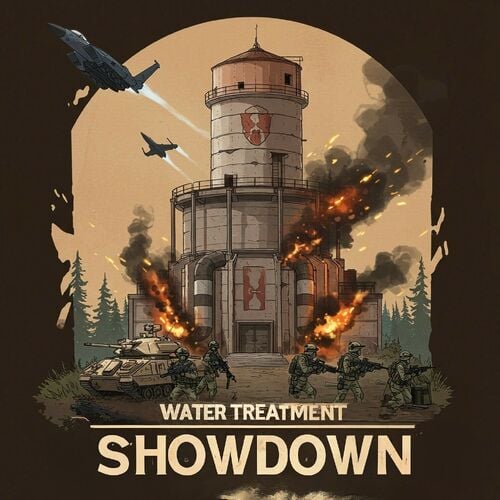
Version 2.0.1
1,601 downloads
The Water Treatment Event plugin transforms the Water Treatment Monument into a high-stakes adventure. This event introduces a series of challenges, including zombie hordes, military defenses, and a dramatic escape sequence. Overview Event Details Location: Water Treatment Monument Event Trigger: An explosion occurs following experimental activities within the monument, resulting in the infestation of zombies in the main building. Security Measures To add a layer of difficulty, the monument is secured by: Bradley APC Guards: Armed personnel stationed at key points. Snipers: Positioned to cover strategic locations. Player Objectives Acquire the Loot: Players must infiltrate the main building to retrieve valuable loot. Escape Before the Nuke: After securing the loot, an F15 jet will approach and drop a nuclear bomb, causing radiation to spread across the monument. Players must evacuate the area before the nuke detonates. Configuration Options Server owners can customize the event settings, such as: Zombie Density: Adjust the number of zombies in the main building. Guard Strength: Modify the health and equipment of the guards and snipers. Timing: Set the duration between loot acquisition and the nuke drop. Activation: The event can be triggered manually or set to run on a schedule. Sam Sites: On/Off And Several others see below for configuration example PVE Configuration We are compatible with two PVE Solutions, Simple PVE Sphere and PVE Mode PVE Mode is a way better solution but it is also paid version, in order to avoid people to buy another tool to use this plugin I release Simple PVE Sphere that you need to install in your server in order to work. Simple PVE Sphere is a way simplified version of the sphere, if you have any issue please report it in the Issues on the plugin directly. In the configuration you can activate one of them and remember that the plugin need to exists in your server. DO NOT ATTEMPT TO ACTIVATE BOTH AT THE SAME TIME !!! "PVE Mode cofiguration": { "Use the PVE mode of the plugin? [true/false]": false, "The amount of damage that the player has to do to become the Event Owner": 500.0, "Damage Multipliers for calculate to become the Event Owner": { "Npc": 1.0, "Bradley": 2.0 }, "Can the non-owner of the event loot the crates? [true/false]": false, "Can the non-owner of the event hack locked crates? [true/false]": false, "Can the non-owner of the event loot NPC corpses? [true/false]": false, "Can the non-owner of the event deal damage to the NPC? [true/false]": false, "Can the non-owner of the event do damage to Bradley? [true/false]": false, "Can an Npc attack a non-owner of the event? [true/false]": false, "Can Bradley attack a non-owner of the event? [true/false]": false, "Allow the non-owner of the event to enter the event zone? [true/false]": false, "Allow a player who has an active cooldown of the Event Owner to enter the event zone? [true/false]": true, "The time that the Event Owner may not be inside the event zone [sec.]": 300, "The time until the end of Event Owner status when it is necessary to warn the player [sec.]": 60, "Prevent the actions of the RestoreUponDeath plugin in the event zone? [true/false]": true, "The time that the player can`t become the Event Owner, after the end of the event and the player was its owner [sec.]": 86400.0, "Darkening the dome (0 - disables the dome)": 12 }, "Simple PVE Mode cofiguration": { "Use the Simple PVE mode of the plugin? [true/false]": false, "Darkening the dome (0 - disables the dome)": 12 }, Integrations You can assign rewards using: Economics ServerRewards SkillTree You can also send message using GUI Announcements Dependencies Required NPC Spawn Console Commands wtestart This manually trigger the start of the event wtestop Force to stop the event Chat Commands /wtestart This manually trigger the start of the event /wtestop Force to stop the event Permissions to run the console commands watertreatmentevent.admin Hooks of the Event OnWaterTreatmentEventStart //Triggered when Event Start OnWaterTreatmentEventEnded //Triggered when Event Finished Backlog Animation scene when the event start Improve FX Animation scene when the event ends Trigger hooks for other developers Different Awards for the winners PVE Mode Configuration { "Event Start every [sec]": 7200.0, "Duration of the event [sec]": 2400.0, "Run the event ONLY manually with the commands": false, "Warning time before the Event Spawn [sec]": 120.0, "Warning time before the Event Ends [sec]": 400.0, "Time after player loot the hackable crate to end the event and drop the nukes, this need to be lower than Warning time before the event ends [sec]": 240.0, "PVE Mode cofiguration": { "Use the PVE mode of the plugin? [true/false]": false, "The amount of damage that the player has to do to become the Event Owner": 500.0, "Damage Multipliers for calculate to become the Event Owner": { "Npc": 1.0, "Bradley": 2.0 }, "Can the non-owner of the event loot the crates? [true/false]": false, "Can the non-owner of the event hack locked crates? [true/false]": false, "Can the non-owner of the event loot NPC corpses? [true/false]": false, "Can the non-owner of the event deal damage to the NPC? [true/false]": false, "Can the non-owner of the event do damage to Bradley? [true/false]": false, "Can an Npc attack a non-owner of the event? [true/false]": false, "Can Bradley attack a non-owner of the event? [true/false]": false, "Allow the non-owner of the event to enter the event zone? [true/false]": false, "Allow a player who has an active cooldown of the Event Owner to enter the event zone? [true/false]": true, "The time that the Event Owner may not be inside the event zone [sec.]": 300, "The time until the end of Event Owner status when it is necessary to warn the player [sec.]": 60, "Prevent the actions of the RestoreUponDeath plugin in the event zone? [true/false]": true, "The time that the player can`t become the Event Owner, after the end of the event and the player was its owner [sec.]": 86400.0, "Darkening the dome (0 - disables the dome)": 12 }, "Simple PVE Mode cofiguration": { "Use the Simple PVE mode of the plugin? [true/false]": false, "Darkening the dome (0 - disables the dome)": 12 }, "Zombies configuration": { "Spawn Zombies in the event": true, "Amount of Zombies around the crates": 8, "Custom Loot": { "Use Custom loot plugin? https://codefling.com/plugins/custom-loot": false, "Custom Loot Profile Name": "" } }, "Guards Settings": { "Name": "Guardian", "Health": 150.0, "Roam Range": 8.0, "Kit, remember that this decrease the performance": "", "Chase Range": 100.0, "Attack Range Multiplier": 2.0, "Sense Range": 85.0, "Target Memory Duration [sec.]": 30.0, "Scale damage": 0.4, "Aim Cone Scale": 1.0, "Detect the target only in the NPC's viewing vision cone? [true/false]": false, "Vision Cone": 135.0, "Speed": 7.5, "Disable radio effects? [true/false]": false, "Is this a stationary NPC? [true/false]": false, "Remove a corpse after death? (it is recommended to use the true value to improve performance) [true/false]": true, "Wear items": [ { "ShortName": "hoodie", "SkinID (0 - default)": 941172099 }, { "ShortName": "shoes.boots", "SkinID (0 - default)": 869007492 }, { "ShortName": "roadsign.jacket", "SkinID (0 - default)": 2803024010 }, { "ShortName": "coffeecan.helmet", "SkinID (0 - default)": 2803024592 }, { "ShortName": "pants", "SkinID (0 - default)": 1313091292 } ], "Belt items": [ { "ShortName": "rifle.lr300", "Amount": 1, "SkinID (0 - default)": 0, "Mods": [ "weapon.mod.flashlight" ], "Ammo": "" }, { "ShortName": "syringe.medical", "Amount": 5, "SkinID (0 - default)": 0, "Mods": [], "Ammo": "" }, { "ShortName": "grenade.f1", "Amount": 1, "SkinID (0 - default)": 0, "Mods": [], "Ammo": "" } ], "Custom Loot": { "Use Custom loot plugin? https://codefling.com/plugins/custom-loot": false, "Custom Loot Profile Name": "" } }, "Snipers Settings": { "Name": "Silent Death", "Health": 150.0, "Roam Range": 20.0, "Kit, remember that this decrease the performance": "", "Chase Range": 70.0, "Attack Range Multiplier": 2.0, "Sense Range": 50.0, "Target Memory Duration [sec.]": 30.0, "Scale damage": 0.4, "Aim Cone Scale": 1.0, "Detect the target only in the NPC's viewing vision cone? [true/false]": false, "Vision Cone": 70.0, "Speed": 7.5, "Disable radio effects? [true/false]": false, "Is this a stationary NPC? [true/false]": false, "Remove a corpse after death? (it is recommended to use the true value to improve performance) [true/false]": true, "Wear items": [ { "ShortName": "hoodie", "SkinID (0 - default)": 3031048156 }, { "ShortName": "shoes.boots", "SkinID (0 - default)": 2511111623 }, { "ShortName": "jacket", "SkinID (0 - default)": 3023836945 }, { "ShortName": "pants", "SkinID (0 - default)": 3031050852 }, { "ShortName": "metal.facemask", "SkinID (0 - default)": 3037689021 } ], "Belt items": [ { "ShortName": "rifle.bolt", "Amount": 1, "SkinID (0 - default)": 562396268, "Mods": [ "weapon.mod.flashlight" ], "Ammo": "" }, { "ShortName": "syringe.medical", "Amount": 5, "SkinID (0 - default)": 0, "Mods": [], "Ammo": "" } ], "Custom Loot": { "Use Custom loot plugin? https://codefling.com/plugins/custom-loot": false, "Custom Loot Profile Name": "" } }, "Discord Webhook URL": "https://hookdeck.com/webhooks/platforms/how-to-get-started-with-discord-webhooks", "Send Info message to discord true|false": false, "Elite Crates": { "Spawn Point every Elite Crate to Spawn, use the command /ftpos to get the current location": [ { "Spawn Point for crates x, y, z. The comma (,) is important [25, 0, -13]": "-1.33, 6.27, -61.66", "Rotation number from 1 to 359": 0 }, { "Spawn Point for crates x, y, z. The comma (,) is important [25, 0, -13]": "-3.64, 6.27, -61.86", "Rotation number from 1 to 359": 0 } ], "Custom Loot Configuration": { "Use Custom loot plugin? https://codefling.com/plugins/custom-loot": false, "Custom Loot Profile Name": "" }, "Container Loot Prefab": "assets/bundled/prefabs/radtown/underwater_labs/crate_elite.prefab" }, "Military Crates": { "Spawn Point every Military Crate to Spawn, use the command /ftpos to get the current location": [ { "Spawn Point for crates x, y, z. The comma (,) is important [25, 0, -13]": "-8.15, 6.27, -61.45", "Rotation number from 1 to 359": 0 }, { "Spawn Point for crates x, y, z. The comma (,) is important [25, 0, -13]": "-3.81, 6.27, -63.93", "Rotation number from 1 to 359": 0 } ], "Custom Loot Configuration": { "Use Custom loot plugin? https://codefling.com/plugins/custom-loot": false, "Custom Loot Profile Name": "" }, "Container Loot Prefab": "assets/bundled/prefabs/radtown/crate_normal.prefab" }, "Hackable Crates": { "Spawn Point for Hackable Crate to Spawn, use the command /ftpos to get the current location": [ { "Spawn Point for crates x, y, z. The comma (,) is important [25, 0, -13]": "-3, 0, -64", "Rotation number from 1 to 359": 0 } ], "Time in Seconds for the Locked Crate to open up": 900, "Custom Loot Configuration": { "Use Custom loot plugin? https://codefling.com/plugins/custom-loot": false, "Custom Loot Profile Name": "" }, "Container Loot Prefab": "assets/prefabs/deployable/chinooklockedcrate/codelockedhackablecrate.prefab" }, "Activate verbose debug mode": true, "Spawn Bradley in the event": true, "Spawn Snipers in the event": true, "Spawn Guards in the event": true, "Spawn Sam Sites in the event": true, "Add Radiation when the F15 drop the nuke": true, "Create explosion in the main building when the event start": true, "Rewards Settings, you can activate more than one at the same time": { "Economics": { "Enable": false, "RewardForLootHackableCrate": 200, "RewardForDestroyBradley": 2000, "RewardForKillNpc": 0 }, "Reward Points (RP)": { "Enable": false, "RewardForLootHackableCrate": 200, "RewardForDestroyBradley": 2000, "RewardForKillNpc": 0 }, "Skill Tree XP": { "Enable": false, "RewardForLootHackableCrate": 200, "RewardForDestroyBradley": 1000, "RewardForKillNpc": 0 } }, "Activate Vending Machine vendingMarker true|false": true, "Vending Mark title for the event": "WT Showdown", "Vending Mark title to show owner of the event": "Owner: {0}", "Vending Mark title to show the time left of the event": "{0} minutes left", "Alpha for the Event Marker": 0.5, "Radius for the Event Marker": 2.0, "Color for the Event Marker": "255 80 103", "Notification Settings": { "Send missions details to the players?": true, "Message system to use? Please use one of the supported one [Chat|GUIAnnouncement]": "Chat", "Chat message configuration": { "Icon to use for messages": 76561199486270644, "Message Prefix Size": 13, "Message Prefix Color": "#d06c31", "Message Color": "#FFFFFF", "Message Size": 13 }, "GUIAnnouncement message configuration": { "banner Tint Color": "0.1 0.1 0.1 0.7", "text Color": "1 1 1" }, "Message Prefix Text": "[The Water Treatment Plant Showdown]" }, "Event Version": { "Major": 2, "Minor": 0, "Patch": 1 } } Spanish (Argentinian) Translations { "StartingEvent": "Actividad inusual detectada en la Planta de Tratamiento de Agua. Se aconseja reconocimiento para posibles oportunidades.", "StartedEvent": "Alerta máxima: Presencia de guardias confirmada en la Planta de Tratamiento de Agua. La inteligencia sugiere que están protegiendo activos críticos. Proceda con precaución.", "EndingEvent": "Actualización: Las fuerzas de Cobalt están iniciando la retirada de la Planta de Tratamiento de Agua. La ventana de oportunidad se está cerrando.", "EndEvent": "Operación completa: Planta de Tratamiento de Agua liberada de la ocupación de Cobalt. Área asegurada para la adquisición de recursos.", "PlayerEnteringTheZone": "{0}, la zona está amenazada debido a un incidente en los experimentos de Cobalt. La situación es volátil e impredecible. Ejerce extrema precaución en tu aproximación.", "KilledBradley": "{0} y su equipo destruyo a Bradley", "AlertOfNuke": "Advertencia Urgente: ¡Se detectó un jet F15 con amenaza nuclear en la Planta potabilizadora! Evacuar inmediatamente para evitar la exposición a radiación letal." } Icons for Server HUD Thank you @Dead Nasty for the designs$18.00 -

Version 1.0.0
2 downloads
Npc Supply – Advanced NPC Summon System Npc Supply brings custom, balanced, and cinematic NPC summoning to your Rust server. It’s perfect for PvE events, survival reinforcements, boss fights, or cooperative wave spawns. Overview Npc Supply allows players (with permission) to throw special flares that summon groups of NPCs defined in the BotReSpawn plugin. Each flare type can have its own permission, cooldown, spawn profile, announcement style, and behavioral rules — all fully customizable through the config file. It’s designed to feel like calling in an NPC drop or reinforcement, with complete server-side control and safety checks to prevent abuse. Features Flare Spawning — Throwing a configured flare triggers the spawn of an NPC group using a BotReSpawn profile. Flare Profiles — Each flare (by skin ID) can have unique permissions, cooldowns, group profiles, and names. Landing Spawn — The plugin reads the flare’s final landing position, not the throw position — bots spawn where the flare lands. Spawn Offset — NPCs spawn slightly (~1.5 m) away from the flare so they don’t appear directly on it. Cooldown System — Prevents repeated use; shows formatted remaining time (e.g. “3 m 20 s”) and refunds the flare if used too soon. Permission System — Custom permission nodes (npcsupply.<your_permission>) determine who can use which flare type. Monument & Base Safety — Optional checks prevent using flares near monuments, building privileges (TCs), or underground. Customizable Announcements — from launch and spawn notifications to errors and cooldowns, can be edited directly in the config with rich color tags and placeholders. Chat Prefix — The tag shown before all messages ([NpcSupply]) can be fully customized or colorized. BotReSpawn Integration — Uses BotReSpawn’s AddGroupSpawn API to create configured NPC groups instantly at the flare location. Admin Commands — Admins can give flares or reload config files from chat or console. How It Works 1. Configuration defines one or more flare types (by skin ID). 2. When a player throws a flare: The plugin verifies permission. Checks cooldown. Ensures location is safe (not near monuments/bases, not underground). Schedules a delayed NPC spawn at the flare’s landing position. 3. After the delay, BotReSpawn spawns the configured NPC group. 4. Messages are displayed according to your configurable announcement texts. Permissions npcsupply.admin — Allows use of admin commands. npcsupply.<key> — Allows use of a specific flare type. Commands (Admin or console) nsgive <permission> <player> [amount] — Give configured flares to a player. — npcsupply.admin npcsupply.reloadconfig — Reloads the plugin configuration and monument cache. — npcsupply.admin npcsupply.where — Displays monument proximity info for your location. — npcsupply.admin Example Scenario 1. Admin creates a new profile in BotReSpawn called “Raiders”. 2. Adds this entry to SignalProfiles: ``` "1234567890": { "Permission": "vipRaiders", "BotReSpawnProfile": "Raiders", "Cooldown": 600.0, "Name": "Raider NPC Boss Flare", "AnnounceGlobally": true } ``` 3. Grants player oxide.grant user steamid npcsupply.vipRaiders. 4. Player throws the “Raider NPC Boss Flare.” 5. After 15 seconds, the Raiders NPC group spawns at the flare’s landing site with global announcement. Configuration Guide All settings are stored in: oxide/config/NpcSupply.json$19.00 -

Version 1.1.2
189 downloads
Want more action on Rust roads? Bike Drivers adds AI bikers with ready to defend armed companions. Customize everything: from bike type and loot to AI behavior and path generation, including off-road support (beta) to surprise your players! Features: Bike Setup - Supports multiple bike types: MotorBike, MotorBike with Sidecar, Pedal Bike, and Pedal Trike. - AI drivers and companions with customizable health, weapons, and behavior. - Fully configurable event scheduling, custom route recording and automatic path generation (on road and off-road, beta). Combat & AI Behavior - AI bikers react dynamically to attacks, accepting or evading danger. - Configure bot aggression — set if they fight back or ignore. - Adjustable damage rates for bikes, drivers, and companions. - Bike Customization & Settings - Set max speed, fuel limits, and damage resistance for each bike type. - Define storage capacity and loot inside bike container. - Adjust bike durability and destroy options Customizable Drivers & Companions - Configure health, armor, weapons, and clothing for each bot. - Set different damage rate per driver or companion. - Customize bot’s loot — weapons, resources, and custom items. Event & Path System - Record and save custom routes for custom maps - Use random path generation to drive on road or off-road (beta) - Adjust event frequency, restart delays, and limits. Admin Commands (permission drivercontroller.admin) - testeventbike – Spawns/despawns a test AI bike. - visiblebike – Toggles admin visibility of spawned AI bikes. - recordbikepath – Records a custom bike route. See It in Action! Watch the Video After downloading you’ll also get plugin called DriverController. It’s a single plugin to setup presets of bots and loot between all of my plugins. Configuration: { "Event settings": { "Allowed events (vehicle) count": { "Min": 3.0, "Max": 6.0 }, "Event restart delay": { "Min": 60.0, "Max": 120.0 }, "Prevent NPC from attacking drivers and companions?": true, "Block damage to transport from not players?": true, "Block damage to driver and companion from not players?": true, "Destroy events of this plugin when pause is enabled?": true, "Behavior when Convoy appears": { "Pause events when Convoy starts?": true }, "Marker text color": { "Color (for HEX, put # at the beginning)": "1 0.4 0.2 1" }, "Event name for the marker": "EVENT BIKE", "Route recording settings": { "Enable recorded routes usage?": true, "Clear saved routes after wipe?": true, "Minimum distance between points to record in route (used when recording route)": 20.0, "Minimum number of points to save (used when recording route)": 50.0 }, "Route generation": { "Enable route generation": true }, "Controller settings": { "Controller update timer (0 - 0.2)": 0.2 } }, "Loot container position settings": { "MotorBike": { "Container position offset on the vehicle": { "x": 0.0, "y": 0.95, "z": -0.8 }, "Container rotation offset on the vehicle": { "x": 0.0, "y": 0.0, "z": 0.0 } }, "MotorBikeSidecar": { "Container position offset on the vehicle": { "x": 0.0, "y": 0.95, "z": -0.8 }, "Container rotation offset on the vehicle": { "x": 0.0, "y": 0.0, "z": 0.0 } }, "PedalBike": { "Container position offset on the vehicle": { "x": 0.0, "y": 0.85, "z": -0.55 }, "Container rotation offset on the vehicle": { "x": 0.0, "y": 0.0, "z": 0.0 } }, "PedalTrike": { "Container position offset on the vehicle": { "x": 0.0, "y": 0.55, "z": -1.15 }, "Container rotation offset on the vehicle": { "x": 90.0, "y": 0.0, "z": 180.0 } } }, "Bike settings": [ { "Activate this event?": true, "Transport type for event (MotorBikeSidecar, MotorBike, PedalTrike, PedalBike)": "MotorBike", "Driver name (key) from driver settings in DriverController plugin": "DriverBike", "Companion name (key) from companion settings in DriverController plugin (list to occupy free seats in the vehicle)": [], "Loot container settings": { "Enable loot in vehicle container?": true, "Drop the loot when destroying the transport?": false, "Amount of slots": 1, "Name of loot set from loot settings in DriverController plugin (list loot sets for random selection)": [ "ResourcesBike" ] }, "Use Road Routes (has priority over off-road)": true, "Use Off-Road Routes (used if no road routes are available)": true, "Controller settings": { "Max speed (km/h)": 40.0, "Maximum speed when obstacles detected (km/h)": 15.0, "Chase mode settings": { "Chase attacking players?": true, "Max chase distance": 150.0, "Chase timer": 120.0 } }, "Damage receive rate": 0.5, "Fuel settings": { "Enable automatic fuel refueling?": true, "Remove fuel when unlocking vehicle?": true, "Maximum fuel in vehicle": 500 }, "Vehicle headlight settings": { "Enable vehicle headlights?": true, "Use headlights only at night?": true }, "Detonator settings": { "Add C4 to the vehicle after the death of the driver (used to despawn vehicles)": true, "After how many seconds explosives will be blown up": 60.0, "Explosives position offset": { "x": 0.0, "y": 0.1, "z": 0.0 } } }, { "Activate this event?": true, "Transport type for event (MotorBikeSidecar, MotorBike, PedalTrike, PedalBike)": "MotorBikeSidecar", "Driver name (key) from driver settings in DriverController plugin": "DriverBike", "Companion name (key) from companion settings in DriverController plugin (list to occupy free seats in the vehicle)": [ "Companion1" ], "Loot container settings": { "Enable loot in vehicle container?": true, "Drop the loot when destroying the transport?": false, "Amount of slots": 1, "Name of loot set from loot settings in DriverController plugin (list loot sets for random selection)": [ "ResourcesBike" ] }, "Use Road Routes (has priority over off-road)": true, "Use Off-Road Routes (used if no road routes are available)": true, "Controller settings": { "Max speed (km/h)": 40.0, "Maximum speed when obstacles detected (km/h)": 15.0, "Chase mode settings": { "Chase attacking players?": true, "Max chase distance": 150.0, "Chase timer": 120.0 } }, "Damage receive rate": 0.5, "Fuel settings": { "Enable automatic fuel refueling?": true, "Remove fuel when unlocking vehicle?": true, "Maximum fuel in vehicle": 500 }, "Vehicle headlight settings": { "Enable vehicle headlights?": true, "Use headlights only at night?": true }, "Detonator settings": { "Add C4 to the vehicle after the death of the driver (used to despawn vehicles)": true, "After how many seconds explosives will be blown up": 60.0, "Explosives position offset": { "x": 0.0, "y": 0.8, "z": 0.0 } } }, { "Activate this event?": true, "Transport type for event (MotorBikeSidecar, MotorBike, PedalTrike, PedalBike)": "PedalBike", "Driver name (key) from driver settings in DriverController plugin": "DriverBike", "Companion name (key) from companion settings in DriverController plugin (list to occupy free seats in the vehicle)": [], "Loot container settings": { "Enable loot in vehicle container?": true, "Drop the loot when destroying the transport?": false, "Amount of slots": 1, "Name of loot set from loot settings in DriverController plugin (list loot sets for random selection)": [ "ResourcesBike" ] }, "Use Road Routes (has priority over off-road)": true, "Use Off-Road Routes (used if no road routes are available)": true, "Controller settings": { "Max speed (km/h)": 25.0, "Maximum speed when obstacles detected (km/h)": 5.0, "Chase mode settings": { "Chase attacking players?": true, "Max chase distance": 150.0, "Chase timer": 120.0 } }, "Damage receive rate": 0.5, "Fuel settings": { "Enable automatic fuel refueling?": false, "Remove fuel when unlocking vehicle?": true, "Maximum fuel in vehicle": 0 }, "Vehicle headlight settings": { "Enable vehicle headlights?": true, "Use headlights only at night?": true }, "Detonator settings": { "Add C4 to the vehicle after the death of the driver (used to despawn vehicles)": true, "After how many seconds explosives will be blown up": 60.0, "Explosives position offset": { "x": 0.0, "y": 0.1, "z": 0.0 } } }, { "Activate this event?": true, "Transport type for event (MotorBikeSidecar, MotorBike, PedalTrike, PedalBike)": "PedalTrike", "Driver name (key) from driver settings in DriverController plugin": "DriverBike", "Companion name (key) from companion settings in DriverController plugin (list to occupy free seats in the vehicle)": [ "Companion1" ], "Loot container settings": { "Enable loot in vehicle container?": true, "Drop the loot when destroying the transport?": false, "Amount of slots": 1, "Name of loot set from loot settings in DriverController plugin (list loot sets for random selection)": [ "ResourcesBike" ] }, "Use Road Routes (has priority over off-road)": true, "Use Off-Road Routes (used if no road routes are available)": true, "Controller settings": { "Max speed (km/h)": 25.0, "Maximum speed when obstacles detected (km/h)": 5.0, "Chase mode settings": { "Chase attacking players?": true, "Max chase distance": 150.0, "Chase timer": 120.0 } }, "Damage receive rate": 0.5, "Fuel settings": { "Enable automatic fuel refueling?": false, "Remove fuel when unlocking vehicle?": true, "Maximum fuel in vehicle": 0 }, "Vehicle headlight settings": { "Enable vehicle headlights?": true, "Use headlights only at night?": true }, "Detonator settings": { "Add C4 to the vehicle after the death of the driver (used to despawn vehicles)": true, "After how many seconds explosives will be blown up": 60.0, "Explosives position offset": { "x": 0.0, "y": 0.8, "z": 0.0 } } } ] } DriverController Configuration: { "Drivers settings": { "DriverBike": { "Bot health": { "Min": 100.0, "Max": 150.0 }, "Prevent attacking players first?": true, "Damage receive rate": 2.0, "Damage rate": 2.0, "Spawn bag with items instead of corpse on death?": true, "In how many seconds remove bots, after destroying the vehicle? (0 - will not remove)": 120.0, "Clothes": [ { "Item": { "Item shortname or ID": "shoes.boots", "Item skin": 0 }, "Item custom name (if not needed leave empty)": null, "Amount": 1 }, { "Item": { "Item shortname or ID": "wood.armor.pants", "Item skin": 0 }, "Item custom name (if not needed leave empty)": null, "Amount": 1 }, { "Item": { "Item shortname or ID": "pants", "Item skin": 0 }, "Item custom name (if not needed leave empty)": null, "Amount": 1 }, { "Item": { "Item shortname or ID": "wood.armor.jacket", "Item skin": 0 }, "Item custom name (if not needed leave empty)": null, "Amount": 1 }, { "Item": { "Item shortname or ID": "hoodie", "Item skin": 0 }, "Item custom name (if not needed leave empty)": null, "Amount": 1 }, { "Item": { "Item shortname or ID": "riot.helmet", "Item skin": 0 }, "Item custom name (if not needed leave empty)": null, "Amount": 1 } ], "Weapons": [ { "Item": { "Item shortname or ID": "pistol.revolver", "Item skin": 0 }, "Item custom name (if not needed leave empty)": null, "Amount": 1 } ], "Bot loot": { "Enable loot after bot's death?": true, "Amount of slots": 5, "Loot set name (key) from loot settings (you can enter many sets for random selection)": [ "ResourcesDriver" ] } }, "DriverCar": { "Bot health": { "Min": 100.0, "Max": 150.0 }, "Prevent attacking players first?": true, "Damage receive rate": 2.0, "Damage rate": 2.0, "Spawn bag with items instead of corpse on death?": true, "In how many seconds remove bots, after destroying the vehicle? (0 - will not remove)": 120.0, "Clothes": [ { "Item": { "Item shortname or ID": "hazmatsuit", "Item skin": 0 }, "Item custom name (if not needed leave empty)": null, "Amount": 1 } ], "Weapons": [ { "Item": { "Item shortname or ID": "rifle.ak", "Item skin": 0 }, "Item custom name (if not needed leave empty)": null, "Amount": 1 } ], "Bot loot": { "Enable loot after bot's death?": true, "Amount of slots": 5, "Loot set name (key) from loot settings (you can enter many sets for random selection)": [ "ResourcesDriver" ] } }, "DriverBoat": { "Bot health": { "Min": 100.0, "Max": 150.0 }, "Prevent attacking players first?": true, "Damage receive rate": 2.0, "Damage rate": 2.0, "Spawn bag with items instead of corpse on death?": true, "In how many seconds remove bots, after destroying the vehicle? (0 - will not remove)": 120.0, "Clothes": [ { "Item": { "Item shortname or ID": "hazmatsuit", "Item skin": 0 }, "Item custom name (if not needed leave empty)": null, "Amount": 1 } ], "Weapons": [ { "Item": { "Item shortname or ID": "t1_smg", "Item skin": 0 }, "Item custom name (if not needed leave empty)": null, "Amount": 1 } ], "Bot loot": { "Enable loot after bot's death?": true, "Amount of slots": 5, "Loot set name (key) from loot settings (you can enter many sets for random selection)": [ "ResourcesDriver" ] } }, "PilotHeli": { "Bot health": { "Min": 100.0, "Max": 150.0 }, "Prevent attacking players first?": true, "Damage receive rate": 2.0, "Damage rate": 2.0, "Spawn bag with items instead of corpse on death?": true, "In how many seconds remove bots, after destroying the vehicle? (0 - will not remove)": 120.0, "Clothes": [ { "Item": { "Item shortname or ID": "jumpsuit.suit.blue", "Item skin": 0 }, "Item custom name (if not needed leave empty)": null, "Amount": 1 } ], "Weapons": [ { "Item": { "Item shortname or ID": "rifle.ak", "Item skin": 0 }, "Item custom name (if not needed leave empty)": null, "Amount": 1 } ], "Bot loot": { "Enable loot after bot's death?": true, "Amount of slots": 5, "Loot set name (key) from loot settings (you can enter many sets for random selection)": [ "ResourcesDriver" ] } } }, "Companion settings": { "Companion1": { "Bot health": { "Min": 100.0, "Max": 150.0 }, "Prevent attacking players first?": true, "Damage receive rate": 2.0, "Damage rate": 2.0, "Spawn bag with items instead of corpse on death?": true, "In how many seconds remove bots, after destroying the vehicle? (0 - will not remove)": 120.0, "Clothes": [ { "Item": { "Item shortname or ID": "hazmatsuit_scientist_nvgm", "Item skin": 0 }, "Item custom name (if not needed leave empty)": null, "Amount": 1 } ], "Weapons": [ { "Item": { "Item shortname or ID": "rifle.ak", "Item skin": 0 }, "Item custom name (if not needed leave empty)": null, "Amount": 1 } ], "Bot loot": { "Enable loot after bot's death?": true, "Amount of slots": 5, "Loot set name (key) from loot settings (you can enter many sets for random selection)": [ "ResourcesCompanion", "WeaponsCompanion" ] } }, "Companion2": { "Bot health": { "Min": 100.0, "Max": 150.0 }, "Prevent attacking players first?": true, "Damage receive rate": 2.0, "Damage rate": 2.0, "Spawn bag with items instead of corpse on death?": true, "In how many seconds remove bots, after destroying the vehicle? (0 - will not remove)": 120.0, "Clothes": [ { "Item": { "Item shortname or ID": "hazmatsuit.arcticsuit", "Item skin": 0 }, "Item custom name (if not needed leave empty)": null, "Amount": 1 } ], "Weapons": [ { "Item": { "Item shortname or ID": "rifle.ak", "Item skin": 0 }, "Item custom name (if not needed leave empty)": null, "Amount": 1 } ], "Bot loot": { "Enable loot after bot's death?": true, "Amount of slots": 5, "Loot set name (key) from loot settings (you can enter many sets for random selection)": [ "ResourcesCompanion", "WeaponsCompanion" ] } }, "Companion3": { "Bot health": { "Min": 100.0, "Max": 150.0 }, "Prevent attacking players first?": true, "Damage receive rate": 2.0, "Damage rate": 2.0, "Spawn bag with items instead of corpse on death?": true, "In how many seconds remove bots, after destroying the vehicle? (0 - will not remove)": 120.0, "Clothes": [ { "Item": { "Item shortname or ID": "hazmatsuit.lumberjack", "Item skin": 0 }, "Item custom name (if not needed leave empty)": null, "Amount": 1 } ], "Weapons": [ { "Item": { "Item shortname or ID": "rifle.ak", "Item skin": 0 }, "Item custom name (if not needed leave empty)": null, "Amount": 1 } ], "Bot loot": { "Enable loot after bot's death?": true, "Amount of slots": 5, "Loot set name (key) from loot settings (you can enter many sets for random selection)": [ "ResourcesCompanion", "WeaponsCompanion" ] } }, "Companion4": { "Bot health": { "Min": 100.0, "Max": 150.0 }, "Prevent attacking players first?": true, "Damage receive rate": 2.0, "Damage rate": 2.0, "Spawn bag with items instead of corpse on death?": true, "In how many seconds remove bots, after destroying the vehicle? (0 - will not remove)": 120.0, "Clothes": [ { "Item": { "Item shortname or ID": "hazmatsuit.spacesuit", "Item skin": 0 }, "Item custom name (if not needed leave empty)": null, "Amount": 1 } ], "Weapons": [ { "Item": { "Item shortname or ID": "rifle.ak", "Item skin": 0 }, "Item custom name (if not needed leave empty)": null, "Amount": 1 } ], "Bot loot": { "Enable loot after bot's death?": true, "Amount of slots": 5, "Loot set name (key) from loot settings (you can enter many sets for random selection)": [ "ResourcesCompanion", "WeaponsCompanion" ] } } }, "Loot settings": { "ResourcesBike": [ { "Item": { "Item shortname or ID": "wood", "Item skin": 0 }, "Item custom name (if not needed leave empty)": null, "Spawn chance (0-100%)": { "Min": 100.0, "Max": 100.0 }, "Amount": { "Min": 5000.0, "Max": 50000.0 } }, { "Item": { "Item shortname or ID": "stones", "Item skin": 0 }, "Item custom name (if not needed leave empty)": null, "Spawn chance (0-100%)": { "Min": 100.0, "Max": 100.0 }, "Amount": { "Min": 1000.0, "Max": 10000.0 } } ], "ResourcesCar": [ { "Item": { "Item shortname or ID": "wood", "Item skin": 0 }, "Item custom name (if not needed leave empty)": null, "Spawn chance (0-100%)": { "Min": 100.0, "Max": 100.0 }, "Amount": { "Min": 5000.0, "Max": 50000.0 } }, { "Item": { "Item shortname or ID": "stones", "Item skin": 0 }, "Item custom name (if not needed leave empty)": null, "Spawn chance (0-100%)": { "Min": 100.0, "Max": 100.0 }, "Amount": { "Min": 1000.0, "Max": 10000.0 } } ], "ResourcesBoat": [ { "Item": { "Item shortname or ID": "wood", "Item skin": 0 }, "Item custom name (if not needed leave empty)": null, "Spawn chance (0-100%)": { "Min": 100.0, "Max": 100.0 }, "Amount": { "Min": 5000.0, "Max": 50000.0 } }, { "Item": { "Item shortname or ID": "stones", "Item skin": 0 }, "Item custom name (if not needed leave empty)": null, "Spawn chance (0-100%)": { "Min": 100.0, "Max": 100.0 }, "Amount": { "Min": 1000.0, "Max": 10000.0 } } ], "ResourcesHeli": [ { "Item": { "Item shortname or ID": "wood", "Item skin": 0 }, "Item custom name (if not needed leave empty)": null, "Spawn chance (0-100%)": { "Min": 100.0, "Max": 100.0 }, "Amount": { "Min": 5000.0, "Max": 50000.0 } }, { "Item": { "Item shortname or ID": "stones", "Item skin": 0 }, "Item custom name (if not needed leave empty)": null, "Spawn chance (0-100%)": { "Min": 100.0, "Max": 100.0 }, "Amount": { "Min": 1000.0, "Max": 10000.0 } } ], "ResourcesDriver": [ { "Item": { "Item shortname or ID": "wood", "Item skin": 0 }, "Item custom name (if not needed leave empty)": null, "Spawn chance (0-100%)": { "Min": 100.0, "Max": 100.0 }, "Amount": { "Min": 1000.0, "Max": 10000.0 } }, { "Item": { "Item shortname or ID": "stones", "Item skin": 0 }, "Item custom name (if not needed leave empty)": null, "Spawn chance (0-100%)": { "Min": 100.0, "Max": 100.0 }, "Amount": { "Min": 100.0, "Max": 1000.0 } } ], "ResourcesCompanion": [ { "Item": { "Item shortname or ID": "wood", "Item skin": 0 }, "Item custom name (if not needed leave empty)": null, "Spawn chance (0-100%)": { "Min": 100.0, "Max": 100.0 }, "Amount": { "Min": 100.0, "Max": 1000.0 } }, { "Item": { "Item shortname or ID": "stones", "Item skin": 0 }, "Item custom name (if not needed leave empty)": null, "Spawn chance (0-100%)": { "Min": 100.0, "Max": 100.0 }, "Amount": { "Min": 10.0, "Max": 100.0 } } ], "WeaponsCompanion": [ { "Item": { "Item shortname or ID": "rifle.ak", "Item skin": 0 }, "Item custom name (if not needed leave empty)": null, "Spawn chance (0-100%)": { "Min": 40.0, "Max": 80.0 }, "Amount": { "Min": 1.0, "Max": 1.0 } } ] } }$29.90 -

Version V1.1
74 downloads
Welcome to the Underwater Observatory. Prefab count is 1360 this is a blue and red card underwater monument, built for those players that love to explore the ocean but want something a little extra to find while they are down there. Comes equiped with npcs as well as some loot to wet your whistle while your down there. loot includes 3 elite crates, 4 green crates and a mixture of barrels and reg crates.$6.00 -
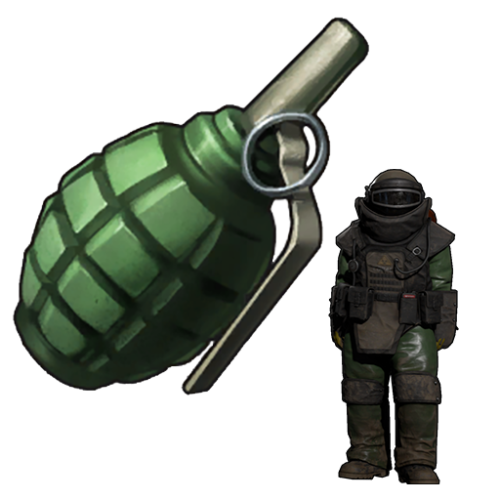
Version 1.2.7
1,731 downloads
Simple plugin to turn F1 Grenades into throwable NPC spawners! Spawn Bears, Wolves, Scientists, Murderers, Scarecrows, Heavy Scientists, Bradley APC and more wherever the grenade lands and explodes! Features: Optional support for Teams, Clans, Friends (Spawned NPC wont target) Enable/Disable different types Optional permissions for greater control Support for Server Rewards, Economics etc MANY configurable options via the config and data file Configure number to spawn, radius, aggression range, kits, option to strip corpse loot or not etc... Set spawned NPCs as Turret, Bradley, NPC & Animal safe Optional Sleeper Safe setting Compatible with NPC plugins such as Zombie Horde, BotReSpawn etc. Permissions: npcgrenades.bear npcgrenades.polarbear npcgrenades.wolf npcgrenades.boar npcgrenades.stag npcgrenades.chicken npcgrenades.scientist npcgrenades.heavy npcgrenades.juggernaut npcgrenades.tunnel npcgrenades.underwater npcgrenades.murderer npcgrenades.scarecrow npcgrenades.mummy npcgrenades.bradley npcgrenades.admin (required to use give command) Universal Commands (Prefix with / when using in chat): npcnade.give <NPCType> <PlayerName/SteamID> (NPCType is the same as the permission but without prefix "npcgrenades.") Information: There are many configurable options within the data file ("/oxide/data/NPCGrenades.json"). Below is an explanation of the different variables: Name - The display name of the NPC (and corpse/backpack for human NPC). Prefab - The path to the prefab for that NPC (Do not change!). Health - The starting health (HP) of the NPC. MaxRoamRange: Maximum distance the NPC will roam from spawn point. SenseRange: Max distance (m) NPC can sense threats. ListenRange: Max distance (m) NPC can hear. AggroRange: Distance NPC will become hostile to threats. DeAggroRange: Distance NPC will stop becoming hostile towards a previously hostile target. TargetLostRange: Distance at which a NPC will stop looking for a target. MemoryDuration: Memory time of NPC in seconds. VisionCone: FOV in degrees of the NPCs line of sight. CheckVisionCone: NPC only becomes aggro on threats within it's VisionCone. CheckLOS: NPC only attacks if has line of sight. IgnoreNonVisionSneakers: Threats crouch-walking outside of the NPC VisionCone are ignored. DamageScale: Damage scale as a percentage. PeaceKeeper: NPC only attacks hostile targets. IgnoreSafeZonePlayers: Players in Safe Zones are ignored. RadioChatter: Scientist radio chatter enabled or not. DeathSound: Scientist death sound enabled or not. NumberToSpawn: Number of NPC to spawn. SpawnRadius: Radius in which NPCs spawn if NumberToSpawn is greater than 1. DespawnTime: How long before the NPCs are despawned if not killed. KillInSafeZone - Kills NPC spawned in any safe zone StripCorpseLoot: Strip corpse of all loot when killed if true. If false, bots will keep their loot/kits. KitList: List of all kits which this NPC can use. If more than 1 kit, they are chosen at random. Speed: Overall maximum speed of NPC (default = 6.2). Acceleration: How quickly the NPC can get up to speed (default = 12.0). FastSpeedFraction: Running speed of the NPC between 0.1 - 1.0 (default = 1.0). NormalSpeedFraction: Normal walking speed of the NPC between 0.1 - 1.0 (default = 0.5). SlowSpeedFraction: Slower walking speed of the NPC between 0.1 - 1.0 (default = 0.3). SlowestSpeedFraction: Slowest walking speed of the NPC between 0.1 - 1.0 (default = 0.1). LowHealthMaxSpeedFraction: Walking speed of NPC when health is critical (default = 0.5). TurnSpeed: How quickly the NPC can turn around (default = 120.0). GrenadeSkinID - The item skin ID for the custom grenades (Do not change!) ExplosionSound - Path to the explosions sound played when the NPC spawns DefaultLoadout - The default items the NPC should spawn with if no Kits specified Bradley Specific: ViewDistance - How far the Bradley can see targets SearchRange - How far the Bradley will search for targets PatrolRange - The size of the area the Bradley will travel within when spawns PatrolPathNodes - When a grenade spawns a Bradley, it will add this many patrol points within the PatrolRange ThrottleResponse - How quickly the Bradley will accelerate CratesToSpawn - How many crates to spawn when destroyed Item SkinIDs (For Shops): Scientist: 2640541557 Heavy Scientist: 2640541496 Juggernaut: 2647297156 Tunnel Dweller: 2676146196 Underwater Dweller: 2676146329 Murderer: 2643502595 Scarecrow: 2647297210 Mummy: 2643385137 Bear: 2647301111 Polar Bear: 2868239755 Wolf: 2647303718 Boar: 2643502513 Stag: 2647297256 Chicken: 2647297056 Bradley APC: 2643385052 Example for Bradley APC Grenade in ServerRewards Shop: "grenade.f1_2643385052": { "shortname": "grenade.f1", "customIcon": null, "amount": 1, "skinId": 2643385052, "isBp": false, "category": 6, "displayName": "Bradley Grenade", "cost": 2500, "cooldown": 0 }, For other grenade types, copy the above but change the relevant SkinID to what type of NPC you want from the list above. If you get stuck, open a Support request.Free -
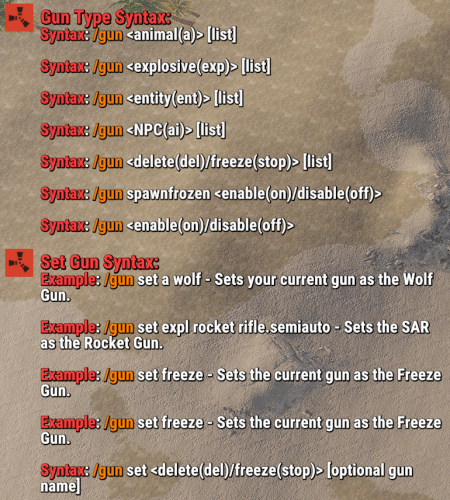
Version 1.0.0
33 downloads
Short Description: Makes your guns create entities/explosions/animals wherever your bullet impacts, or freezes/removes entities/NPCs that you hit with your bullet. Configured via commands. Allow players to use certain guns to spawn animals, explosions, or entities wherever their bullet lands. Or maybe freezing entities is up your alley! If you've ever wanted to do the mannequin challenge with NPCs/Entities in Rust, now you can! You freeze almost every entity in the game using a specified, configurable gun. Not interested in freezing entities? How about deleting them from existence because they are bothering you, well, lucky for you this plugin has that too! Anywhere you shoot will have any of the above abilities if you activate them! The plugin automatically unfreezes all entities that were frozen upon unloading the plugin. This is a configurable setting you can disable, however, Cargo will always unfreeze itself the way I have it set up to not cause any issues. Cargo is also currently the only one that freezes itself upon loading the plugin if it was already frozen when unloading it. You can freeze entities with this plugin in your own plugins via calling the methods: GunTypes.Call("MethodName", parameter1, parameter2, parameterX); // EX: GunTypes.Call("CargoFreeze", CargoShip, IPlayer, string, bool); FEATURES: Explosive Gun: MLRS Rocket Incendiary Rocket Satchel Charge F1 Grenade Flash Bang Napalm Fire (the fire that Bradley/Attack Heli drops) Supply Signal Animal Gun: Wolf Bear Polar Bear Boar Chicken Stag Shark NPC Gun: Scarecrow NPC Bandit Camp Scientist/Guard Cargo LR-300 Scientist Cargo MP5 Scientist Underwater Dweller Tunnel Dweller CH47 Chinook Scientist (M249) (cannot move) Outpost Scientist Entity Gun: Scarecrow (entity, the T-Posed object with a hat meant to scare crows) Snowman Christmas Tree Candy Canes Present Zombie Test (Customizable via Config, just put the prefab) Freeze Gun (What it's able to Freeze) Cargo Attack Heli Bradley Chinook/CH47 All Vehicles (Mini Copter, Car (Modular Cars), Sedan, Rhib, Tugboat, Rowboat, Paddle Boat, Subs, Scarp Heli, Trains/Workcarts, Snowmobiles, Ridable Horse) Animals ALL AI (Scientists, Underwater Dwellers, NPCMissionProviders, Etc.) Traps (Landmines, Bear Traps, Gun Traps) Auto Turrets/Flame Turrets (Safezone turrets and regular ones) Sam Sites (Safezone Sam Sites and regular ones) Conveyors Doors Hackable Crate StorageContainers Remove Gun (What its able to Remove) Everything that is Interactable. Abandoned Military Base (Basically all of the monument can be removed for whatever reason, only things that will remain are the entrances and outlined portion of the monument where the ground is raised) Car Gun (What its able to shoot) Rhib Attack Helicopter (new one, not patrol heli) Chinook Sedan Minicopter Tugboat Tomaha Solo Sub Modular 4 Car Modular 2 Car Video Examples: Note: The SPAS12 video used 4x the explosive amount per pellet. More Videos to come! EXAMPLE OF CAR GUN (NOT IN PLUGIN YET This is also a slightly older implementation, and has now been slowed down to prevent as much clipping into the ground/through objects. Permissions: guntypes.gun - Allows user to use the /gun command. guntypes.setgun - Allows user to use the /gun set command. guntypes.animal - Allows user to use the /gun animal command. guntypes.explosive - Allows user to use the /gun explosive command. guntypes.entity - Allows user to use the /gun entity command. guntypes.remove - Allows user to use the /gun remove command. guntypes.freeze - Allows user to use the /gun freeze command. guntypes.npc - Allows uers to use the /gun npc command. Any other permission you see DO NOT USE OR ACTIVE YOURSELF they are for internal plugin use. You SHOULD NOT attempt to give a user ALL permissions when giving permissions to a user. Give them manually. Chat Commands: Note: Turning on any of the gun modes via their direct name (i.e: animal, entity, etc.) will also effectively do `/gun on` for you. /gun off - Disables gun mode in general to prevent use of any of the types below. /gun on - Activates gun mode in general to allow use of any of the types below. /gun animal - Activates animal gun mode. /gun explosive - Activates explosive gun mode. /gun entity - Activates animal gun mode. /gun freeze - Activates animal gun mode. /gun remove - Activates animal gun mode. Use Shortnames to change the gun type, or their defining part of their name. EX: for "pistol_revolver", do "revolver". /gun set animal wolf - Sets your current held gun to the wolf gun. /gun set explosive mlrs m249 - Sets the M249 to the MLRS gun. /gun set freeze - Sets your current held gun to the freeze gun. (only 1 freeze type so no type specification required) /gun set remove pistol_revolver - Sets revolver to the remove gun. (only 1 remove type so no type specification required) /gun spawnfrozen on - Sets NPCs and Animals to spawn frozen. /gun spawn frozen on - Sets NPCs and Animals to spawn frozen. Lots of QoL allowances for freeze AoE commands. /gun set freeze aoe on - Sets freeze AoE (radius) on. /gun freeze aoe on - Sets freeze AoE (radius) on. /gun set freeze aoe 12 - Sets freeze AoE (radius) to 12m. /gun freeze aoe 12 - Sets freeze AoE (radius) to 12m. Note/Be Aware: A gun that is used multiple times in the same gun type will only allow for 1 of the specified events to occur. EX: using explosive gun and having M249 set to both C4 and MLRS will only allow either C4 or MLRS to happen, not both. You will need to manually set the other M249 value to something other than the M249 value for the type you're not attempting to use. Meaning if you are trying to use C4 and NOT MLRS, then set MLRS to something other than the C4 value. You can now change your guns without affecting other users guns! Note 2: You setting the gun for yourself also sets it for ALL other players who are using the plugin. My goal is to eventually change this to individual gun settings for each user, but current implementation does not allow for it yet. Config: { "The command you type in to use the plugin": "gun", "Color/Hex for Syntax in Lang": "#ff3d3d", "Color/Hex for Commands in Syntax in Lang": "orange", "Color/Hex for 'Animal Gun' in Lang when calling the Gun Types commands": "#30D5C8", "Color/Hex for 'Explosive Gun' in Lang when calling the Gun Types commands": "orange", "Color/Hex for 'Entity Gun' in Lang when calling the Gun Types commands": "purple", "Color/Hex for 'Remove Gun' in Lang when calling the Gun Types commands": "#ff3d3d", "Color/Hex for 'Freeze Gun' in Lang when calling the Gun Types commands": "#30D5C8", "Color/Hex for 'NPC Gun' in Lang when calling the Gun Types commands": "#cf1d40", "Color/Hex for 'Activated' in Lang when calling the Gun Types commands": "green", "Color/Hex for 'Deactivated' in Lang when calling the Gun Types commands": "red", "The Color/Hex of the attempted entity/gun in the response for successful/failed gun setting": "orange", "The Color/Hex of the attempted spawn type in the response for successful/failed gun setting": "#40E0D0", "The test entity spawned using the entity gun": "assets/content/structures/interactive_garage_door/sliding_blast_door.prefab", "Unfreeze ALL frozen entities upon unloading (Excluding Cargo, it will automatically unfreeze).": true, "Freeze AoE (radius) Effect Enabled for ALL user with freeze permission (if set to false, no one can use AoE. If enabled, allows AoE Freeze)": true, "Max AoE (radius) a user is allowed to set for AoE freezing": 350, "Spawn tamable animals": true, "Spawn animals already tamed by the user who shot the gun": true } Credits: bmgjet - Thanks to bmgjet for allowing me to use code that they had made to get the closest cargo node, and also informing me on a way to freeze cargo!$9.99 -
Version 1.3.2
785 downloads
Walking Dead will resurrect a player with a "Walker" using the player's name and outfit with the option to spawn it with a Flaming entrance and several other options. Optional dependencies : Rust Kits Not compatible with : RestoreUponDeath (if assigned to restore clothing in this case fully) !!!! Features : Walkers spawning using a players Name and clothing Spawns a Walker (scientist) after a player died/suicided Hostile like a real walker even goes for sleepers and scientists and animals It can resurrect "From Hell" with flaming spawn true/false. Configurable Spawn amount Configurable Spawn delay time Configurable cooldowns on walker spawning to avoid suicide spam harvesting Select to show gametip or chat messaging (or neither) Configurable Health/Lifetime/Roam Range Can use kits (only clothing) and can use a random kit if set multiple up Compatible with NPCKits (NPCKits won't override the `Walkers` outfit) Despawns the Walkers on plugin unload Walkers will not spawn inside bases (on foundations) Walkers will not spawn when suicided (cfg option) (Added in v1.1.4) Backup your configs before plugin updates! Zip file contains a scarecrow and scientist version (cfg can remain outside the kits that can be switched for melee or ranged weapons) Test option to block spawning in 1 zone (will be extended in near future) (Added in V1.1.4) Permissions : No permissions Commands : /wdinfo : tells version/author/and a little backend story Logfiles : No logging yet. Configuration : (new spawn system since v1.0.6!!!) Spawns the zombie as the player's clone If the player had no clothes on, it would use one of the kits assigned in configuration (random) if no kits assigned or the kits are having a mismatch (typo), it will spawn the zombie using the predefined zombieoutfit (mumysuit) Example config below : { "Settings Plugin": { "Debug": false, "Only spawn at timeframe": false, "Start time": 20, "End time": 8 }, "Settings Player": { "Suicide block": false, "Zone block": false, "Zone ID's": [] }, "Zombie Settings": { "Zombie spawn delay (seconds)": 5, "Zombie spawn cooldown (seconds)": 300, "Zombie Show cooldown chat messages": false, "Zombie Prefix Title": "Walker", "Zombie spawn amount": 1, "Zombie Health": 250, "Zombie spawn radius": 5, "Zombie Max Roam Distance": 20, "Zombie Damage multiplier": 0.6, "Zombie Lifetime (minutes)": 30.0, "Zombie Spawns on fire": false, "Zombie Kit ID": [], "Zombie Show chat messages": false }, "Zombie Targeting": { "Zombie Can target other npc": false, "Zombie Can target animals": false } } Localization : English language file included using a different language make a new file in the language folder. { "Zombie_Spawn": "You died and resurrected a Walker!", "Prefix": "<color=green>Walking Dead : </color>", "info": "\nThe [Walking Dead] will resurrect players as Walkers\nThese are aggressive and attack anything on sight !!\nUsing their melee weapons they can and will go after you !!", "Cooldown": "You have a cooldown and didnt ressurect a walker!!" } Credits : Chat icon design: @Horus for making me this Coding assistance: @Steenamaroo thx bud$8.50 -
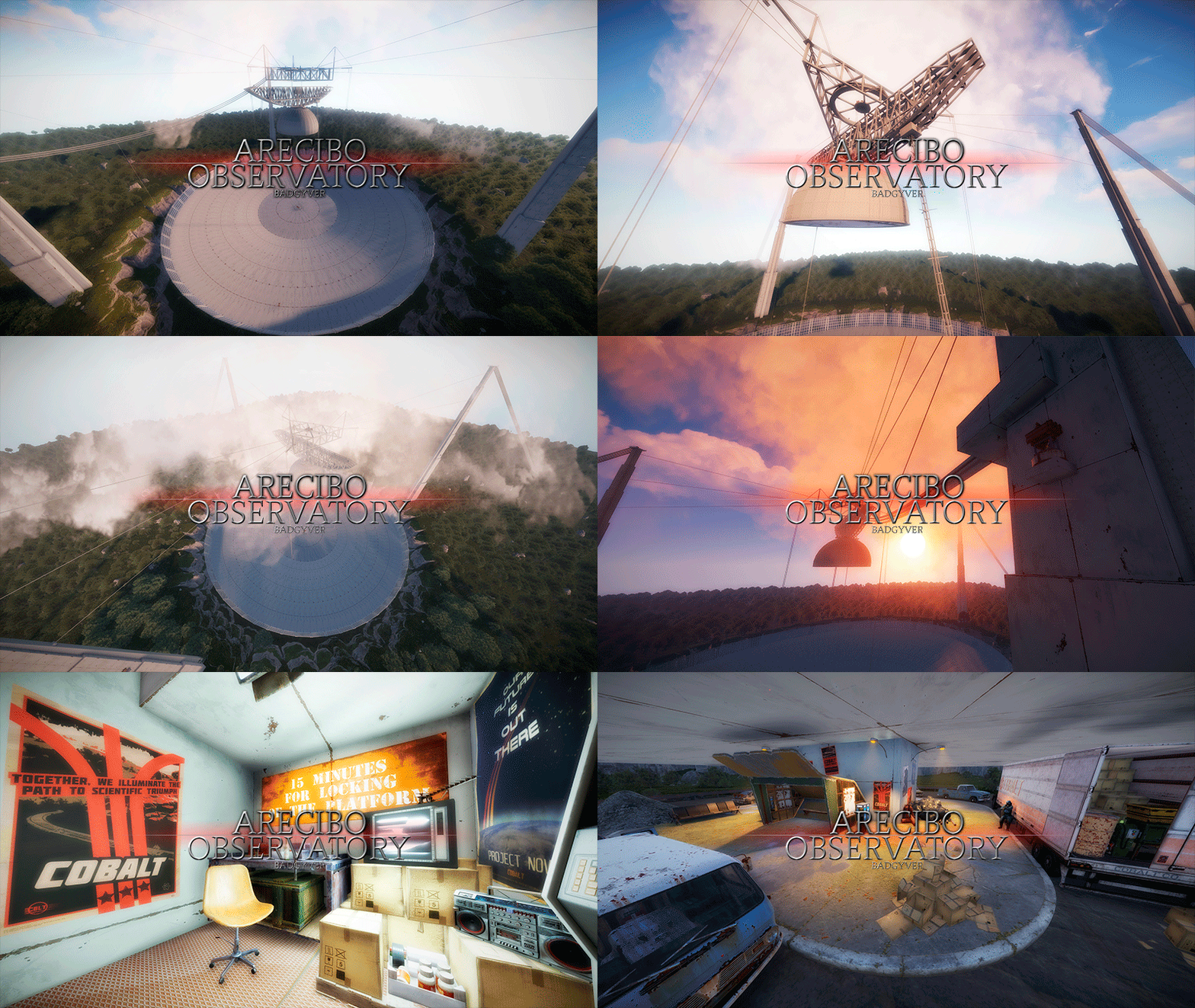
Version 1.0.1
16 downloads
The Arecibo Observatory, also known as the National Astronomy and Ionosphere Center (NAIC) and formerly known as the Arecibo Ionosphere Observatory, is an observatory in Barrio Esperanza, Arecibo, Puerto Rico owned by the US National Science Foundation (NSF). IT CONTAINS: Great variety of Parkour, Puzzles, NPCs, Loot, Hackable Crates and a nice decoration. RECOMMENDATION: This monument has a high difficulty to complete, it is recommended for two players, although with higher difficulty one player can also complete this monument.$12.90- 2 comments
-
- 1
-
-
- #arecibo
- #observatory
- (and 85 more)
-
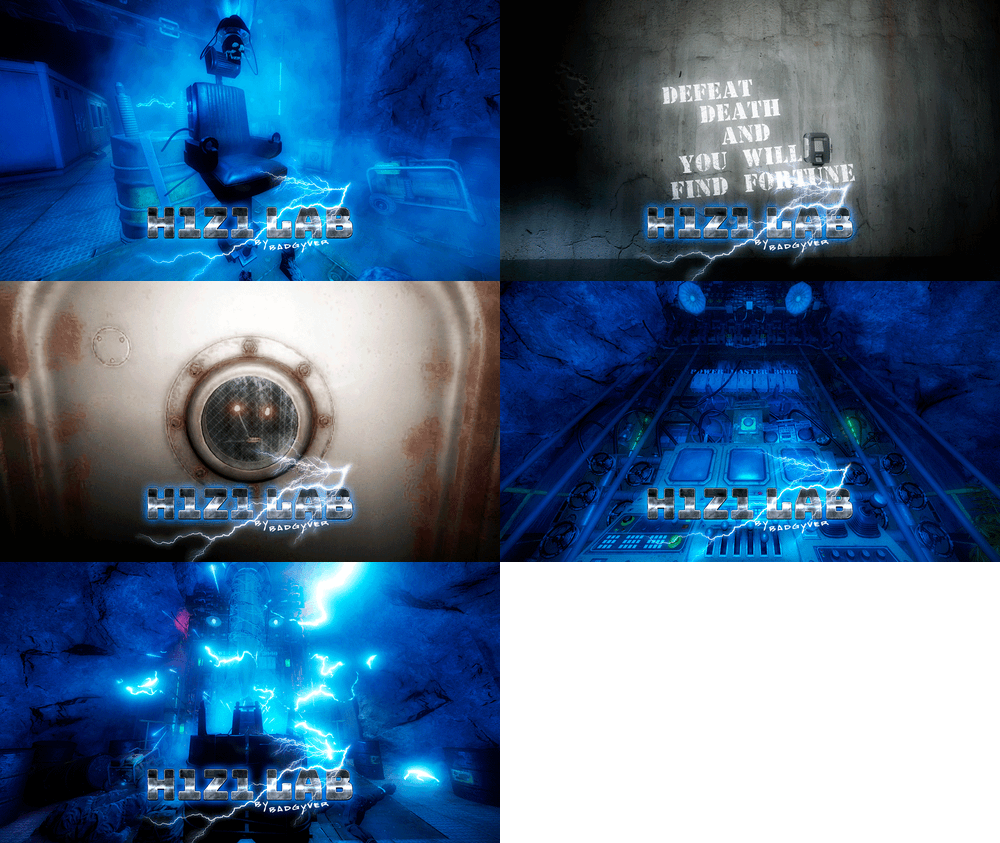
Version 1.0.1
37 downloads
Will you be willing to give your life to find fortune? IT CONTAINS: H1Z1 Lab is an experimental laboratory with various puzzles to solve. It contains Zombies, NPC, traps, puzzles and an original crystal box in which you will get two hackable oil rig crates, plus extra loot of elite crates. VIDEO DEMO:$12.90 -
Hey, I’m looking for a plugin that lets NPCs drive tugboats with the ability to: For more info PM me.... Appreciate any help!
-
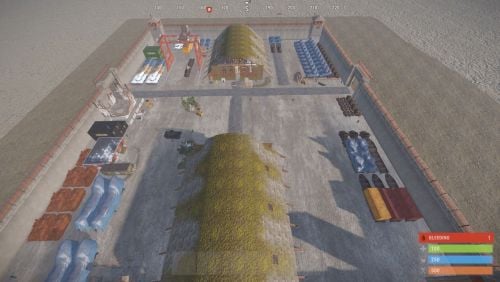
Version 1.1
70 downloads
Bradley Factory large standalone monument featuring 3 working card rooms. Monument requires 3 fuses to complete. Features NPCS at entrances and around the compound and the buildings. Bradley patrols the compound. 2 hackable crates, plenty of military, elite and standard crates. This monument is made up of around 900 prefabs. Lighting and doors electrics all work. features: Green, Blue and Red card rooms Bradley APC NPCS Lots of loot crates Size: 225Free -
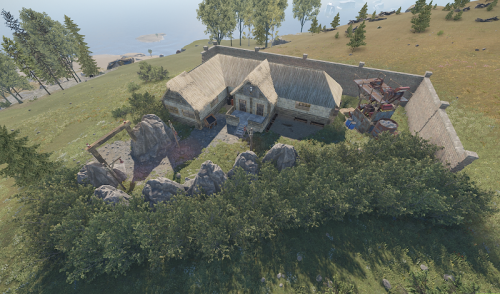
Version 1.0.2
11 downloads
This monument is based on the fairytale "Snowwhite and the seven dwarfs". The asset is tested on a productive RP server and works fine so far. On the outside of the house you can find a mining quarry and a "Red Card Puzzle". The house contains some loot outside escorted by 2 heavies: 1x Crate Mine 1x Crate Tools 1x Crate Medical 1x Create Basic And some loot inside escorted by 5 heavies: 1x Crate Normal (Military) 1x Crate Elite 1x Create Basic 1x Crate Fuel 1x Hackable Crate$4.99-
- 2
-
-
- #fairytale
- #dwarf
- (and 4 more)