Search the Community
Showing results for tags 'raidblock'.
Found 8 results
-

Version 1.0.0
1 download
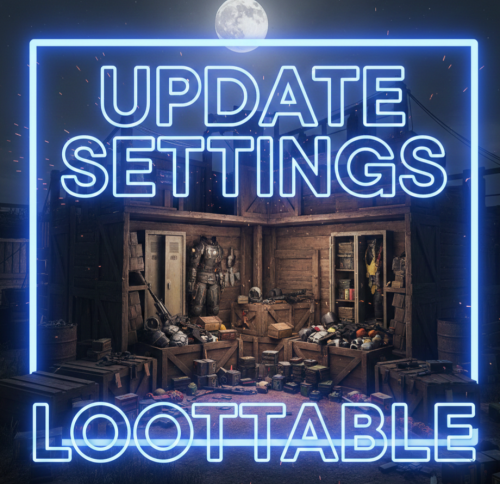
Hello everyone! These files contain the newly updated settings, not the plugin itself. I have worked very hard on these files to ensure that loot containers are no longer empty and to fix the issue of resource stacks reaching 1 million. In the attached photos, you can see the results of my work—how the containers looked before versus how they look now! I will continue to work on this project and implement many more changes in the future. After extensive testing, I’ve concluded that these updates are essential. If you are tired of finding empty containers, that's over—now they will be full! Regarding resources and explosives, they have been balanced to ensure they still spawn correctly without being underpowered. I have also modified the stack sizes for a better experience! Thank you so much for your support. I would greatly appreciate a like and a share for this page!$9.99 -
Version 1.0.0
4 downloads
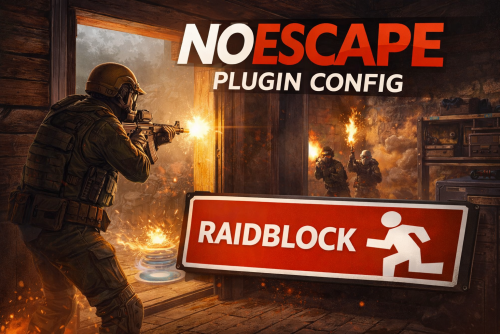
NoEscape – Custom RAIDBLOCK Configuration by SLAYERS.GG A fully-optimized NoEscape config designed to deliver fair, fast, and abuse-proof raiding. Built and perfected on the SLAYERS.GG network for high-pop, high-intensity Rust servers. What This Config Delivers Balanced RaidBlock & Combat Timers Tuned for smooth PvP flow without letting players cheat the system. Anti-Escape Protections Blocks TP, /home, vehicles, logging out, and all common raid-dodging exploits. Clean, Professional Messages Polished alerts that fit Rust’s style and make RaidBlock states easy to understand. Compatible with NoEscape Plugin from Umod: https://umod.org/plugins/no-escape Perfect For Servers That Want: Fair, competitive raiding Zero escape abuse Clear, simple raid rules A polished system trusted by thousands Includes: Full NoEscape JSON config Upgraded notifications Easy-to-edit formatting$4.99 -
Version 1.3.5
609 downloads
Multifunctional and advanced RaidBlock plugin It includes all the necessary functions for this plugin and an extended configuration that will allow you to fully customize the plugin to the requirements of your server. Introduce your players to a truly functional plugin with a beautiful and modern UI interface, optimization, and new features that your players will appreciate. List of features: (The description briefly outlines the functionality and includes screenshots.) Visual Dome System: This is a new feature for RaidBlock's plugins, the visual dome system, offering a choice of two possible domes - standard and BattleRoyale. The dome can be disabled or configured in the configuration file. Sphere BattleRoyale The ability to set colors for the Battle Royale dome: List of supported colors Blue Green Purple Red Modern and optimized UI design of the plugin: We offer a choice of 3 UI design options, which can be fully customized and changed using settings in the configuration. It blends well with the game design and looks compact on the players' screens. 0 option 1 option 2 option Map Markers: A wide selection of markers for displaying raid blocks on the map. Fully customizable markers. Type 0 Type 1 Type 2 Type 3 Conveniences for Administrators: Implemented a black and white list system for raid block triggers, we have added for convenience 2 items that will help easily configure these lists directly from the game. To obtain these items, use the commands described in the "Commands" tab. Don't forget to grant yourself the necessary permissions. Black List White List Permissions: raidblock.ignore - with this permission, the player will have immunity to raid blocking. raidblock.toolgun - with this permission, the player can obtain a "Toolgun" for configuring the blacklist and whitelist of items. Command: Chat commands: /rbtest - allows testing raid block (simulates a raid at your position) (available only to administrators). /rb.white - obtain the Toolgun to add items to the whitelist. /rb.black - obtain the Toolgun to add items to the blacklist. Api: API: // Returns whether the player is raid blocked bool IsBlocked(BasePlayer player) bool IsRaidBlocked(string playerId) bool IsRaidBlocked(ulong playerId) bool IsRaidBlocked(BasePlayer player) bool IsRaidBlock(ulong userId) // Returns the remaining time of raid block for a player int ApiGetTime(ulong userId) Hooks: CanRaidBlock(BasePlayer player, Vector3 position) OnRaidBlock(Vector3 position) OnRaidBlockStopped(BasePlayer player) OnRaidBlockStopped(Vector3 position) OnCreatedRaidZone(Vector3 position, BasePlayer initiator) OnEnterRaidZone(BasePlayer player) OnExitRaidZone(BasePlayer player) Configuration: An excellent addition to this plugin:$13.99- 78 comments
- 4 reviews
-
- 5
-

-

-
- #no escape
- #no escape rust
- (and 6 more)
-
Version 1.0.7
99 downloads
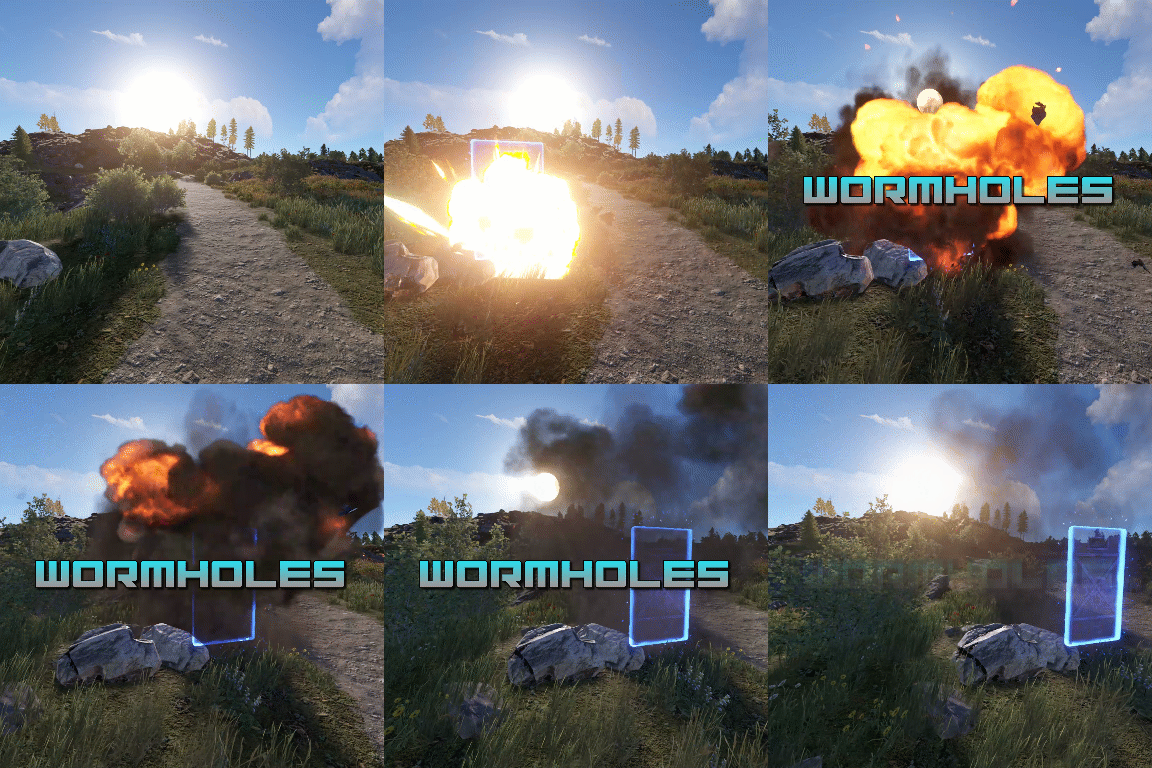
Transform your Rust map with dynamic wormholes that open up thrilling new possibilities for players! This plugin introduces randomly spawning, paired wormholes that create instant portals between two locations on the map. Admins can also create static wormhole pairs between locations. Randomized Spawns: Wormholes appear at random intervals, based on configurable timer ranges. Paired Portals: Each wormhole is linked to another, allowing seamless teleportation between the two. Customizable Settings: Time Limits: Control how long wormholes remain active. Usage Limits: Set how many times a wormhole can be used before it despawns. Condition Restrictions: Prevent players from using wormholes when they are Bleeding Starving Dehydrated Cold/Hot Wounded Irradiated Escape/Raid/Combat blocked Spice up gameplay, encourage exploration, and create chaotic or strategic opportunities for your players to interact with the world in new ways. Perfect for servers looking to add a touch of unpredictability and fun! Permission required to use the plugin: wormholes.access Admin permission: wormholes.admin Command: wormhole.spawn <grid coordinate> <grid coordinate> Type: Chat Permission: wormholes.admin Description: Forces a pair of wormholes to spawn in each grid coordinate. For example wormhole.spawn b2 c5 would spawn a wormhole in a random location in b2, with the other side of the wormhole at a random location in c5. Both coordinates need to contain valid spawn points. Command: whgrid Type: Chat Permission: wormholes.admin Description: Draws all valid spawn positions that the plugin has cached to the user. Requires level 1 auth. Command: dbwh Type: Chat Permission: wormholes.admin Description: Debugs all active wormholes on the map. Draws lines between each wormhole pair. Command: statichole.add <optional: name> Type: Chat Permission: wormholes.admin Description: Creates a wormhole at the players position with the designated name if applicable. Requires the command to be run twice at 2 different locations for the wormholes to appear.$9.99 -
Version 1.1.1
278 downloads
CombatBlock is a classic plugin that serves as a great addition to the RaidBlock (NoEscape) plugin. This plugin features extensive settings and several types of modern design. It has a cohesive style and pairs excellently with the RaidBlock plugin. Provide your players with an optimized and stylish plugin that will operate quickly and seamlessly. List of features: UI Interface Variations: Perfectly complements the RaidBlock plugin. 0 option 1 option 2 option Configuration of Additional Triggers: You set the triggers for the plugin yourself. Attacking an NPC Receiving damage from an NPC Inflicting damage on a sleeping player Deactivating combat-block upon death Configuration of Restrictions During Combat-Block: Blocking teleportation Blocking trade Blocking the use of kits Blocking commands (Supports chat and console commands) Permissions: combatblock.ignore - with this permission, the player will have immunity to combat blocking. Api: Object CanCombatBlocked(BasePlayer player) Object CanCombatBlock(BasePlayer player) void OnCombatBlockStarted(BasePlayer player) void OnCombatBlockStopped(BasePlayer player) Configuration: An excellent addition to this plugin:$9.11- 21 comments
- 1 review
-
- 4
-
-
-
- #combat
- #combat block
- (and 5 more)
-
Version 1.0.0
1 download
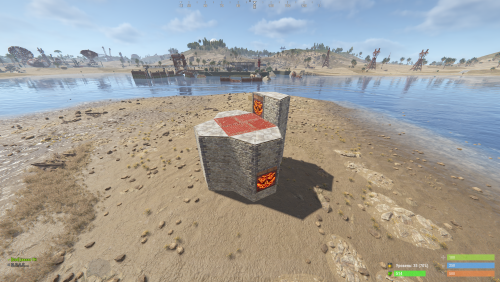
Custom Raid Base Pack: Medium to Hard Difficulty (12 Bases) Hello Rust Community! I'm JaaaaaThomas I'm excited to present my latest base pack: an exclusive collection of 12 custom raid bases specifically designed to challenge experienced players on your server! If you are looking for raids that require planning, resources, and skill, this pack is the right choice for your community. What You Get with This Package This package is a Content Extension that adds 12 challenging, handcrafted Raid Bases directly to your server's rotation. Key Features: 12 Highly Challenging Bases: Each base is manually designed and optimized for Medium to Hard difficulty, featuring complex layouts, clever traps, and demanding defense setups. Intense Planning Required: These bases are meant to test resource management and raiding strategy, pushing players beyond standard easy raids. Premium Builds: All structures are ready to use and compatible with the necessary plugins (Raidable Bases and Copy Paste). Attention: Required Dependencies For this base pack to function, your server MUST have the following two plugins installed and working: [Oxide/uMod Plugin] Raidable Bases (The main event plugin). [Oxide/uMod Plugin] Copy Paste (Required to correctly import the base structures). Without these two plugins, the base pack will NOT work. Important Note for Buyers: THIS 12-BASE PACK IS PART OF MY PREVIOUS 37-BASE COLLECTION. IF YOU HAVE ALREADY PURCHASED THE FULL 37-BASE PACK, PLEASE DO NOT PURCHASE THIS FILE, AS YOU ALREADY OWN THESE BUILDS. Thank you for your support, and good luck mastering these challenging builds!$9.99 -
Version 1.0.0
1 download
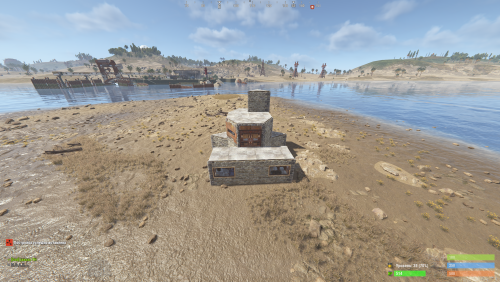
Custom Raid Base Pack: Easy Difficulty (11 Bases) We present this exclusive package containing 11 Raid Bases specially designed for Easy difficulty! This set is perfect for servers looking to offer beginners an accessible, yet engaging, raid experience in PvE or PvP mode. Key Features: 11 Unique Bases: Each base is manually designed and optimized to ensure variety and prevent repetition, offering your players something new to discover every time. Balanced Difficulty: Bases are crafted to be solved quickly and with mid-tier gear, making them ideal for players' first raids. Perfect Optimization: All bases are ready to use and compatible with the necessary plugins (Raidable Bases and Copy Paste). Important Note for Buyers: THIS 11-BASE PACK IS PART OF MY PREVIOUS 37-BASE COLLECTION. IF YOU HAVE ALREADY PURCHASED THE FULL 37-BASE PACK, PLEASE DO NOT PURCHASE THIS FILE, AS YOU ALREADY OWN THESE BUILDS. Thank you for your understanding, and enjoy your raids!$5.99 -
Hello. I was looking for someone to make a passive mode plugin that allows the player to choose if they want to play on the server in a PVP mode or PVE mode. A UI would be nice that has a color config option for the text and background of the UI. A description box above the 2 choices would be nice so that the player knows what the UI is. The player will only be allowed to choose when they join the server the first time. Default or no response will be placed in the PVE state. Carbon compatiblity. Would be nice to have -> Compatible with Simple PVE - https://codefling.com/plugins/simplepve and Zone Manager - https://umod.org/plugins/zone-manager A plugin to reference: https://umod.org/plugins/pvx-selector PVE MODE Cannot be raided Cannot raid others Cannot deal damage in any way to other players except teammates(Teammates can always kill each other for fun, in any way.) Player can get damaged by a NPC, Vehicles, Fire, Bradley, Patrol Heli, and animals. PVP MODE Can be raided Can raid only others that have enabled pvp mode. Can kill other players that have enabled pvp mode.