Search the Community
Showing results for tags 'vision'.
Found 3 results
-

Version 0.0.2
6 downloads
APAdminWH is a fully customizable wallhack tool with a sleek in-game UI. Designed for server administrators, it provides powerful visualization features to monitor player activity, including sleepers, with complete control over what and how information is displayed — all from a user-friendly menu. Key Features 1. Intuitive UI Floating button (WH) with support for custom icons (PNG) or simple text label. Full-featured admin menu — no need to type commands. 2. Real-Time Visual Options Toggle wallhack and sleeper visibility. 1. Customizable HUD elements: Player names + distance + health Eye direction lines 3D player boxes 2. Adjustable settings: Update interval: 0.1–15 seconds Visibility distance: 50–1000 meters Eye line length 3. Color Customization Separate colors for active players and sleepers. Built-in presets: White, Cyan, Yellow, Red, Green Admin Commands /aw — Toggle wallhack on/off /aws — Toggle sleeper tracking /awmenu — Open in-game UI menu Config: { "Colors": { "AccentColor": "0.2 0.6 0.8 1", "ButtonHoverColor": "0.2 0.2 0.2 0.95", "MainColor": "0.1 0.1 0.1 0.95", "PanelButtonColor": "0.15 0.15 0.15 0.95", "TextColor": "0.969 0.922 0.882 1" }, "OpenButton": { "AnchorMax": "1 0", "AnchorMin": "1 0", "Color": "0.969 0.922 0.882 0.03137255", "ImageName": "ICON_WH.png", "OffsetMax": "-209.73345 97.84776", "OffsetMin": "-235.733765 71.84754", "UseImage": true }, "Panel": { "AnchorMax": "0.97 0.85", "AnchorMin": "0.71 0.31", "ShowCursorWhenOpen": true }, "Version": { "Major": 0, "Minor": 0, "Patch": 1 } } Setup Instructions Place APAdminWH.cs into your oxide/plugins/ folder. Upload the desired icon image (e.g., ICON_WH.png) to oxide/data/APAdminWH/. Reload or start the server — the config and UI will be created automatically. Grant the permission: oxide.grant user <steamID> apadminwh.use$15.00 -
Version 1.0.9
351 downloads
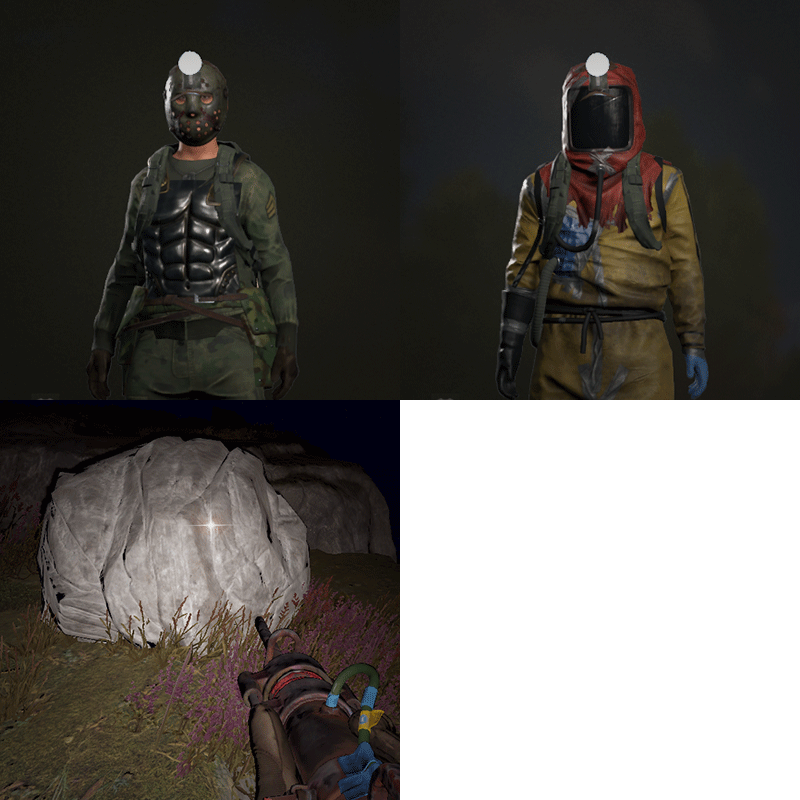
Allows players to activate Headlight (Miner's Hat) without taking up any wearable slots, and does not conflict with any headwear. This is useful for having better vision at night without compromising armor or taking off hazmat suit, especially when farming ore/wood. Auto Equip You can define whether you would the headlight to auto equip at Sunset and unequip at Sunrise by setting default state to NightOnly, and define game times in config. If set to Always instead, it will always equip a headlight to players with permission (light will be turned off, they can turn it on/off like any other worn miner's hat while equipped). Permissions headlight.use Chat Commands /headlight - Shows available commands (can be changed in config) Console Commands giveheadlight %steamid% - Equips a headlight on a target player headlight toggle - For easier key binding (e.g. bind p headlight toggle) Config { "Command": "headlight", "Auto Equip Settings": { "Default State (Always|NightOnly|Off)": "NightOnly" }, "Night Time Settings": { "Sunset InGame Time (00:00)": "22:00", "Sunrise InGame Time (00:00)": "07:00" }, "Alert Settings": { "Send in Chat": false, "Send as Game Tip": true }, "Version": { "Major": 1, "Minor": 0, "Patch": 2 } }$9.99- 24 comments
- 2 reviews
-
- 7
-

-

-

-
- #headlight
- #rust
- (and 6 more)
-
Version 1.0.6
510 downloads
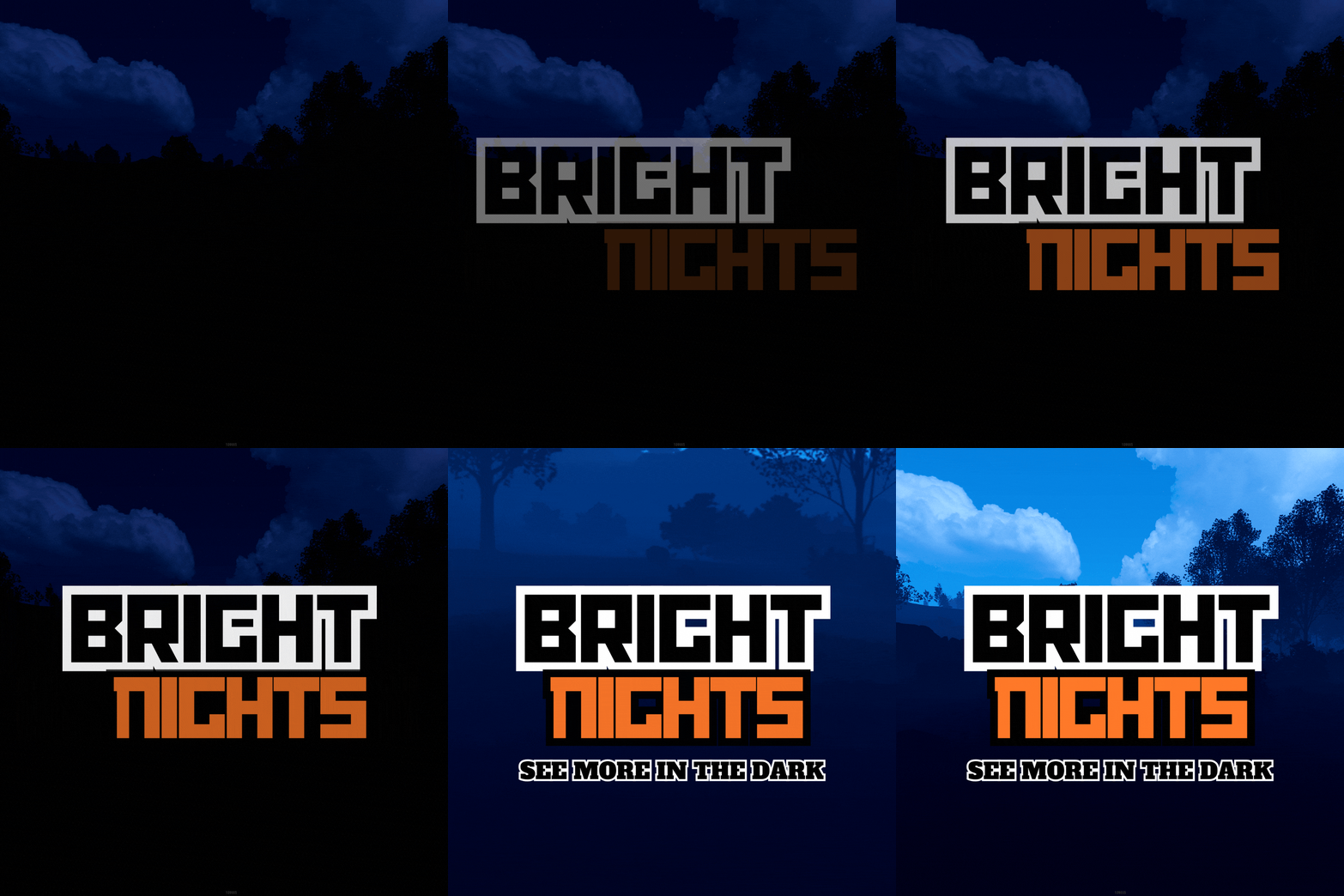
Bright Nights is the plugin every player has been waiting for. Make your nights brighter and actually playable! Enhanced gameplay with brighter nights Customizable night time brightness Smooth transitions between night and day cycles Lightweight high performance plugin Inverted Night (Option) - make nights as bright as day Saves your players from having to eat too many carrots Bright Nights brings exciting new visuals to the game allowing your players to make the most of night time game play. Inverted nights brings a whole new meaning to bright nights. Inverted nights adds a sun to the night cycle to create a daylight like play style, while maintaining a dark skybox. This option can be enabled via the config. /Settime - allows you to set the ingame time (good for testing settings) Args - Hours (24h) example: 7.5 will be 7:30 am or 0 will be midnight - Sunset - goes to sunset time - Sunrise - goes to sunrise time brightnights.admin - Allows use of the /settime command Does bright nights effect rust events ? Bright Nights does not change any of the date time settings for rust so timed events will run as per normal. Can I adjust the brightness? Yes! Brightnights has a config file which allows for the adjustment of brightness and transition settings. Is the plugin hard to set up? Bright nights is a drag and drop plugin, with no additional set up required.$14.99- 17 comments
- 4 reviews
-
- 5
-
-
- #brightnights
- #bright nights
- (and 28 more)