Screenshots
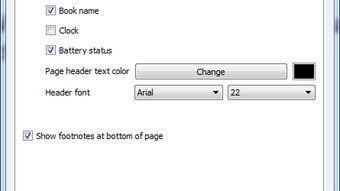
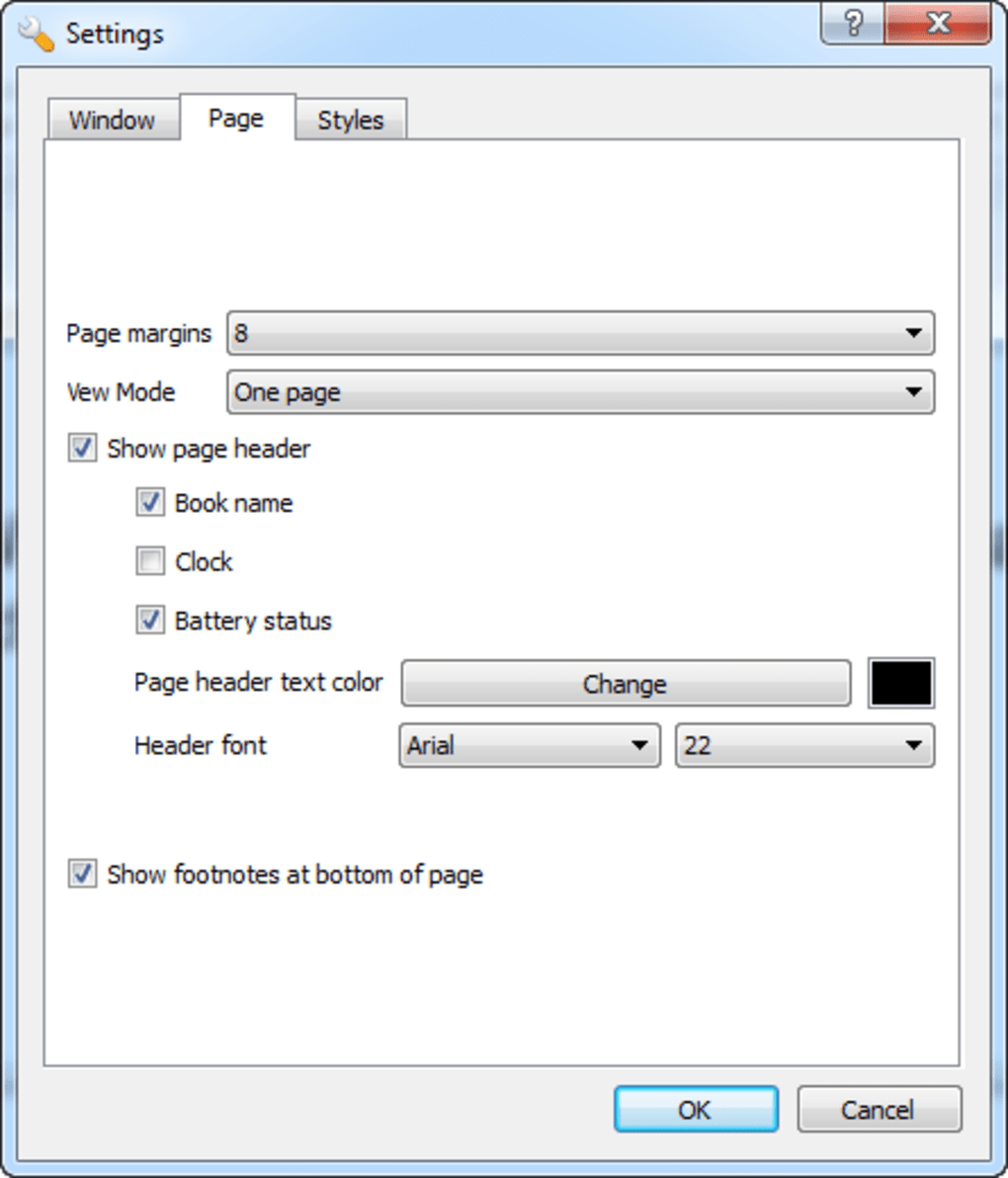
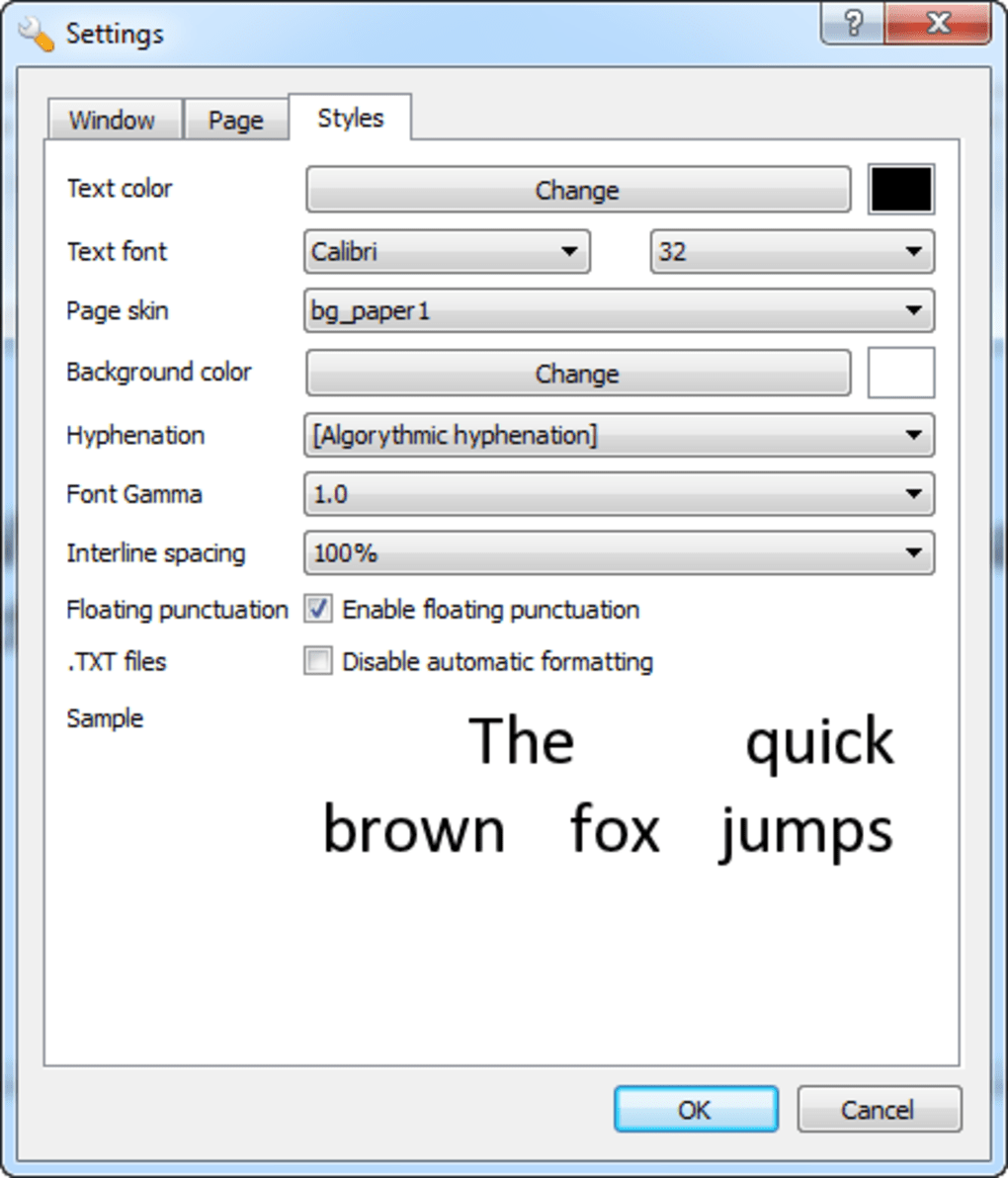
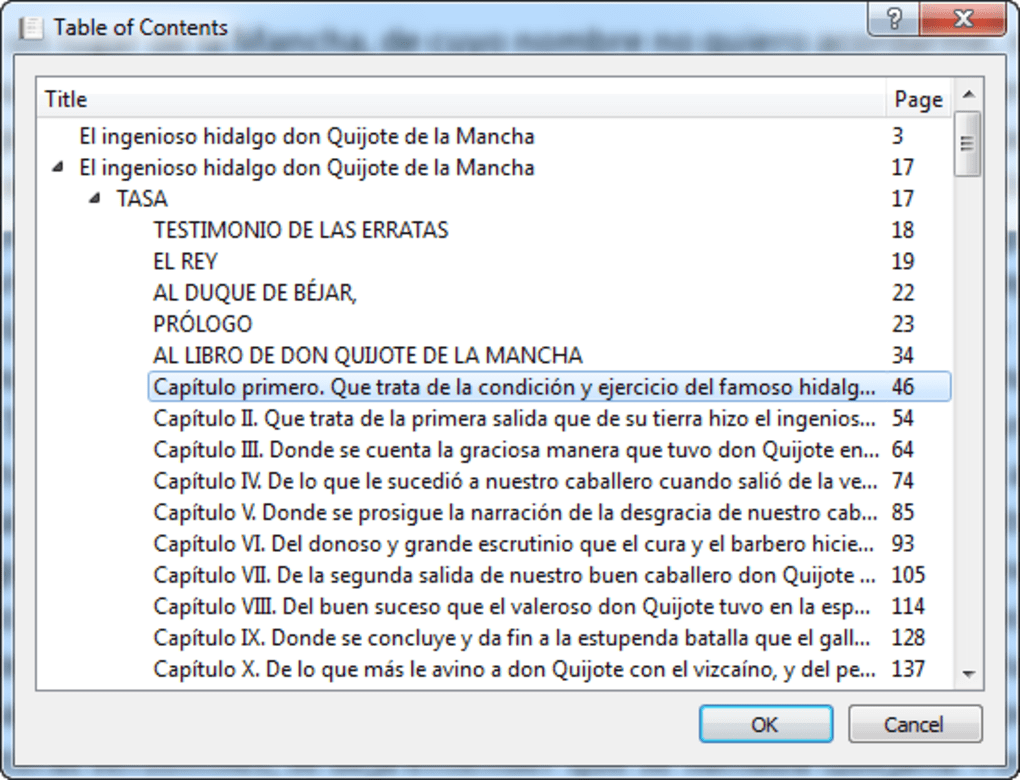
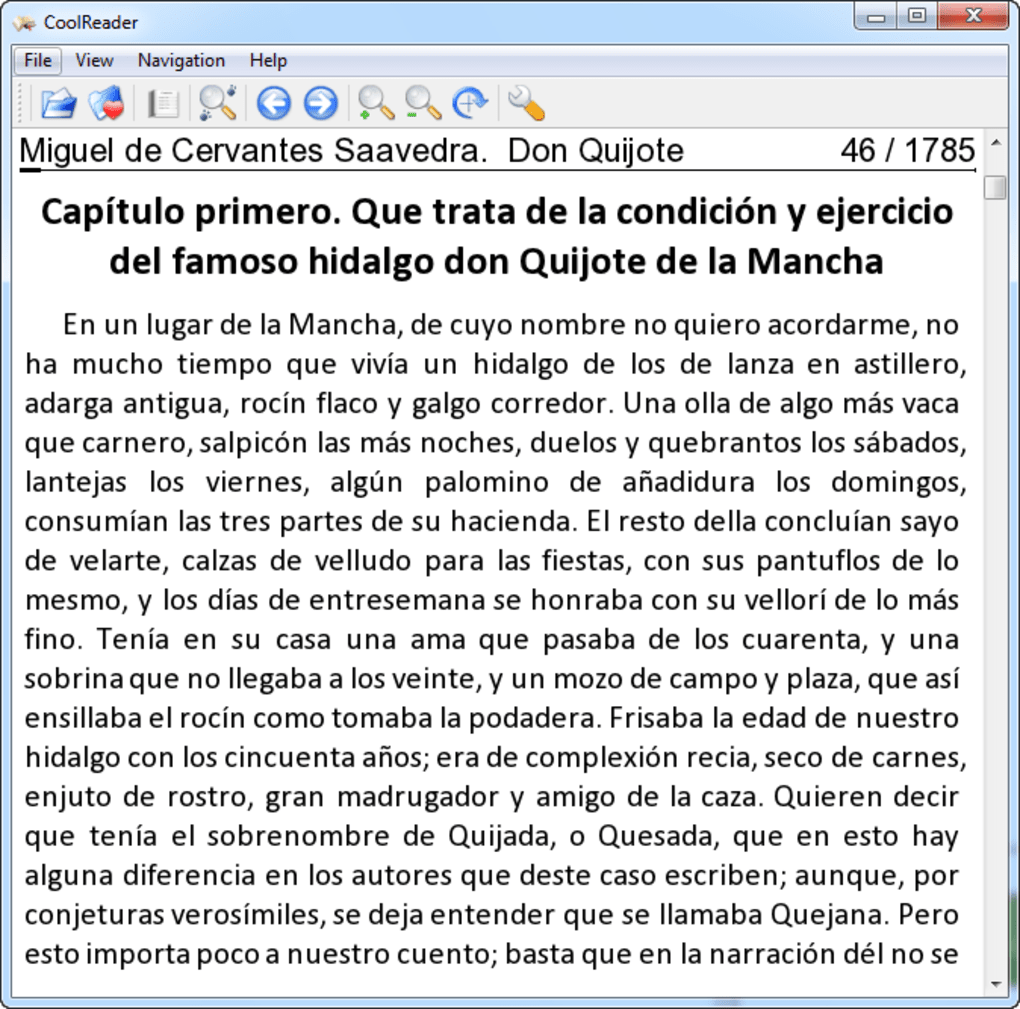
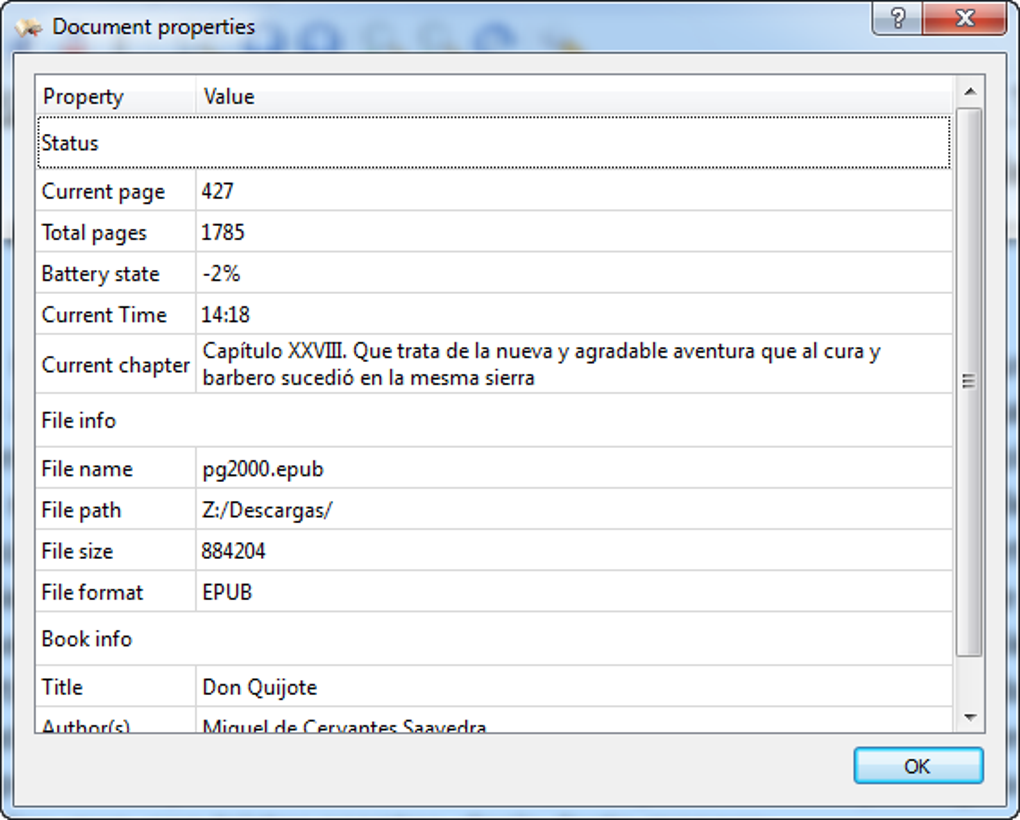
App details
- Version
- 3.0.51-2
- Size
- 6.16 MB
- Updated
- September 10, 2018
- Requires
- Windows 8
- Language
- English
- License
- Free
- Developer
- Vadim Lopatin
- Category
- Windows OS
About CoolReader
Download CoolReader – Free eBook Reader for Windows, macOS, Android & iOS
Overview
CoolReader is a lightweight, open‑source eBook reader designed for anyone who loves to carry a library in their pocket. Built on a clean C++ core, the application supports a wide range of formats—including EPUB, FB2, MOBI, TXT, and HTML—so readers can open virtually any digital book without the need for additional converters. The interface is intentionally minimal: a distraction‑free page view, customizable fonts, and simple navigation controls let you focus on the story rather than on menus. While CoolReader doesn’t boast the deep annotation suite of premium competitors, its stability, low memory footprint, and cross‑platform availability make it a compelling choice for readers who prioritize speed and simplicity. Whether you’re on a Windows desktop, a macOS laptop, an Android phone, or an iPhone, the free download offers a consistent reading experience that updates automatically when new versions are released. In this review we’ll walk through the core features, explore how easy it is to install and start reading, examine platform compatibility, and weigh the pros and cons so you can decide if CoolReader fits your digital bookshelf.
Core Features & Performance
- Support for popular eBook formats: EPUB, FB2, MOBI, TXT, HTML, and more.
- Adjustable typography: choose from dozens of fonts, sizes, line spacing, and margins.
- Night mode and custom color schemes to reduce eye strain in low‑light environments.
- Library management with folder‑based organization and quick search.
- Bookmarking and simple “go‑to page” navigation for seamless reading sessions.
- Automatic updates via built‑in update checker (optional).
- Multi‑platform sync through third‑party cloud services (Dropbox, Google Drive).
When it comes to performance, CoolReader shines because it was built with efficiency in mind. The rendering engine uses a fast text layout algorithm that keeps page turns instantaneous even on older hardware. Because the app avoids heavy graphics processing, it consumes minimal battery on mobile devices, making it an ideal companion for long trips or commutes. The night mode offers true black backgrounds rather than a simple inverted color scheme, which not only preserves battery on OLED screens but also provides a genuine “dark‑room” reading experience. While the feature set is intentionally lean, the developer community has contributed plugins that add rudimentary image support for JPEGs, albeit not as seamlessly as commercial readers. Overall, the core experience feels snappy, reliable, and free from the bloat that often plagues free e‑reading software.
Installation, Usage & Compatibility
Step‑by‑Step Installation
Getting CoolReader up and running is straightforward. For Windows users, download the .exe installer from the official website, double‑click to launch the wizard, and follow the on‑screen prompts—accept the license, choose an install folder, and decide whether to create a desktop shortcut. macOS users can download the .dmg file, drag the CoolReader icon into the Applications folder, and then launch it from Launchpad. Android users find the app in the Google Play Store; a single tap installs the APK with all required permissions. iOS users can obtain CoolReader through the Apple App Store, where the app is listed under “Free.” All platforms provide a silent “first‑run” configuration that detects default system fonts and language settings, making the initial launch feel native.
Using the Reader
Upon opening the app, you’ll be greeted by a clean library view. Click “Add Books” to browse your file system or cloud folders; CoolReader automatically indexes supported files and displays them with cover thumbnails (if available). Selecting a title opens the reading pane where you can swipe or use arrow keys to turn pages. The toolbar at the top contains quick access to font size, line spacing, and background color. To set a bookmark, tap the bookmark icon; the app remembers your place across sessions. For night reading, switch to “Night Mode” in the settings menu, where you can also fine‑tune contrast levels. If you prefer a larger text layout for dyslexic readers, the “Advanced Typography” section offers a dyslexic‑friendly font and increased letter spacing. The simplicity of the UI means you spend less time learning controls and more time immersed in the narrative.
Operating System Support
CoolReader is officially supported on Windows 7 and later, macOS 10.12 Sierra and newer, Android 5.0 Lollipop onward, and iOS 11+. Community builds also exist for Linux distributions such as Ubuntu and Fedora, though these are maintained by volunteers rather than the core team. The cross‑platform nature ensures that your reading habits remain consistent whether you switch from a desktop to a mobile device. Because the software is open source, developers can compile it for additional platforms, including e‑ink readers that run a Linux kernel, extending the reach to niche hardware enthusiasts.
Pros, Cons & Frequently Asked Questions
Pros
- Completely free with no hidden in‑app purchases.
- Fast, low‑resource performance on both old and new hardware.
- Broad format support eliminates the need for conversion tools.
- Night mode and customizable typography improve reading comfort.
- Cross‑platform availability ensures a consistent experience.
Cons
- Lacks advanced annotation, highlighting, and note‑taking features.
- Image support (JPEG, PNG) is limited compared to premium readers.
- No built‑in cloud sync; relies on third‑party services.
- Interface, while clean, may feel overly simplistic for power users.
- Occasional UI glitches on some Android devices with custom skins.
FAQ
Is CoolReader truly free or does it contain ads?
CoolReader is open‑source and completely free. The official builds contain no advertisements, and there are no hidden subscription fees. All revenue comes from voluntary donations to the development team.
Can I read DRM‑protected eBooks with CoolReader?
No. CoolReader does not support DRM‑protected files. To read such books you would need to remove DRM using a separate tool, which must be done in compliance with local copyright laws.
How does CoolReader handle large libraries?
The application indexes books in the background and stores metadata in a lightweight SQLite database. Even with thousands of titles, search remains instant, and the library view loads quickly thanks to thumbnail caching.
Is there a way to sync my reading position across devices?
CoolReader does not include native cloud sync, but you can place your library folder inside a Dropbox or Google Drive directory. Because the app reads the same files from the shared folder, bookmarks and last‑page positions are preserved across devices that access the same cloud‑synced folder.
How frequently are updates released?
The development team publishes stable updates roughly every 3–4 months, with occasional minor patches for bug fixes. The built‑in updater (optional) notifies you when a new version is available.
Conclusion & Call to Action
In the crowded world of eBook readers, CoolReader stands out for its no‑cost, no‑ads philosophy combined with a remarkably lightweight engine. If you need a reliable tool to open EPUB, FB2, MOBI, or plain‑text books without worrying about system slowdowns, CoolReader delivers exactly that. Its main trade‑off is the absence of deep annotation features and limited image handling—areas where premium competitors excel. However, for students, commuters, and casual readers who simply want to immerse themselves in a story, the pros far outweigh the cons. The cross‑platform availability ensures that you can carry the same reading experience from a Windows PC to an Android phone or an iPad without learning new interfaces.
Ready to give your digital library a fast, free home? Download CoolReader now and start enjoying a clean, distraction‑free reading environment on any device. Remember to enable automatic updates so you always have the latest stability improvements and security patches. Happy reading!
Guides & Tutorials
How to install CoolReader
- Click the Download button above.
- Once redirected, accept the terms and click Install.
- Wait for the CoolReader download to finish on your device.
How to use CoolReader
This software is primarily used for its core features described above. Open the app after installation to explore its capabilities.
User Reviews
No reviews yet. Be the first to share your experience.
You may also like
more
Llama 2
Free-to-use large language model As the new addition to Meta’s arsenal of langua...

NotebookLM
Revolutionizing the note-taking and idea-generation process NotebookLM is an exp...

Github co pilot
AI-inspired software development and coding platform GitHub Copilot is a browser...

Google Gemma
Google’s lightweight AI models Introducing Google Gemma , a family of cutting-ed...

AI Image Enlarger
A free app for Windows, by ai-image-larger. AI Image Enlarger is a free software...

DALL E
AI-driven text-to-image transformation engine DALL·E is a free graphic and desig...
