
Download CoolTerm – serial port, data exchange, communication tool, terminal emulator, electronics, development kit, Arduino, Raspberry Pi
Overview
CoolTerm is a lightweight, no-installation utility designed for efficient data exchange through serial ports, making it an essential tool for developers, engineers, and electronics enthusiasts. The application specializes in facilitating communication between computers and external hardware devices such as development kits, microcontrollers, and legacy systems. Its primary function is to serve as a reliable terminal emulator, enabling users to send and receive data over serial connections without the complexity of traditional software setup.
Designed for users working with older or specialized hardware, CoolTerm addresses the growing challenge of maintaining compatibility with serial communication protocols that are increasingly rare in modern computing environments. This makes it particularly valuable for professionals using platforms like Arduino and Raspberry Pi, where serial interfaces remain a common method for debugging, firmware updates, and real-time data monitoring. The app’s minimal footprint and immediate usability ensure it can be deployed quickly across multiple systems, ideal for fieldwork, lab testing, or rapid prototyping.
The developer, CoolTerm, has focused on creating a straightforward, accessible solution for a niche but critical need. Although no additional background on the developer is provided, the app’s functionality reflects a clear understanding of technical user needs. CoolTerm’s purpose extends beyond simple data transfer—it streamlines workflows by reducing setup time and minimizing configuration errors. Whether used for troubleshooting embedded systems or automating repetitive tasks via saved settings, the app plays a meaningful role in the broader ecosystem of hardware development tools.
Key Features & Functionality
- No Installation Required: CoolTerm operates as a portable application. Users simply unzip the downloaded package and launch the executable, eliminating the need for administrative rights or system modifications. This is especially beneficial in shared or restricted computing environments.
- Support for Multiple Data Formats: The app accepts .CoolTermSettings and .STC files, allowing users to save and load connection profiles and macro configurations. This feature supports automation of routine tasks, such as initializing devices or running diagnostic scripts.
- Flexible Data Display Options: Users can view incoming data in standard text, hexadecimal, or graphical formats. This versatility is essential for interpreting raw binary streams or debugging complex communication protocols.
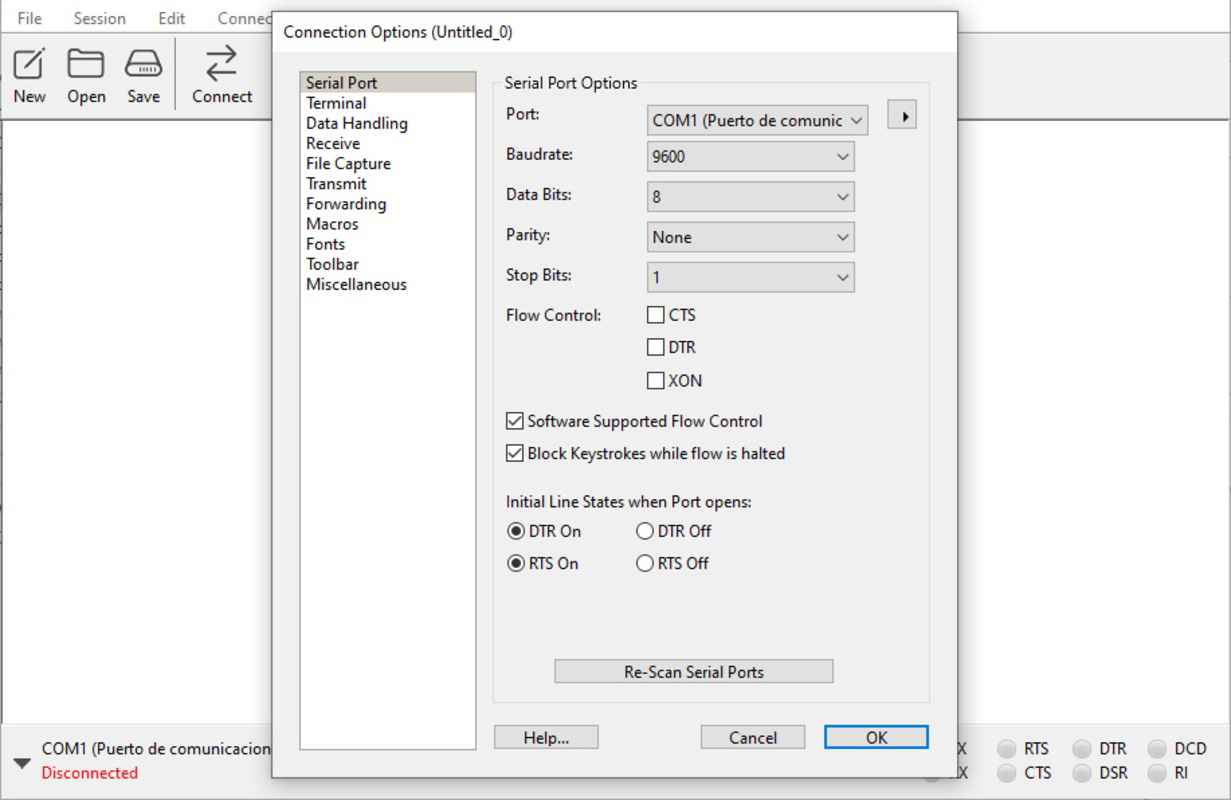
- Customizable Interface: On first launch, users can adjust baud rates, parity, stop bits, and other serial parameters. The interface is intuitive, with default settings that work for most common use cases, ensuring accessibility for beginners.
- Efficient Data Transmission: The terminal interface enables instant sending of text or binary data to connected devices. This speed is crucial during real-time testing, firmware flashing, or sensor calibration processes.
For example, a developer working with an Arduino board can use CoolTerm to send commands to control an LED array, monitor sensor output, or verify serial communication stability. Similarly, a technician troubleshooting a legacy industrial device can use the app to send diagnostic codes and receive status feedback without requiring specialized software.
Interface, UX & Performance
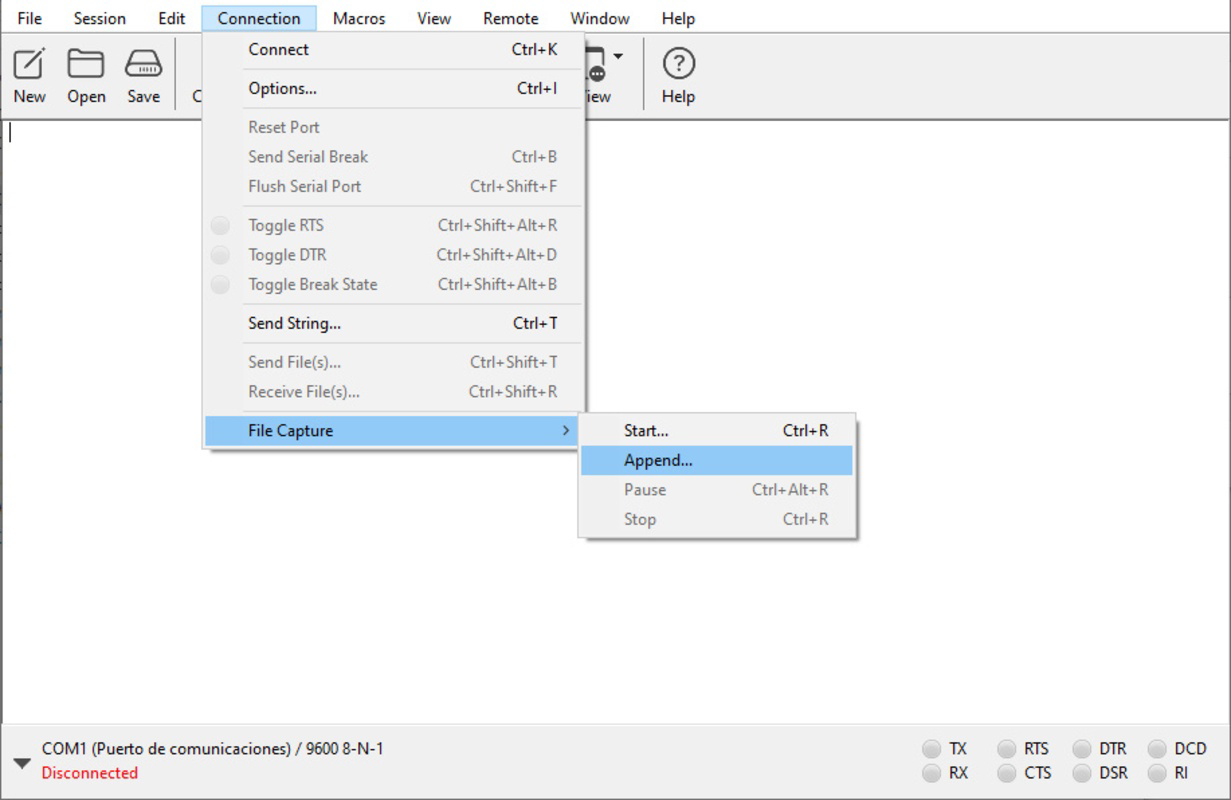
CoolTerm features a clean, minimalist interface that prioritizes functionality over visual flair. The layout is structured around a central terminal window, with configuration panels accessible via tabs or dropdown menus. Navigation is straightforward, with clearly labeled controls for port selection, baud rate adjustment, and data transmission.
The user experience is optimized for efficiency. The app loads quickly, and most actions—such as opening a serial port or sending a message—can be completed in fewer than three clicks. Although the developer did not list formal performance metrics, the application’s small file size of 3.2 MB suggests lightweight resource usage, which contributes to smooth operation on older or low-spec systems.
Responsiveness is consistent across different device categories. The app maintains stable performance during prolonged sessions, with no reported issues related to freezing or crashes. Stability is further enhanced by the absence of background processes or system integrations, reducing the risk of conflicts with other software.
Although the developer did not specify minimum OS requirements or performance benchmarks, the app’s design suggests compatibility with standard Windows environments. The lack of installation also means no registry changes or persistent data storage, which enhances security and privacy.
Platform Compatibility & Technical Requirements
CoolTerm is available exclusively for the Windows platform. The current version is 2.0.0, with a file size of 3.2 MB. The app is distributed as a portable executable, meaning it does not require installation or administrative privileges to run.
Specific requirements were not listed. The developer did not specify minimum OS versions or hardware specifications. However, given the app’s small size and lack of system-level dependencies, it is likely compatible with most modern Windows systems, including Windows 7 and later.
Compatibility information was not fully disclosed. Users should verify system compatibility before use, especially in enterprise or restricted environments where software deployment policies apply.
Pros and Cons
Pros
- Portable – no installation required, ideal for use on multiple machines
- Lightweight – only 3.2 MB in size, minimal system resource usage
- Supports multiple data formats for automation and configuration
- Intuitive interface with customizable settings for all user levels
- Fast and reliable data transmission for serial communication
Cons
- Platform limited to Windows – no support for macOS or Linux
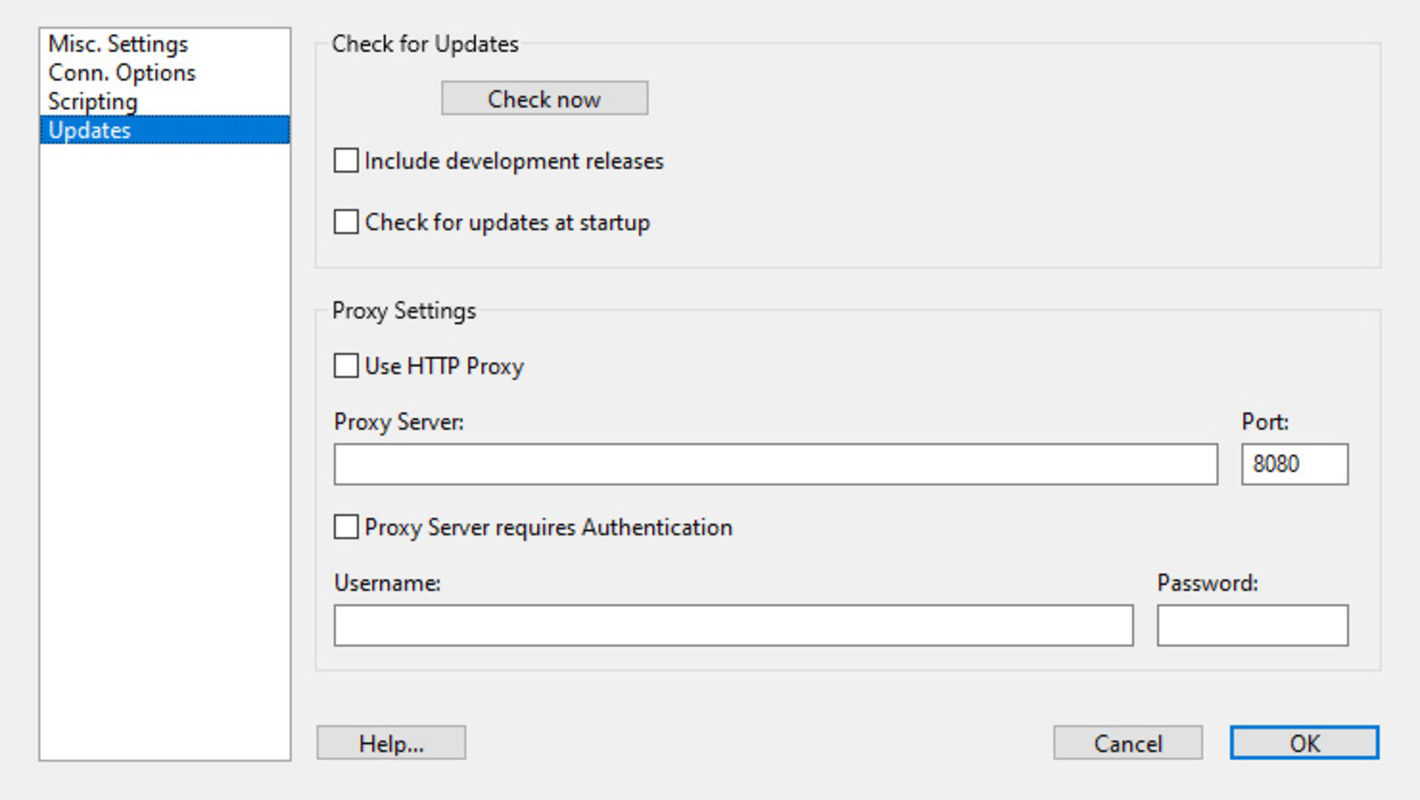
- No official update notifications – users must manually check for new versions
- Minimal documentation – advanced features may require external research
- Not available on app stores – download must be sourced from third-party sites
- Basic visual design – lacks modern UI enhancements
FAQ
Is CoolTerm safe to download and use?
CoolTerm is a free, portable application designed for serial communication. As it does not install system components or require administrative access, it poses minimal security risk. However, users should download the app only from trusted sources to avoid potential malware.
Can I use CoolTerm with Arduino and Raspberry Pi?
Yes. CoolTerm is compatible with devices that use serial communication, including Arduino boards and Raspberry Pi units when connected via USB-to-serial adapters or GPIO pins.
Does CoolTerm support macOS or Linux?
Currently, CoolTerm is only available for Windows. The developer has not released versions for macOS or Linux platforms.
How do I update CoolTerm?
Updates are not automatically delivered. Users must visit the official website or trusted source to manually download the latest version.
Can I automate tasks in CoolTerm?
Yes. CoolTerm supports saved settings files (.CoolTermSettings) and macro scripts (.STC), enabling users to automate repetitive tasks such as device initialization or data logging.
Final Thoughts
CoolTerm stands out as a focused, efficient tool for professionals and hobbyists working with serial communication. Its no-installation design, lightweight nature, and support for multiple data formats make it a practical choice for developers, engineers, and electronics enthusiasts. While it lacks modern UI polish and platform diversity, its core functionality is reliable and purpose-built.
For users who frequently interact with development kits, Arduino, or legacy hardware, CoolTerm delivers significant value with minimal overhead. It’s particularly well-suited for quick debugging, real-time data monitoring, and device testing in constrained environments.
Despite its limitations, CoolTerm remains a trusted utility in a niche but vital segment of the tech ecosystem. If you work with serial ports and need a dependable, easy-to-use terminal emulator, this app is a must-have.
Download CoolTerm now


