
Download Create Ringtone – Custom Ringtone, Ringtone Maker, Music Ringtone
Overview
Created as a mobile customization tool, Create Ringtone enables users to transform personal audio files into custom ringtones for their smartphones. Designed with simplicity in mind, the app serves individuals seeking to personalize their device experience by using favorite songs, sound clips, or original melodies as alert tones. It addresses the common desire for unique and expressive mobile identities, offering a straightforward solution to a widely shared need. The app is particularly useful for users who want to distinguish their phone from others or express individuality through sound.
Target users include casual smartphone owners, music enthusiasts, and anyone interested in personalizing their device beyond default settings. While the developer, Create Ringtone, has not provided additional background on their development history or company structure, the app’s longevity since its release in 2009 suggests a stable presence in the mobile utility space. Real-world use cases include creating ringtones from favorite tracks, adapting audio snippets for notifications, and enhancing the phone’s aesthetic with matching wallpapers.
Within the broader app ecosystem, Create Ringtone fills a niche for lightweight, no-frills audio customization. It stands out as a dedicated tool for ringtone creation without the complexity of full audio editing suites. Its continued availability on Android reflects its enduring relevance in the productivity category, offering a focused utility that delivers on its core promise.
Key Features & Functionality
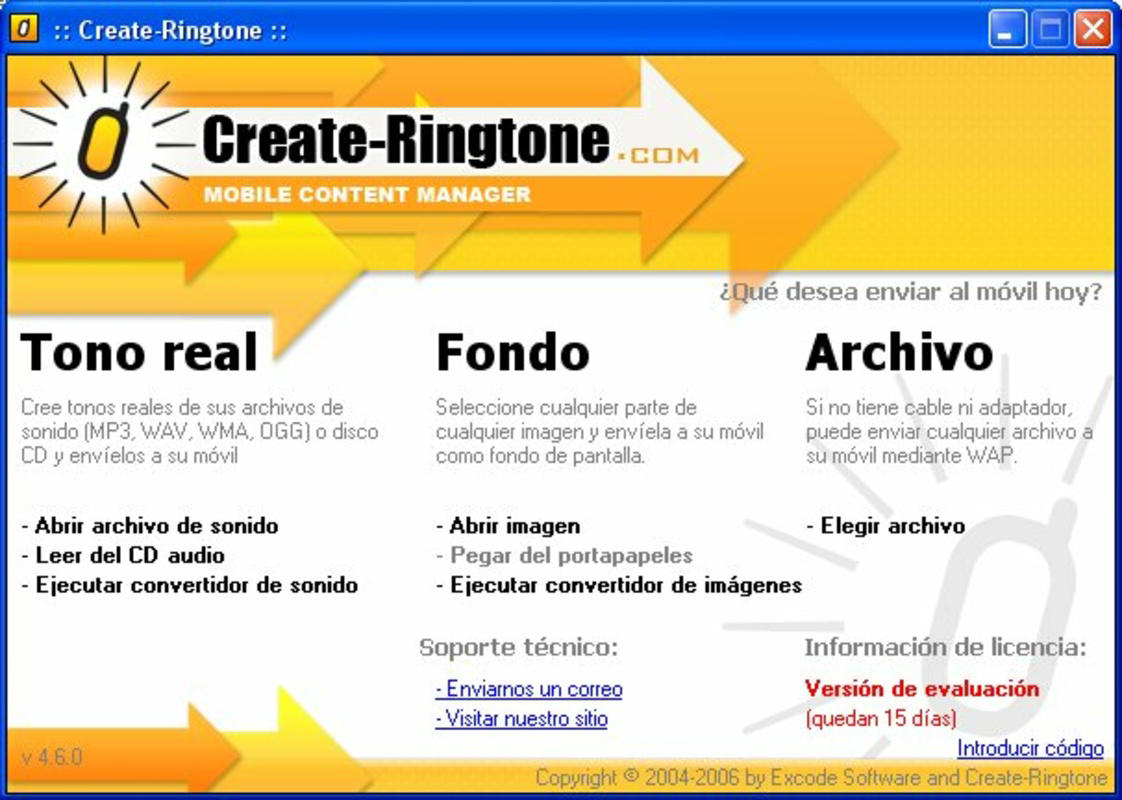
- Audio Format Compatibility: Supports multiple formats including MP3, WAV, WMA, and OGG, allowing users to work with a wide range of music and sound files without format conversion hassles.
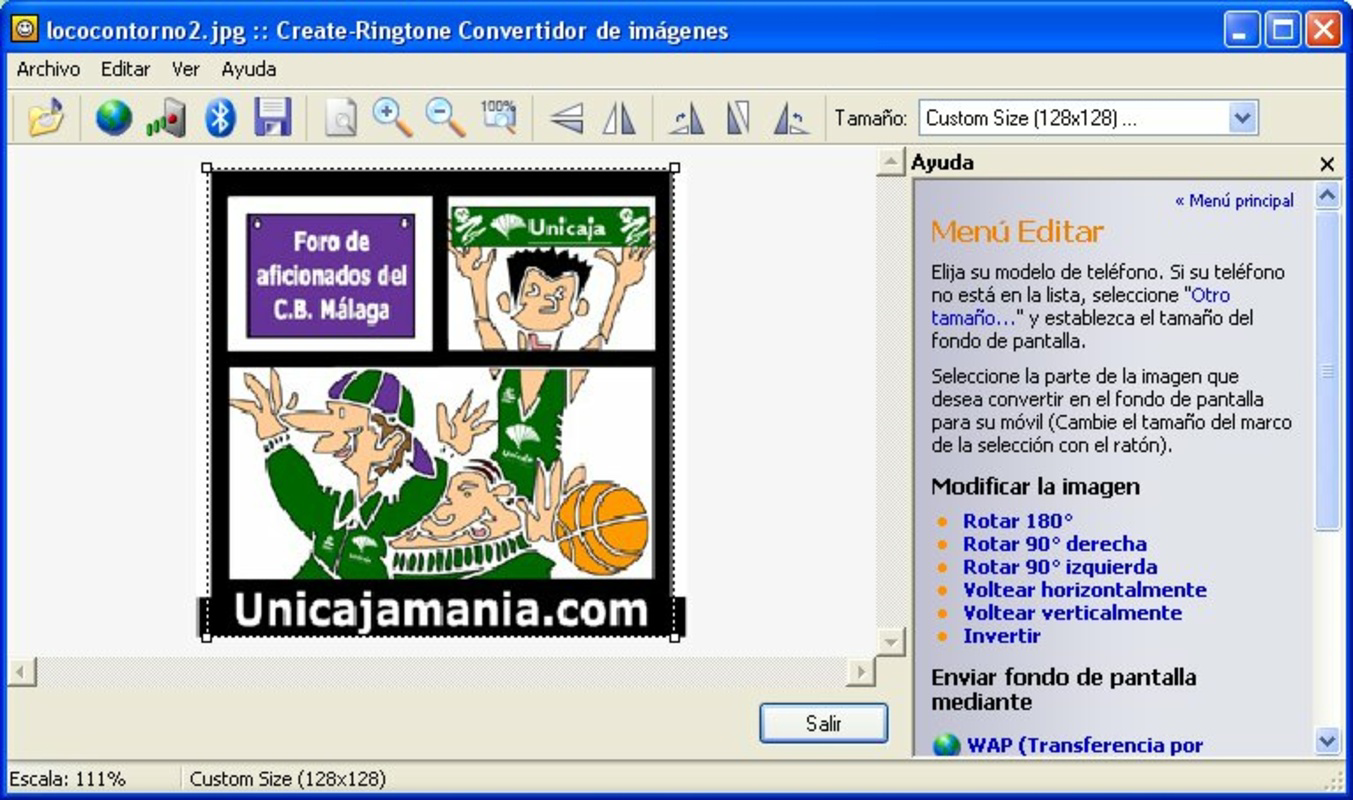
- Custom Wallpaper Creation: Enables users to adapt visual content into mobile wallpapers, supporting a cohesive theme that complements personalized ringtones.
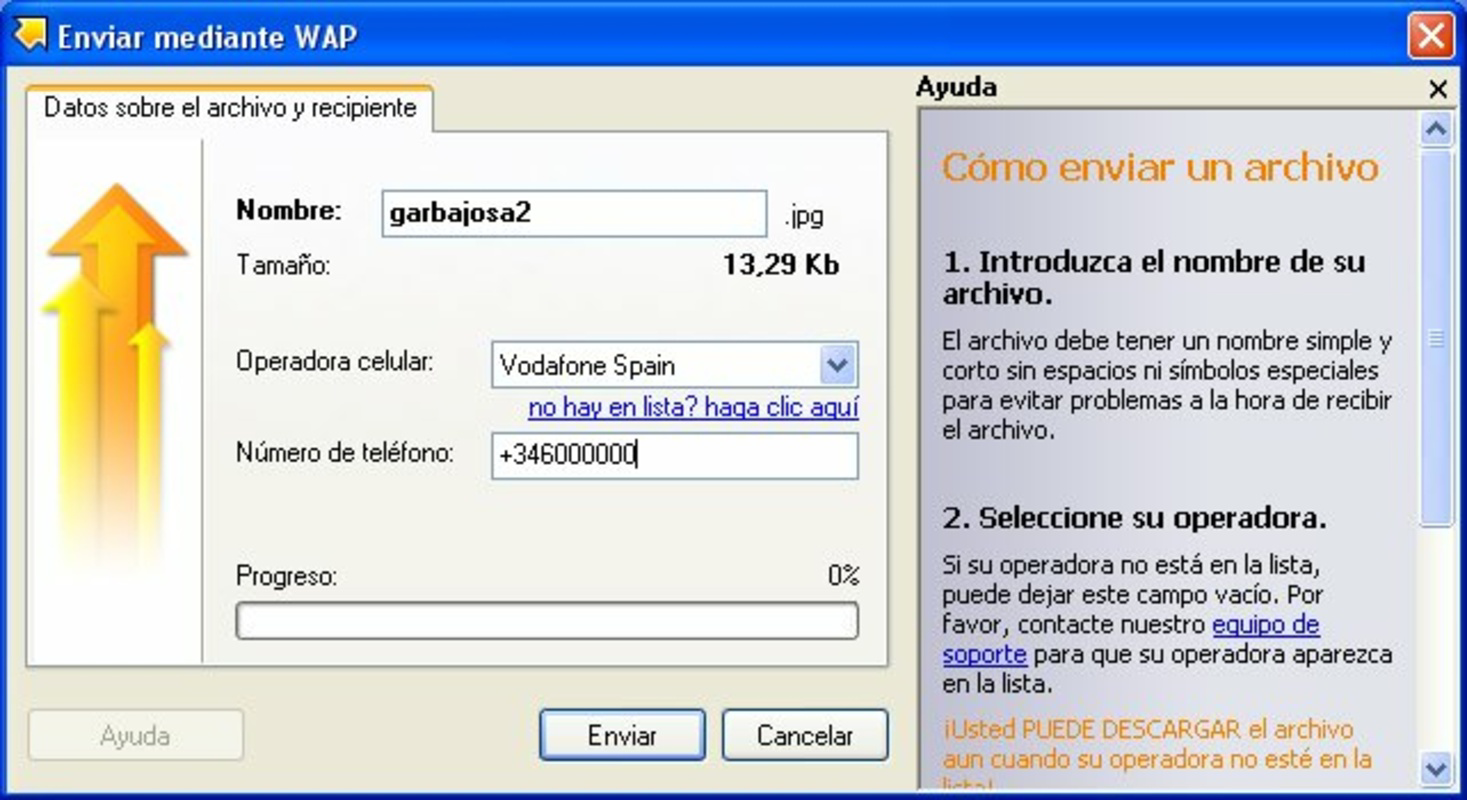
- Easy Transfer Options: Offers multiple methods to move created content to devices, including Bluetooth, infrared, and WAP, providing flexibility for various connectivity scenarios.
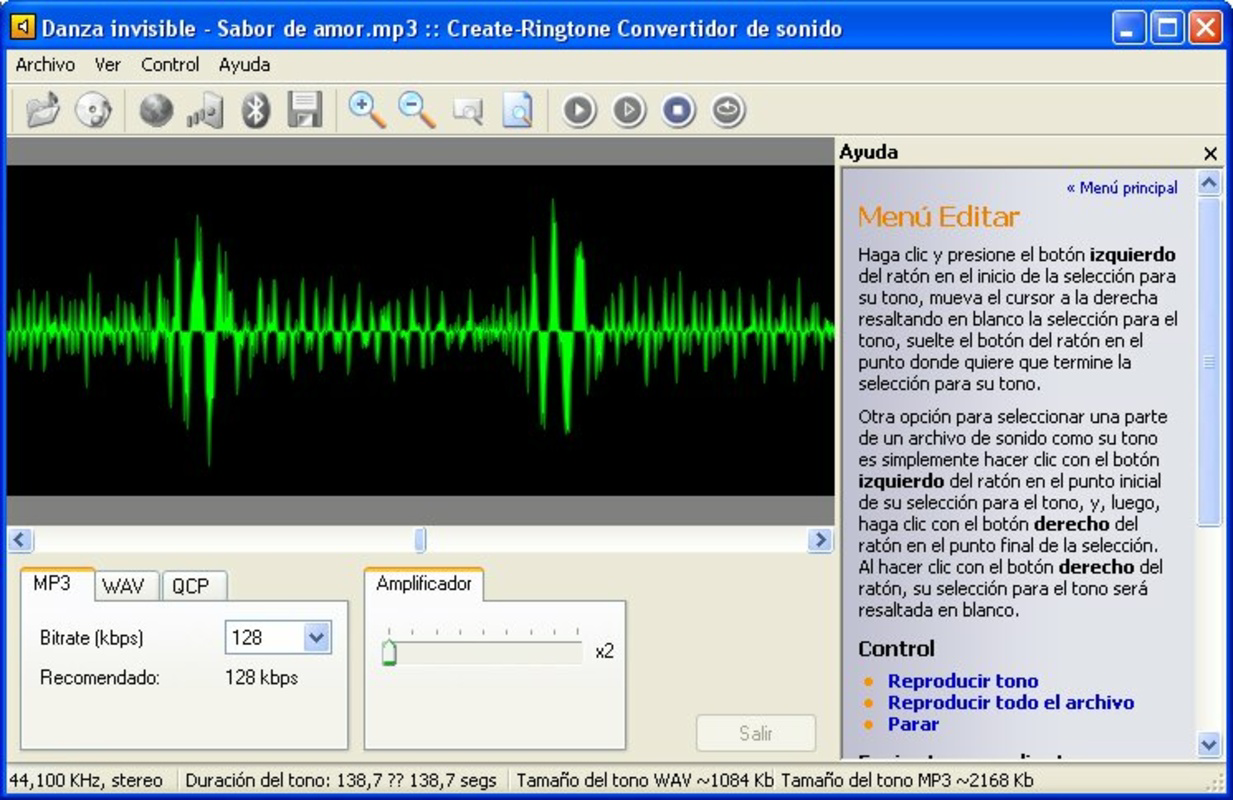
- User-Friendly Interface: Features an intuitive layout that simplifies the process of selecting, trimming, and previewing audio clips with minimal user input.
- Custom Melody Creation: Allows users to generate original sounds or melodies, adding a creative dimension to personalization beyond simple audio extraction.
For example, a user might extract a 30-second clip from a favorite song, adjust the start and end points using the app’s interface, and preview the result before transferring it via Bluetooth to their phone. Similarly, a user could create a matching wallpaper using a similar image or color scheme, ensuring a unified look and feel. The app’s ability to handle multiple formats ensures compatibility with diverse audio sources, while the transfer options accommodate users with varying device connectivity preferences. These features collectively support a seamless customization workflow, ideal for users who value both functionality and personal expression.
Interface, UX & Performance
The interface of Create Ringtone is designed around clarity and minimalism, with a layout focused on core functions such as audio selection, trimming, and export. Navigation appears to follow a linear flow: select file → trim segment → preview → transfer. This straightforward progression enhances usability for users with limited technical experience. Visual elements are kept simple, prioritizing functionality over ornamental design.
Although the developer did not list formal performance metrics, the app’s small file size of 2.5 MB suggests a lightweight footprint, likely resulting in low memory usage and fast load times. This makes it suitable for older or entry-level Android devices. Responsiveness during audio trimming and previewing is expected to be adequate given the app’s simplicity and narrow scope. Stability is likely consistent, as the app has remained available since 2009 without reported widespread issues.
Users can expect smooth operation across different device categories, including budget and mid-range smartphones. The app does not appear to require high-end hardware, aligning with its utility-focused purpose. While specific performance data was not disclosed, the absence of complex processing tasks indicates that the app is unlikely to cause lag or crashes during typical use.
Platform Compatibility & Technical Requirements
Create Ringtone is available exclusively on the Android platform. The app requires Android OS, though specific version requirements were not listed by the developer. Given its release date of 2009, the app was likely designed for early Android versions, possibly Android 1.5 or later. However, compatibility with modern Android versions has not been confirmed.
The app’s file size is 2.5 MB, which is relatively small and indicates minimal storage demands. This compact size contributes to quick download and installation times, making it accessible even on devices with limited storage space. The developer did not specify minimum RAM, processor, or screen resolution requirements, so users should consider general compatibility based on their device’s Android version and available resources.
While the app’s age raises questions about current compatibility, its continued presence suggests ongoing functionality. Users should be cautious when installing on newer Android systems, as outdated apps may face security or permission issues. Nonetheless, the app remains a viable option for users seeking a basic ringtone creation tool.
Pros and Cons
Pros
- Free to download and use, making it accessible to all users.
- Supports multiple audio formats, enhancing flexibility in file selection.
- Simple, intuitive interface suitable for beginners and non-technical users.
- Offers both ringtone and wallpaper customization, enabling full device personalization.
- Lightweight design with a small file size of 2.5 MB.
Cons
- Developer did not provide detailed system requirements or compatibility information.
- App has not been updated since 2009, raising concerns about long-term support and security.
- Transfer methods like infrared may be outdated on modern devices.
- No cloud sync or direct device pairing features were mentioned.
- Specific performance metrics or user feedback data were not disclosed.
FAQ
Is Create Ringtone safe to download and install?
Yes, the app is free and available through official Android channels. However, users should ensure they download from trusted sources to avoid modified or malicious versions.
Can I use Create Ringtone on iOS devices?
No, the app is currently only available for Android. There is no official iOS version or alternative release mentioned by the developer.
What audio formats does Create Ringtone support?
The app supports MP3, WAV, WMA, and OGG formats, allowing users to work with common music and sound files.
How do I transfer my custom ringtone to my phone?
Users can transfer created ringtones via Bluetooth, infrared, or WAP, depending on their device’s connectivity options.
Is Create Ringtone regularly updated?
The app was last released in 2009. No updates have been reported since then, so users should expect no new features or security patches.
Final Thoughts + CTA
Create Ringtone remains a notable example of a lightweight, purpose-built utility that delivers on its core promise: transforming personal audio into custom ringtones. While its age is evident in the lack of modern updates and outdated transfer methods, its simplicity and free access continue to offer value to users who prioritize functionality over advanced features. It’s ideal for those with older Android devices or individuals seeking a no-frills approach to mobile customization.
For users who want to personalize their phone with unique sounds and matching visuals, the app provides a complete solution within a compact package. Despite its limitations, its enduring presence speaks to its reliability and utility in the productivity category. If you're looking for a straightforward way to create a music ringtone or personalize your phone theme, this app is still worth considering.
Download Create Ringtone now and start customizing your mobile experience today.


