
Download Deskview – Desktop Icon Organizer, Compact Utility, Productivity Tool
Overview
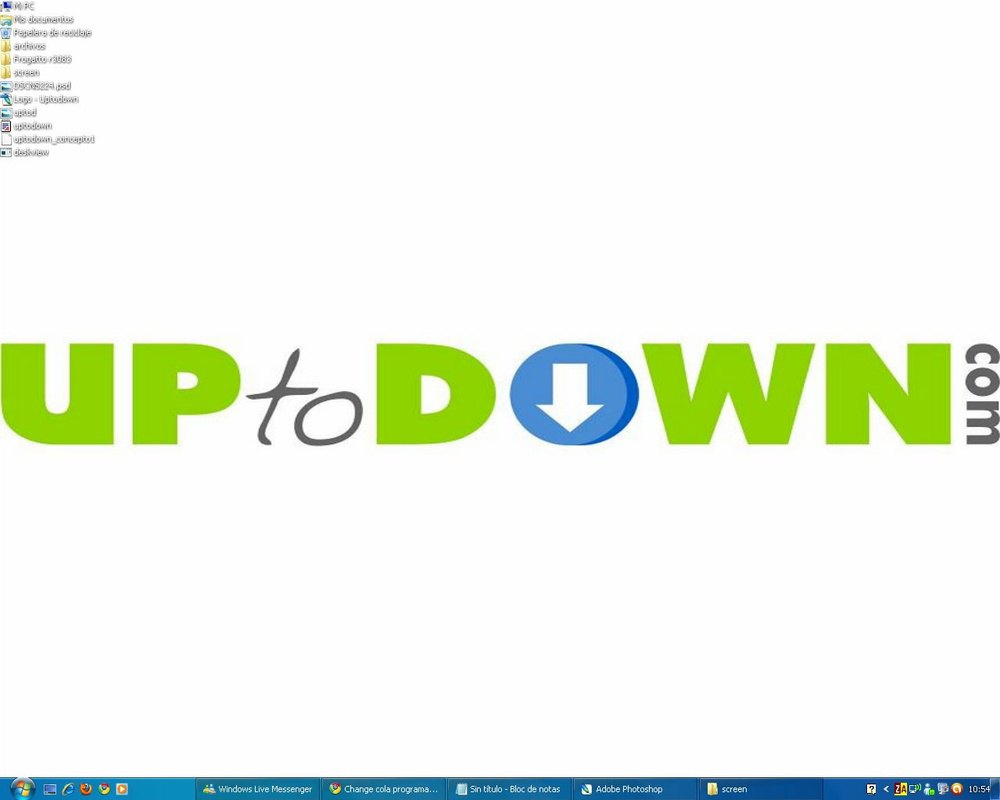
Deskview is a lightweight, executable utility designed to streamline desktop organization by automatically reducing the size of desktop icons and arranging them in a list-like format. This compact tool targets users who struggle with visual clutter on their desktops, offering a quick and simple way to improve workspace clarity. By mimicking the structured layout of a folder’s list view, Deskview enhances navigation for those managing numerous shortcuts, files, or applications. The app is particularly useful for users seeking a temporary or reversible solution to a crowded desktop environment.
Although the developer did not provide additional background information, Deskview has been available since 2010, indicating a long-standing presence in the utility space. Its continued relevance suggests a stable, no-frills approach to desktop optimization. The tool is ideal for users who prefer minimal installation processes and value immediate results. Real-world use cases include office professionals managing multiple project files, students organizing study resources, and casual users with extensive desktop shortcuts.
Despite its simplicity, Deskview plays a niche role in the broader software ecosystem by offering a one-click solution to a common desktop frustration. Its ability to reverse changes without requiring uninstallation adds to its practicality. However, users should consider accessibility implications, as reduced icon sizes may hinder visibility for individuals with visual impairments. The app’s enduring functionality underscores its value as a no-install, high-impact utility for productivity-focused users.
Key Features & Functionality
- Automatic Icon Resizing: Upon execution, Deskview reduces the size of all desktop icons, creating a more compact workspace. This feature is especially beneficial for users with high-resolution screens or multiple shortcuts, helping minimize visual noise and improve focus.
- List View Organization: Icons are rearranged in a vertical, list-style layout similar to how files appear in a folder. This structured format enhances readability and allows for faster location of specific items, reducing time spent searching.
- One-Click Reversion: Double-clicking the Deskview executable restores the original icon size and layout. This reversibility ensures users can experiment with the tool without long-term commitment or risk of permanent changes.
- Lightweight Design: As a small .exe file, Deskview consumes minimal system resources and does not require installation. It can be run directly from a USB drive or desktop folder, making it portable and accessible across devices.
- Instant Deployment: The lack of setup steps means users can begin organizing their desktop immediately after downloading. This makes it ideal for quick fixes or temporary workspace optimization.
For example, a user preparing for a presentation might use Deskview to clear visual clutter before a screen-sharing session. Similarly, a student managing multiple course files could benefit from the structured layout to locate materials faster. The tool’s simplicity ensures that even non-technical users can leverage its benefits without learning curves.
Interface, UX & Performance
Deskview operates without a traditional user interface, relying on a single executable file. This design choice reflects its utility-focused nature—there are no menus, settings, or configuration options. The user experience is defined by the immediate visual transformation upon execution, which is both a strength and a limitation.
Navigation is not applicable in the conventional sense, as the app does not feature interactive elements. Instead, the interaction is binary: run the file to apply changes, double-click to revert. This simplicity ensures low cognitive load and fast execution, though it lacks customization options. Users seeking granular control over icon spacing, alignment, or sorting will find Deskview too basic.
Although the developer did not list formal performance metrics, the app’s lightweight nature suggests minimal impact on system resources. It is expected to run efficiently on a wide range of Windows systems, including older hardware. Responsiveness is immediate, with changes applied in real time. Stability is likely high, given the app’s long-standing presence and simple codebase. However, users should be aware that reverting changes may disrupt the original icon order, which could be a drawback for those who rely on specific arrangements.
Platform Compatibility & Technical Requirements
Deskview is designed for Windows operating systems and functions as a standalone .exe file. The application does not require installation, making it accessible across various Windows versions, though specific compatibility details were not provided by the developer. The file size is minimal, indicating it is optimized for low-resource environments.
The developer did not specify minimum OS requirements, nor did they list supported Windows versions. As such, users should test the file on their system to confirm functionality. Compatibility with modern Windows 10 or Windows 11 environments is plausible due to the app’s simplicity and lack of dependency on advanced system features. However, users should exercise caution when running unknown executables, especially on sensitive or shared devices.
Pros and Cons
- Lightweight and portable—no installation required
- Instant desktop organization with one click
- Reversible changes via simple double-click
- Minimal system resource usage
- Effective for reducing visual clutter on desktops
- No customization options for layout or icon size
- Reverting may disrupt original icon order
- Limited to Windows platform
- No visual feedback or confirmation during operation
- Potential accessibility issues for users with low vision
FAQ
Is Deskview safe to download and run?
Yes, Deskview is a small executable file that performs only desktop icon modifications. However, as with any third-party .exe file, users should ensure it comes from a trusted source and scan it with antivirus software before execution.
Can I use Deskview on Windows 11?
While the developer did not specify compatibility details, Deskview is likely to function on Windows 11 due to its minimal system requirements and lack of dependency on legacy components.
Does Deskview require installation?
No. Deskview is a portable application that runs directly from the .exe file without installation or registry changes.
Will Deskview affect my system performance?
Due to its lightweight design, Deskview consumes minimal system resources and should not impact performance. It operates in the background and does not run continuously.
Can I customize how icons are resized or arranged?
Currently, Deskview applies a fixed resizing and layout algorithm. There are no user-configurable options for spacing, alignment, or sorting.
Final Thoughts
Deskview remains a surprisingly effective tool for users seeking a quick, no-install solution to desktop clutter. Its minimalist design and one-click functionality make it ideal for those who value simplicity and immediate results. While it lacks advanced features and customization, its core purpose—streamlining the desktop—is executed with precision. The ability to revert changes easily adds to its appeal, though users should be mindful of potential disruptions to icon order.
Despite its age, Deskview continues to serve a practical purpose in the modern digital workspace. It’s particularly valuable for professionals, students, and casual users who manage multiple desktop shortcuts and prefer a clean, organized view. For those looking for a secure, lightweight utility to enhance productivity, Deskview delivers consistent value.
Download Deskview now


