
Getting Started with Flipdish API
Set up your Flipdish App, get an access token, and make your first API call.
Create your Flipdish App
What is a Flipdish AppWe use the term "Flipdish App" for any integration, module or application built on top of the Flipdish API.
Some code samples may use the term "client" instead of "Flipdish App"
To interact with the Flipdish API you will need a Flipdish account. You can create one for free at https://portal.flipdish.com/signup
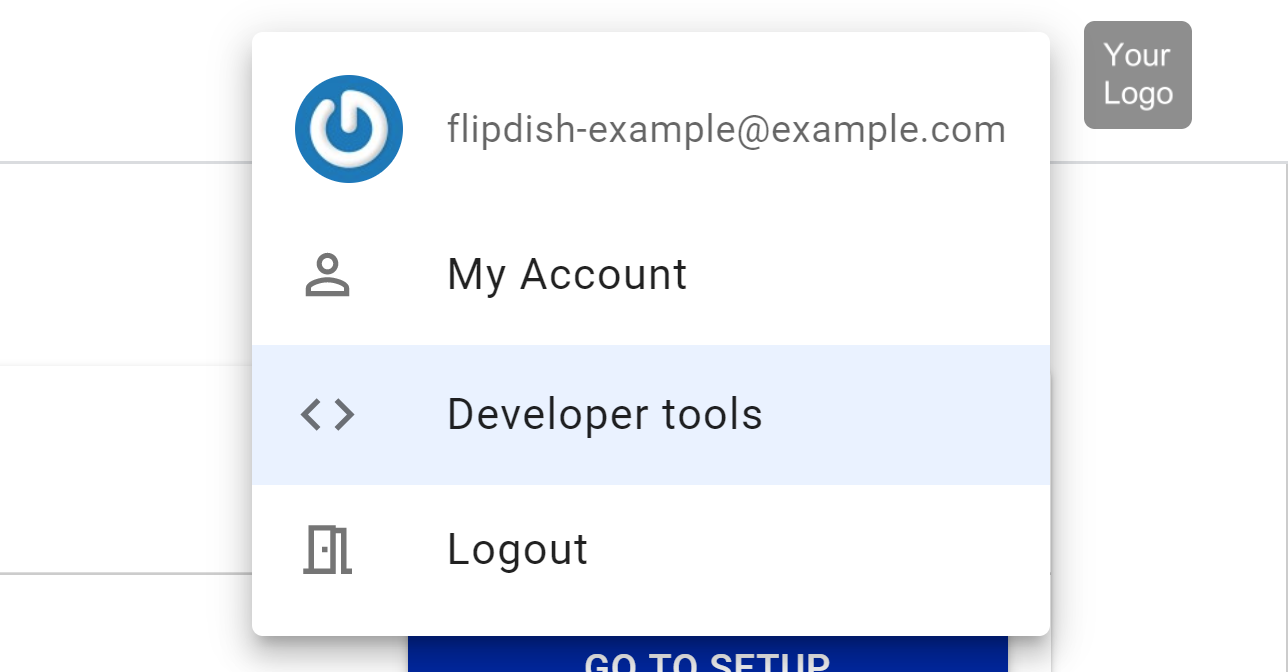
Click on your avatar and then on Developer tools.
Click on OAuth apps and then on the red Add New button.

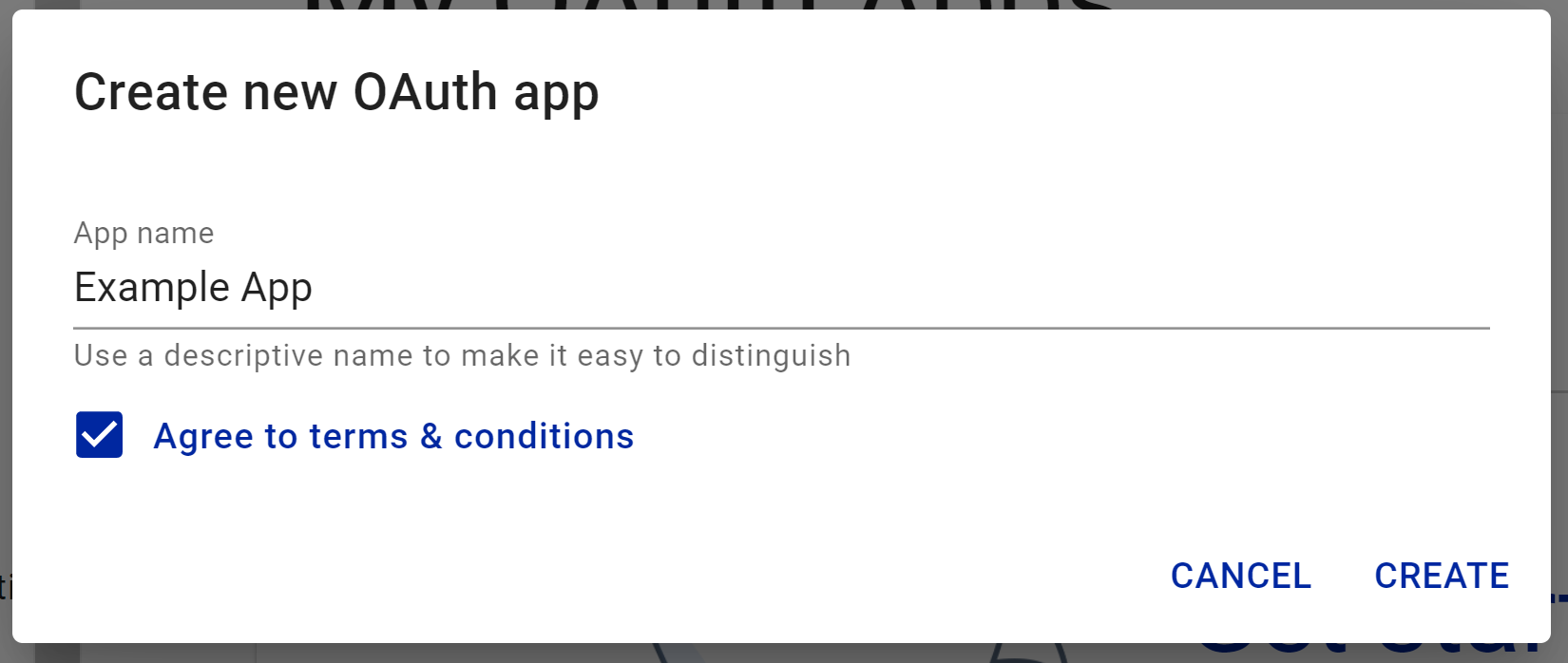
Give your app a name and press Create
Get your credentials
Your Flipdish App has a Client ID and a Secret Key. You need both to request an access token.
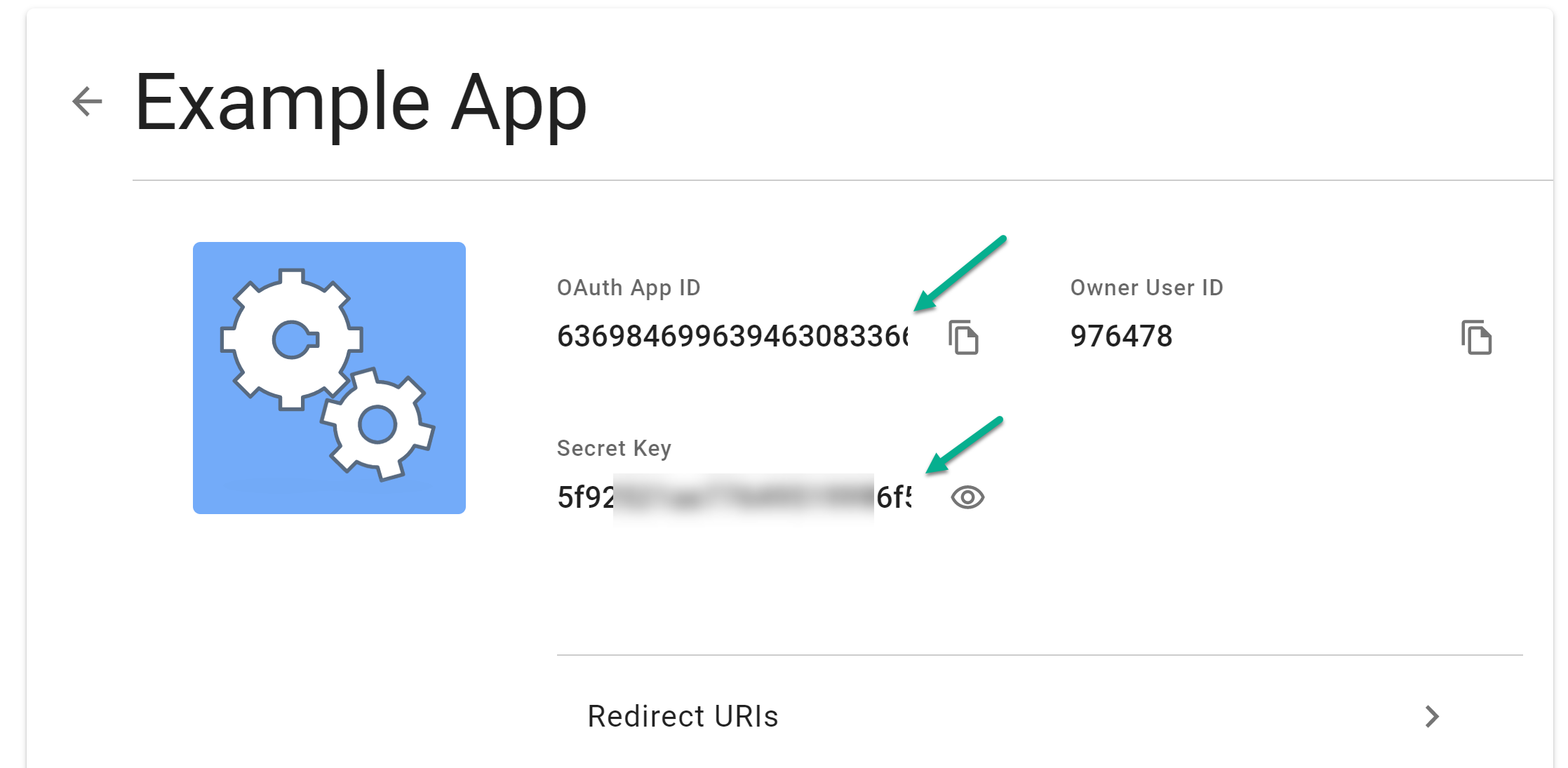
Secret key is hidden by defaultUse the REVEAL SECRET KEY button in the Developer Portal to view your key. Keep it in a safe place and never expose it to customers or third parties.
Get an access token
Via the Developer Portal
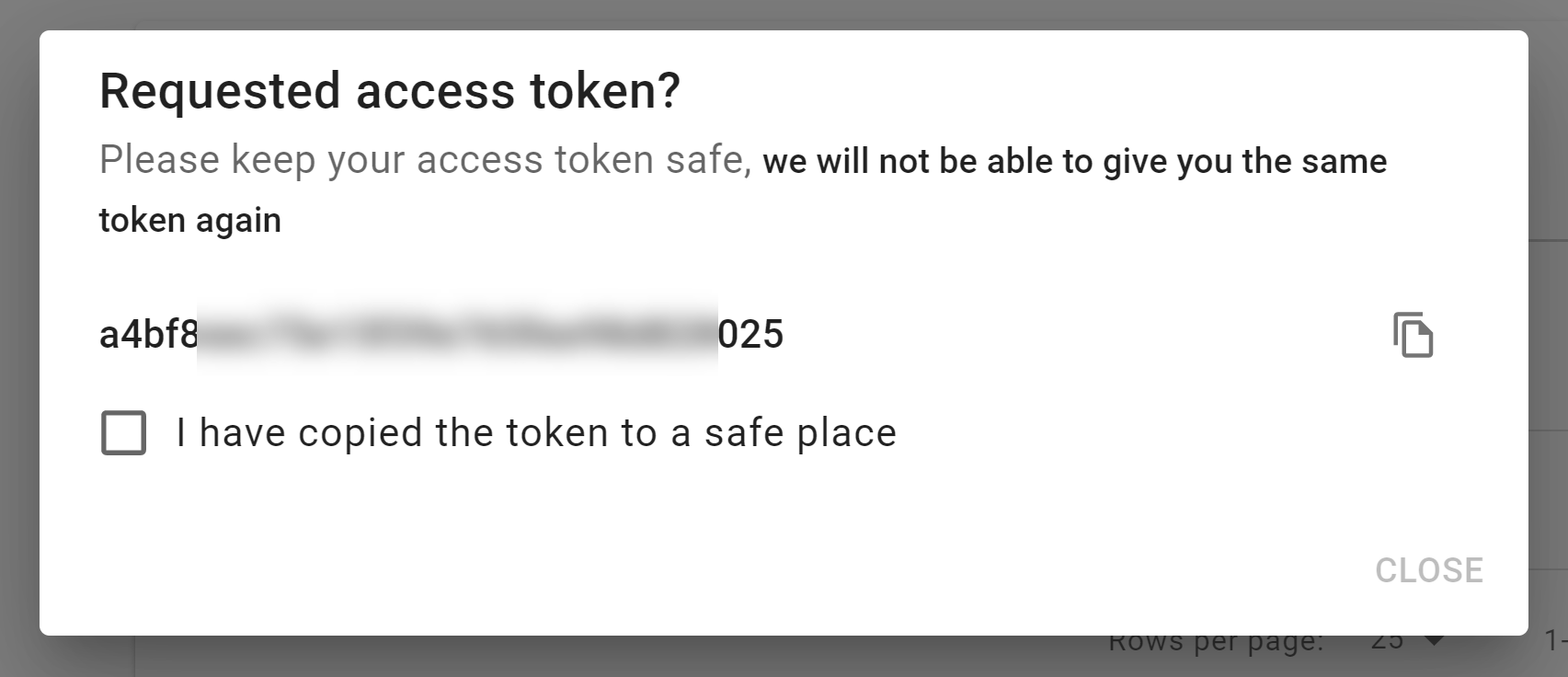
You can generate a token directly from the Developer Portal for testing.
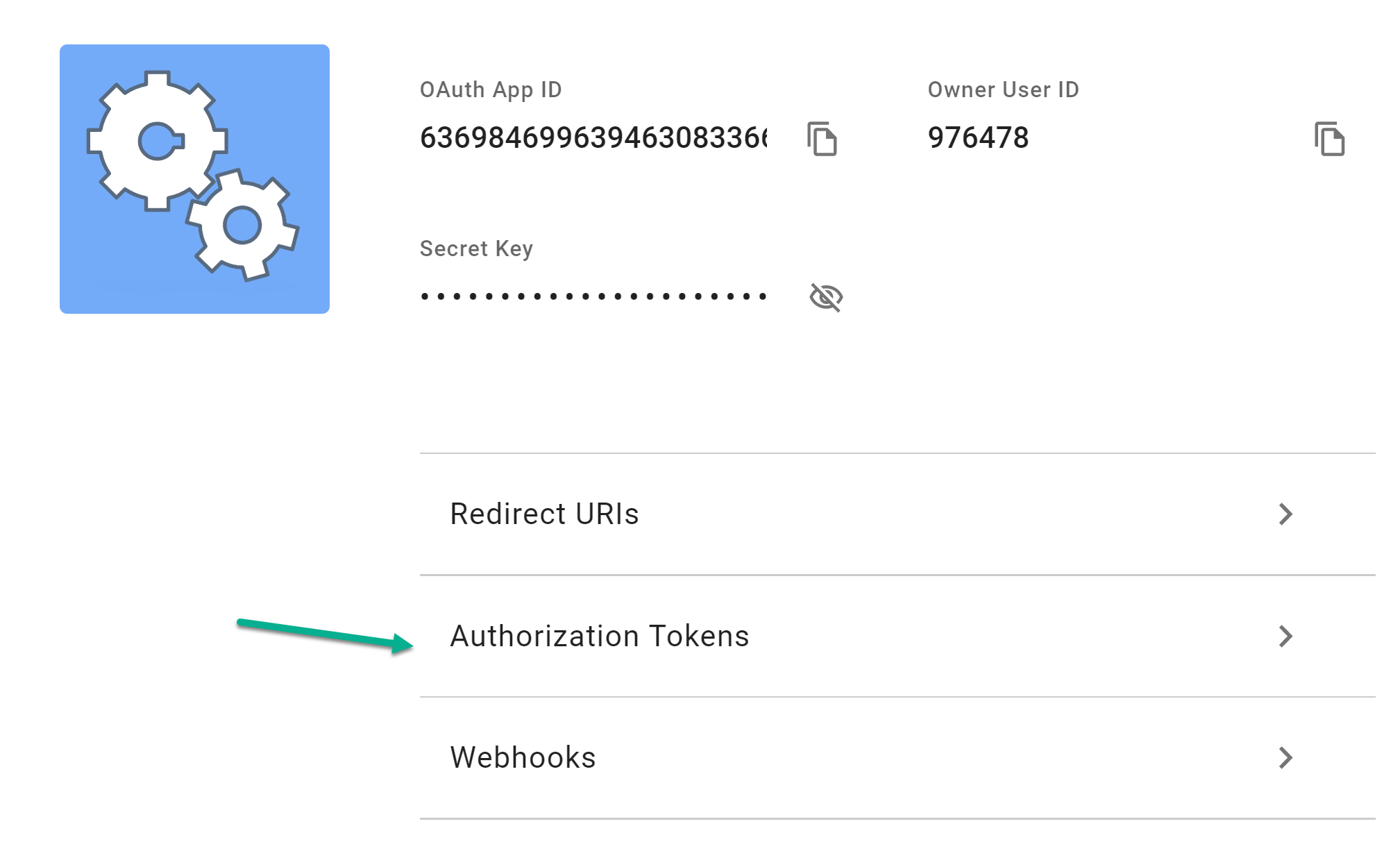
Click the Request token button to generate a token.
Via the API (client credentials flow)
For production integrations, request tokens programmatically using your Client ID and Secret Key:
curl --request POST \
  --url https://api.flipdish.co/identity/connect/token \
  --data-urlencode 'grant_type=client_credentials' \
  --data-urlencode 'client_id=<your_client_id>' \
  --data-urlencode 'client_secret=<your_secret_key>' \
  --data-urlencode 'scope=api'
import requests
response = requests.post(
"https://api.flipdish.co/identity/connect/token",
data={
"grant_type": "client_credentials",
"client_id": "<your_client_id>",
"client_secret": "<your_secret_key>",
"scope": "api",
},
)
access_token = response.json()["access_token"]const response = await fetch("https://api.flipdish.co/identity/connect/token", {
method: "POST",
headers: { "Content-Type": "application/x-www-form-urlencoded" },
body: new URLSearchParams({
grant_type: "client_credentials",
client_id: "<your_client_id>",
client_secret: "<your_secret_key>",
scope: "api",
}),
});
const { access_token } = await response.json();
Token typesSecret Key: used only by you and Flipdish to obtain access tokens. Never expose it to customers or third parties.
Access Token (Bearer Token): used in the
Authorizationheader for every API call. Tokens expire — re-request one using your credentials when needed.
Make an API call
Include your access token in the Authorization header on every request:
curl --request GET \
  --url https://api.flipdish.co/orgManagement/orgs \
  --header 'Authorization: Bearer <access_token>'
Always use HTTPSCalls made over plain HTTP will fail. API requests without authentication will also fail.
User-Agent RequiredSet a descriptive
User-Agentheader on all requests (e.g.,YourCompany/YourProduct v1.0). See User Agents for details.
What's next
Explore the API Overview to see which API resources are available and common integration scenarios.
Updated 16 days ago
See how the Flipdish APIs fit together and which resource to use for each task.
