-
-
accessilink
-
accessilink 2
-
accessilink example 1
-
accessilink figma
-
fair opportunity project (submission)


AccessiLink
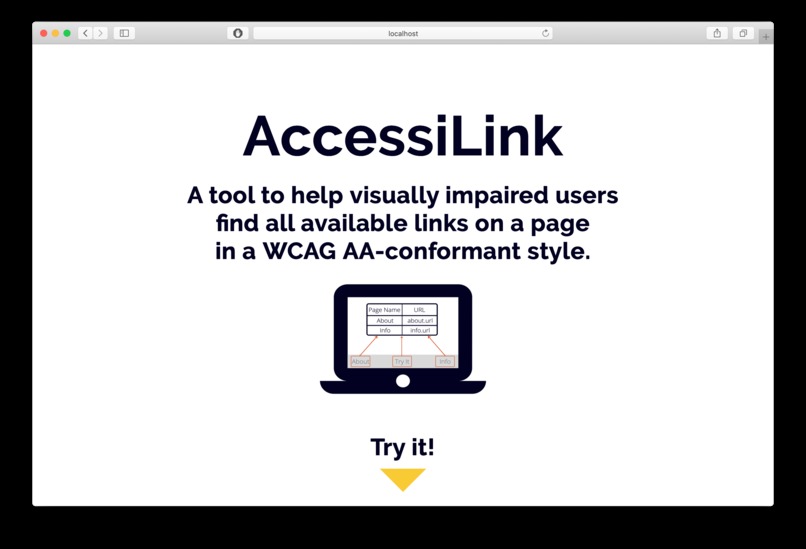
AccessiLink is a tool for visually impaired people to better see all the links available on a given URL.
About
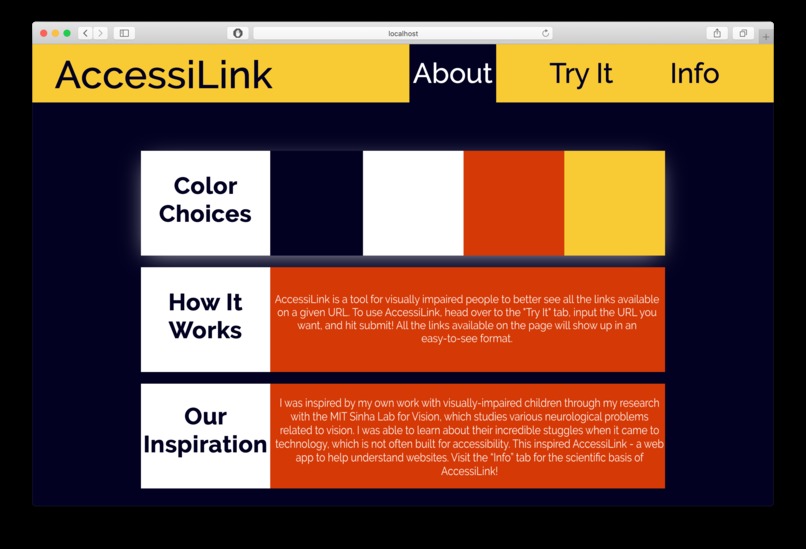
This was inspired by my work with visually-impaired children through my research with the MIT Sinha Lab for Vision, which studies various neurological problems related to vision. I was able to learn about their incredible stuggles when it came to technology, which is not often built for accessibility. This inspired AccessiLink - a web app to help understand websites.
AccessiLink is a tool for visually impaired people to better see all the links available on a given URL. To use AccessiLink, head over to the "Try It" tab, input the URL you want, and hit submit! All the links available on the page will show up in an easy-to-see format.
Running AccessiLink
To run AccessiLink, simply download the GitHub repo, and run the app.py file. Then, head over to localhost:5000 and try AccessiLink!
How It's Made
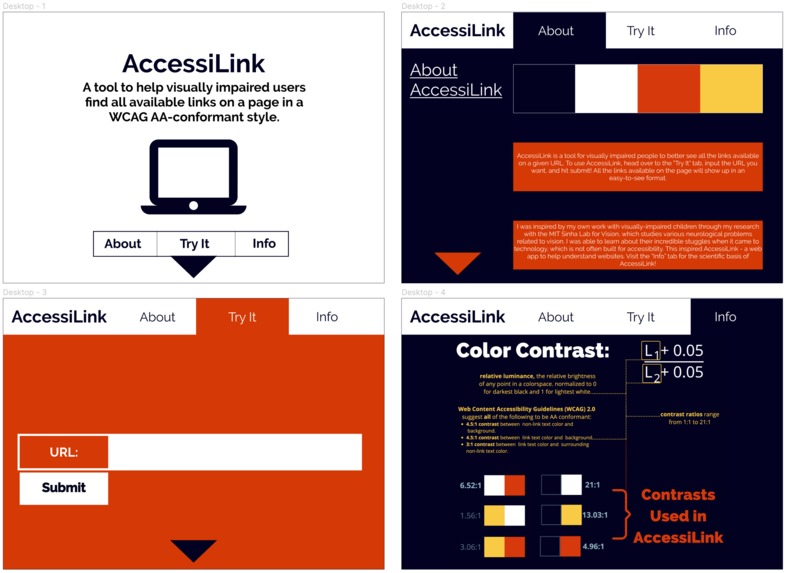
We used Flask/Python for the backend, and HTML/CSS/Javascript for the frontend. It was our first time using Flask, so we had to learn it at a learning curve. We used Figma for the initial wireframes, as it is our go-to tool for designing a powerful UI. You can see our initial wireframes as an image on the "Process" tab on the website!
Fair Opportunity Project Submission
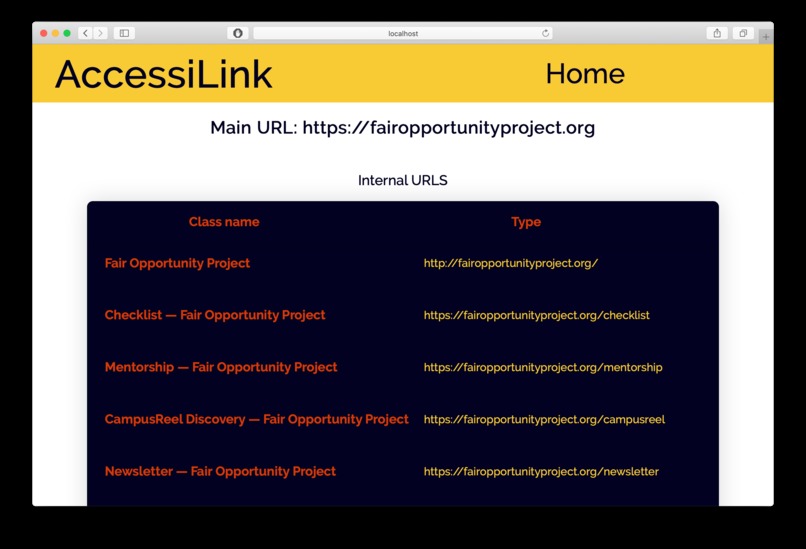
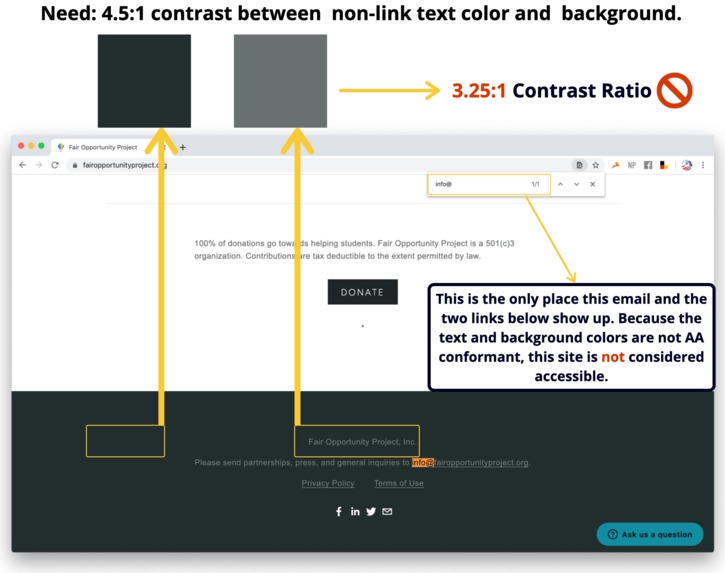
We ran an analysis on the Fair Opportunity Project website for our submission, and found that several parts of the website are not AA-conformant. The biggest issue was that some links were found only in areas with very low color contrast ratios. Our proposal for the site is to increase the color contrasts, and we are developing a Chrome Extension that can automatically find and correct this.
Specifically (see images above), at the bottom of the page, we analyzed the colors used and saw that the contrast was extremely low, and not WCAG compliant. The links found here are not found anywhere else on the website as well, and includes critical information such as the contact email. As such, visually impaired people will not be able to find these links and be able to navigate the site properly. However, with our tool, they would be able to see those links show up.
Challenges
The biggest challenges was finding time and streamlining the workflow. It was one of our first hackathons, and for the other, the first itme creating this type of site, and most of the technologies were new to both of us. Additionally, conducting the initial researc into official accessibility guidelines, creating the color palette, and testing everything to make sure the site is AA-conformant was a big step we knew we had to take. However, we are proud of the site, and hope it comes in handy!
Next Steps
Our next step, which we are almost done with, is creating a Chrome Extension that also extracts all the links on the webpage. We are currently trying to finalize the design!



Log in or sign up for Devpost to join the conversation.