-
-
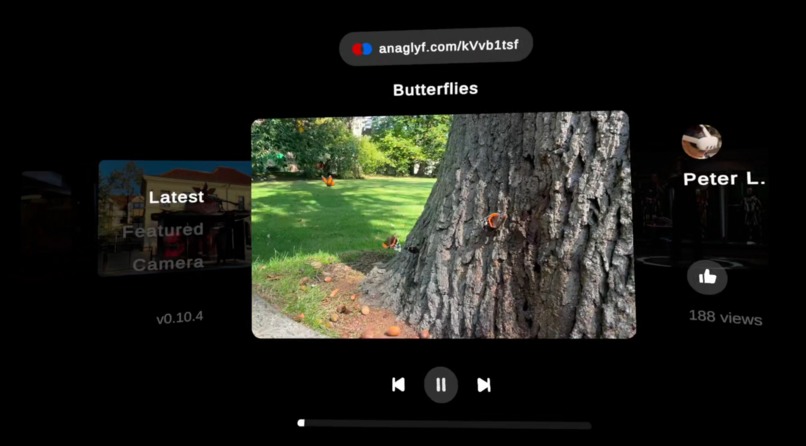
Butterfly experience
-
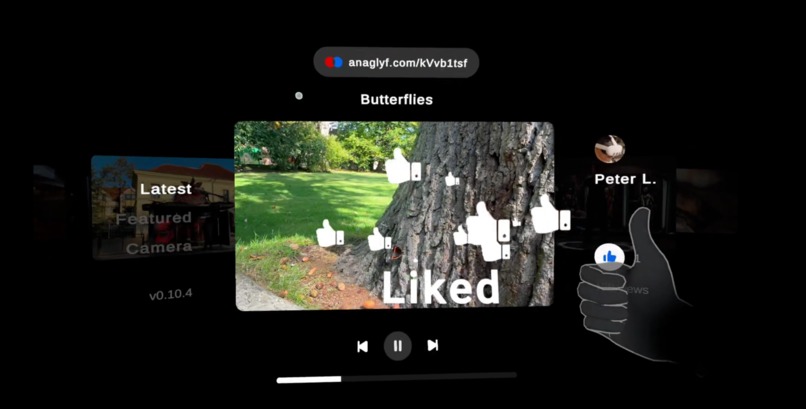
Like video with thumbs up hand pose
-
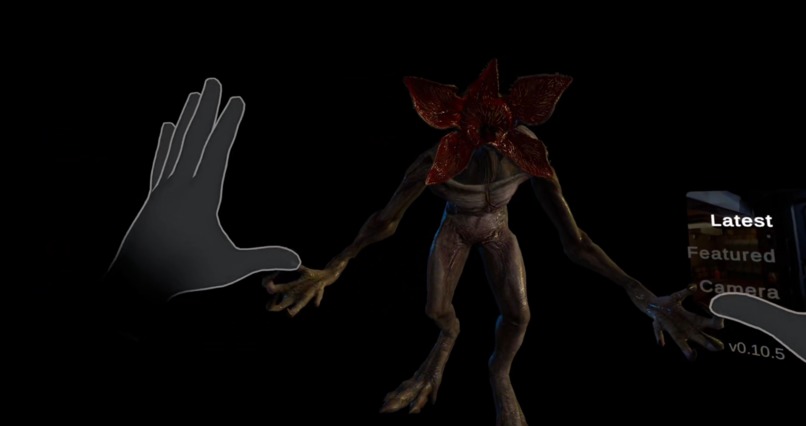
Demogorgon experience
-
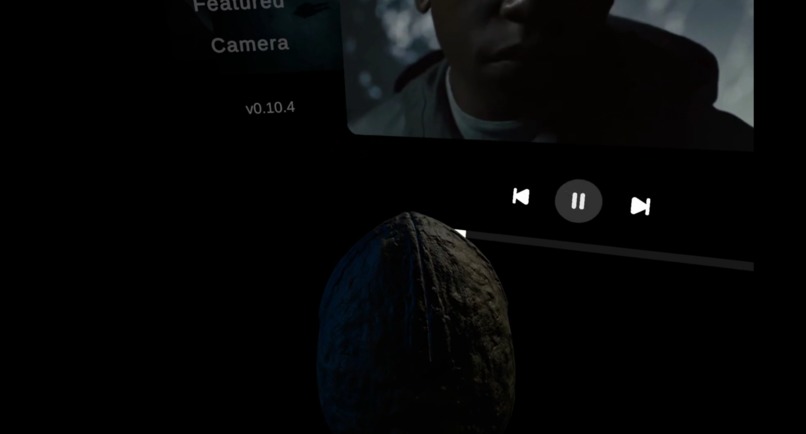
Alien egg experience
-
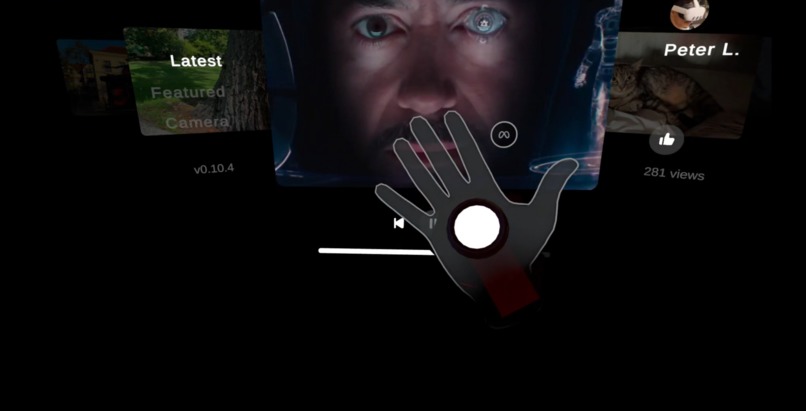
Iron hand experience
-
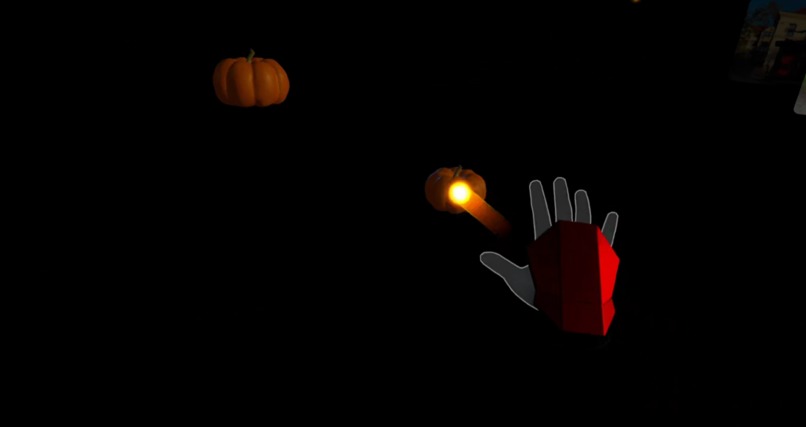
Iron hand shooting experience
-
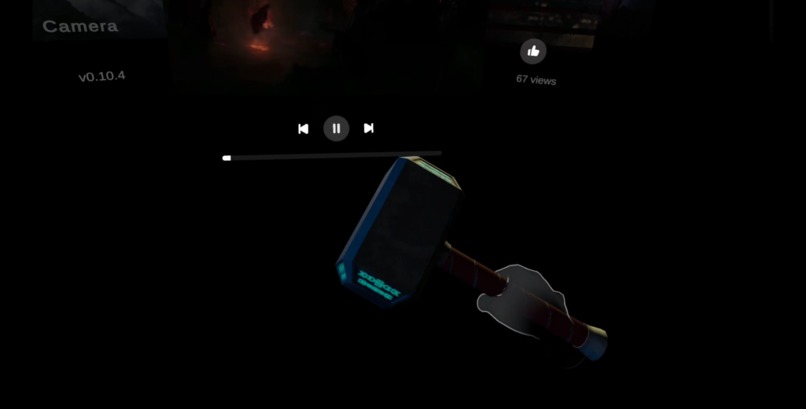
Hammer experience
-
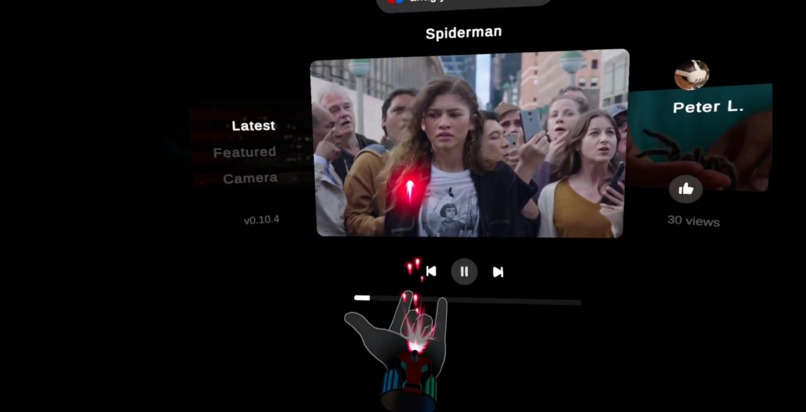
Web shooter experience
-
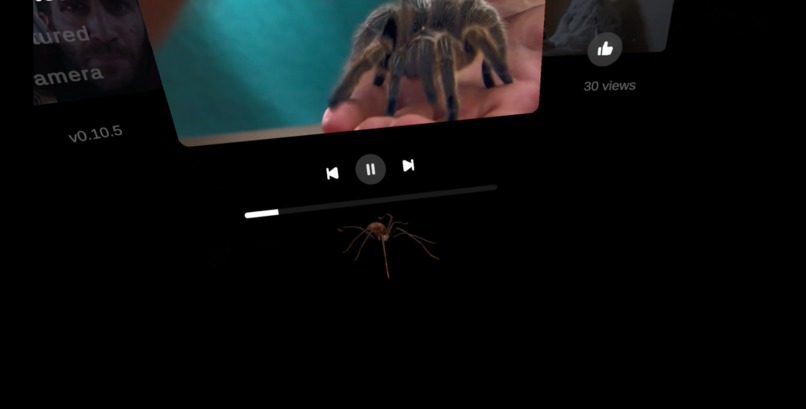
Spiders experience
-
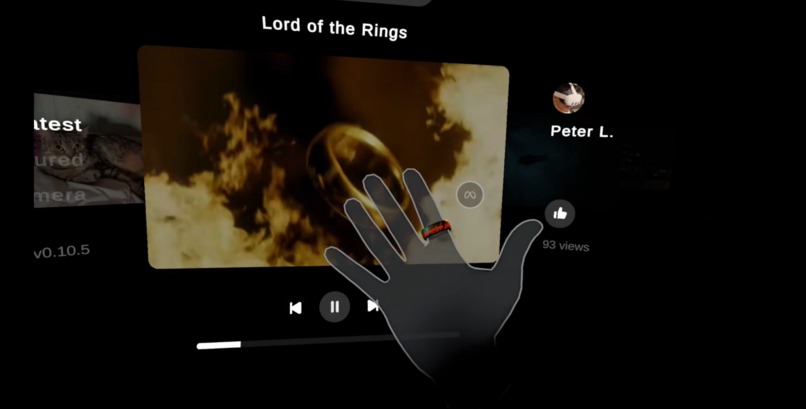
Ring experience
-
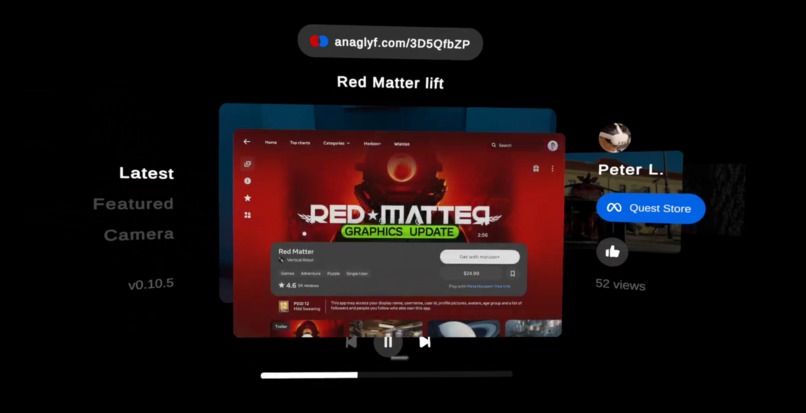
Video with Quest store link
-
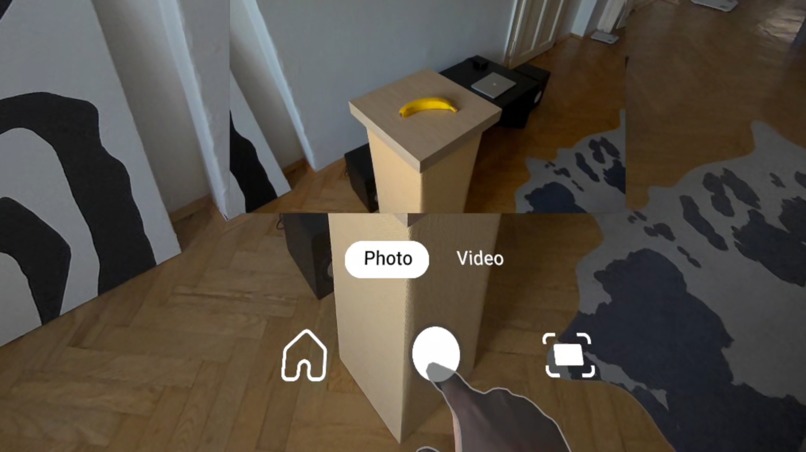
Passthrough camera
-
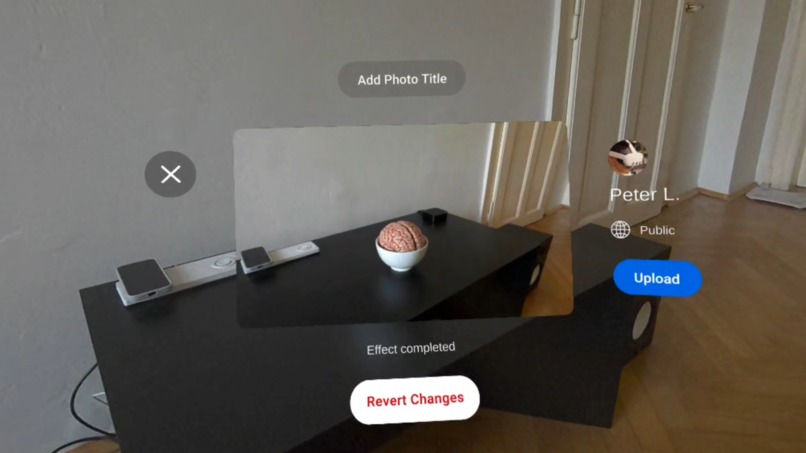
3D photo with AI effect
-
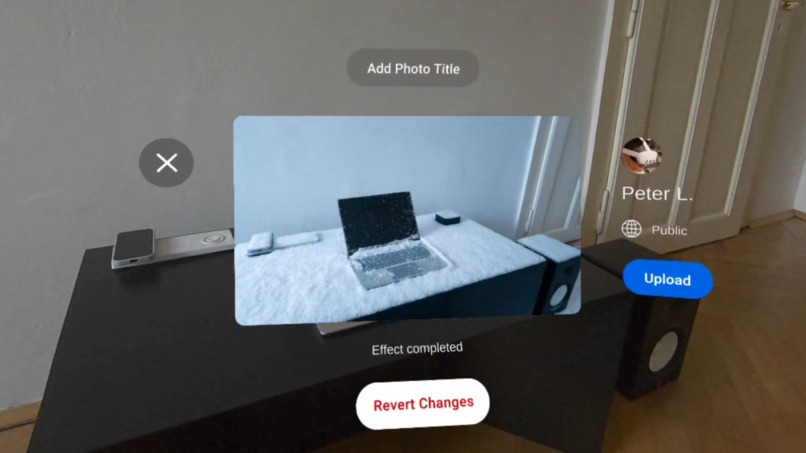
3D photo with AI effect
-
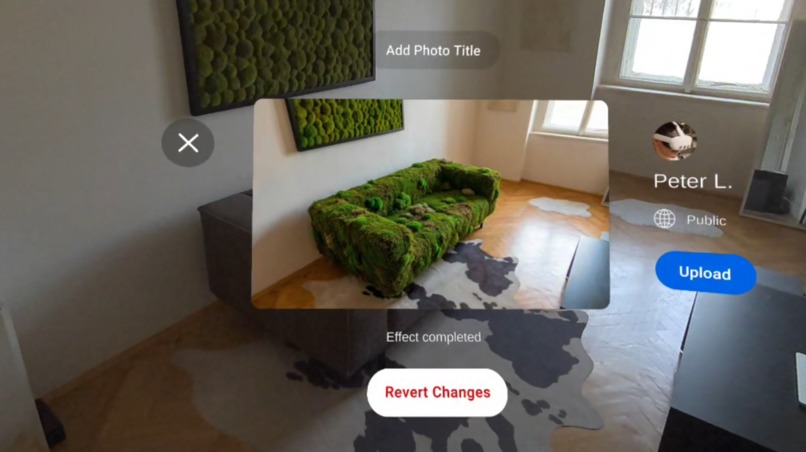
3D photo with AI effect
-
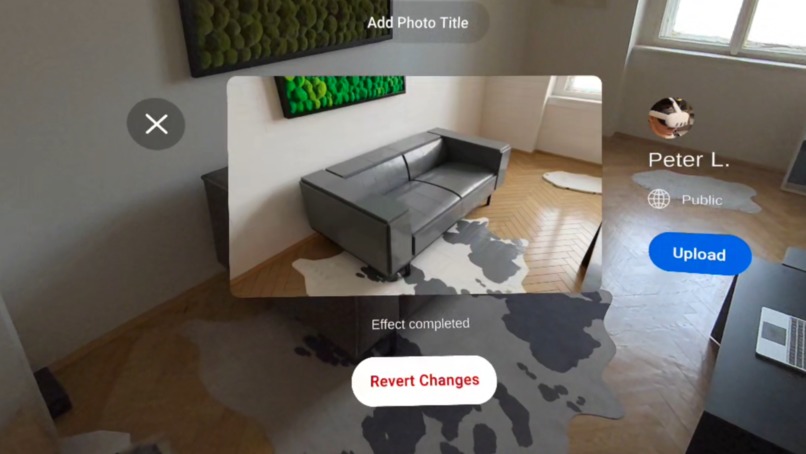
3D photo with AI effect
-
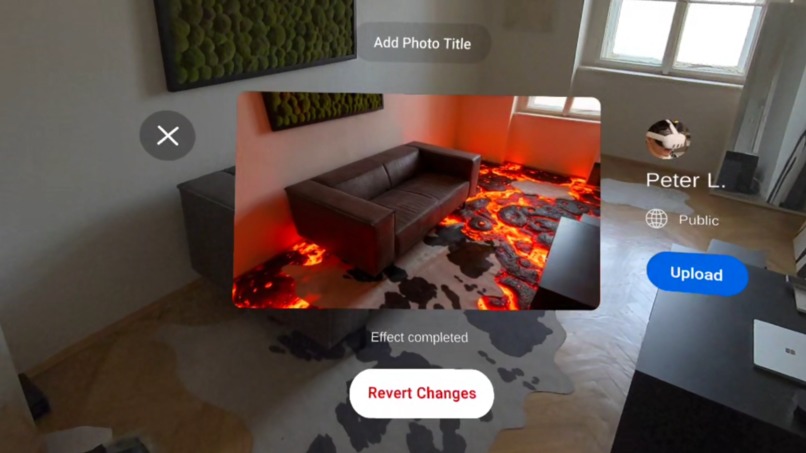
3D photo with AI effect


Inspiration
The idea grew from my fascination with 3D movies and spatial videos. I wanted to share my own spatial moments with others and recreate the kind of immersive effects and interactions seen in films and 3D videos.
What it does
- Watch 3D videos and photos, including movie clips, VR gameplays, and real-world spatial footage.
- Capture 3D photos with built-in object detection and enhance them using AI-powered effects.
- Record 3D videos directly through Quest cameras.
- Share 3D photos and videos with the community and give thumbs-up gesture to their content
- Interact with full hand-tracking support, including precise microgestures and hand poses for interactions and reactions.
- Experience interactive moments, where certain videos include user interactions, 3D models, or environmental effects that extend beyond the screen.
How we built it
Stereo 3D Capture: 3D photos and videos are recorded using passthrough access to the left and right cameras, capturing a true stereo view for an 3D effect.
AI-Enhanced 3D Photos: Photos can be enhanced with AI to improve quality or add contextual effects using the Google Banana Pro model. Object detection, powered by a YOLOv9 model running on Unity Sentis, determines which effects to apply.
Cloud Upload & Sharing: Users can upload their 3D photos and videos to cloud servers, enabling sharing with the community.
Immersive Content Add-Ons: Uploaded media can include optional interactive elements or 3D models that appear alongside the photo or video. These experiences are automatically selected based on the content’s title.
Advanced Hand Tracking: Full hand tracking, microgestures, multimodal hand control, and custom hand poses are implemented using the Meta SDK v81.
Built in Unity: The entire project is built in Unity 6.2
Challenges we ran into
- Panel manipulators with multimodal hands
- Object Detection Performance
- Passthrough Camera Resolution
- Moving from Unity 2022.3 to 6.2
Accomplishments that we're proud of
- Interactive Video Experiences: Developed immersive 3D videos that include hand interactions, allowing users to engage directly with the content in VR.
- AI-Enhanced 3D Photos: Successfully integrated AI effects to improve photo quality and add contextual enhancements based on object detection.
What we learned
- Passthrough Camera API: Gained expertise in capturing stereo 3D content using passthrough camera API
- Unity Sentis Object Detection: Learned to integrate and optimize real-time object detection
- Advanced Hand Tracking: Developed skills in implementing microgestures, hand poses, and interactions
What's next for Anaglyf
- Expanded Content Library: More 3D videos, photos, VR gameplays, and 3D movie clips.
- Enhanced UI: New sections for profile management, categories, search, and notifications.
- Private Sharing: Support for unlisted and private content sharing.
- Video Enhancements: Add music to video uploads.
- New Experiences: Hand mechanics, mini-games, seasonal content, and interactive real-world 3D objects.
- Custom Photo AI Effects: Add custom AI photo effects via voice dictation.
- Lite Web Version: Launch a lightweight web version using IWSDK.




Log in or sign up for Devpost to join the conversation.