-
-
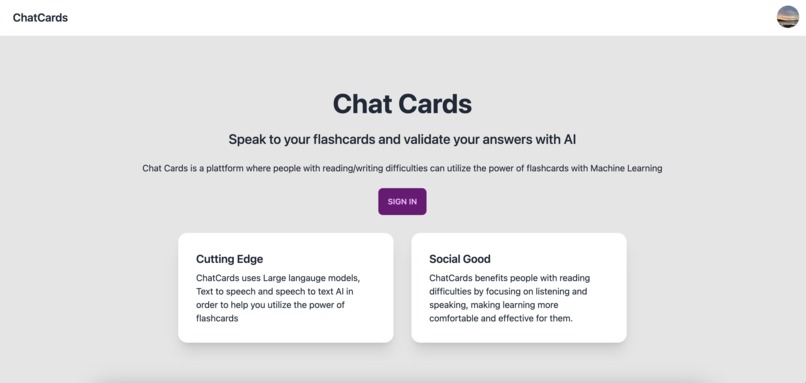
Welcome Page
-
-
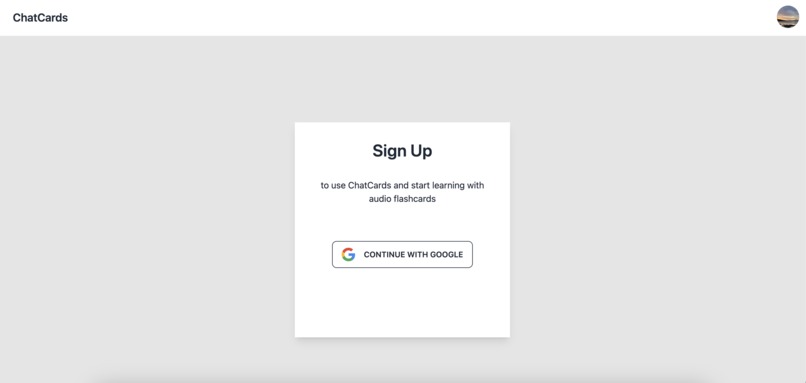
Sign Up/In page
-
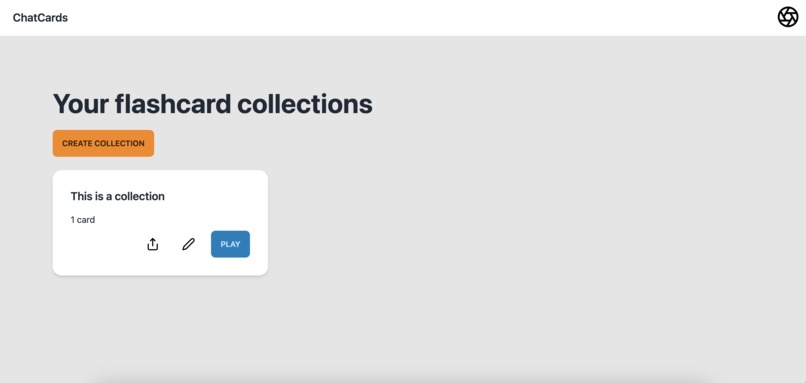
Flashcard collections overview (collections are groups of flashcards)
-
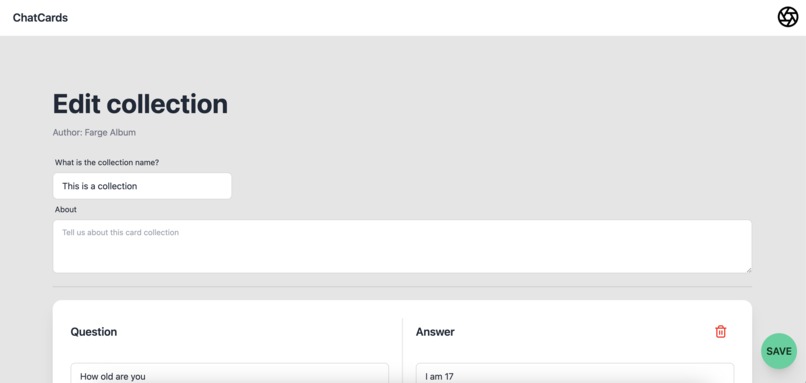
Edit flashcard collection
-
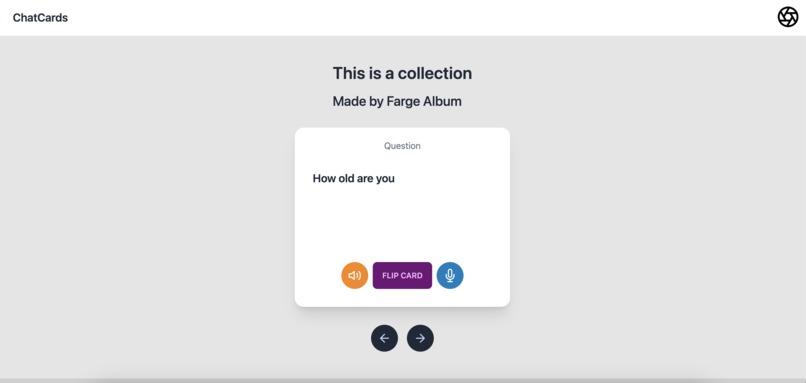
Play flashcard collection (interact with the GPT-3 flashcards with your voice)
-

Profile section


(PS: The ChatCards may not work for some outdated or niche browsers like Brave or IE)
Inspiration 🤩
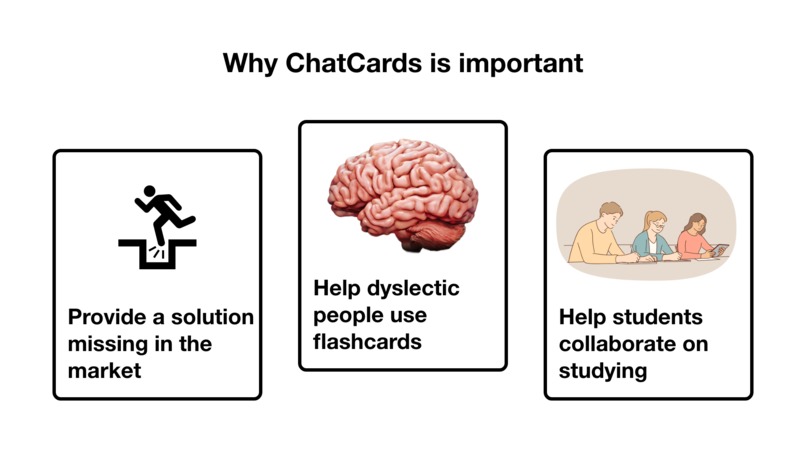
ChatCards was inspired by the common problems faced by people with dyslexia and other reading difficulties while trying to learn different skills. I saw there was lots of learning resources for people with common reading capabilities, while not so many for people with reading difficulties. There has been done research that has found that flashcards are a very effective learning method. Therefore i went with flashcards and made the webapp to be easy to use, accessible and to help people achieve their learning goals 🎯.
What it does 🧐
ChatCards is a webapp that allows users to interact with their flashcards through voice. The app uses artificial intelligence to recognize the user's voice and provide feedback on the accuracy of their answers. Users can listen to their flashcards and respond with their own answers, and the app will provide immediate feedback on whether their response was correct or incorrect. This feature helps users to learn and retain information more effectively by providing a more engaging and interactive learning experience. Overall, ChatCards helps users to study smarter, not harder.
How we built it 👷
ChatCards was built using the web framework NextJS. ChatCards uses Tailwind for styling and firebase as a backend service to ensure fast and reliable servers. For AI, ChatCards is using the OpenAI API and the built in speech to text API found in most browsers.
Challenges we ran into 😢
While building the ChatCards website, several challenges were encountered in incorporating voice features, such as generating voice outputs using text-to-speech (TTS) technologies, recording user voices while ensuring compatibility across devices and browsers, and converting recorded voices into text using speech-to-text (STT) engines. These challenges required careful selection of the right libraries, APIs, and engines. Nonetheless, through diligent research, development, and testing, the ChatCards website successfully integrated these voice functionalities to offer an interactive and engaging learning experience for users.
Accomplishments that we're proud of 😱
The ChatCards website boasts a well-crafted design and user-friendly interface that I personally love. The visually appealing layout, intuitive navigation, and seamless functionality make it easy for users to engage with the platform and enhance their learning experience. The design elements have been carefully chosen to ensure a smooth and enjoyable interaction with the flashcards, making the website a valuable tool for users seeking an interactive and efficient way to study.
What I learned 👨💻
By learning how to use the OpenAI API, I have gained experience with a powerful tool that enables me to integrate advanced artificial intelligence capabilities into my applications. The API allows me to access and utilize OpenAI's pre-trained models for various tasks such as text generation, translation, and question-answering. This knowledge has opened up new possibilities for enhancing the features and functionality of my projects, such as the ChatCards website, making them more intelligent and user-friendly.
What's next for ChatCards 📈
Moving forward, I plan to implement the Eleven Labs API for text-to-speech and the Whisper API for speech-to-text, to further enhance the voice capabilities of the ChatCards webapp. By integrating these advanced machine learning technologies, I aim to improve the overall user experience and interaction with the platform. Additionally, I will focus on improving data analytics with big data for users, enabling them to track their progress more effectively, and refining marketing strategies to reach a wider audience and better communicate the value of the ChatCards app. These upgrades will contribute to the growth and success of the platform.


Log in or sign up for Devpost to join the conversation.