-
-
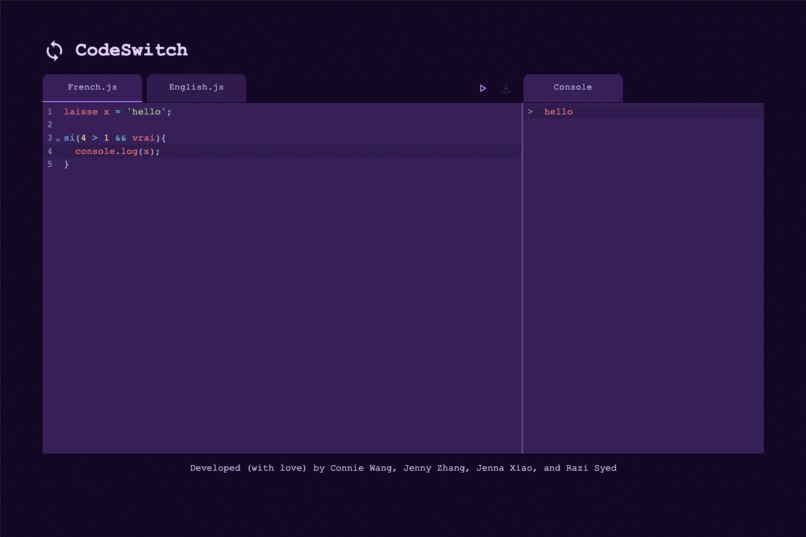
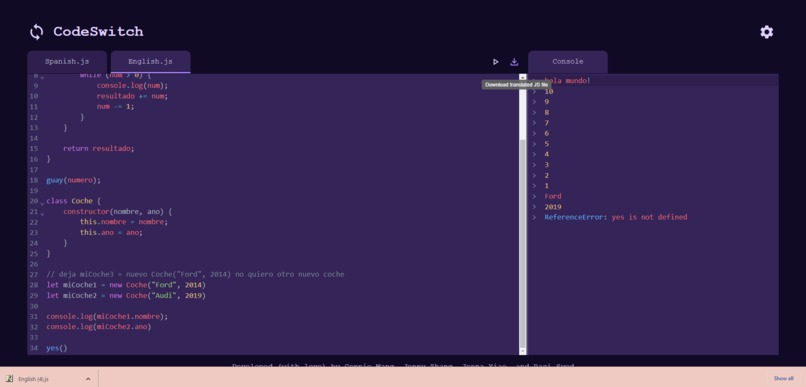
User interface displaying french javascript typed by user
-
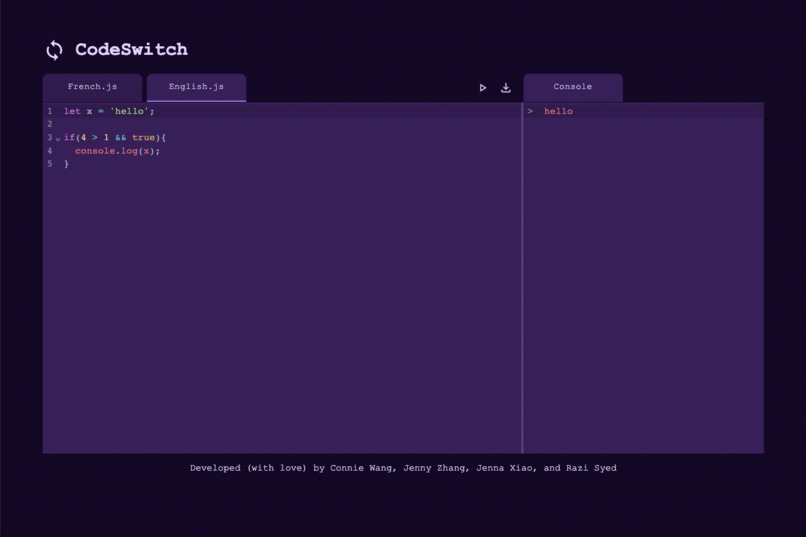
User interface displaying translated english javascript
-
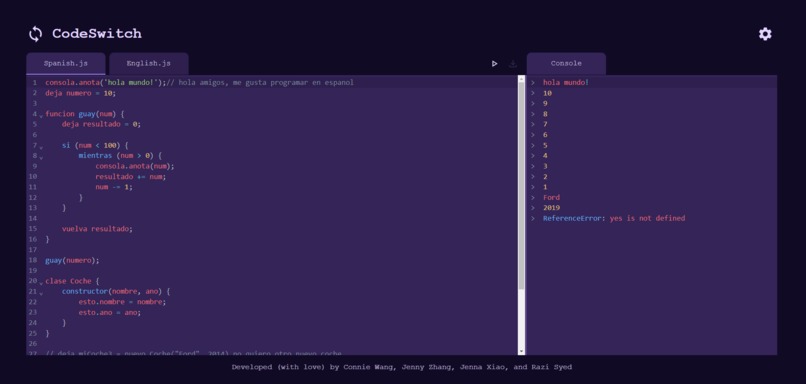
Spanish code
-
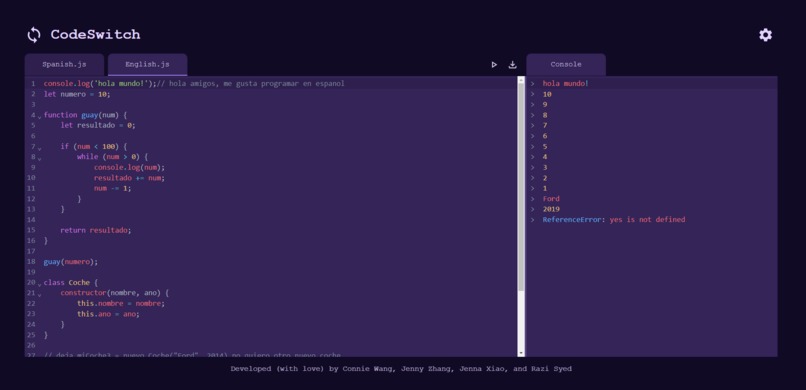
English translation of Spanish code
-
download file


Inspiration
Learning how to code should be accessible for anyone. That is why we decided to provide a workaround to one of the biggest roadblocks in learning code: the language barrier. Instead, we have aimed to allow new coders to comfortably learn syntax in a language of their choice.
What it does
Our online IDE allows users to type in French or Spanish into the code editor and navigate to the English.js tab where their code is translated into English. The translations of the keywords/built-in functions are provided in the Github repository. The two buttons, “run” and “download” provide additional functionality to the web application: when the “run” button is pressed, the users can view their code in the console tab and its translation in the English tab; and when the “download” button is pressed, users can download the corresponding English code for usage in personal projects. The settings button on the top-right provides the user with the languages they can use (for now, Spanish and French).
How we built it
Front-end:
- React JS
- Bootstrap
- Material UI
- CodeMirror
Backend:
- Flask
- Python
- Flashtext
Programming Languages used:
- Python
- JavaScript
We used React in the front-end and Flask in the back-end of our web application. To aid in styling, Material UI (React Library), Bootstrap (CSS framework) and CodeMirror (JavaScript component for code editors in a browser) were utilized. The French/Spanish code typed in the text editor we created would then be sent to the back-end with a custom RESTful API which would then return the code in English as a response. On the server-side, we used Flashtext (Python library) to search and replace certain keywords/built-in functions with their English equivalent. On the client-side, the response is displayed in the English tab. When the user clicks on the Run button, the console.log() function is overwritten to output in the console we provided in the web application. When the download button is toggled, a blob object was created with the code received from the server to create a Blob Object URL for that blob. The object is then downloaded using this URL.
Challenges we ran into
- Outputting the console into the console on the web application
- Styling the text editor
- Determining which keywords to ignore (ex. when in a string or in a comment)
- Downloading the file
Accomplishments that we're proud of
- Having a working web application with all the features we initially brainstormed
- Being able to promote diversity and help others with our idea
- Getting out of our comfort zone by using Flask for the first time and many new libraries
What we learned
- Using Flask and Python to process the language translation
- Creating states to navigate between the languages’ tabs and translating the corresponding code into English code
- Implementing the CodeMirror library to allow input from the user and output code to the console
What's next for CodeSwitch
Currently our IDE only supports French, Spanish and English, and we hope to add more languages into the application. Furthermore, we would like to implement syntax highlighting to outline important coding keywords, as well as supporting more JavaScript keywords and built-in functions.
(Note: the app takes time to deploy. Some functionality may still be updating.)




Log in or sign up for Devpost to join the conversation.