-
-
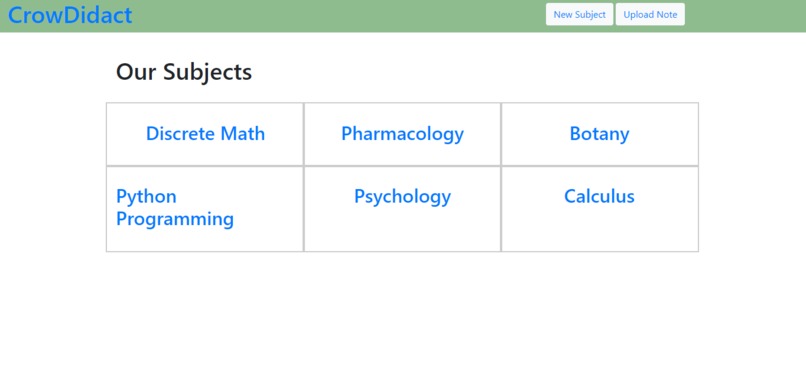
Some example courses, already auto-populated
-
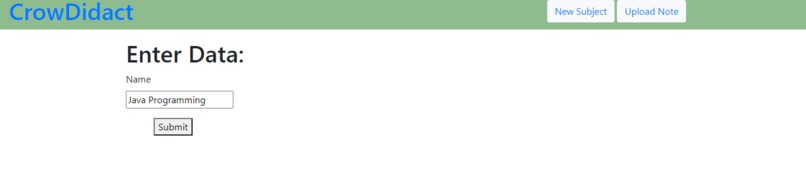
Adding a missing course called "Java Programming"
-
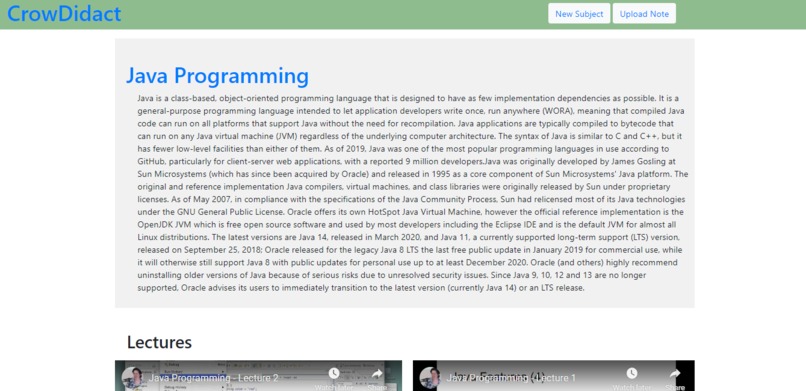
The summarry section, auto-generated
-
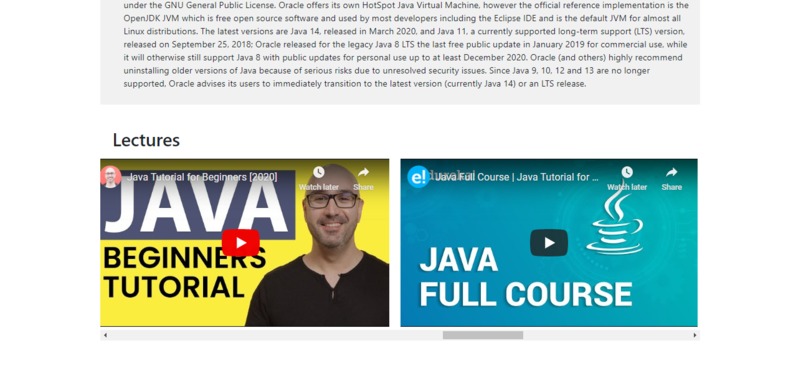
Some lectures, auto-generated
-
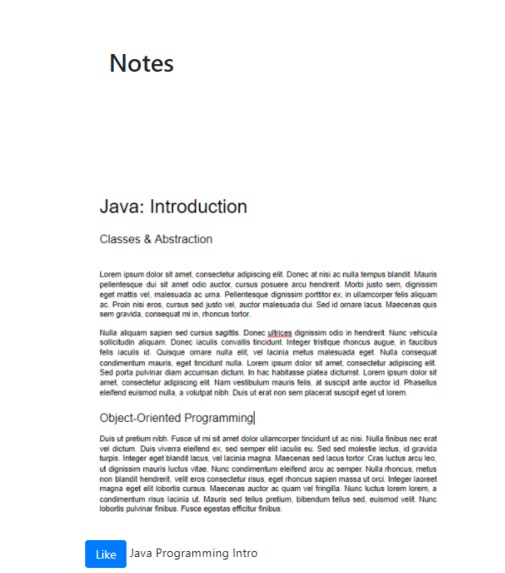
A note, uploaded by a user to the Java Programming course


CrowDidact: Crowd + Didact (a person who learns)
Inspiration
Learning has become especially self-driven since the onset of the COVID-19 pandemic. With learning becoming self-driven, we desired a better way for the public at large to learn & teach collaboratively.
What it does
CrowDidact is a course platform where users can create their own subjects at will. Users can create a subject simply by entering its name (eg. "Chemistry"), and our backend will automatically scrape the web for a brief description and publicly available lecture videos.
Users then have the option to upload their own material to this or any other subject on CrowDidact.
How we built it
The framework we used for the site was Django. The frontend is served by Django w/ bootstrap styles, server requests, the database, and authentication are handled by Django, and in the backend, we have python scripts that scrape the web for public material when a new subject is created.
Challenges we ran into
We had issues managing Django modules and were never able to import any third-party modules. We had to spend a little time on things like form styling, that could have been handled by styling modules.
Accomplishments that we're proud of
We're proud of not only completing our core functionalities but of the synergy of the individual components- separate people worked on the Django code, scrapers, and frontend skeleton, and they all came together at the end into a site that simply works.
Our favorite thing to see in action is the creation of a new subject- how our website can populate all the material on the page without any further user input.
What we learned
We learned a lot about how great teams can work on modular projects such as this one.
What's next for CrowDidact
CrowDidact has a few steps left before its production-ready: A few interface improvements for aesthetics & ease of use, proper user login & log out, and a way for subjects/notes to be ranked & validated by the community (a report & favorite system).
To use
Note some imports are required, such as pip import pillow, pip import wikipedia To use this project, open the directory in your shell, and run "python manage.py runserver".
The server will be running on localhost:8000/
You can log into account through the /admin/ portal, user:UCHacksUserPassword2020. (or you can register your own account through commandline if you're familiar with django). We elected not to create a non-admin login/register form, since this is a hackathon and we've been advised not to bother working with authentication during this state.
From this point you can visit the index and use the page as shown, learning from material, generating your own subjects, or uploading notes to existing ones.


Log in or sign up for Devpost to join the conversation.