-
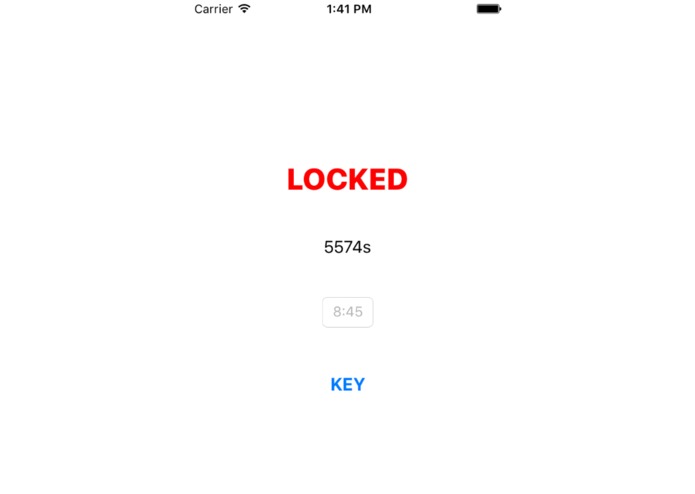
locked
-
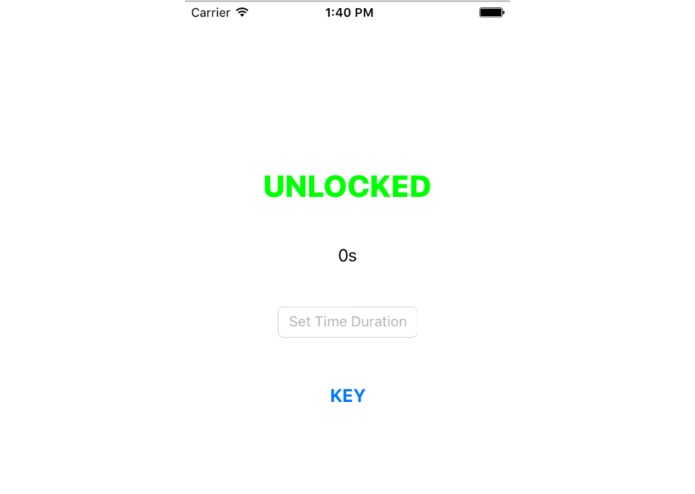
default
-
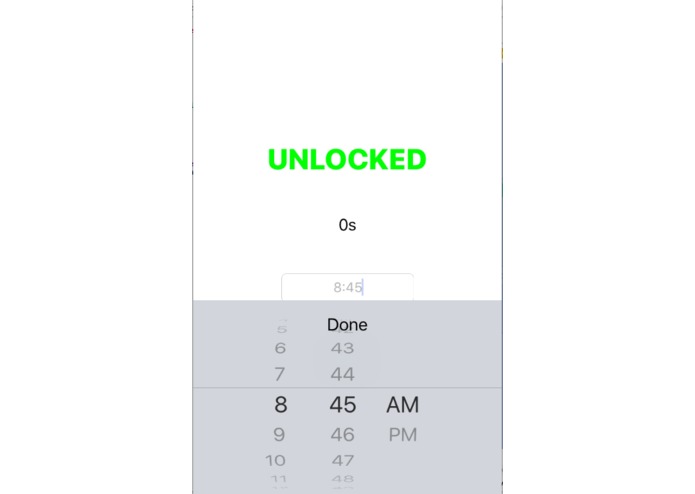
setting time (ignore am/pm)


Inspiration
SO Saturday morning I was running late because I went out of my dorm, walked a block away, became paranoid that I didn't lock my door, walked BACK to my dorm and checked my door and basically wasted half an hour. This happens about once a week because I am paranoid and if I don't do it I will feel jittery all day. So I figured I might as well try to create a solution to this problem.
What it does
If you forget if you locked the door during your day, just check this app! (currently only tested and working on the iPhone 5s and iPhone 6 simulators)
As it says, it is basically a glorified timer app that is a timer and a status bar that shows either LOCKED or UNLOCKED. In the morning, set the time to how long you will be out (default is 30s for testing purposes) and press the KEY to set the status to LOCKED. The status will become UNLOCKED after the timer runs, so you don't have to manually change the status when you get back. Pressing the KEY before the timer runs out resets the timer and sets the status to UNLOCKED.
How I built it
Ran through a few basic tutorials in Swift, cobbled together some code for timers and things to get the settings I wanted. It's probably a mess and a completely inefficient format, but it works?
Challenges I ran into
I originally wanted to have an alarm instead of a timer with alerts to remind the user to use the app, but apparently, alarms are a bit of a complicated Thing in apps and having things running in the background is also very complicated. So I scratched that idea. Setting a time input was way too complicated, and apparently the done button is not automatic. Sometimes the time input shows up as character keyboard in some simulators, which weird. The time input is also not a 0-23 hour, 0-59 minute input, but rather a 1-12 hour, 0-59 minute, AM/PM input because I have no idea how the get the first one.
Accomplishments that I'm proud of
OK, honestly it's embarrassingly simple, and you can get the same functionality by setting an alarm on your phone.... but to be fair, it does exactly what I want it to do. And it's my first iOS app, sooo.... yay?
What I learned
Swift, and how to use Xcode. I don't think I like writing in Swift, but at least I sort of know how it works with Xcode now. Took a while to get used to the formatting. In retrospect, going with Objective-C might have been easier.
What's next for DoorKnob
Right now it only counts down in seconds (as in, hours and minutes converted to seconds), so changing that view might be a good idea. And implementing alarms and alerts. Maybe. Also maybe actually testing it out on an iPhone.


Log in or sign up for Devpost to join the conversation.