-
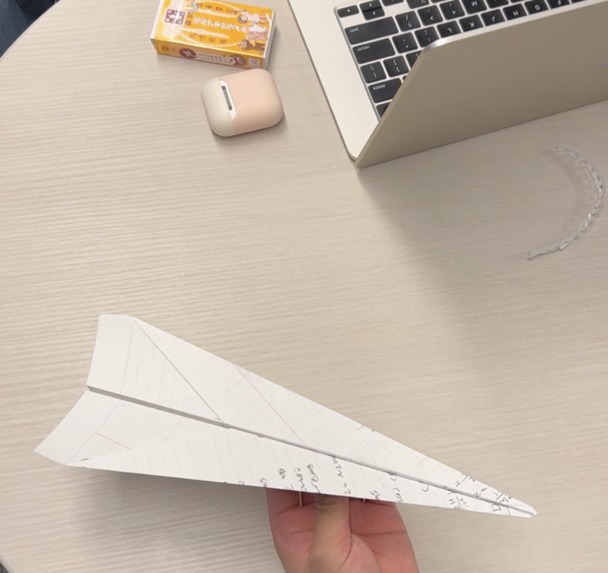
paper plane made with tutorial
-
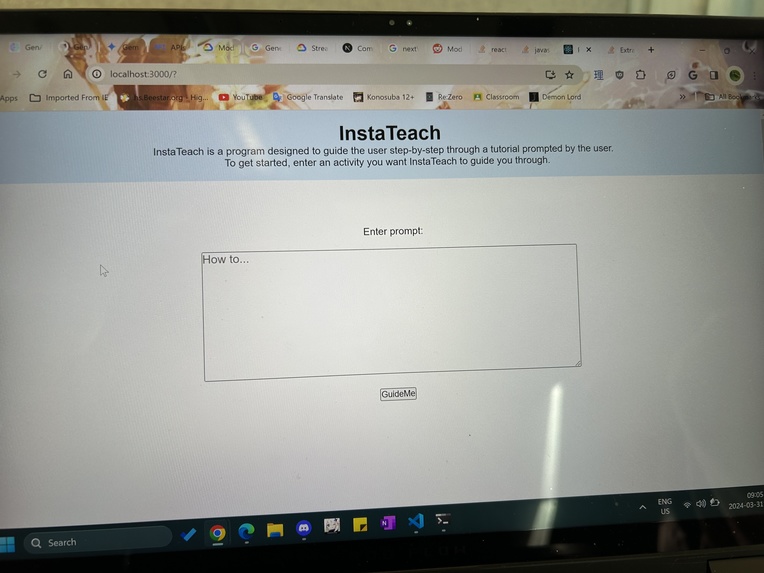
Starting interface
-
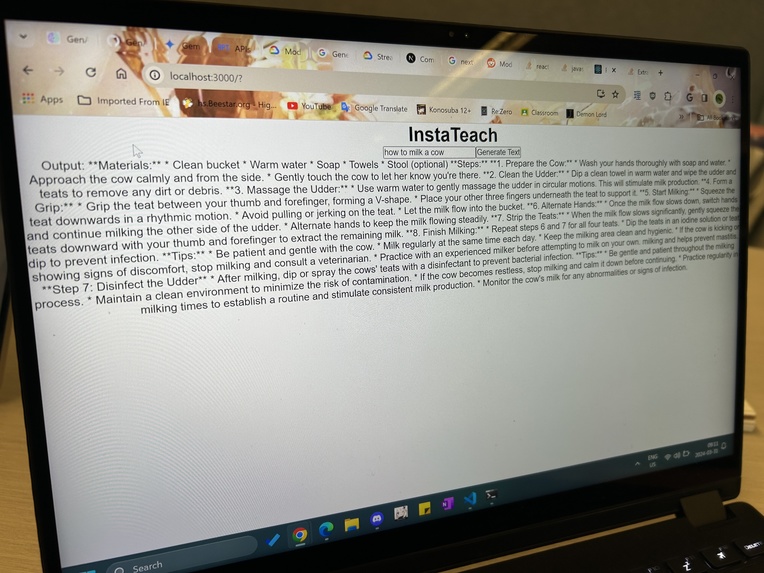
Outputs from Gemini


Inspiration
Our motivation for this project was to incorporate generative ai in a way that a user can't simply achieve by going directly to gemini. In other words we were avoiding creating a "wrapper" for gemini with a new UI.
What it does
The user is prompted to type in a tutorial they would like to learn. Gemini uses this input to generate a multi-step guide as requested. Each step is then shown on the website one by one. At the same time, a camera watches the user complete the tasks and tracks the users hand moments. If the users hands are outside the camera frame for x seconds, it is assumed they completed the step and the next step is displayed. However, if the user is detected completing the step for over an x about of time, the step is re-prompted into gemini to get a more detailed step to display to the user.
How we built it
Google Gemini was used through VertexAI in Python to generate text to text using user inputs. OpenCV and Handtracker.JS was used to detect the presence of hands through a camera feed. The website that the user interacts with is deployed with React and Flask.
Challenges we ran into
The first challenge we encountered was idea generation. It was difficult to find recreative ways to repurpose generative ai that aren't common uses such as prompting for an educational quiz or difficult to accomplish with current free generative AI APIs such as text to video. This ate into a large chunk of our time, and we ended up starting later into the evening.
Another challenge faced was our lack of experience working with AI or cloud software. At times it was difficult to find documentation for Gemini. This was especially true for API keys due to their secretive nature and lack of accessibility in Canada through Google AI Studio.
Furthermore, when working with live footage, we ran into the issue of Gemini AI being unable to process a video stream as an input. This caused sever issues for us as we were halfway into developing our idea already, and the inability to process live video forced us to pivot our idea and adapt our current work.
Lastly, we were not very familiar with React, so our pages were set up in a way that it was hard to connect them all in the end. The original idea was to have a simple button direct to the next page as we only require two pages. However, after many trials with React Router Dom, React Links, and even simple anchor tag, we were unsuccessful in connecting the pages.
Accomplishments that we're proud of
This hackathon involved a lot of trial and error, inevitably leading to software that was explored but never made it into the final design. For example, we successfully ran text to text, image to text, and video to text with Vertex AI and node.js however we only used text to text in Python.
What we learned
GenAI was a unique opportunity for us to explore how to use cloud technologies through the Google ecosystem, especially in the application of generative AI in our design.
In addition, through experimenting with different existing AI models (wavefore, mubert, deepbrain, invideo) we've learned the limitations of generative AI. The free versions of image, video, and music generation is far behind their text counterparts. In general AI, is not the best at problem solving and is prone to error.
Another unexpected skill that was honed was the use of GitHub. It was necessary to keep each team members work from interfering with each other but allowing them to be shared and merge.
In the end, we've learned collaboration, perseverance, and the ability to say up through the night. Sometimes aiming high and being ambitious allows you to push yourself more than you expected yourself to be able too. We've learned that not every project is a straightforward journey and that a hackathon is worthwhile for more than just code.


Log in or sign up for Devpost to join the conversation.