-
-
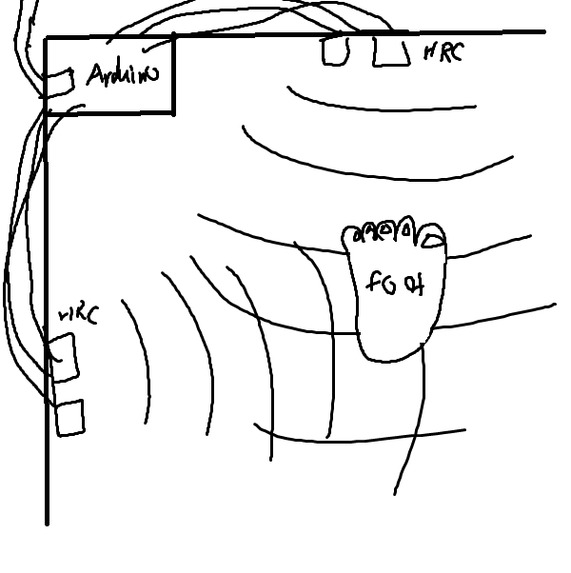
First conceptual drawing
-
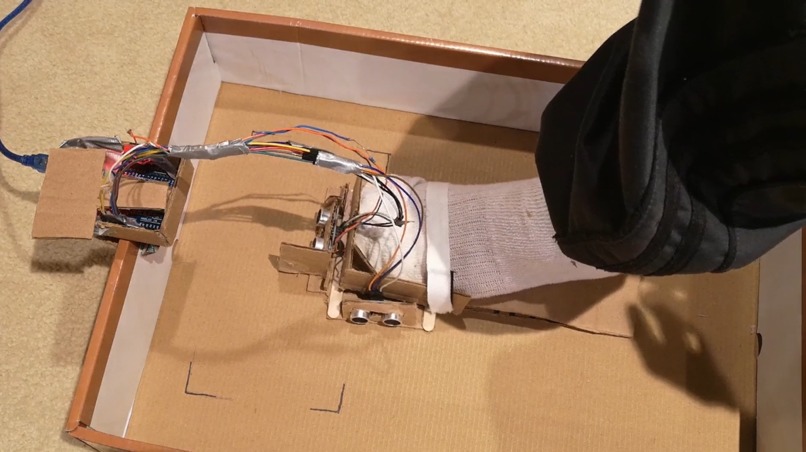
In use
-
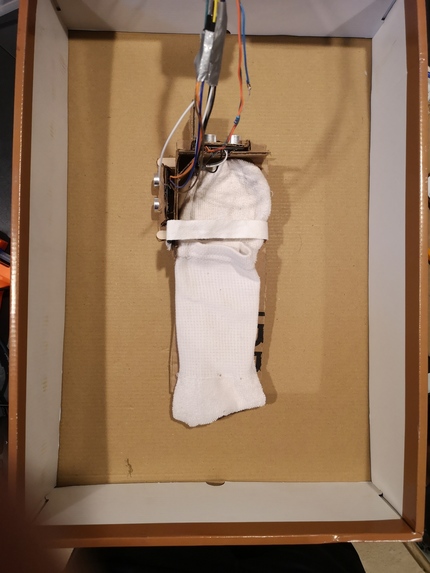
Top view
-
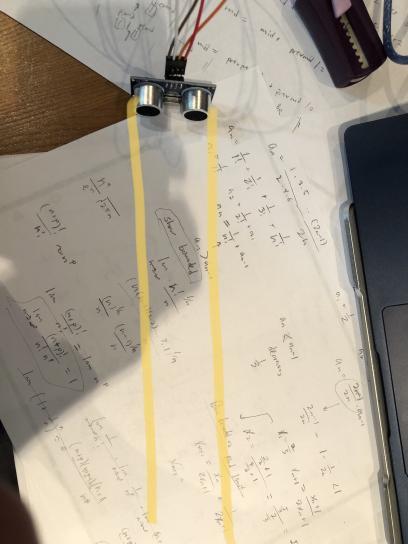
Sensor Field of View
-
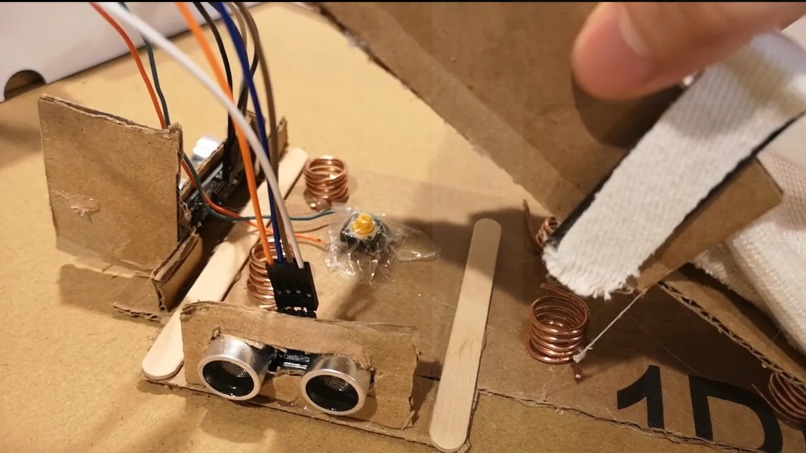
Springs and Click Button


Inspiration
Computers are very useful, but using one if you have less-than-abled hands is a nightmare. The two main devices for cursor input - the touchpad and the mouse both require a lot of dexterity and precision. This Individual Well being hack is the result of addressing that problem.
What it does
FootCursor is a computer cursor device that is controlled entirely by your foot. It supports navigation, clicking, dragging, as well as cursor speed control. It can effectively replace a computer mouse!
How we built it
The device is an electronic shoe in a box with dimensions that are proportional to a 1920 x 1080 screen resolution. Attached to the shoe are two HRC ultrasonic distance sensors which continuously measure the distance to the vertical and horizontal walls.
The distance data is parsed by a python program which converts distances to coordinates and moves the computer cursor with the autogui library. Clicking the click button (which has a spring to give a very satisfying experience!) will cause it to recognize a "click". Holding the click button causes the program to go into "Drag-mode".
Challenges we ran into
The biggest problem by far was the two ultrasonic sensors interfering with each other. If they both gave a synchronized pulse, sound waves would bounce off the walls of the box and give a messed up distance value for the other. We managed to overcome this by changing the timing of the pulses, so that each sensor fires an ultrasonic pulse to measure distance separately.
Another challenge we ran into was in the python code to move the cursor. The distance sensors are very accurate but very sensitive. When we ran it, the cursor was very jittery. We controlled this unwanted movement by setting the cursor position to be a rolling average of the past 10 measurements. This resulted in a much better experience.
Accomplishments that we're proud of
One of the things we’re most proud of is being able to factor in the speed of the cursor into its movement. Speed adjustments are very common with touchpads and mice, as in, the speed at which you move from point A to B on a touchpad affects how far your cursor moves on the screen. During initial testing we found that the device was barely usable without including speed considerations. We decided to take the distance measurements from the arduino and calculate the change in distance measurements per unit time. This allowed us to get a basic "speed" metric to describe how fast the user's foot is moving from position A to B. Then we factor this into the function to set the mouse cursor. As an added bonus, moving your foot slower will cause the cursor to go slower as well, allowing for precise cursor movements with the FootCursor!
What we learned
Most of our team were very new to arduino and hardware hacking. Throughout these two weeks we managed to learn how to build arduino circuits, solder wires, and pass data from arduino to a local program using the serial port.
What's next for FootCursor
There’s still a lot of work to be done on this project. We would like to implement right clicking with the foot cursor, as well as making the cursor movement even smoother by reducing noise. If we had more material, we would have definitely experimented with making the box bigger. This could have reduced the jittery cursor movement as well.


Log in or sign up for Devpost to join the conversation.