-
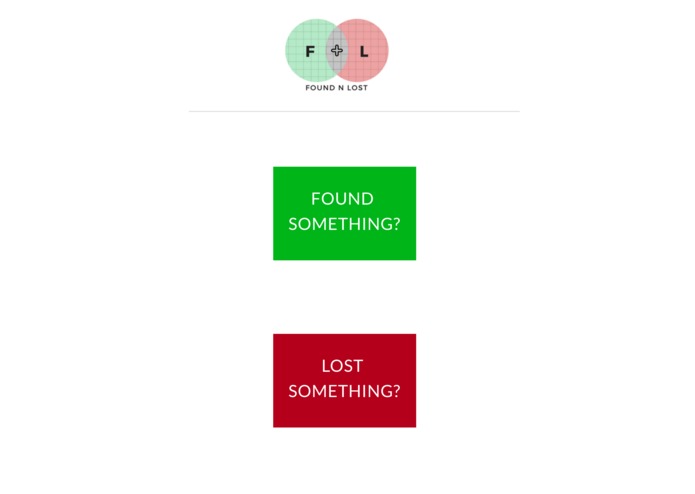
A homepage where users can choose to either report or browse lost items.
-
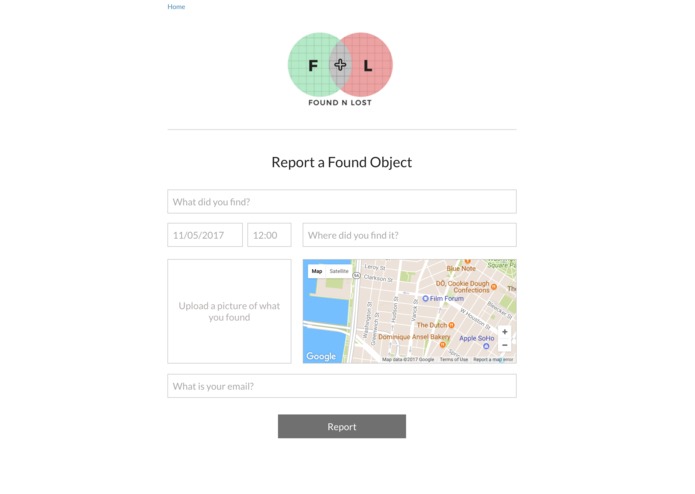
The report page asks for information related to the item, with Google Maps implemented within the page.
-
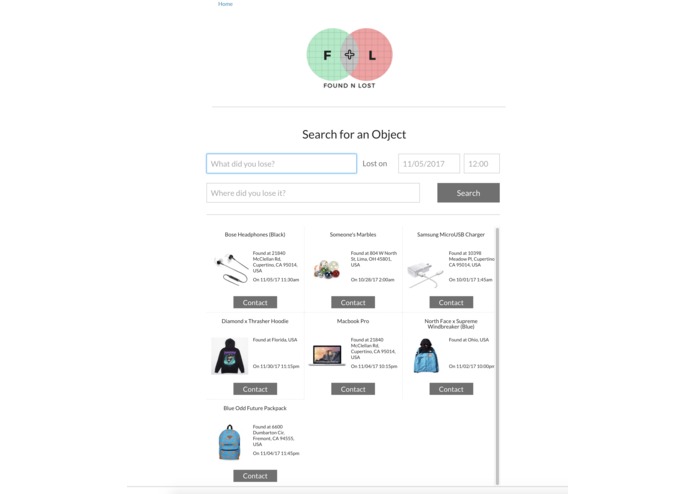
The lost items page, with browse and search for quick and efficient identification.
-
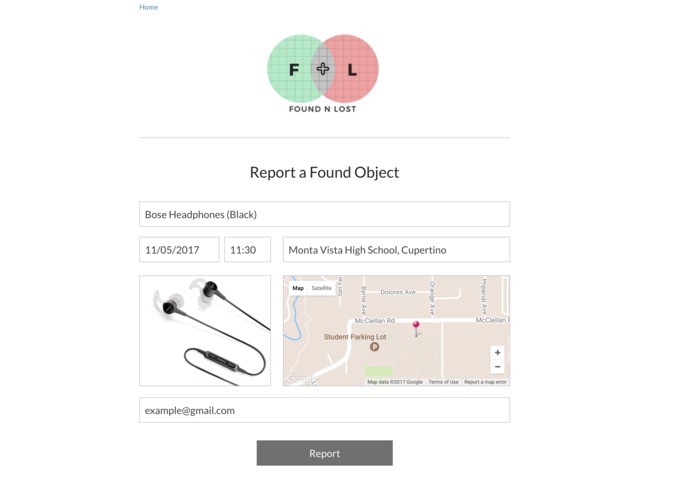
An example of a lost item report.
-
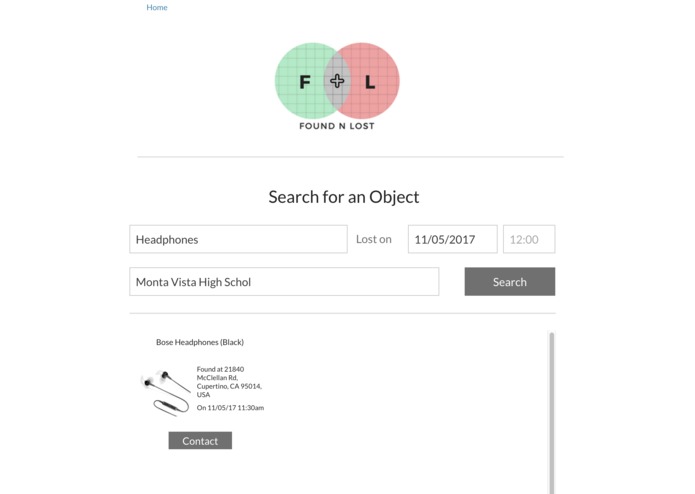
Users can use the search tool to only look for their item, making the process quick and efficient.
-
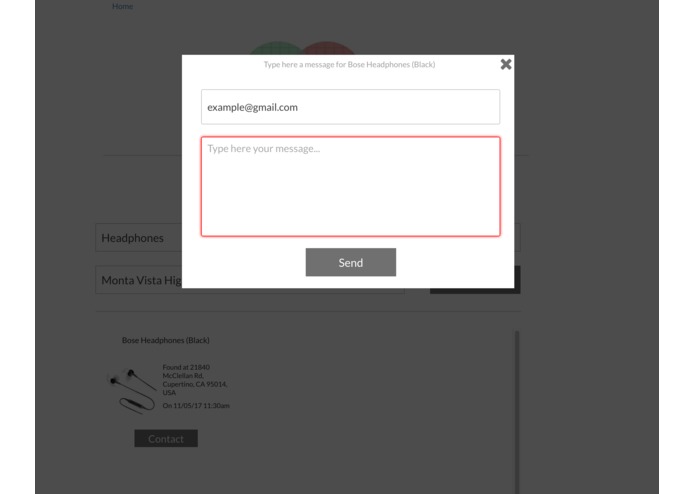
After locating an item, a contact pop up will appear, so the owner can directly email the founder.


Link:
Inspiration
A couple hackathons ago, my teammate and I created a cryptocurrency based off of Bitcoin, but instead of using hashes, we used a sort of database that stored specific pieces of information, and the user would have to enter the information to generate reliability. This was my inspiration for my project, but it is less complex as the confirmation process is basically missing, replaced with email contact.
What it does
Found N Lost is a website that had a sole purpose, to get a lost item back to its owner. If someone picks up an item that they think is lost, they can report it on the report page, which can be reached by clicking the "Found Something?" button on the front page. If someone has lost a belonging, they can click on the "Lost Something?" button on the homepage and browse through all the lost items or search specifically for their item.
How I built it
As a solo worker for this hackathon, I knew that time would be an issue. So, I decided to take a big risk and use a website builder to create the basics for website. Therefore, I could focus more on the workflow and API implementations, which is what my primary goal for this hackathon.
Challenges I ran into
A big challenge I ran into was using the database that was provided within the website builder, as originally the information submitted through the report form would not show up in the assigned area of the database. After a couple of tries, I was finally able to use the database to my full advantage.
Accomplishments that I'm proud of
I am proud of adding all the workflow by myself, even though the workflow took a lot of time to draft out. I am also proud of the UI that I created, as the website looks clean and inviting.
What's next for Found N Lost
The next steps for Found N Lost are to fully code the website, so there are no signs of website builder usage. In the near future, I want to be able to have access to the location of the user, so I can load specific items that were lost near them.
Built With
- bubble
- google-maps
- html


Log in or sign up for Devpost to join the conversation.