-
-
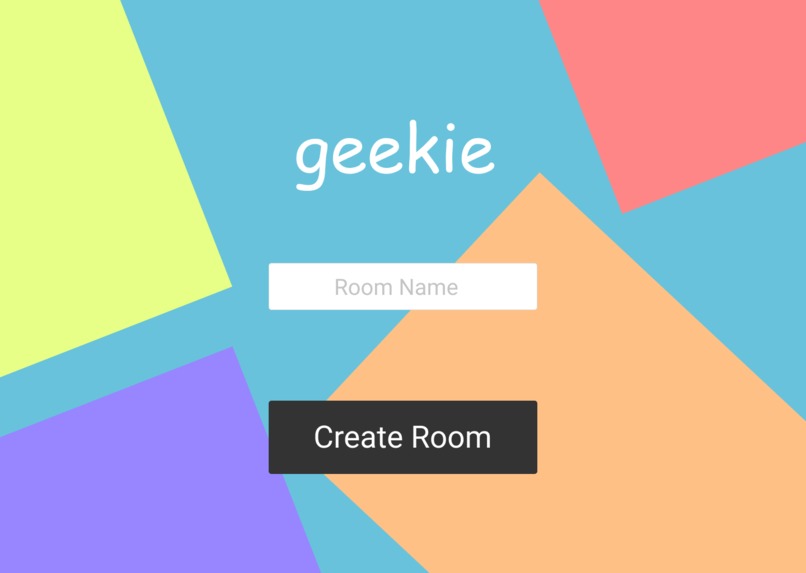
Login Page
-
-
-


Inspiration
The inspiration came from having too many classes hosted on zoom where we tried to have a sense of a quiz competition. On zoom, the teacher would ask the question and people would flock to the built in chat to answer the question. It was unorganized and hard to point out which student answered first.
What it does
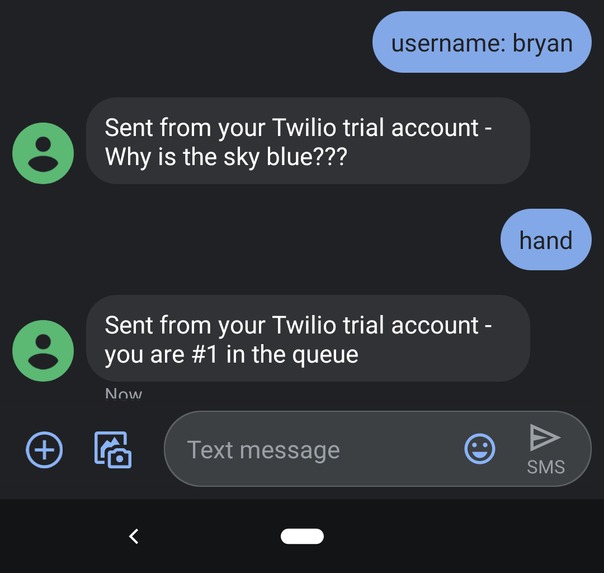
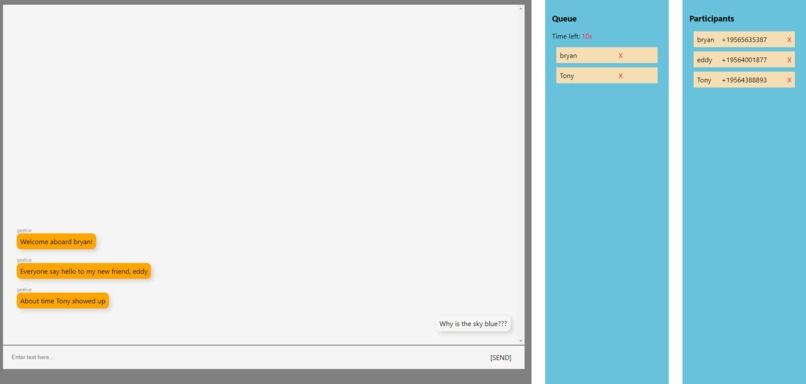
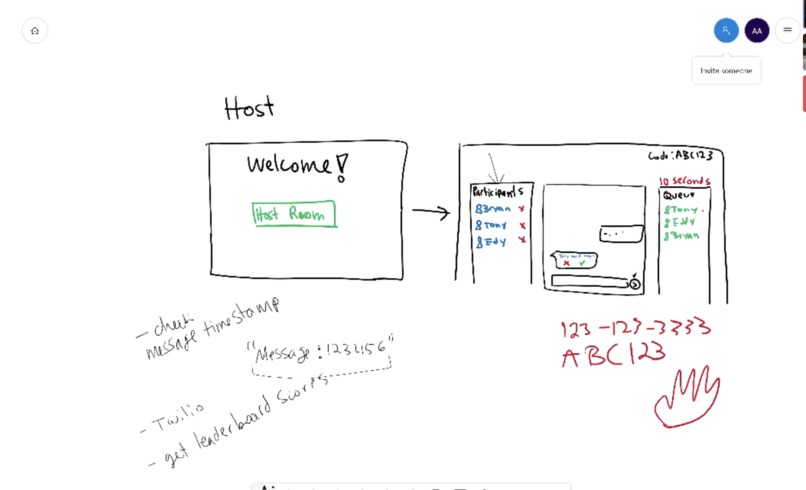
Our solution is meant to supplement to video conferencing apps like zoom or discord. The host would create a room on our web app where she will insert questions to distribute to students. The students would then be able to to sign in to the room by sending a text with their name. Once every user is signed in to the room, the teacher can start the questions to each participant. The students will have a limited amount of time to text back if they know the answer. All they have to do is send the hand emoji (or "hand") to raise their hand. Our app creates a queue based on the order that people replied with a hand-emoji. Then, the teacher would be able to see the queue of answers and verify if they are wrong or right. Lastly, the students will be assigned points for the questions they get right.
How we built it
We used Node.js and Express.js to build the backend server. React was used for the front end client. The Twilio API handles all the text messaging. Furthermore, we used socket.io to handle real-time and event driven communication between the client and server.
Challenges we ran into
The major challenge we faced was the real-time factor that our web app needed to have. Our front-end needed to updated as soon as new text message requests were being made by users. There are many states that we had to take into account when the participants are interacting with the host through their text messages.
We are all new to using socket.io and Twilio so there was a learning curve there. Once we got the hang of it, we were able to accomplish a lot of the workflow logic for incoming and out-bounding text messages.
Accomplishments that we are proud of
We are proud to have have created a solution that we know would be helpful in our everyday student lives. We are already on our phones most of the time so we thought it'd be a good idea to use them for learning purposes as well.
What we learned
We learned more about the services that Twilio has to offer. Our team had not work with Twilio before so it was a great learning experience to worked with it.
What's next for Geekie
We think the next step is to really polish the core functions and front-end designs for our web app in order to make it as best of a user experience as possible. We would like our solution to be extremely helpful in the classroom as well as be a pleasant experience for students to use. We could definitely add more features to our app like a real-time leaderboard or a visualization page to be shared on Zoom or Skype.


Log in or sign up for Devpost to join the conversation.