-
-
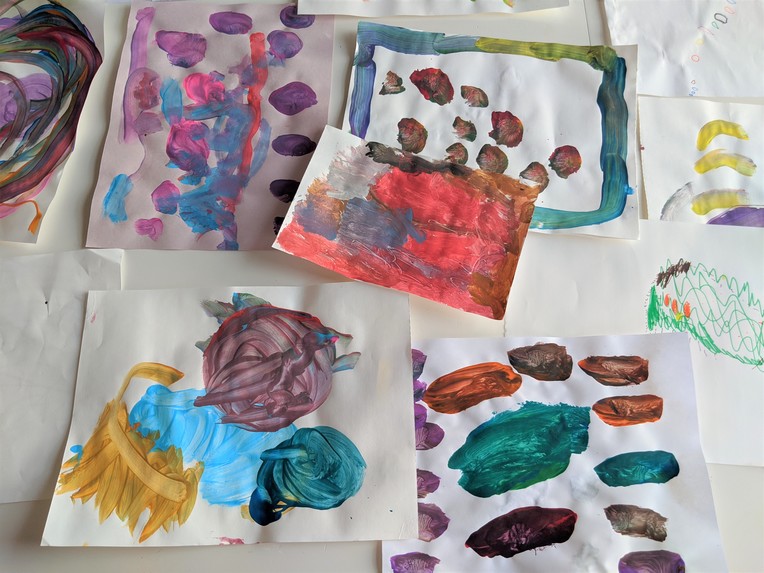
Source Material
-
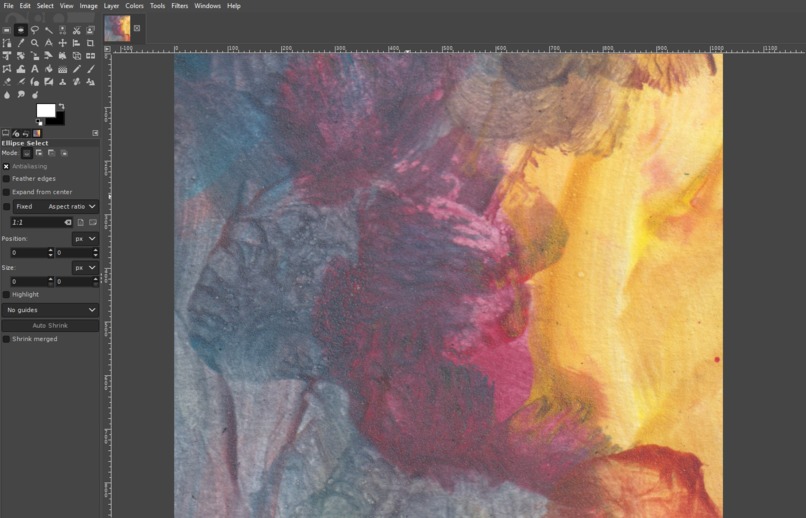
Scan and Edit
-
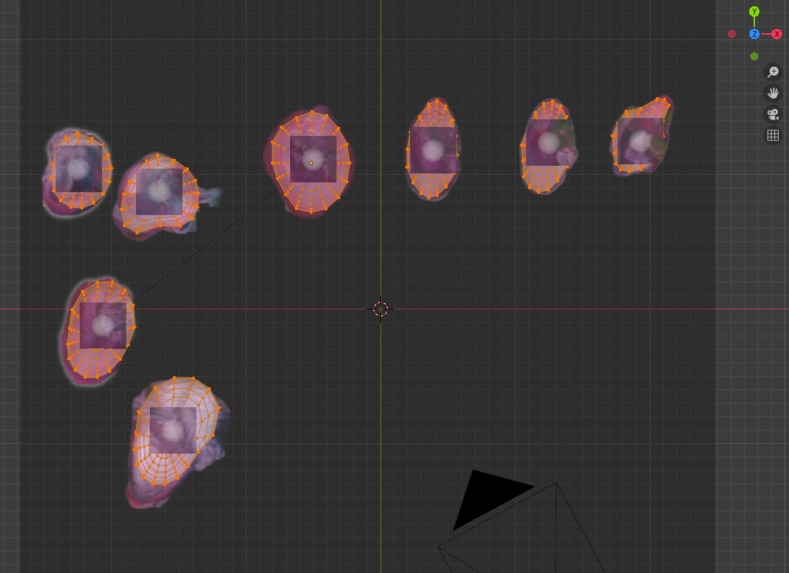
3D Model and Rig
-
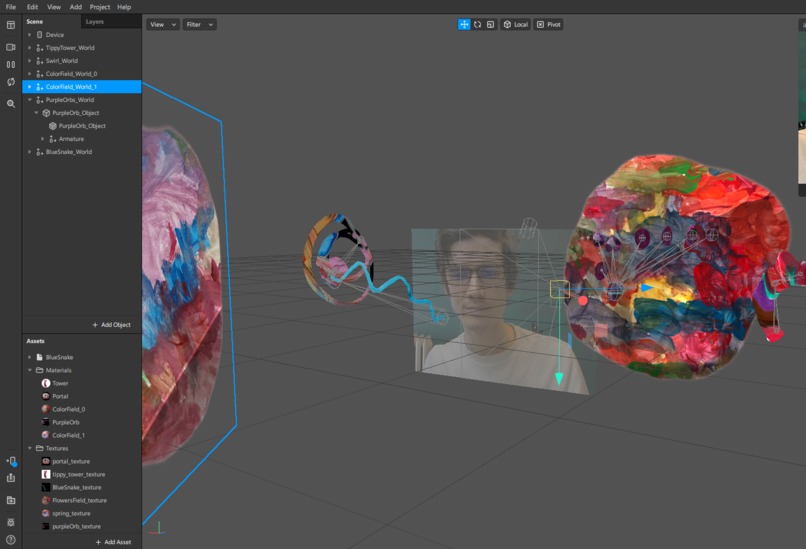
Arrange World
-
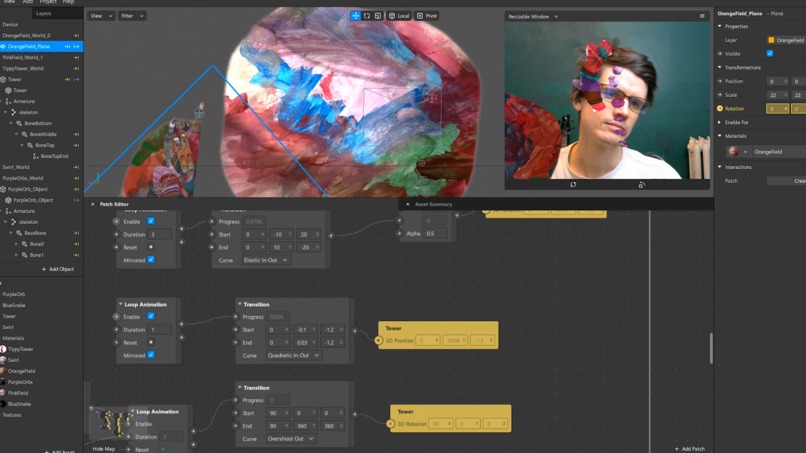
Animate Interactions


Inspiration
My daughter's paintings. I love the art she makes. She is 3; uses all the colors available and is not afraid to experiment with new application techniques. I wanted to bring some of these paintings to life in an AR world effect to see how she responds to her art in a new medium.
What it does
Objects with her paintings as textures orbit the camera. They each have their own animation properties and react when they are tapped.
How I built it
I started by scanning her paintings. Next: I interpreted a few of them as 3D models; applying the scanned painting as a texture. More interpretation: rigging 3D models for procedural animation consistent with her artistic themes. Imported the objects to Spark AR. I tried using the Face Paint material and was delighted with translucent bending effect it created. Then: created Loop Animations, Transitions, and Object Tap patches.
Challenges I ran into
Finding the best way to make the paintings recognizable while re-animating them in 3D space.
Accomplishments that I'm proud of
I'm happy with the quality of the image textures. She recognizes they are things she created.
What I learned
I learned about materials in Spark AR and how to unwrap a UV texture from projection view in Blender.
What's next for Ghily World
Adding objects and characters over time as she grows up.
Built With
- sparkar



Log in or sign up for Devpost to join the conversation.