-
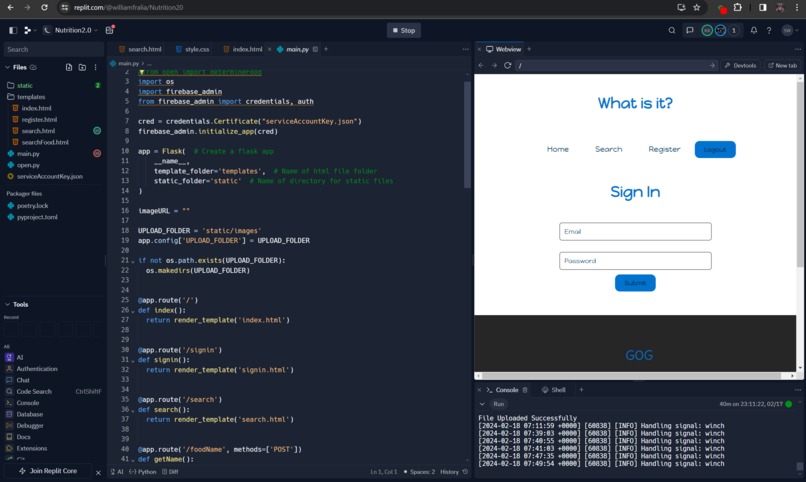
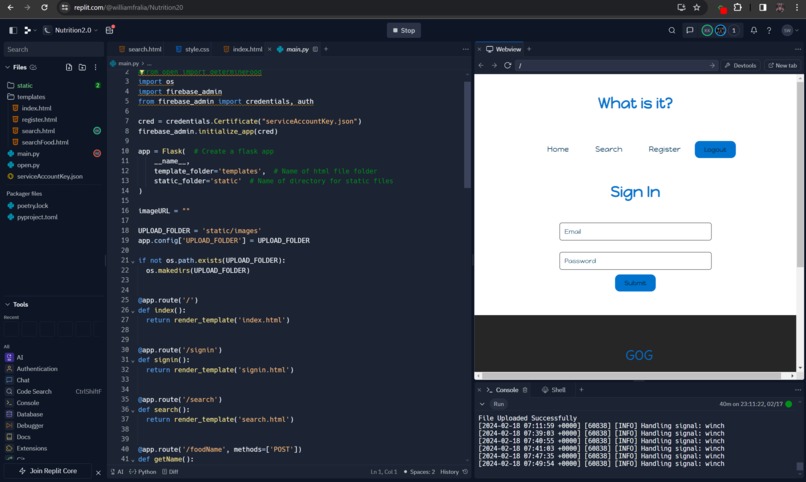
A sneak peek of the code.
-
-
-

-
-


Inspiration
We went into this with the idea of making a food recognition website, as we wanted to learn about web dev. We wanted to make a nutrition tracking site, and thought it would be fun to try using a tool like openCV to implement a feature that could identify foods. But we threw that out because we didn't know how to work with the food data base API. Just settled with doing image recognition.
What it does
We were unable to connect our opencv code to our Flask application, so currently our flask app only allows for basic image uploading. We also attempted user authentication using Firebase.
How we built it
We used HTML, CSS, JavaScript to make the website, and also used the Flask Framework.
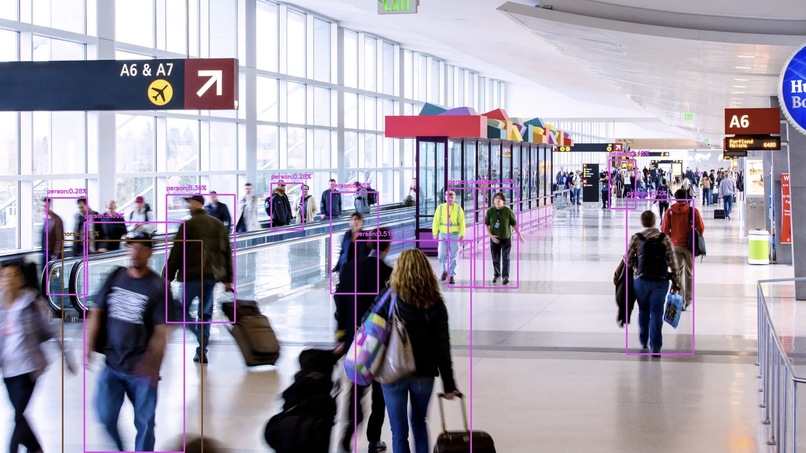
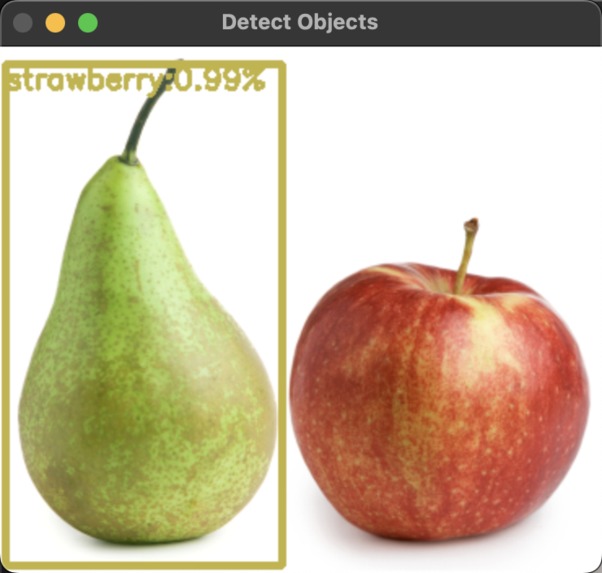
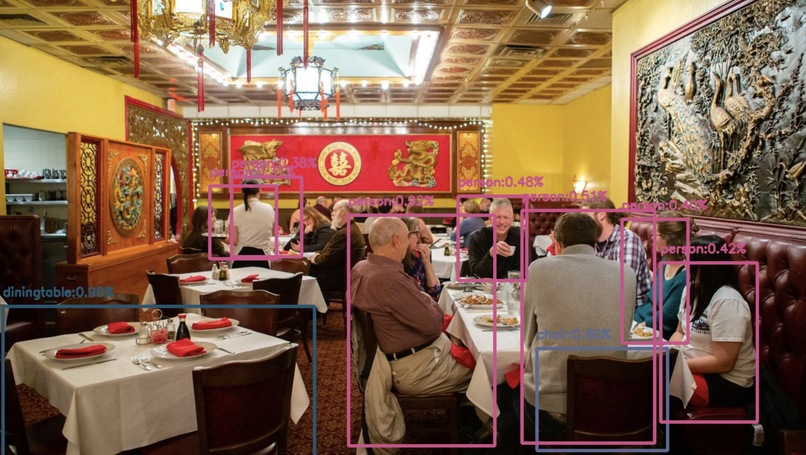
We used two types of models for opencv implementation. Initially, greg used mobile net SSD on vscode, but we needed to expand the data set (mobile net SSD could only identify like 30 images). Our second implementation of opencv utilized YOLOv8 via ultralytics. Initially used a 20 gb model (had over 14,000 image data set), but that broke the jupyter notebook, so greg switched to a 12 mb model that was capable of identifying 256 different objects.
Challenges we ran into
We were unable to get the opencv code to successfully run on the website so our code is separate. We also struggled with making polished user authentication.
Trying to get YOLOv8 didn't work on vscode. So greg decided to switch to ultralytics, which made the job easier since it had a larger data set.
Accomplishments that we're proud of
We made a clean looking site and got to experience new technologies such as Flask, Firebase, and openCV
greg is very proud that he knows how to use jupyter notebooks now :)
What we learned
Members of our team learned the basics of HTML, CSS, JavaScript. We also used the Flask framework and were exposed to concepts such as GET/POST requests. greg learned how to use opencv .
What's next for What is This?
greg will take up more computer vision projects as a hobby.


Log in or sign up for Devpost to join the conversation.