-
-
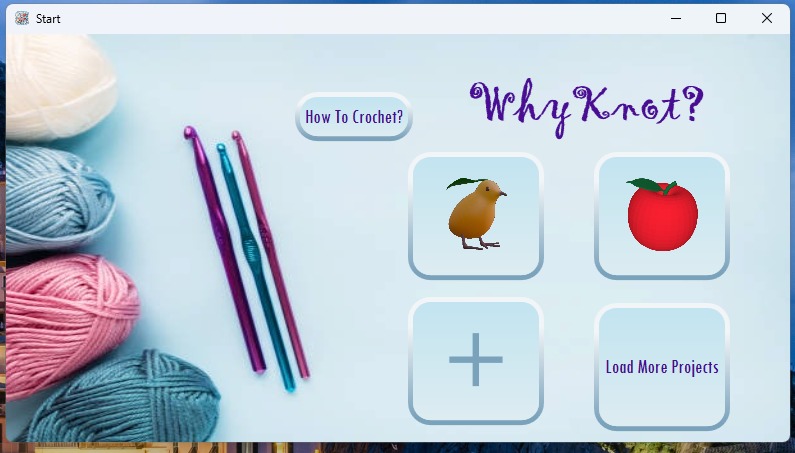
Menu
-
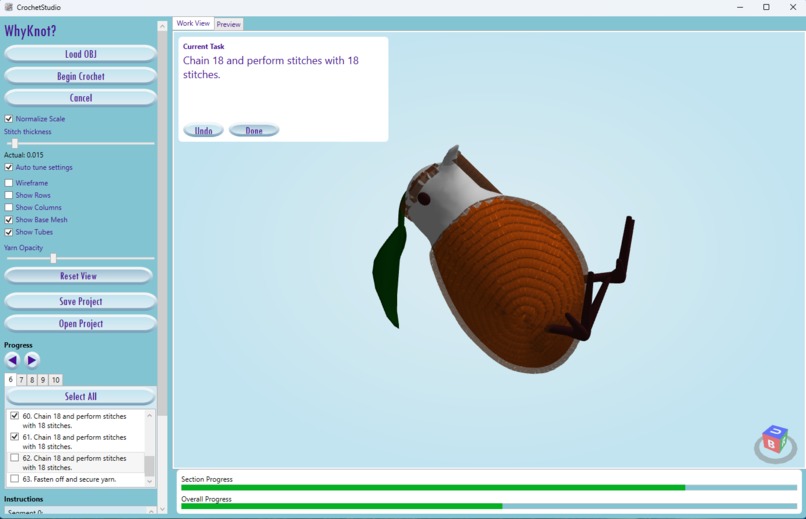
Creation
-
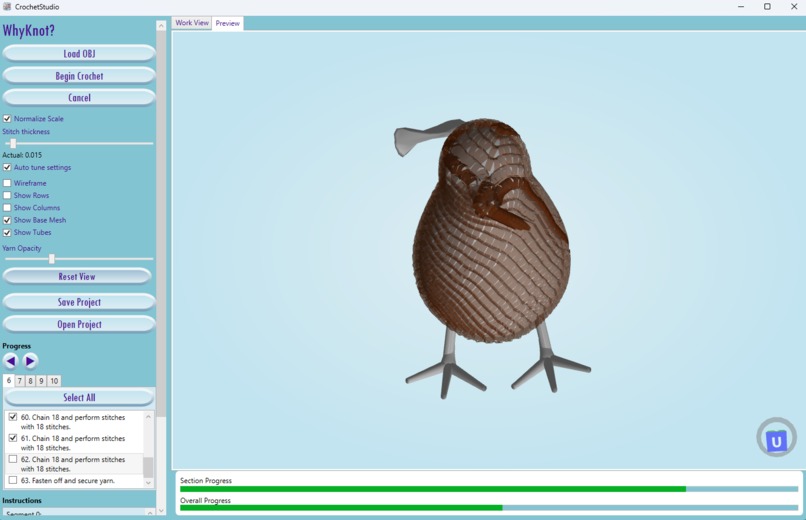
Preview
-
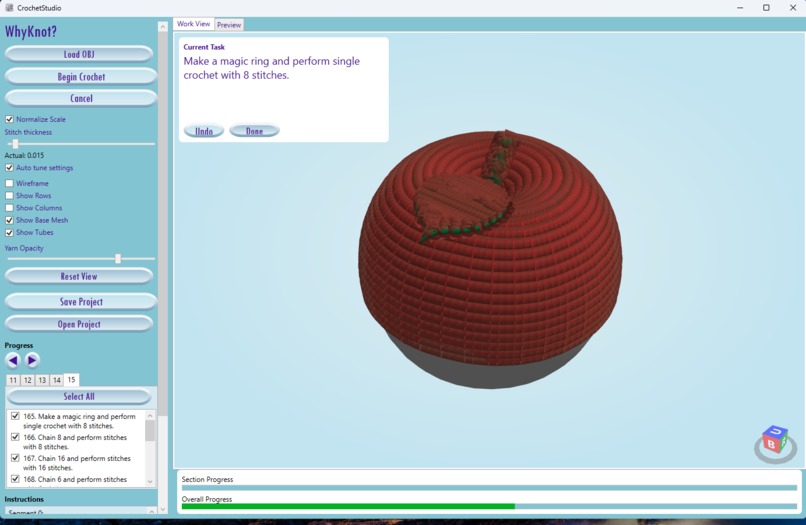
Example


Inspiration
We wanted to all users to be able to crochet whatever they want without knowing how to.
What it does
WhyKnot? (CrochetStudio) is a Windows WPF app that converts 3D OBJ meshes into a crochet-ready graph with step-by-step instructions. It shows a 3D preview, tracks progress, and lets users save/load projects.
How we built it
We built a WPF UI with HelixToolkit.Wpf for the 3D view, a multi-stage pipeline that generates rows/columns/instructions, and a C++ geodesic-distance DLL with a managed fallback. The app orchestrates the pipeline, renders yarn/mesh overlays, and persists progress to JSON.
Challenges we ran into
Handling dense meshes without excessive memory use, ensuring the pipeline stays responsive with clear progress feedback, and keeping project load reliable across different assets and settings.
Accomplishments that we're proud of
A full end-to-end pipeline from OBJ to crochet instructions, a responsive UI with progress tracking and checkpoints, and a saved-project workflow that restores progress accurately.
What we learned
Geodesic distance fields are powerful for surface parameterization, and robust UX (progress/ETA, toggles, save/load) is crucial for long-running pipelines.
What's next for Whyknot?
Improve instruction clarity, add more import formats, expand sample projects, and refine the yarn preview to better match real-world stitch appearance.


Log in or sign up for Devpost to join the conversation.